Sahin Ersoz
over 5 years ago
Thank you very much, Eugene!!
This item has an average rating of 4 from 28 ratings by the community.
Purchase this item to leave a review!
Fun and great tool for paint in 3d anything what's on your mind... Make me think the second way on some living things... amazing!
Sahin Ersoz
over 5 years ago
Thank you very much, Eugene!!
Love the addon, congrat, in certain case it's very complicated to understand the deep functionality, we need more tuto and doc is ok but lot of them are just gif anime or video too much time laps, also a place to contact like blender artist thread or discord.
Sahin Ersoz
over 5 years ago
Thank you, kouzanagi! Version 4.0 was a big release, with lots of new features. Docs are being updated and New tutorials are coming :)
It's a fun tool to use with a steep learning curve and a ton of features. Sahin is actively developing it and it's a game changer for me with my surface Pro. Absolutely worth it!
Sahin Ersoz
over 5 years ago
Thank you, ed!!
I love this addon, but for me it becomes really useful when unit scale is included. Camera and canvas should scale as well.
Sahin Ersoz
over 5 years ago
Thank you, Dominik!! Canvas scale, color and resolution are some of the new features in the upcoming release ;)
Best,
Sahin
I LOVE THIS addon! It's great for creating hand drawn looking geometry, and very intuitive for 2d artists. No need to fiddle with complex 3d tools, just draw it! Works great with grease pencil art, excellent for natural instead of mechanical looking shapes, very useful for non photorealisitic renderings, concept art, or creating backgrounds for 2d art without having to worry about perspective. The video tutorials are extremely helpful, but I wish there had been an installation and setup video, since I didn't realize things like the "K" shortcut had to be setup manually until I read the manual.
So far I have one feature request: In "Lines Only" mode it would be great if the pressure sensitive based line thickness in the grease pencil stroke would effect the line thickness in the resulting mesh.
Again, LOVE the addon! I mainly do 2d art and this tool is fantastic for someone like me.
Sahin Ersoz
over 5 years ago
Thank you, John!!!
Pressure sensitivity is on by default. To see it's effects better, try increasing the "Radius" of your Grease Pencil pen and the "Line Thickness" value. It is because of it that I had to put an option under the "Preferences" for "Uniform Line Thickness" :)
Best,
Sahin
Before I begin my review, you may want to understand why I think this add-on is great.
Back in Jan 2019 I had a major stroke. I lost all my freelance clients and can no longer work. I have neuropathy in my hands so I look for add-ons that will drastically cut back on my hand/mouse use. I currently can only use a drawing tablet. So, now I only do Blender as a hobby. Anyways (to shorten the story).
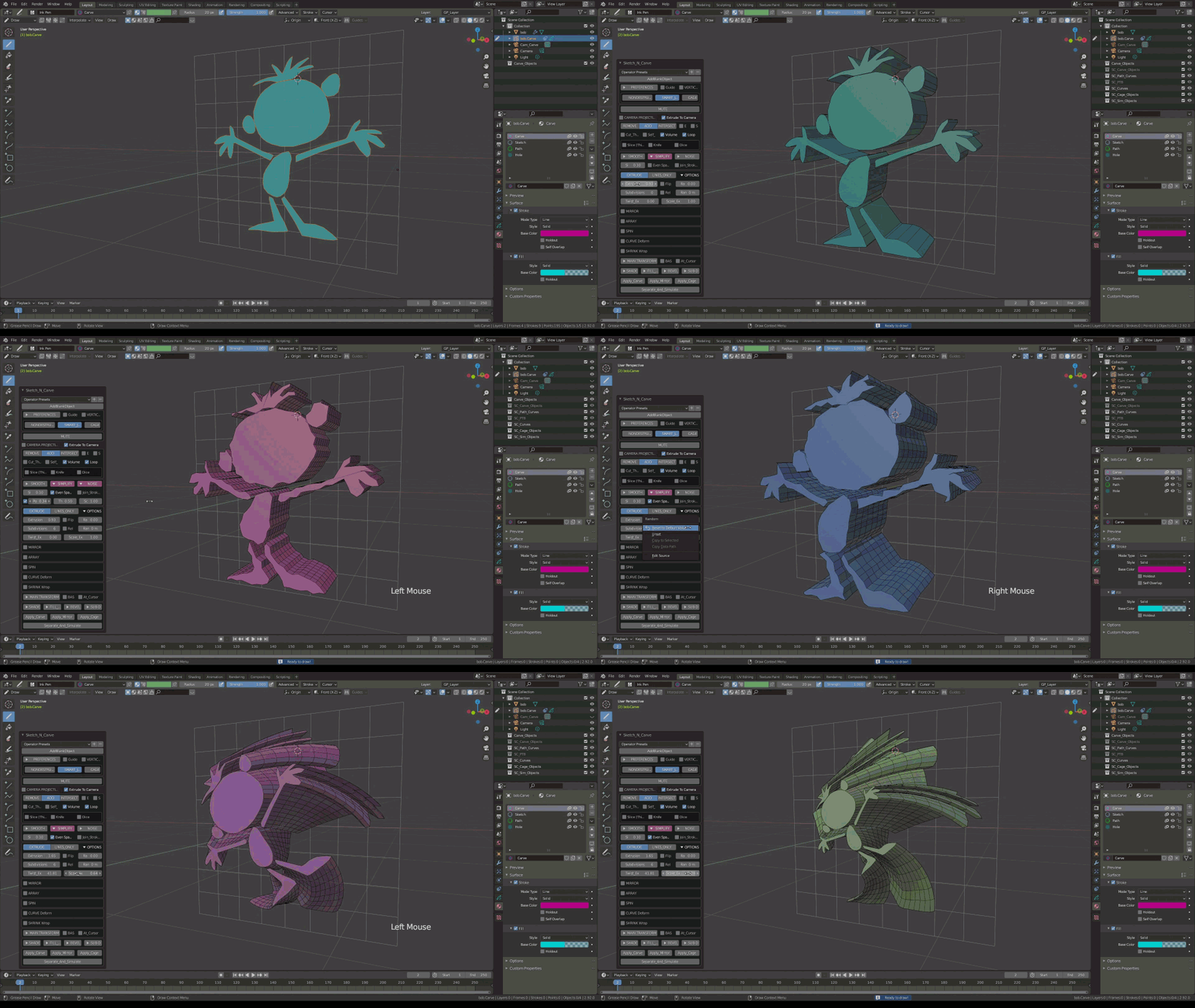
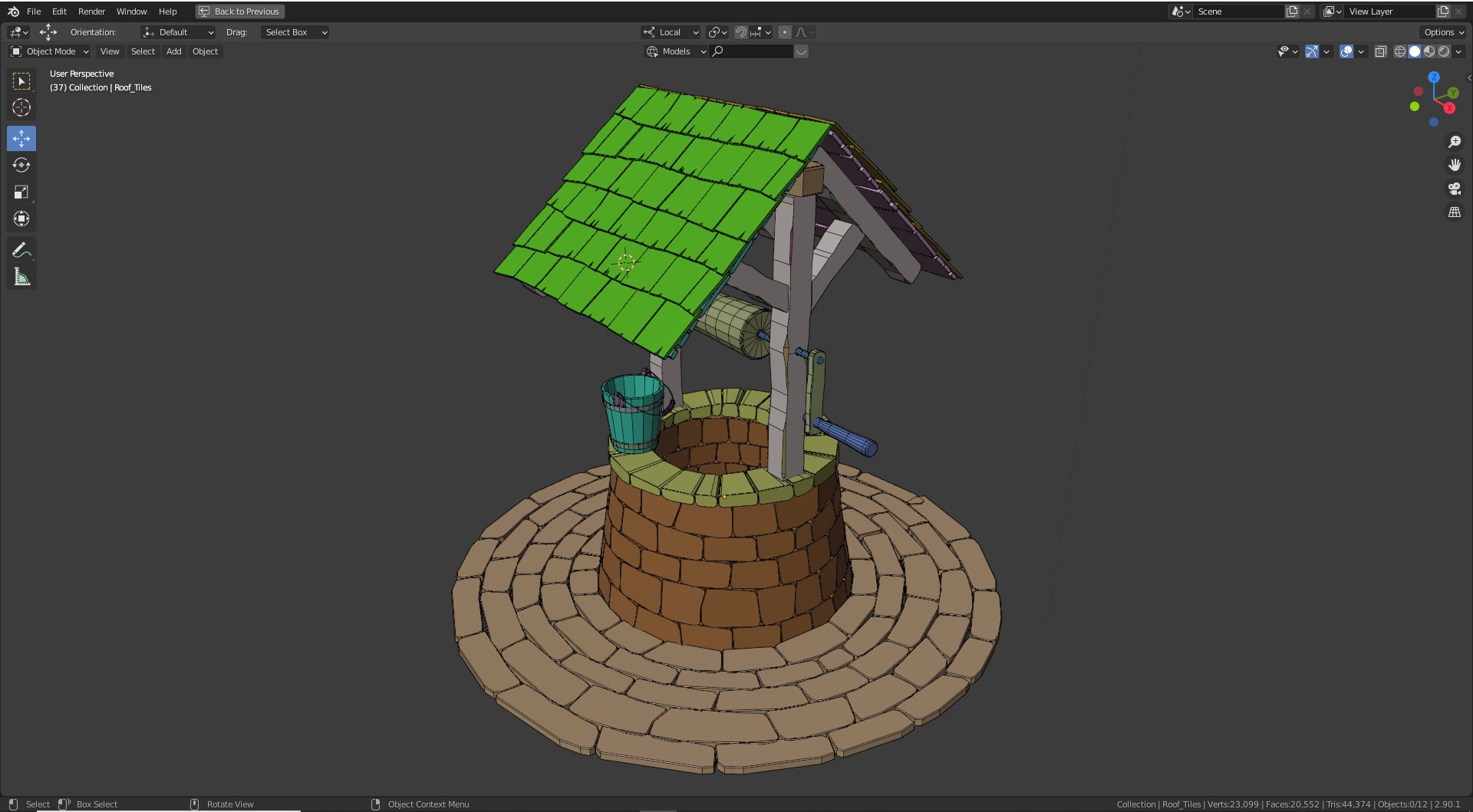
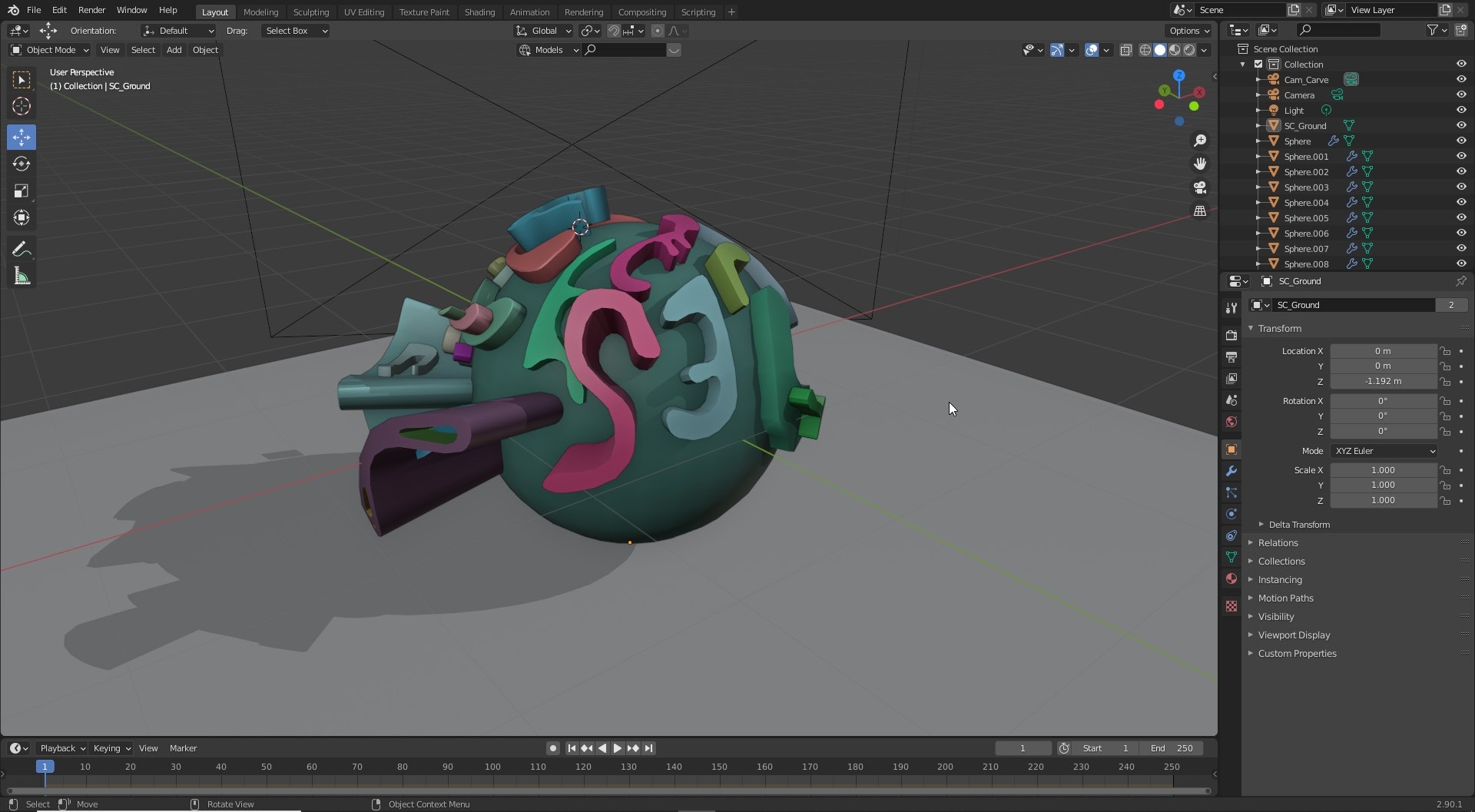
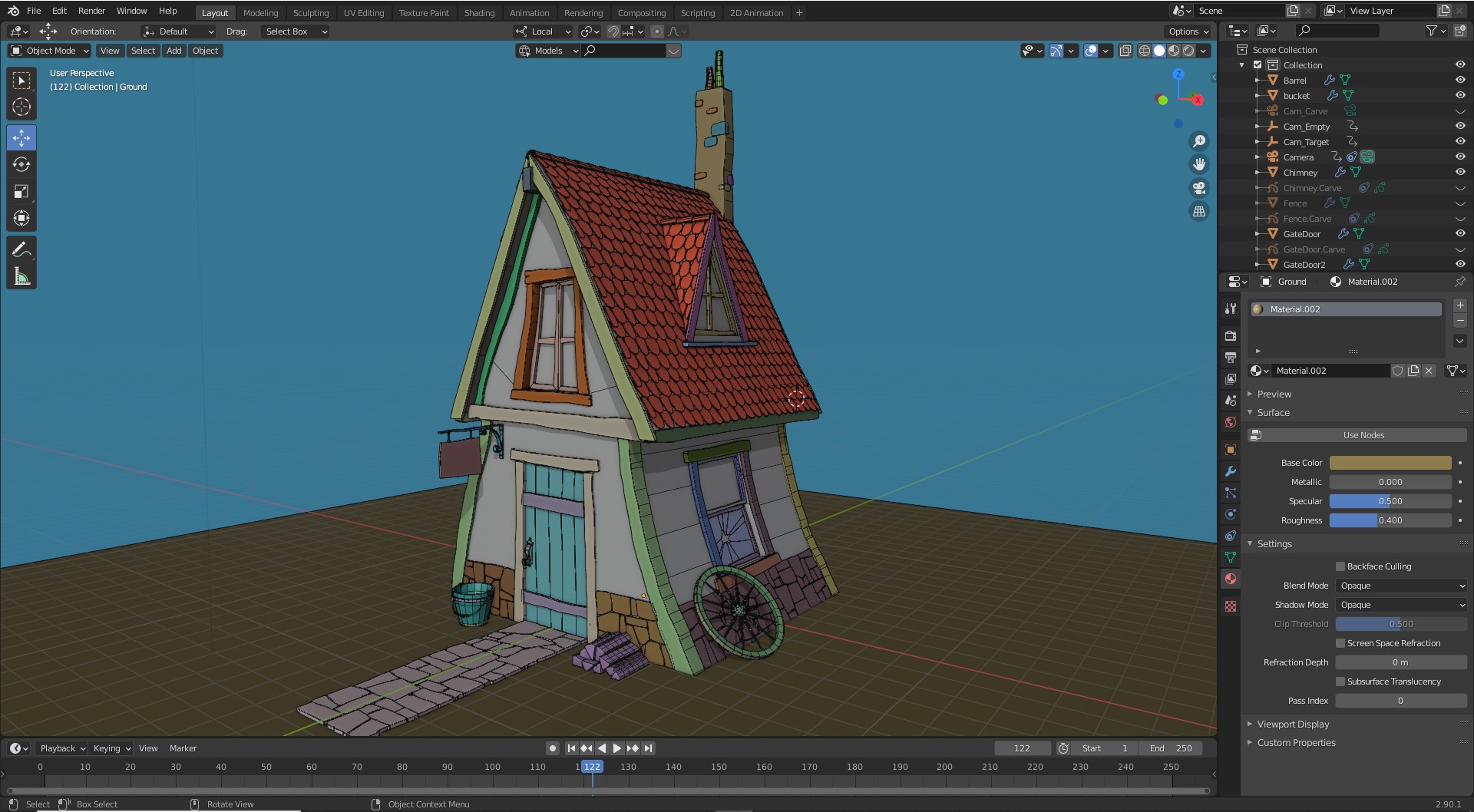
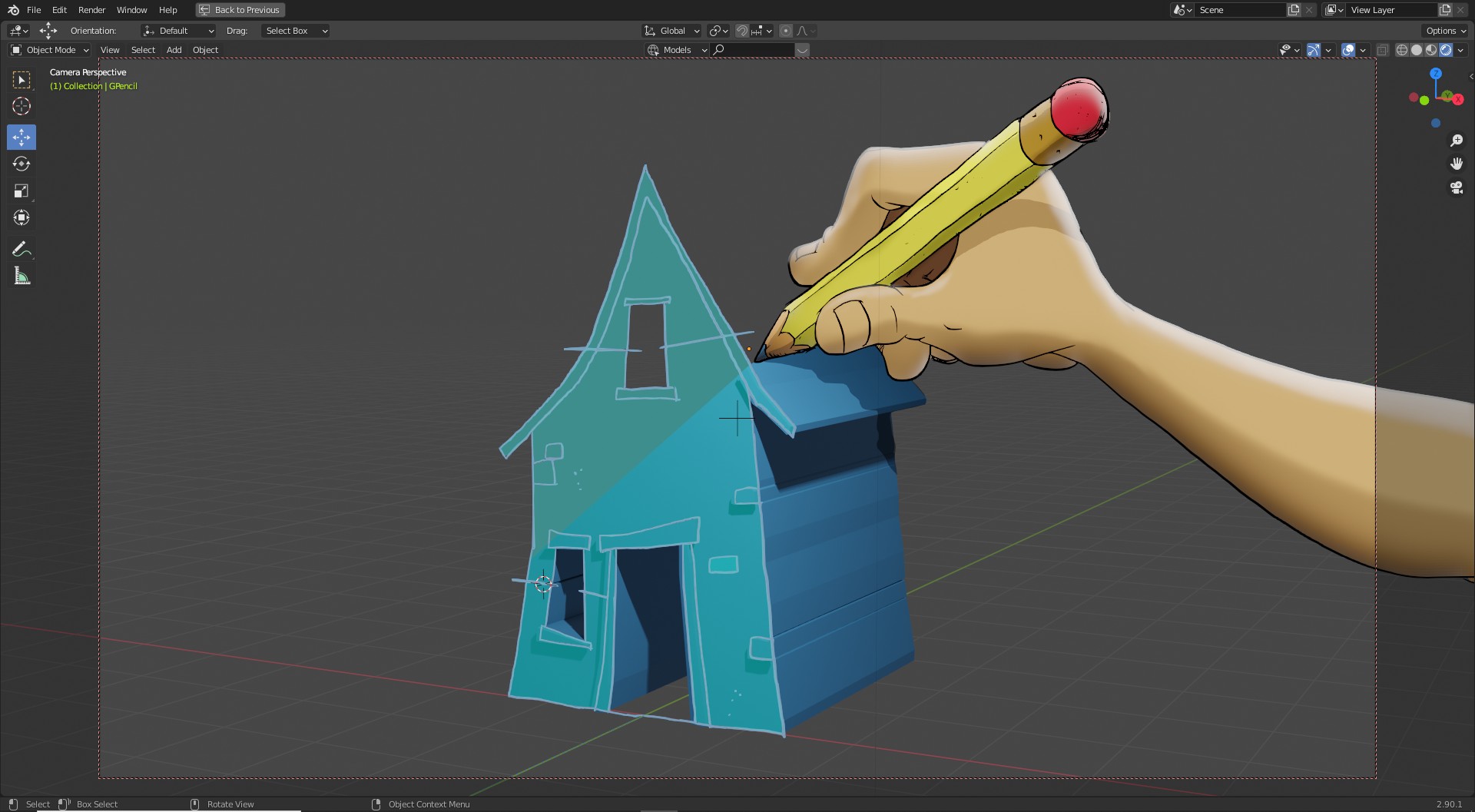
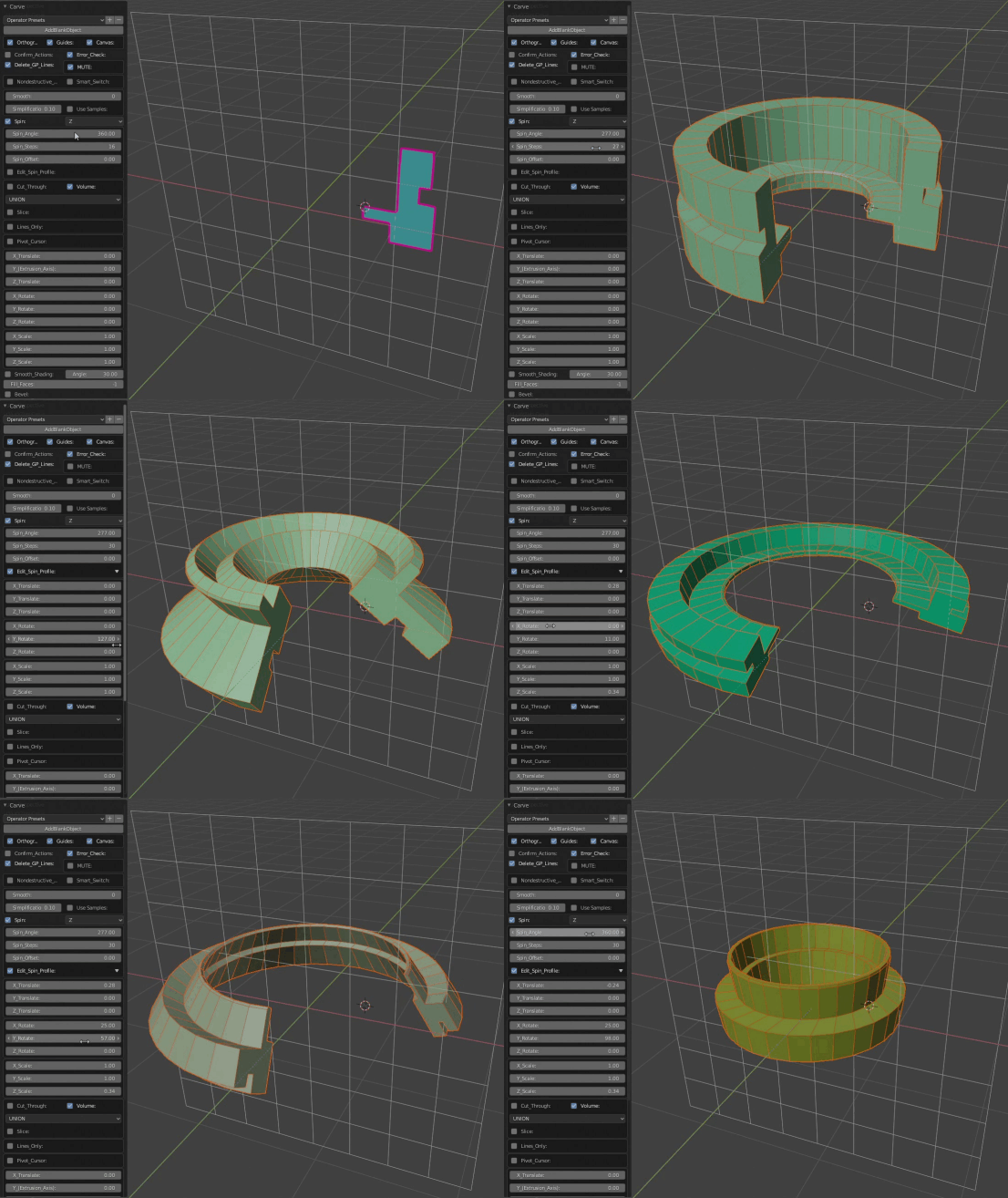
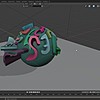
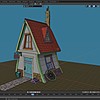
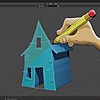
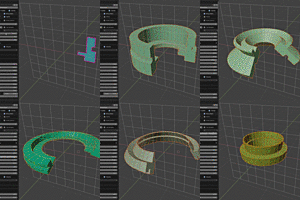
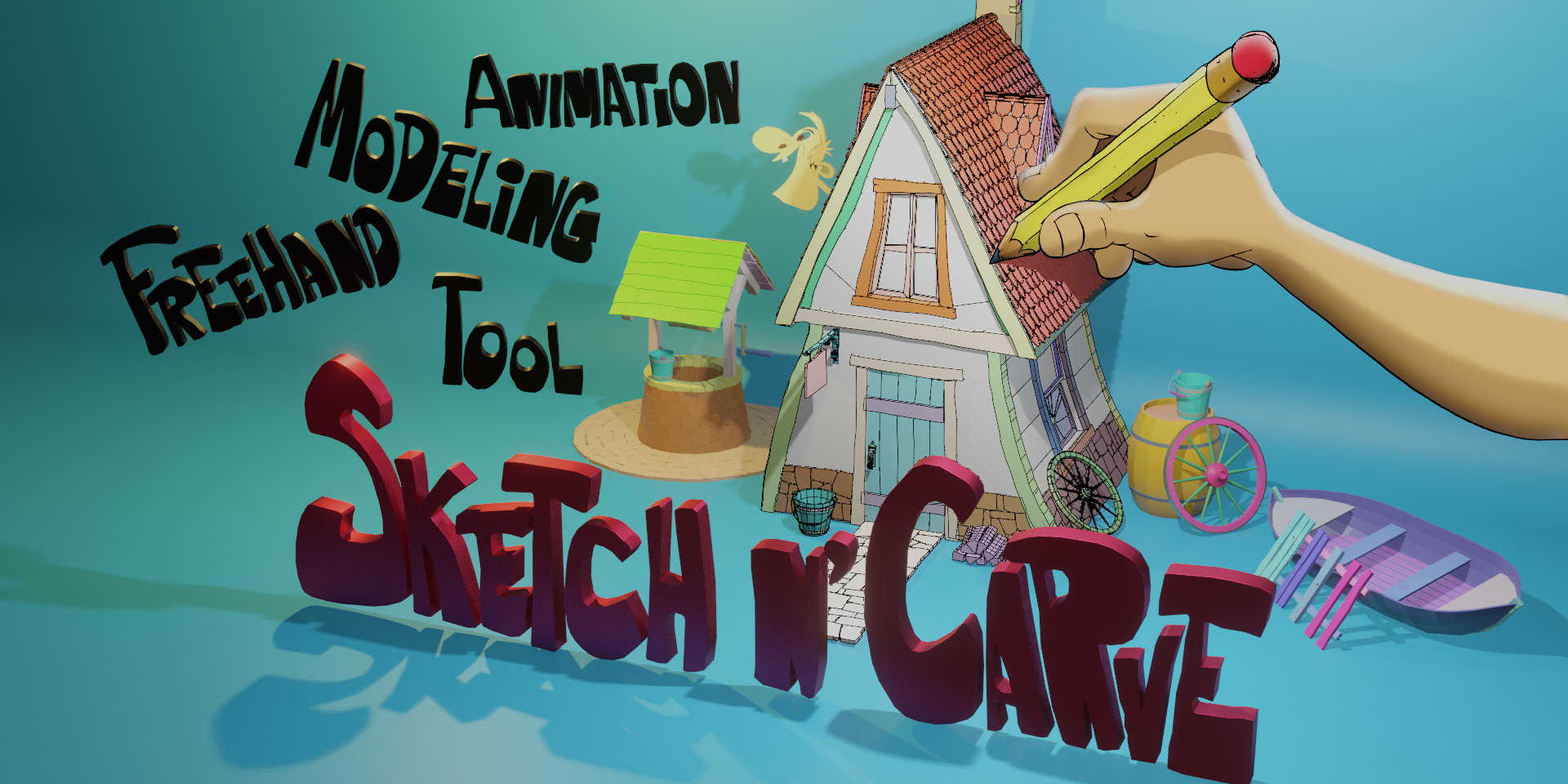
Sketch-n-Carve (SnC) is a unique add-on that uses the Grease Pencil engine within Blender. It's main purpose is to convert GP strokes to 3D mesh. You can use Boolean operations, draw organic or primitive objects using GP drawing tools. It has robust features that may require an hour/two to get used to. You may need the documentation to get acquainted with how it works.
There are two major things you must understand to use this tool....
1) How to setup and GP object within the SnC add-on.
2) How the "cam_camera" (which it adds to a scene) works with the viewport and how it effects how you draw, direction it extrudes, and how it applies the creation.
For me, it is a great tool, not only because I use my tablet stylist pen, which alleviates mouse use. But, it also can speed up creating 3D objects. The most important thing for me with SnC is the many options to optimize the vertex count to keep poly-count down. If you draw freehand you will have a more jagged look and higher poly count. But if you use GP's stabilize feature you can draw smooth lines, thus keeping poly count down. Not to mention you can adjust edge/vertices counts on your creation.
Another thing I like about SnC is that you can do quick lines, square lines and tapered lines pretty easily. Of course there is an option to draw on a surface. There are two modes for adding objects in SnC; Non-Destructive and Destructive. Of course using Non-Destructive allows you to go back and edit the location, scale, vertices of the added object.
What can I say more? Go and watch all the videos on SnC's YouTube channel. You will see all that you can do. I really like this add-on and recommend you get this for your toolbox.
Sahin Ersoz
over 5 years ago
Thank you very much, Frank!!!
Feature rich tool with excellent tutorials in Youtube and documentation in the tool site.
Sahin Ersoz
almost 6 years ago
Thank you, Senthil!!
I am speechless. This is an extremely creative and usefull Add-on. A head and a half above what else people come up with. There is even an simple but very useful rigidbody integration...the creator is a mastermind...
Sahin Ersoz
almost 6 years ago
Hi, Steffen!
Thank you for your very kind and generous compliments!
All the best!
Sahin
I'm working on a commercial product under a tight deadline and was just not able to model stuff for it fast enough. I bought this on a whim, and it's turned out to be insanely powerful and useful It produces amazing results in very little time, and as someone who originally came to 3D as a traditional illustrator, I'm salivating at the prospect of being able to take my actual drawings into 3D so easily and flexibly. Combined with the new powers of Grease Pencil, it's just a mind-boggling extension of Blender's abilities. I did have a question for the author, and he answered and clarified things almost immediately. I can't recommend this add-on highly enough. Fast, stable, versatile, and actually fun to use.
Sahin Ersoz
almost 6 years ago
Hi Nick!
Thank you very much for this awesome review! I really appreciate it!
I am touched and motivated by your very encouraging comments!
All the best!
Sahin
This addon is amazing in concept (modeling with grease pencil!), but the UI, which basically consists of a dense wall of options & parameters in the redo panel, needs a major overhaul. My suggestions:
1) A hotkey that brings up a list of operator presets to quickly choose from (i.e., press and hold the hotkey, move the mouse to the desired preset, let go of the hotkey). This would feel less clunky than having to bring up the redo panel and then click a dropdown just to select a preset.
2) A more standard, modal workflow, similar to Hardops, Fluent, Speedflow, etc., where a single hotkey brings up a pie menu that allows you to choose between various modals. Each modal can display a HUD with hotkeys for tweaking the operation. This way the user is only presented with information relevant to the specific task they're trying to perform.
That said, I'm still happy with my purchase. If the UI gets fixed, I'll be even happier!
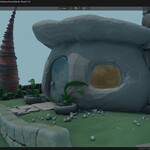
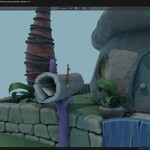
SketchN'Carve (lite) Boolean modeling, Extrude (with subdivisions) and Line tools. Non-destructive and Destructive modeling, Array,Mirror and Spin modifiers.
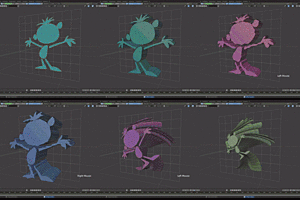
SketchN'Carve (Full) All Core features plus: Blob, Scatter, Curve Objects, Knife (Freehand), Dice Tool, Subdivision Surfaces, Shrink Wrap Modifier, five different shape creation tools, face manipulation tools, Snap tools. Array Modifier, Curve Modifier, Shrink Wrap Modifier, Subdivision Surfaces, Bevel, Remesh, Sketch N' Simulate for Rigid body physics, Cloth and Soft body simulations. Sketch N Cage (Mesh Deform with Shape Animation)(add-on), GP From Mesh(add-on), Simulation (Rigid Body, Cloth, Soft Body)(add-on) ...and many more features too long to list here.
Have questions about this product?
Login to message
| Blender Extension Compatible | Yes |
| Sales | 1700+ |
| Rating |
28 ratings
|
| Dev Fund Contributor | |
| Published | almost 6 years ago |
| Blender Version | 3.1 - 5.2 |
| Extension Type | Add-on |
| Render Engine Used | Cycles, Eevee, Freestyle |
| License | GPL |
animation stylized hard surface modeling low poly sketch to 3d 3d modeling greasepencil animated shapes simulation shape animation physics