Item Rating

This item has an average rating of 4 from 28 ratings by the community.

68%
8%
22%
4%
0%

Purchase this item to leave a review!

  • tcwik
    almost 6 years ago

    Please IMPROVE that flaying added camera, that function kill that addon for me;[[[[[ I don't know WHY U create that extra annoying camera this is so unuseful in bigger scene workflow or inside of GroupPro .

    • Sahin Ersoz
      almost 6 years ago

      The camera is an essential part of the add-on as all operations are performed in relation to the camera's point of view. However, you can hide the camera by clicking the eye icon in Blender (You can even delete it, the add-on will regenerate it next time you activate it). There is a new version with the camera hidden by default (3_1_7B_R). Give it a try to see if it helps.
      About the GroupPro, SketchN'Carve works within the bounds of Blender and makes no promises towards other add-ons. However, from what I can see there is no reason why you couldn't use a finished model or it's instances with it.
      Please feel free to let me know If you have any other questions, I do my best to help the users.
      Best,
      SE

  • iZabelle
    almost 2 years ago

    I bought the new version. The UI is far less clear than the previous version we can see in the youtube videos. As a professional, I have to time to watch tons of videos to try to understand how it works. I tried several time to make basic tests and always got weird results. The documentation is not updated nor sufficient.

  • J Velasquez
    almost 2 years ago

    Great potential. Fantastic possibilities, but very discouraged by the UI.

  • Paul Schuyler
    about 4 years ago

    Promising, but bewildering UI. I like the plugin for its potential, but after 2 days of using it, I'm struggling to use it for the most basic tasks. It doesn't help that many of the previous tutorial vids (Youtube/SketchNCarve), are based on previous versions of the program. So for example, I just wrestled for a long time with the concentric shapes option, but that option is no longer visible in the UI. So what to use? The most confusing aspect for me is the camera controls. Yes, I have all of the shortcuts for this Carve Orthagonal camera. But as I use them, the sketches retain their projection along some other parameters. I'd recommend the developer avoid adding features for now, and clean up the UI into some sort of easy-to-use interface, or eliminate old tutorials. I've spent about 30 hours on learning this, and I'm almost as confused as when I started.

  • Carl S
    over 4 years ago

    Overall a powerful tool, but held back by the UI / UX
    UI/UX Design is imperative to the value of a product
    I found myself spending way more time trying to understand the UI than actually using the addon, something that's frustrating when you've payed for a product.

    Keep in mind that the tools themselves are powerful, but I value user experience.

  • Galina
    about 5 years ago

    spend 2 days in horror watching the beauty of this addon on demo and tutorials and couldn't make anything. and I figured out - It doesn't work in Blender 3.0 (tried on an older version and it works at least with no errors showing).as well as there is a lack of tutorials for new version (big addon is far from being intuitive (even some buttons names shorted and not readable...). so I hope one day being able to use it and understand but not now...super frustrated.

    • Sahin Ersoz

      about 5 years ago

      Version 3.0 of Blender is not out yet, and only the official releases are supported as indicated in the front page.
      Current version of Sketch N' Carve was released only 3 days ago and videos for new features are coming as fast as possible. However there are plenty of tutorials to get new user going at the documents site.
      I do everything I can to help out users with their questions and if you had contacted me for help you could have spared yourself the frustration.
      SE

  • Marc Volkers
    about 5 years ago

    Seems like a powerful tool but I don't like how it clutters my collection with 8 million folders and objects, I was just looking for a way to carve into mesh, this can do it but far far to over engineered for my needs.

    • Sahin Ersoz

      about 5 years ago

      Sketch N' Carve creates a total of six empty collections. This is similar to all other boolean modeling add-ons that needs to keep the dozens of user generated objects organized. Sketch N' Carve is not however, just a cutter but a fairly sophisticated modeling add-on. Most of its features are advertised in the front page to help buyers make an informed decision, and to make sure they don't end up purchasing a more engineered program than they needed ;)

  • Enrique
    6 months ago

    It's not worth it. There's a lack of proper documentation, the YouTube videos are outdated and poorly made, and the user interface isn't intuitive. I bought the plugin while ago, and none of these weaknesses have been addressed. The idea is good, but more than that is needed to turn it into the experience the user is looking for.

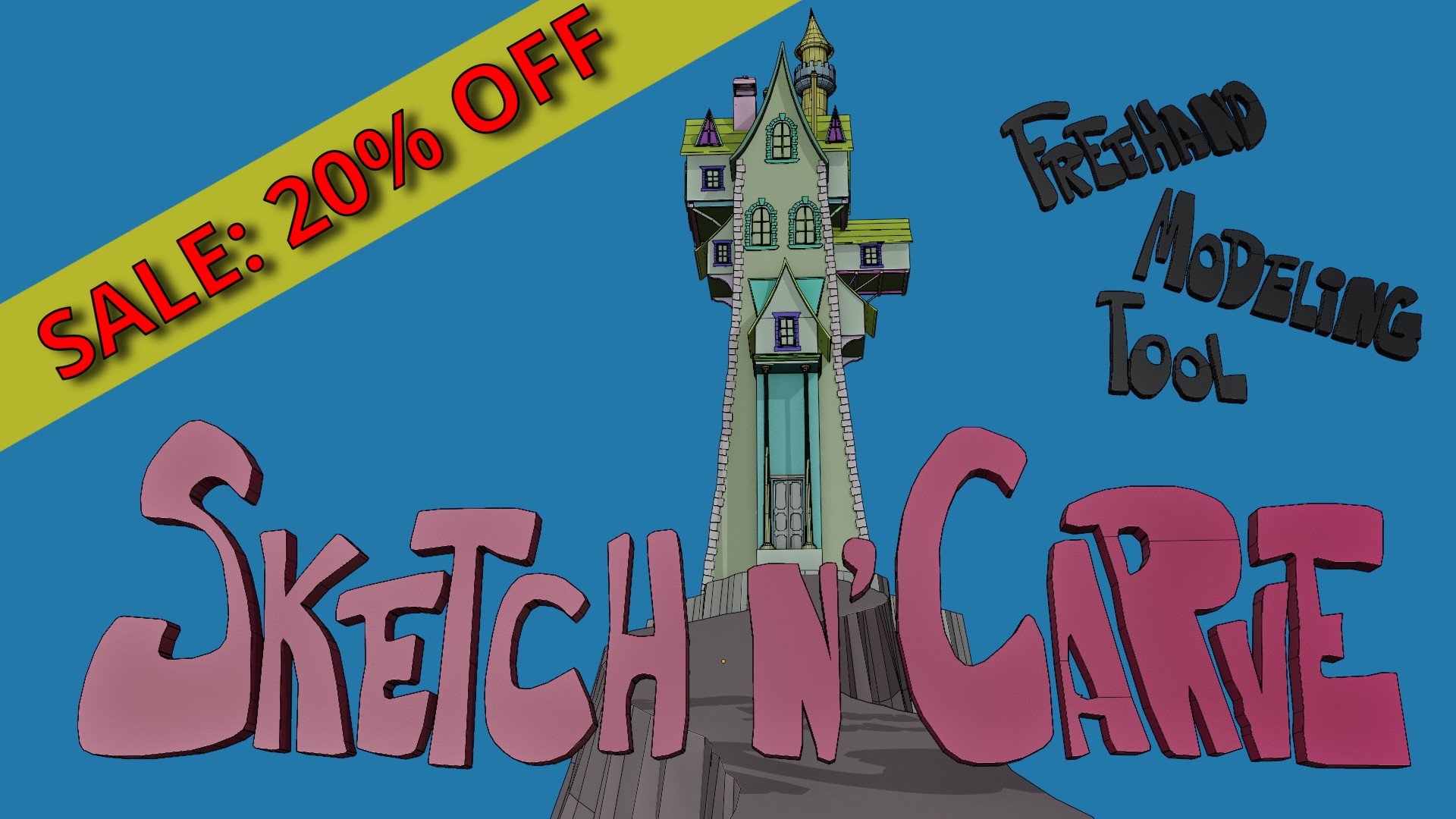
  • SketchN'Carve (lite) Boolean modeling, Extrude (with subdivisions) and Line tools. Non-destructive and Destructive modeling, Array,Mirror and Spin modifiers.

    $10
  • SketchN'Carve (Full) All Core features plus: Blob, Scatter, Curve Objects, Knife (Freehand), Dice Tool, Subdivision Surfaces, Shrink Wrap Modifier, five different shape creation tools, face manipulation tools, Snap tools. Array Modifier, Curve Modifier, Shrink Wrap Modifier, Subdivision Surfaces, Bevel, Remesh, Sketch N' Simulate for Rigid body physics, Cloth and Soft body simulations. Sketch N Cage (Mesh Deform with Shape Animation)(add-on), GP From Mesh(add-on), Simulation (Rigid Body, Cloth, Soft Body)(add-on) ...and many more features too long to list here.

    $34
$10

Have questions about this product?
Login to message

Details
Blender Extension Compatible Yes
Sales 1700+
Rating
28 ratings
Dev Fund Contributor
Published almost 6 years ago
Blender Version 3.1 - 5.2
Extension Type Add-on
Render Engine Used Cycles, Eevee, Freestyle
License GPL