 Meshwright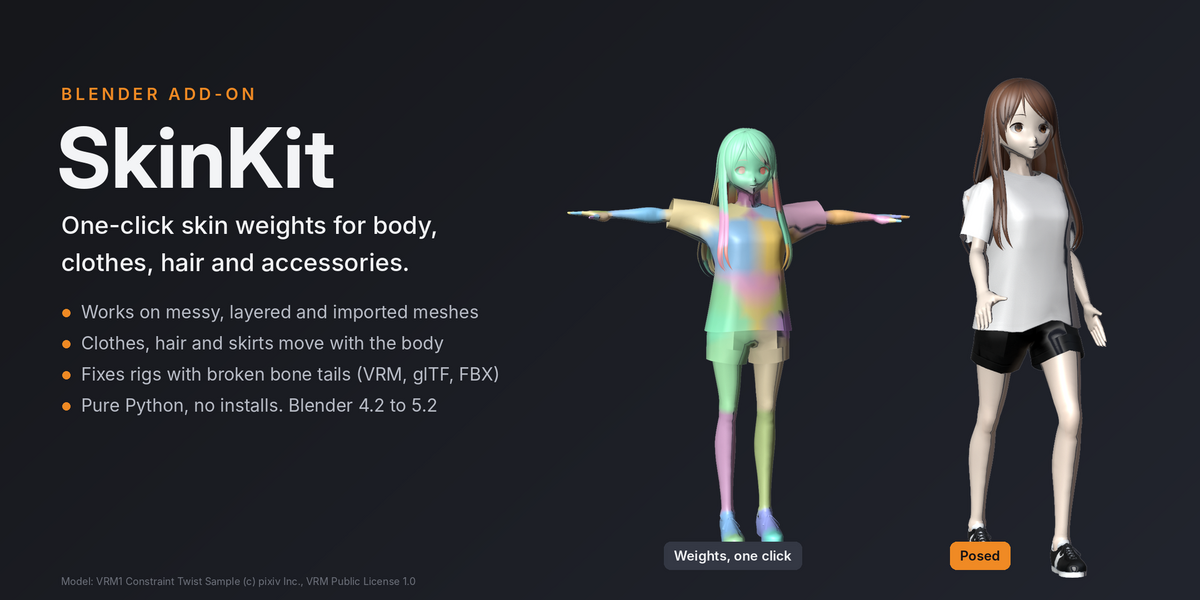
Skin the whole character in one click
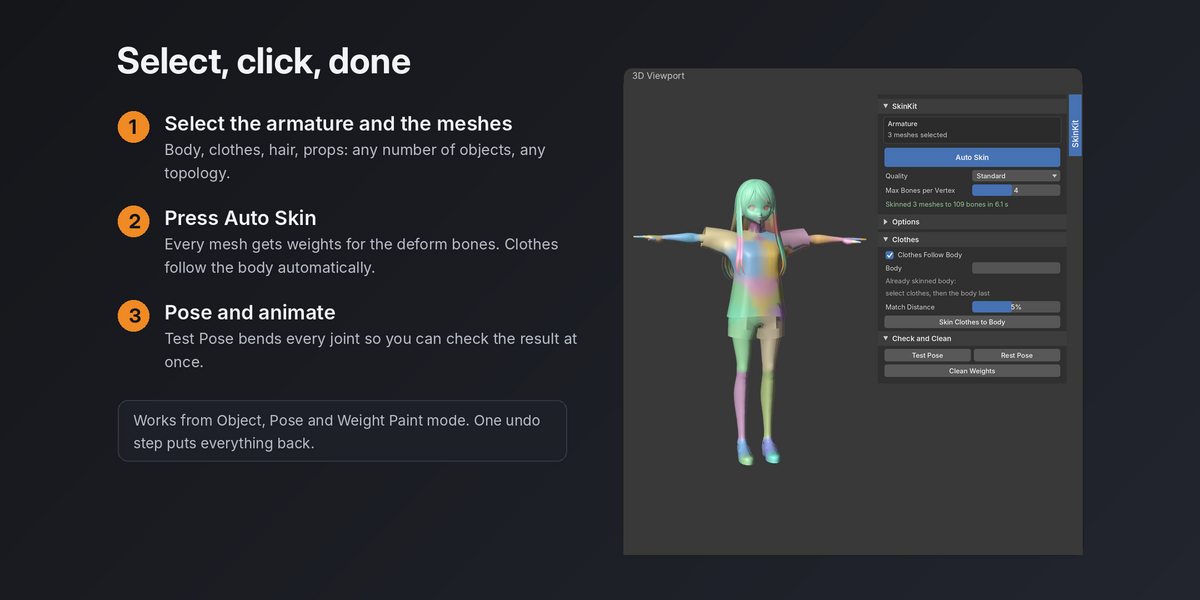
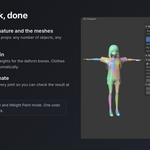
Select the armature and the meshes, press Auto Skin. Body, clothes, hair, shoes, backpacks and gadgets get clean skin weights for the deform bones, ready to pose and animate.
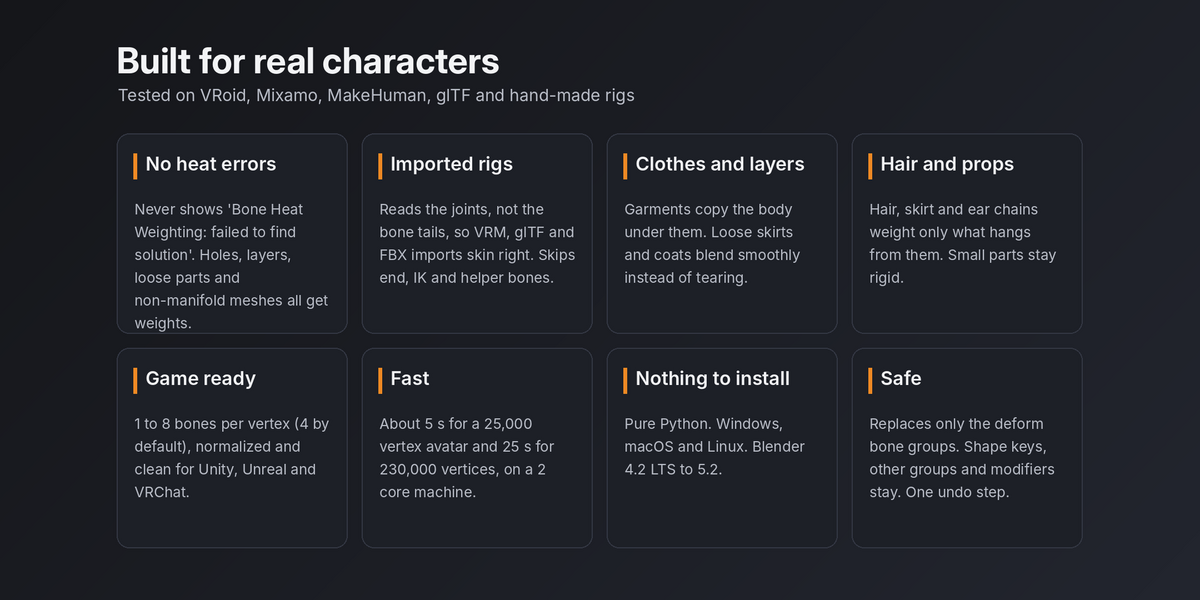
SkinKit works where Blender's With Automatic Weights gives up: meshes with holes, separate parts, layered clothing, hidden skin under clothes and rigs imported from VRoid, glTF or FBX with bone tails pointing the wrong way. There is no "Bone Heat Weighting: failed to find solution" in SkinKit. Every vertex gets weights.
What it handles
- Messy meshes. Holes, non-manifold edges, loose parts, duplicate vertices, flipped normals and split UV seams. Layers such as hair over a head or clothes over skin keep the right bones.
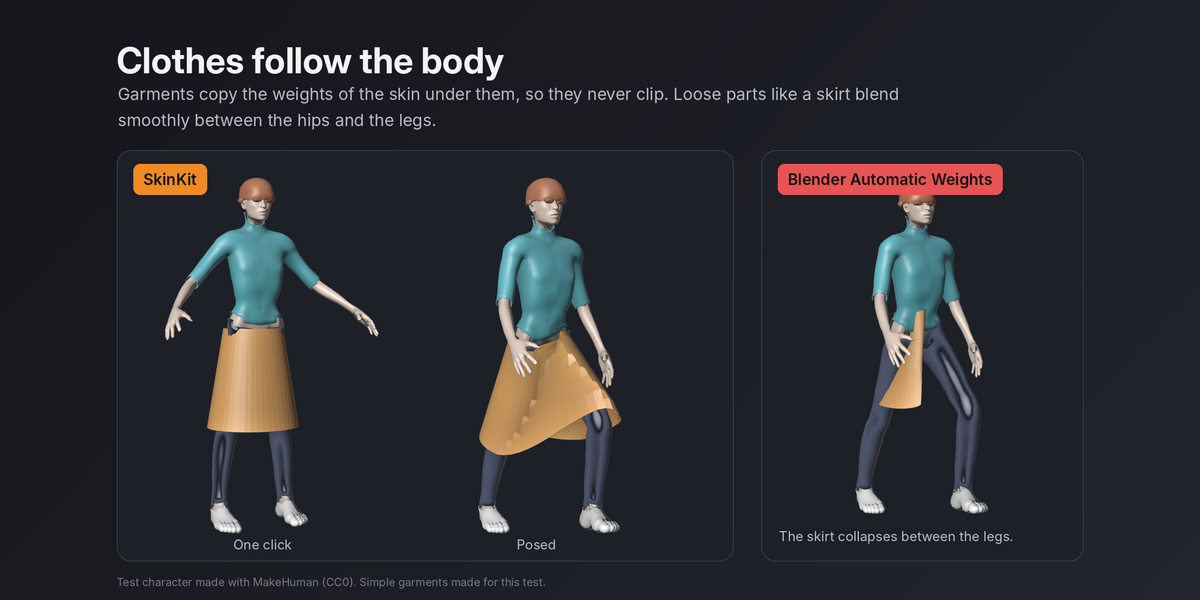
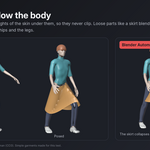
- Clothes that follow the body. Separate garments copy the weights of the skin under them, so they move with the body instead of clipping. Loose parts such as skirt hems, coat tails and wide sleeves blend smoothly instead of tearing.
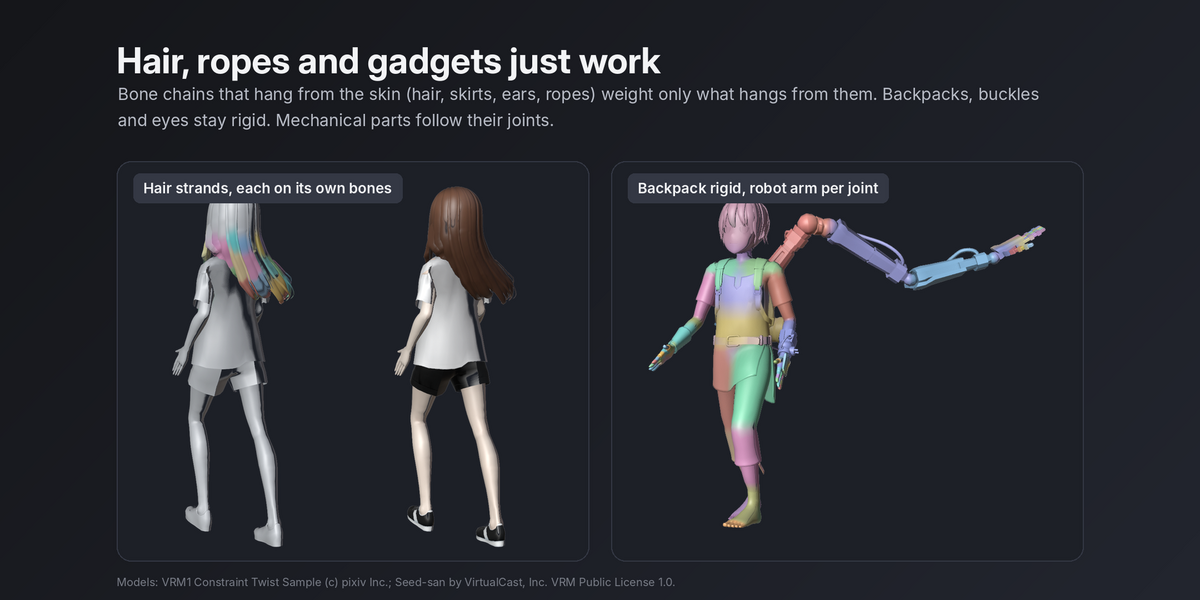
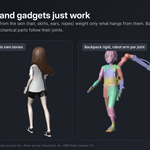
- Hair, skirt and ear chains. Bone chains that hang from the skin weight only what hangs from them. A hair strand never pulls the forehead and a skirt bone never pulls the thigh.
- Rigid small parts. Buttons, buckles, eyes and earrings move as one piece. Mechanical parts follow their joints.
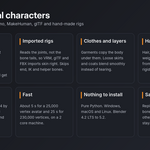
- Imported rigs. SkinKit reads the joint positions instead of trusting bone tails, so VRM, glTF and FBX imports skin correctly. End bones (HeadTop_End, finger tips), IK, control and pole bones are skipped automatically. A Root bone on the floor gets no weights.
- Split objects. A head and a body in separate objects stay glued at the seam.
- Left and right stay apart. With left and right bone names (L/R, Left/Right), left leg bones never weight the right leg, even where the thighs touch.
- Game ready. 4 bones per vertex by default (1 to 8), normalized, no stray tiny weights. Good for Unity, Unreal, VRChat and other engines.
Same character, same pose
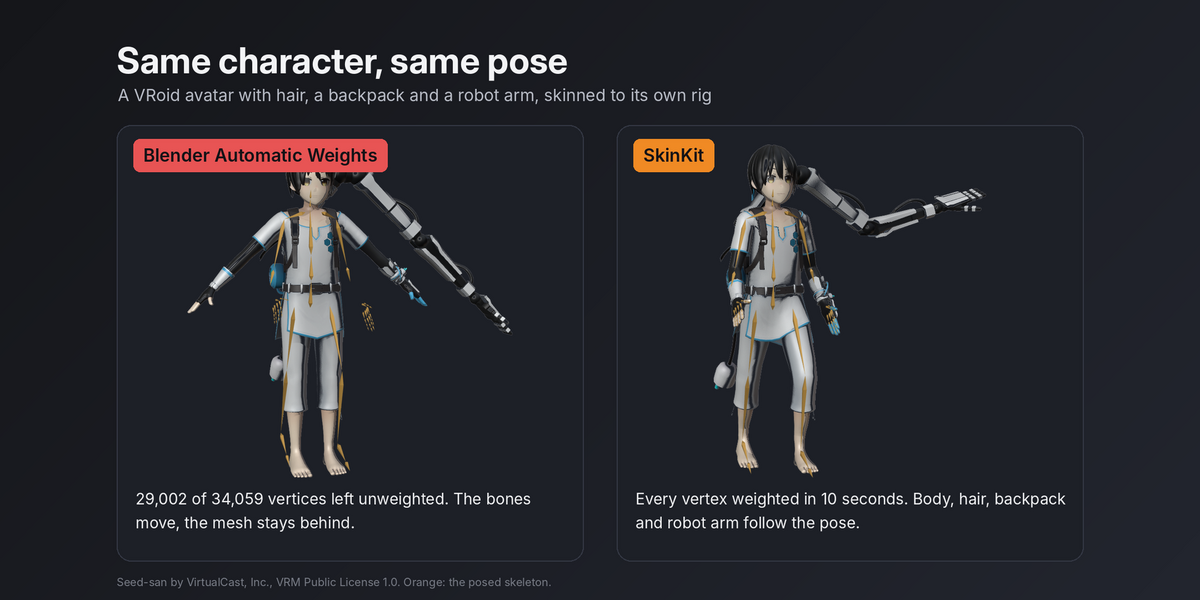
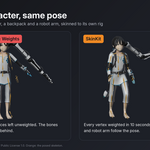
On a VRoid avatar with hair, a backpack and a robot arm, Blender's Automatic Weights left 29,002 of 34,059 vertices without weights. SkinKit weighted every vertex in 10 seconds.
On 12 test characters with artist made weights (Mixamo, VRoid, MakeHuman, Rigify and glTF samples), SkinKit's result stayed within 0.8% of the character height of the artist weights on average in test poses. Blender's own automatic weights left vertices unweighted on 4 of them, up to 29,002. On a clean Rigify character both give practically the same result.
Workflow
- Select the armature and the meshes. Any number of objects, any topology.
- Press Auto Skin in the SkinKit tab of the 3D Viewport sidebar (N panel).
- Press Test Pose to bend every joint and check the result, Rest Pose to go back.
Already have a skinned body and a new outfit? Select the clothes, then the body last, and press Skin Clothes to Body.
Options
- Quality: voxel resolution. Standard works for most characters. High separates fingers that almost touch.
- Max Bones per Vertex: 4 by default.
- Joint Sharpness: softer or sharper blends at the joints.
- Separate Left and Right, Rigid Small Parts, Hair and Skirt Chains, Ignore End Bones, Ignore IK and Control Bones: all on by default.
- Clothes Follow Body and Body: pick the mesh the clothes follow, or let SkinKit find it.
- Clean Weights: limit bones per vertex, remove tiny weights and normalize any skinned mesh.
Fast and safe
- About 5 seconds for a 25,000 vertex avatar and 25 seconds for a 230,000 vertex mesh on a 2 core machine.
- Pure Python. Nothing to install, no external programs, no GPU needed. Windows, macOS (Apple Silicon and Intel) and Linux.
- Replaces only the vertex groups of deform bones. Shape keys, other vertex groups, modifiers and materials stay. The Armature modifier is added if missing. One undo step puts everything back.
Good to know
- SkinKit gives a strong starting point. Faces with many small bones and fingers that touch in the rest pose may still need a few strokes of weight painting.
- Bones should sit inside the mesh, as they do in any normal rig. Bones floating far outside the mesh get no weights.
- Helper bones that only move through constraints (aim, IK, pole, roll bones sitting on a joint) are skipped, so the mesh never tears when you pose the main bones.
- Clothes are skinned, not simulated. For flowing cloth, add physics or skirt bones on top.
Included
- SkinKit add-on (zip, installs as an extension in Blender 4.2 and later)
- Documentation
Test characters in the images: VRM1 Constraint Twist Sample (c) pixiv Inc. and Seed-san by VirtualCast, Inc., both under the VRM Public License 1.0; a test human made with MakeHuman (CC0) with simple garments made for this test.
