 Crys
Crys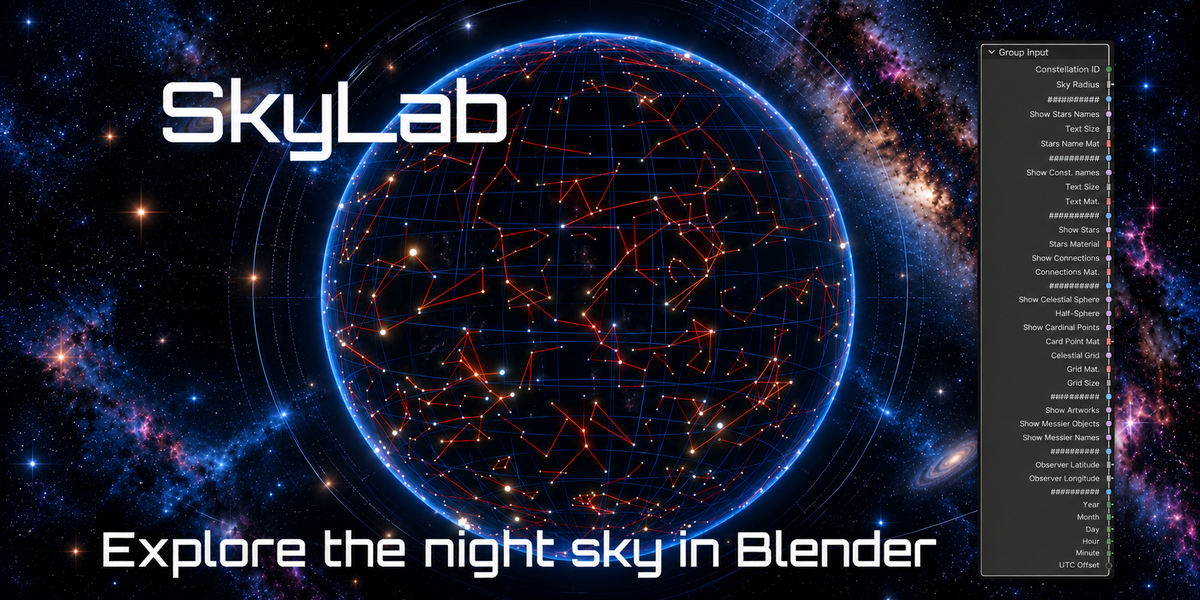
SkyLab - Explore the Night Sky in Blender
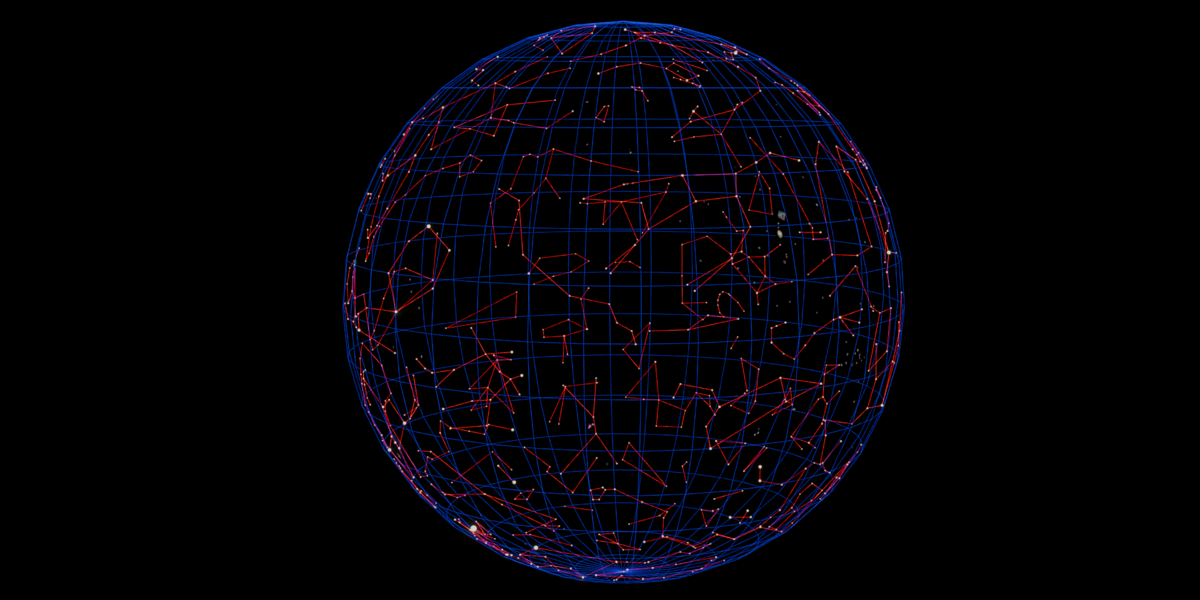
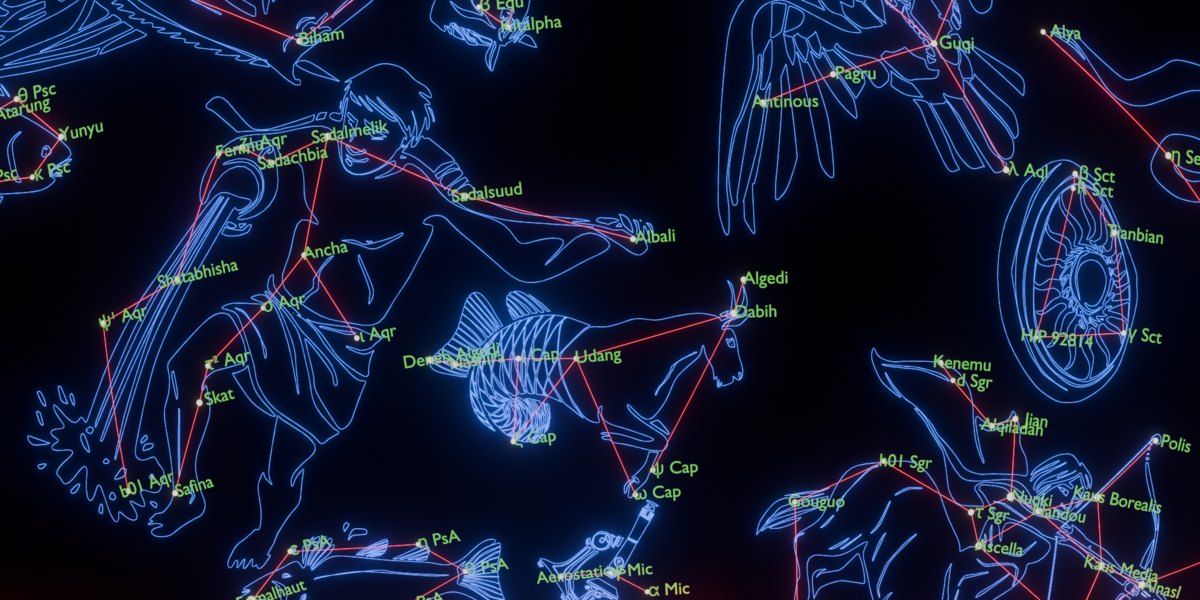
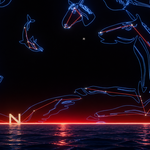
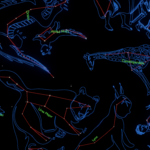
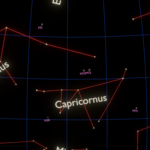
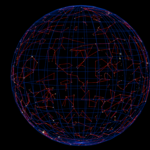
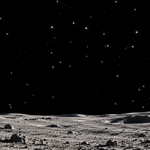
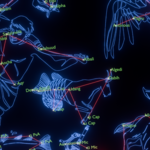
SkyLab is a procedural Geometry Nodes setup that brings the celestial sphere directly into Blender. Create detailed astronomical scenes with stars, constellations, celestial grids, constellation artwork, Messier objects and observer-based sky orientation ; all controlled directly from Geometry Nodes. All major display elements can be enabled or disabled independently, making it easy to adapt the scene to your own visual style.
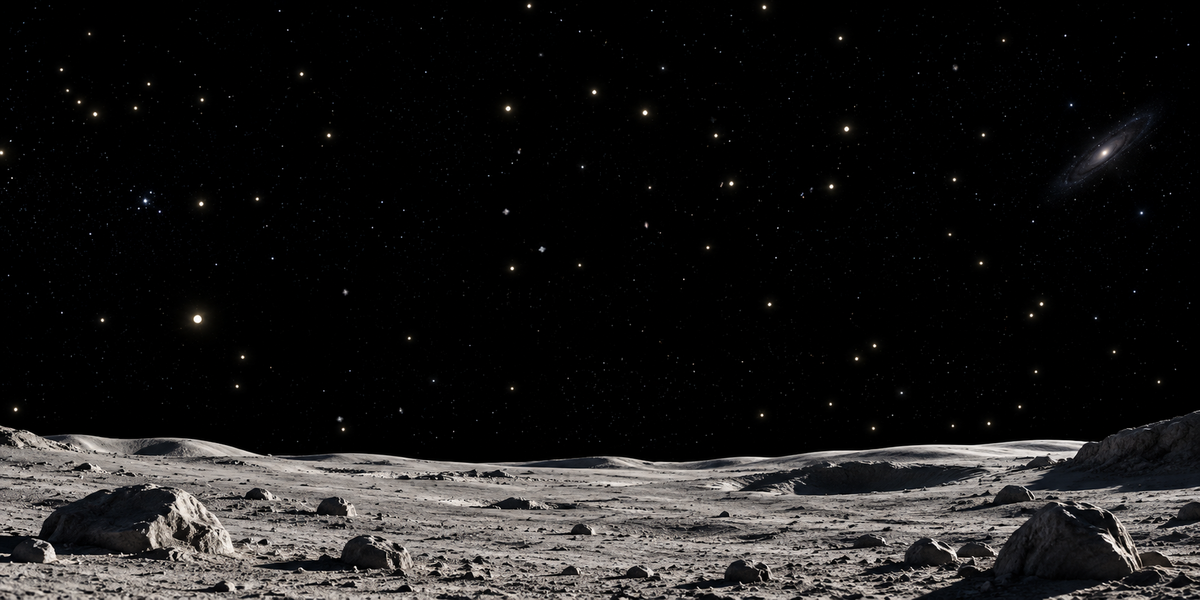
One of SkyLab’s key features is its fully customizable observer setup. Choose the observer’s latitude and longitude, then set the date and local time to generate the corresponding orientation of the celestial sphere. This makes it possible to visualize the sky from different locations on Earth and at different moments in time, directly inside Blender.
Whether you want to recreate the sky above a specific location, compare seasonal skies, build educational material, or design an immersive planetarium-style scene, SkyLab provides a flexible procedural workflow entirely based on Geometry Nodes.
General Settings
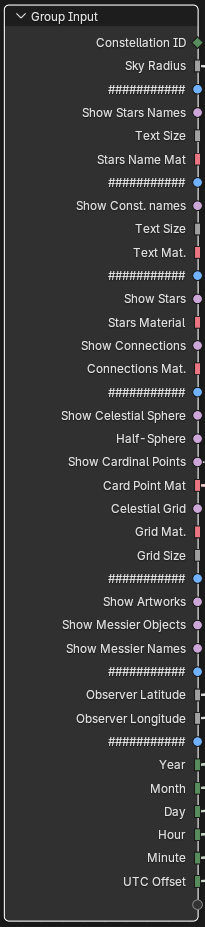
Constellation ID : Selects a specific constellation to display. A value of 0 can be used to display all constellations.
Sky Radius : Controls the radius of the celestial sphere and therefore the overall size of the generated sky.
Star Names
Show Star Names : Shows or hides the names of the main stars.
Text Size : Controls the size of the star-name labels.
Star Name Material : Defines the material used for the star-name labels.
Constellation Names
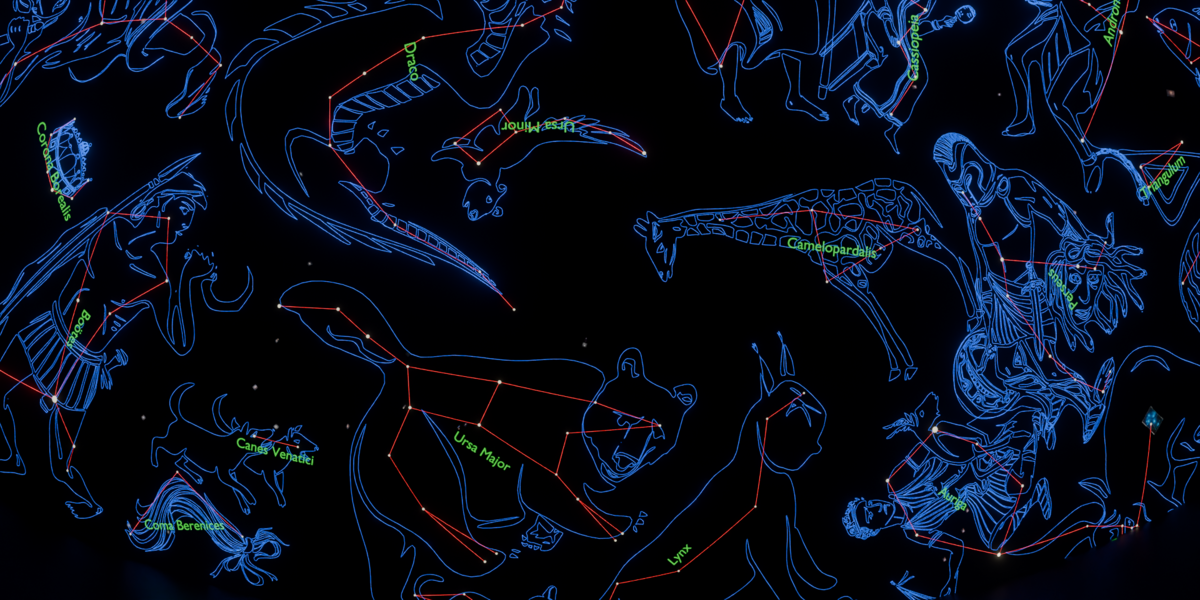
Show Constellation Names : Shows or hides the constellation names.
Text Size : Controls the size of the constellation-name labels.
Constellation Name Material : Defines the material used for the constellation-name labels.
Stars and Constellation Lines
Show Stars : Shows or hides the stars.
Star Material : Defines the material used to render the stars.
Show Constellation Lines : Shows or hides the lines connecting the stars of each constellation.
Constellation Line Material : Defines the material used for the constellation lines.
Celestial Sphere
Show Celestial Sphere : Shows or hides the celestial sphere.
Half-Sphere : Displays only the visible hemisphere instead of the complete celestial sphere.
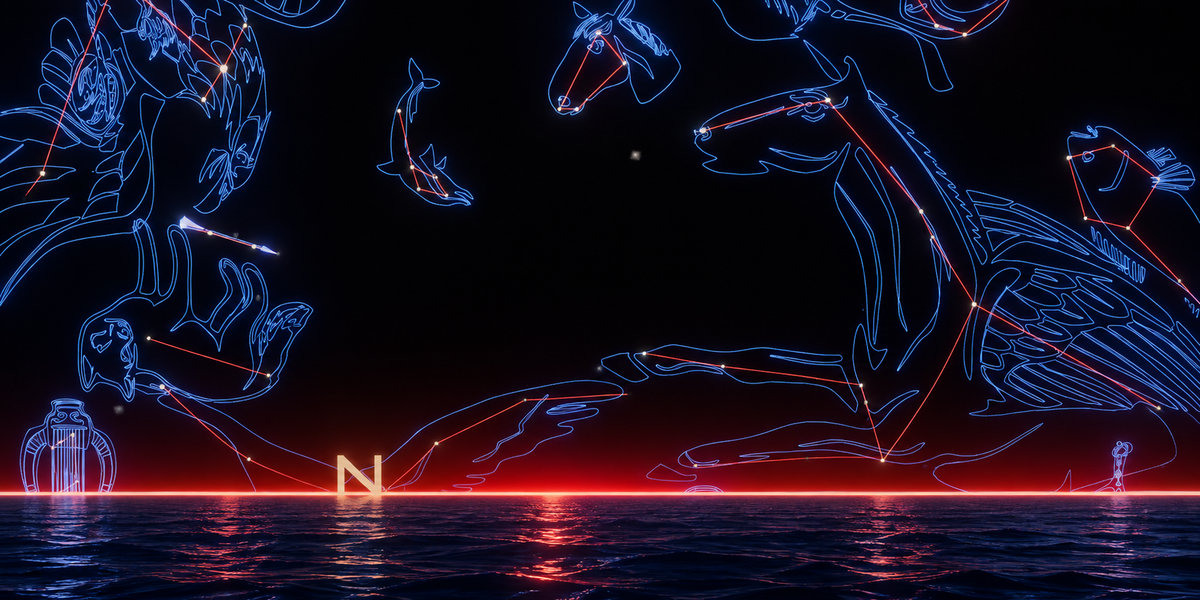
Show Cardinal Points : Shows or hides the North, South, East and West markers.
Cardinal Point Material : Defines the material used for the cardinal-point labels.
Celestial Grid
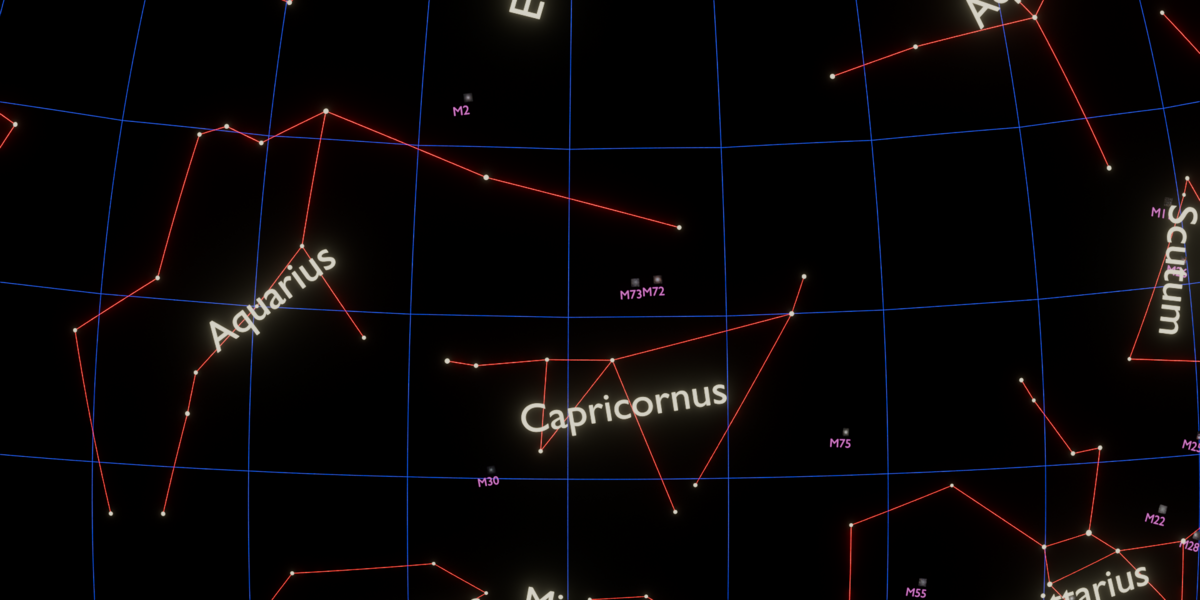
Show Celestial Grid : Shows or hides the celestial coordinate grid.
Grid Material : Defines the material used for the grid lines.
Grid Size : Controls the size of the wire of the celestial grid.
Constellation Artwork and Messier Objects
Show Artworks : Shows or hides the illustrated constellation artwork.
Show Messier Objects : Shows or hides the Messier deep-sky objects.
Show Messier Names : Shows or hides the names or identifiers of the Messier objects.
Observer Location
Observer Latitude : Sets the geographic latitude of the observer.
Observer Longitude : Sets the geographic longitude of the observer.
These two parameters allow SkyLab to reproduce the sky from a specific location on Earth.
Date and Time
Year : Sets the observation year.
Month : Sets the observation month.
Day : Sets the observation day.
Hour : Sets the local observation hour.
Minute : Sets the local observation minute.
UTC Offset : Defines the difference between local time and UTC.
Some Example : New York vs. La Paz: at same time, similar longitude, different latitude.
| NY |
Lat : 40.7° Long : -74° | 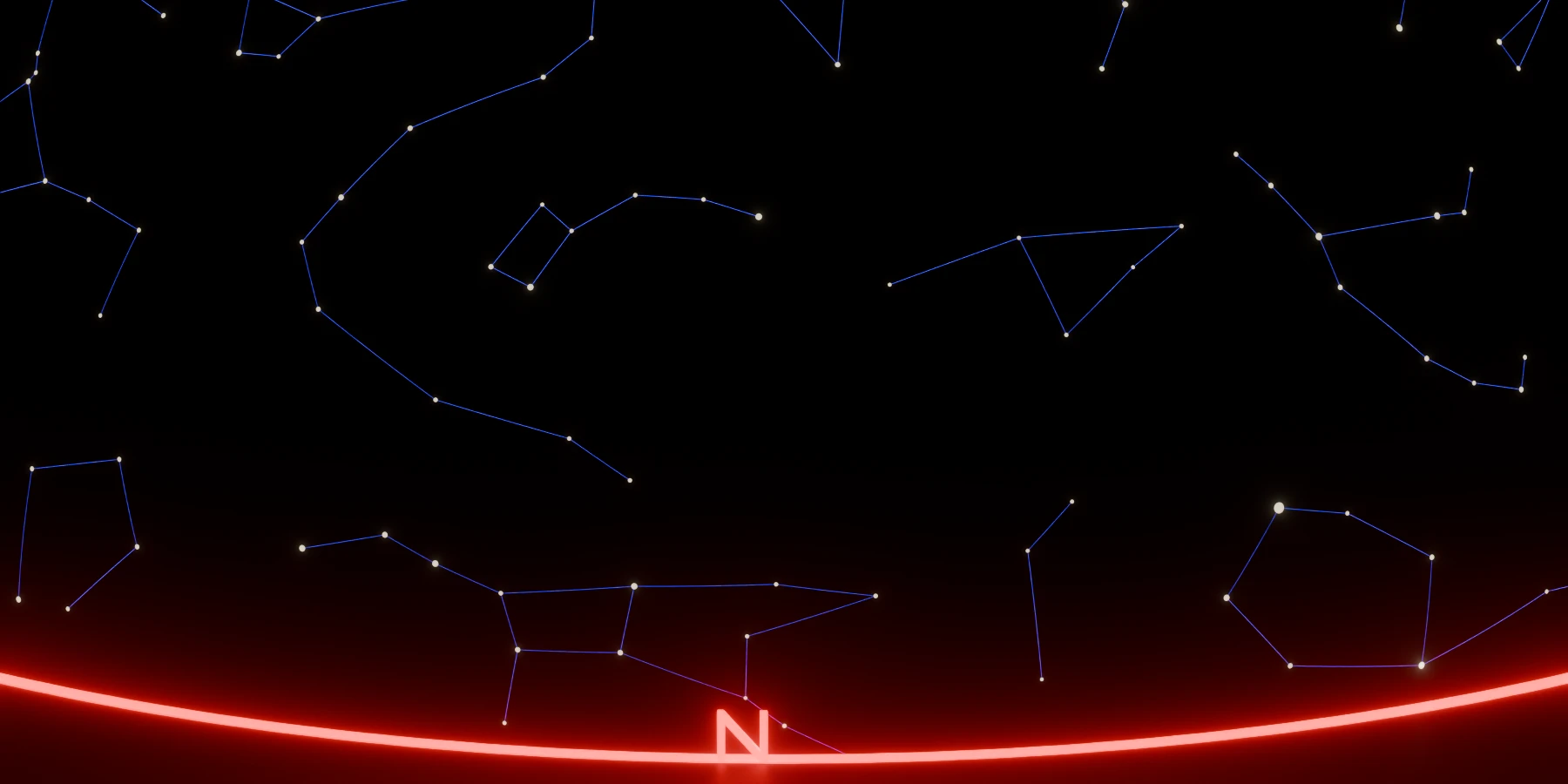 |
| La Paz |
Lat : -16.5 Long : -68.1°N | 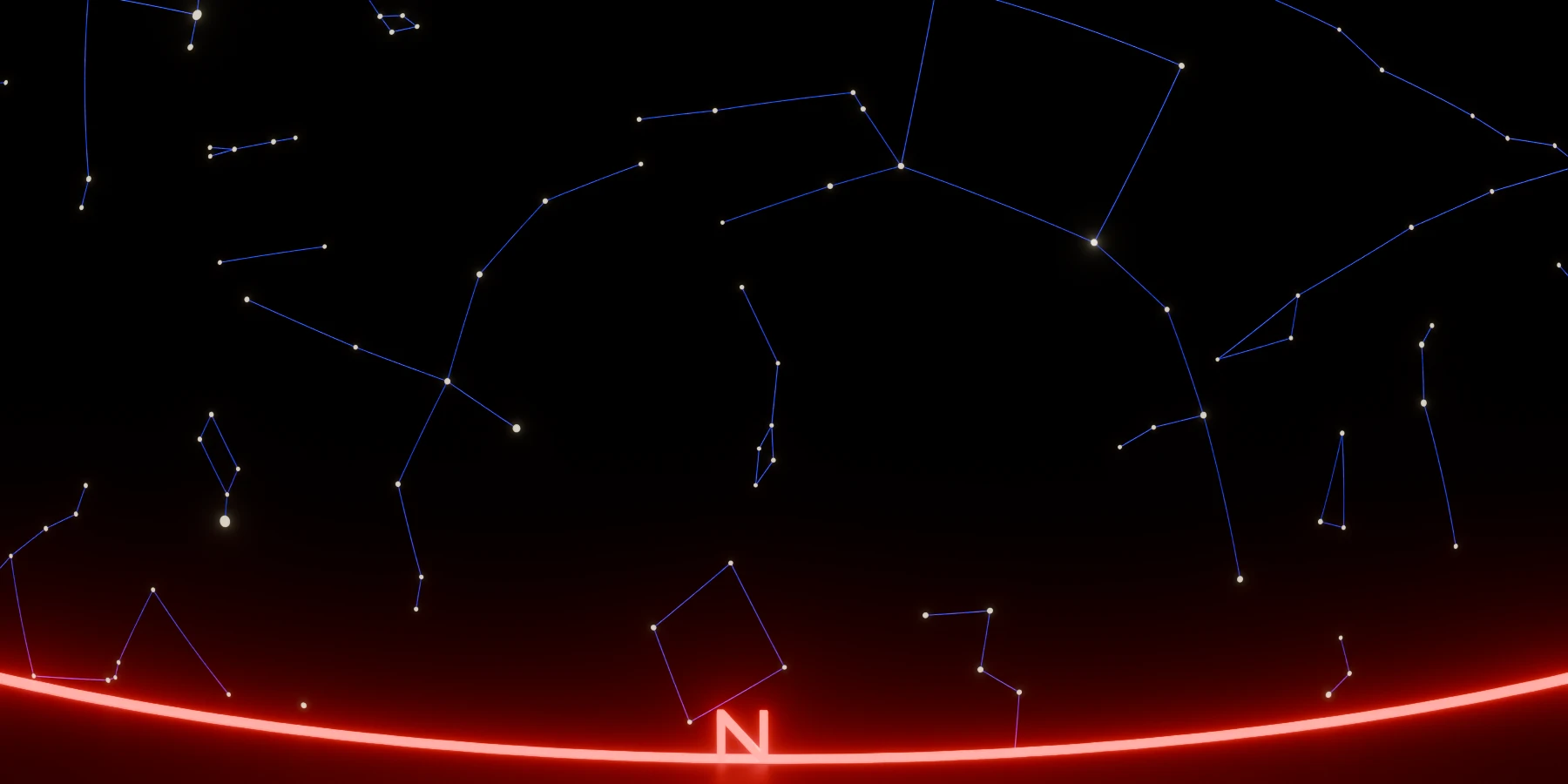 |
Designed for scientific visualization, education, planetarium-style scenes and creative astronomy projects, SkyLab lets you turn Blender into a flexible 3D sky visualization environment.
⚠️ Note: Depending on the selected options and scene complexity, SkyLab may require a few moments to recalculate the Geometry Nodes setup.
Astronomical Data & Image Credits
Messier catalogue data
Messier object positions, object types, magnitudes and angular-size information used by SkyLab are derived from the OpenNGC database maintained by Mattia Verga and contributors.
OpenNGC is distributed under the Creative Commons Attribution-ShareAlike 4.0 International (CC BY-SA 4.0) license.
SkyLab processes these catalogue data to position Messier objects on the celestial sphere. For the historically ambiguous M102, SkyLab follows the convention:
M102 = NGC 5866
Messier object images
SkyLab includes images for the complete Messier catalogue, from M1 to M110.
The current image collection uses two main sources:
ESA/Hubble — 75 images with individually verified source pages and image-specific credits. These images are distributed under the Creative Commons Attribution 4.0 International (CC BY 4.0) license, subject to the credit line provided for each image.
2MASS — Two Micron All Sky Survey — 35 images used for objects for which a suitable licence-safe ESA/Hubble image was not retained. These images are in the Public Domain. 2MASS requests acknowledgement of the survey when its images are redistributed.
Detailed source links, individual ESA/Hubble credits and the complete list of 2MASS images are provided in the included CREDITS.txt file.
Constellation artwork
The constellation illustrations used by SkyLab are based on the Stellarium Western sky culture.
The original Western constellation illustrations were created by Johan Meuris and are distributed under the Free Art License (FAL).
For use in SkyLab, the artwork has been adapted and converted into Blender-compatible geometry. These modified artwork assets remain subject to the original Free Art License.
Other astronomical data
SkyLab also uses astronomical resources derived from sources including:
Hipparcos-based stellar data
IAU Working Group on Star Names
VizieR catalogue data
Stellarium constellation data
The corresponding sources are listed in the included README.txt and CREDITS.txt files.
Third-party astronomical data, images and artwork retain their original licenses and attribution requirements and are not relicensed under the SkyLab product license.
