Skylab
 Crys
Crys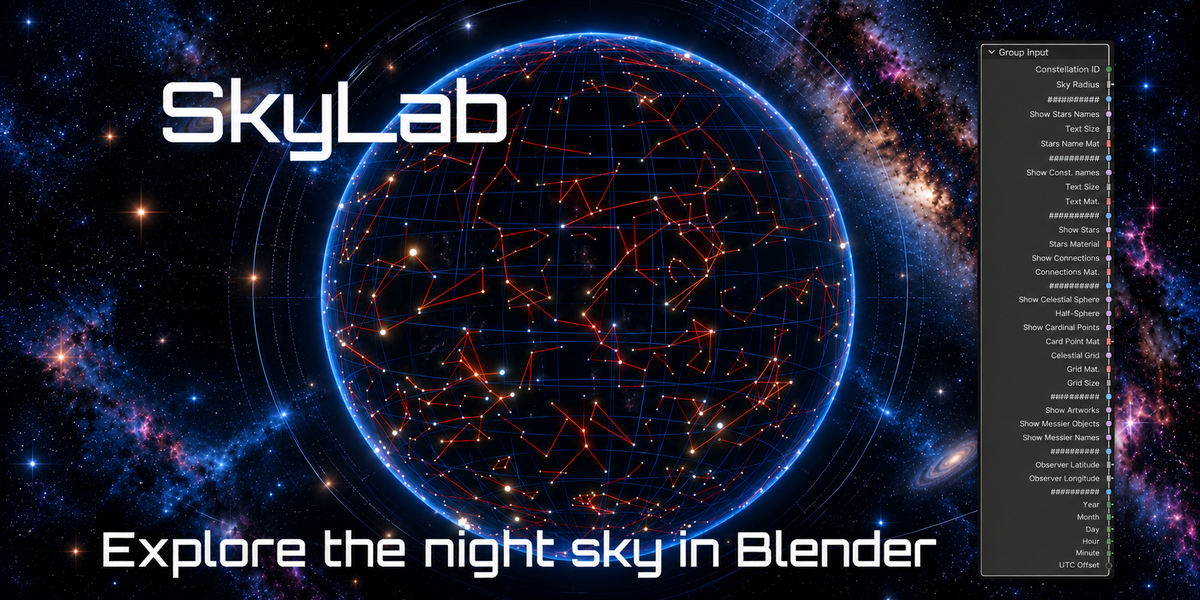
Overview
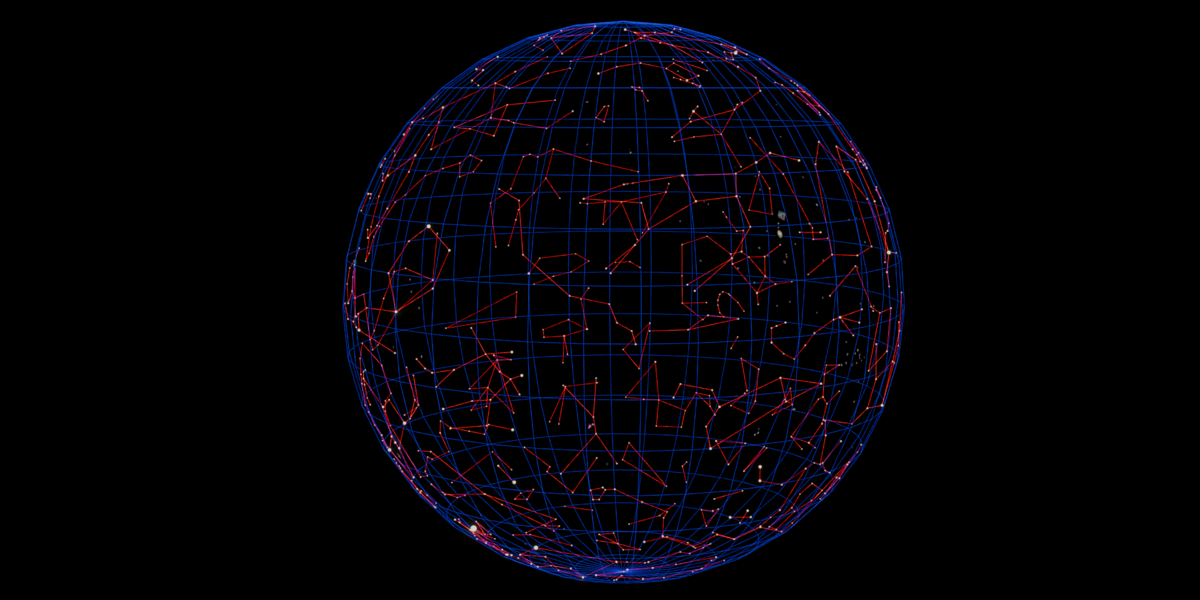
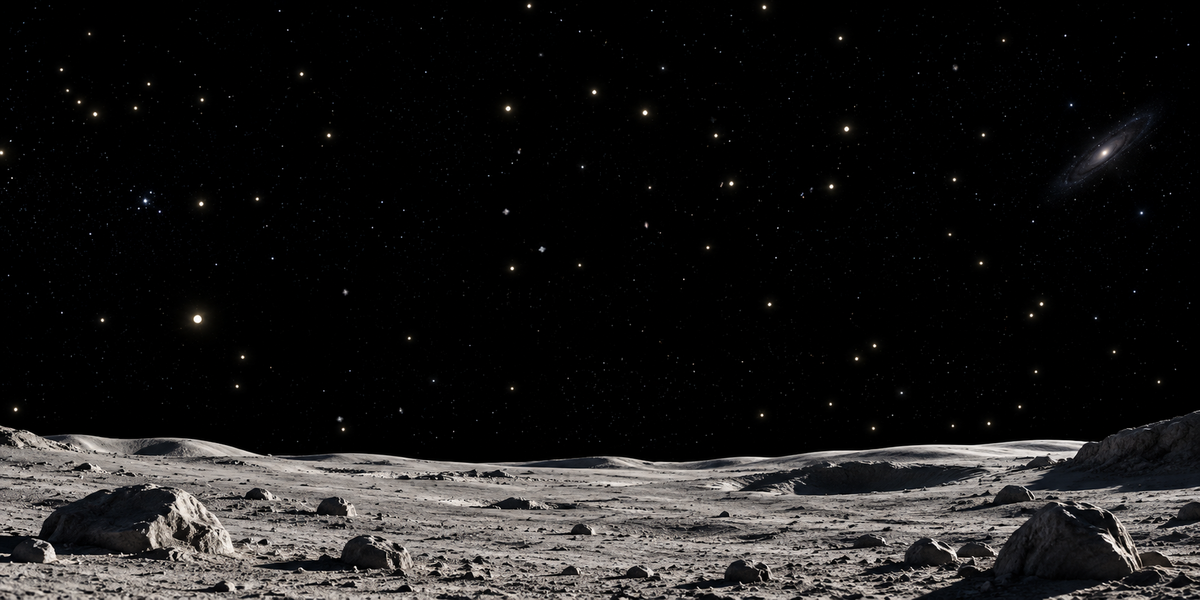
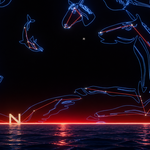
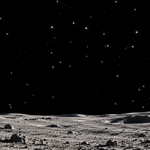
SkyLab is a Blender Geometry Nodes planetarium designed to create customizable representations of the night sky directly inside Blender.
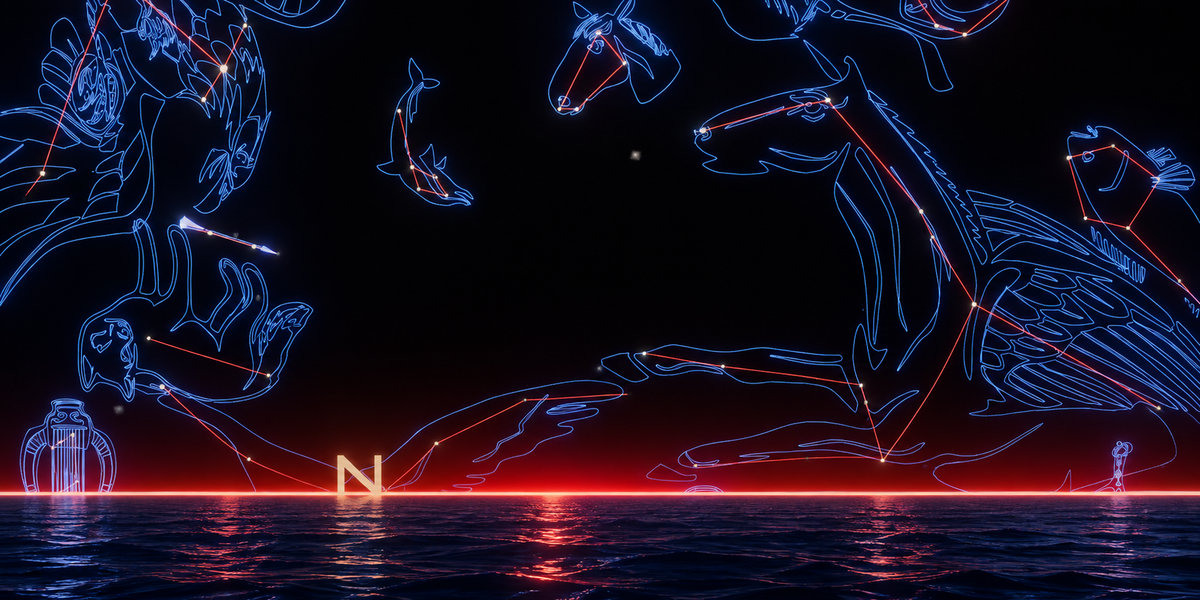
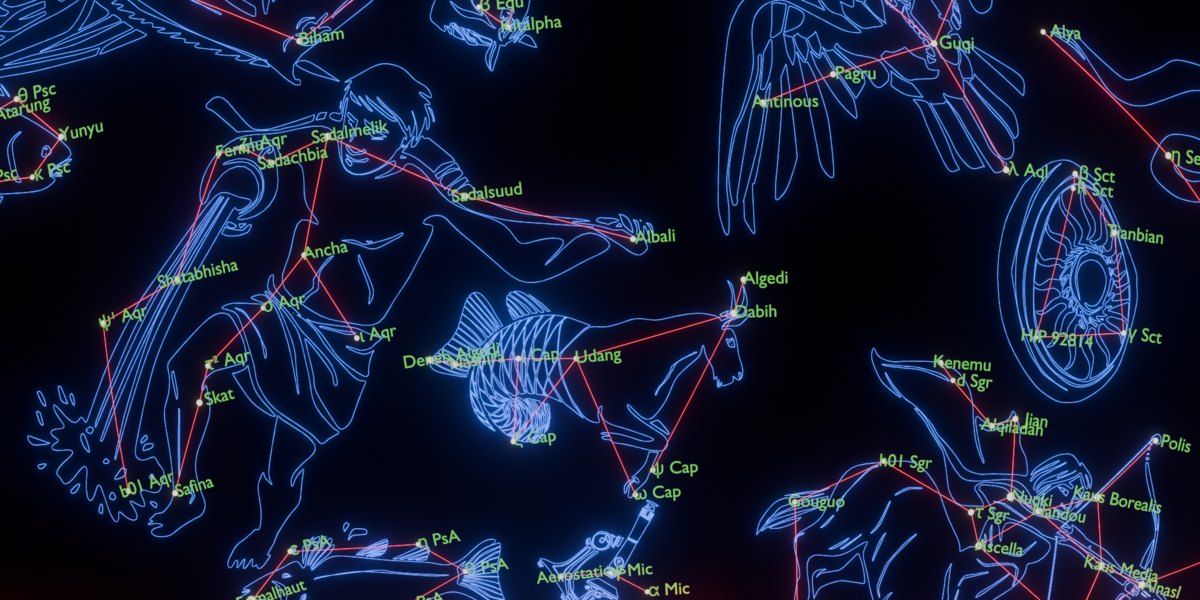
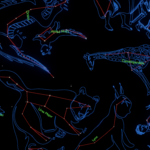
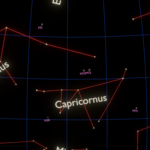
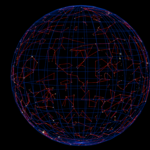
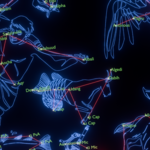
It combines astronomical catalogue data with a fully procedural Geometry Nodes setup, allowing you to display stars, constellations, constellation artwork, celestial reference elements and Messier objects in a single scene.
SkyLab is designed for scientific visualization, education, illustration and artistic astronomy projects.
No Python script or external add-on is required to use the final setup.
Main Features
SkyLab includes:
A stellar sky based on astronomical catalogue data
Star brightness based on apparent magnitude
Star names
The 88 official constellations
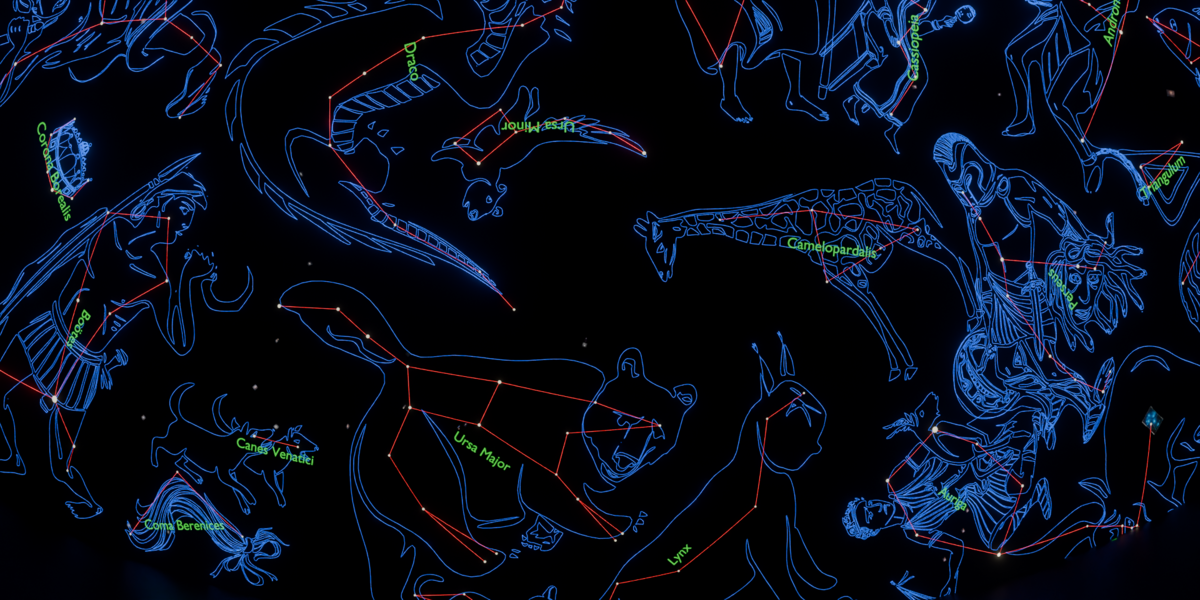
Constellation line drawings
Constellation names
Stellarium Western constellation artwork
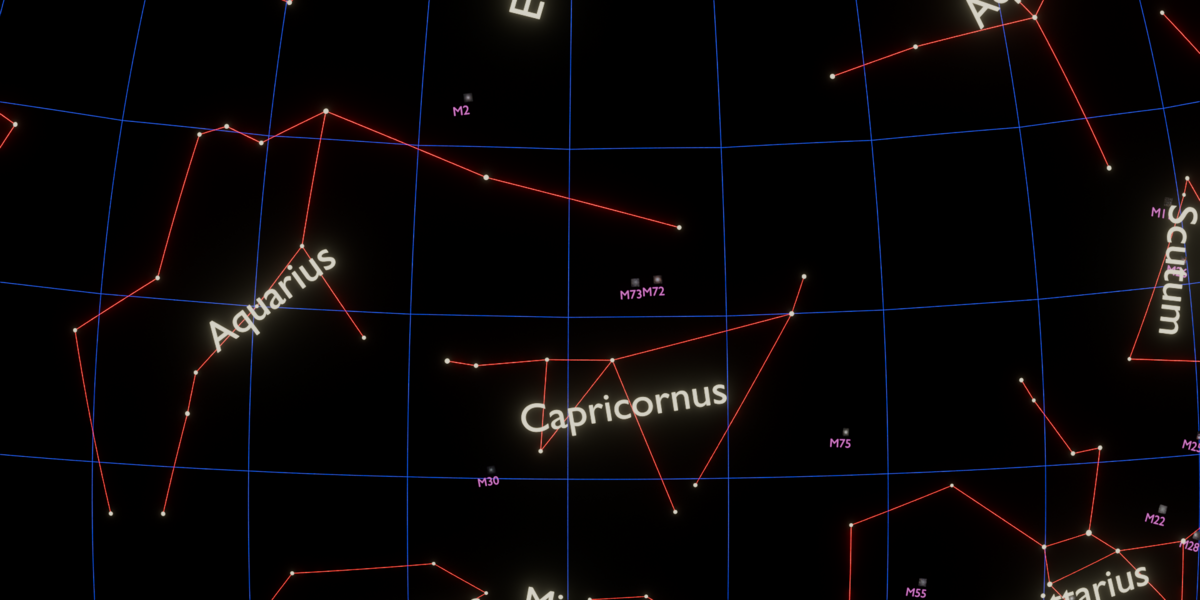
Messier deep-sky object
Observer latitude and longitude controls
Date and time controls
Local UTC offset
Most display parameters are directly accessible from the Geometry Nodes modifier.
Main Features
SkyLab includes:
A stellar sky based on astronomical catalogue data
Star brightness based on apparent magnitude
Star names
The 88 official constellations
Constellation line drawings
Constellation names
Stellarium Western constellation artwork
Messier deep-sky objects
Images for all 110 Messier objects
Celestial sphere reference elements
Celestial grid
Cardinal directions
Observer latitude and longitude controls
Date and time controls
Local UTC offset
Independent visibility controls for the main sky components
Most display parameters are directly accessible from the Geometry Nodes modifier.
Installation
Keep the supplied data folder next to the SkyLab .blend file.
The expected structure is:
├── SkyLab.blend
├── README.txt
├── CREDITS.txt
└── data/
├── stars.csv
├── star_names.txt
├── connections.csv
├── constellation_names.csv
├── constellation_names.txt
├── constellation_artwork_lookup.csv
├── constellation_artwork_anchors.csv
├── messier.csv
├── messier_names.txt
└── messier_images/
├── M001.jpg
├── M002.jpg
├── ...
└── M110.jpg
Do not rename or reorganize the supplied data files unless you also update the corresponding paths inside the Geometry Nodes setup.
Using SkyLab
SkyLab is provided as a Geometry Nodes asset.
Once the asset is added to your scene, its main controls are available directly from the Geometry Nodes modifier.
Performance
SkyLab processes a significant amount of astronomical data and geometry.
Depending on your computer and on the enabled options, changing some Geometry Nodes parameters may require a short recalculation.
For better viewport performance:
Disable constellation artwork when it is not required
Reduce the number of displayed labels
Use magnitude filtering to reduce the number of visible stars
Disable Messier images when working on other elements
Enable only the components required for the current visualization
Final rendering performance depends on scene complexity and Blender settings.
Data Sources and Credits
SkyLab uses several publicly available astronomical datasets and resources, including:
Hipparcos-based stellar data
IAU star names
VizieR catalogue information
Stellarium constellation data
OpenNGC
ESA/Hubble imagery
2MASS imagery
Third-party data, artwork and images retain their original licenses.
Complete attribution and license information is provided in the credits.txt file
Have questions about this product?
Login to message
| Published | about 8 hours ago |
| Blender Version | 5.2 |
| Render Engine Used | Cycles, Eevee |
| License | Royalty Free |

Discover more products like this
constellations geometry nodes celestial sphere Stars scientific visualization night sky planetarium space procedural astronomy