 ZEG
ZEG
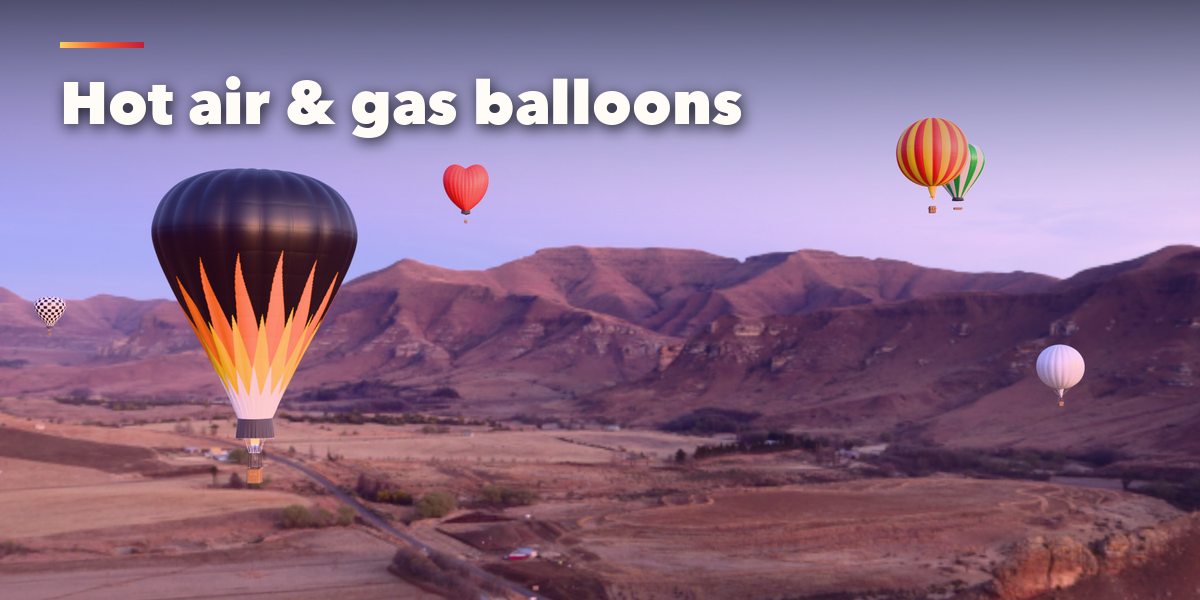

Installation
In Blender open Edit, Preferences, Get Extensions, then use Install from Disk and pick the balloon_generator zip.
Usage
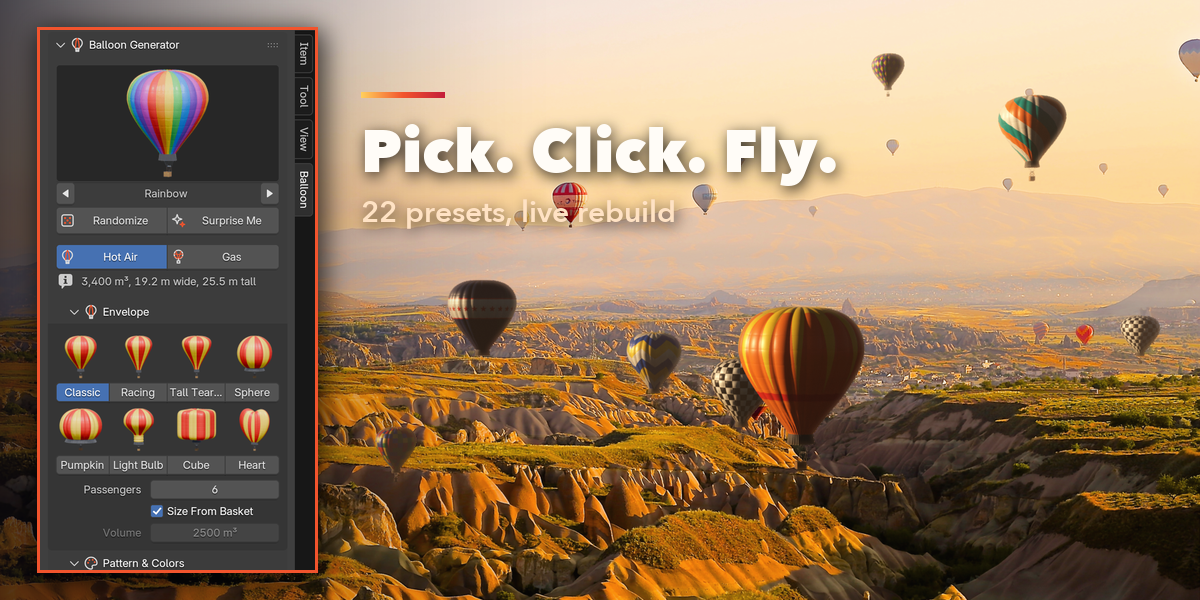
- Open the Balloon tab in the 3D viewport sidebar (N). Click the picture to choose a preset and press Add to place the balloon at the 3D cursor. You can also use Shift+A, Balloon.
- With a balloon selected, the picture applies another preset to it. Randomize makes a new balloon of the same kind; Surprise Me can also switch between hot air and gas. The Hot Air Balloon / Gas Balloon buttons switch the kind.
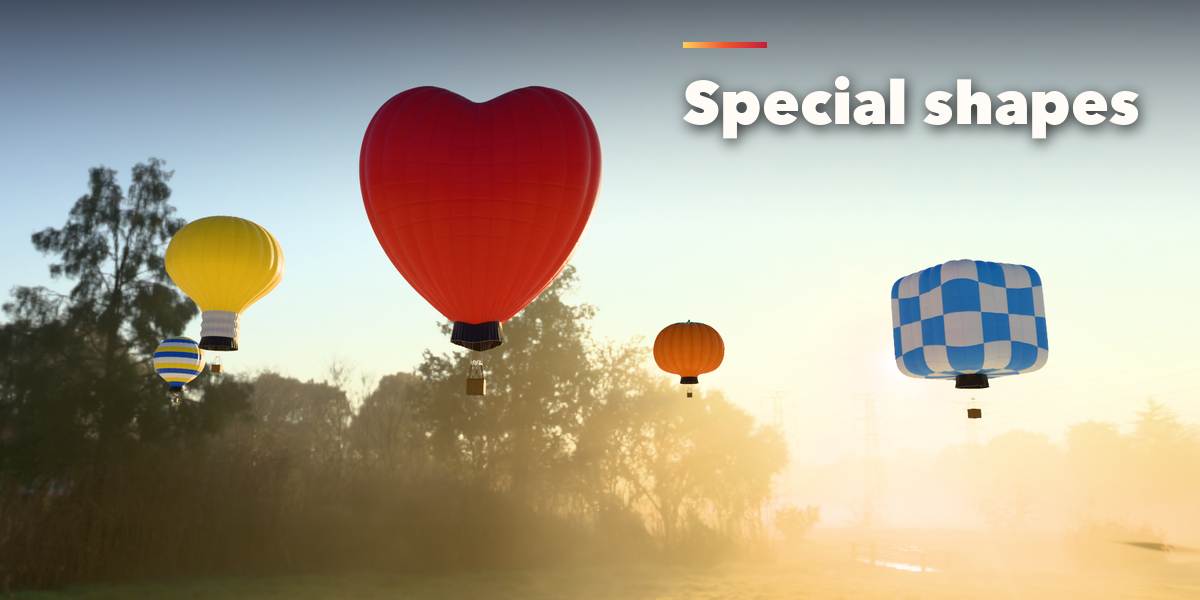
- Envelope picks the shape from thumbnails and sets the passengers (the envelope volume follows unless you switch off Size From Basket).
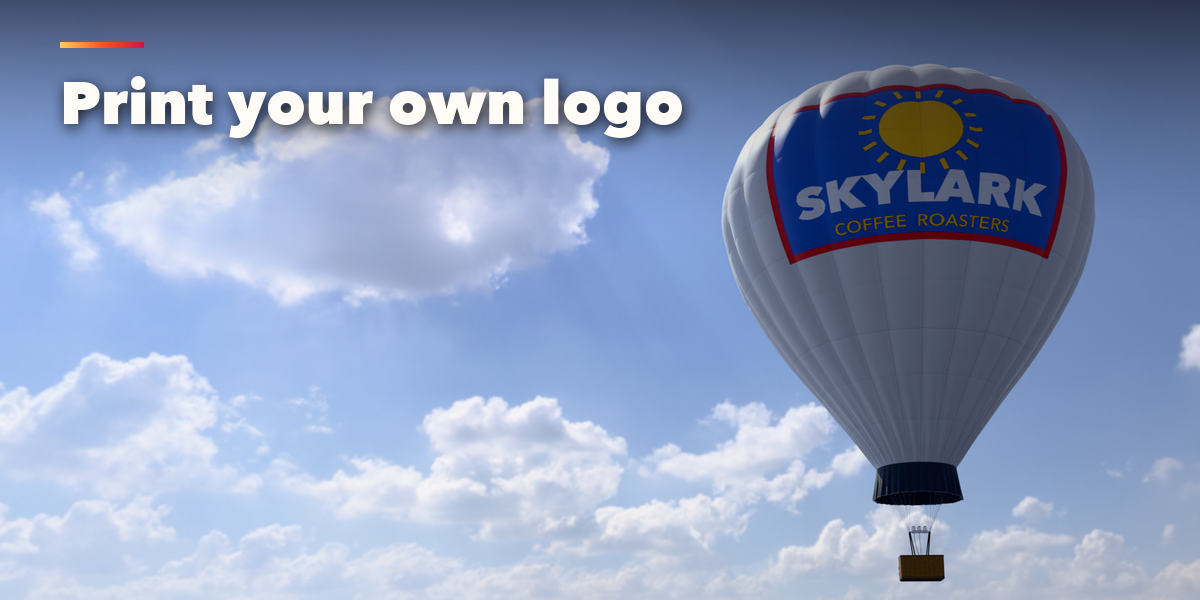
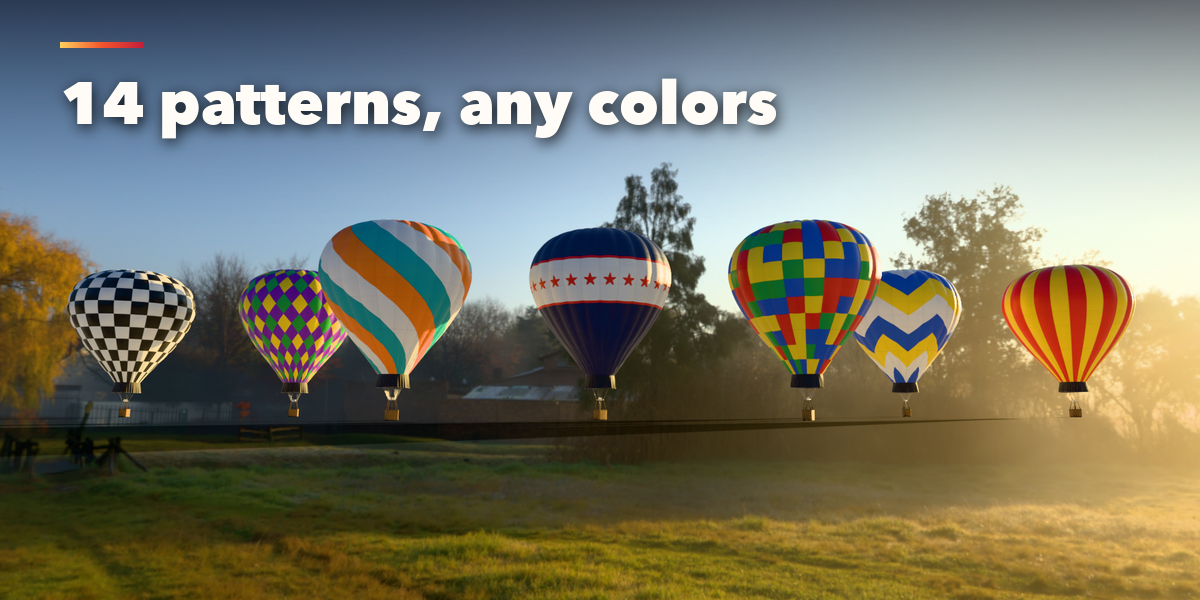
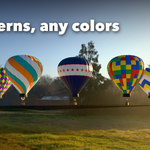
- Pattern & Colors picks one of 14 patterns from thumbnails and up to four colors. The Sponsor Banner pattern prints any image you load on both sides of the envelope.
- Basket & Burners, Fabric Details, Flight & Animation and Seed & Output hold the finer settings: basket style and partitions, burner and cylinder counts, gores, panels, load tapes, bulge, wrinkles, vent, skirt, flying wires, altitude, burner flames, bobbing and drift, seed, detail level, Rebuild and Make Static.
Every balloon is built in meters at real-world size. Materials are Principled BSDF with image textures, so the meshes export to game engines; Make Static turns a balloon into plain objects for export or hand editing.
Have questions about this product?
Login to message
| Blender Extension Compatible | Yes |
| Published | 2 days ago |
| Blender Version | 4.2 - 5.2 |
| Extension Type | Add-on |
| Render Engine Used | Cycles, Eevee |
| License | GPL |

Discover more products like this
basket festival balloon procedural aircraft vehicle game ready Generator sky Hot air Balloon gas-balloon PBR