 Samuel Abyan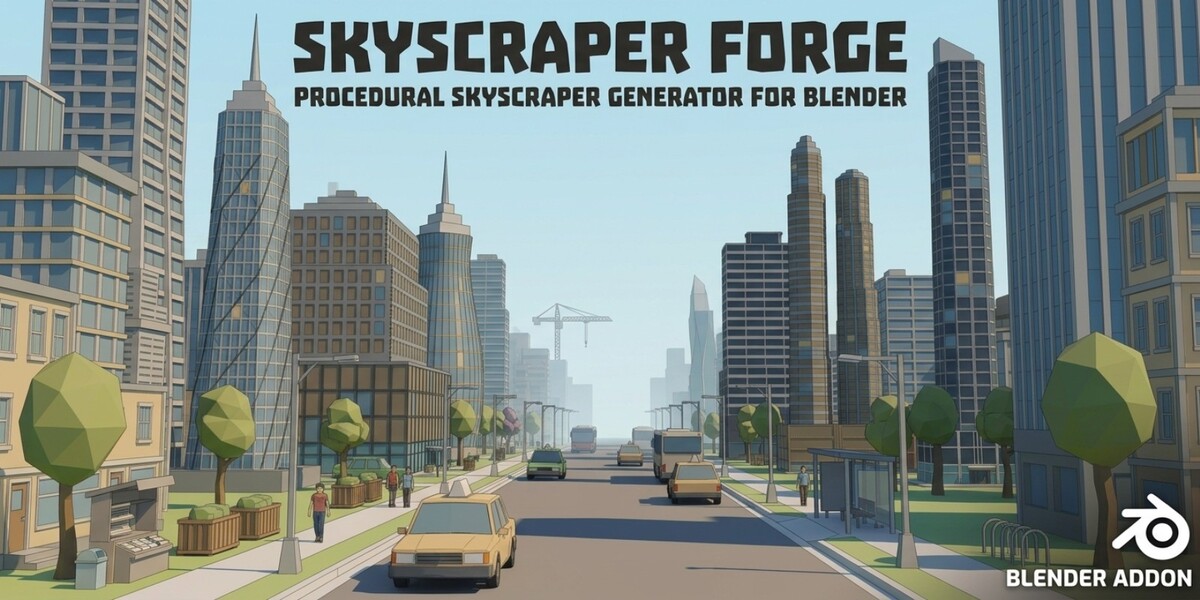
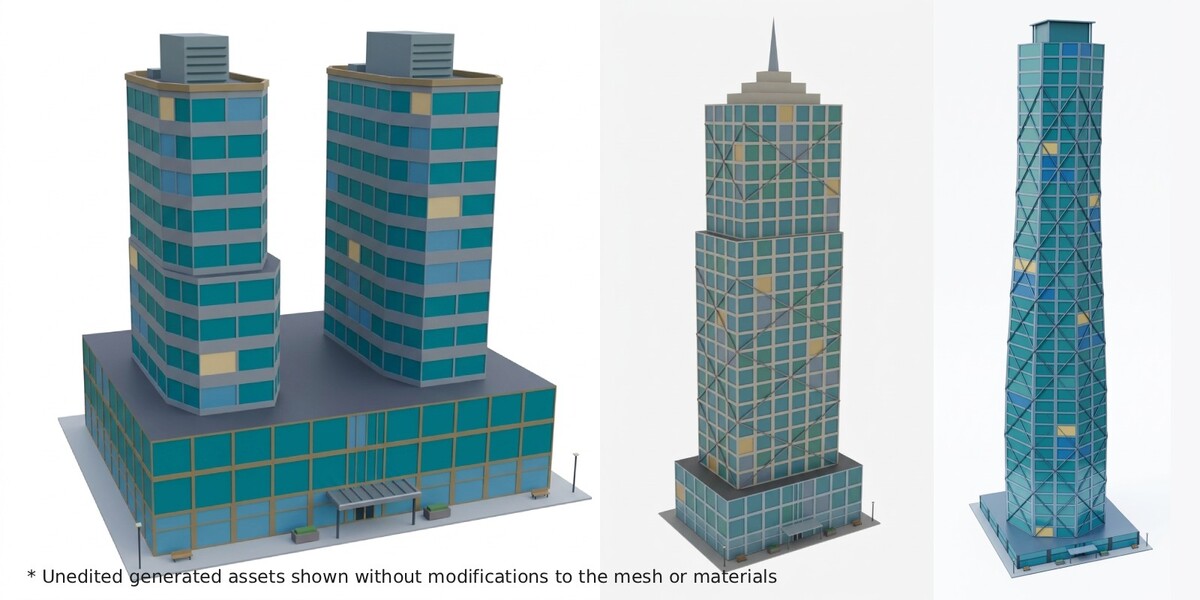
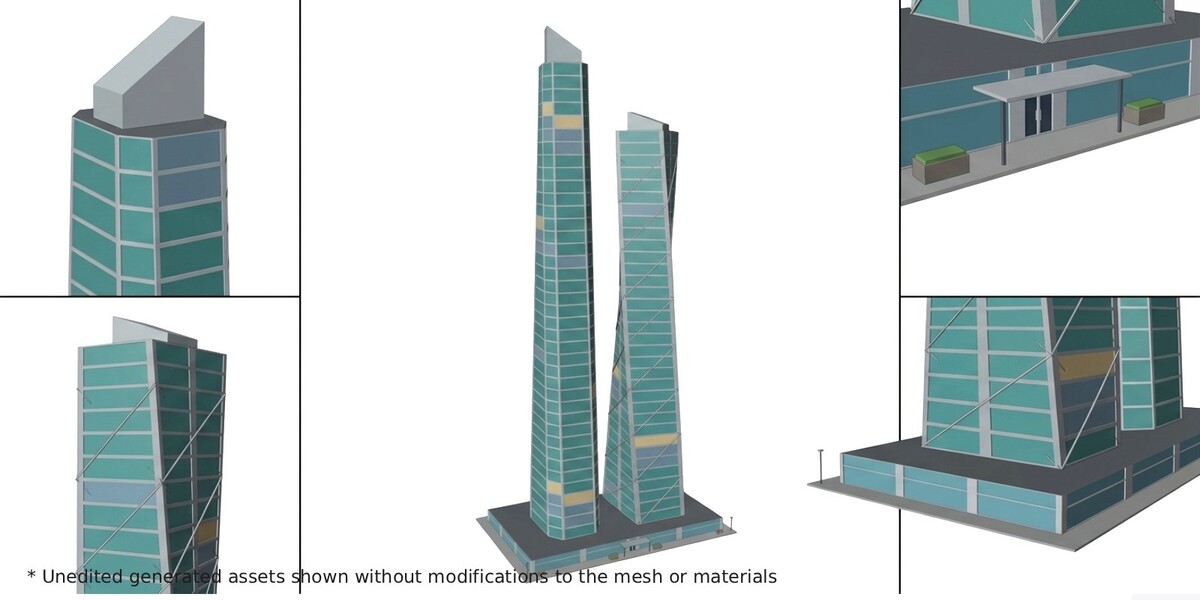
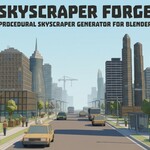
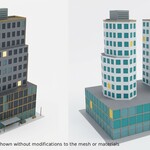
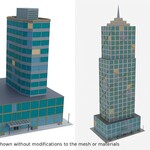
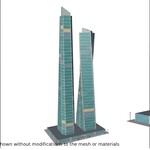
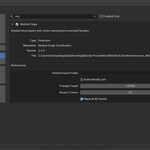
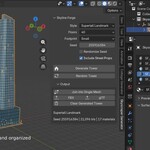
Need a skyline, not a single tower? Skyscraper Forge grows a whole city of high-rises, one click at a time. Each building gets its own massing, floor plate, facade, and crown. Demo video.
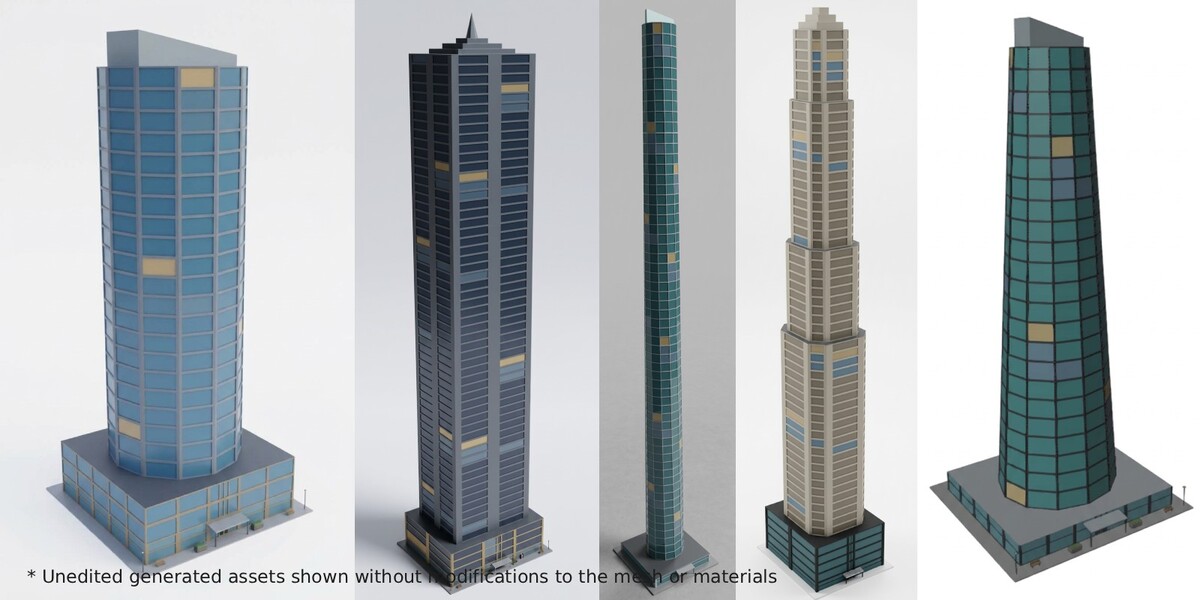
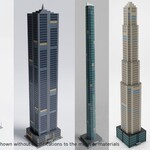
A city full of near-identical boxes breaks immersion fast. This add-on rolls dozens of independent design choices for every tower, so one might be a stepped Art Deco spire and the next a twisting glass blade. Same toolset, very different buildings.
Picture your workflow
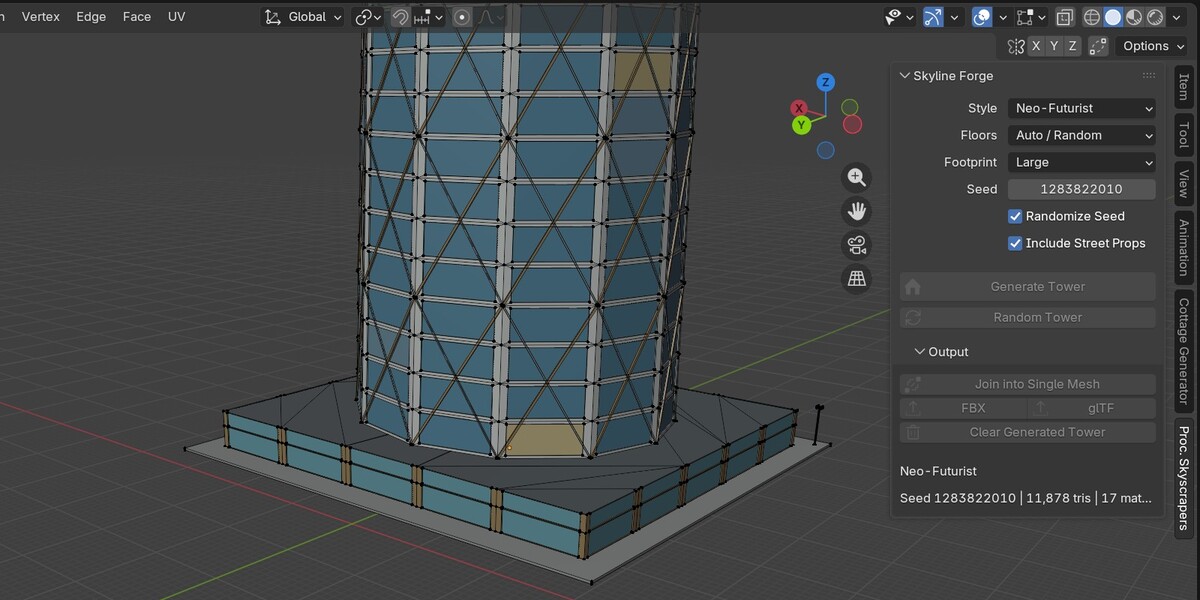
You're blocking out a downtown. Place the 3D cursor, click Random Tower, and a complete skyscraper stands there with its podium, lobby entrance, and crown. Move the cursor, click again, and the next one rises beside it. Found a favorite? Keep its seed and rebuild it whenever you need.
Made for
- Game developers who need credible city skylines and downtown districts
- Environment and background artists who want fast, texture-ready towers
- Concept and previs artists who need quick massing studies of tall buildings
Nine styles, endless combinations
Art Deco, International / Modernist, Neo-Futurist, Brutalist, Residential High-Rise, Contemporary Corporate, Neo-Gothic Revival, Postmodern, and Supertall Landmark. Styles only tilt the odds. They never lock in a design.
| Part | What can vary |
|---|---|
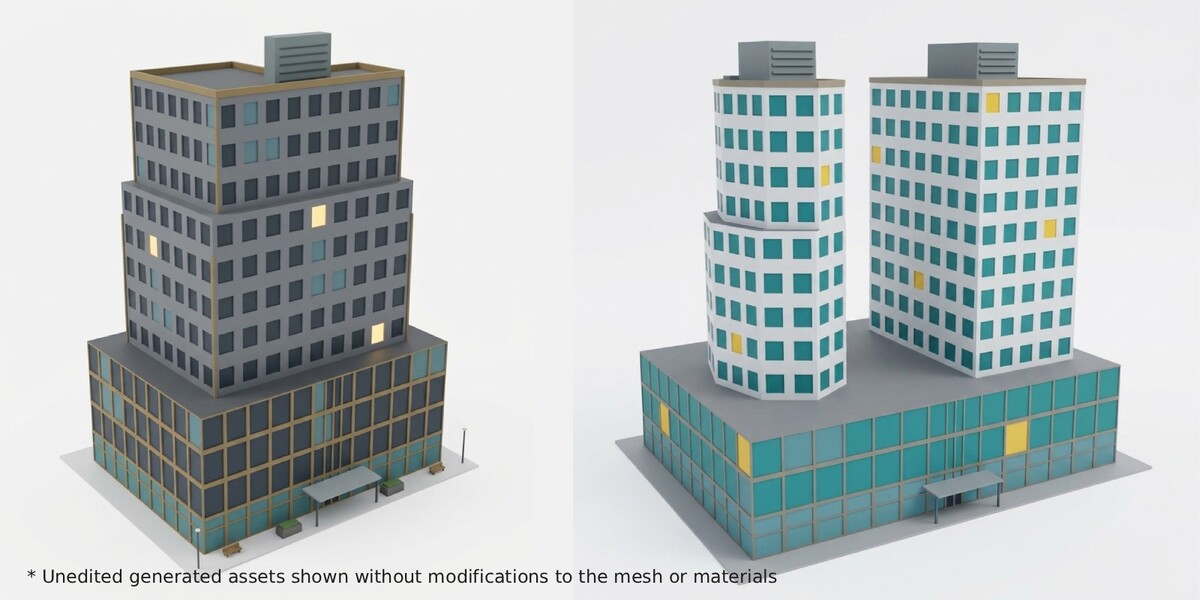
| Massing | Slabs, setbacks, wedding-cake towers, tapers, twists, sculpted envelopes, paired towers on a podium |
| Floor plates | Rectangle, chamfered, octagon, ellipse, L, T |
| Facades | Curtain wall, fins, ribbon windows, punched windows, masonry piers, diagrid |
| Crowns | Parapet, penthouse, stepped, spire, glazed lantern, sloping blade |
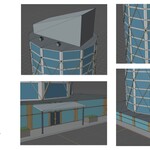
| Extras | Skybridges, fins, roof equipment, lobby canopy, optional benches, planters, shrubs and lamps |
Towers range from 12 to 100 floors, or you can let the seed pick. The generator also checks recent results and steers away from repeats.
Technical facts
- Real-world meters, origin at ground level in the middle of the plot
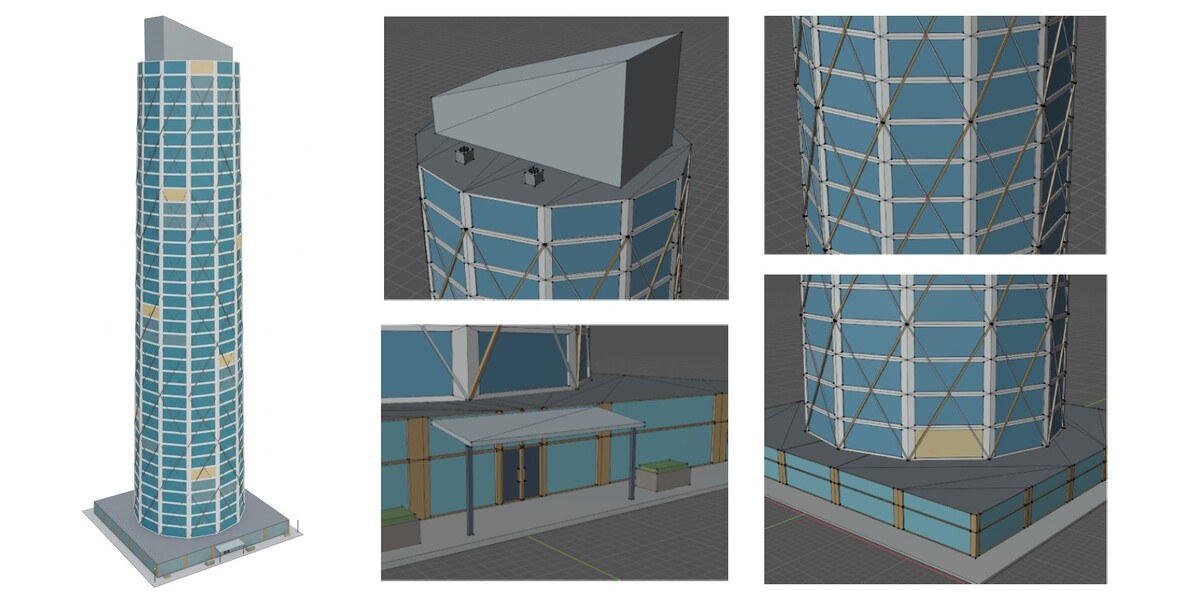
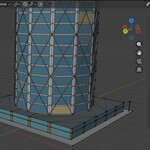
- Glazing is recessed into one connected facade skin instead of thousands of loose window boxes
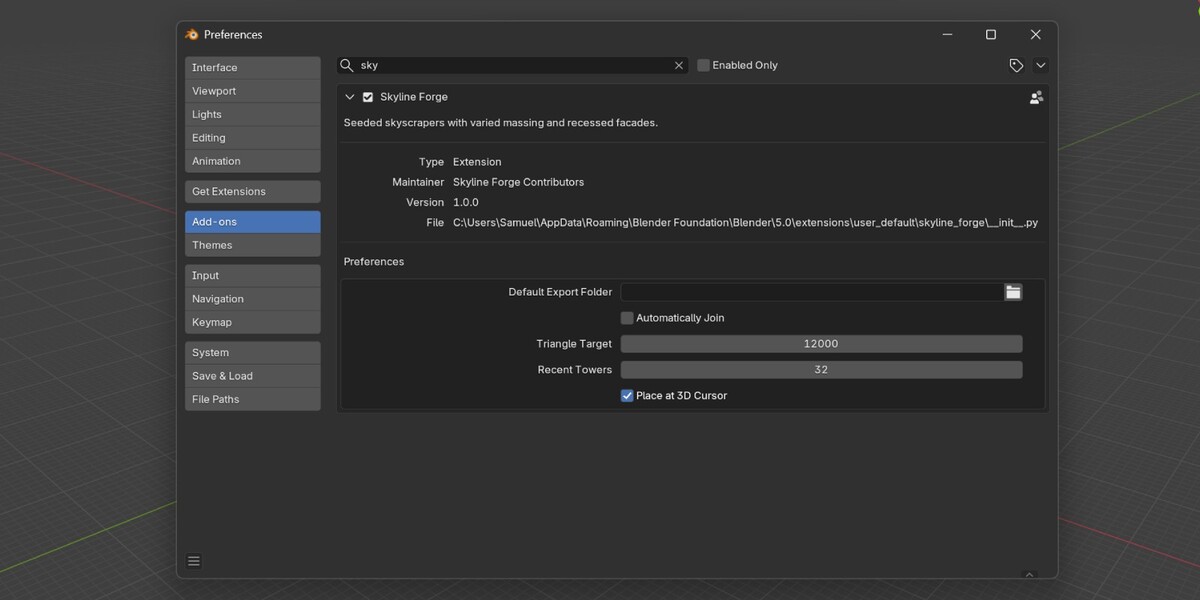
- 24,000-triangle default target, adjustable from 8,000 to 80,000, with optional details trimmed first if needed
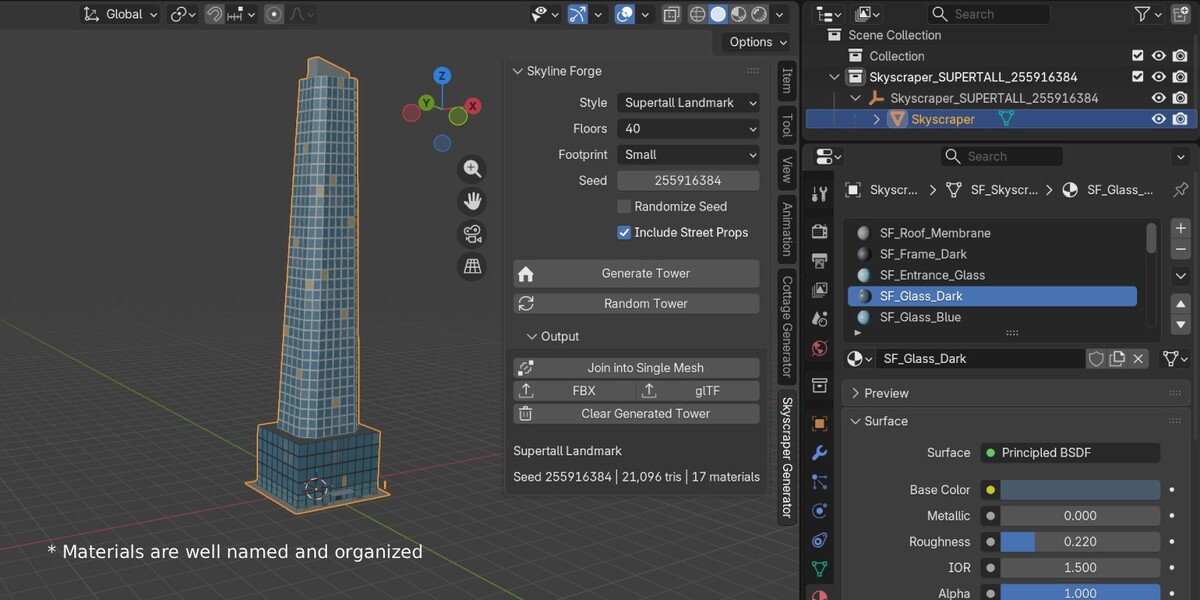
- No UVs and no image textures. Flat, color-coded materials show exactly what to texture
- Organized parent Empty with child objects, plus optional Join that keeps material slots
- One-click FBX and GLB export
- Fully offline, no third-party libraries
- Undo support, and a failed build never overwrites your current tower
Heads up: some towers may need a quick fix
Procedural generation means chance is involved. Most towers look clean, but now and then one may show a small flaw, like an overlapping piece or a detail that's slightly off. A little hands-on cleanup from you may be needed.
Randomness can also produce two towers that look alike or similar. In general, results are varied.
If you don't like a result, click Random Tower again, change the seed, or fix the small issue manually and keep the rest.
Good to know
- No interiors. This is an exterior asset, not a building you can walk into.
- Glass is an opaque colored material, since there are no rooms behind it
- Parts like podiums, crowns, and accessories are separate pieces that overlap at their joints
- Skybridges are visual only
- No collision mesh, UV layout, textures, or LODs included
- Materials are well named and ready for texturing
- Very tall or paired towers may go over a low triangle target
- Apply your own modifiers before exporting
Requirements
Blender 5.0 or newer, in Object Mode.
