Skyscraper Forge - Low Poly Buildings Generator
 Samuel Abyan
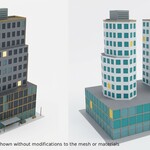
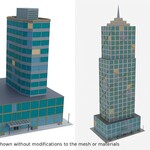
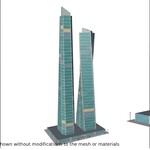
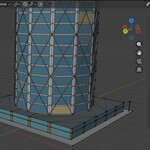
Can I add my own styles, floor plates, or crowns?
Yes, but it requires Python knowledge (or use AI). See docs/EXTENDING.md.
Can I edit a tower after generating it?
Yes. Duplicate its objects into your own collection before generating again, or the next generation may replace them.
Interiors? Can I walk inside?
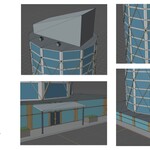
No interiors. It's an exterior asset. Glass is opaque colored glazing, since there are no rooms behind it.
Is it game-ready?
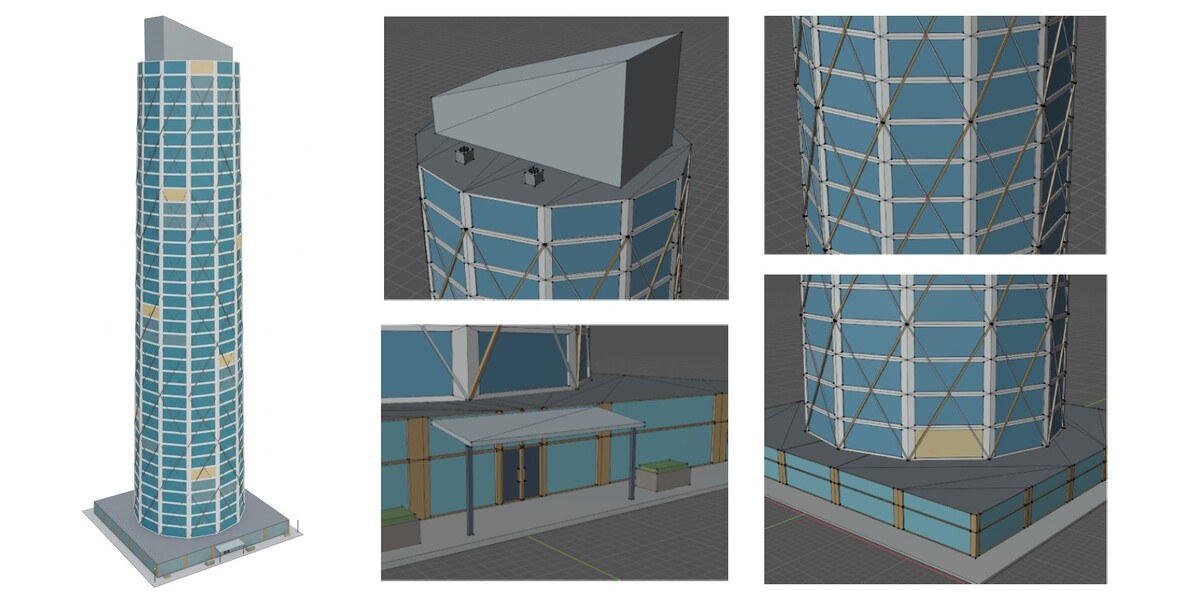
Meshes are low-poly, real-world scale, with the origin at ground level and transforms applied. Materials are split for texturing, not optimized for draw calls, so merge or atlas them for your final pipeline. No collision mesh or LODs are included.
How many triangles does a tower have?
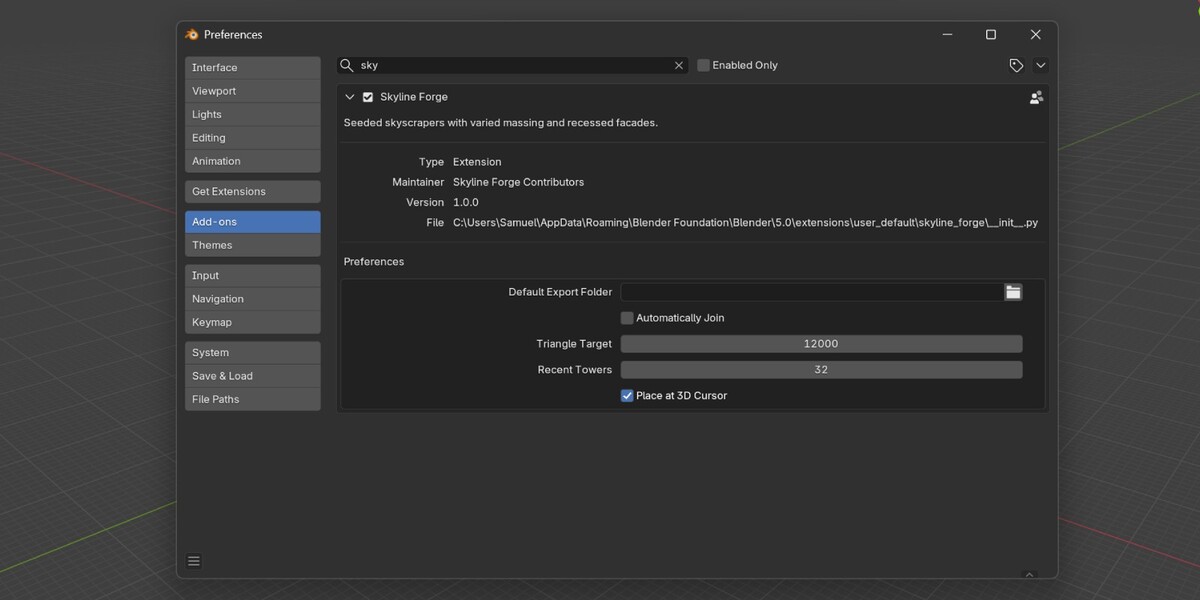
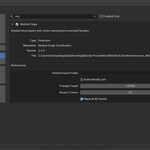
About 24,000 by default. You can set a target from 8,000 to 80,000 in Preferences. A lower target makes facade bays wider. Very tall or paired towers may exceed a low target.
How do I recreate a tower I like?
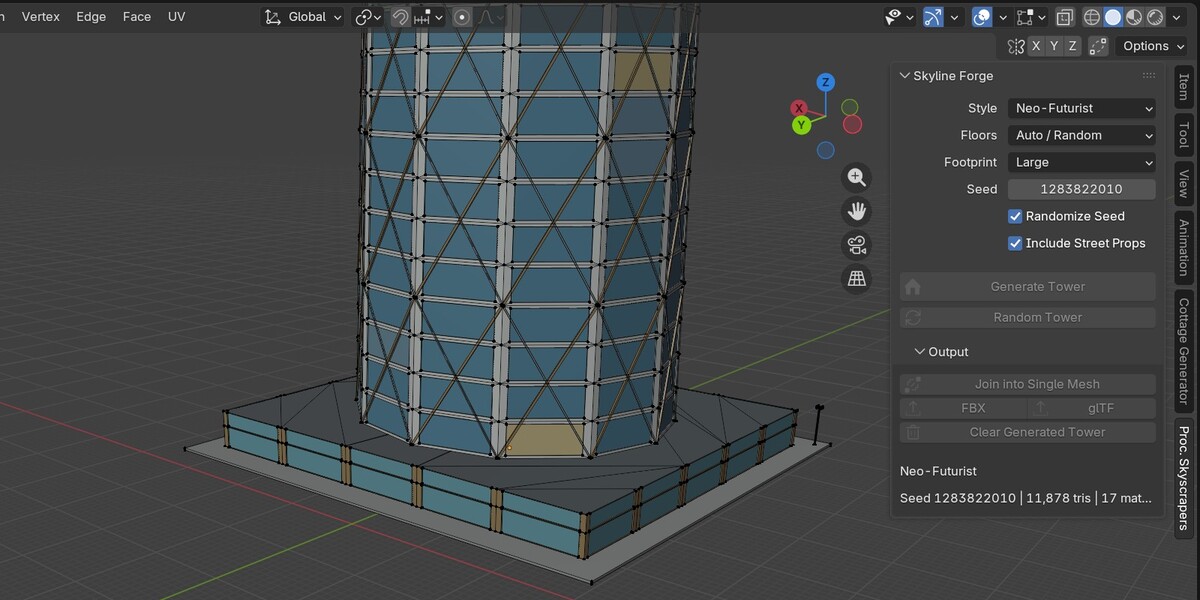
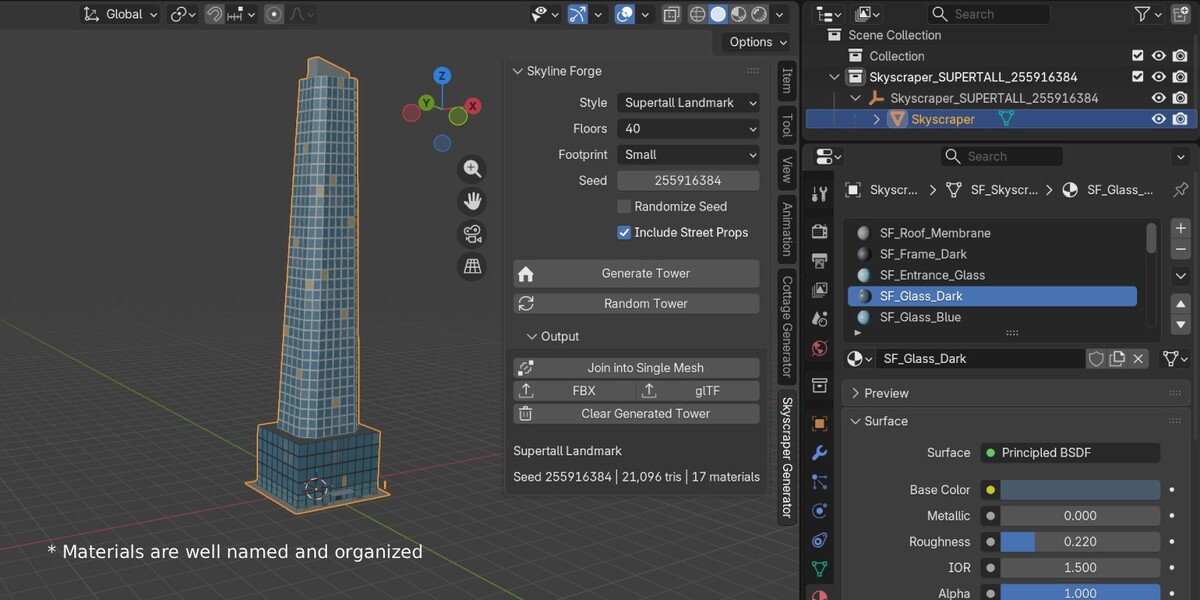
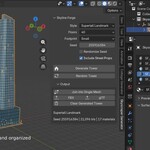
Note the seed, Style, Floors, Footprint, and Include Street Props. Enter them, turn off Randomize Seed, and click Generate Tower. Use the same add-on version and triangle target for identical results.
Will every tower be different?
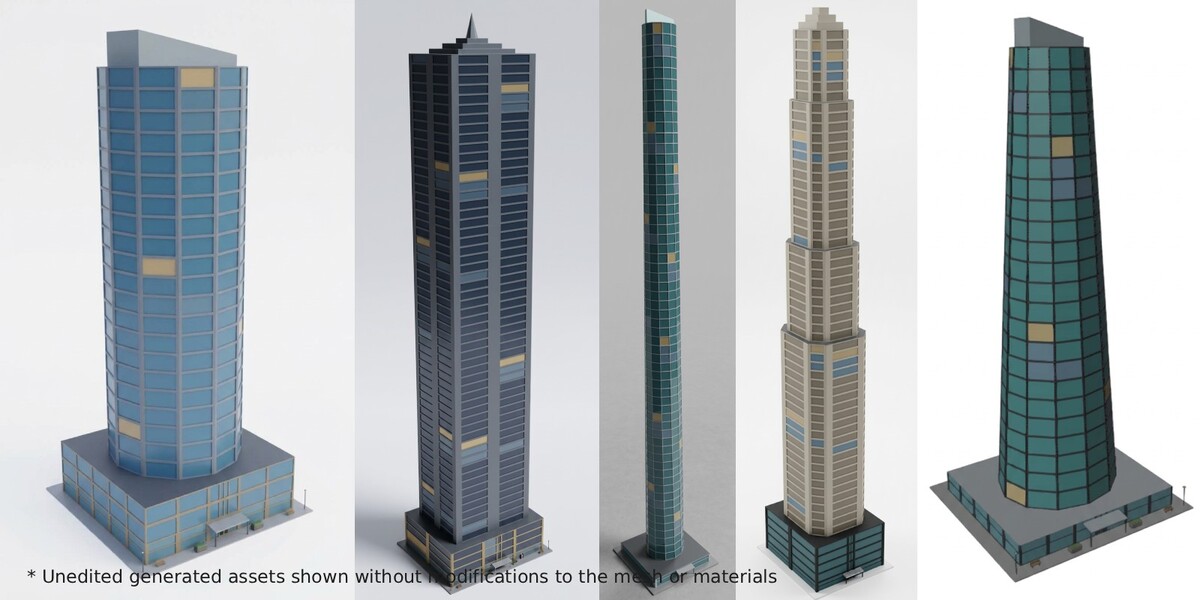
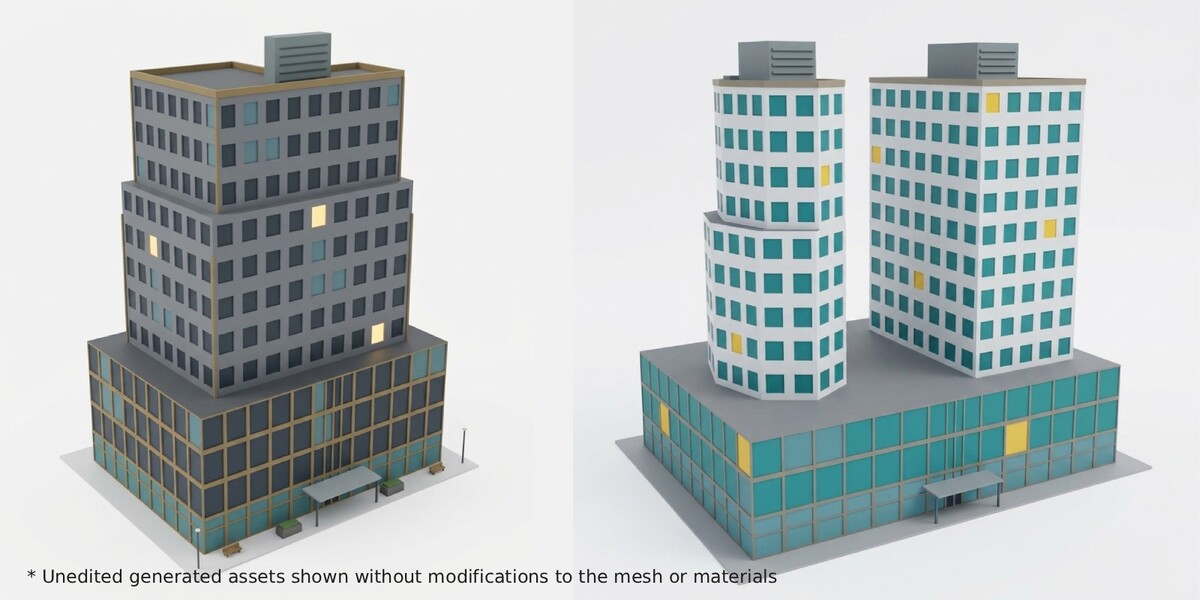
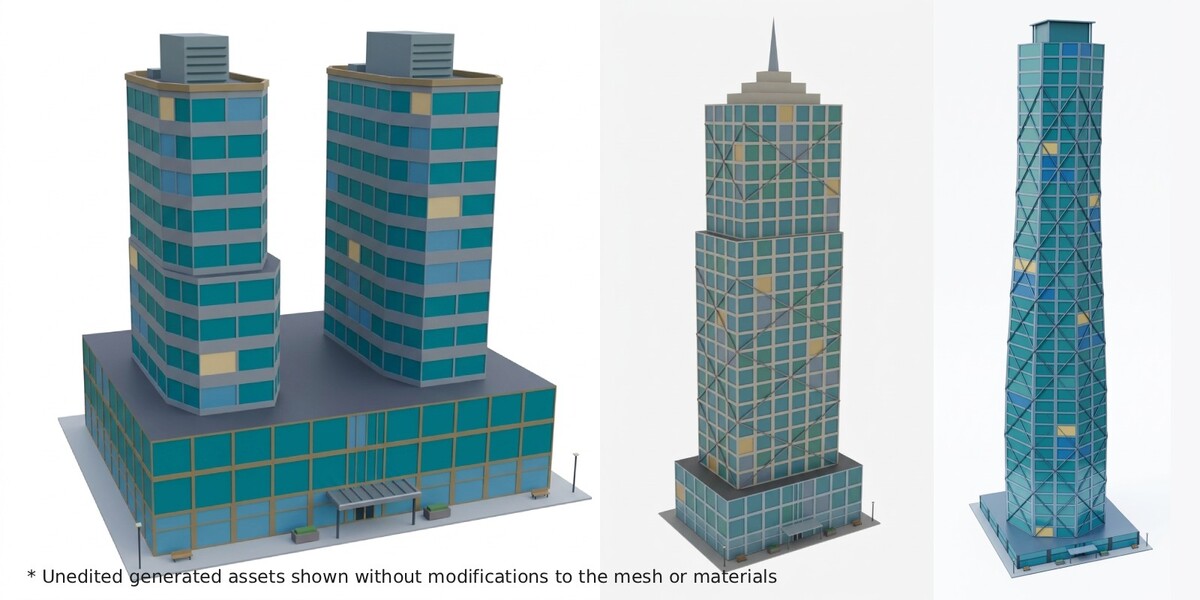
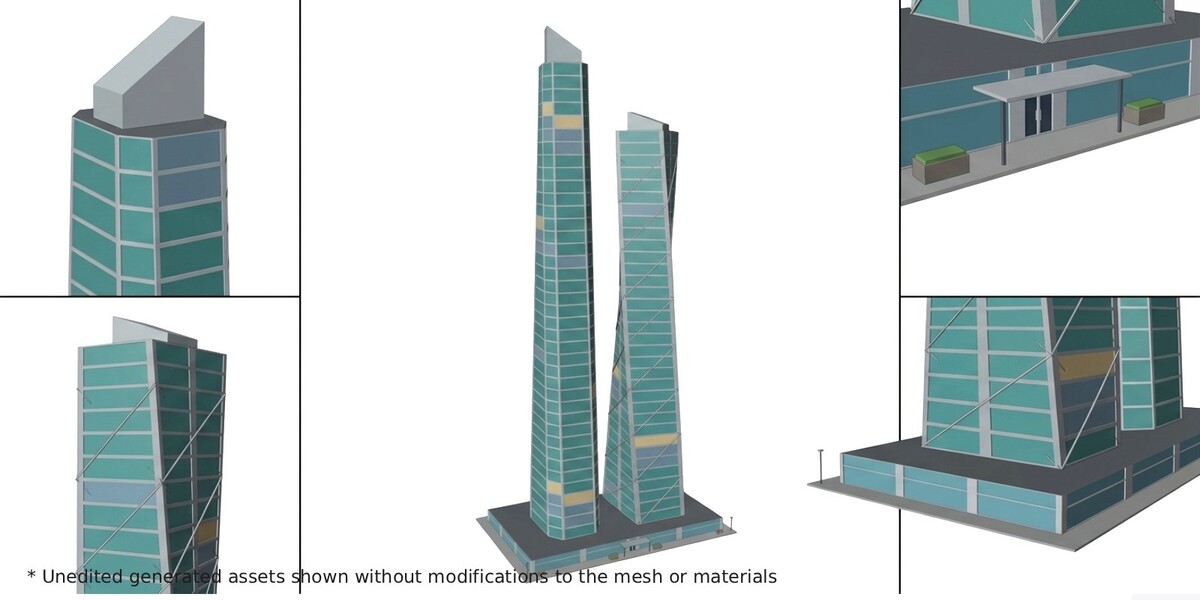
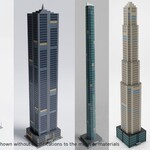
Generally, yes. Each tower is built from many random choices (massing, floor plate, facade, crown, details), and the generator steers away from recent near-duplicates. But it's randomized, so you may occasionally get towers that look alike or similar. Click Random Tower again or change the seed.
Does it include textures or UVs?
No. Every part has a flat, color-coded material so you can see what to texture. UV unwrapping and texturing are up to you.
$19
Have questions about this product?
Login to message
| Blender Extension Compatible | Yes |
| Published | 1 day ago |
| Blender Version | 5.0 - 5.2 |
| Extension Type | Add-on |
| License | GPL |

Discover more products like this
procedural Level Design game ready building low poly addon skyscraper Generator city modular