 blueish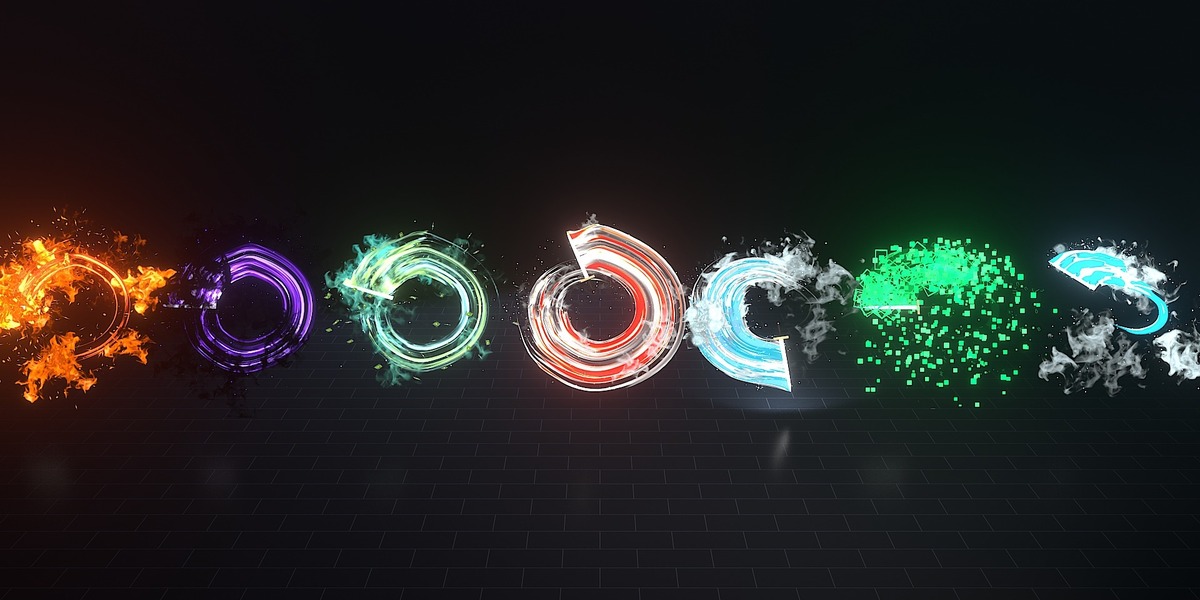
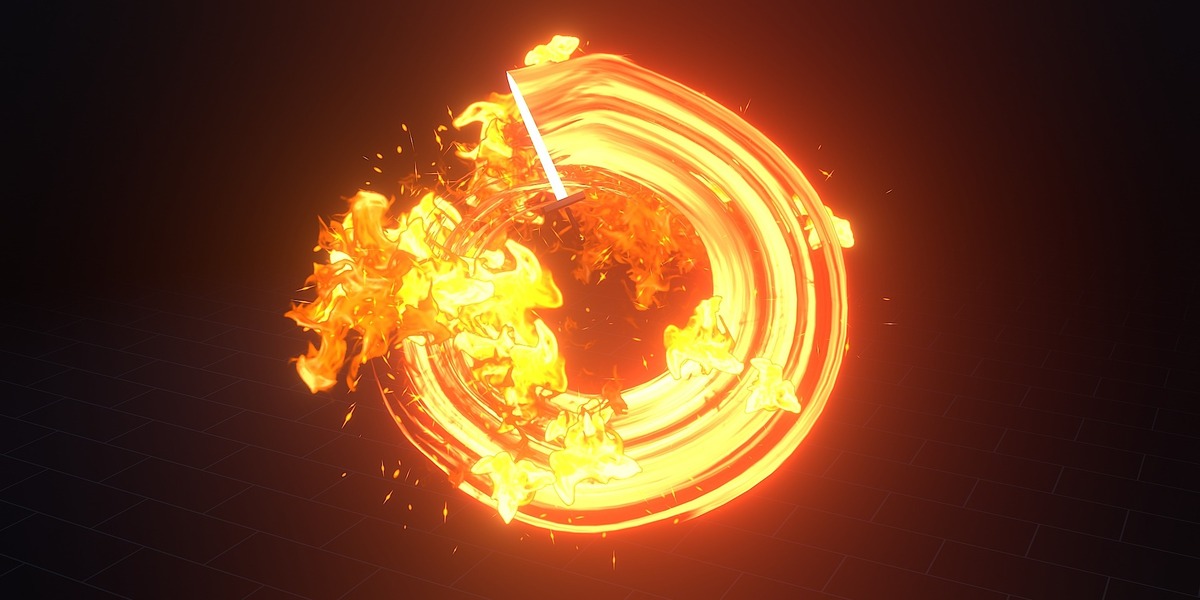
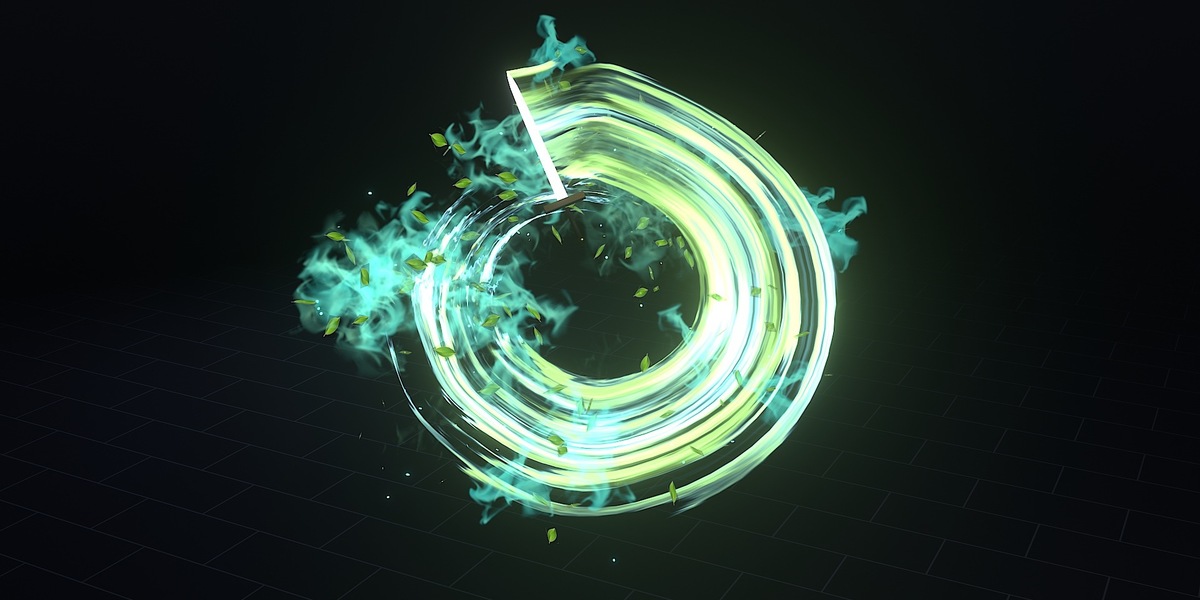
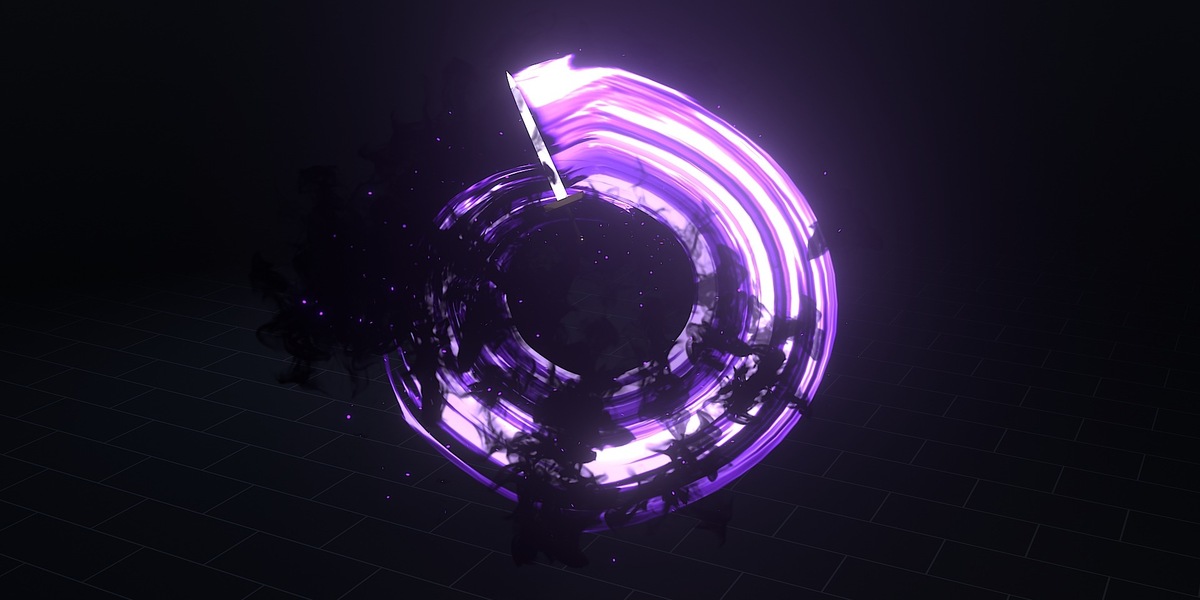




Slash trails that follow your sword
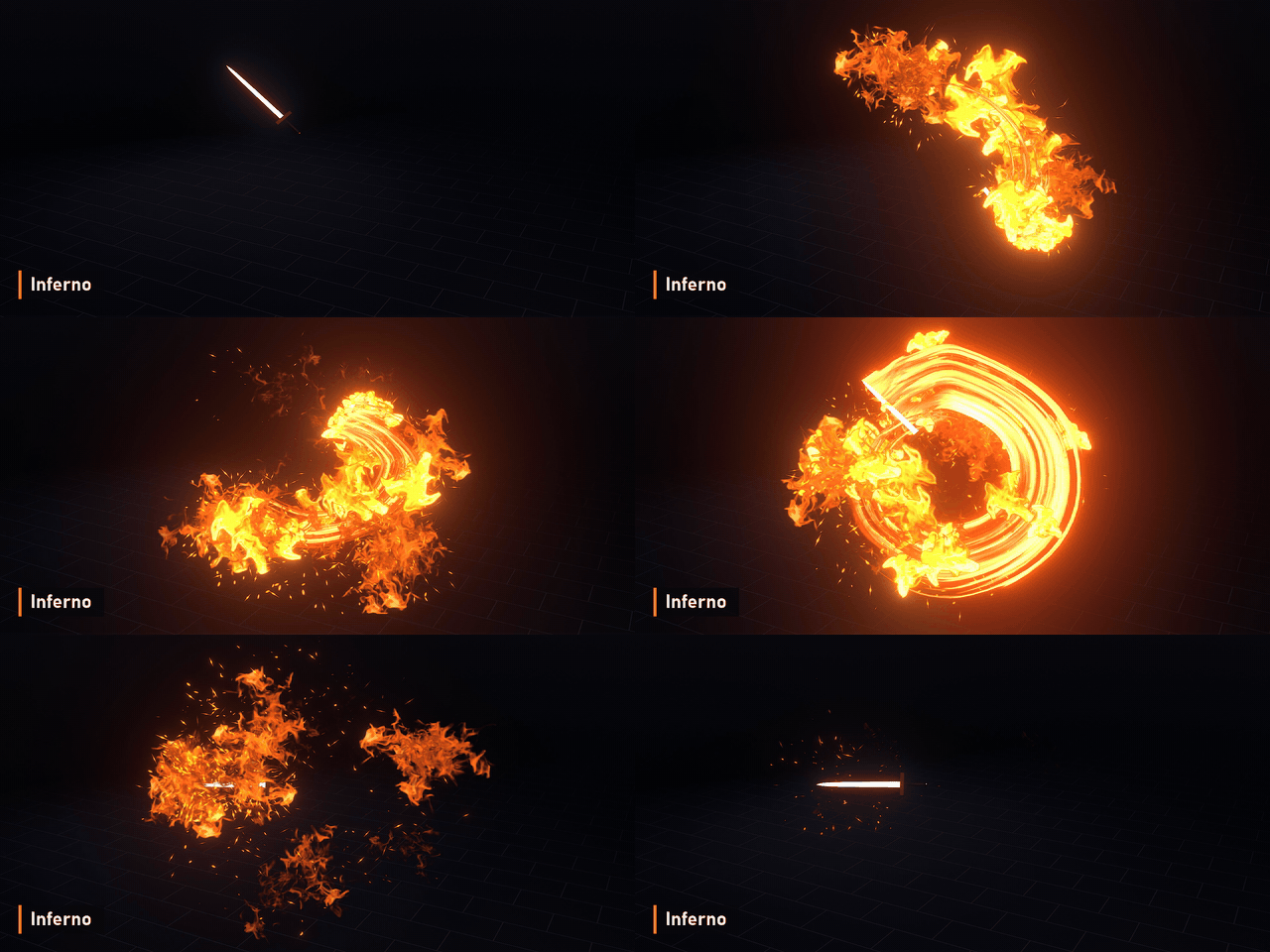
Point the trail at any sword, mark its cutting edge, and animate. Slash Trails Pack builds the swing ribbon, sparks and smoke from the blade's real motion, so every slash, spin and combo gets a matching trail. No add-ons, just Geometry Nodes. Every clip on this page is a real Eevee render.
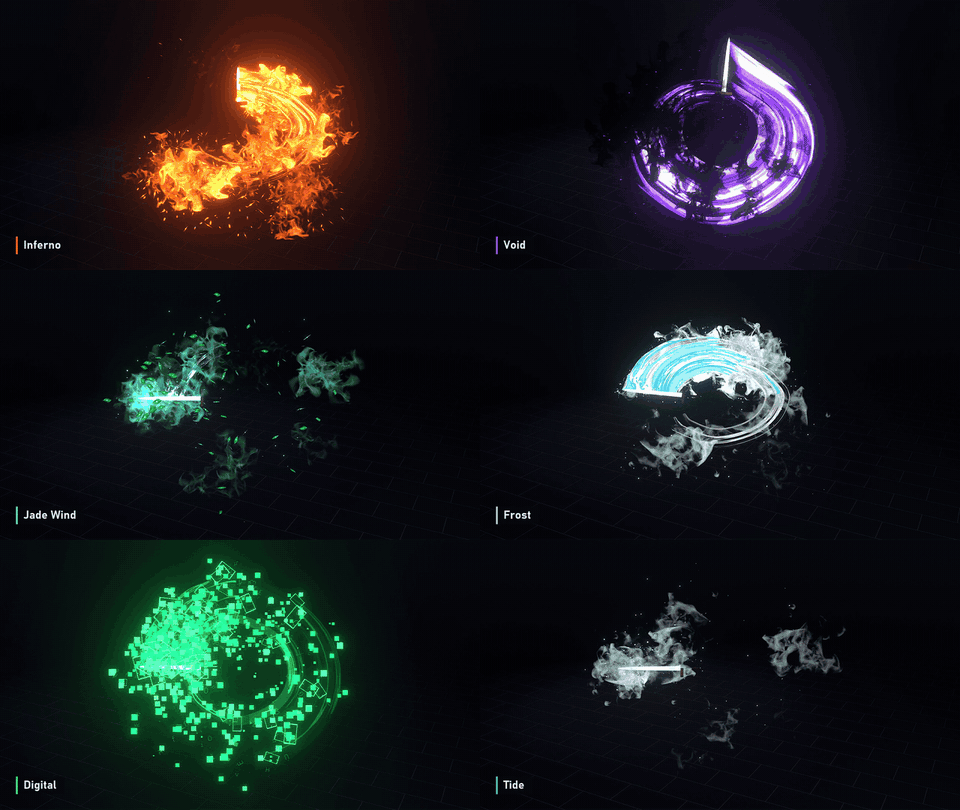
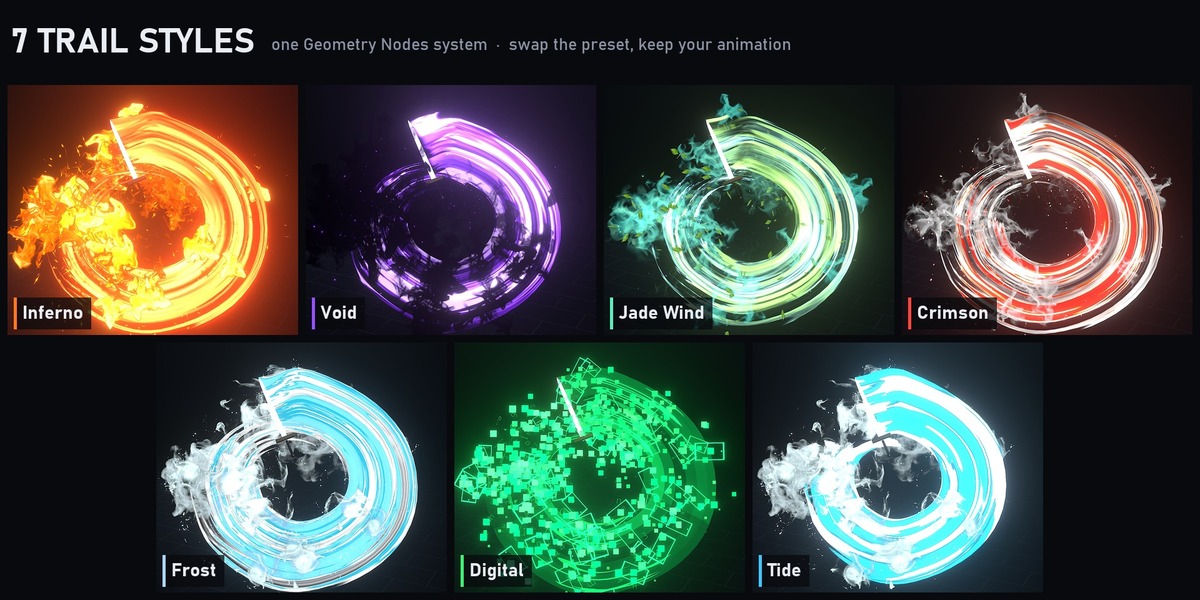
7 styles
- Inferno: roaring fire ribbons with embers.
- Void: violet energy with dark smoke and bats.
- Jade Wind: teal wind ribbons with drifting leaves.
- Crimson: white-hot arcs with a red core and grey smoke.
- Frost: pale ice ribbons with white mist.
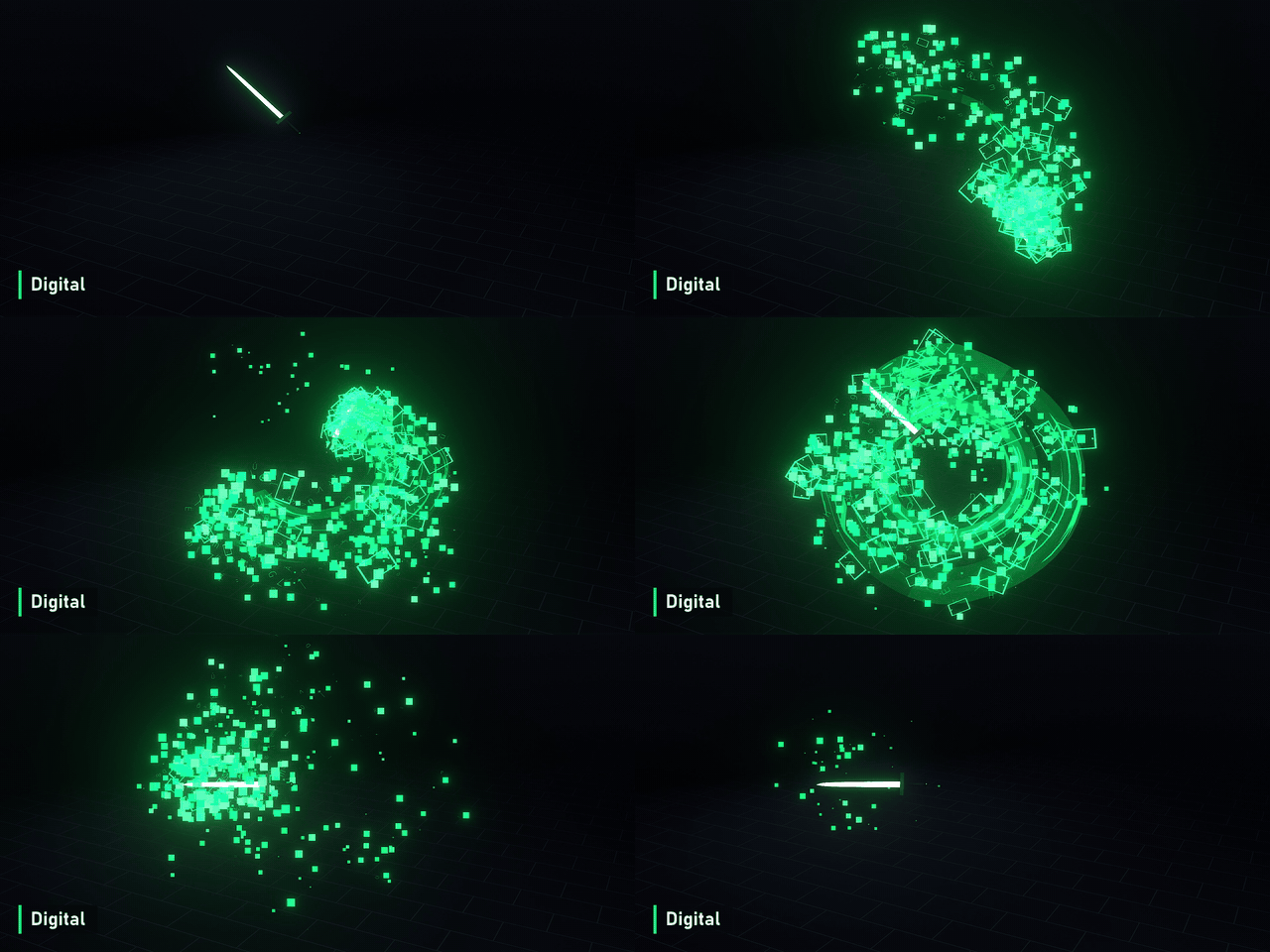
- Digital: green data ribbons breaking into pixel squares.
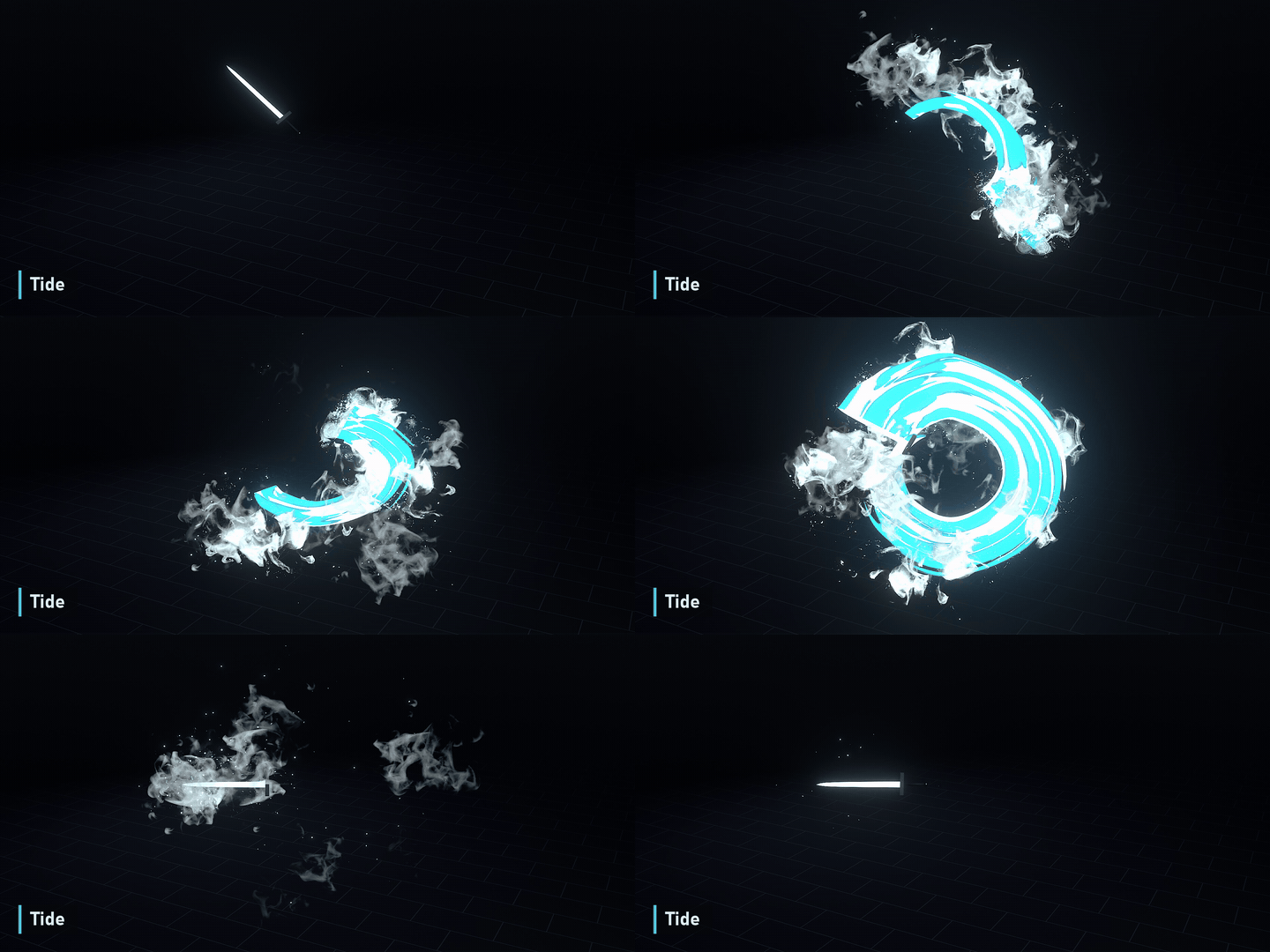
- Tide: saturated aqua bands with sea spray.
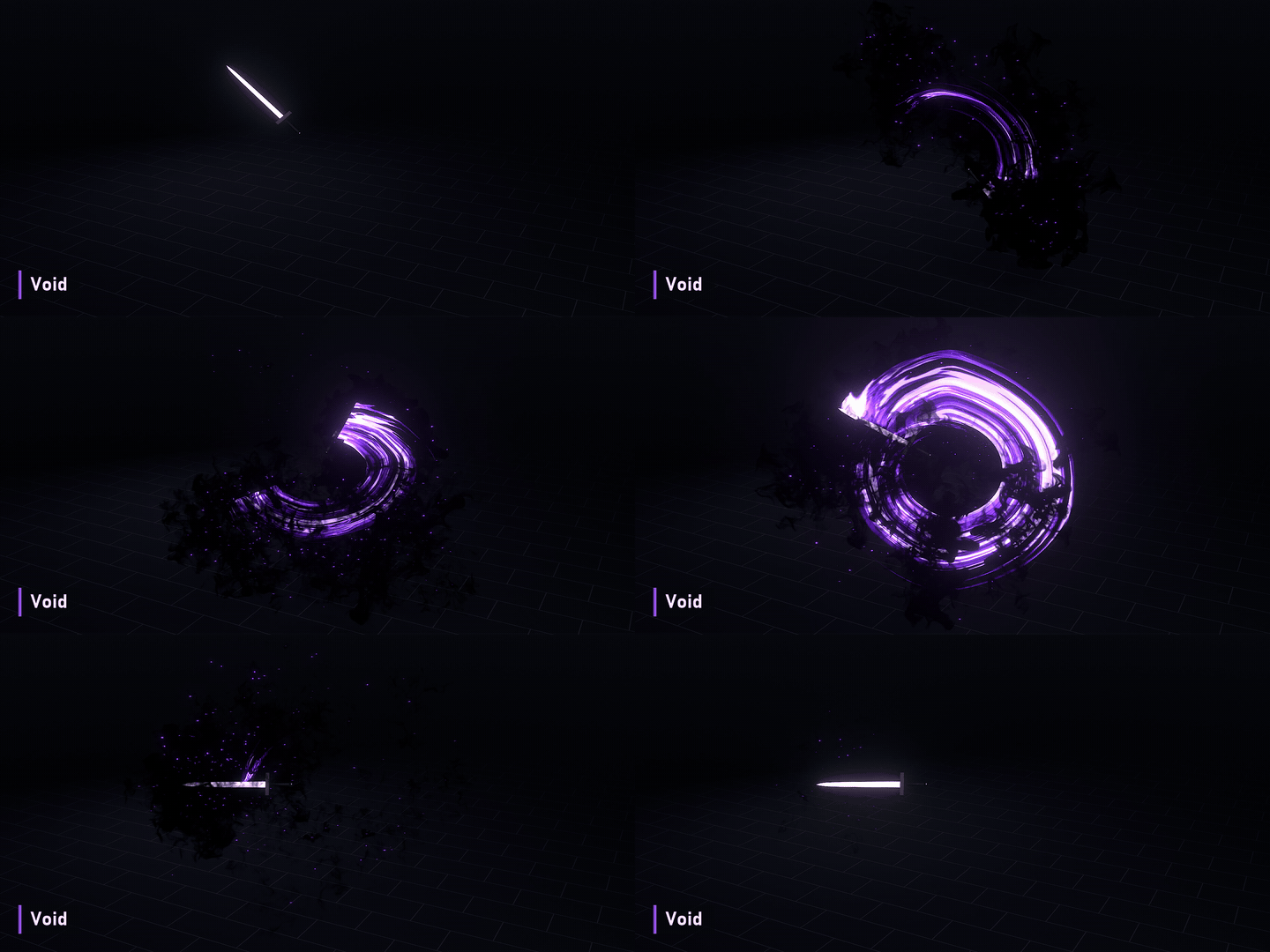
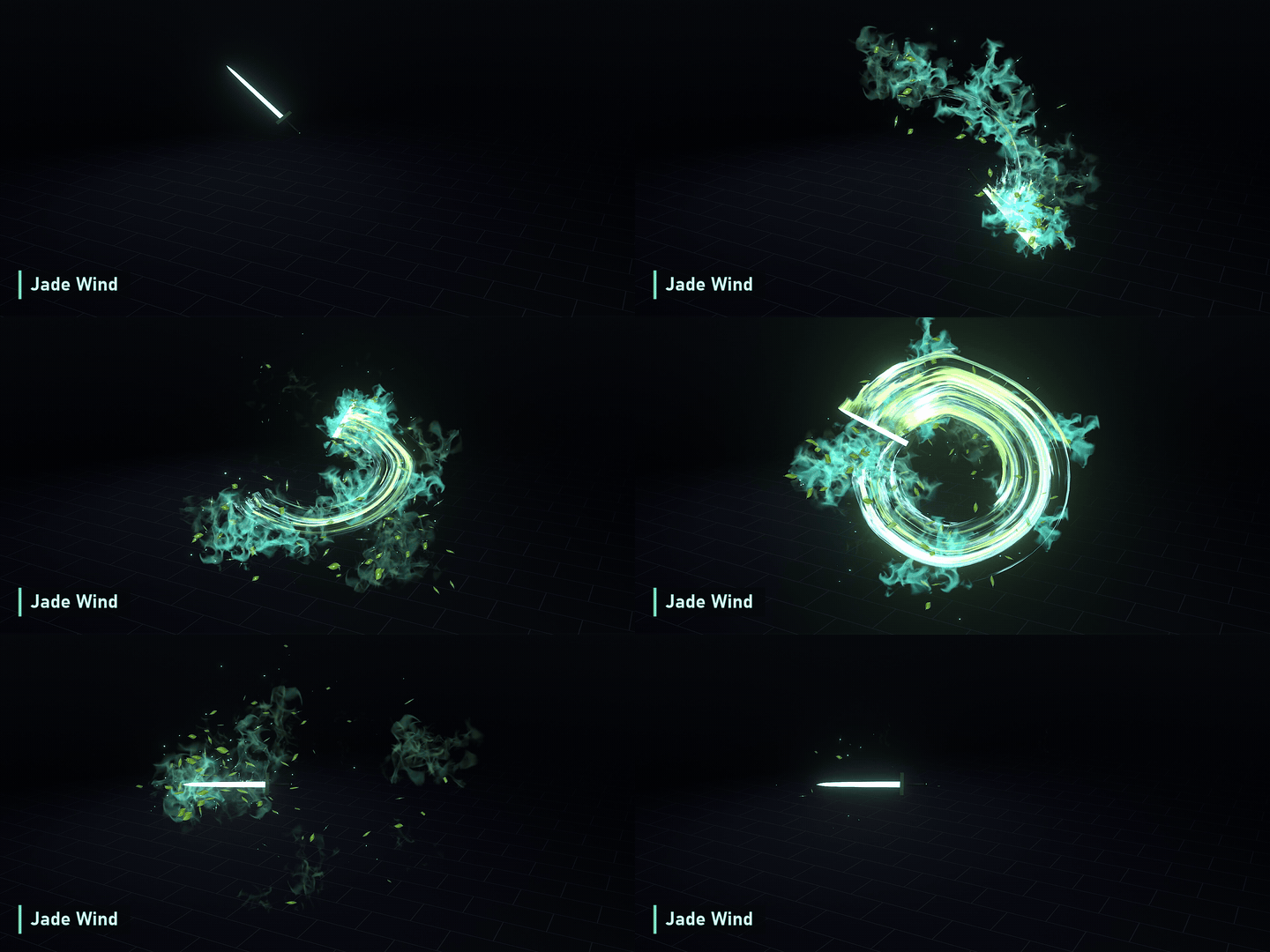
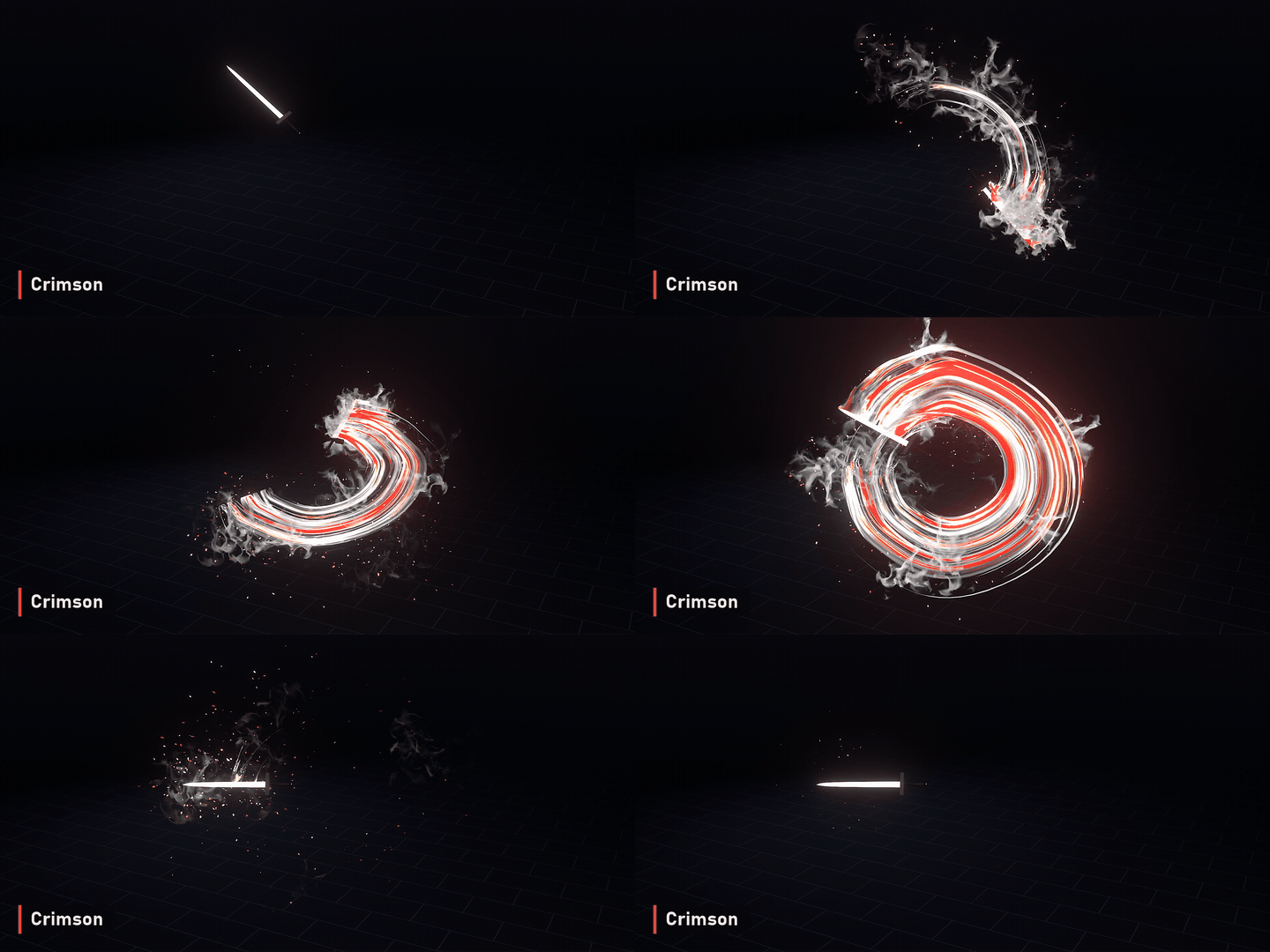
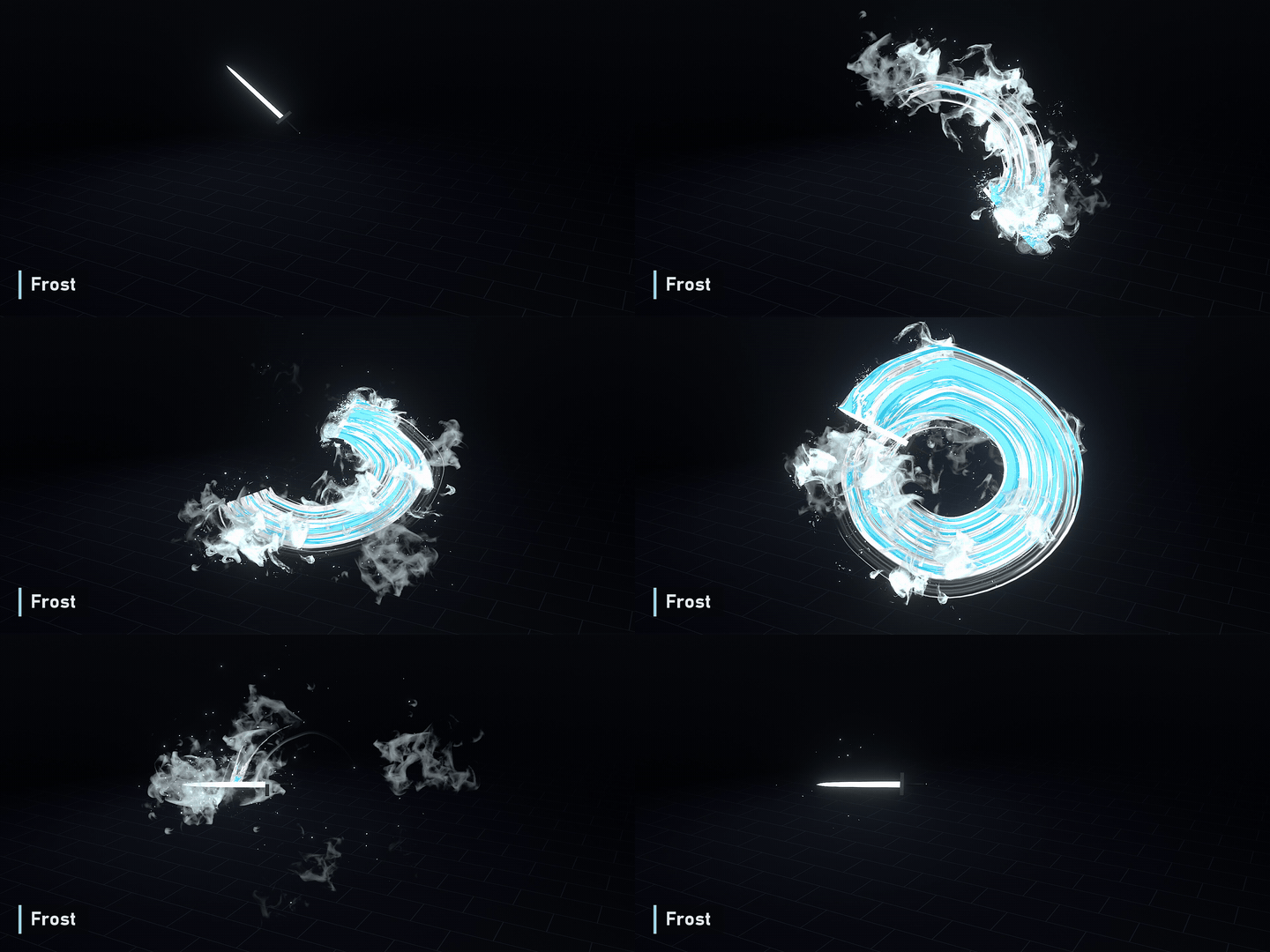
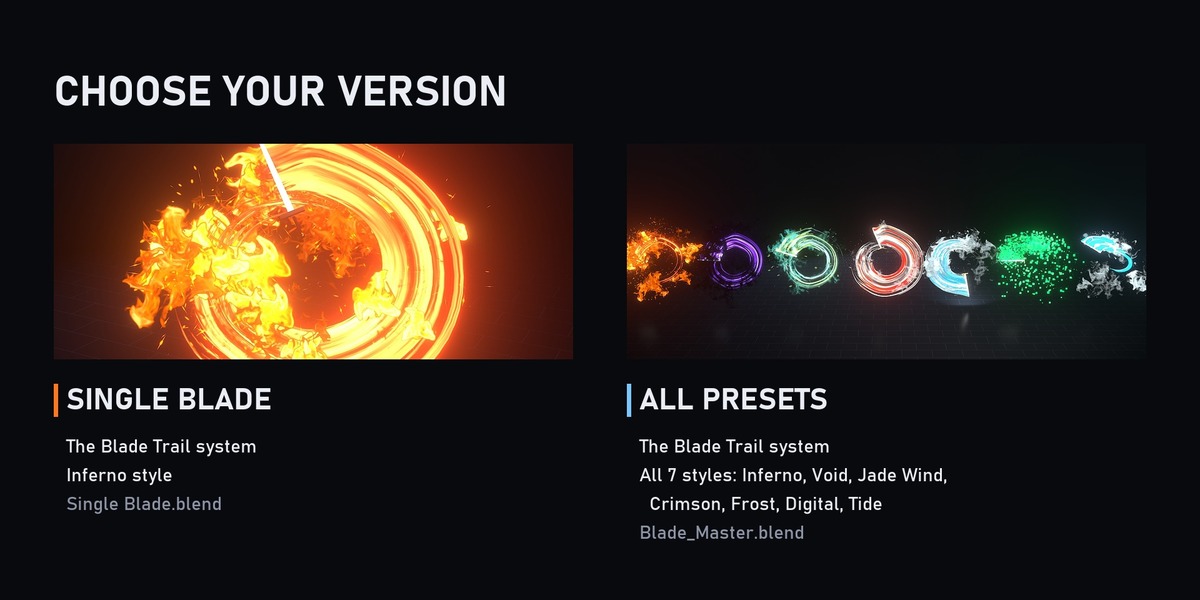
Choose your version
- Single Blade: the Blade Trail system with the Inferno style (Single Blade.blend).
- All Presets: the Blade Trail system with all 7 styles (Blade_Master.blend).
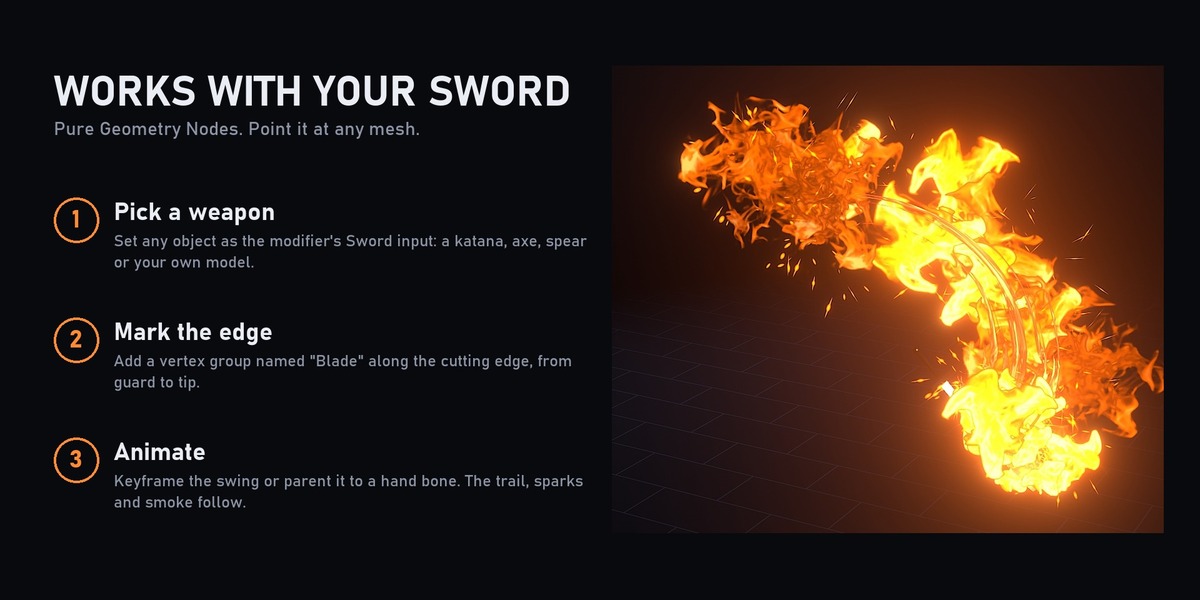
Works with your sword
- Set any object as the modifier's Sword input: katana, axe, spear or your own model.
- Add a vertex group named Blade along the cutting edge, from guard to tip.
- Animate the swing (or parent the weapon to a hand bone). The trail follows.
Controls on the modifier
- Trail: on/off, lifetime (MaxAge), resolution, curve type, material.
- Sparks: count, lifetime, velocity, rotation mode, scale, material.
- Particle layers 1 and 2 (smoke, leaves, bats, pixels): count, lifetime, velocity, rotation mode (align to velocity / face camera), scale, material.
- Swap the materials to make your own style.
How to use
- Open the .blend and select a Blade_FX object.
- Replace the sword or keep the included one, and animate it.
- Before rendering, bake the simulation: Physics properties > Simulation Nodes > Bake All. For a viewport preview, just play from frame 1.
- Render in Eevee.
Requirements
- Blender 5.2 or newer
- Eevee
The longsword and combo animation in the clips were made for the showcase renders; the files include the trail system and its styles.