Slash Trails Pack
 blueish
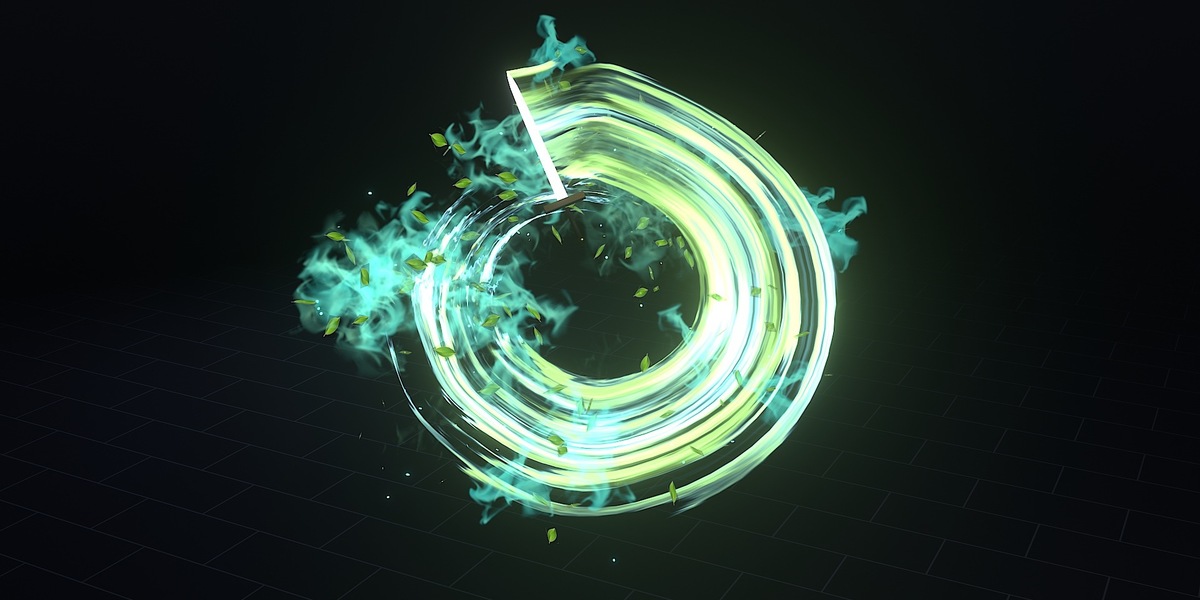
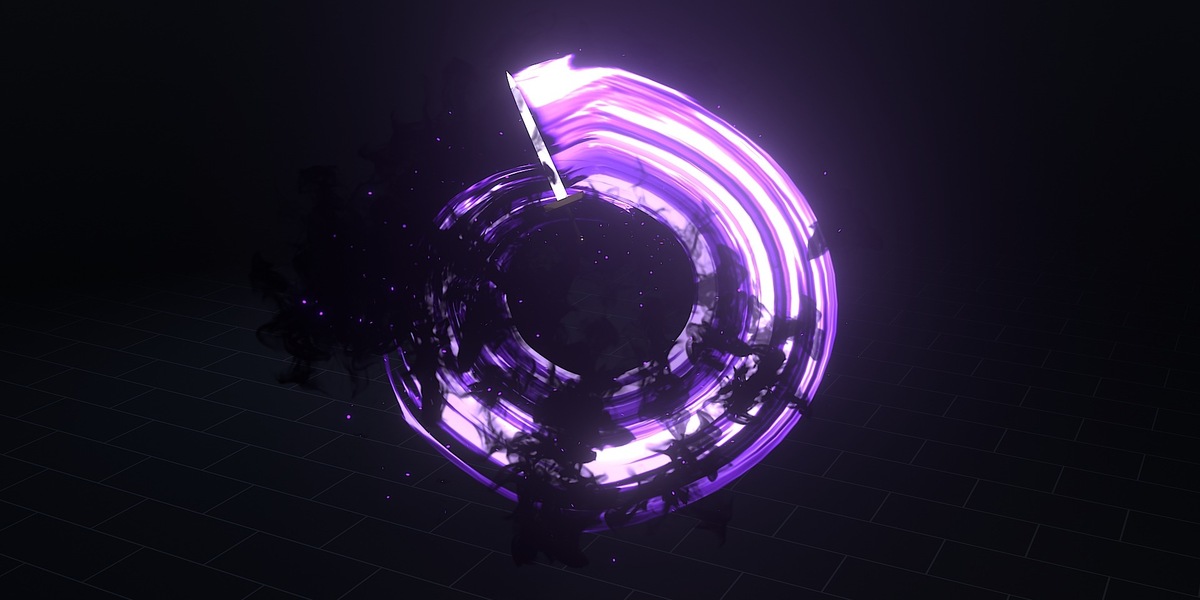

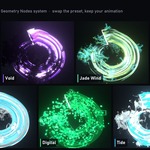



Works with your sword
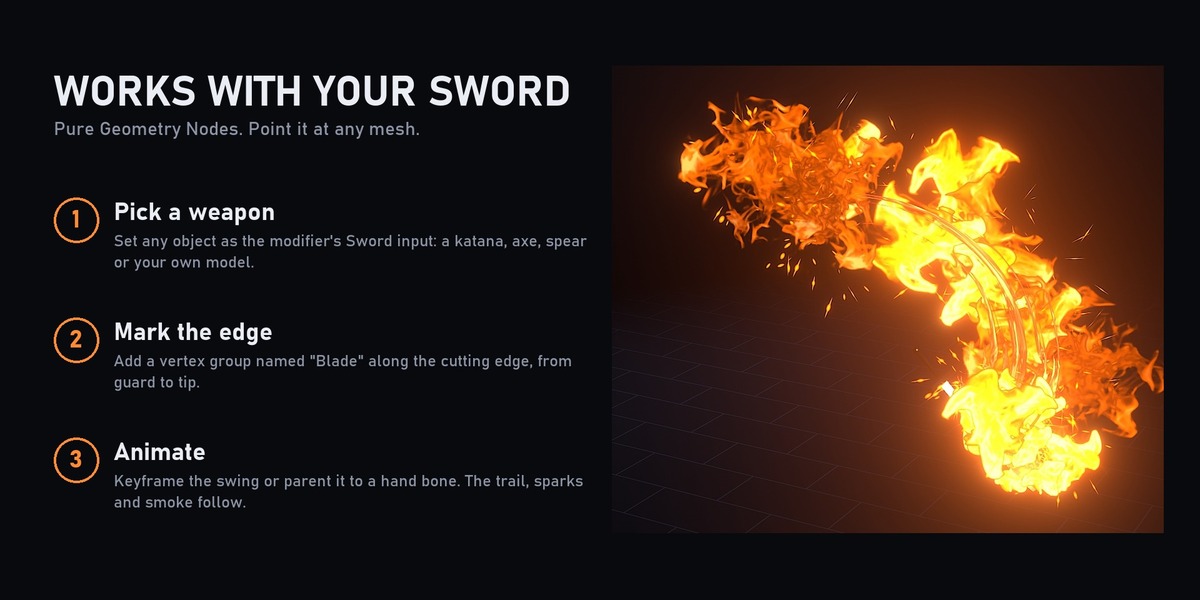
- Set any object as the modifier's Sword input: katana, axe, spear or your own model.
- Add a vertex group named Blade along the cutting edge, from guard to tip.
- Animate the swing (or parent the weapon to a hand bone). The trail follows.
Controls on the modifier
- Trail: on/off, lifetime (MaxAge), resolution, curve type, material.
- Sparks: count, lifetime, velocity, rotation mode, scale, material.
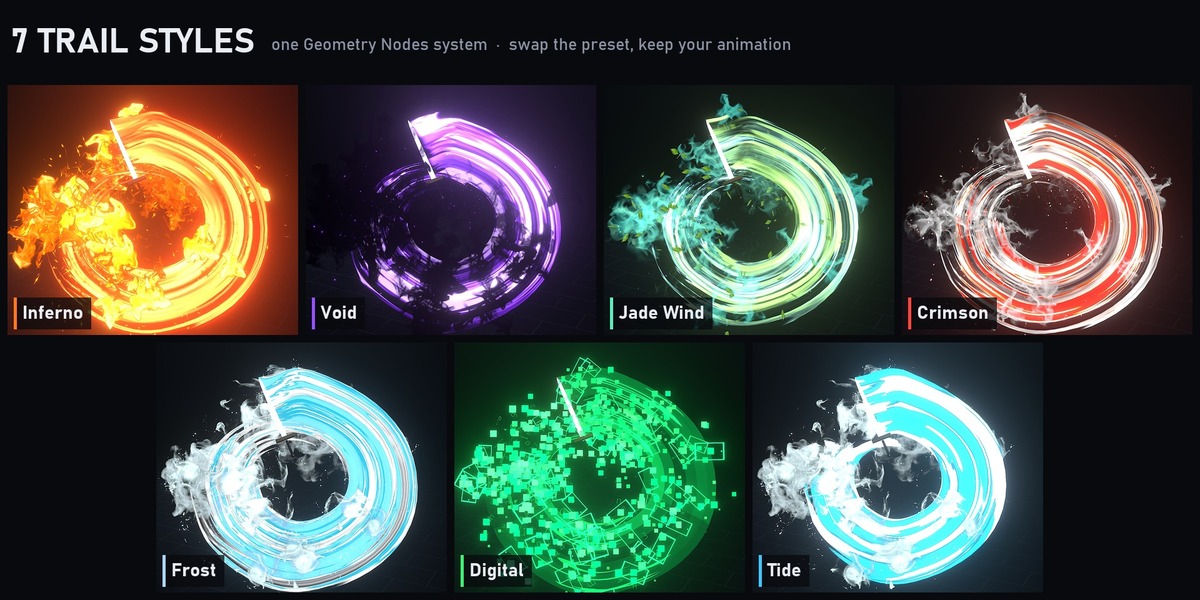
- Particle layers 1 and 2 (smoke, leaves, bats, pixels): count, lifetime, velocity, rotation mode (align to velocity / face camera), scale, material.
- Swap the materials to make your own style.
How to use
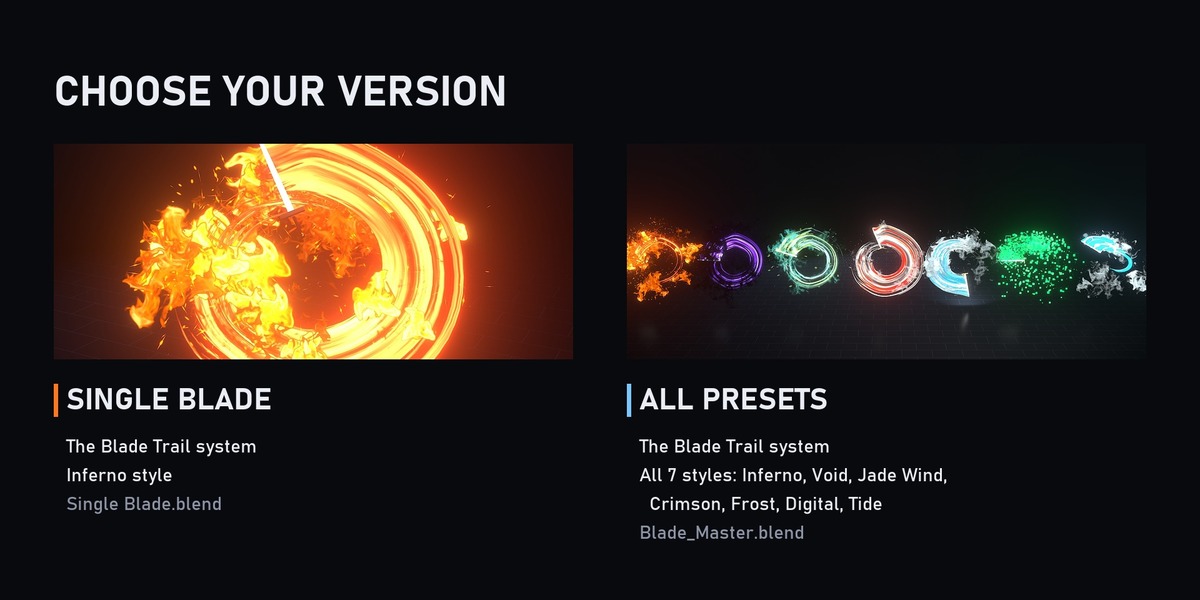
- Open the .blend and select a Blade_FX object.
- Replace the sword or keep the included one, and animate it.
- Before rendering, bake the simulation: Physics properties > Simulation Nodes > Bake All. For a viewport preview, just play from frame 1.
- Render in Eevee.
Requirements
- Blender 5.2 or newer
- Eevee
Have questions about this product?
Login to message
| Published | 5 months ago |
| Blender Version | 5.2 |
| Render Engine Used | Eevee |
| License | Royalty Free |