 Wolfram Kampffmeyer



Turn 3D Models into Sliceform Sculptures, Pop-Ups & Laser-Cut Art
Compatible with Blender 5.1
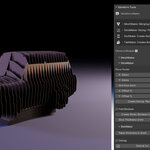
wk_sliceformPopUp is a powerful Blender add-on that transforms any 3D mesh into a sliceform structure – a physical model made of intersecting flat slices.
These sliceforms can be folded flat like pop-up cards or assembled into large-scale sculptures using paper, wood, cardboard or even metal.
Whether you're designing interactive pop-up cards, rapid prototypes, or intricate design objects – wk_sliceform gives you full control over slicing, slotting, and layout with just a few clicks.

Whether you're working in paper, cardboard, plywood, or metal – wk_sliceform helps you design laser-cutter-ready models directly inside Blender.

This add-on is built for:
-
Makers using laser cutters or plotters
-
Designers and educators prototyping in 3D
-
Artists creating sculptural sliceforms
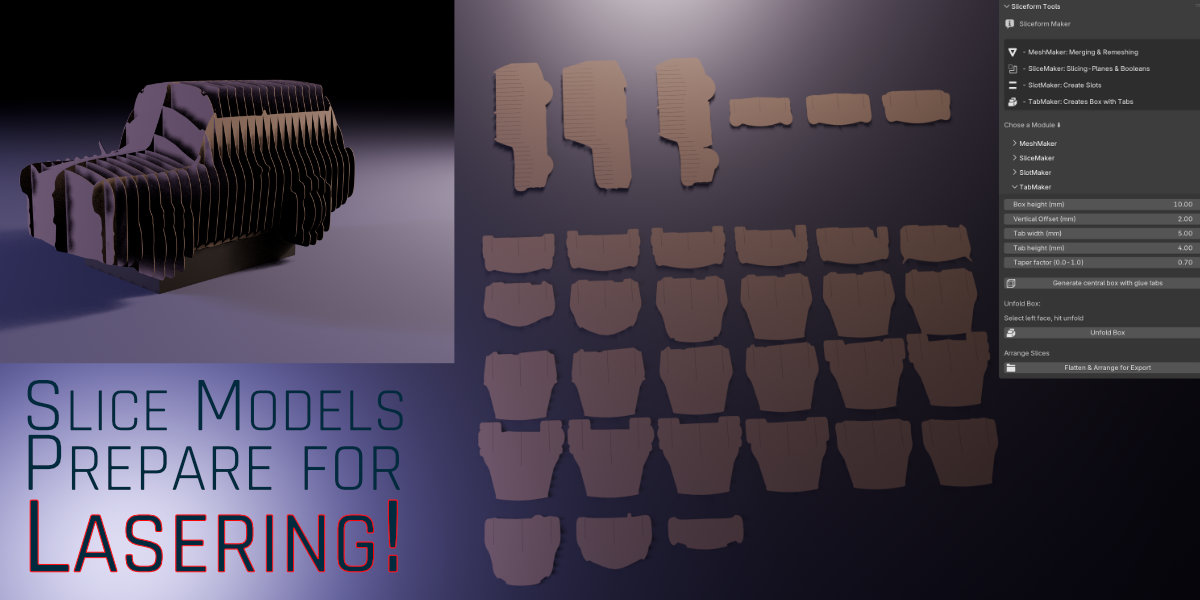
The result: clean, numbered slice parts for fast assembly, ready to export as SVG and edit in any vector software.
Updates in 1.5.0
- Most important buttons now in red for clearer UI
- Renamed "Debug" checkbox to "Step by Step"
- When "Step by Step" is on, you now can reverse the red and blue boolean Cubes. So slots are reversed. Helps for overhangs so parts don't fall down.
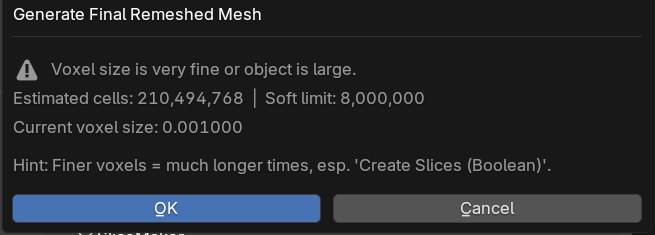
- Meshmaker warns if Voxel settings are too fine
- If your source object has rotation or scale, it's applied automatically
- Slices are placed better on source objects which have their Pivots off
Features
wk_sliceformPopUp Includes Four Powerful Modules
MeshMaker – Prepare and Clean Your Mesh
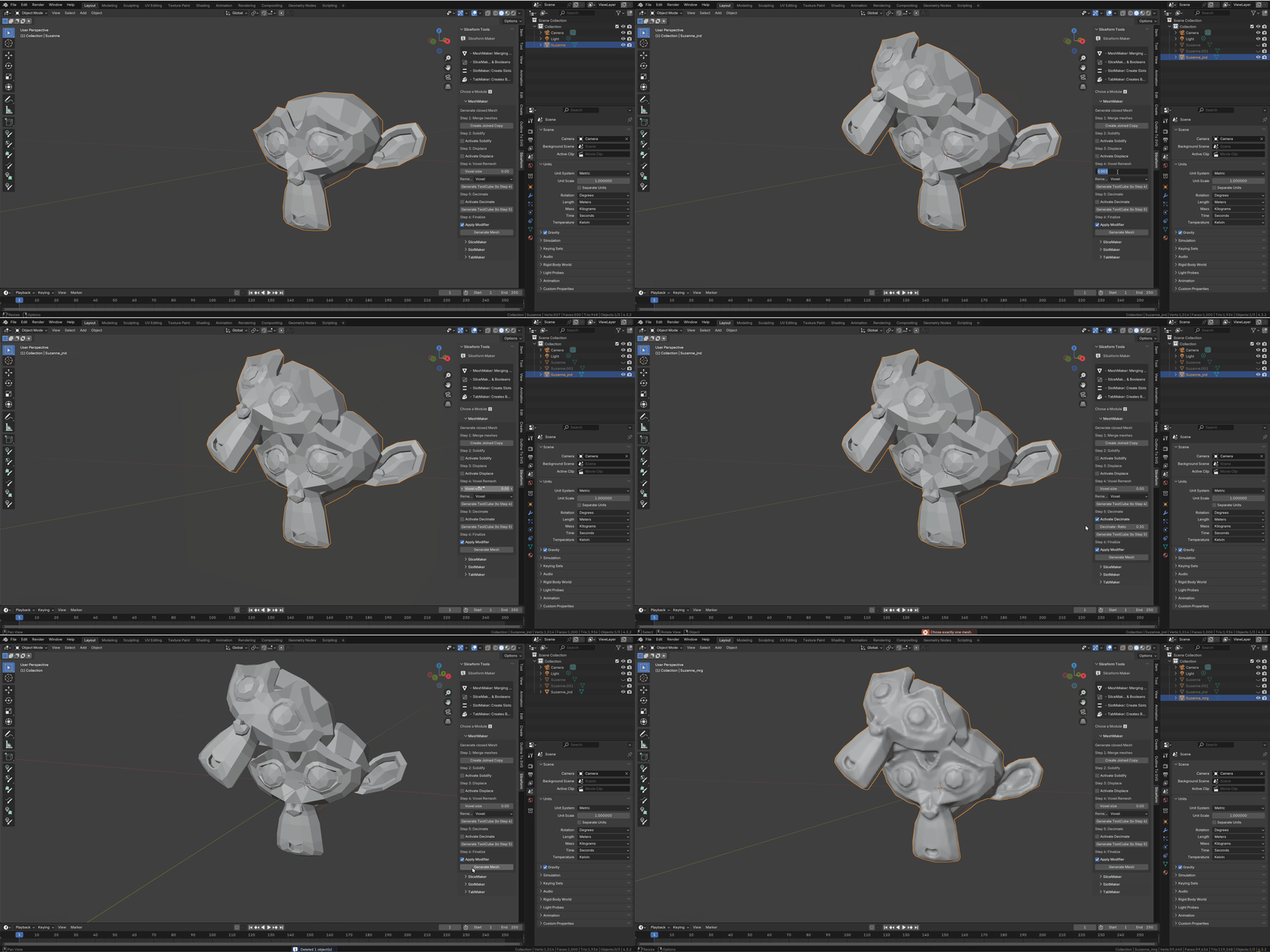
Complex models often need cleanup before slicing. MeshMaker combines multiple objects into one and uses voxel remeshing to close holes and ensure watertight geometry. You can control voxel size for quality vs. performance, and use Solidify/Displace to fix thin or leaky surfaces.
SliceMaker – Cut Clean Slices
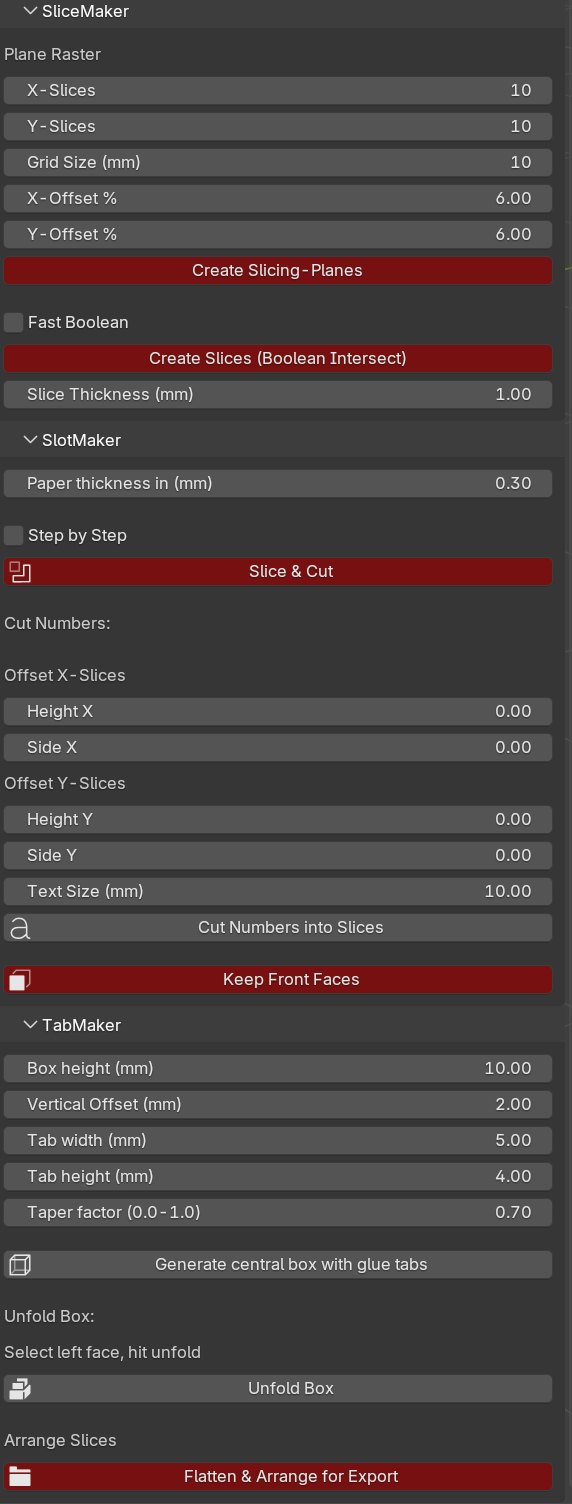
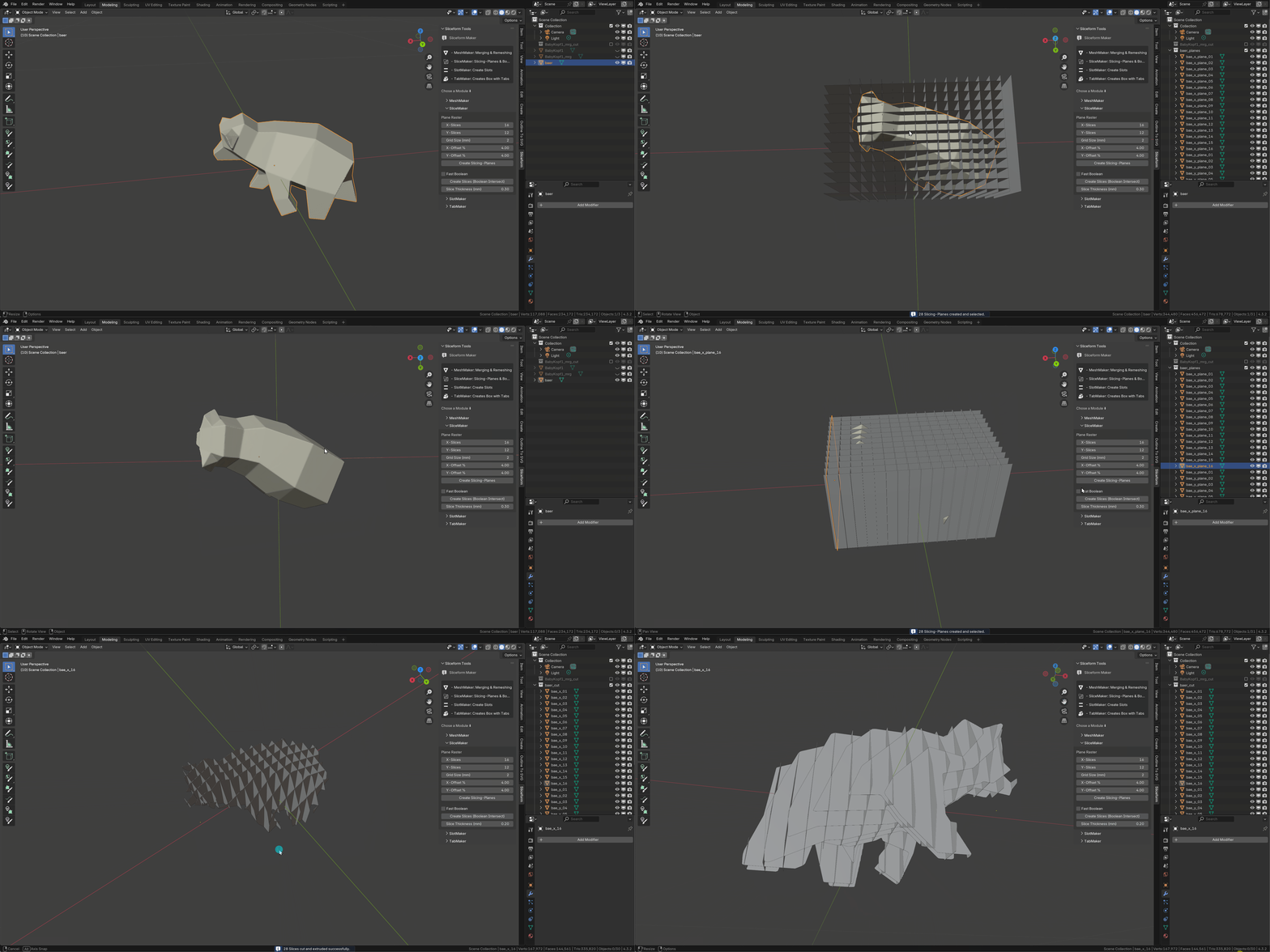
Define a slicing grid: how many slices in X and Y, how much to offset from the object's boundary. This module creates cutting planes and uses boolean operations to generate accurate "slice pieces" of your model – ready for the next step, cutting slots into the slices.
SlotMaker – Create Perfect Joinery
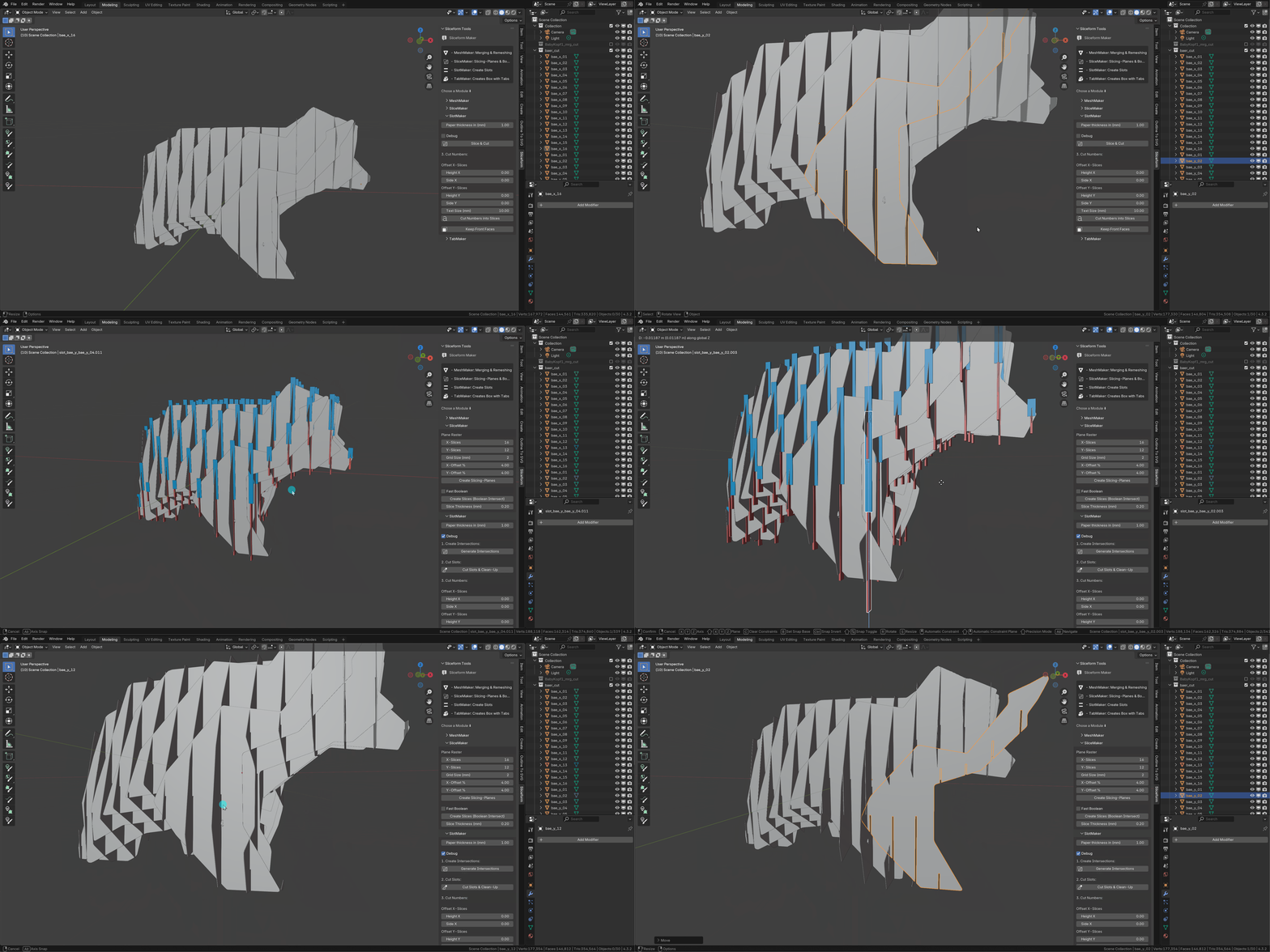
Simply enter your material thickness (e.g. 1.5 mm for cardboard) and click “Slice & Cut”. SlotMaker automatically adds interlocking slots so slices fit together cleanly. For complex shapes or overhangs, you can enable Debug Mode to adjust the slot geometry manually.
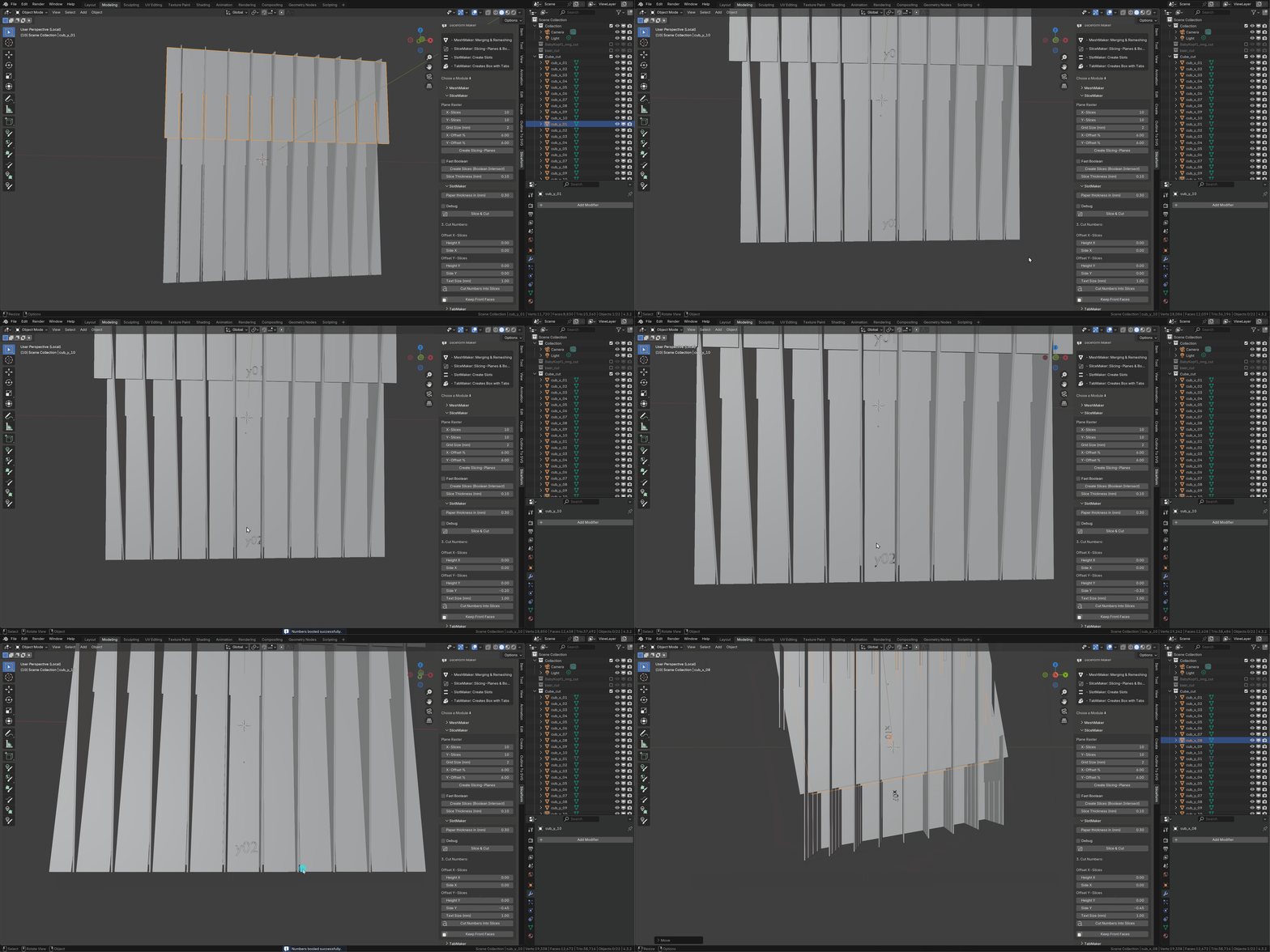
Optional: add slice numbers directly into the geometry (like “x01”, “y02”) for easy reassembly.
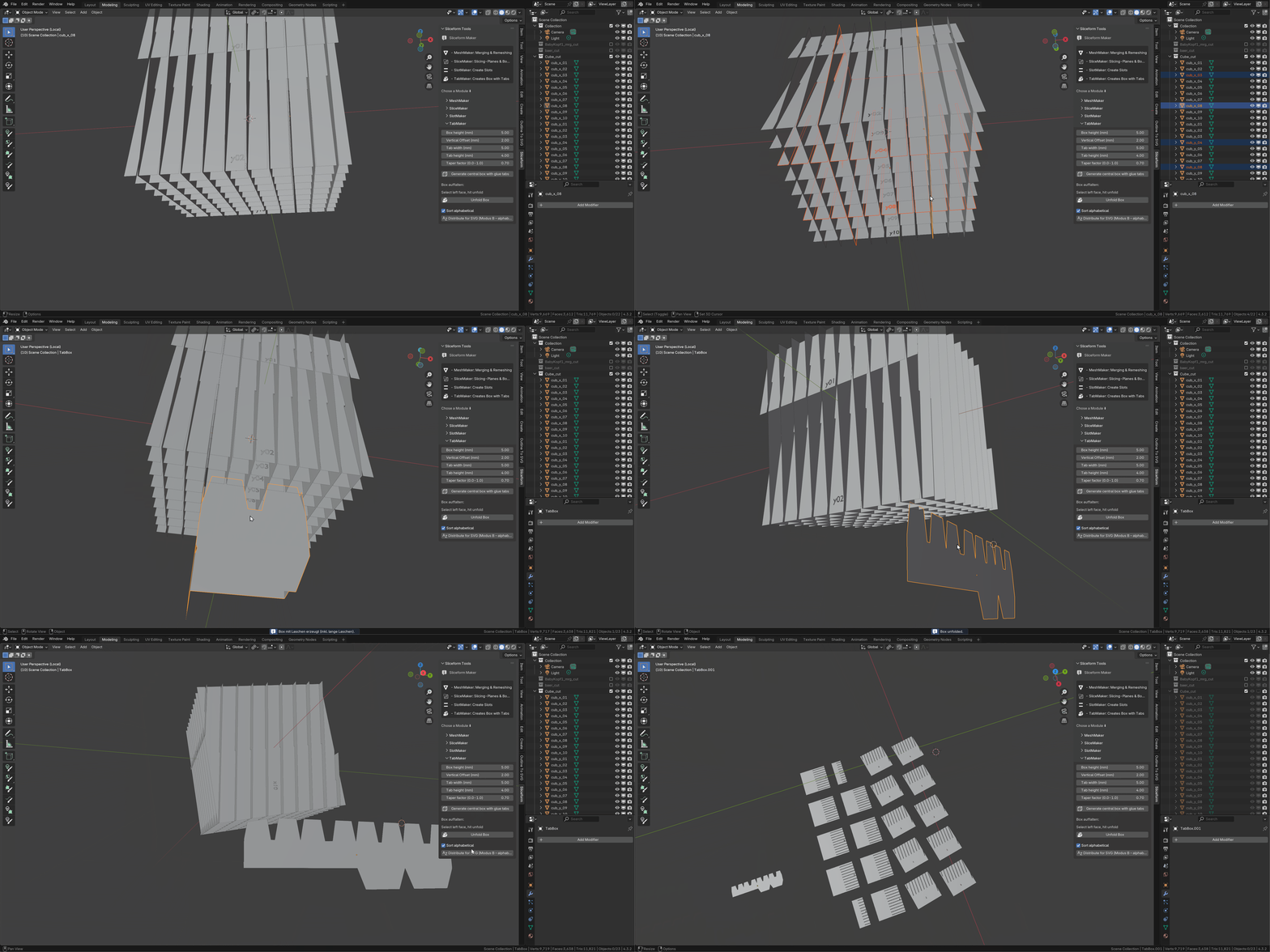
TabMaker – Build Pop-Up Mechanics
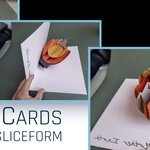
Create pop-up cards with ease: TabMaker adds folding boxes with glue tabs, perfectly aligned to your sliceform. Each box includes attachment tabs to fix it to the base card and to the intersecting slices.
The integrated SVG Arrange Layout Tool lets you flatten and arrange all slices for export. All slices will sorted alphabetically for better recognizing when exporting to vector programs.
SVG Export
For exporting to SVG, we recommend the free add-on “Outline To SVG”.
wk_sliceformPopUp produces all the necessary flat, front-facing objects to export properly.