Slide & Vanish
 Saravana kumar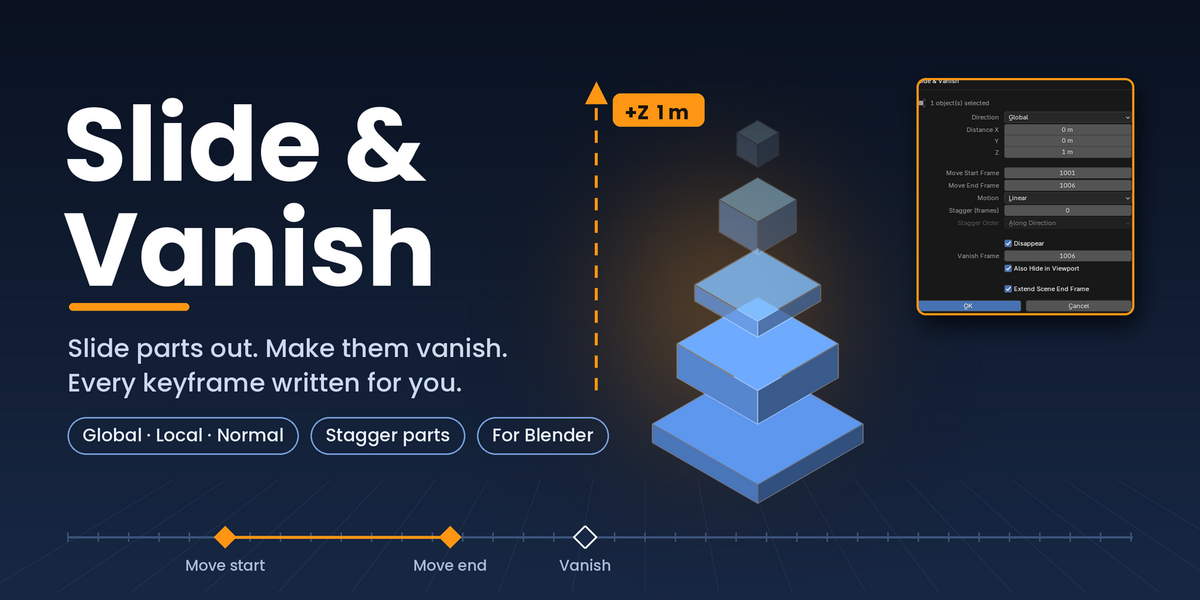

HOW TO USE
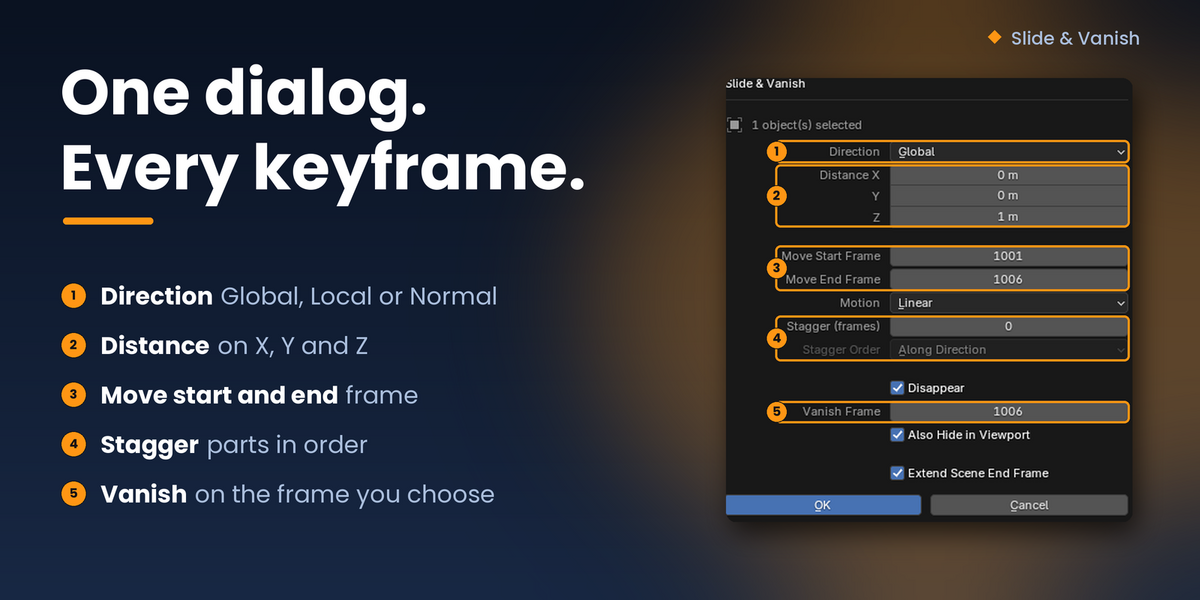
- Select one or more objects.
- Choose Object → Animation → Slide & Vanish, or open the sidebar (N) and go to the Slide & Vanish tab. F3 search also works.
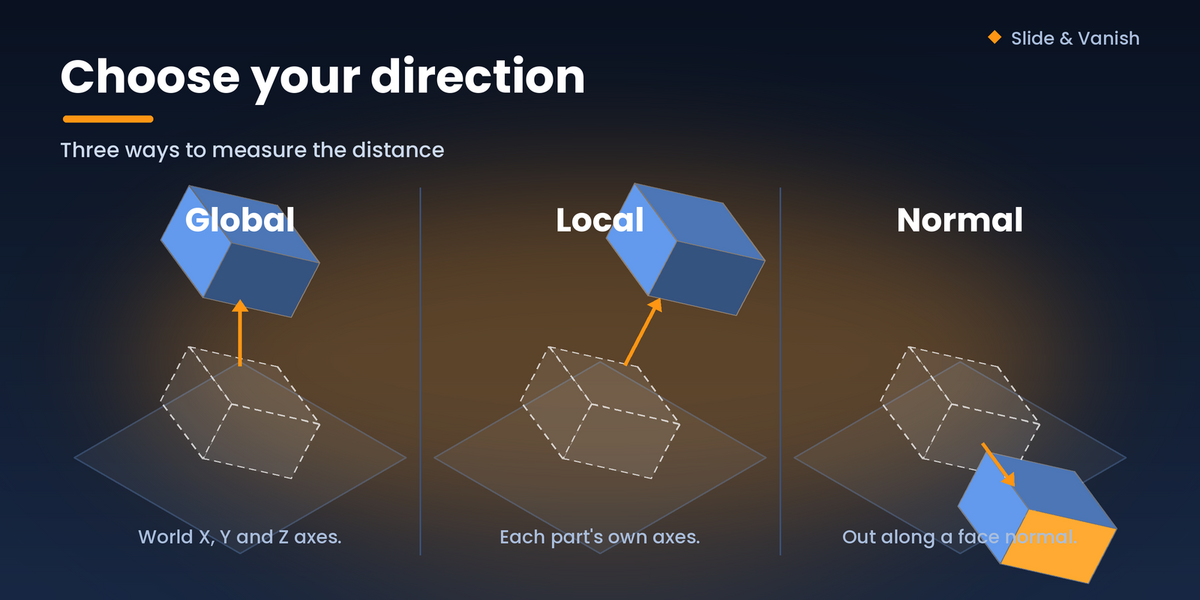
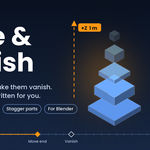
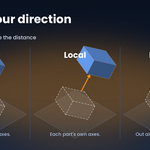
- Pick Direction and Distance, then set the Move Start and End frames.
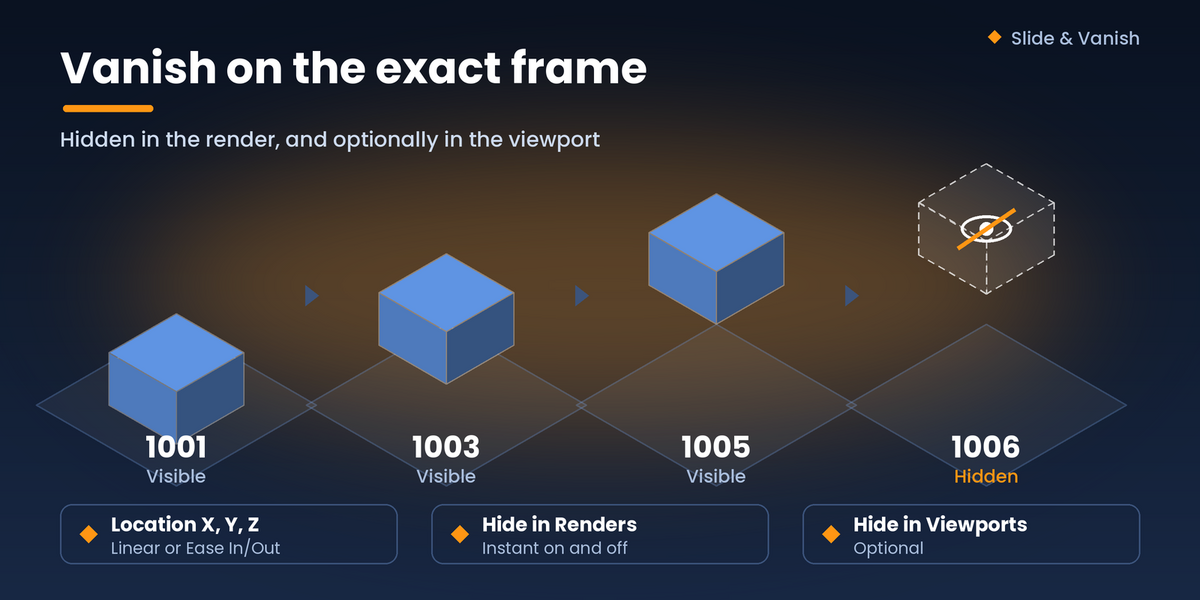
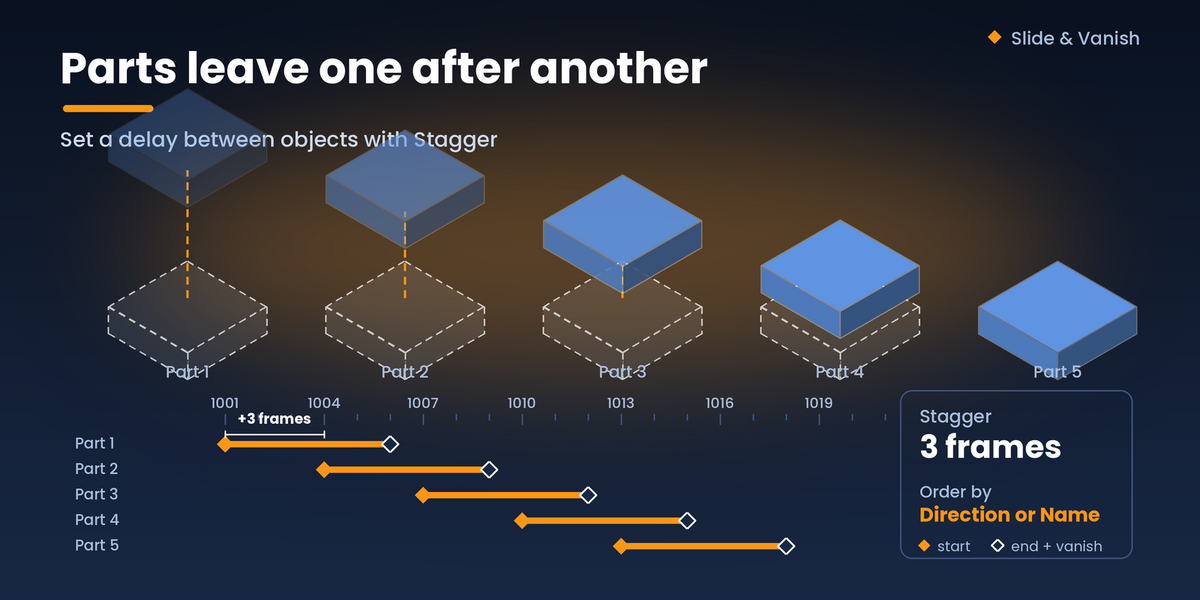
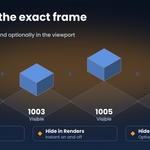
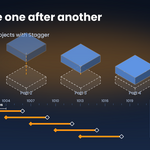
- Optionally set a Stagger, tick Disappear and set the Vanish Frame.
- Click OK.
Have questions about this product?
Login to message
| Published | 3 days ago |
| Blender Version | 4.0 - 5.2 |
| Extension Type | N/A |
| Render Engine Used | Cycles, Eevee |
| License | GPL |