Smart Align (Blender Add-On)
 Gabor Kiss


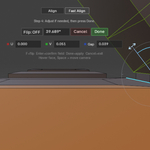
Can Smart Align be used within the same island?
Fast Align requires two separate islands and does not work within a single island.
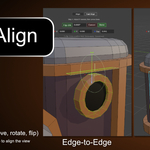
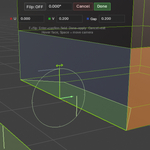
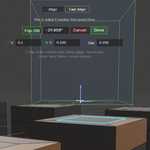
However, Align (step-by-step mode) can be used within the same island. You can align one vertex (or a selection of vertices) to another vertex, while preserving their relative positions.
How does Smart Align choose the transformation?
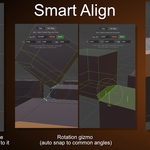
Smart Align attempts to find the shortest valid transformation between source and target. It minimizes both translation and rotation, aiming for the most direct and predictable alignment result.
Is rotation available in vertex mode?
No, rotation and flip are not supported in vertex mode.
Does it support rotation adjustment?
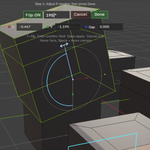
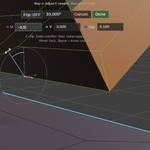
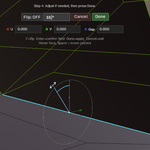
Yes, Fine Tune allows rotation using a visual gizmo with snapping and manual angle input.
Can it move multiple islands?
Yes, in Align mode you can select and move multiple islands together.
How does Fast Align work?
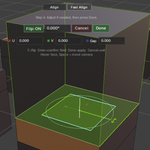
Select a matching pair of elements (vertex, edge, or face) and run Fast Align to snap the entire island to the target.
What selection types are supported?
Vertex, edge, and face selections are supported.
Does this work in Object Mode?
No, Smart Align works in Edit Mode only currently.
