Smart Align (Blender Add-On)
 Gabor Kiss


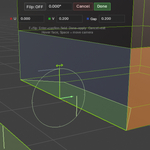
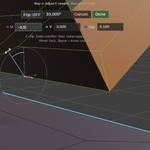
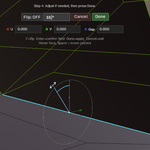
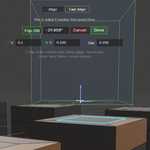
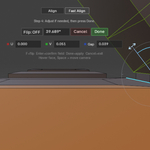
1.40.0
A Preferences menu has been added under Blender → Preferences → Add-ons → Smart Align.
This means the add-on now not only follows Blender’s overall interface scale (introduced in 1.30),
but also has its own “Overlay UI Scale” setting, allowing further fine-tuning of the add-on’s UI size.
Bugfix:
Align Tool UI elements now follow Blender Preferences / Interface / Resolution Scale, including buttons, input fields, and labels.
Changelog / Notes
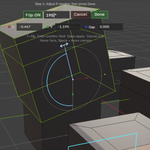
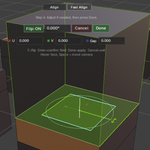
- Added U/V/Gap gizmo for direct post-align control during Fine Tune
- Improved rotation handler for smoother and more predictable interaction
- Refined viewport visuals for a cleaner, more readable workflow
- Improved hit testing and overall interaction stability
- Added Space-hover view alignment during the Fine Tune step for faster inspection and adjustment
- This release improves the in-viewport guidance during alignment for a clearer, more intuitive workflow.
- Enhanced visualization for improved reference selection clarity.
- Refined step messaging for a more natural, user-friendly experience.
Initial public release.
