 yakivsan



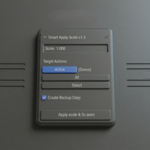
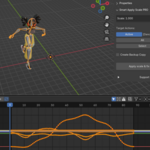
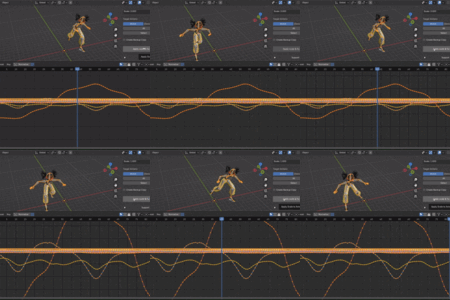
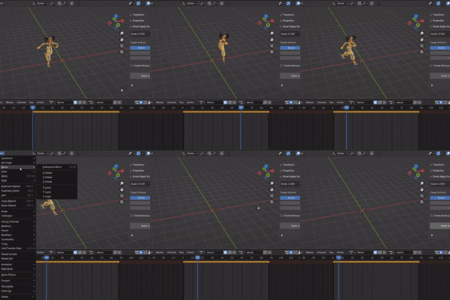
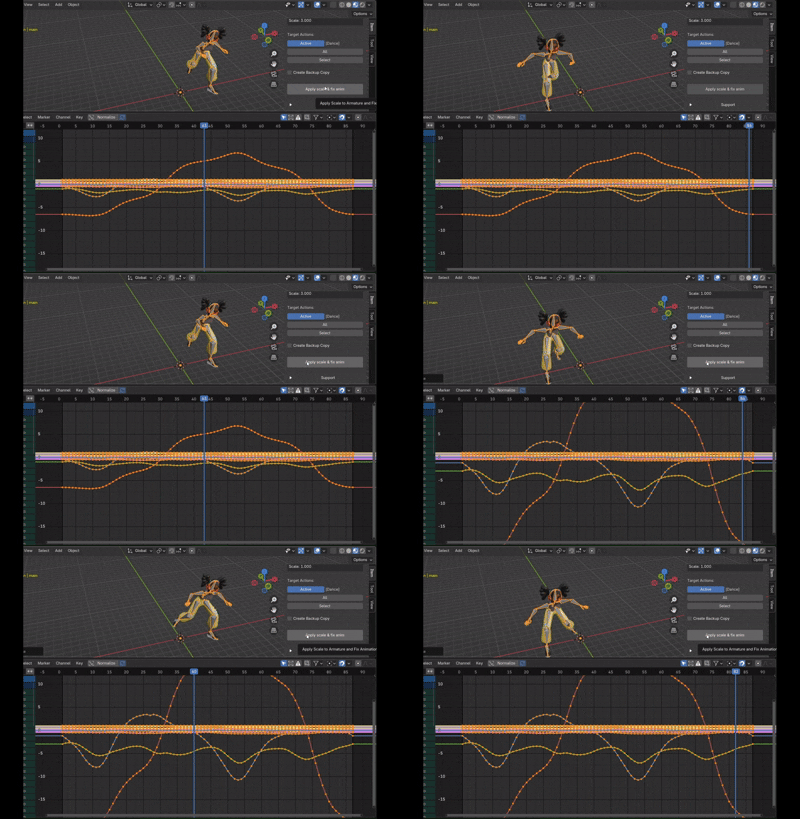
Smart Apply Scale safely applies the scale to your armature (Ctrl+A -> Scale) and mathematically recalculates all your animation keyframes, handles, and delta transforms. It keeps your animations visually intact and ready for game engine export.
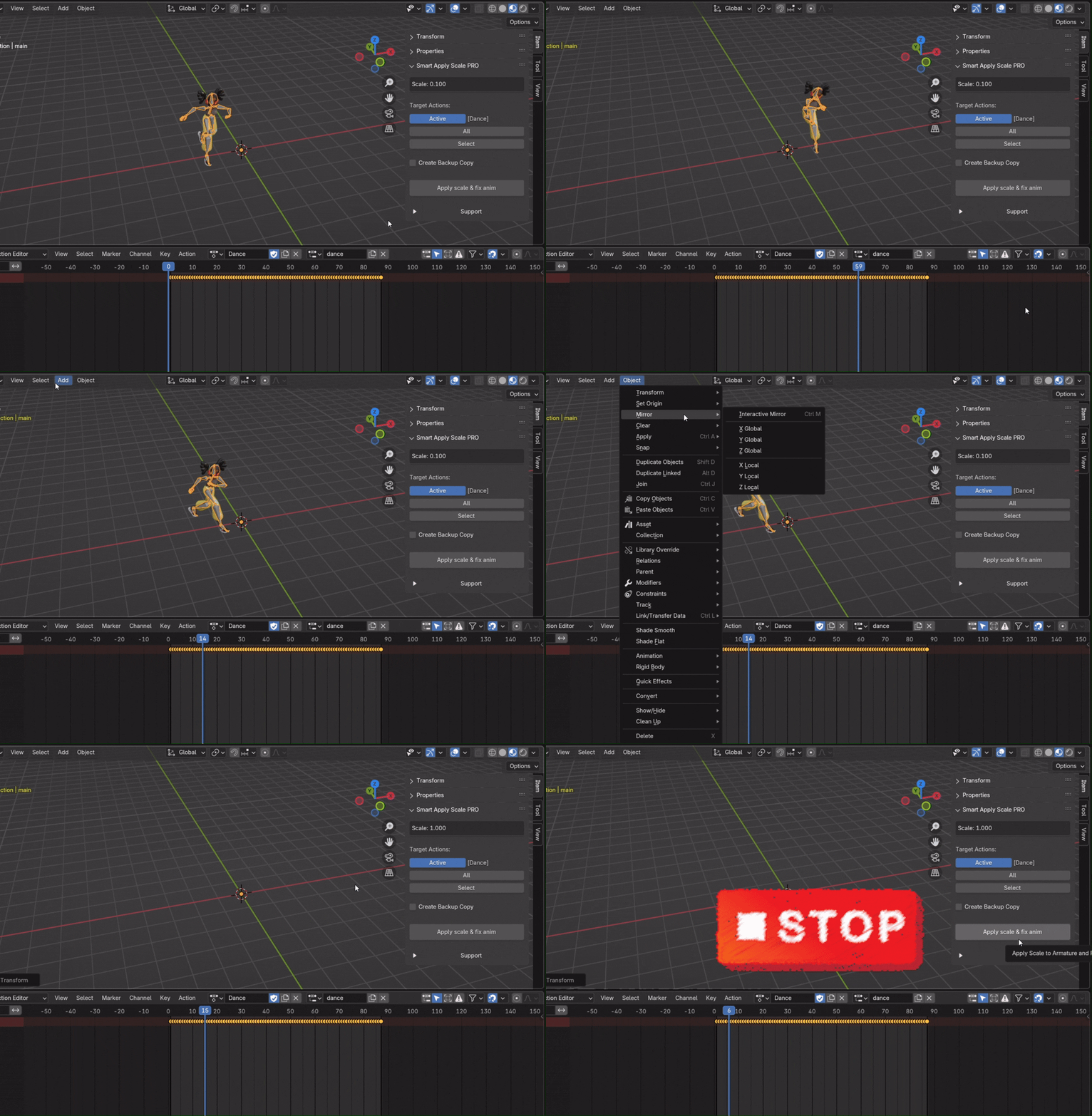
🛑 The Nightmare of Ctrl+A
You've scaled your armature, finished your animation, and you're finally ready to export it. There's just one last step: apply the scale. You hit Apply Scale...
And suddenly the animation breaks. Bones move incorrectly, poses look wrong, and hours of work are now at risk.
I know that pain.
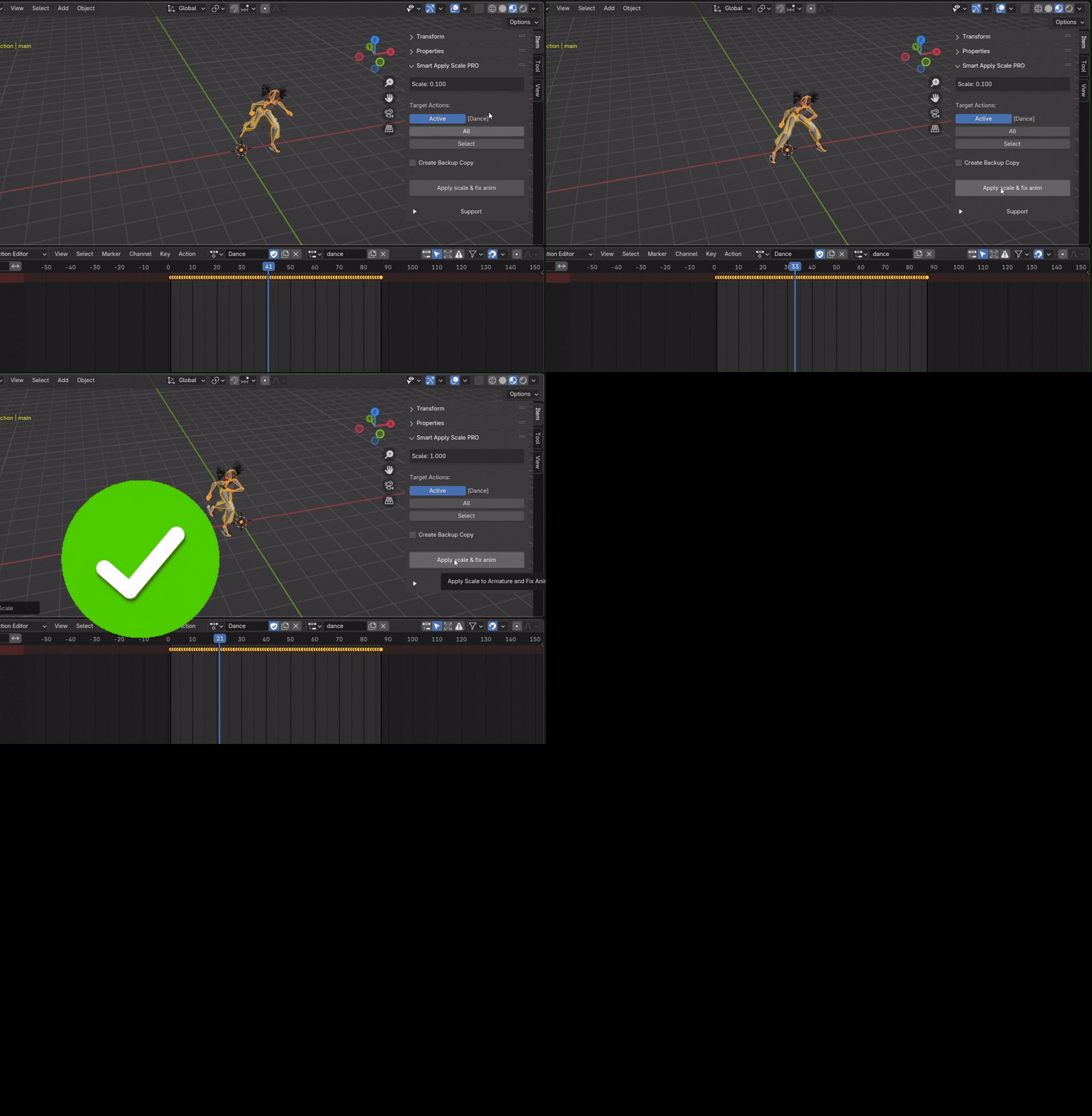
Smart Apply Scale fixes the problem with a single click. The add-on automatically adjusts your animation, safely applies the armature scale, and preserves the result exactly as you intended. No surprises and no wasted time.
Just click the button and export your animation.
🌟 What Animators Say
Don't just take my word for it. Here is what users say about the tool:
"Great tool. Saved my life. I had an animated model and I found out the main armature had a tiny scale... it did its job and saved me hours." — Lidia M.
"Thanks! Saved me a lot of time!" — Ahmad K.
"Really helpful! It's working, thanks." — Anonymous users
⚖️ Choose Your Version: Free vs. PRO
You can start with the Free version for basic tasks, or upgrade to PRO to unlock batch processing and safety features for professional pipelines.
💡 Want to try it first? Get the basic Lite version for FREE on my Gumroad Page.
🔥 Key Features (PRO)
Batch Processing (All Actions): Have 50 animations on one rig? Process all of them automatically in a single click. No more fixing actions one by one.
Selective Processing: Use the built-in action manager to check/uncheck exactly which animations you want to fix.
Backup System: Work with zero stress. The addon automatically creates duplicate backup copies of your actions before modifying them.
Smart Safety Checks: The addon automatically blocks execution and warns you if the armature has non-uniform scale or animated scale keyframes, preventing corrupted files.
🎮 Perfect For Game Export
If you are exporting characters to external software or game engines (Unreal Engine, Unity, Godot), having an armature with a 1.0, 1.0, 1.0 scale is mandatory to avoid root motion and retargeting bugs. This addon ensures your rig is game-engine-ready in seconds.
⚙️ How It Works
Select your armature.
Open the N-Panel > Item Tab.
Choose your mode: Active (current action), All (batch process), or Select (manual list).
-
Click Apply scale & fix anim. Done!
⚠️ Usage Requirements & Limitations
To ensure the addon works correctly and to prevent data loss, please follow these core rules:
🦴 Armature Objects Only:
The addon is designed exclusively for basic Armature objects. It does not work on Meshes, Curves, or Empties.
Important Note: If you are using highly complex custom Rigs (with intricate bone constraints, custom Python UI, or complex driver setups), the recalculation results may be unpredictable. Please use it on complex rigs at your own risk and always use the built-in backup feature!
📏 Uniform Scale Required:
The scale values of your armature must be proportional across all axes (e.g., X: 0.01, Y: 0.01, Z: 0.01). The addon does not support non-uniform scale, as it is mathematically impossible to apply cleanly without distorting the mesh.
🔑 No Scale Keyframes on Armature:
The Armature object itself must NOT have any animation keyframes on its Scale property. If the scale is animated over time, applying the scale will permanently break the visual result. (Note: The addon has a built-in safety check that will warn you and block execution if it detects scale keyframes).
🦴 Armature Objects Only:
The addon is designed exclusively for basic Armature objects. It does not work on Meshes, Curves, or Empties.
Important Note: If you are using highly complex custom Rigs (with intricate bone constraints, custom Python UI, or complex driver setups), the recalculation results may be unpredictable. Please use it on complex rigs at your own risk and always use the built-in backup feature!
📏 Uniform Scale Required:
The scale values of your armature must be proportional across all axes (e.g., X: 0.01, Y: 0.01, Z: 0.01). The addon does not support non-uniform scale, as it is mathematically impossible to apply cleanly without distorting the mesh.
🔑 No Scale Keyframes on Armature:
The Armature object itself must NOT have any animation keyframes on its Scale property. If the scale is animated over time, applying the scale will permanently break the visual result. (Note: The addon has a built-in safety check that will warn you and block execution if it detects scale keyframes).
🛠 Compatibility
Blender: 2.80 up to 5.0+ (Tested and fully supported).
OS: Windows, Mac, Linux.
-
Note: The armature must have uniform scale (X=Y=Z) for the addon to work.
⚠️ For Blender version 5.0 and later, please select an add-on labeled “5.0+”
📞 Support & Updates
Purchasing the PRO version grants you lifetime updates. For bug reports or feature requests, use the Blender Market inbox or contact me at [email protected].