 yakivsan



Which Blender versions are supported?
Smart Apply Scale PRO is fully tested and compatible with all versions of Blender from 2.80 all the way up to 5.0+. It works seamlessly on Windows, macOS, and Linux.
⚠️For Blender version 5.0 and later, please select an add-on labeled “5.0
Can I use this on complex rigs (like Rigify, Auto-Rig Pro, etc.)?
Yes, but with caution. The addon is designed strictly to work with Armature objects. For highly complex, custom rigs that rely on heavy Python-based interfaces, custom bone drivers, or intricate constraint chains, the mathematical recalculation results may be unpredictable.
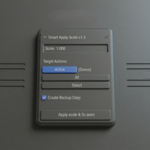
Always keep the "Create Backup Copy" option enabled in the addon when processing complex rigs so you can revert if needed.
Is this safe for Unreal Engine, Unity, and Godot export pipelines?
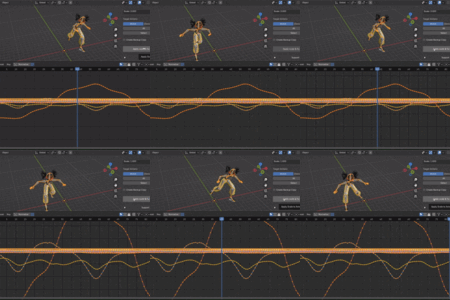
Yes, absolutely! In fact, this is the primary use case of the addon. Game engines require a clean scale of 1.0, 1.0, 1.0 on your skeletal meshes to prevent root motion bugs, retargeting issues, and incorrect physics assets. This tool fixes your Blender file so your FBX exports are completely clean and ready for game development.
Why does the addon block execution if my armature has "Scale" keyframes?
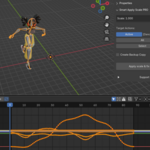
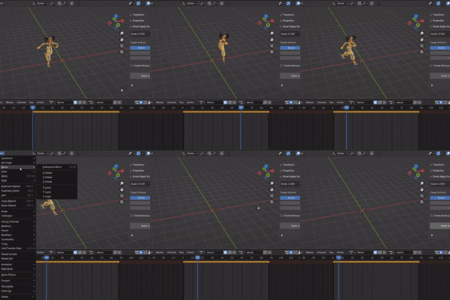
If the Armature object itself has animation keyframes on its Object-level "Scale" channel, applying the scale will conflict with these keyframes and permanently break the animation. To protect your data, the addon has a built-in safety check that warns you and blocks execution if it detects scale keyframes. You must delete the Scale keyframes on the object level before running the tool.
Have questions about this product?
Login to message
| Blender Extension Compatible | Yes |
| Dev Fund Contributor | |
| Published | 5 months ago |
| Blender Version | 2.8 - 5.1 |
| Extension Type | Add-on |
| Render Engine Used | Blender-Internal |
| License | GPL |
Discover more products like this
apply scale addon animation unity gamedev 3dgamedevelopment fix-animation export to ue5 rigging armature scale Apply Armature