 Gabor Kiss


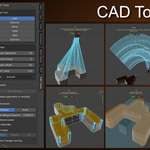
CAD Tools brings structured, predictable workflows to Blender for precise, real-world modeling.
A Blender add-on for structured, predictable modeling directly in Edit Mode.
- CAD Tools provides a simple, repeatable way to build clean geometry without leaving Blender.
- You don’t need to switch to a full CAD application or learn complex workflows.
- Work with defined inputs, clear steps, and predictable results, directly inside Blender.
Why CAD Tools
Blender workflows often involve:
- too many steps for simple operations
- too many tools for the same task
- hard to build a clean, repeatable workflow
CAD Tools reduces this to a single, structured approach:
- selection-based workflow
- explicit inputs instead of hidden context
- predictable results
Core Tools
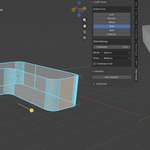
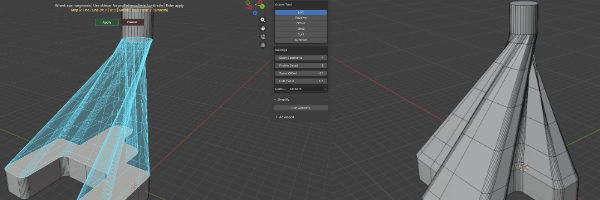
Loft
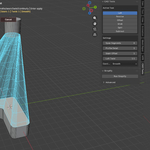
(Edit mode) Create surfaces between profiles (faces) with control over segments, twist, seam, and continuity.
Start the tool, select the first face, then the second - the surface is generated between them.
Fine-tune parameters if needed.
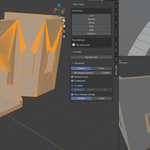
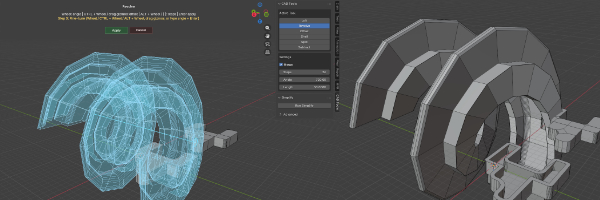
Revolve
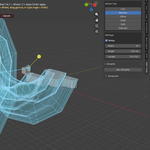
(Edit mode) Generate geometry (face) around an axis (edge) with adjustable angle, steps, and length (offset along axis).
Supports multi-turn revolutions (not limited to 360°).
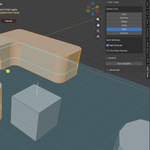
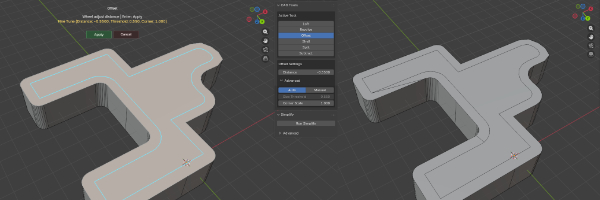
Offset
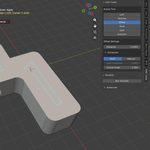
(Edit mode) CAD-style face offset with corner handling and stability controls.
Supports multi-island results and does not break like Blender’s Inset.
Note: outward (negative distance) offset is not yet supported.
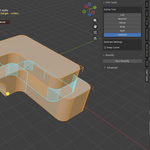
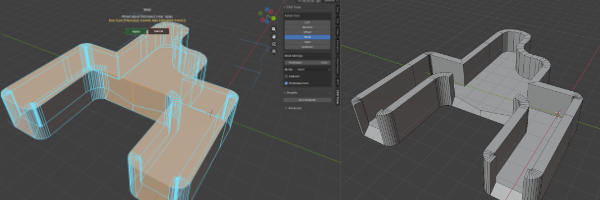
Shell
(Edit mode) Thickness tool with multiple modes depending on geometry complexity. Supports openings such as "doors" without breaking the structure.
Select the body you want to shell, then click one or more faces to define openings (Shift-click for multiple).
Includes both standard and Thickness First modes. Thickness First is designed for complex geometry, aiming to produce the cleanest possible manifold result while minimizing self-intersections.
Uses a dedicated shell workflow instead of Blender’s Solidify modifier.
Known limits:
- Openings (e.g. doors) may result in chamfered edges on complex shapes.
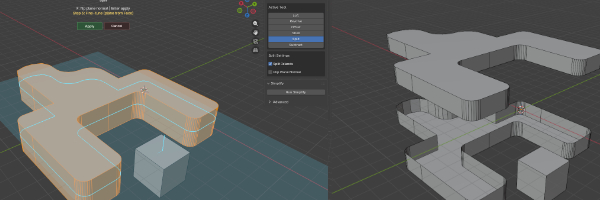
Split (Cut)
(Edit mode) Plane-based cutting with island separation and normal control. Select a body, then a plane (face) to cut with.
Notes:
- The mesh is split along the plane and left open. No auto-fill is generated.
- This can intentionally result in non-manifold geometry, which helps preserve clean, predictable topology instead of forcing unwanted caps.
Subtract (Boolean)
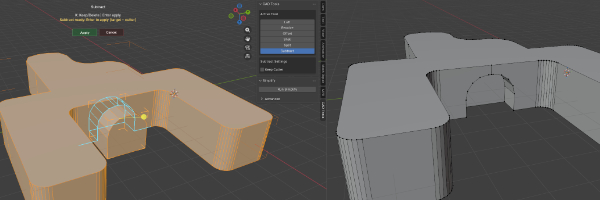
Clean subtract workflow supporting both Object Mode and Edit Mode.
In Edit Mode, it works selection-based: pick from what (body) and with what (body).
Live preview shows the result before applying.
Optional Keep Cutter - preserves the cutting geometry
Simplify (Repair)
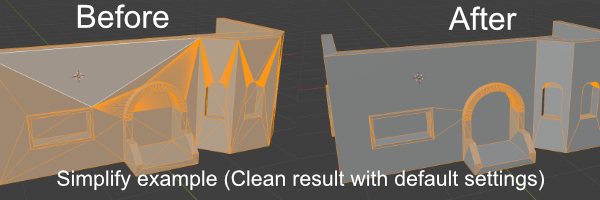
Separate utility focused on cleanup, recovery, and CAD import preparation.
Meshes coming from CAD tools (OBJ, STL, etc.) often arrive noisy, triangulated, or broken in Blender.
This tool makes them usable again for further editing.
Notes:
Well suited for editing workflows (before or during modeling).
3D printing slicers generally accept simplified / non-quad topology.
For digital content, it’s recommended to convert to triangles or quads before export (e.g. Triangulate or Tris to Quads).
Precise Mode
- preserves topology
- fixes normals, loose geometry, and small issues
- shape-aware cleanup for hard-surface meshes
Solid Mode
- aggressive rebuild
- creates watertight meshes
- useful for broken imports or 3D printing
Key Features
- Works directly in Edit Mode
- Live preview before applying operations
- Deterministic behavior - same input, same result
- Designed for hard-surface and CAD-style modeling
- Supports both object-level and island-based workflows
- Produces clean, manifold geometry suitable for further editing and export
- Beginner-friendly with built-in hints for each tool
- No hotkeys required, all tools are accessible from the side panel
Limitations
Materials may not always be preserved
Prioritizes clean topology over material consistency
Who is it for
For Blender users working on real-world objects, 3D printing, or imported meshes, who need cleaner geometry and more structured workflows.
Especially if you work with:
- product models
- mechanical parts
- architectural elements
- 3D print-ready geometry
Compatibility
Blender 5.0+ required
