 Cgi Lab


Smart Cut & Bevel 1.5.1
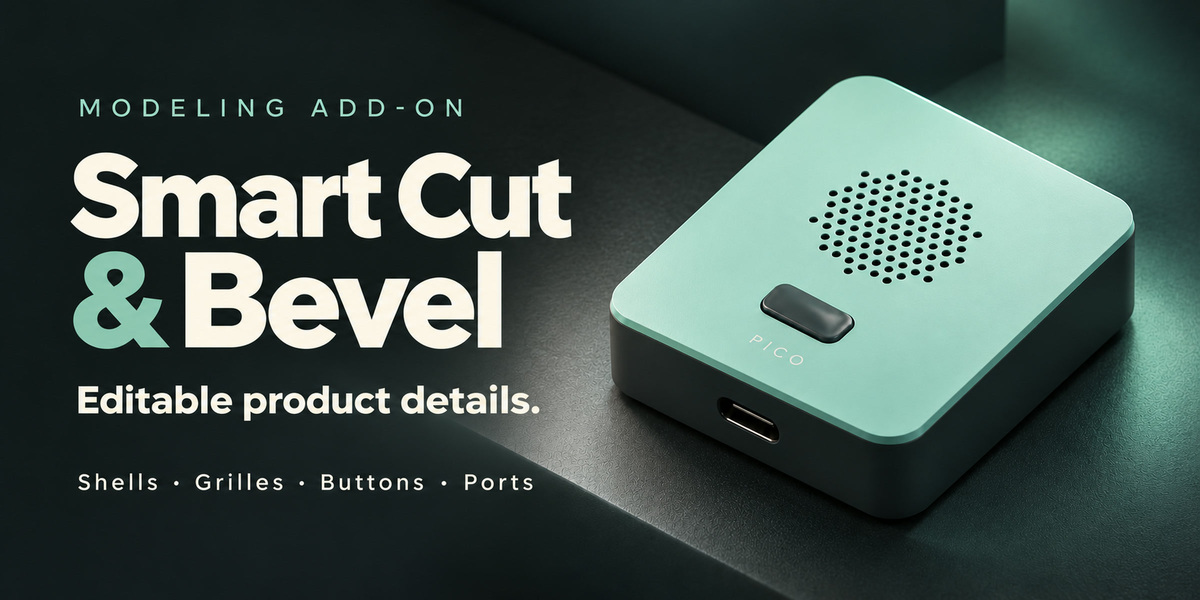
Turn a simple enclosure into a product concept.
Add the details that make a design feel considered: fitted buttons, recessed ports, ventilation slots, panel grooves and perforated surfaces. Smart Cut & Bevel brings these operations into an editable Blender workflow, so you can refine dimensions and finishes as your design develops.
See editable details take shape.
18-second edited overview with real Blender captures. The comparison adds three button assemblies to the same housing, followed by the actual Follow Surface controls. The recorder scene is a presentation asset.

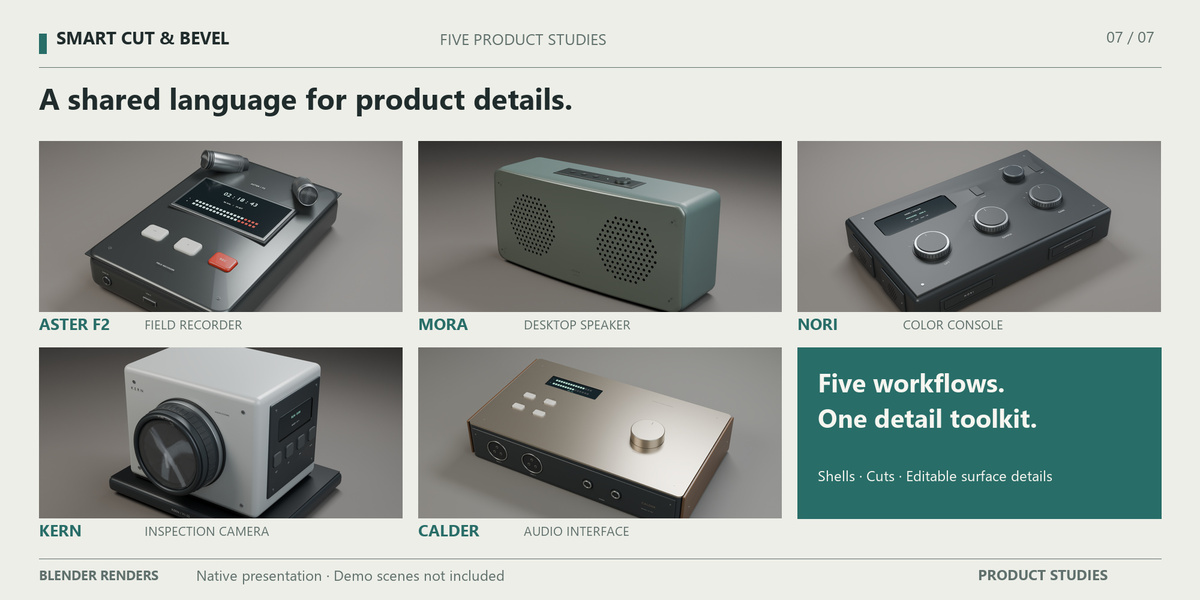
ASTER — Controls that follow the design
A crowned control deck calls for more than a flat button. Follow Surface shapes the cap top from the captured Target curvature, while Edge Rounding softens its perimeter. Adjust the outline, rise and finish through the original tool. After a supported surface change, run Refit to update the detail explicitly.

MORA — Perforation with control
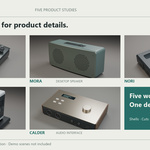
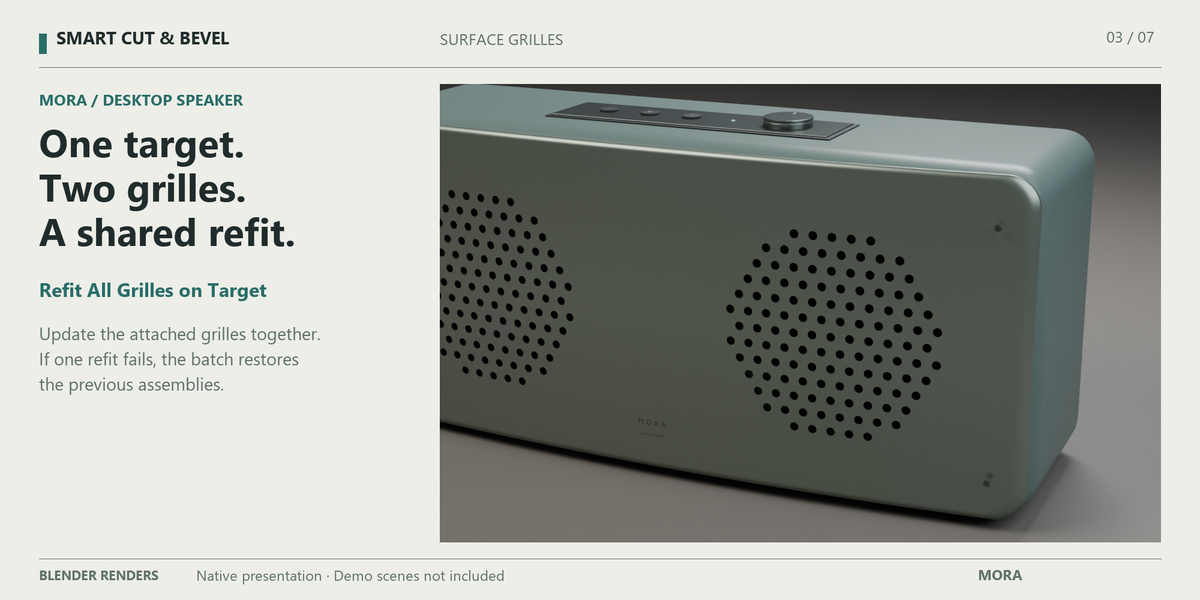
Build circular grille zones on supported convex shell patches. Tune hole diameter, spacing, margins and a clear center, with local wall checks before creation. MORA uses two grilles on one Target: Refit All Grilles on Target updates them in modifier order. If a later grille cannot be refitted, the complete batch is restored.
NORI — A reusable detail language
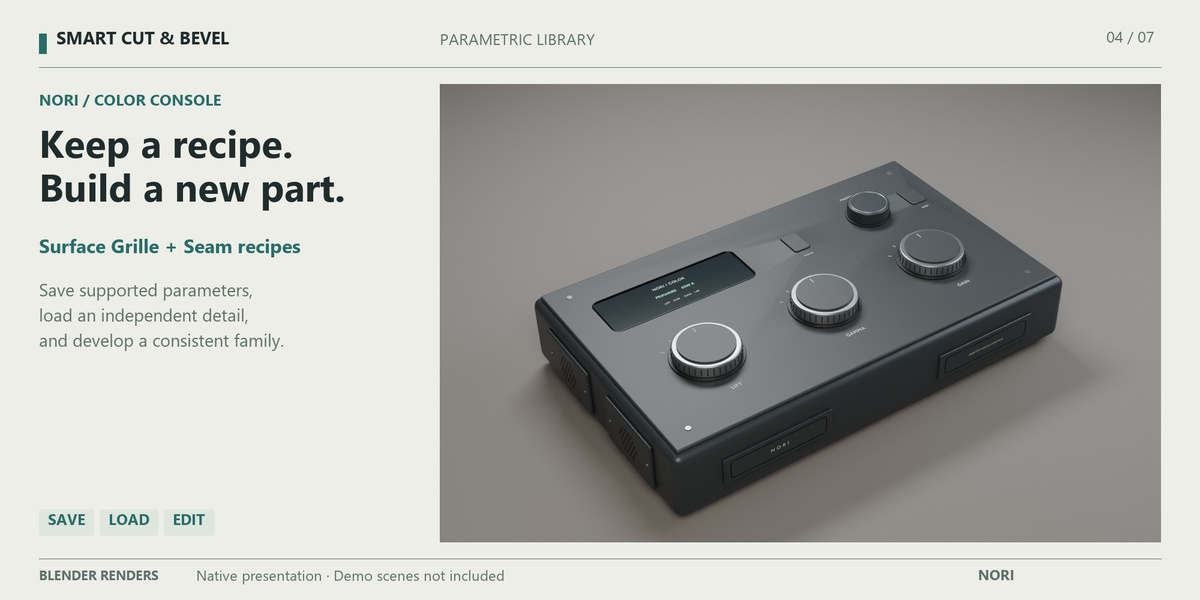
Develop a family of controls and openings instead of starting each detail again. The Parametric Library stores supported port, vent, individual button, Surface Grille and planar seam recipes. NORI demonstrates saved grille and seam-contour recipes loaded as independent editable details. Unit-aware loading can preserve physical dimensions when scene units change.
KERN — Keep an editable source
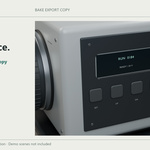
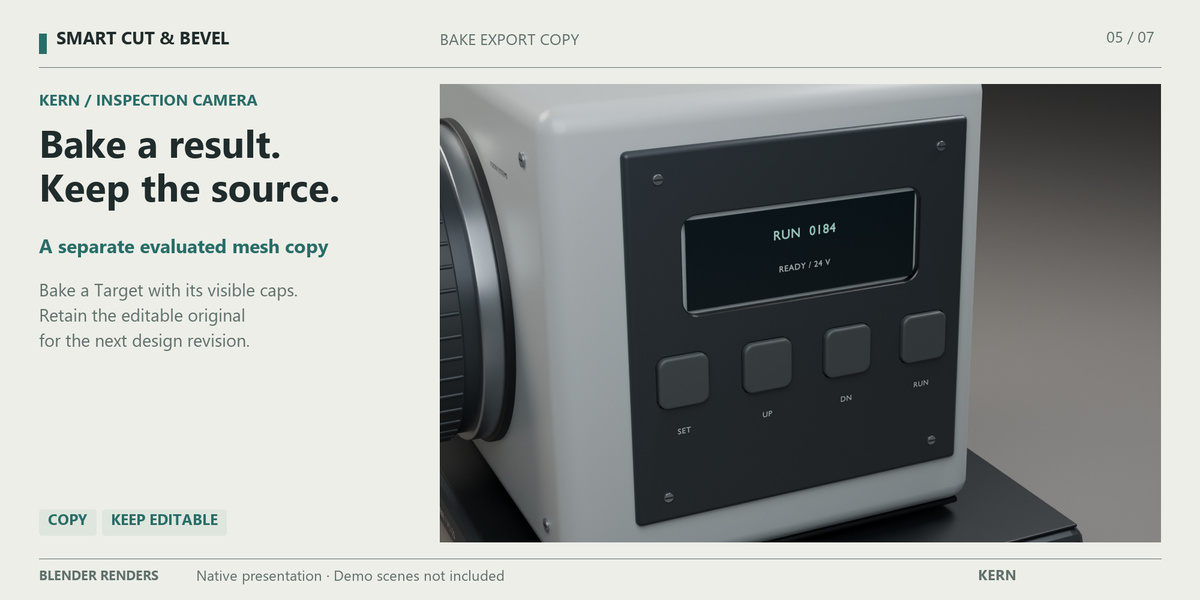
When the concept needs a separate mesh for the next stage, use Bake Export Copy (Keep Editable). It evaluates one Target or active Shell/Insert part at a time, including attached Surface Button caps visible in the active View Layer. The original remains editable. Bake the body, lid and insert separately; exporting a file is a separate Blender step.
CALDER — Explore the finish
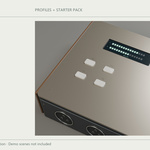
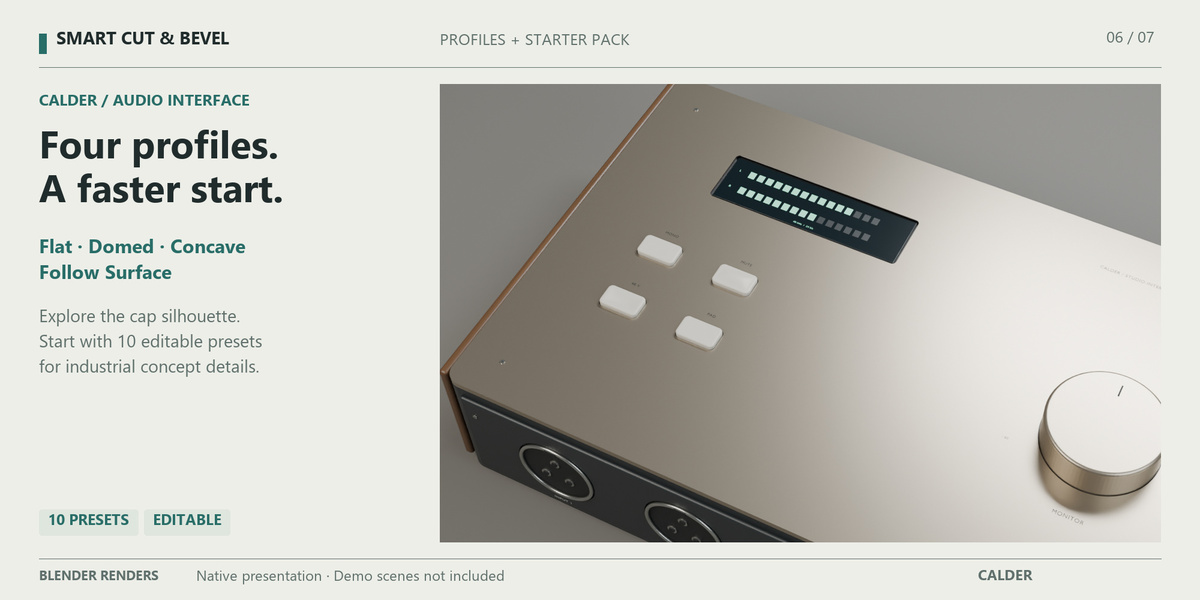
Compare Flat, Domed, Concave and Follow Surface button tops, then refine their proportions and edge rounding. CALDER brings these profiles into one audio-interface study. The 10-Preset Industrial Starter Pack supplies editable starting recipes for ports, vents, buttons, grilles and a hatch groove. Adjust their concept dimensions to suit your design.
From the enclosure to the smallest detail
- Set the proportions. Create a Smart Shell with a hollow body, separate lid and optional interior insert, or select an existing mesh as your Target. Finish shell dimensions before adding dependent details.
- Define the surfaces. Add planar ports and vents, draw editable seam paths, use predefined groove contours, or place a ring on a supported straight cylinder. Add buttons, layouts and grilles where their surface requirements fit.
- Refine and reuse. Reopen dedicated editors from SmartCut Stack, access tools through Shift+Q, and save supported recipes. Use explicit Refit after surface changes and make a baked copy when needed.
Add-on Preferences let you rename the Sidebar tab, install or reset the Starter Pack, and open your user presets folder.
Requirements and supported surfaces
Blender 5.0 minimum. Windows modeling workflows tested with Blender 5.0.1 and 5.2.1 LTS. macOS and Linux addon use have not been verified.
Port, Vent and drawn Seam tools require planar references. Cylinder Ring requires a straight circular cylinder. Surface Grille supports up to 256 circular holes on a connected closed convex patch, within 55 degrees of its anchor axis. Keep a base copy before detailing; shell dimensions can become protected by dependencies. See Documentation for full requirements.
What you receive
The addon installer, English user guide and FAQ, including the 10-Preset Industrial Starter Pack. Install the supplied ZIP through Preferences > Get Extensions > Install from Disk, enable it and restart Blender. Open the Smart Cut Sidebar tab or press Shift+Q.
Gallery examples combine addon modeling with native Blender materials, lighting, cameras, lettering and presentation geometry. Complete concept scenes are not included in the purchase.
A few useful answers
Does Refit update continuously?
Run it explicitly after a supported Target change. Follow Surface measures Button Rise along the placement axis; it does not guarantee constant clearance along every local surface normal.
Can I draw a groove around any curved object?
Drawn paths remain planar. Cylinder Ring is a dedicated circular groove, and grilles use supported convex patches.
Is this a CAD or manufacturing tool?
It is a visual modeling workflow. Presets and meshes do not certify connector standards, fabrication tolerances, 3D-print readiness or physical product performance.
Support and updates
Includes 12 months of support and updates from purchase. Support through the Superhive inbox covers installation and reproducible issues in documented workflows. Responses within three business days, excluding weekends and holidays. We make a good-faith effort to maintain compatibility with the current Blender LTS. Versions received during the support period remain yours permanently. Renewal for another 12 months is optional, at 50% of the current product price. No automatic renewal.
Present the product you design
Explore ProductStage for an editable photography studio with lights, backdrop and camera.
Each product is sold separately. These links suggest complementary uses; check each product’s requirements and documented workflow.
