 3D Texel


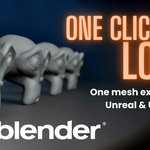

Smart LOD Generator
Game-ready LODs in one click. Name them, export them, done.
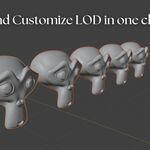
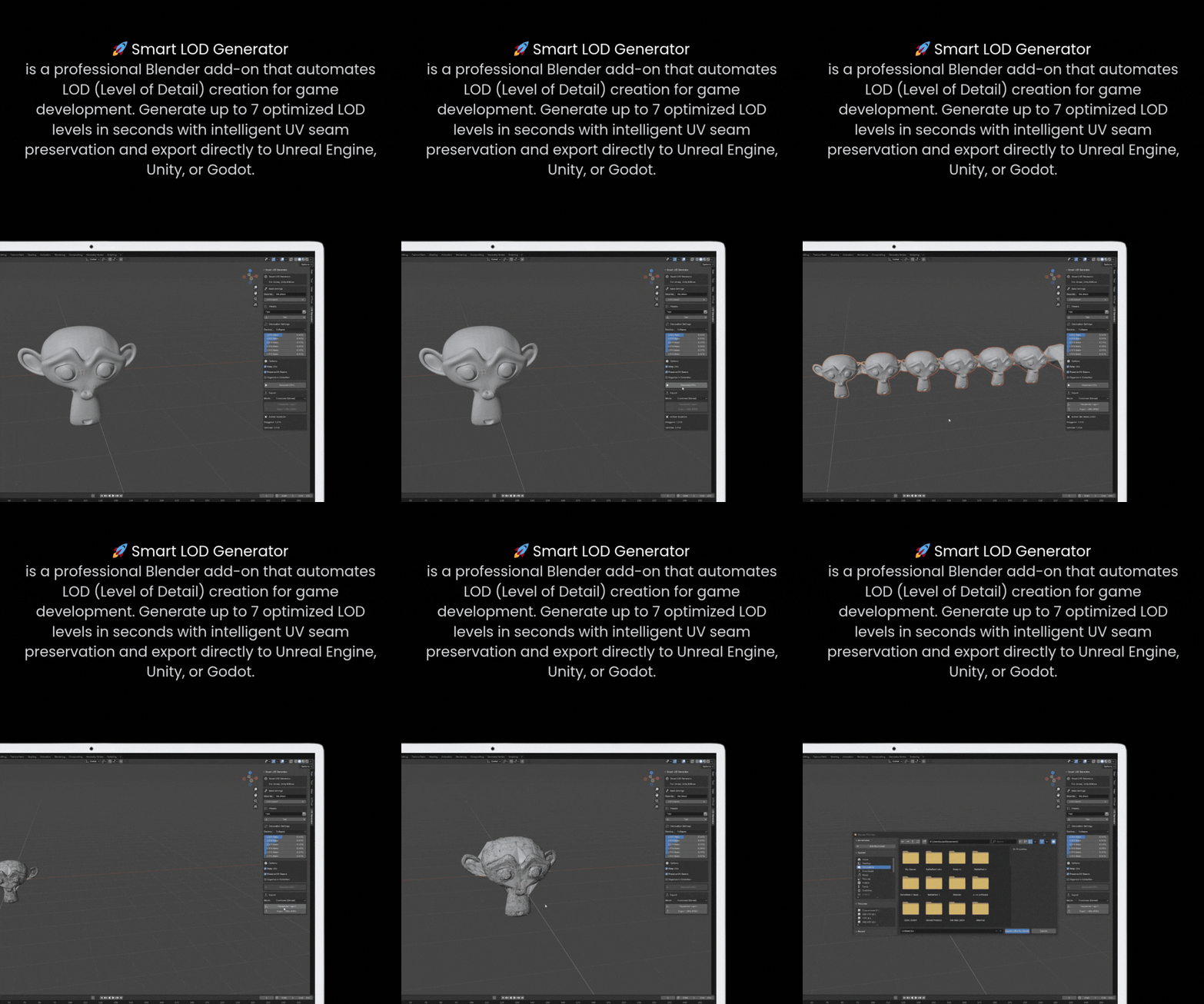
Smart LOD Generator turns any mesh into a full LOD chain without leaving Blender. Pick how many levels you want, set how much detail each one keeps, and click Generate. Your original becomes LOD0, and each lower level is a decimated copy that keeps its UVs and materials. Every LOD is named the way game engines expect. One more click exports the whole set to FBX, either as an Unreal LOD Group or as separate meshes.
Features
-
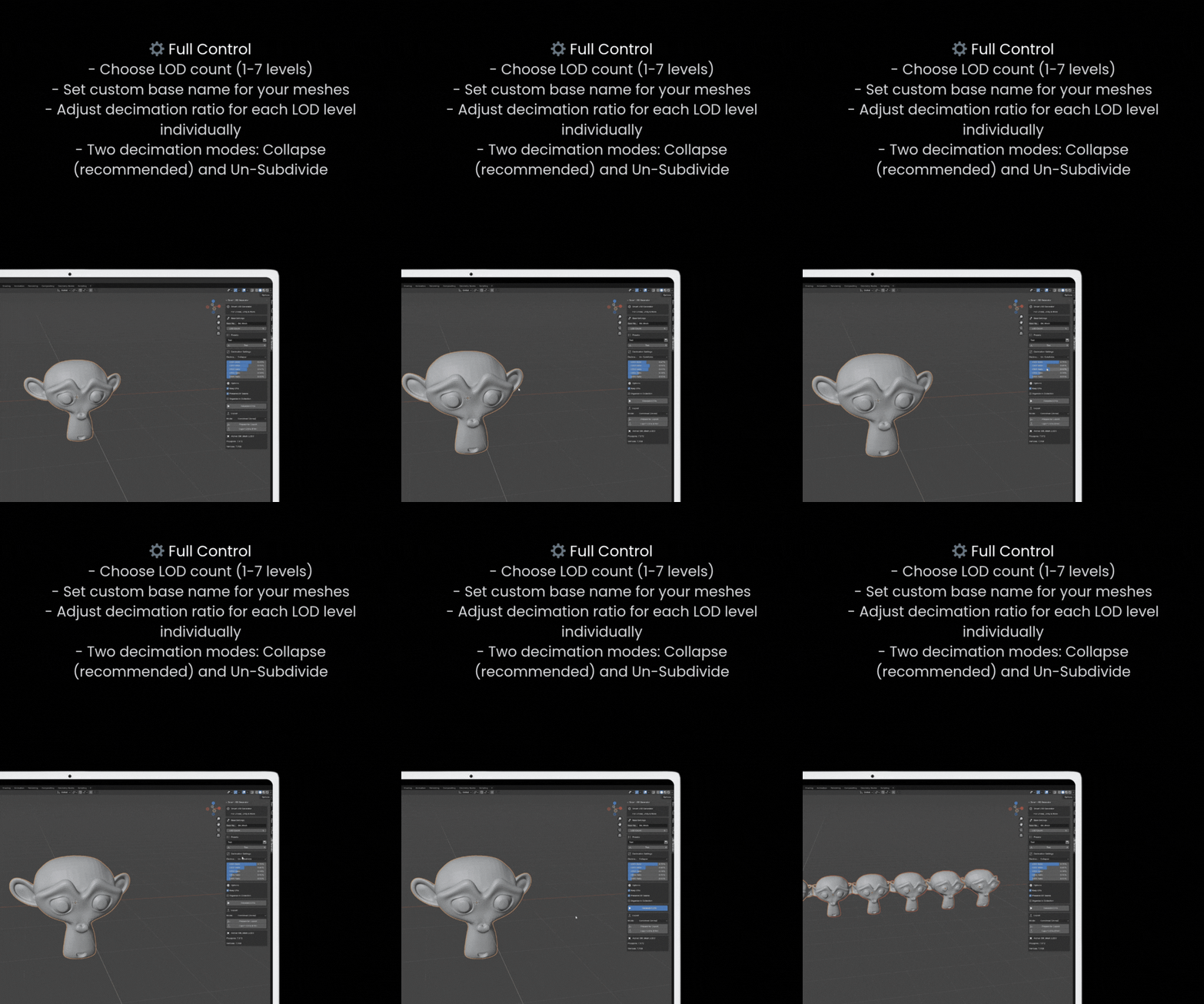
Up to 7 LOD levels from the active mesh in one click (
LOD1toLOD7, plus your original asLOD0) - A slider for every LOD that sets the share of triangles it keeps. Defaults: 60 / 35 / 15 / 8 / 4 / 2 / 1 %
- Two decimation modes: Collapse (edge collapse, works on most meshes) and Un-Subdivide (for meshes built with subdivision)
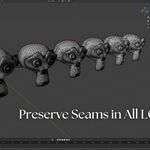
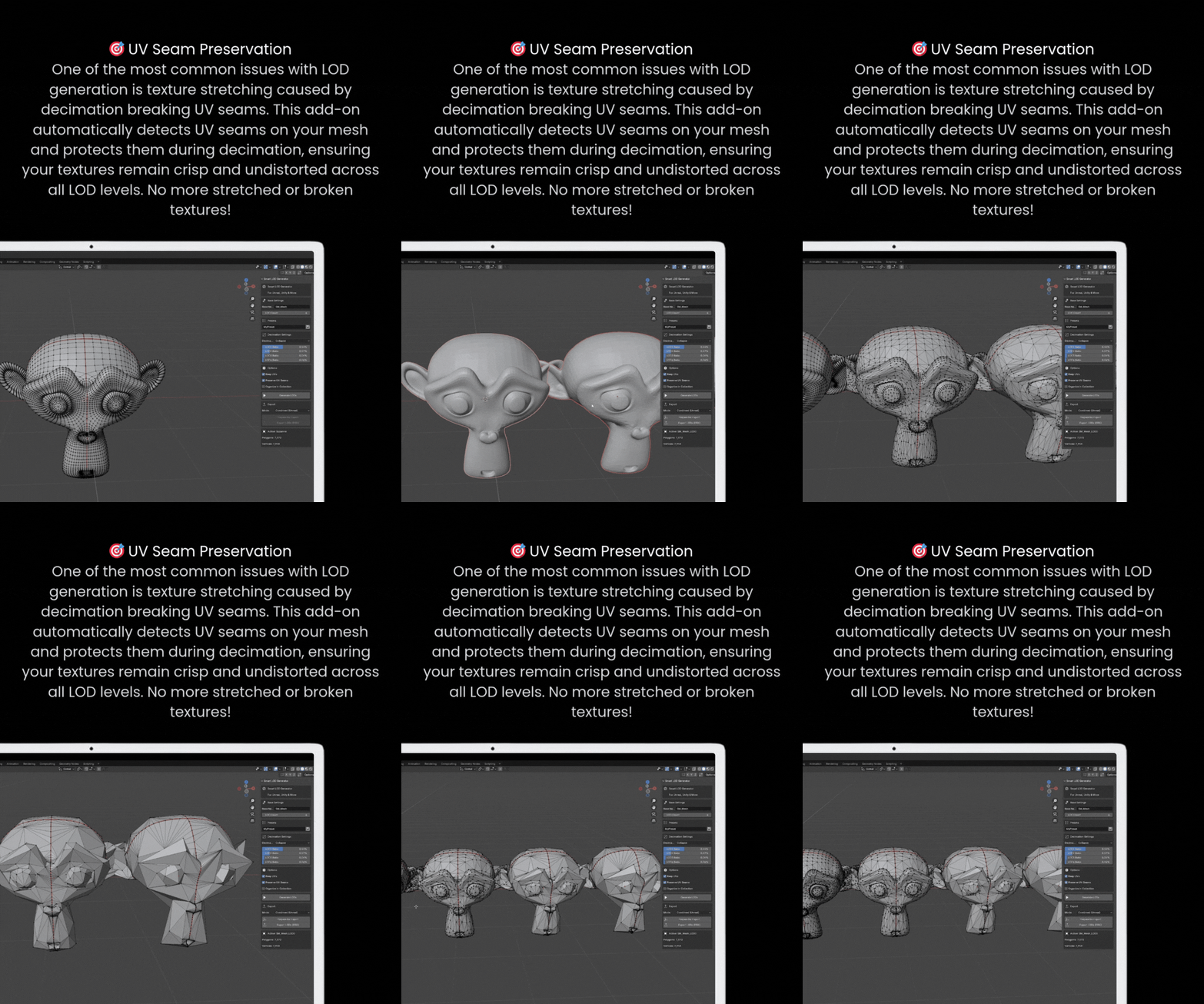
- UV seam protection: in Collapse mode, vertices on marked UV seams are protected, so UV island borders stay where they are
- UV maps and materials are kept on every LOD
-
Engine-style naming:
BaseName_LOD0,BaseName_LOD1… from a base name you choose (for exampleSM_Rock) - Optional collection that keeps a model's LODs together
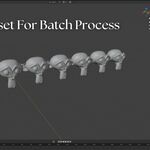
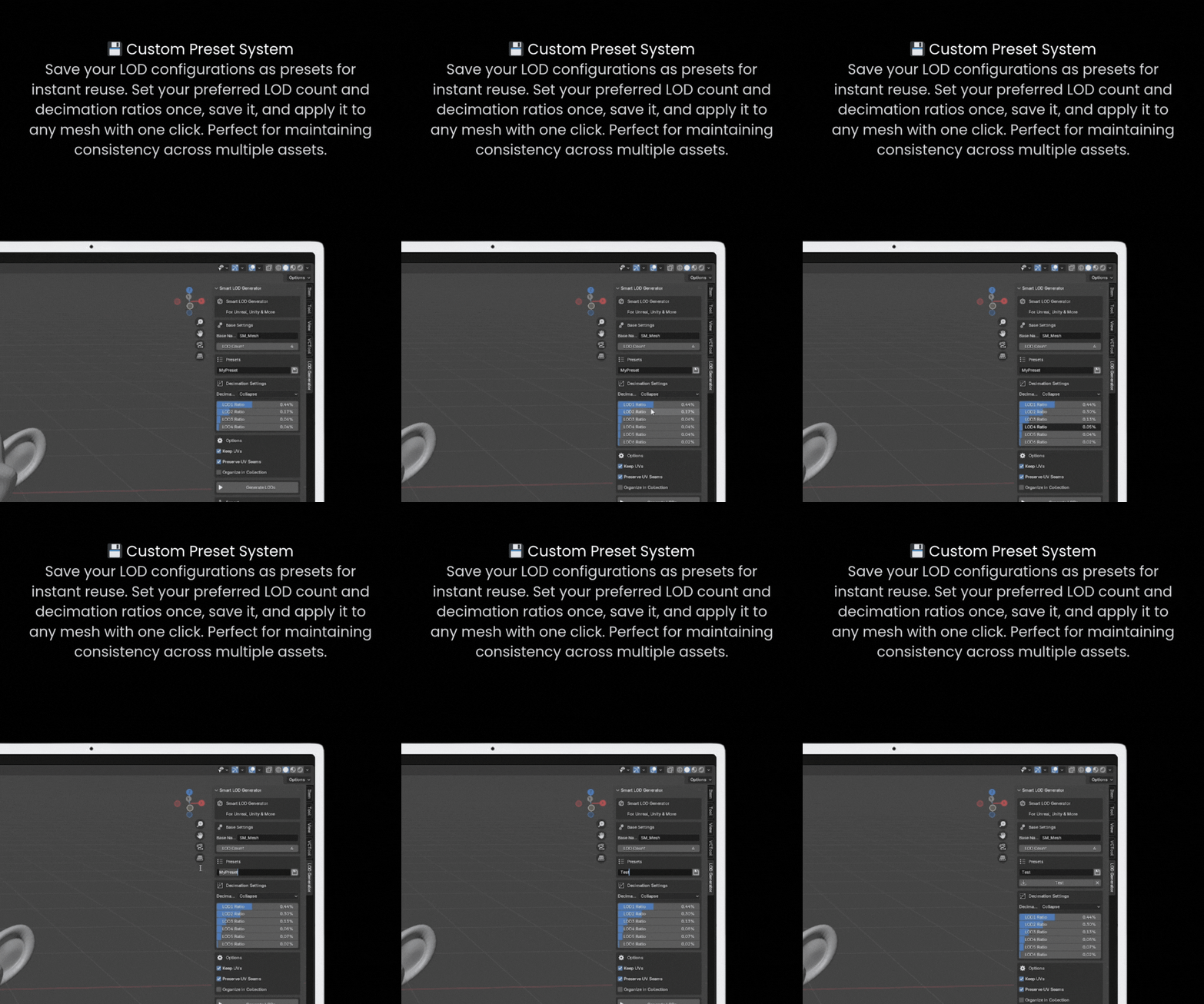
- Presets: save your ratios and decimation settings by name, then load or delete them
Export straight to your engine
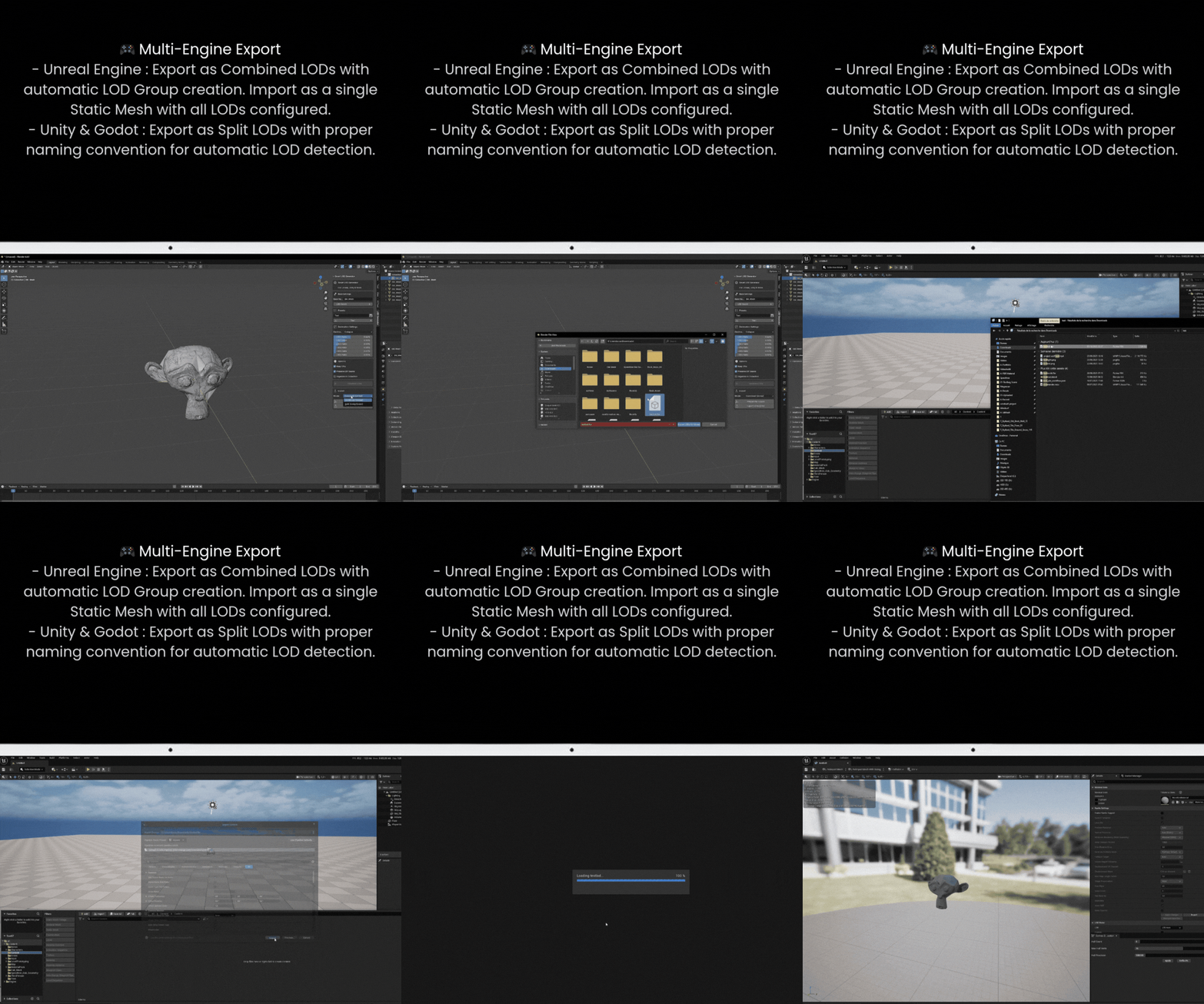
- One-click FBX export of only the LODs, nothing else in your scene. Your object positions and selection are put back afterwards
- Combined (Unreal): a single FBX LOD Group that Unreal imports as one Static Mesh with LODs
-
Split (Unity / Godot): separate
_LODnmeshes in one FBX, the naming Unity uses to build LOD Groups on import - Prepare for Export moves the LODs to the origin and builds the LOD Group for you
How to use
- Select your mesh and open Sidebar (N) > LOD Generator.
- Set a Base Name and the LOD Count, then adjust the sliders or load a preset.
- Click Generate LODs.
- Choose an export mode, then click Prepare for Export.
- Click Export LODs (FBX) and import the file into your engine. In Unreal, turn on Import Mesh LODs.
Changed your mind? Clear LODs removes the generated levels and gives your original mesh its name back. Change the sliders and generate again.
Compatibility
Blender 4.2 to 5.2. Installs as an Extension: Edit > Preferences > Get Extensions > Install from Disk.
Part of the 3D Texel toolset
Smart LOD Generator is part of the 3D Texel toolset, alongside free CC0 PBR materials, HDRIs and decals. Our paid tools for game artists: Ultimate Vertex Color Toolkit and Ultimate Rock Generator.
Support
Questions, bugs or ideas? Join the 3D Texel Discord. There is also a Support (Discord) button at the bottom of the add-on panel.
FAQ
Does it change my original mesh?
Its geometry is never touched; it is only renamed to BaseName_LOD0. Note that Prepare for Export resets the location, rotation and scale of every LOD, including LOD0, so apply your rotation and scale first (Ctrl+A) if they matter.
Why does LOD1 show more polygons than my original?
Collapse mode triangulates, and the sliders count triangles. A quad mesh at 60 % keeps 60 % of its triangles, which can still be more faces than the quad original while being lighter for the engine.
Which engines does it work with?
Any engine that imports FBX: Unreal (LOD Group), Unity (_LODn naming), Godot and others.
