 RealDevCode


|
SPECIAL OFFER
Get Smart Saved Presets for less
|
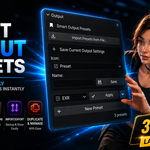
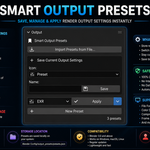
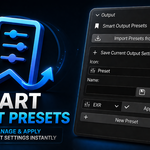
Smart Saved Presets
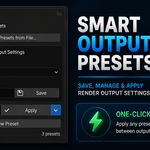
Save the Output settings you use most, give them a name, and bring them back with one click.
Save OnceApply Instantly|
Save
Saved Presets
|
Apply
One Click
|
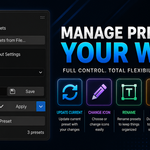
Manage
Presets
|
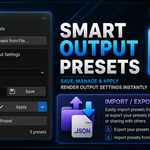
JSON
Import / Export
|
Save Your Output Setup
Set up your Output Properties the way you want, save them, and use the same setup again later.
Save Current SettingsSave the current output setup with a name you will recognize. |
One-Click ApplyPick a saved preset and apply it to the scene you are working on. |
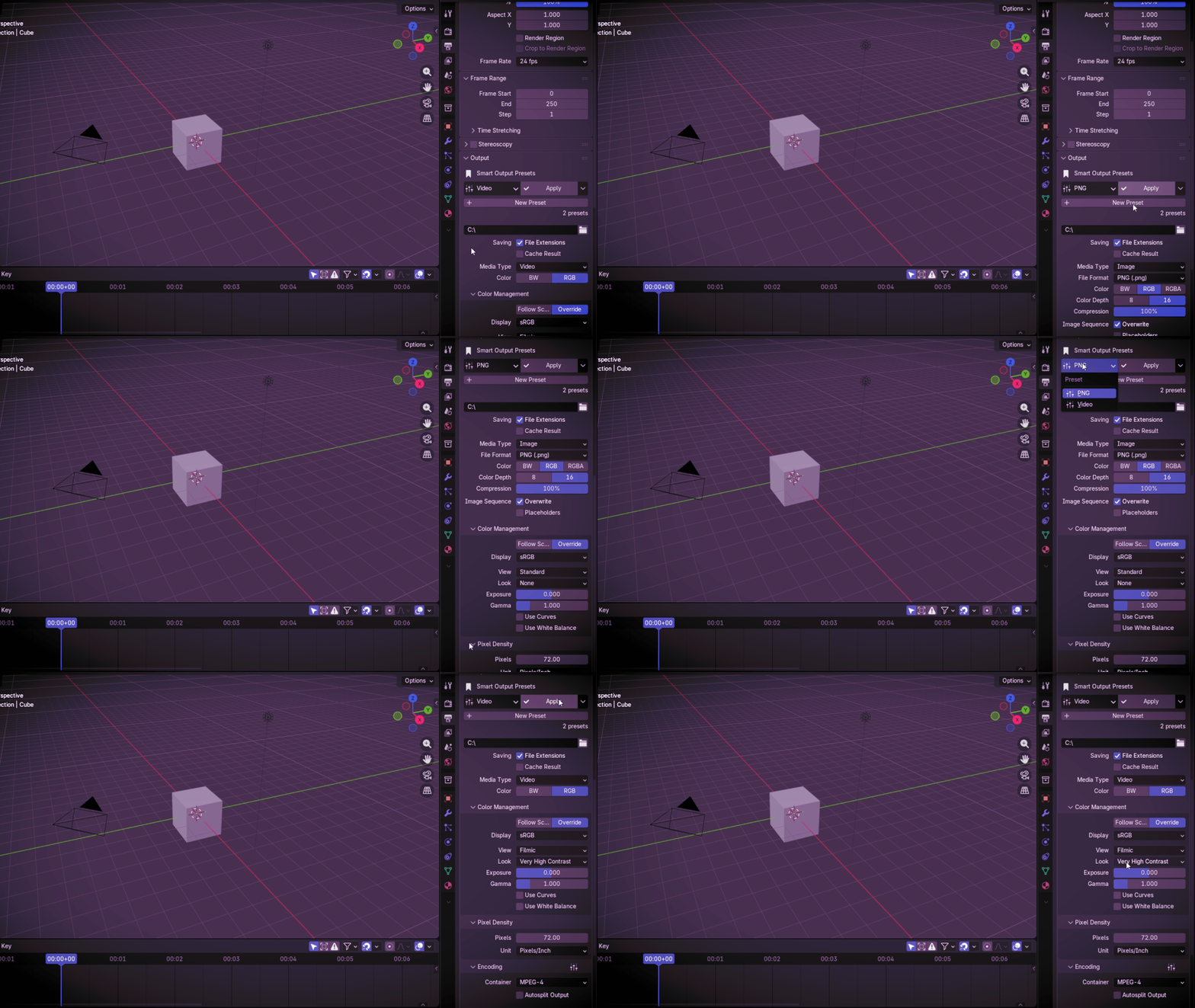
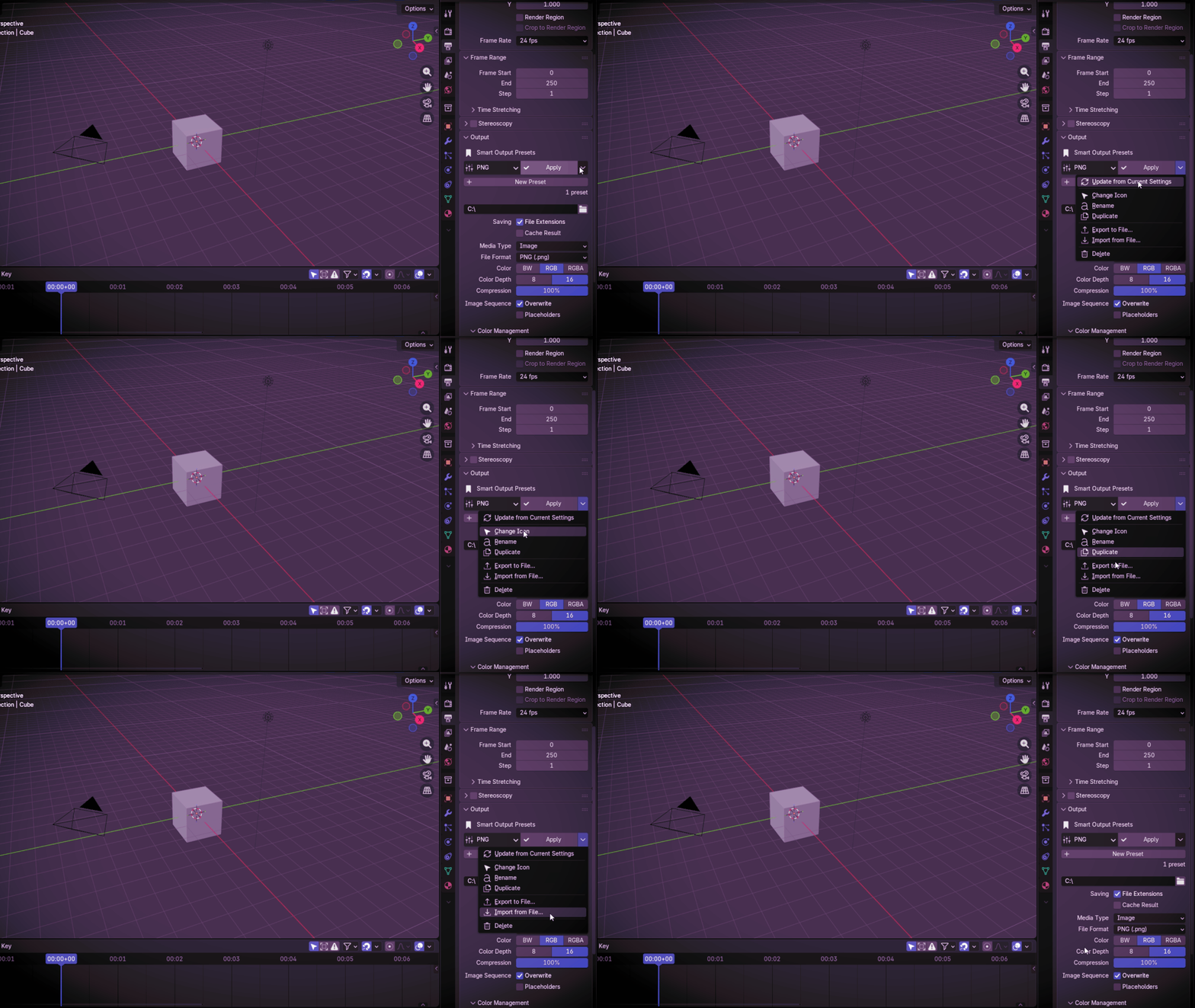
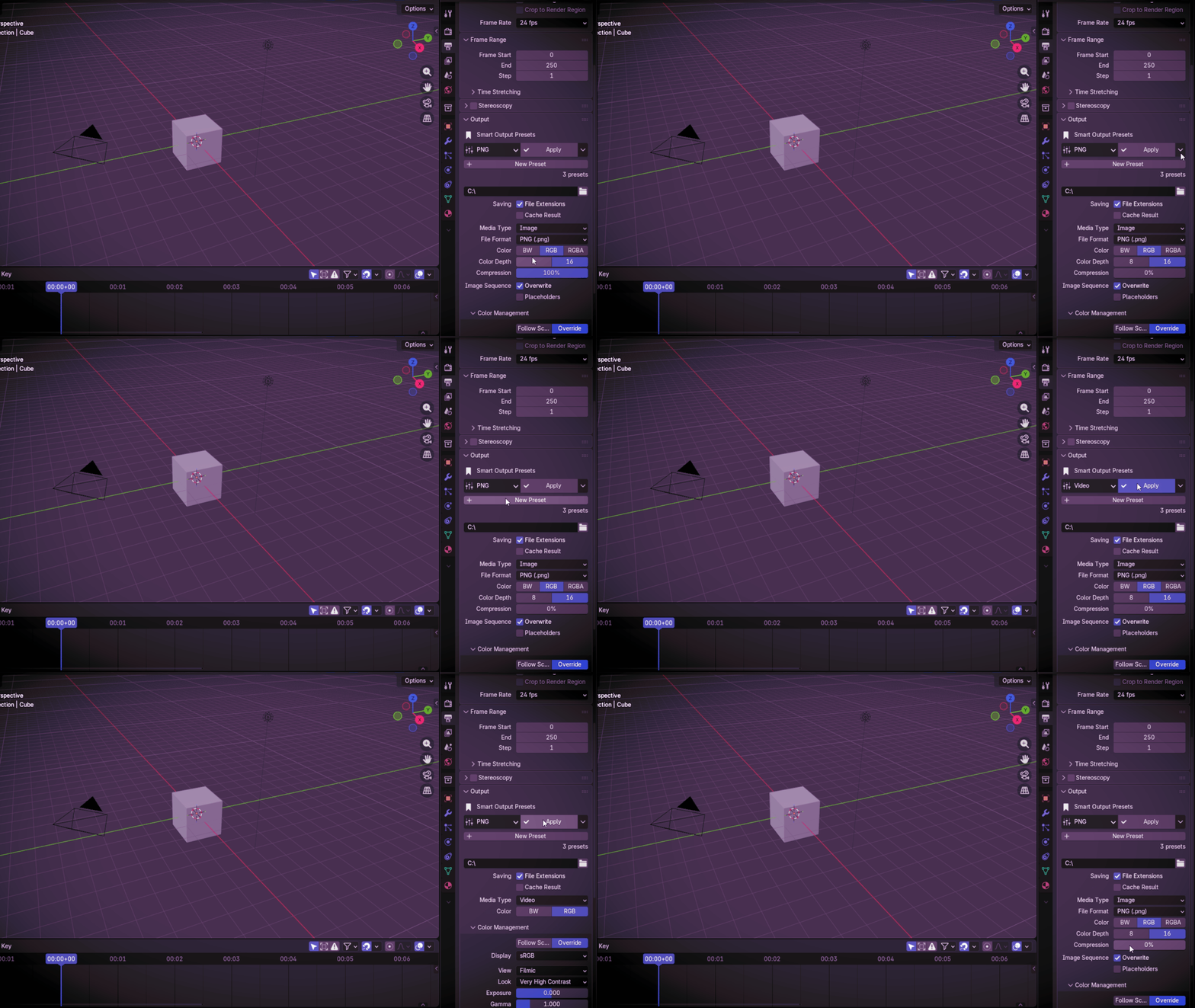
What You Can Do
The main tools for saving and working with your Output presets.
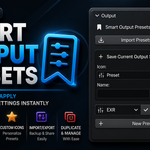
Save Output SettingsSave the Output Properties you have set up as a preset. |
Apply in One ClickChoose a preset and load its saved settings right away. |
Update PresetsChange your Output settings and update the preset with the new values. |
Rename & DuplicateGive a preset a new name or make a copy to use as a starting point. |
Custom IconsPick a Blender icon so your presets are easier to spot. |
Delete PresetsDelete presets you no longer use. |
JSON Import / ExportExport your presets to a JSON file and bring them back when you need them. |
Import ConflictsIf a preset with the same name is already there, choose Skip, Replace, or Rename. |
How It Works
|
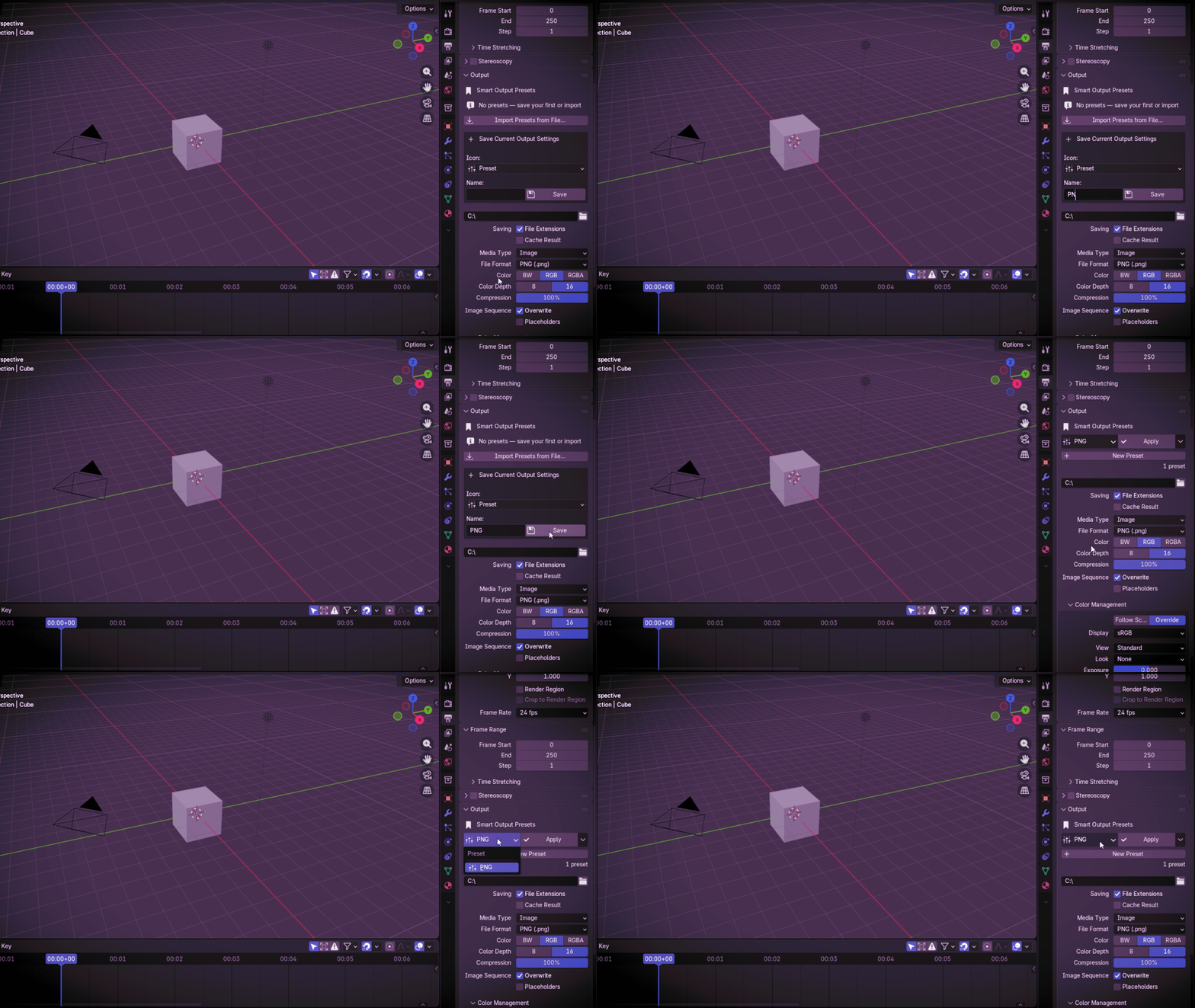
01
SetSet up your Output Properties. |
02
SaveName it and save the preset. |
03
SelectPick the preset you want. |
04
ApplyApply the saved settings. |
Where To Find It
Properties → Output Properties → Output
Save it once. Use it again.
Keep the Output setups you use most as presets, so you don't have to set them up again.
Smart Saved Presets