Smart Output Presets – Save & Switch Blender Output Settings
 RealDevCode


Frequently Asked Questions
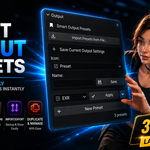
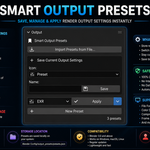
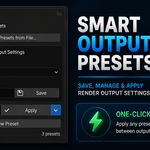
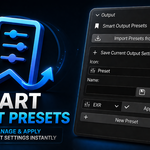
What does Smart Output Presets do?
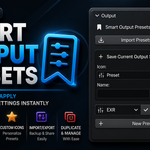
It lets you save your Blender Output setup as a preset and use it again whenever you need it.
Can I change a preset after saving it?
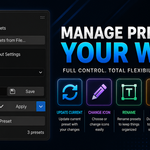
Yes. Change your Output settings, select the preset, and use Update to save the changes.
Can I make a copy of a preset?
Yes. Use Duplicate to make a copy and use it as a separate preset.
Can I rename or delete a preset?
Yes. Select the preset and use the available rename or delete option.
Can I change the preset icon?
Yes. You can choose a Blender icon for each preset.
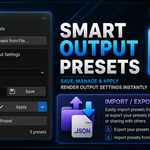
Can I Export my presets?
Yes. Export your presets as a JSON file.
$12.99$9.09
Have questions about this product?
Login to message
| Blender Extension Compatible | Yes |
| Dev Fund Contributor | |
| Published | about 2 months ago |
| Blender Version | 4.2 - 5.2 |
| Extension Type | Add-on |
| Render Engine Used | Cycles, Eevee |
| License | GPL |
Discover more products like this
render settings output settings video output output presets png render workflow exr rendering render presets image output blender addon presets