 NaughtyMiao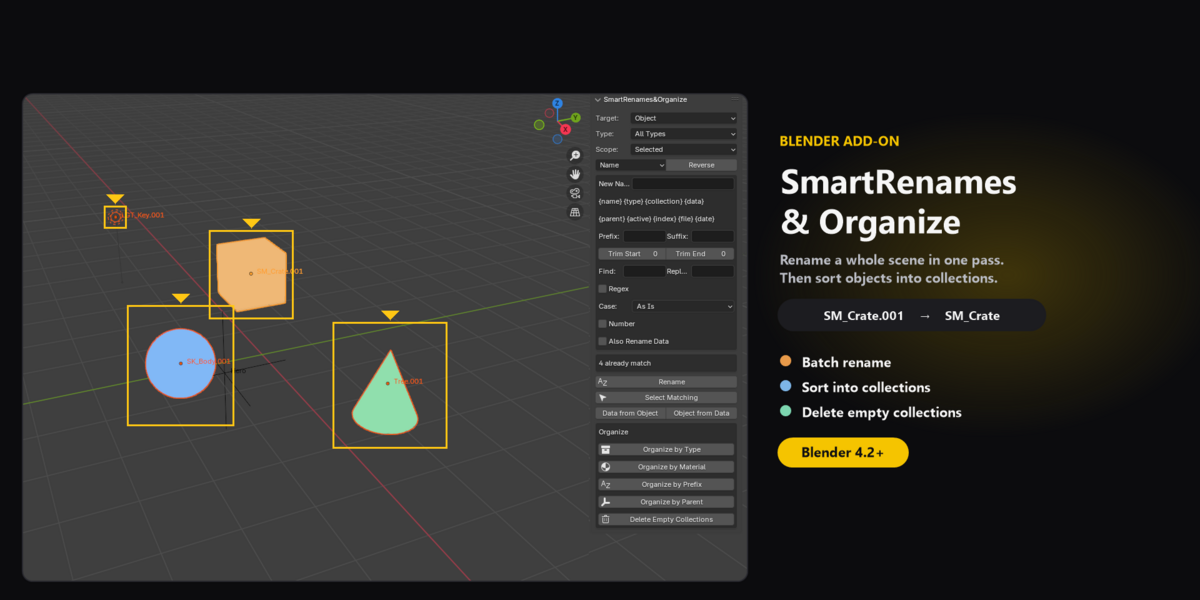
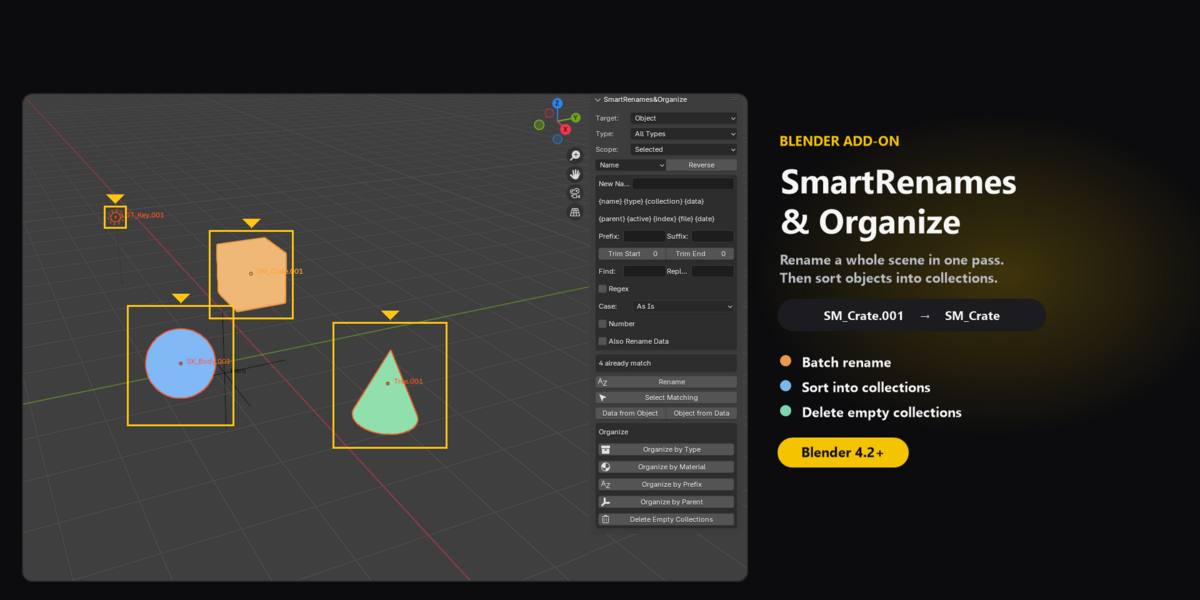
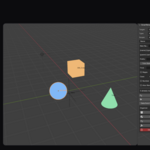
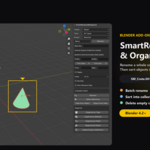
Batch rename for Blender. Then sort objects into collections.
A messy scene is slow to work in. SmartRenames&Organize renames many datablocks at once, then files objects into collections you can actually use.
Rename objects, object data, materials, collections, bones, modifiers, shape keys, UV maps, and node groups. Filter by object type, including meshes, cameras, hair curves, and point clouds. Work on the selection, or on everything in the scene.
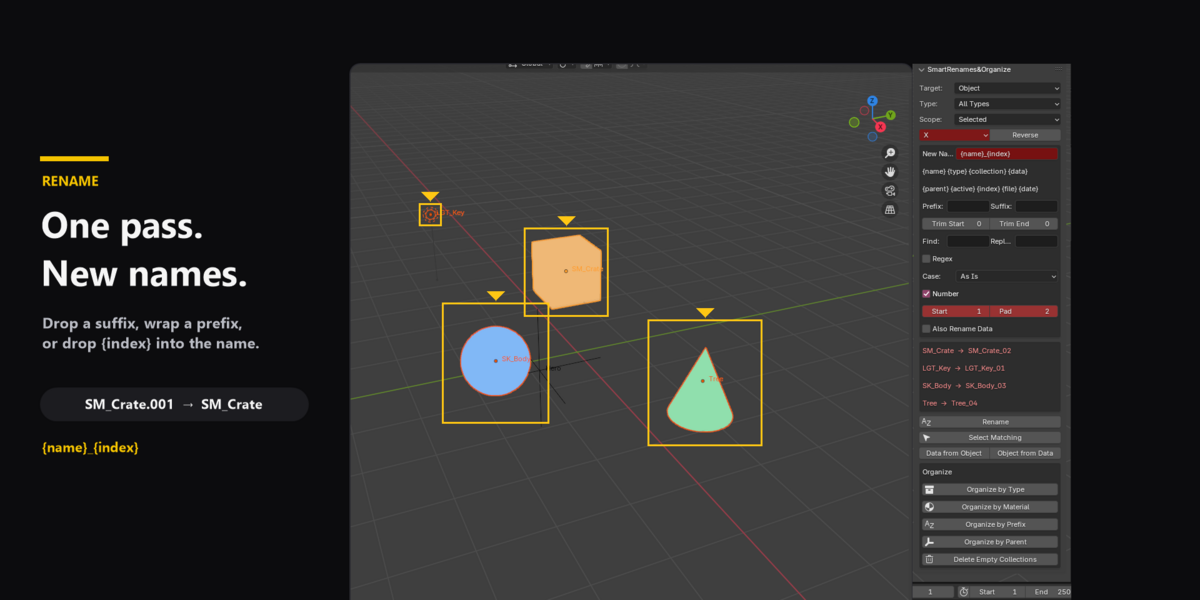
Build a name in one pass:
- New name, prefix, and suffix
- Trim characters from the start or the end
- Find and replace, with optional regex
- Case: lower, UPPER, Title, Sentence, camelCase, or PascalCase
- Number by name, selection order, or world X, Y, or Z
Tokens: {name} {type} {collection} {data} {parent} {active} {index} {file} {date}
{index} can sit in the middle, for example mesh_{index}_high.
Also Rename Data copies the object name onto mesh or curve data that belongs to only one object. Shared data is left alone. Linked data is skipped.
Select Matching finds objects or bones whose names contain your search. Data from Object and Object from Data copy names between an object and its data.
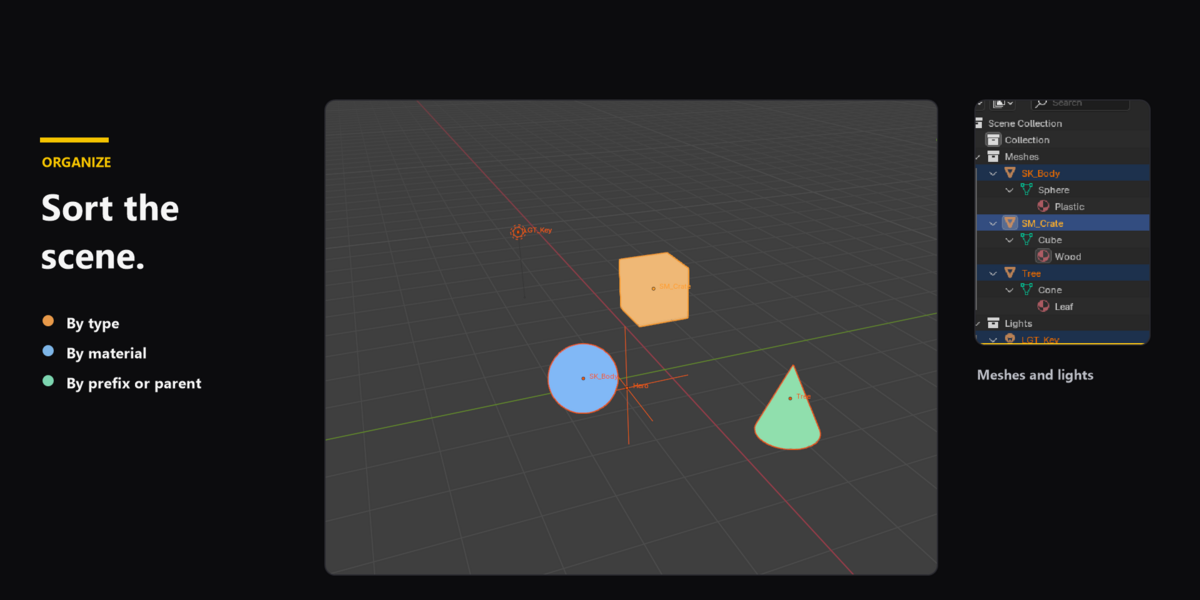
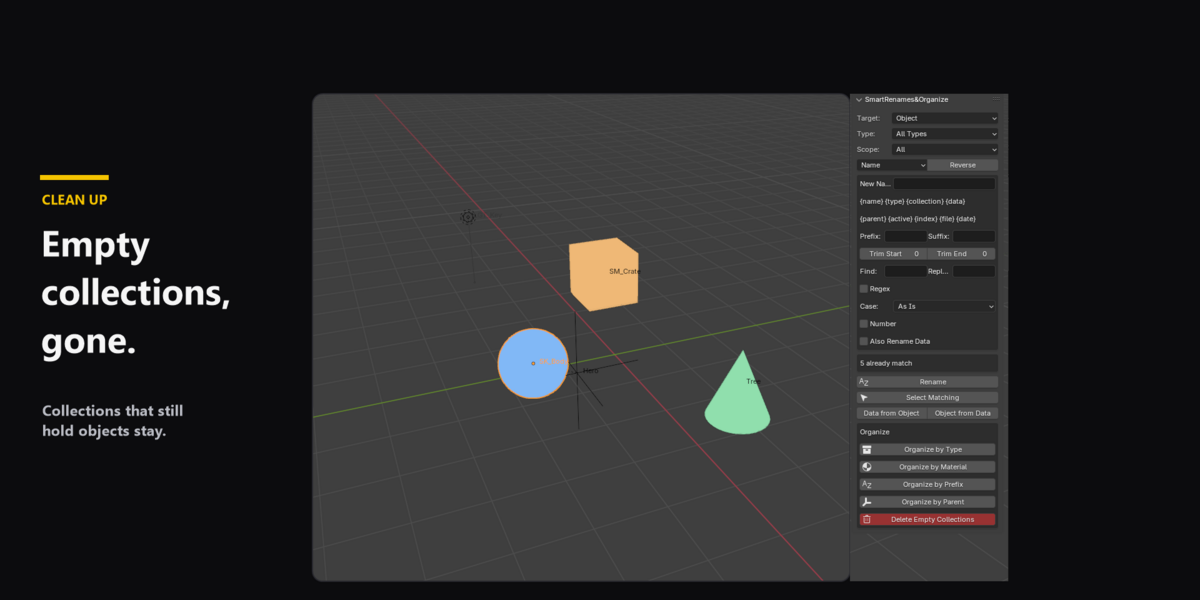
Organize by Type, by Material, by Prefix (SM_ Static, SK_ Skeletal, LGT_ Lights), or by Parent. Delete Empty Collections removes collections with nothing inside.
Requires Blender 4.2 or newer. Install from Edit, Preferences, Get Extensions, Install from Disk. Open the SmartRenames&Organize tab in the 3D Viewport sidebar.
Licensed under GPL-3.0-or-later, as Blender add-ons are.
