Smartscene Toolkit
 Marcus Best Store


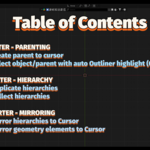
Efficient Blender toolkits collection add-on to enhance hierarchy manipulation, mirroring, and scene organization.
1. 🗃️Table of Functions
| Name | Description |
| —————————1.1 Smarter - Parenting Operations————————— | |
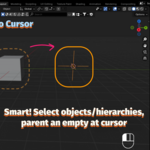
| 🏠 Parent to Cursor | Create an empty coordinate at the cursor and parent the selected hierarchy. |
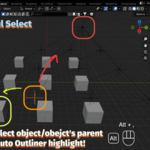
| 👆🏻 Powerful Select | Directly select the object or object parent in the scene with the auto Outliner highlight. |
| —————————1.2 Smarter - Hierarchy Operations————————— | |
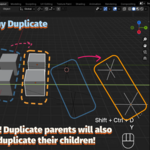
| 🧬 Hierarchy Duplicate | Duplicate complex hierarchies with preserved ourliner's structure. |
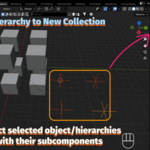
| 📦 Collect Hierarchy | Move selected hierarchies into a new collection. |
| —————————1.3 Smarter - Mirroring Operations————————— | |
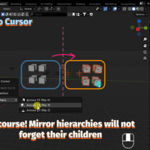
| 🪞 Mirror to Cursor | Mirror-duplicate selected hierarchies across a plane at the 3D cursor. |
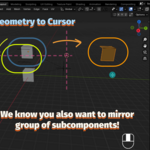
| 🪞 Mirror to Cursor Edit | In edit mode, mirror-duplicate selected geometry (vertices/ lines/ faces) across a plane at the 3D cursor. |



- All you need is the
.zipfile. - Open Blender → Edit > Preferences > Add-ons > Install
- Select the
.zipfile, then enable it in the list. - Ready to go!
Each add-on adds its feature to the right-click menu (object context menu) in Object Mode or Edit Mode.
For example:
- Mirror to Cursor: Right-click → Mirror Duplicate to Cursor Plane
- Mirror to Cursor Edit: Tab to edit mode → Right-click → Mirror Duplicate to Cursor Plane (Edit Mode)
- Move Hierarchy to New Collection: Right-click → Move Hierarchy to New Collection
You can also use keyboard shortcuts for functions to speed up your workflow:
| Function | Default Shortcut |
|---|---|
| 🏠 Parent to Cursor | Ctrl + Shift + P |
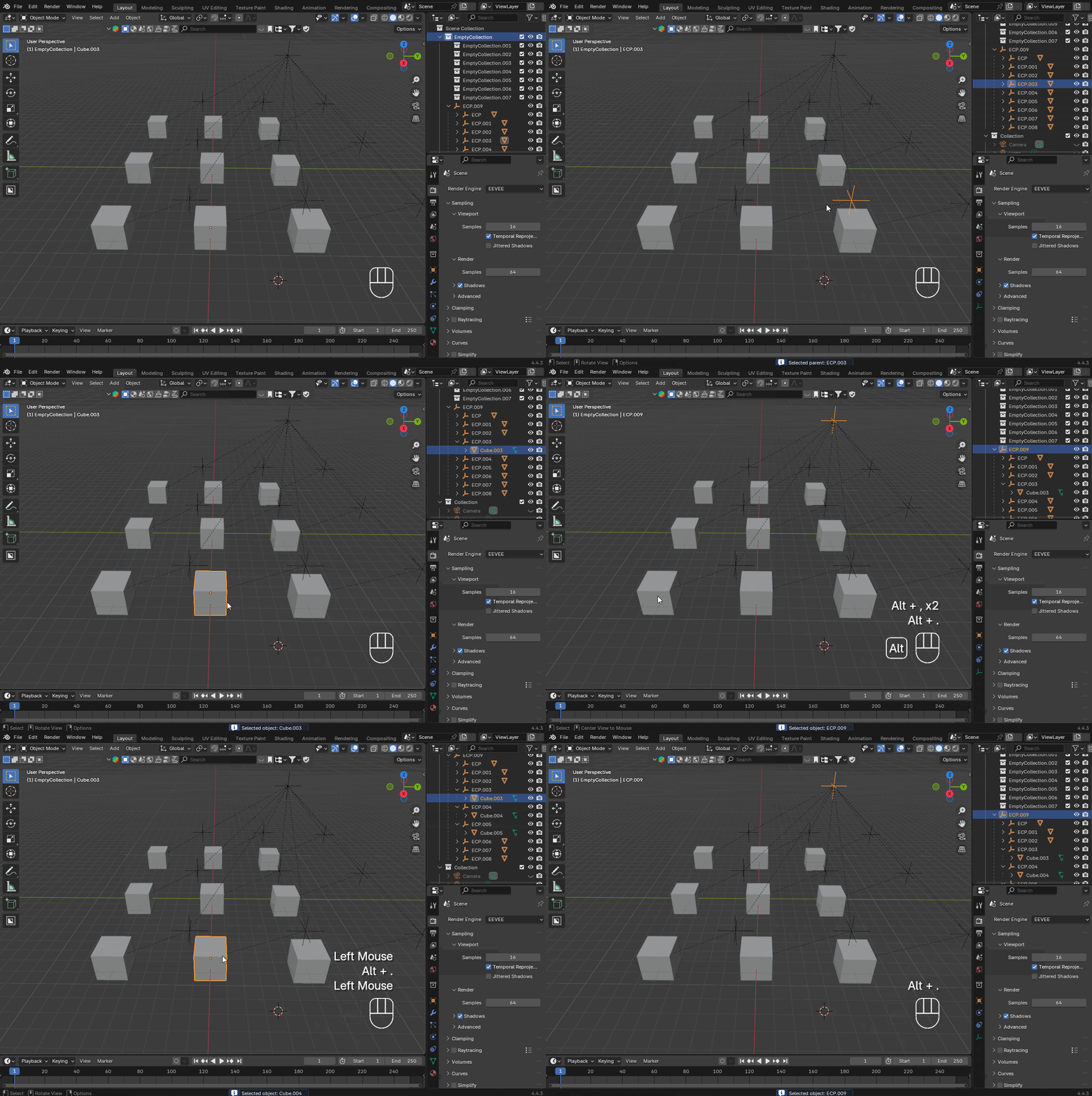
| 👆🏻 Powerful Select - Select Parent | Alt + , |
| 👆🏻 Powerful Select - Select Object | Alt + . |
| 🧬 Hierarchy Duplicate | Ctrl + Shift + D |
| 📦 Move Hierarchy to New Collection | Ctrl + Shift + C |
| 🪞 Mirror to Cursor - Default y-z plane | Ctrl + Shift + M |
| 🪞 Mirror to Cursor Edit | Ctrl + Shift + M |
⚠️ License: Although GPL is selected due to platform requirements, this product is licensed under CC BY-NC 4.0.
Commercial use and resale are strictly prohibited. See LICENSE.txt and code header for full terms. Please credit Tianle Yuan if you use or modify.
Have questions about this product?
Login to message
| Blender Extension Compatible | Yes |
| Published | over 1 year ago |
| Blender Version | 4.4 |
| Extension Type | Add-on |
| Render Engine Used | Cycles |
| License | GPL |
Discover more products like this
Scene Management duplicate Workflow Modeling tools hierarchy outliner parenting fast modeling mirror blender addon 3d-cursor collection