Smartscene Toolkit
 Marcus Best Store


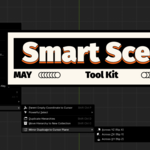
How to install?
All you need is the .zip file.
- Open Blender → Edit > Preferences > Add-ons > Install
- Select the .zip file.
- Then enable it in the list.
- Ready to go!
How to use this add-on?
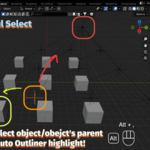
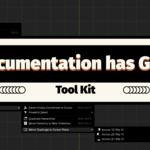
Each add-on adds its feature to the right-click menu (object context menu)/shortcut in Object Mode or Edit Mode.
Examples:
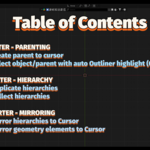
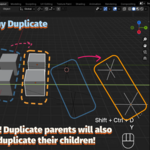
- Duplicate Hierarchy: Select parents/children → Ctrl+Shift+D → Same operation as normal duplication
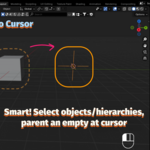
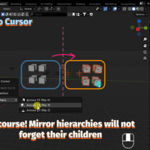
- Mirror to Cursor: Right-click → Mirror Duplicate to Cursor Plane
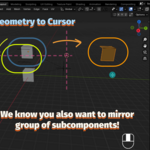
- Mirror to Cursor Edit: Tab to edit mode → Right-click → Mirror Duplicate to Cursor Plane (Edit Mode)
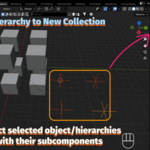
- Move Hierarchy to New Collection: Right-click → Move Hierarchy to New Collection
$2.99
Have questions about this product?
Login to message
| Blender Extension Compatible | Yes |
| Published | over 1 year ago |
| Blender Version | 4.4 |
| Extension Type | Add-on |
| Render Engine Used | Cycles |
| License | GPL |
Discover more products like this
Scene Management 3d-cursor duplicate collection outliner blender addon hierarchy fast modeling mirror Modeling tools parenting Workflow