 Gachoki Studios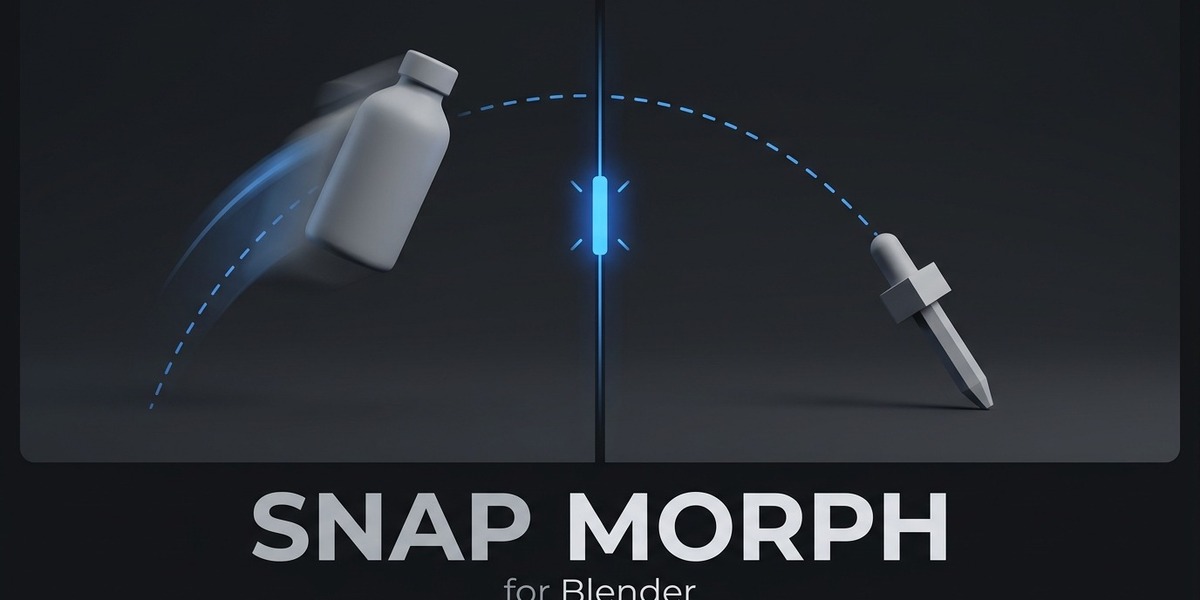
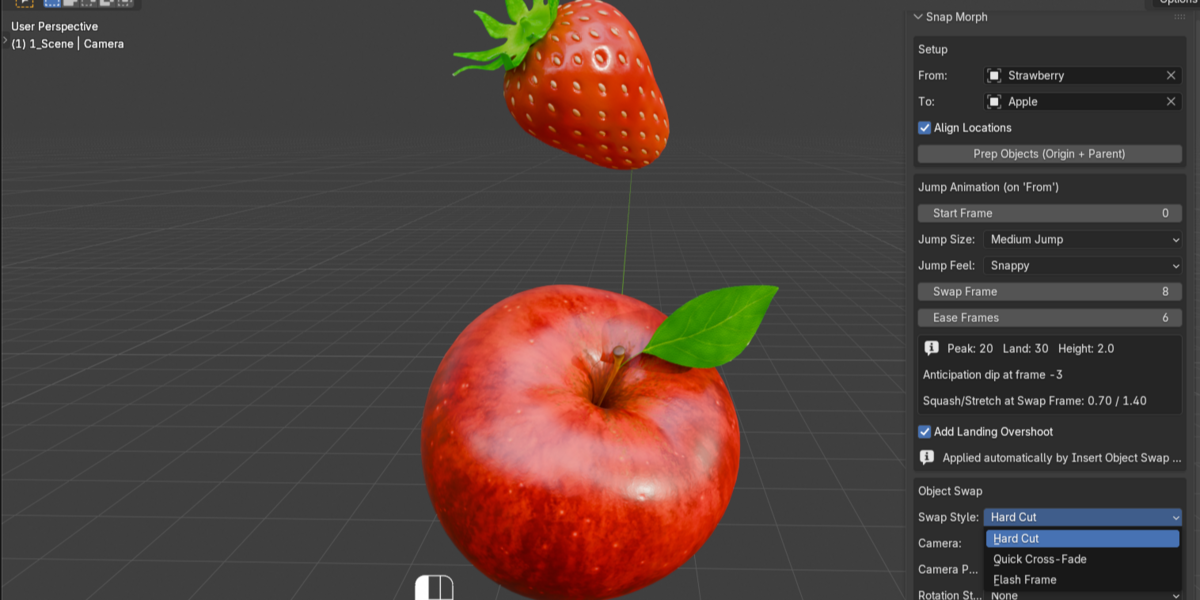
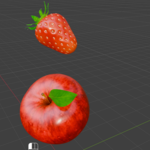
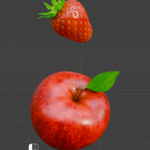
You've seen the trick: an object jumps, and mid-air, it just becomes something else. No shape keys, no complicated modifiers — just perfect timing. It's a staple of product ads and motion-graphics reels because it works, but getting there by hand usually means a lot of trial and error to find the moment that hides the swap.
Snap Morph does it for you, in two clicks.
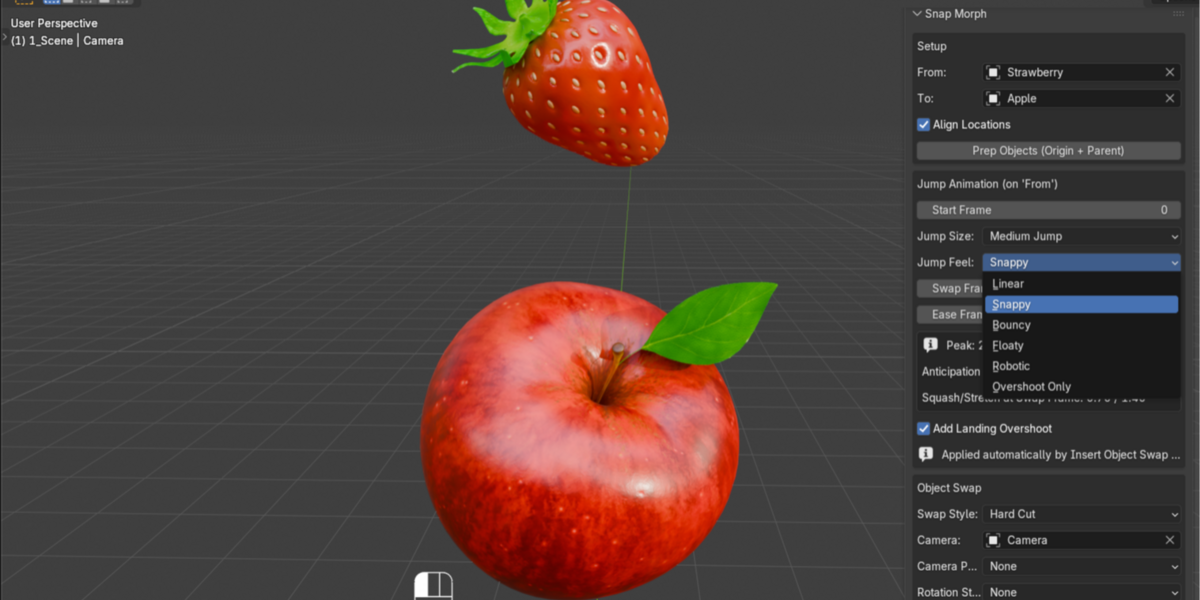
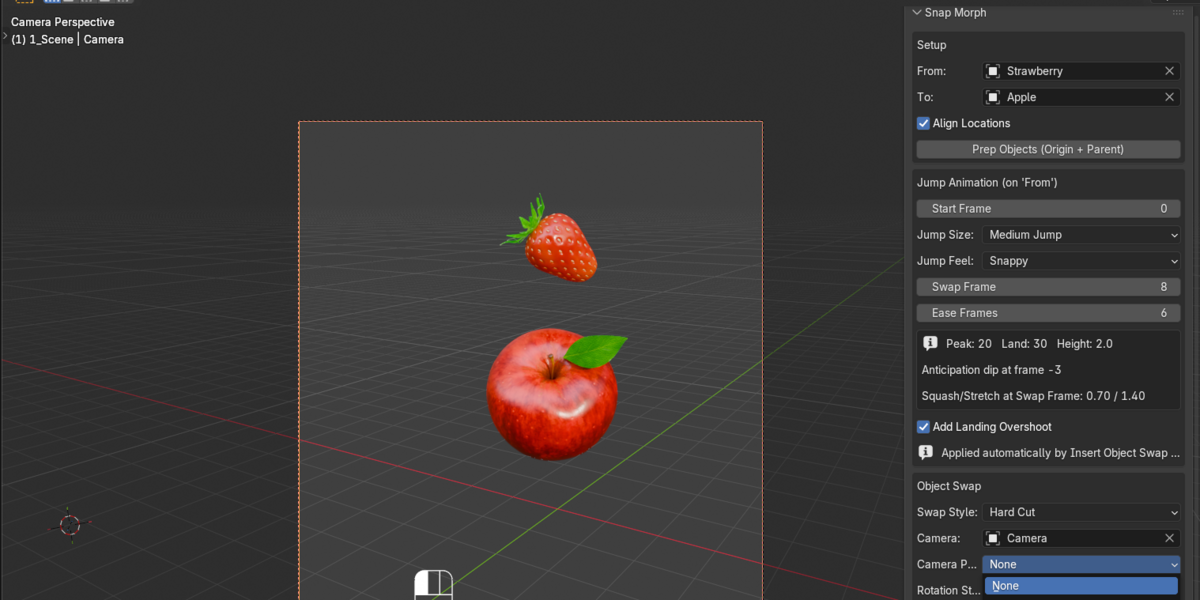
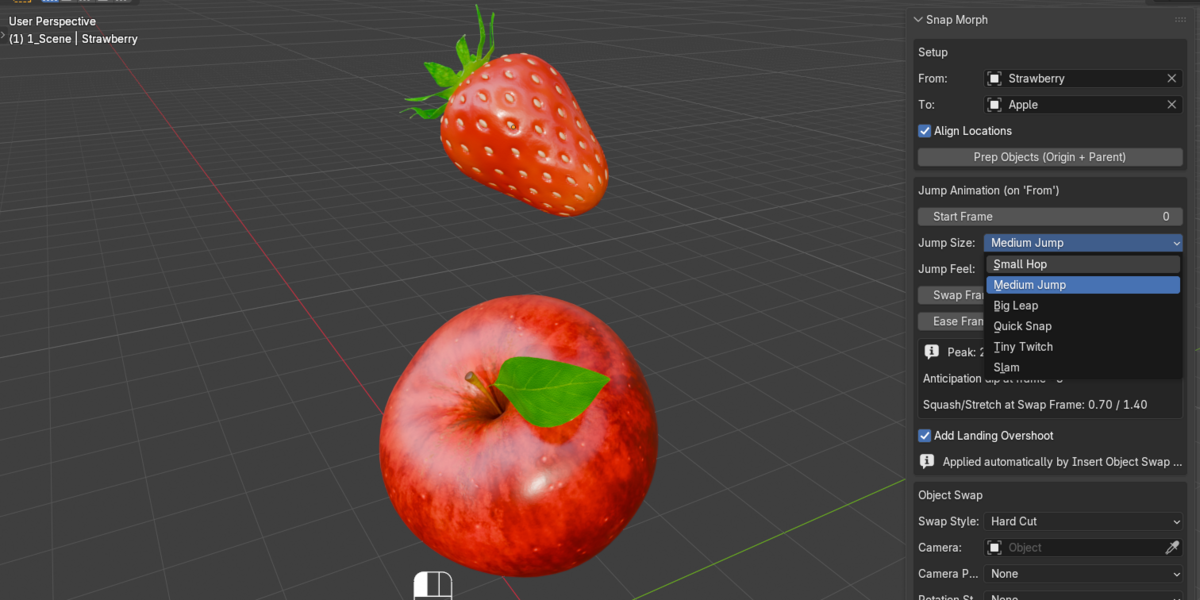
Set your two objects, click Prep, then click Insert Object Swap — and you've got a full jump, swap, and squash/stretch morph, timed to hide the cut perfectly.
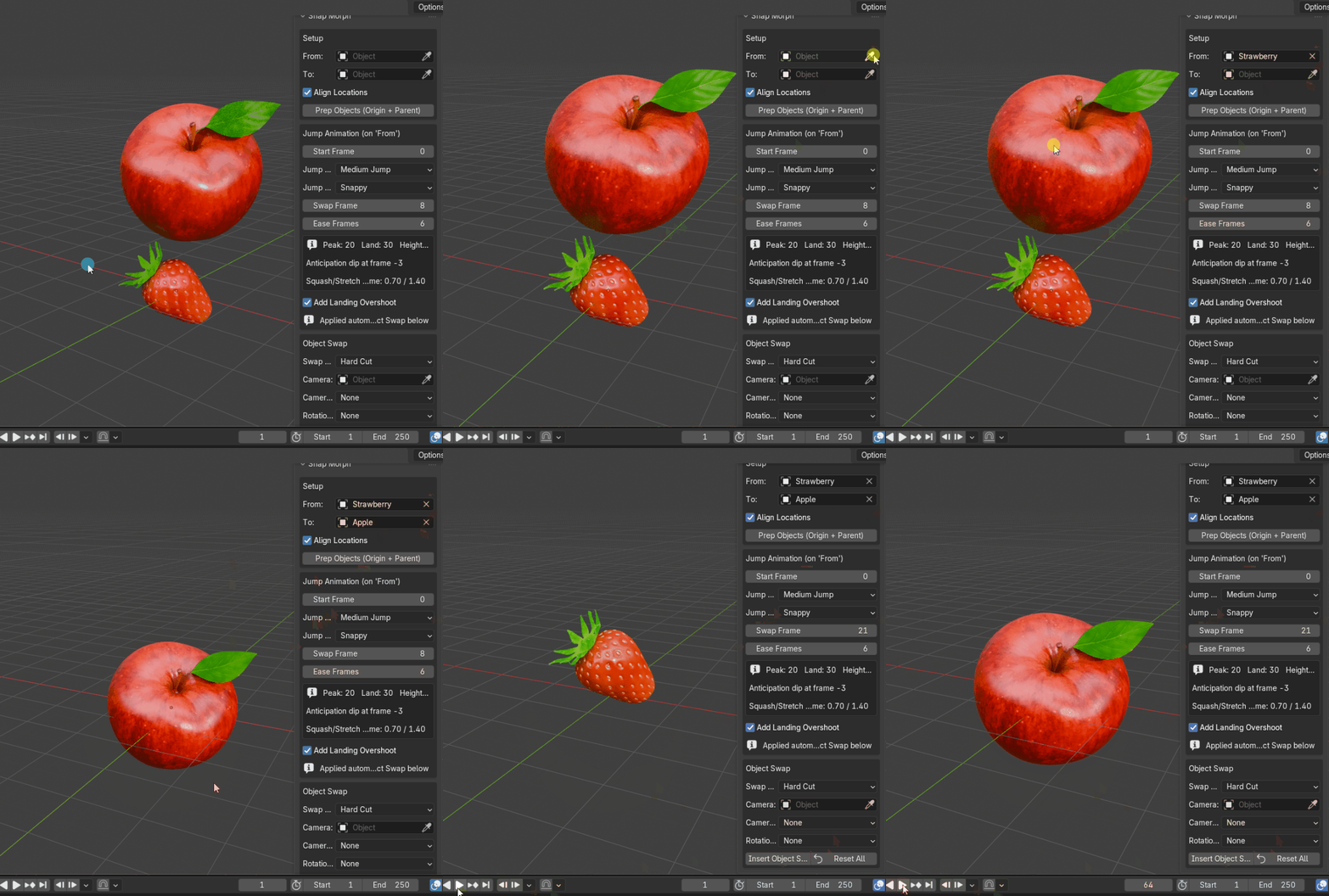
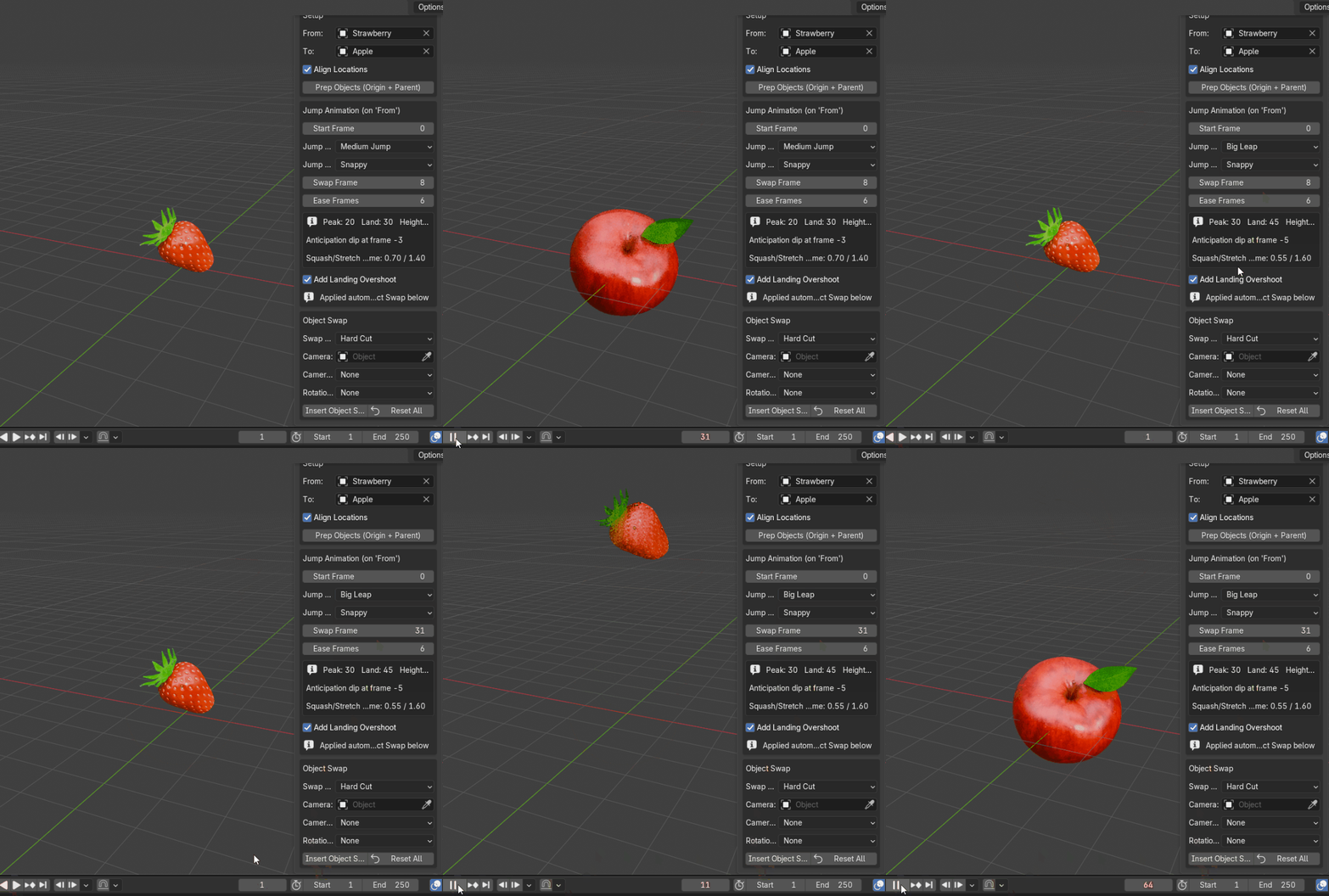
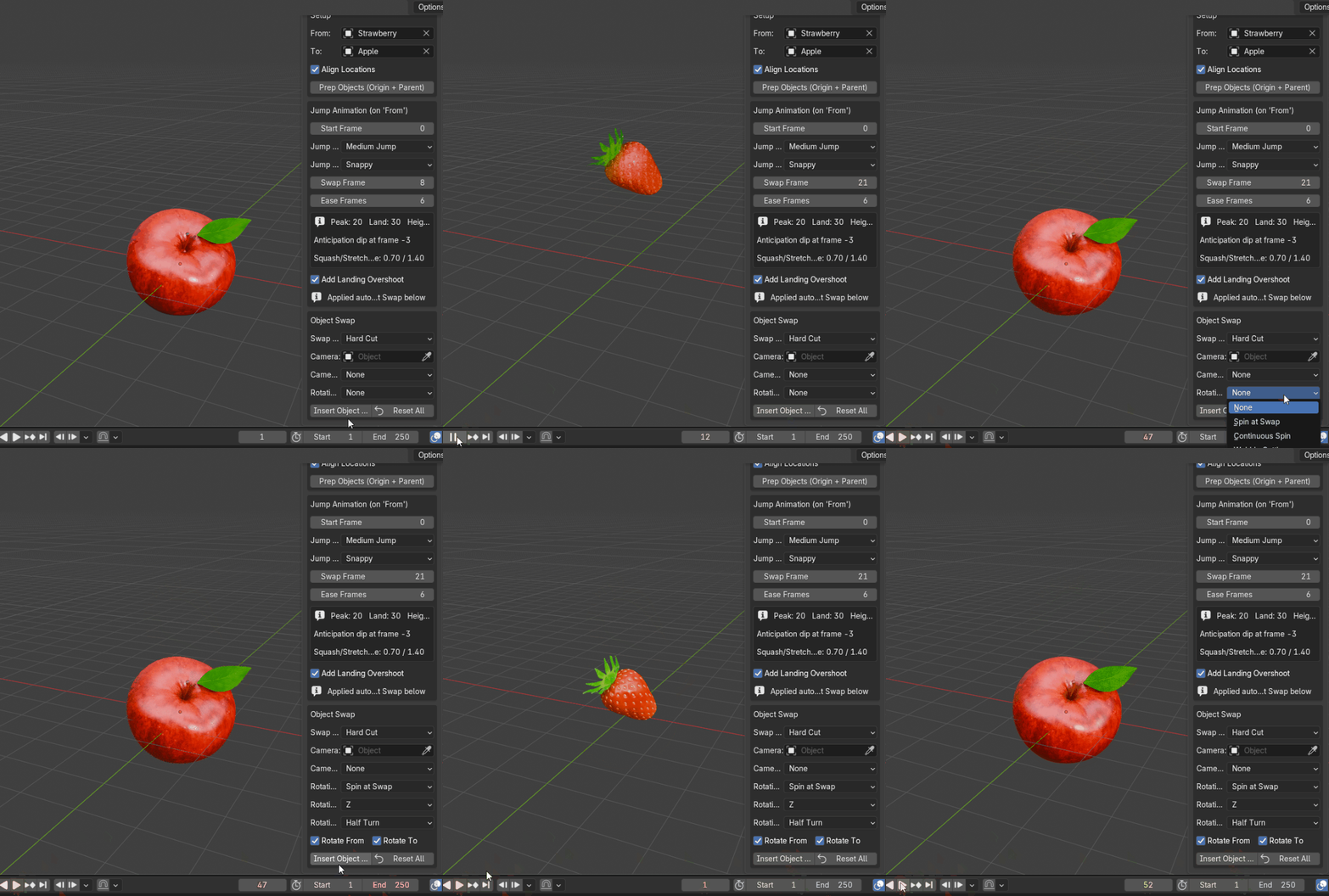
What you get:
- A finished morph transition in seconds, not a session of manual keyframing
- The swap timed automatically to the best possible frame, every time — or set your own and it's remembered
- A range of ready-made jump styles, from a light twitch to a heavy slam, and from snappy to floaty
- Three different ways to style the swap itself, from a clean cut to a hidden flash
- Optional camera punch, shake, and spin effects to add extra polish without extra work
- A one-click reset to wipe the scene and try a different look
- Real, fully editable keyframes underneath — fine-tune anything by hand if you want to
Who it's for: motion designers, product-ad editors, and anyone doing short-form social content who wants this transition on demand.

