 Betakontext







SnapSplit
SnapSplit is an addon for Blender to automate cut/split/slice workflows and connection building for 3D printing. It generates precise, gluefree snap-fit connectors, with adjustable snap spheres to optimize your individual workflow, using robust booleans and material sensible adaptive tolerance models.
It comes with a live preview for all connectors building sections; highly adjustable Dovetail and Snap Dovetail connector with edge sensitive span options; a section for building and using your own meshes as Custom Connectors, translations into 20 languages and more stability Cutting and Capping seams of hollow forms f.e. adding a sensitivity for models hollowed via standard Blender boolean modifier, and options to automated cap seams pre- and post-cut.
Why SnapSplit?
SnapSplit combines two work steps into one: cleanly segmenting large models and automatically creating matching snap/plug pins or tenons, dovetail or custom connections. Placement along an adjustable line or grid and/or freehand per click onto the spot on the split surface. That saves hours of manual modeling and reduces trial‑and‑error printing thanks to preset tolerances and the new Live‑Preview. Ideal for artists (casting molds, modular sculptures), prop designers, product prototypers, and makers who need large models to be printable and transportable.
Thanks for your feedback. I tried to build in as much as possible. I'm always happy to hear your further needs for next versions and hints for better building experiences.
__________________________________________
### Changelog:
**V_0.1.6**
- Added live preview option while creating connectors in Line/Grid mode for all connector types and a more adjustment options for connector creations -> Margin, Taper, Chamfer, Edge sensitive Span, Rotations and Offset along Length/Width on the cutting plane
- Stability fixes for cutting and cap hollow forms created via standard boolean modifier.
**V_0.1.5**
- Full UI localization through switch to Blender's interface language setting with 20 languages: EN, DE, FR, ES, IT, PT, NL, PL, JA, ZH, RU, UK, TR, SL, KO, SW, AR, FA, HI, BN with automatic detection based on Blender's UI language.
**V_0.1.4**
- Added Dovetail and Snap-Dovetail connector types.
- Added Custom Connector: use any mesh object from your scene as a connector shape, scaled to Width/Length/Depth, with click placement support.
**V_0.1.3**
- Initial public connector set: Cylindrical Pin, Rectangular Tenon, Snap-Pin, Snap-Tenon.
- Planar split with adjustable axis/offset, cap seams toggle.
- Seam-line and grid connector distribution, per-click placement.
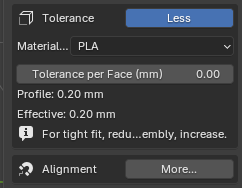
- Material tolerance profiles (PLA, PETG, ABS, ASA, TPU, SLA).
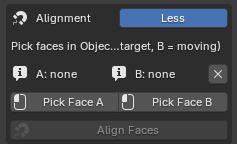
- Face-to-face alignment operator.
- Collections cleanup automation
__________________________________________
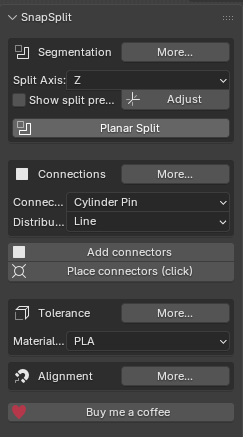
The panel in the 3D View (N-Panel → “SnapSplit”) features:
|
Property group with:
|
|
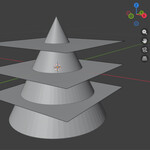
Segmentation:
|
|
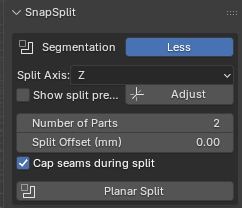
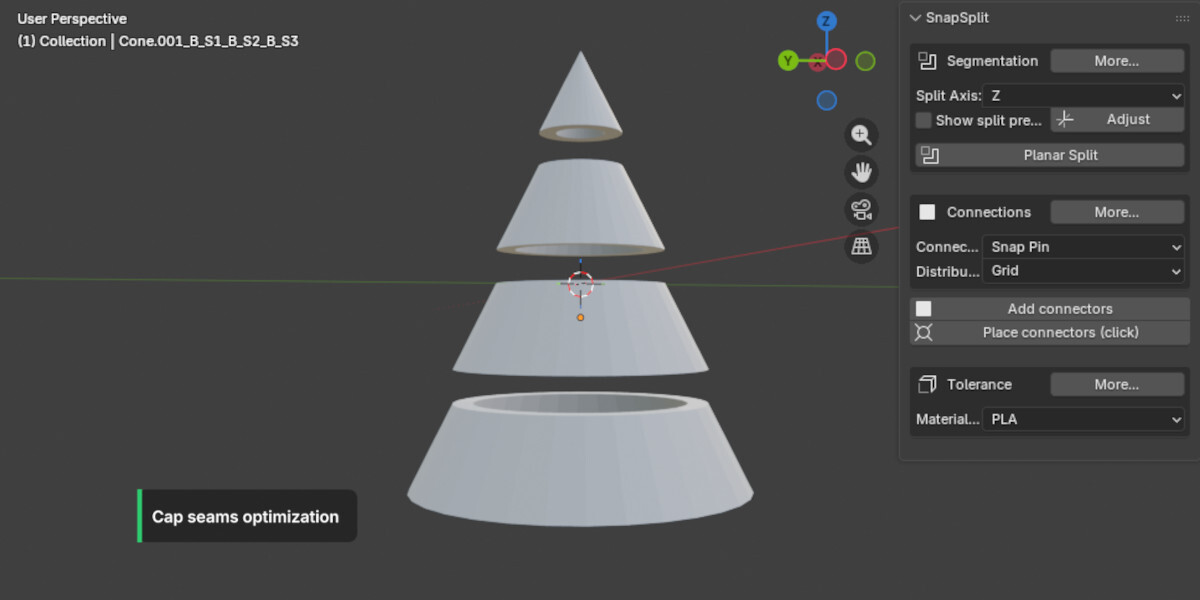
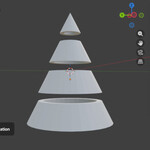
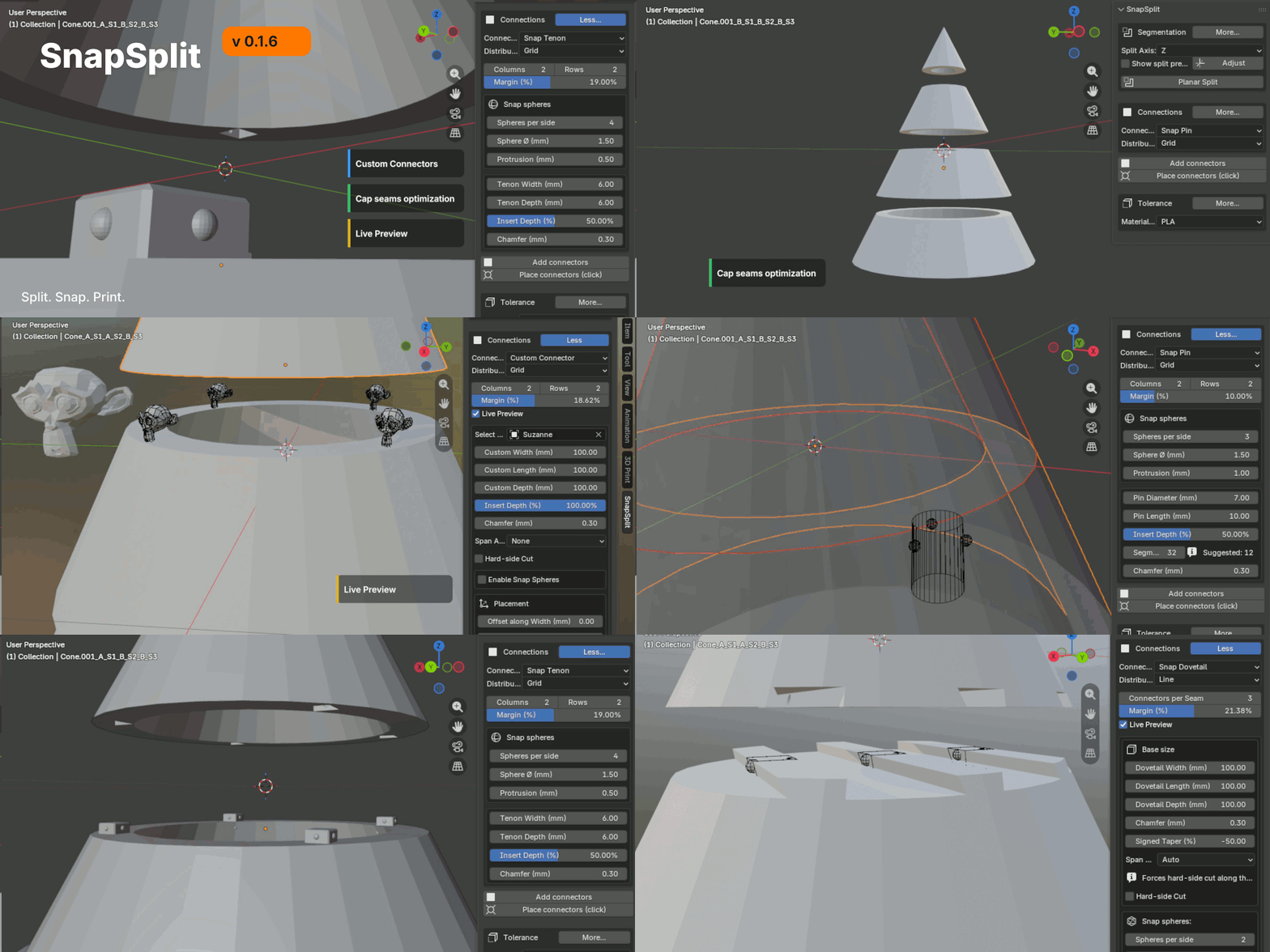
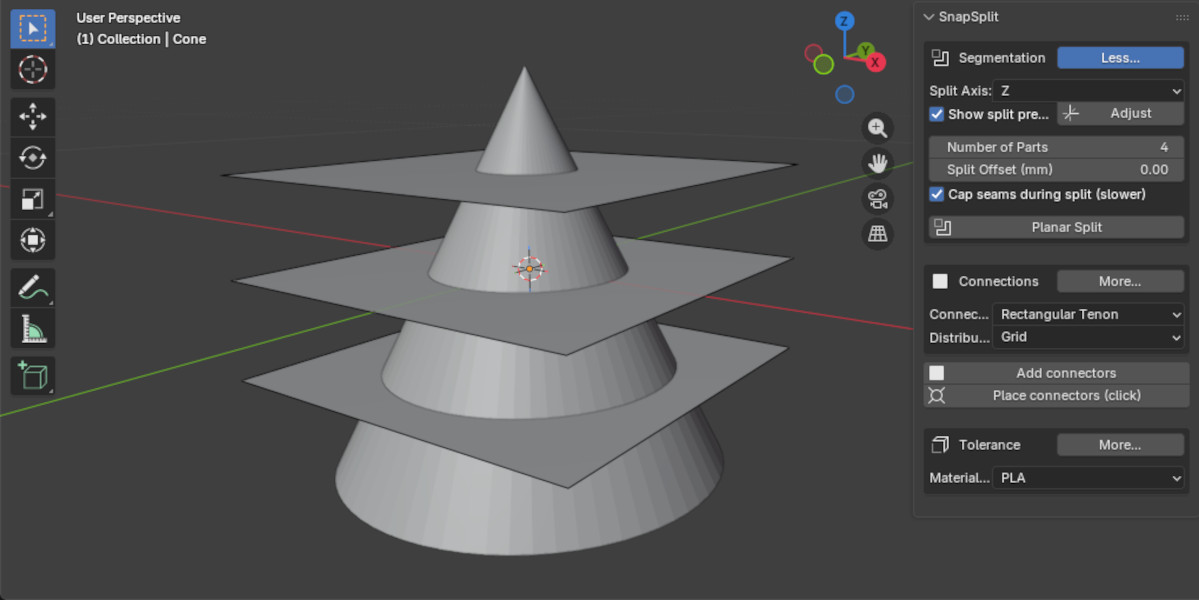 -> Split of a hollowed mesh along Z-axis into 4 parts with cap seams selected.
|
Connections:
|
|
|
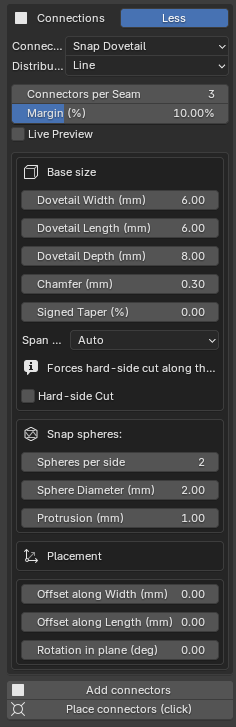
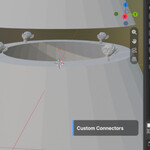
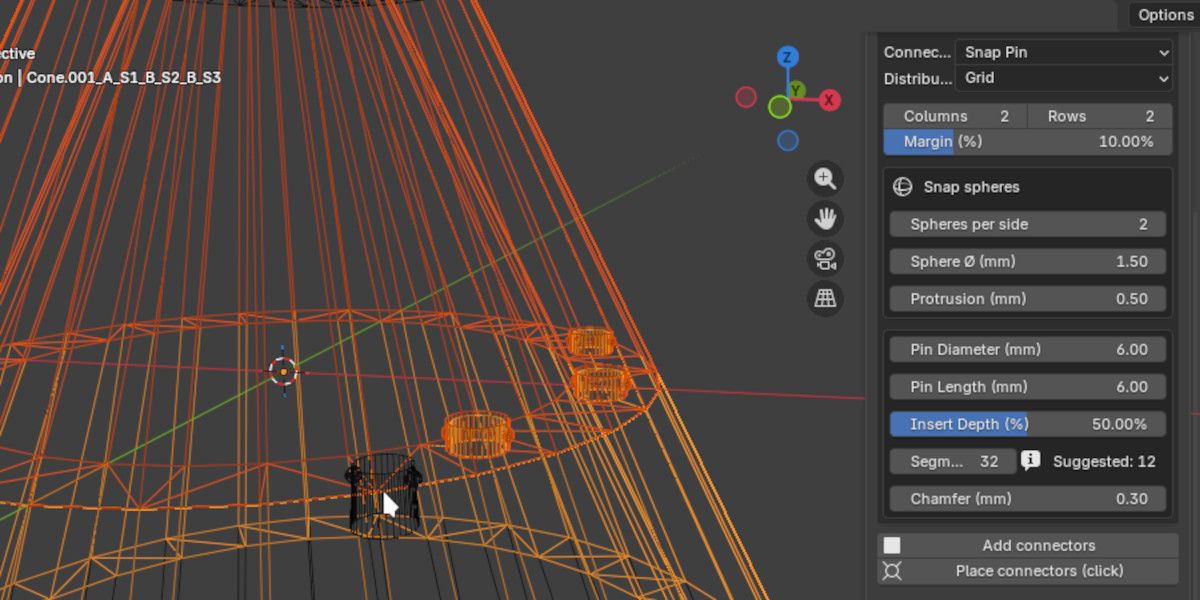 -> Individual placement of Snap Pins with 2 spheres per click.
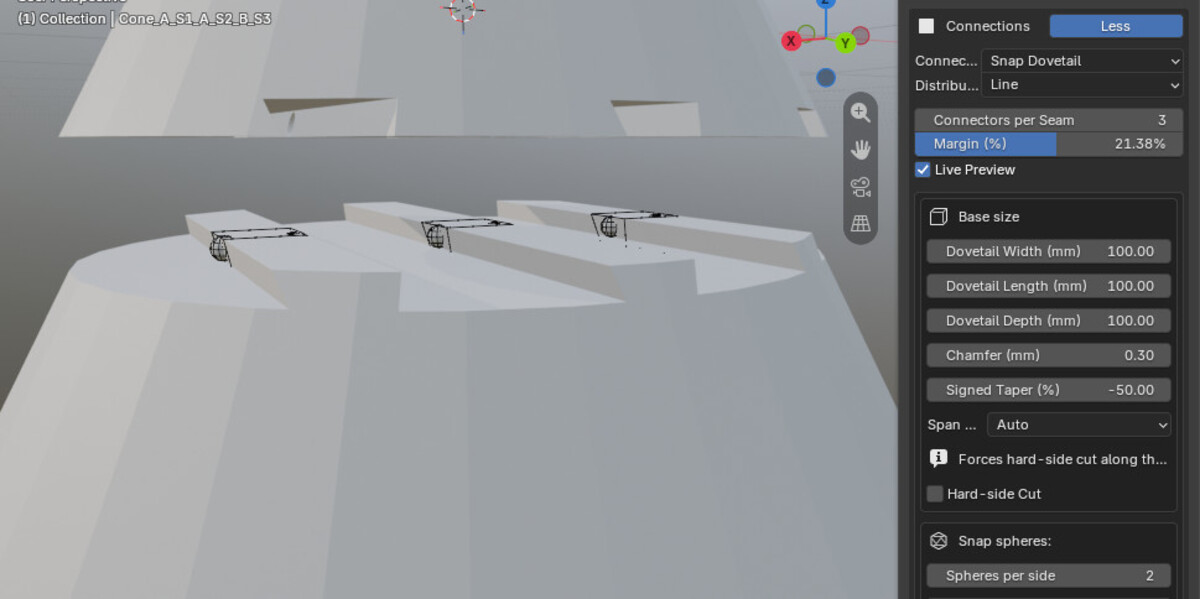
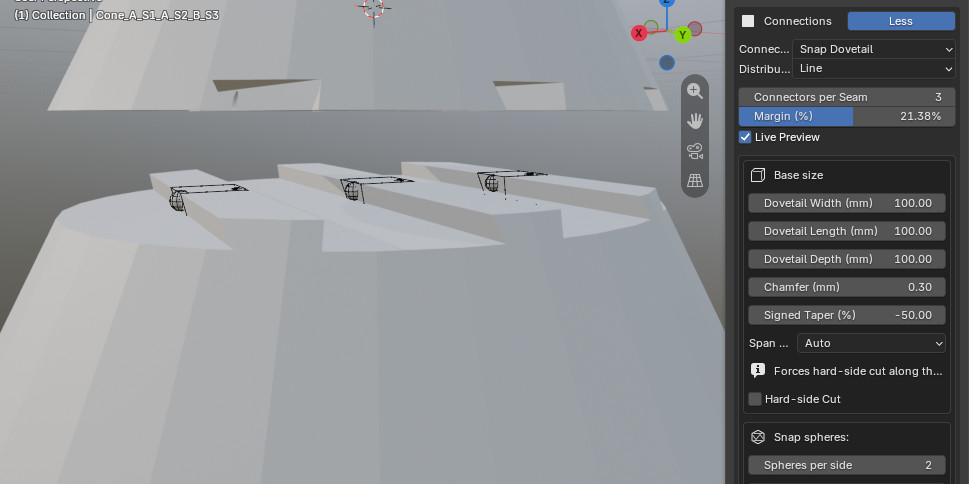 -> Dovetails with Snap spheres, Auto span and edge sensitive hard-side cut.
|
Custom connectors:
|
|
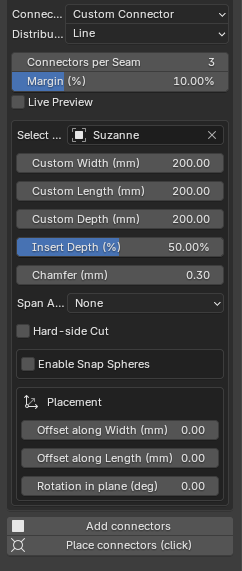
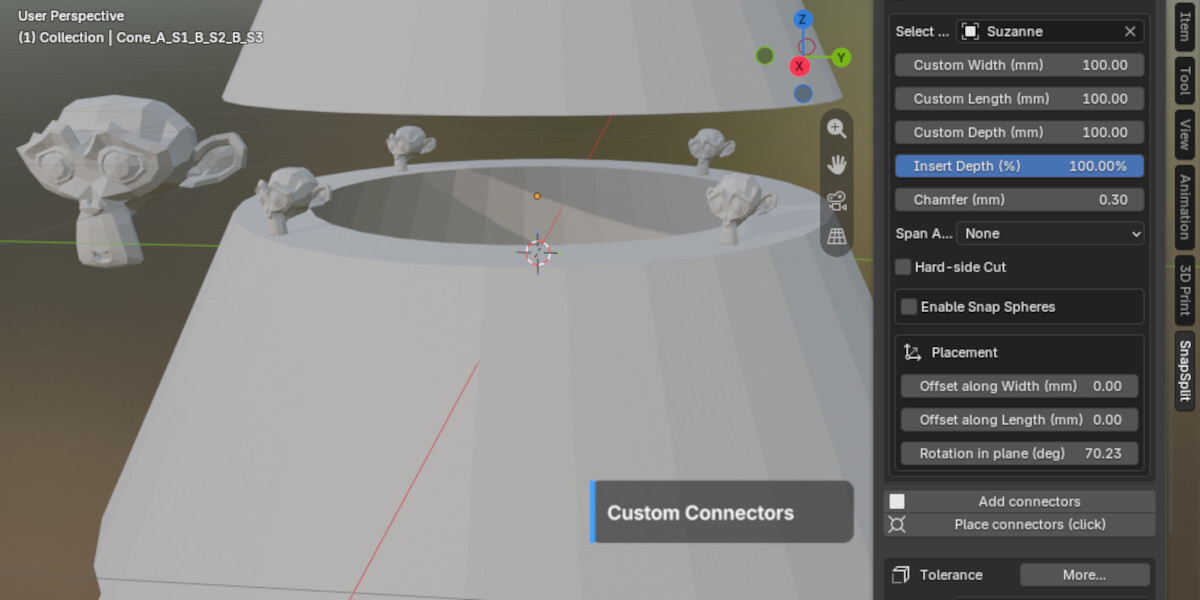
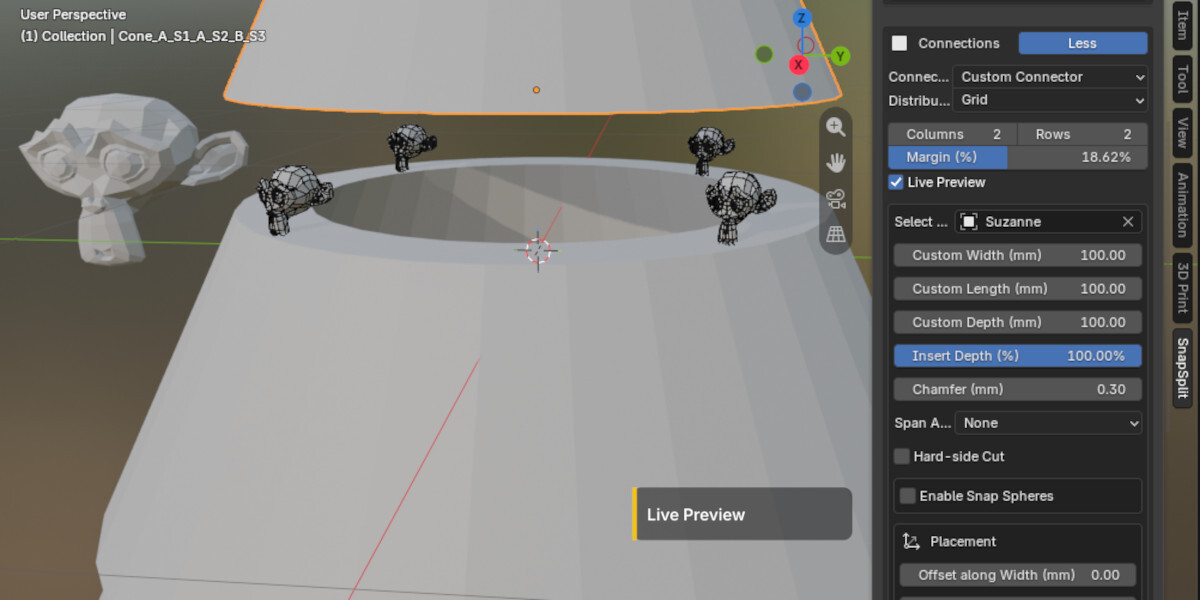
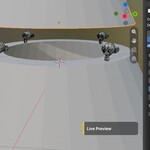
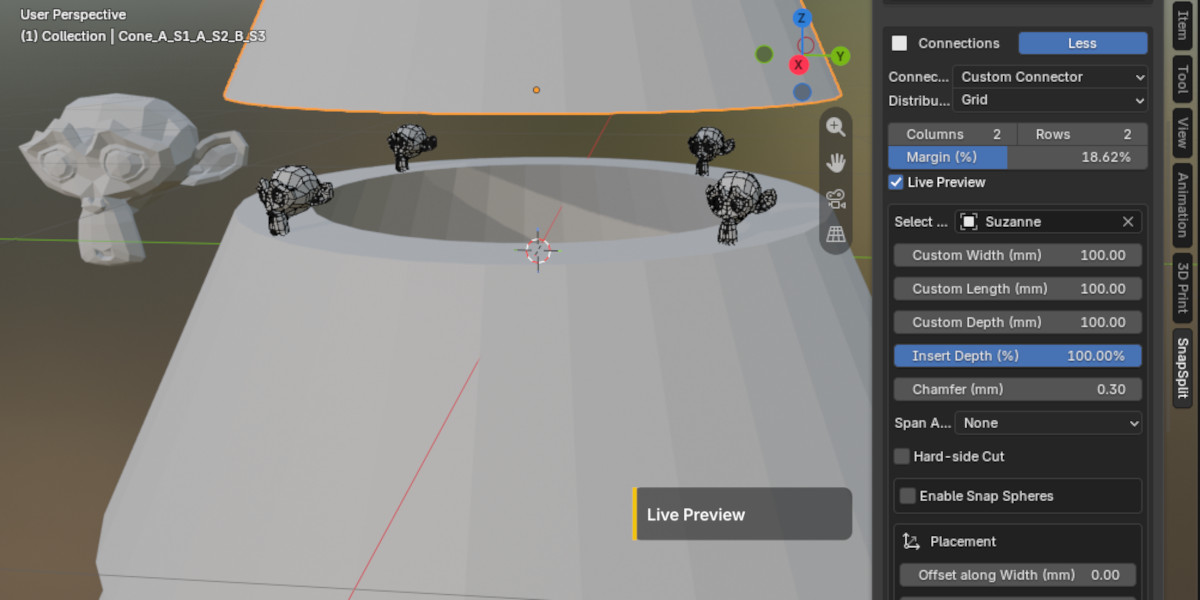 F.e.: Live Preview testing Blender's Suzanne qualities as a custom connector :) -> Use any mesh as a reference and adjust, distribute and place it via SnapSplit
 |
Tolerance:
These are provided as presets and can be overwritten. |
|
Alignment:
|
Languages:
The UI is fully localized and automatically follows Blender's interface language setting. Supported languages: English (US), German (Deutsch), French (Français), Spanish (Español), Italian (Italiano), Portuguese (Português), Dutch (Nederlands), Polish (Polski), Japanese (日本語), Chinese (中文), Russian (Русский), Ukrainian (Українська), Turkish (Türkçe), Slovenian (Slovenščina), Korean (한국어), Swahili (Kiswahili), Arabic (العربية), Persian (فارسی), Hindi (हिन्दी), Bengali (বাংলা).
__________________________________________
Included
SnapSplit add‑on (v0.1.6) for Blender
Presets for connector types & material profiles
Short guide & best practice tips
-
Support & bug reporting via [email protected]e
________________________________________
Until now I used it on Blender 5.2.2 LTS / 5.2.0 LTS / 5.1.1 / 5.1.0 / 5.0.1 / 4.5.9 LTS and 4.5.3 LTS. Let me know if you use any other Blender version or run into issues. I'd be happy to hear about your projects, how you are using it or if you have any ideas to take SnapSplit and Blender further into 3D print.
________________________________________
License & updates
Lifetime license for the purchased version; minor fixes included. Major updates may be offered separately.

