Snapsplit - Cut & Build Custom Connectors For 3D Printing
 Betakontext

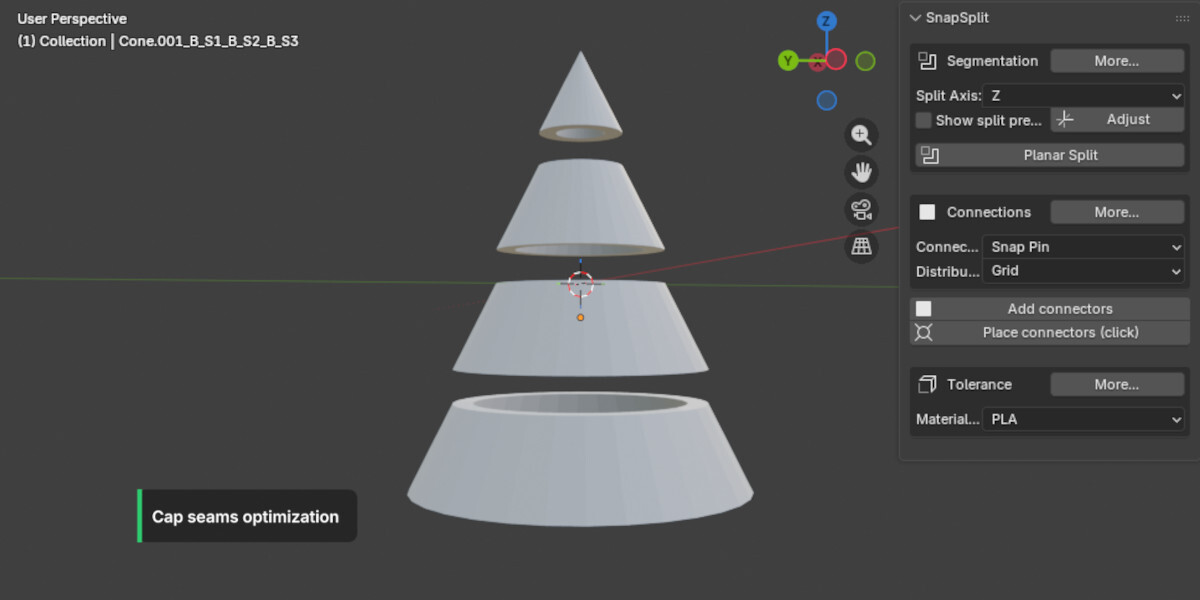
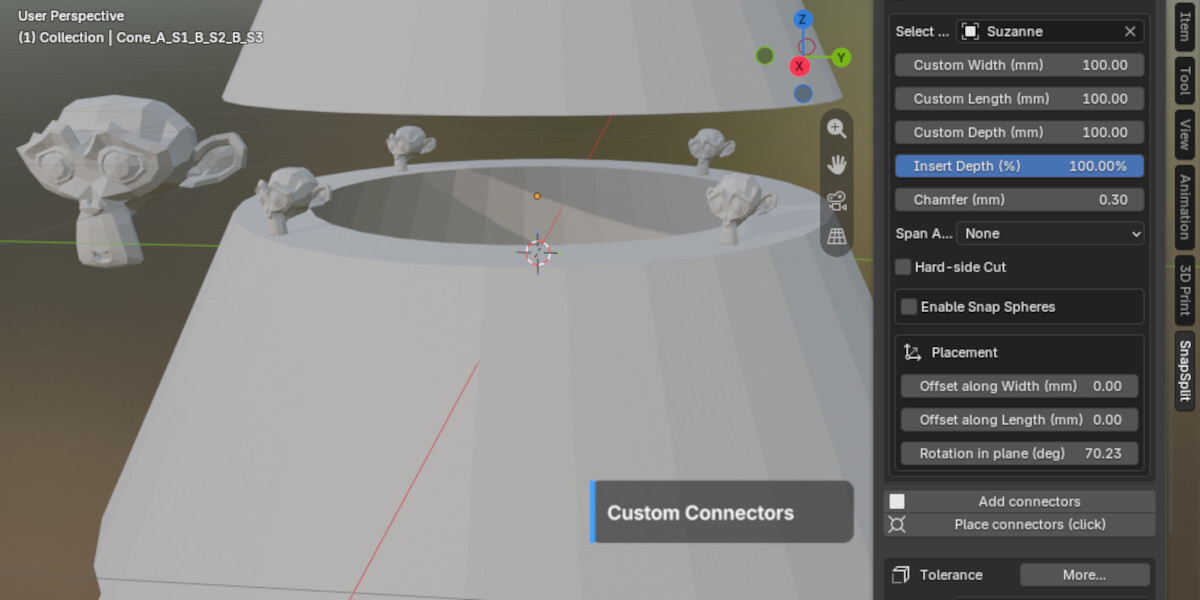
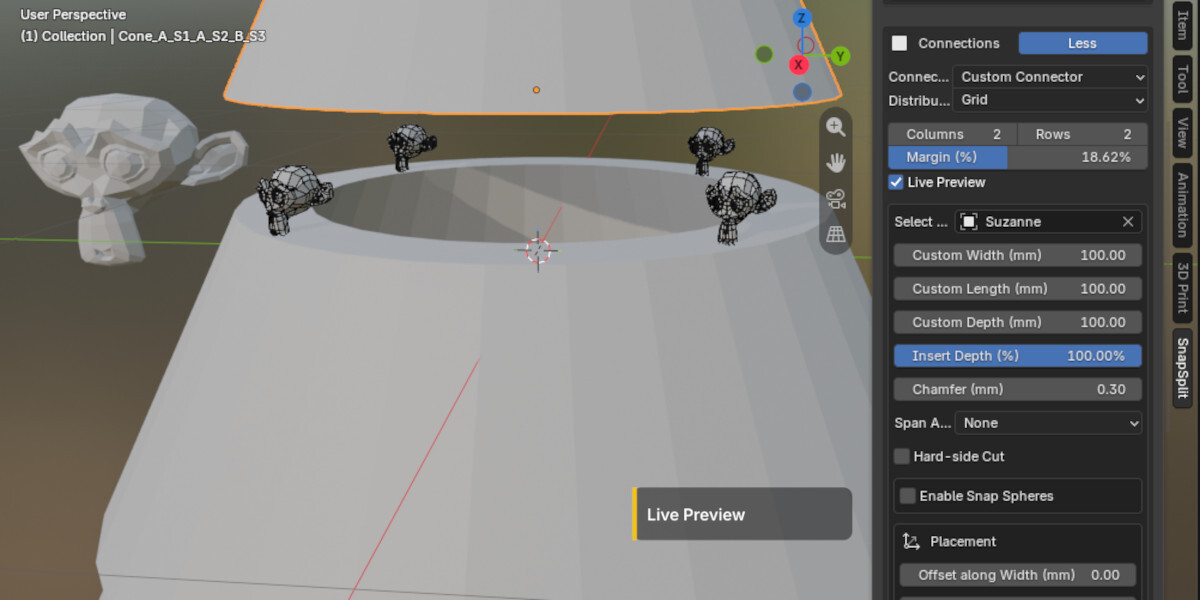


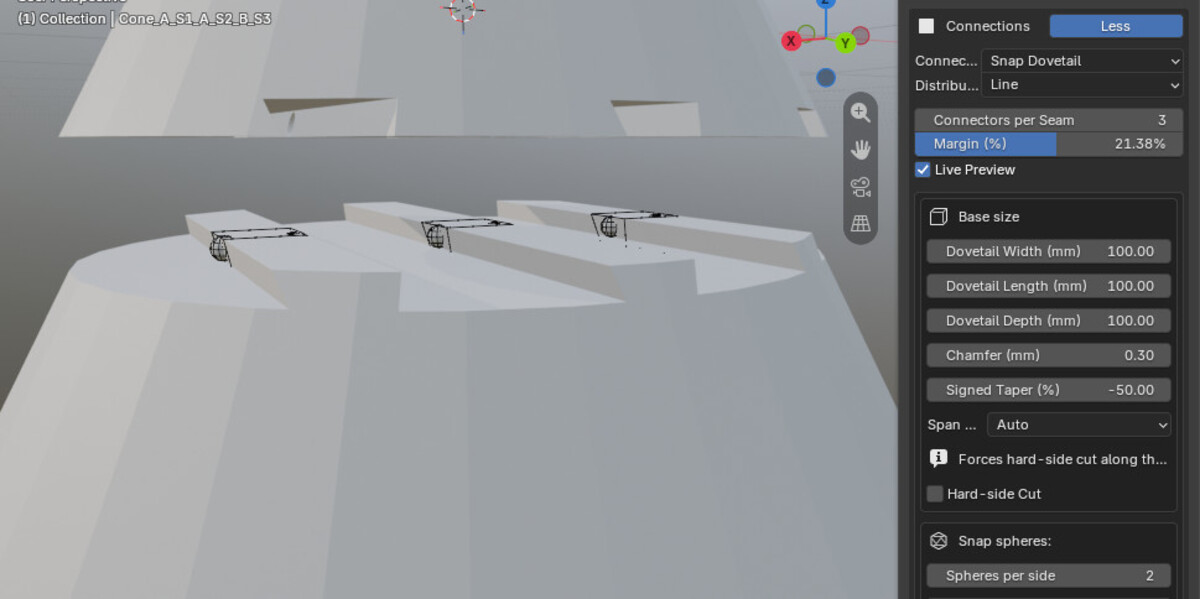

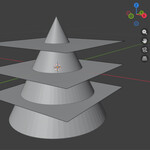
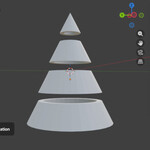
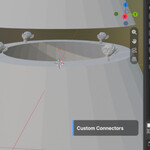
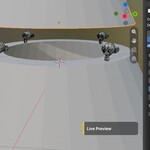

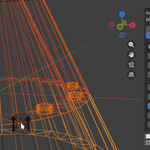
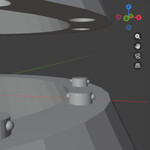



Connectors are too small, or not visible:
Adjust the connector sizes to the model you are preparing. The Blender default cube is 2 m and so by default very big. The connectors default settings are way smaller. Either adapt your model to a reasonable size, fitting to your printing plans, or upscale the settings of ther connectors to fit to your model. If you f.e. want to cut and connect s.th. in the size of the default cube, use f.e. Pin Diameter (mm): 500 / Pin Length (mm): 500 in the settings of SnapSplit. -> don't forget to also readjust the snap spheres fto fit to your pin sizes.
Connectors are too big:
Don't use millimeters as yous scene scale. It is important to adjust your presets to use -> Unit / metrics -> Adaptive or meters at the moment, to not get wrong connector sizes.
 Included
Includes 12 months of
- Support from Betakontext
- Product updates
Extend this product’s Support Period +12 months: 50% of product price
Have questions before purchasing?
Login to message
| Blender Extension Compatible | Yes |
| Sales | 30+ |
| Dev Fund Contributor | |
| Published | 6 months ago |
| Blender Version | 4.5 - 5.2 |
| Extension Type | Add-on |
| Render Engine Used | Cycles, Eevee |
| License | GPL |

Discover more products like this
split and snap automated connect 3dprint 3dprintable glueless cut connectors 3D Print Alignment print connections align advanced customization