 SNURPstore


✏️ What is SNURPilator?
A fun, no-friction way to sketch in 3D.
- get creating immediately
- draw curves directly in the viewport
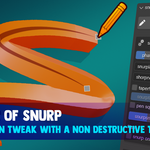
- non-destructive workflow — create fast, tweak later
- replaces tedious curve setup
Ideal for:
- rapid concepting
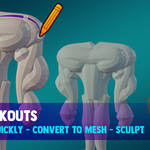
- sculpt blockouts
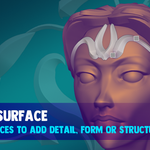
- adding surface detail
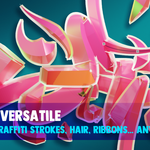
- hair / ribbons / ropes
- 3D graffiti / abstract work
✏️ Just start drawing
I made SNURPilator to remove all the friction from getting something creative on screen.
Setting up tools, digging through menus, tweaking settings…
by the time I was ready to create, I’d already lost momentum.
I wanted something that felt like putting clay on the table and just starting.
So I built SNURPilator.
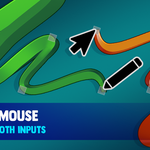
✏️ Draw curves directly in 3D
Click and start drawing — that’s it.
- draw curves in a single stroke
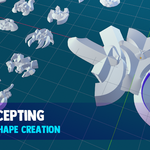
- choose your shape (round, square, flat)
- adjust thickness on the fly
- add taper or use pen pressure
- smooth your strokes
- mirror across axes for instant variation
It feels closer to sketching than traditional modelling.
✏️ From sketch → mesh in one click
Turn your strokes into usable geometry instantly.
- convert curves to mesh
- combine multiple strokes
- voxel remesh for solid forms
No rebuilding. No interruptions. Just keep going.
✏️ The goal
This isn’t trying to replace Blender’s modelling tools.
It’s about removing that initial friction —
so you can get ideas into the scene as fast as possible.
If you like working quickly and figuring things out as you go,
this should feel right at home.
Add some fun to your workflow and remember, snurp responsibly.
