 nice mesh


🌧️ Soaked
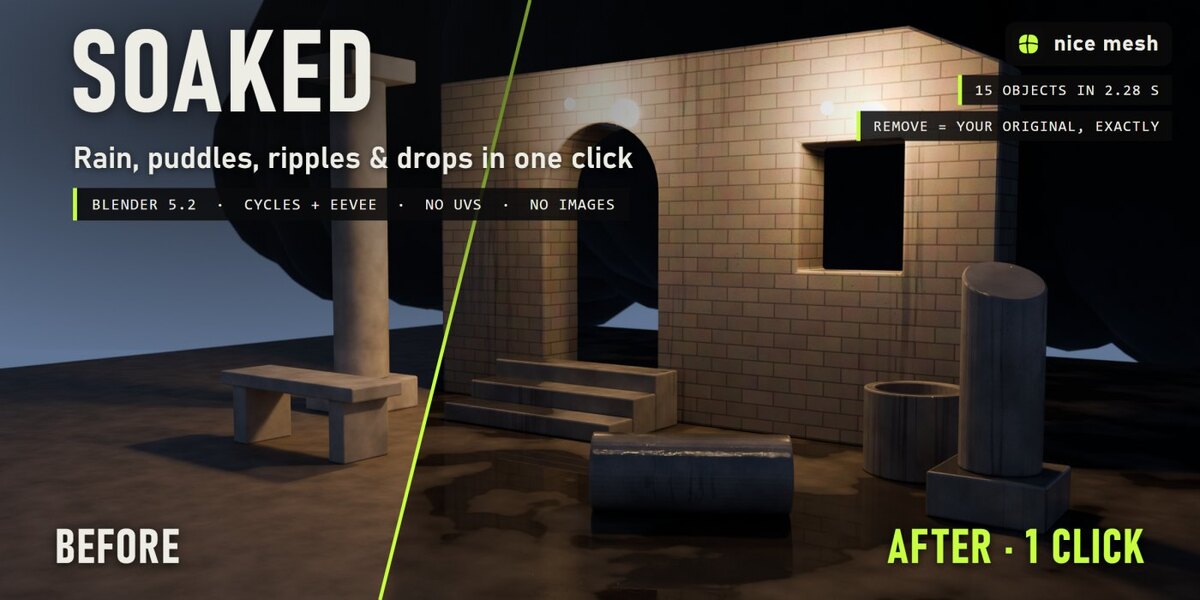
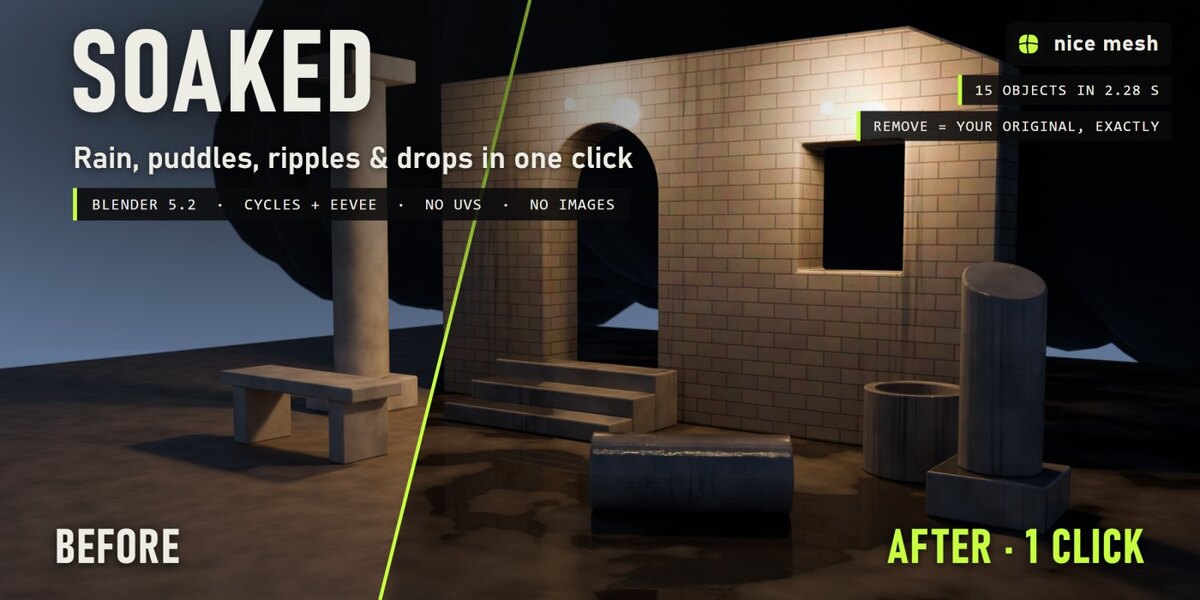
Rain-soaked surfaces in one click: darker, glossier, puddles with ripples, drops and drips. Real geometry, no UVs, fully removable.
Select your objects, pick a weather, and Soaked makes them wet the way rain really does: porous materials soak up the water and go darker, a glossy film sits on top, puddles form on flat ground and mirror the scene, rain hits them in spreading rings, drops bead on every surface, water runs down the walls and hangs in drops under the edges. Your materials stay as they are, and one click dries everything again.
The problem
Wet scenes sell a mood, but faking them by hand is slow: a roughness map per material, painted puddles, a normal map for drops, sculpted drips under every ledge, and ripples that never move. Making everything darker and shinier just looks like plastic.
How it works
- Select your objects. Ground, walls, props, cars: any mesh, any material. No UVs needed.
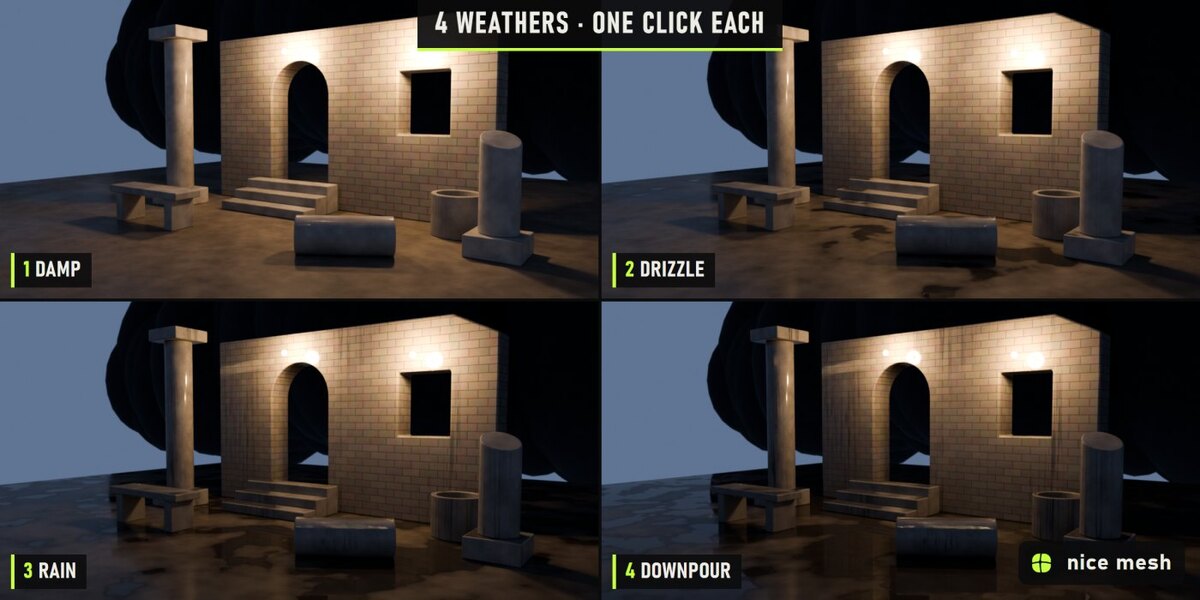
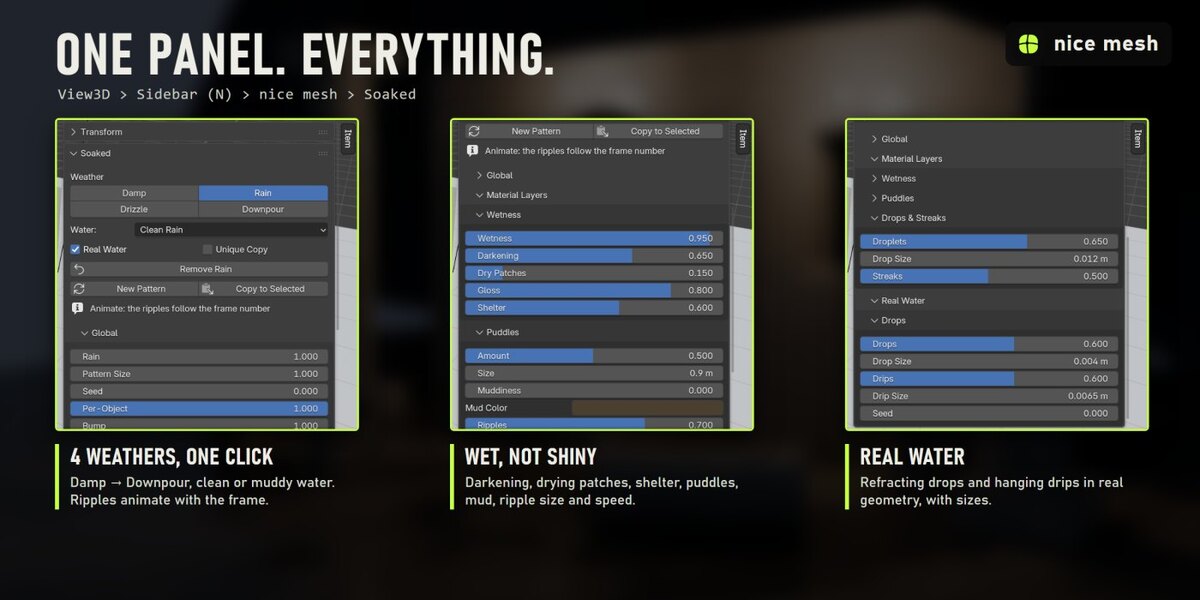
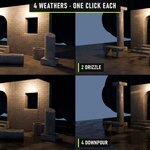
- Click a weather: Damp, Drizzle, Rain or Downpour, with clean or muddy water.
- Render or animate. The ripples follow the frame number by themselves. Every part has its own sliders in the sidebar.
What you get
- Soaked, not shiny: Porous materials darken as they soak, a smooth water film goes on top, drying patches break it up, and surfaces with something above them (under a table, a ledge) stay drier.
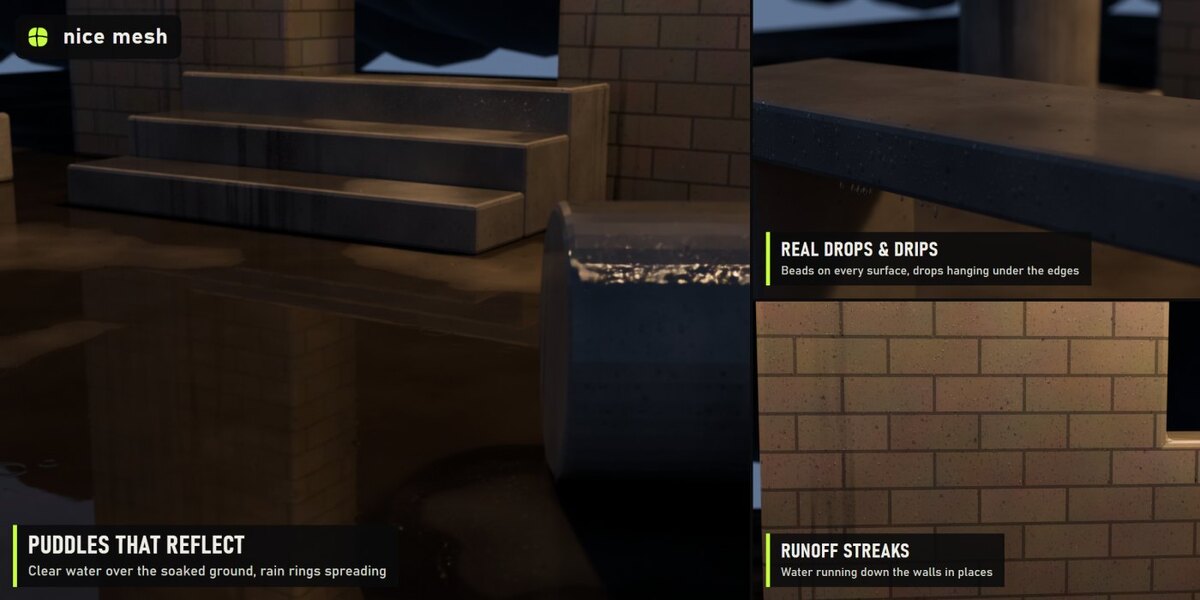
- Puddles that reflect: Clear water over the soaked ground on every flat surface facing up: mirror reflections, a dark wet ring around each puddle, clean or muddy water.
- Animated rain ripples: Rings spreading from random rain hits on the puddles. Driven by the frame number automatically: hit play and it rains. Speed and size controls.
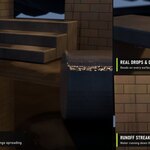
- Beading drops: Drops in three sizes in the material: round on tops, stretched downhill on walls, never hanging under ceilings.
- Runoff streaks: Water running down the walls in thin rivulets and wider wet sheets, only in some places, broken along their length.
- Real water drops: Refracting beads of water (geometry) on tops and sides, teardrop-shaped on walls, never sitting on a puddle.
- Hanging drips: Drops about to fall, hanging under the bottom edges of benches, shelves, eaves and rails.
4 presets
- Damp: After the rain: darker and glossy, drops beading, no puddles
- Drizzle: Light rain: wet all over, small puddles, a few ripples
- Rain: Proper rain: puddles with ripples, drops, streaks, drips under the edges
- Downpour: Soaked through: big puddles boiling with rain, water running everywhere
2 kinds
- Clean Rain: Clear rain water, dark mirror puddles
- Muddy: Brown, murky puddles and dirty runoff
Measured, not promised
- Ruined courtyard of 15 objects at dusk, after the rain: all done in 2.28 s on a laptop RTX 3060 (first click, which also builds the node groups).
- Render 2400 × 1200, Cycles, 64 samples: 28.9 s before, 51.7 s after.
- 64,214 light instances in that scene (drops, creatures or crystals), not real copies.
- Remove: every material link, node, slot and modifier comes back exactly as it was (checked by automatic tests).
Safe with your scenes
- Your material stays: the effect is mixed on top of your shader, nothing is replaced.
- Shared materials, empty or multiple slots, linked duplicates and materials from other files are handled. Unique Copy changes only the selected objects even when a material is shared.
- Plays nicely with the other surface add-ons (Timeworn, Overgrowth, Frostbite, Scorched...): removing one keeps anything stacked after it connected.
- Full undo, and the result is saved in your .blend. Remove puts every link, node, slot and modifier back exactly as it was (checked by automatic tests).
Where to find it
3D View > Sidebar (N) > nice mesh tab > Soaked, and in the Object menu.
Good to know
- Puddles form on flat surfaces facing up; they don't flow or fill real dips in the ground.
- Shelter is computed per vertex of each object: a floor made of one big quad can't be dry in one spot.
- Real drops are light instances, but on very large areas lower Drops to keep the viewport fast.
- Curves and text get the material layers only; real drops and drips need a mesh.
Install
Edit > Preferences > Add-ons > drop-down arrow > Install from Disk, pick soaked_v1.0.0.zip (don't unzip it) and tick Soaked. Requires Blender 5.2 or newer.
Made by nice mesh.