Soaked-Procedural Rain Drops
 nice mesh


How do I install it?
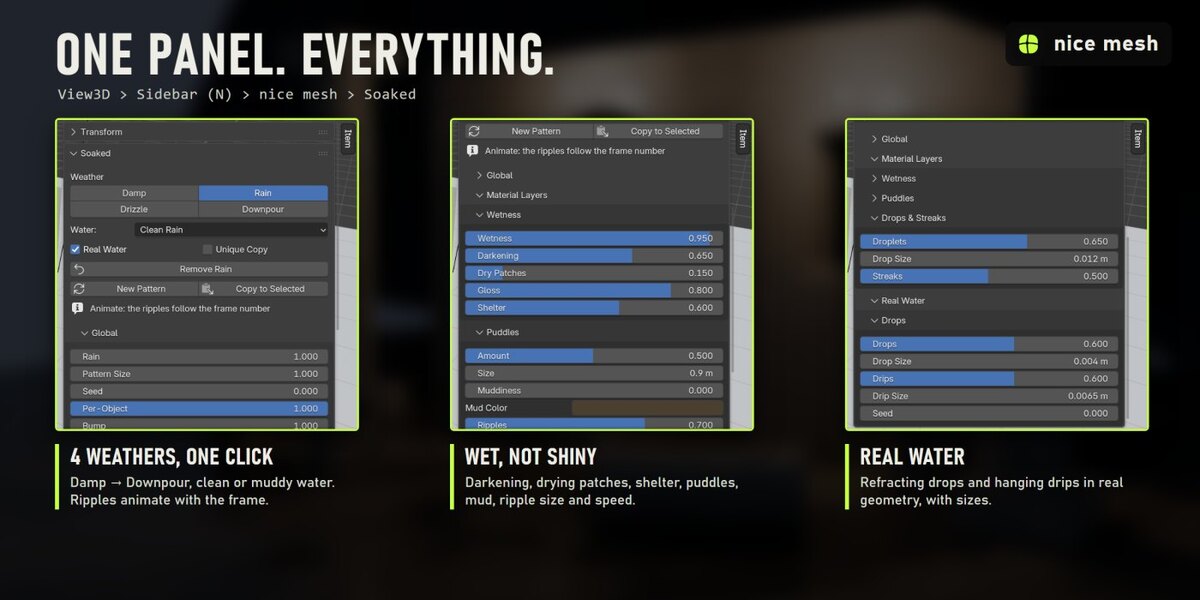
Edit > Preferences > Add-ons > drop-down arrow > Install from Disk..., pick soaked_v1.0.0.zip (don't unzip it) and tick "Soaked". The panel is in the 3D View sidebar (N) > nice mesh tab.
Does it change or replace my materials?
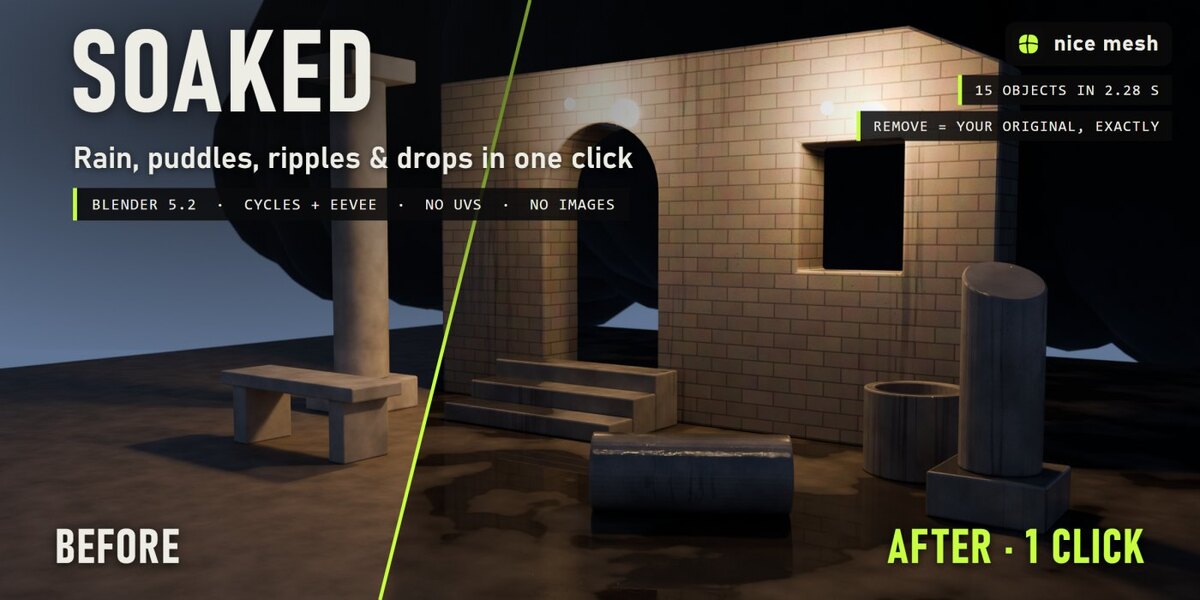
No. Soaked is mixed on top of your shader, and Remove Rain puts every link, node, slot and modifier back exactly as it was.
Why are my puddles black?
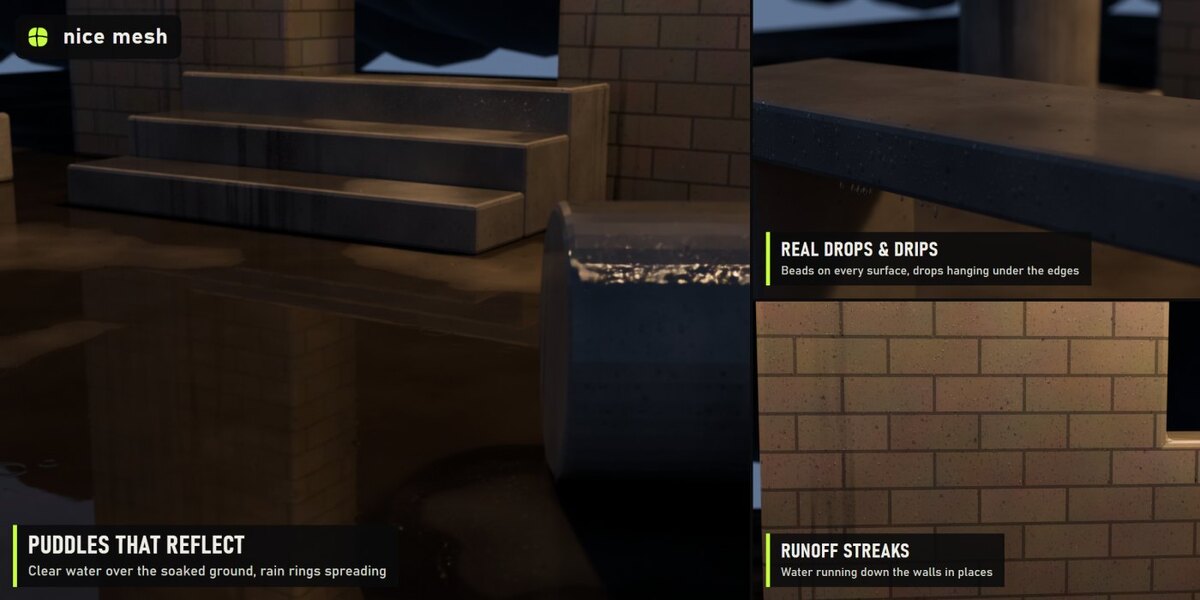
Puddles are mirrors: they show what is above them. Under a dark sky or in a dark room they are dark. Use a brighter sky, or in EEVEE turn on Raytracing.
Do the ripples animate?
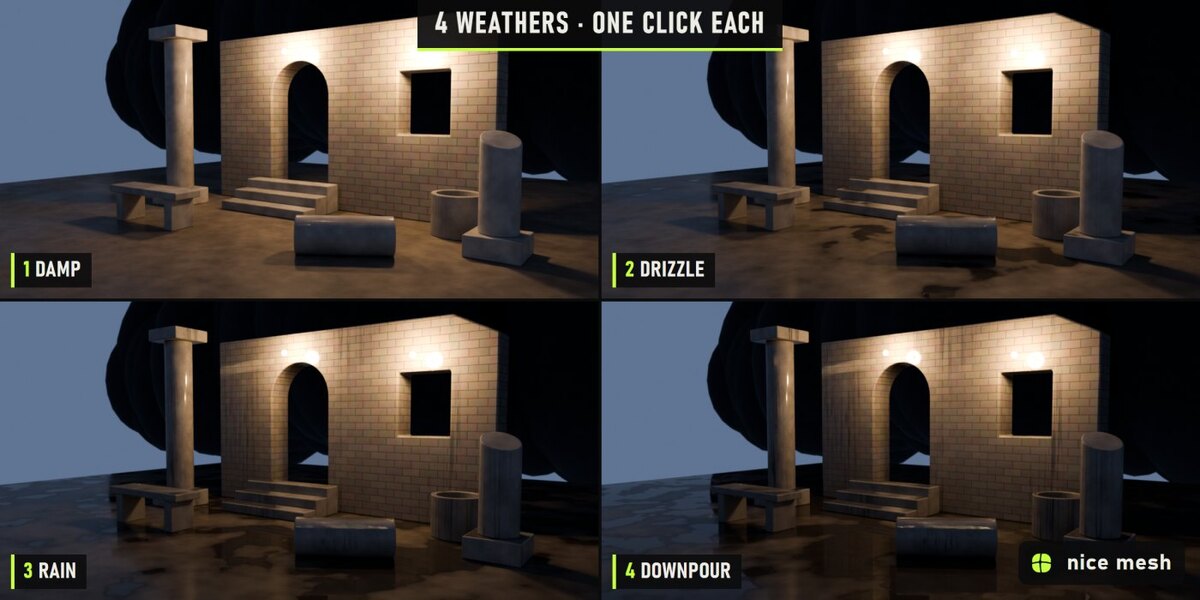
Yes. When you click a preset, a driver links Ripple Time to the frame number, so rendering an animation shows the rings spreading. Ripple Speed sets how fast.
Have questions about this product?
Login to message
| Published | about 14 hours ago |
| Blender Version | 5.2 |
| Extension Type | N/A |
| Render Engine Used | Cycles, Eevee |
| License | GPL |
Discover more products like this
rain weather Water procedural puddles droplets wet geometry nodes Shader environment