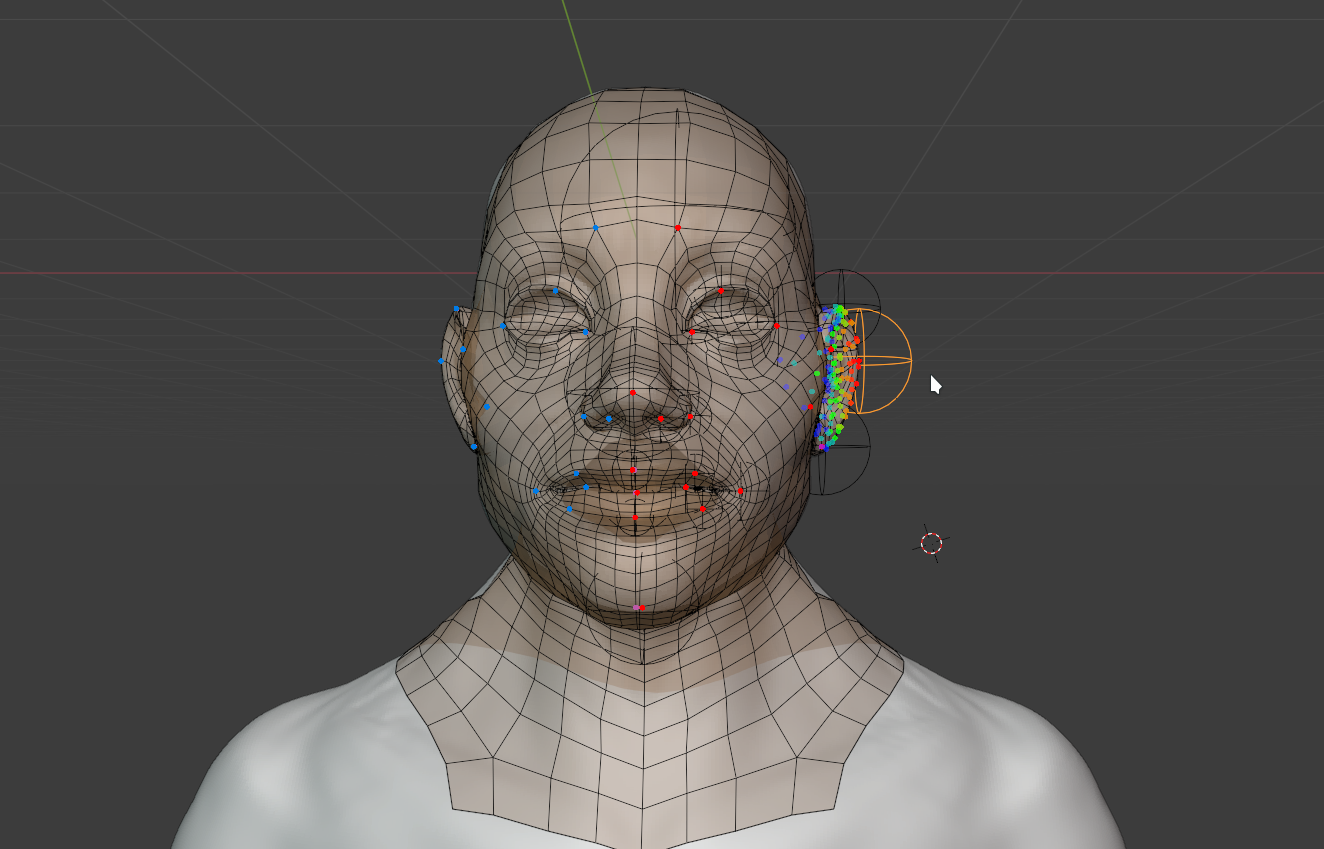
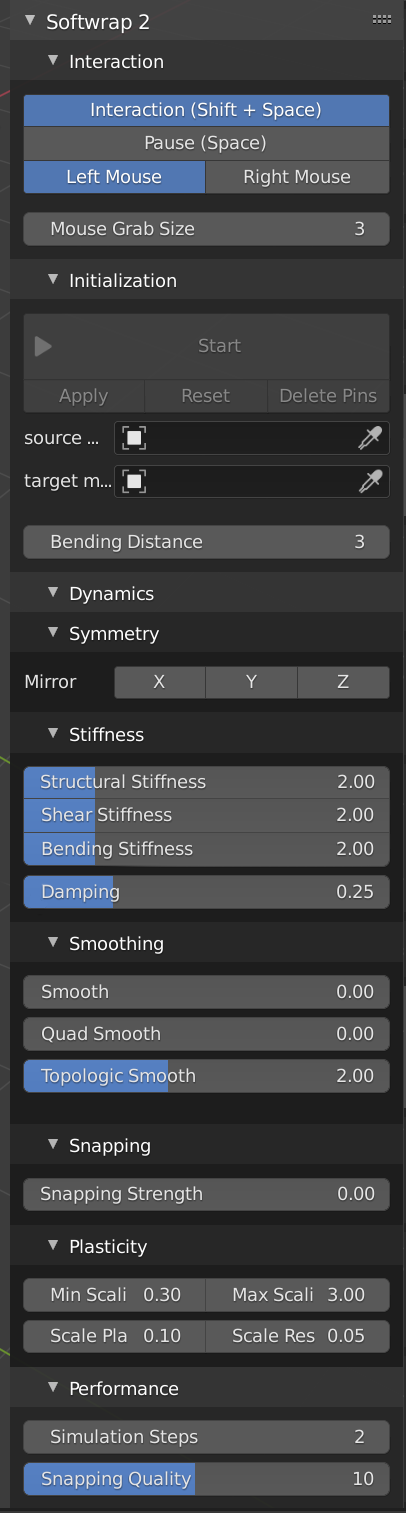
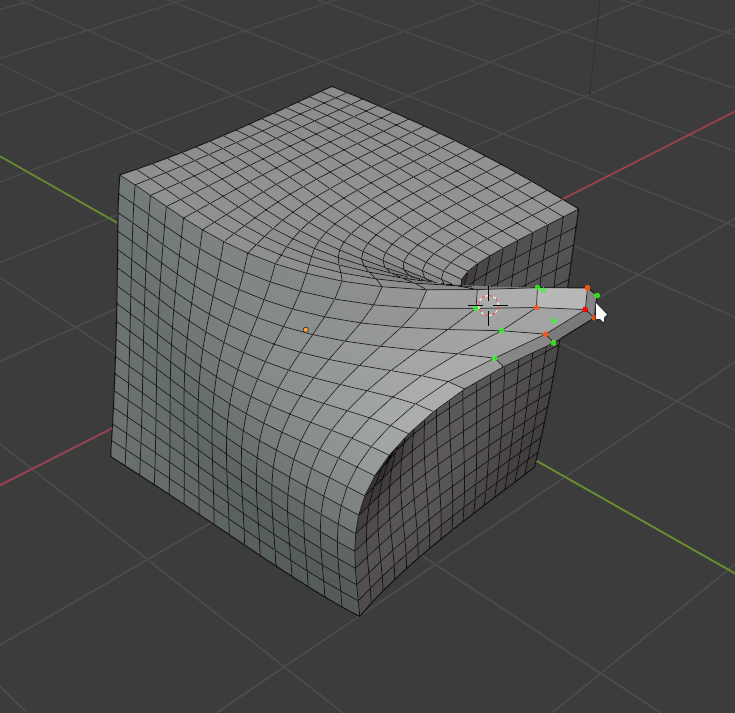
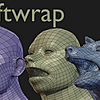
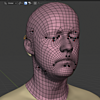
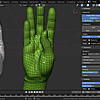
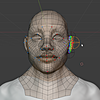
SoftWrap - Dynamics for Retopology.

Jeacom in Addons


Item Rating

This item has an average rating of 5 from 48 ratings by the community.

84%
5%
7%
3%
5%

Purchase this item to leave a review!

  • choikwangjae
    16 days ago

    Skip ZWrap and just get this! It's dirt cheap, works like a charm, and is 100% worth it. One minor complaint is the lack of a split-screen view to see the source and target meshes separately. It’s a bit lacking right now, but hopefully, it gets updated soon

  • N
    about 2 months ago

    I last used this in blender 4.5 - it was a bit too funky for me. Just thought I'd give it another whirl as I see it's been updated for 5.1 (using on 5.2) and yes, seems far better.

    I find if you have a base-mesh that is very similar to your sculpt (in shape), it will be 99% there. I also find (using masking for problem areas (snapping group (via vertex grouping)) and iterating the wrap until satisfied, works best.

    Not sure how it would fair with complex differences. I use it to save time when creating standard humanoid characters, so I don't have to fully retopo every char. Especially useful for the differing facial structures from char to char.

  • Bouncetodisk
    6 months ago

    Great tool! I use it very often and it saves me a lot of time.

  • kookynut
    8 months ago

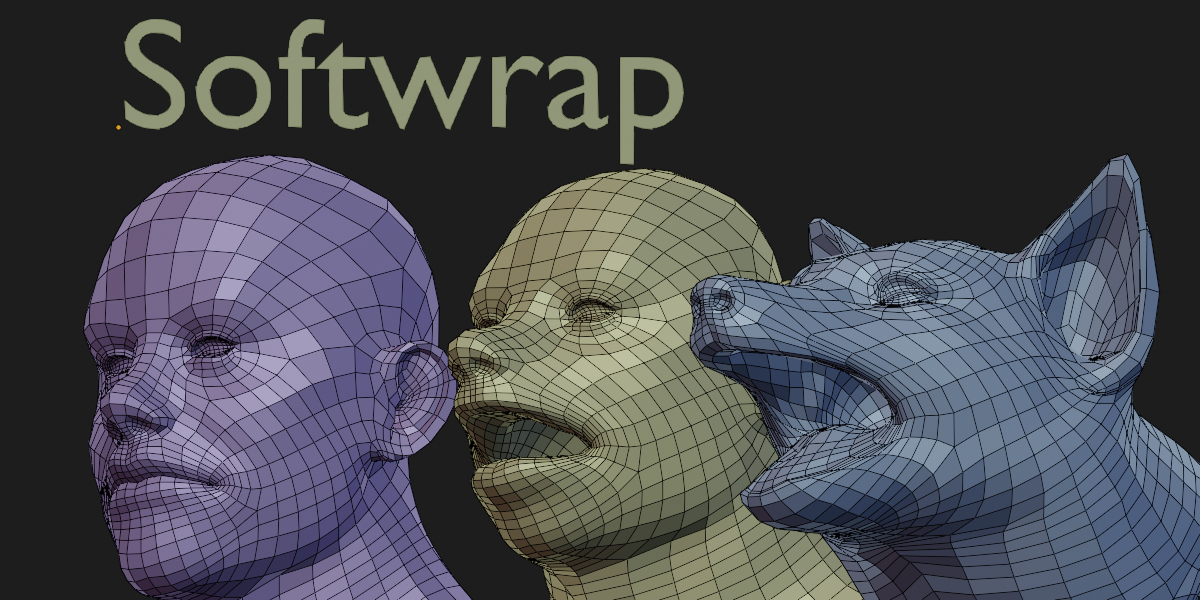
    imo this addon is fantastic, there's nothing like it, you can't beat the full interactivity. It takes some experimenting to understand, but once you do you can wrap literally anything onto anything with a lot of control. For example I was able to wrap a full human mesh onto an animal mesh for a transformation animation.

    One tip I haven't seen documented anywhere is, especially if you are doing extreme wraps like I did, you may never find a magical combination of settings that will make the wrap look good everywhere. If so, you can use the “simulation group” vertex group input (which pauses the softbody simulation for weighted vertices). Then when you finish one part of the wrap, you switch to weight paint mode and paint that part to lock it in. Then you can safely change the settings to work on a different part without ruining what you did before.

    For most situations traditional wrapping softwares are probably fine. But if you need to do crazy wraps between very different meshes this add-on makes that feasible; and if you want fine control of your topology & edgeloop placement on a model that will be animated, this add-on makes that easier and faster.

    I agree there could be more documentation. It's true many settings are hard to explain and the best way to understand is by experimenting, but it could be useful to have examples of more wrapping scenarios with recommended settings to use in each scenario.

  • Necropanik
    about 1 year ago

    works very great along with Polymating addon since both of them wrap in their own ways that are unique and complement each other and the dev was quick for upgrating to Blender 4.5 from my earliest request so thanks a lot :)

  • James Quick
    over 1 year ago

    Amazing! I was just about to buy Zrwap but this is easier and faster

  • Anoca
    over 1 year ago

    An amazing addon that really saves quite alot of time, and the mirroring system makes it even better

    Its a little tricky to use of course since the source mesh needs to have a specific topology flow and polycount in order to wrap around a mesh the way you expect. But it works really great and the custom softbody simulation runs soo much better than blender's.

  • Gloria
    over 2 years ago

    This addon is amazing. It has saved me a lot of time and work when doing the retopology of a character. I highly recommend it. For those of us who do character modeling, Softwrap is essential.

  • ahab
    almost 3 years ago

    Working with Blender 3.6. The addon is in the pricey end, yet it's worth every penny. As someone familiar with the existence of the Shrinkwrap modifier but having never used it, I had a certain expectation of how it would function. However, it didn't meet those expectations. Fortunately, I discovered this tool, and it worked like a charm. As an additional note, my work involves a significant number of polygons with cartoonish characters, so perfect fidelity isn't a necessity. Nevertheless, there are ample options to control the details. Moreover, with a bit of creativity, one can utilize the pins for more than just freezing positions; they can also be employed for moving meshes with greater precision. A heartfelt thank you to the developer!

  • Nick
    almost 3 years ago

    This stellar addon helps to do a Zwrap job in your blender, saves your time on rebuilding similar mesh topology

    • Jean Machado

      almost 3 years ago

      This rating is understandable, I am indeed slow at updating this addon I even got messages asking if I'm still alive. Its not abandoned though. I'm planing to release a new version with a few extra features by febuary if everything goes well.

$40

Have questions about this product?
Login to message

Details
Sales 3700+
Rating
48 ratings
Dev Fund Contributor
Published almost 7 years ago
Blender Version 2.83 - 5.1
Extension Type N/A
License GPL