Jean Machado
over 5 years ago
Thank you, I just added that option in the version 2.0.
This item has an average rating of 5 from 48 ratings by the community.
Purchase this item to leave a review!
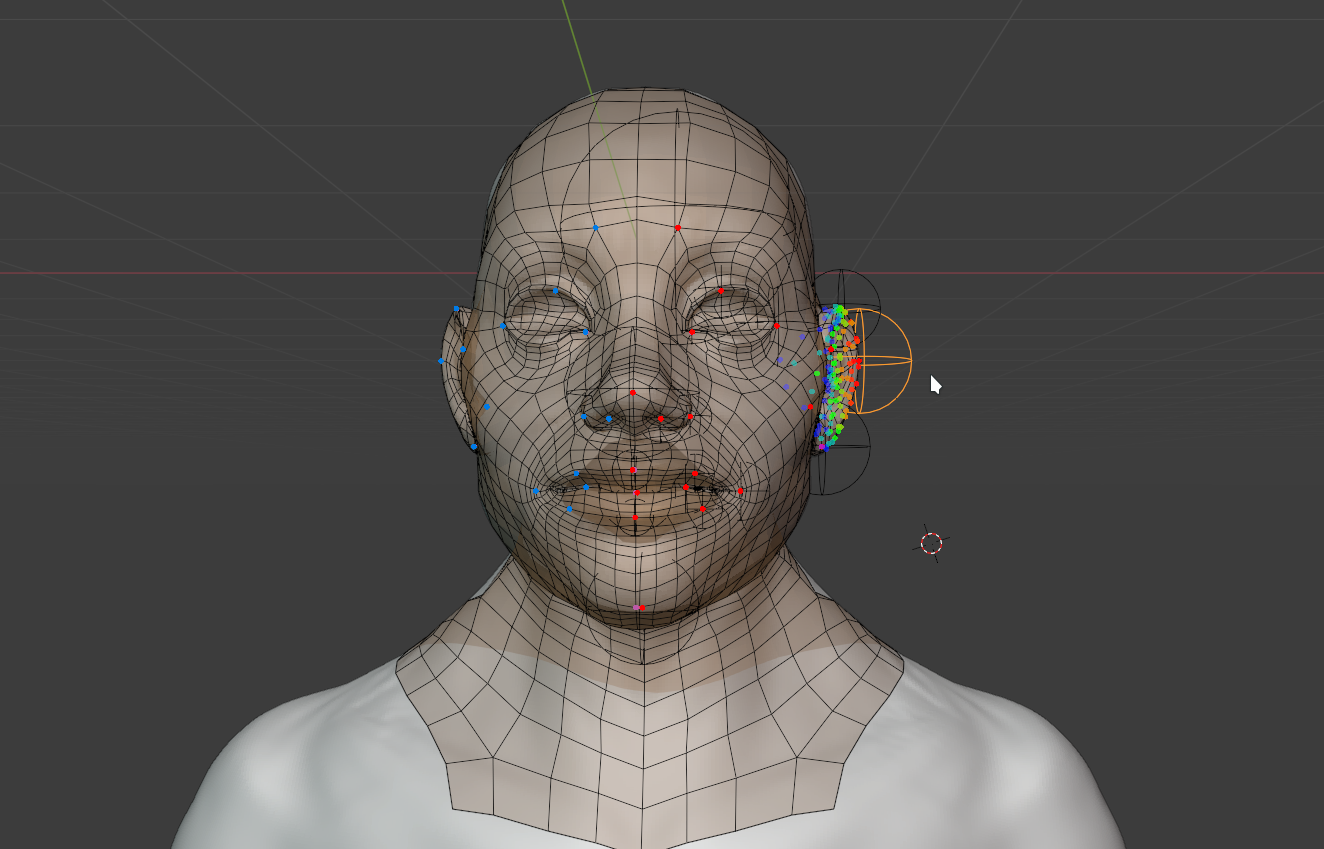
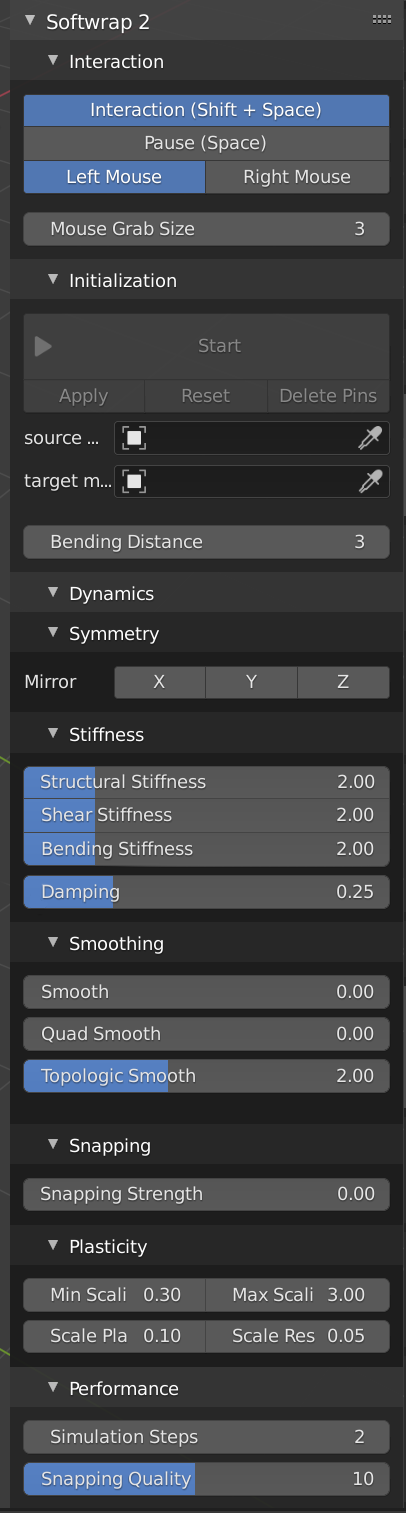
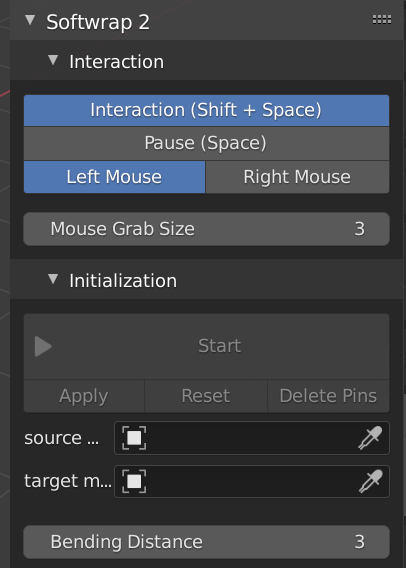
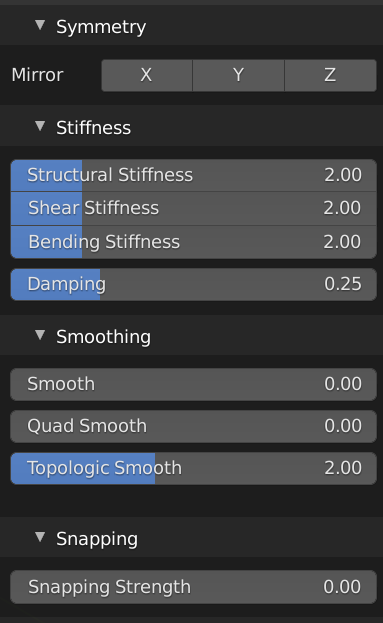
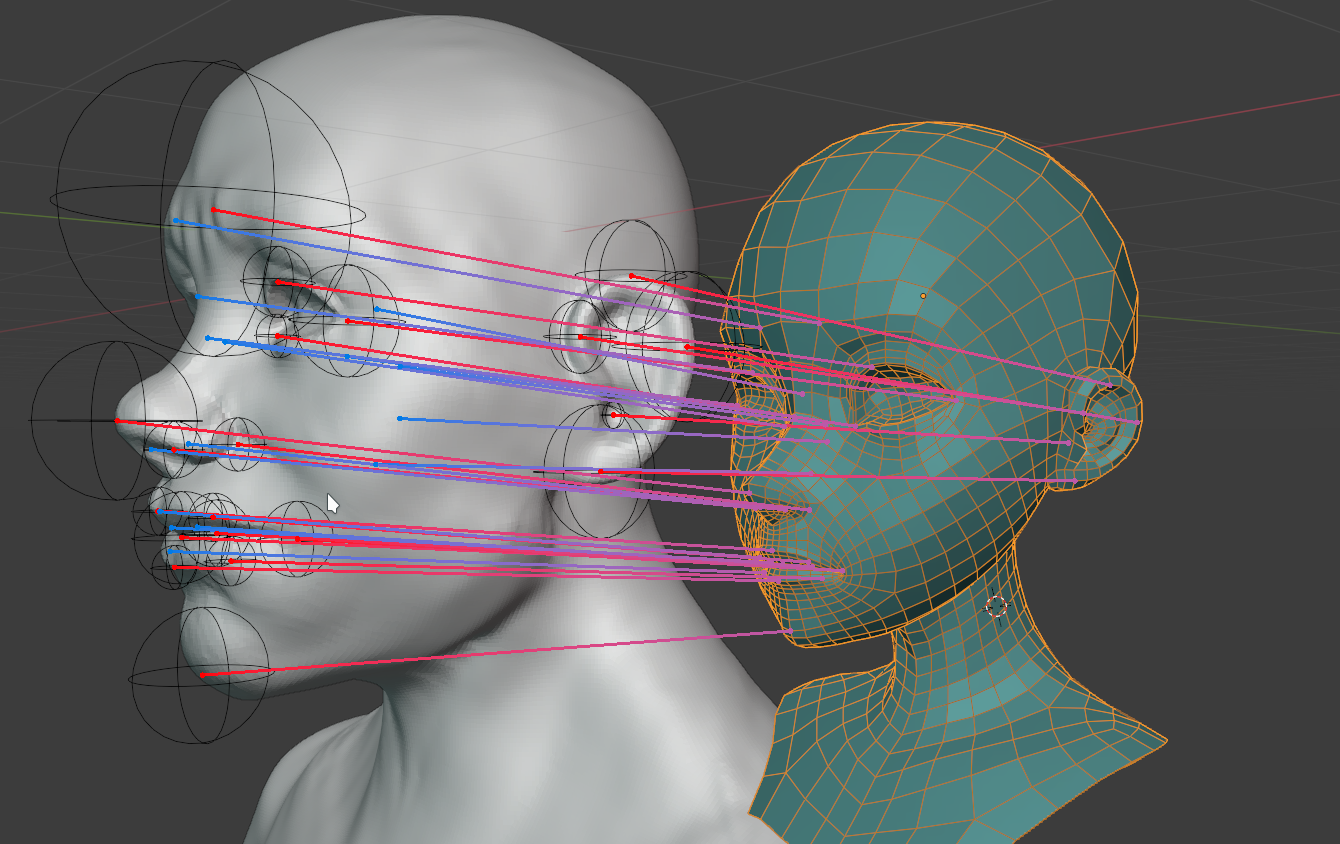
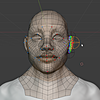
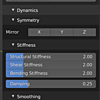
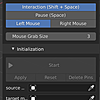
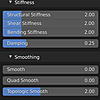
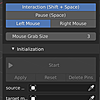
I tried wrapping a metahuman bust to a sculpt of a human-like character, but it took way too long to accomplish because the documentation is poorly written. The info in the documentation is useful, but the way it is structured is not intuitive. It would be more helpful if the explanation for how to use the add-on was more procedural rather than just play around with the settings. The fastest way to get the results I wanted were to run the simulation, pause it, move the source mesh, place pins on the source mesh, move them to the target mesh, move the source mesh back to the target mesh, play the simulation, increase snapping strength to 1, increase mouse effect radius (Can't remember what it's called and I don't have it open right now) and then try to move things into place, but after all that I still end up with topology that is out of place, which might be capable of being solved with a shrinkwrap modifier or some sculpting tools but it was just too much effort for what I know is capable with a different software. I definitely see potential in this add-on though. Hopefully it will continue to improve.
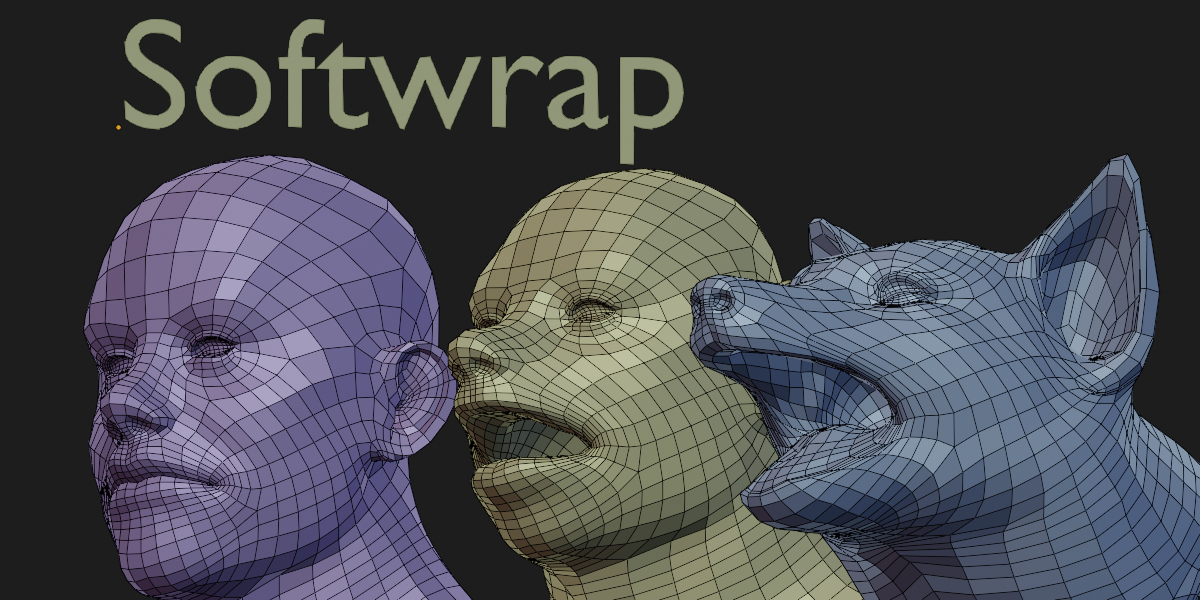
Edit: I'm upgrading my review to 4 stars because I was able to successfully pull off a quick wrap from a custom human mesh to another human mesh. However, I noticed that if I symmetrized my target mesh, the wrap wouldn't work. It only worked cleanly when the target mesh was in its asymmetrical state. This is a great product.
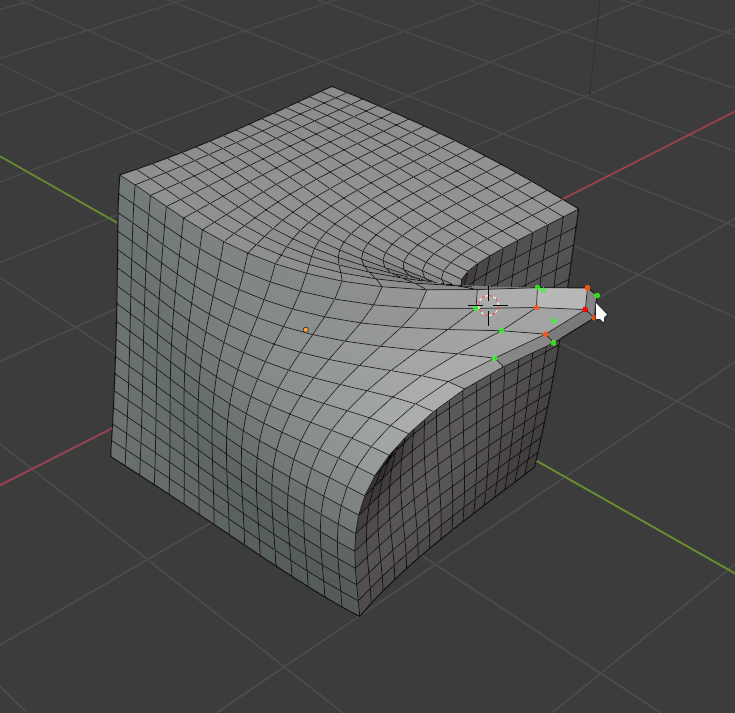
Great tool but the fact that anything outside vertex selection can float around freely changes the mesh in unpredictable ways. It would be great if there was an option to freeze anything outside the vertex selection while the plugin is deforming.
Jean Machado
over 5 years ago
Thank you, I just added that option in the version 2.0.
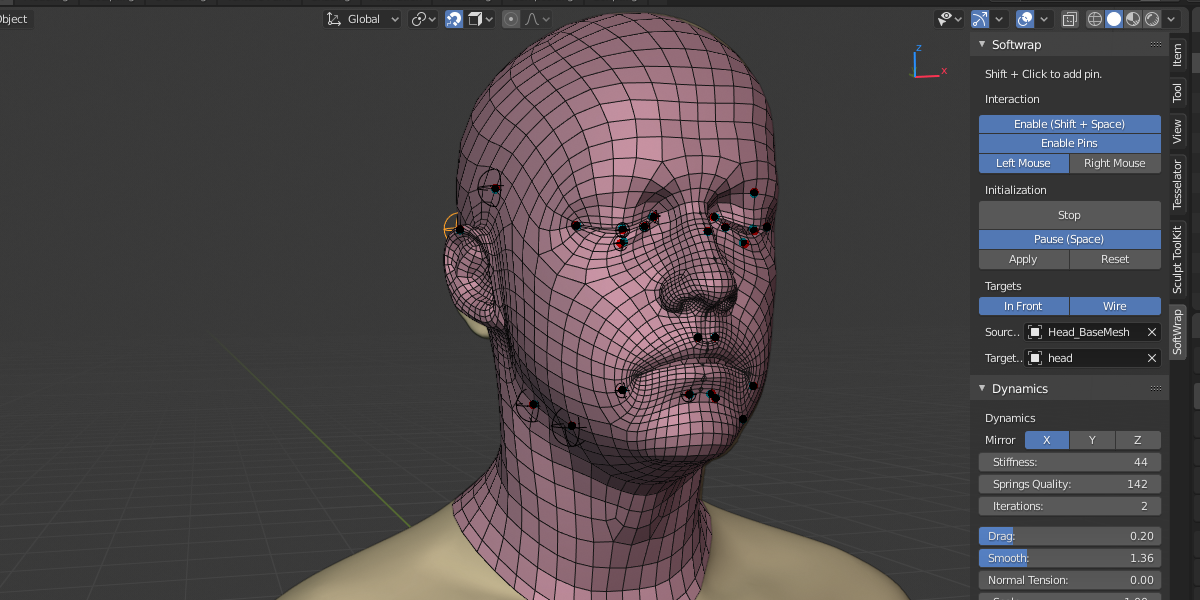
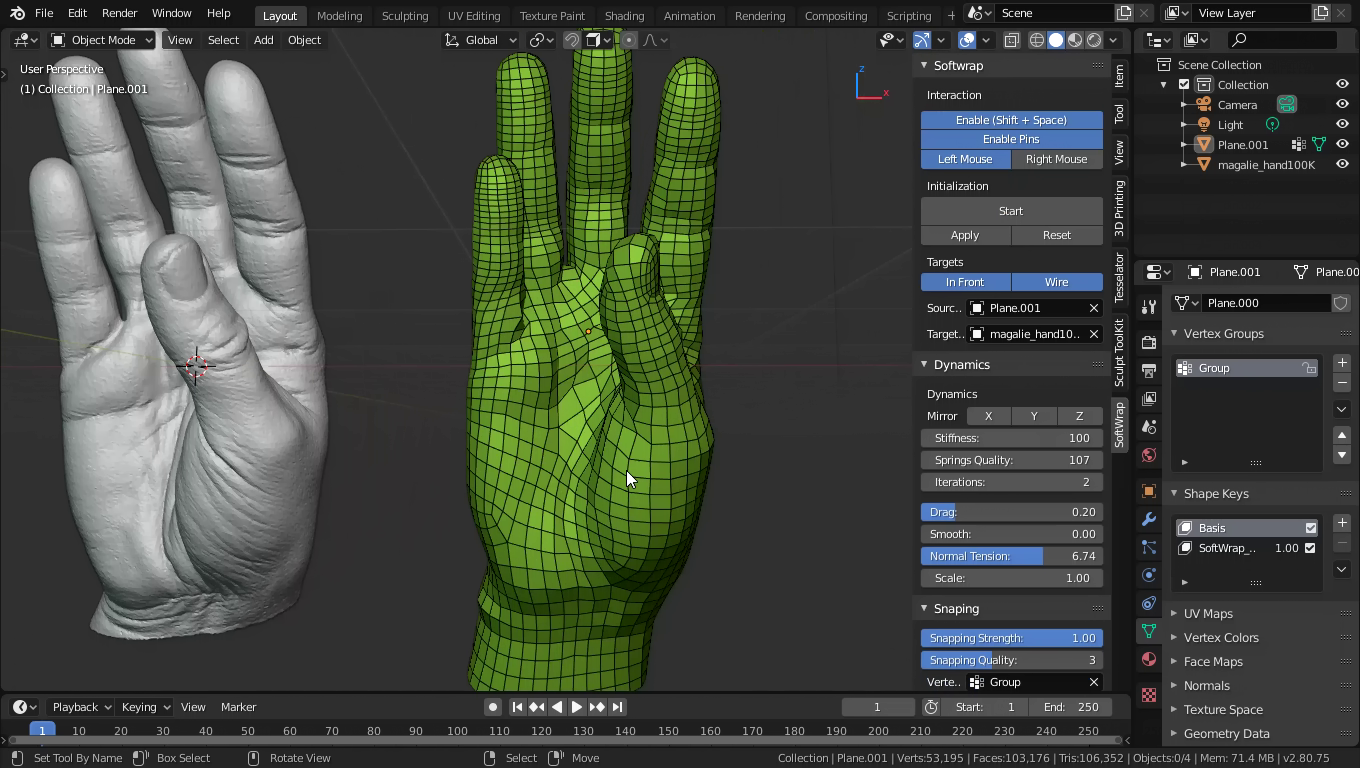
In the videos, it looks easy to get a good result. In reality, the low poly mesh flows to all sides. You have to use a lot of pins to keep the low poly mesh in place. Suddenly it twists after you’ve adjusted it on a finger or a toe if you don’t use two pins on each finger or toe. I’ve now tried using multiple low poly meshes on the main model, but the result isn’t good. Not worth the money.
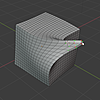
Absolutely not a replacement for WRAP, despite what some people like to claim. It’s a toy in comparison. It’s jittery, imprecise, and useless for small, detailed wraps. If the mesh has collapsed in on itself - you'll never be able to recover it just by dragging. Try fitting a glove onto a hand that isn’t perfectly aligned.
The only thing you can wrap with it are large, simple shapes with minimal detail. That’s it.
this addon is good but when will the updates come
Jean Machado
over 5 years ago
Today!
I'm agree with Richard Rahl, don't know why some people say it's the same that wrap or zwrap. It is not useful for detailed things, probably useful in some very basic scenarios.
did not work on my macbook.
Python errors on 4.3.2 on windows. It plain just doesn't work.
Have questions about this product?
Login to message
| Sales | 3700+ |
| Rating |
48 ratings
|
| Dev Fund Contributor | |
| Published | almost 7 years ago |
| Blender Version | 2.83 - 5.1 |
| Extension Type | N/A |
| License | GPL |