Solar Panel Generator – Procedural PV Arrays, Mounts & Axis Trackers
 Henrik Uhrmann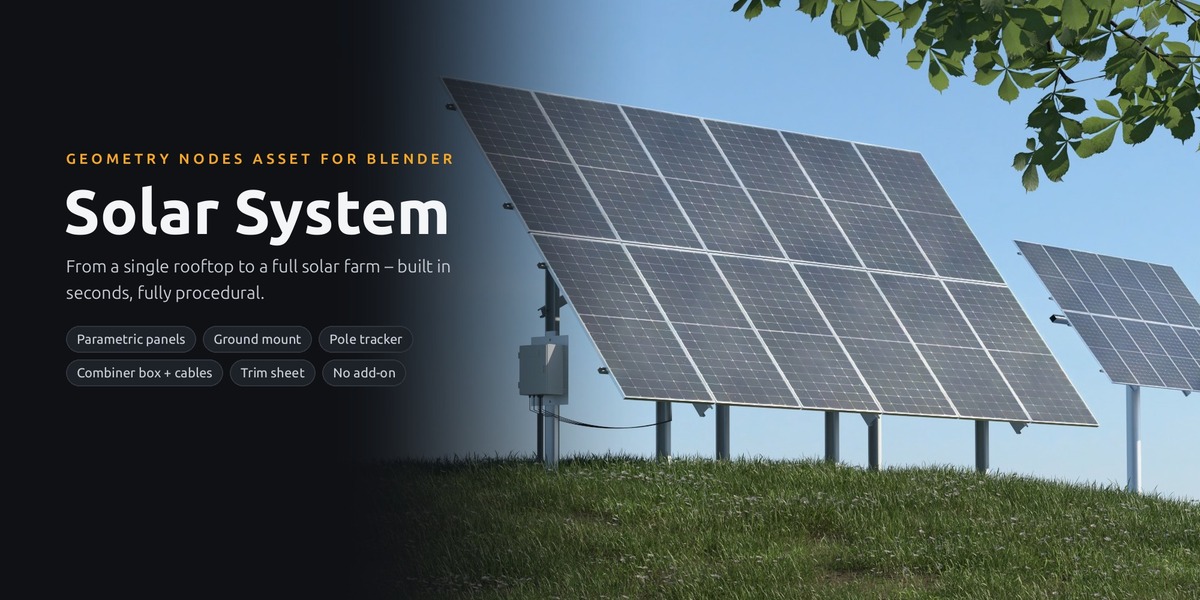









GETTING STARTED
From a plane to a solar plant
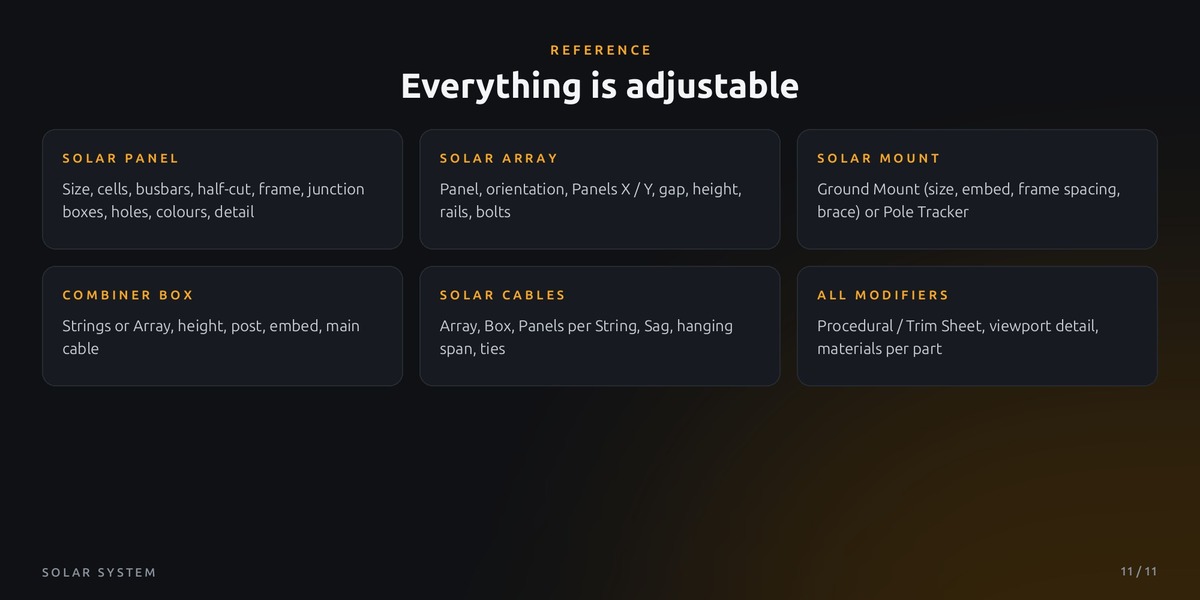
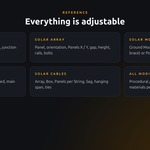
No add-on, no setup. Five Geometry Nodes modifiers: Solar Panel, Solar Array, Solar Mount, Combiner Box and Solar Cables, plus ready-made object assets.
01
Open or add the library
Unzip the folder and add it in Edit > Preferences > File Paths > Asset Libraries (+), or just open Solar System.blend: the text editor shows a short how-to and every demo collection has a label.
02
Panel
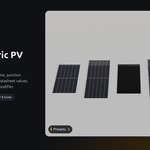
Solar Panel is one PV module: size, cells, half-cut, busbars, frame, junction boxes, holes and colours in the modifier. Five presets are in collection 1 Panel Presets.
03
Array
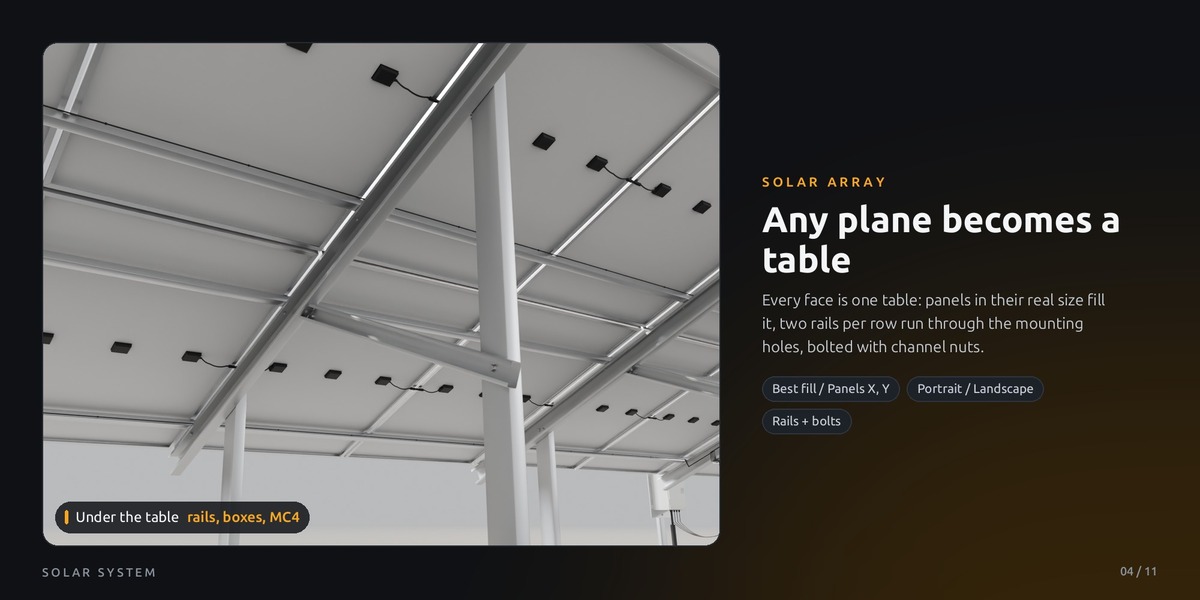
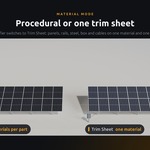
Drag in Solar Array (a plane). Every face is one table, the panels fill it in their real size. Pick your panel with the eyedropper in Panel; Orientation, Panels X / Y and Module Gap set the layout. Tilt and position come from the plane.
04
Mount
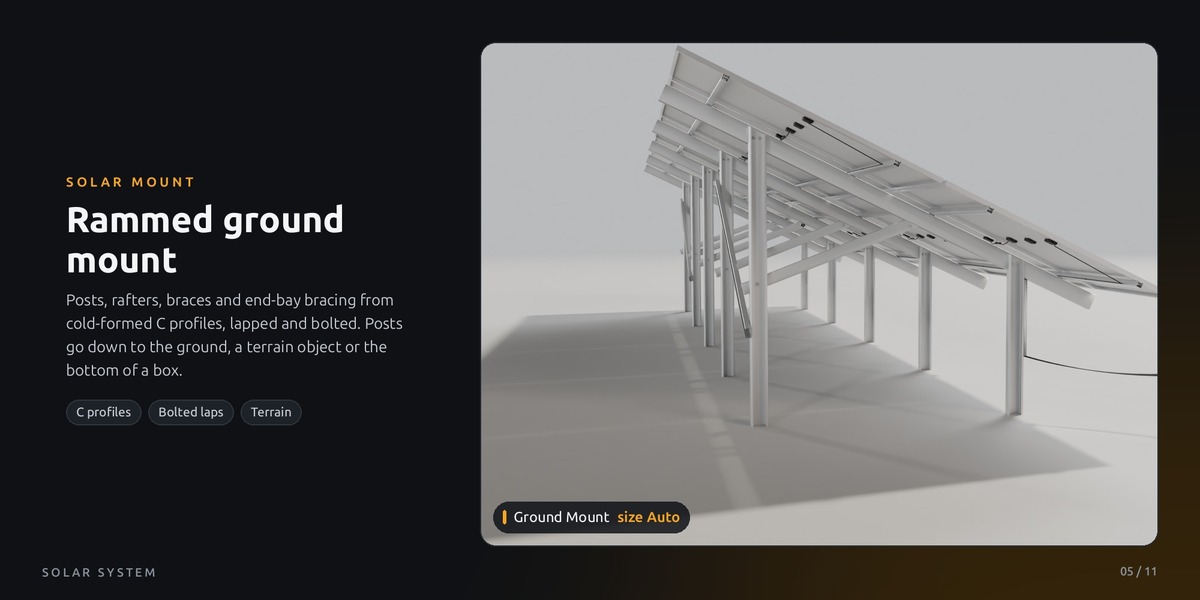
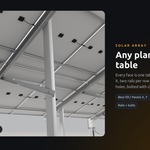
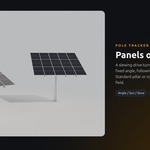
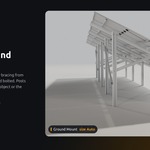
Add Solar Mount below Solar Array (or drag in Solar Table Box / Solar Pole Tracker). Ground Mount rams the posts into the ground; Pole Tracker puts the field on a pillar.
05
Combiner Box
Place Combiner Box at the end of the field, origin on the ground, door towards the field. Pick the Array: it counts the strings (one per panel row), or set Strings yourself.
06
Cables
Drag in Solar Cables, pick Array and Box: MC4 jumpers under the panels and string cables along rails, rafters and posts into the glands. Keep this object unrotated.
Tip: the demo scene has one numbered collection per idea and a label beside each. Open the modifiers there to see the settings.
GOING FURTHER
Roofs, terrain, fields and trackers
Roofs
Solar Array alone is enough: panels, rails and bolts on any roof plane. Height above Plane lifts the rails for roof hooks.
Terrain
Pick a terrain object in Solar Mount > Ground: every post is rammed into it (Post Embed). Without one the posts end at z = 0, on a box mesh at its bottom face.
Fields
One plane with several faces gives several tables. One Combiner Box can take all strings of the array (up to 24), every cable gets its own lane.
Pole Tracker
Tracking: a fixed Angle, following a Sun light, or Stow. Pillar Standard or conical Tower, Pillar Size Auto from the field. Animate the angle like any value.
Strings
One string per panel row. Panels per String splits long rows; then set the same number of Strings on the box, it only counts rows.
Hanging or buried
Box within Max Hanging Span of the nearest front post: the string cables hang into it (Sag). Further away they go into the ground and come up under the box.
GOOD TO KNOW
Materials, tips and limits
Materials
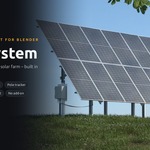
Every modifier has Material Mode: Procedural (one material per part, cells drawn by a shader) or Trim Sheet (everything on one material and one 4K texture). Empty material sockets use the built-in materials.
EEVEE
Use Material Mode = Trim Sheet in EEVEE. The procedural cells are made for Cycles; in EEVEE the panels can stay plain grey.
Big fields
Viewport Detail, Viewport Connections and Viewport Bolts keep the viewport light; the render always gets full detail.
Known limits
Pole trackers turn around the pillar only (no elevation axis) and are not cabled yet. Cables hang along the -Z of the Solar Cables object. For visualisation, not for structural or electrical design.
Feedback: questions or ideas for new features? Just send me a message, updates are always included. And if the generator helps your project, I would be really happy about a quick rating.
$12$9.60
Have questions about this product?
Login to message
| Published | 3 days ago |
| Blender Version | 5.2 |
| Render Engine Used | Cycles, Eevee |
| License | Royalty Free |
Discover more products like this
PV Array industrial Generator photovoltaic procedual mounting structure infrastructure solar panel advanced geometry nodes solar solar farm