 Alberto Cordero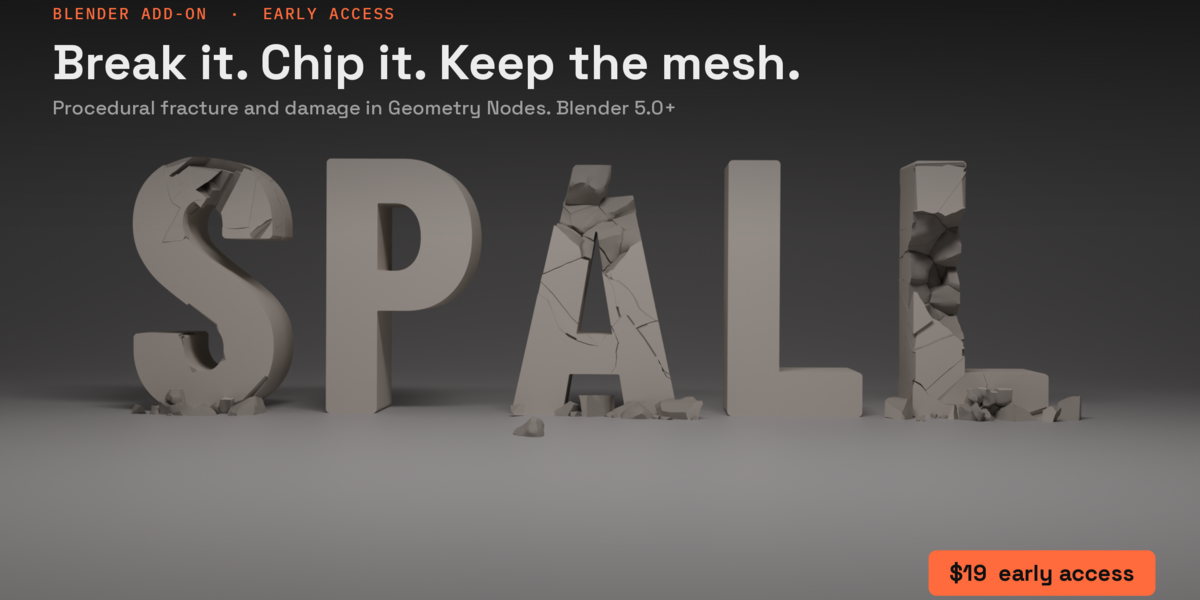
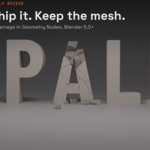
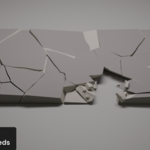
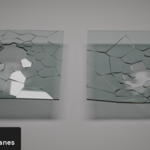
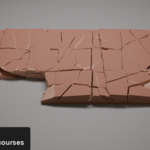
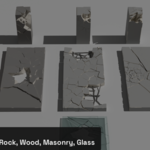
Select a mesh, pick a material from the Spall tab, and drag the impact controller to where it got hit. The break follows the controller while you drag, and the full detail lands the moment you let go.
Everything is a Geometry Nodes modifier: the source mesh stays, every setting stays live, and when it looks right you bake it to real pieces for a rigid-body sim or a game engine.
It's named after spalling: concrete and stone breaking away from a surface under impact.
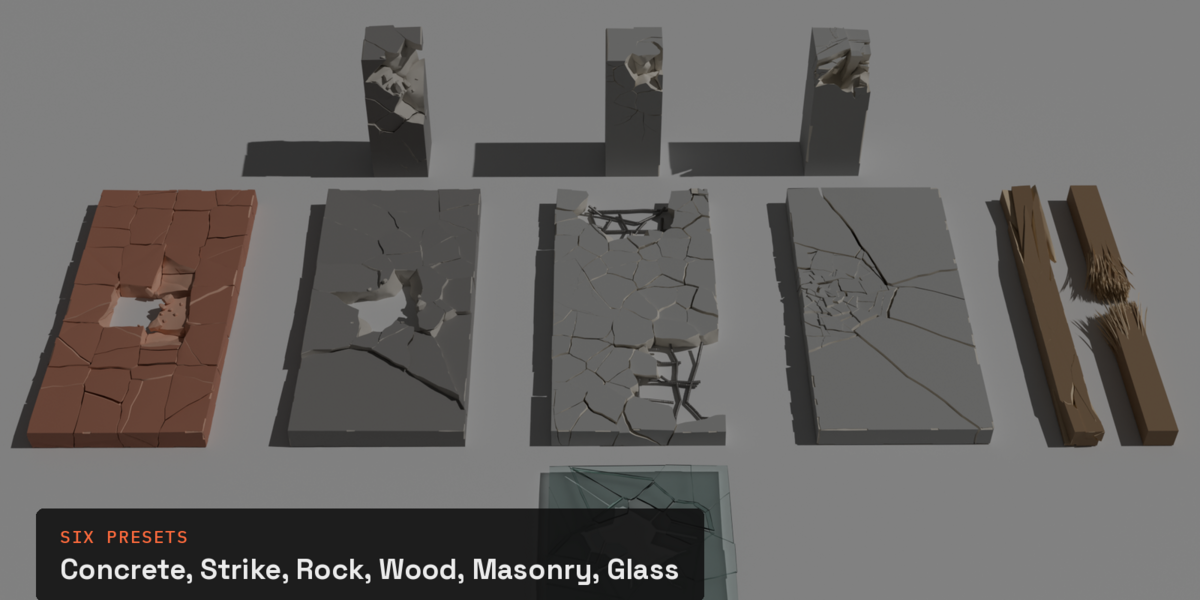
Six material presets
Concrete: slabs, walls and floors, with wandering cracks, rubble and reinforcement.
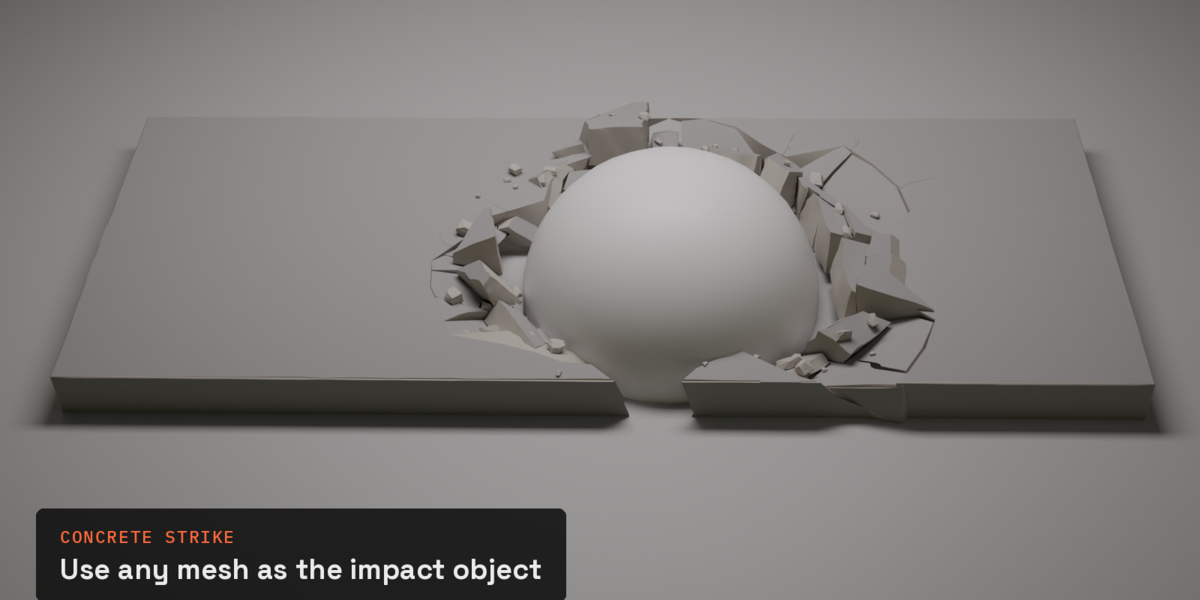
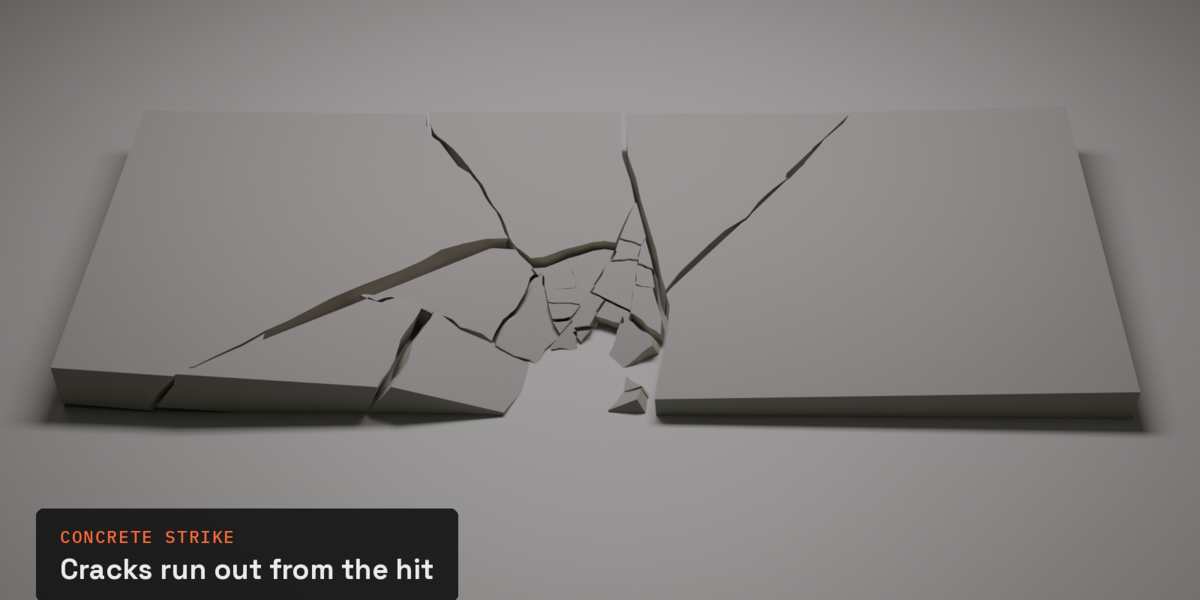
Concrete Strike: a hit on a slab or wall. Cracks run out from the point of impact, pieces tip the way the blow pushes them, and their corners crush where they meet.
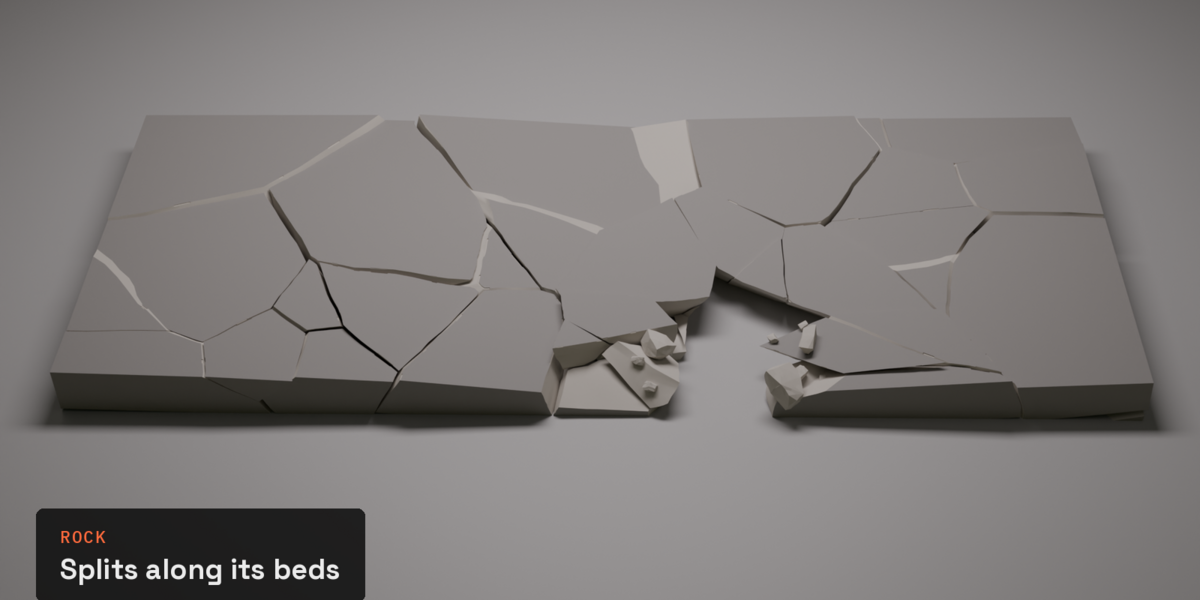
Rock: stone that splits along its beds into flat, uneven slabs.
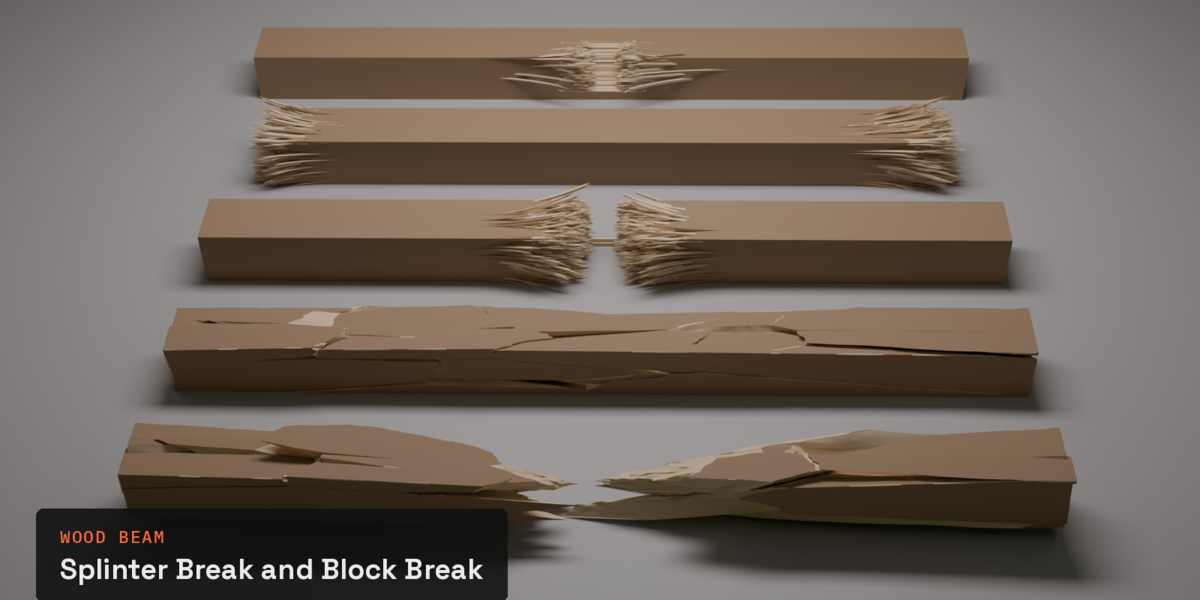
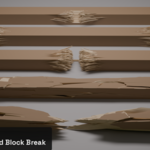
Wood Beam: breaks along the grain. Block Break for chunks, or Splinter Break for torn, pointed fibres, frayed ends and snapped beams that sag.
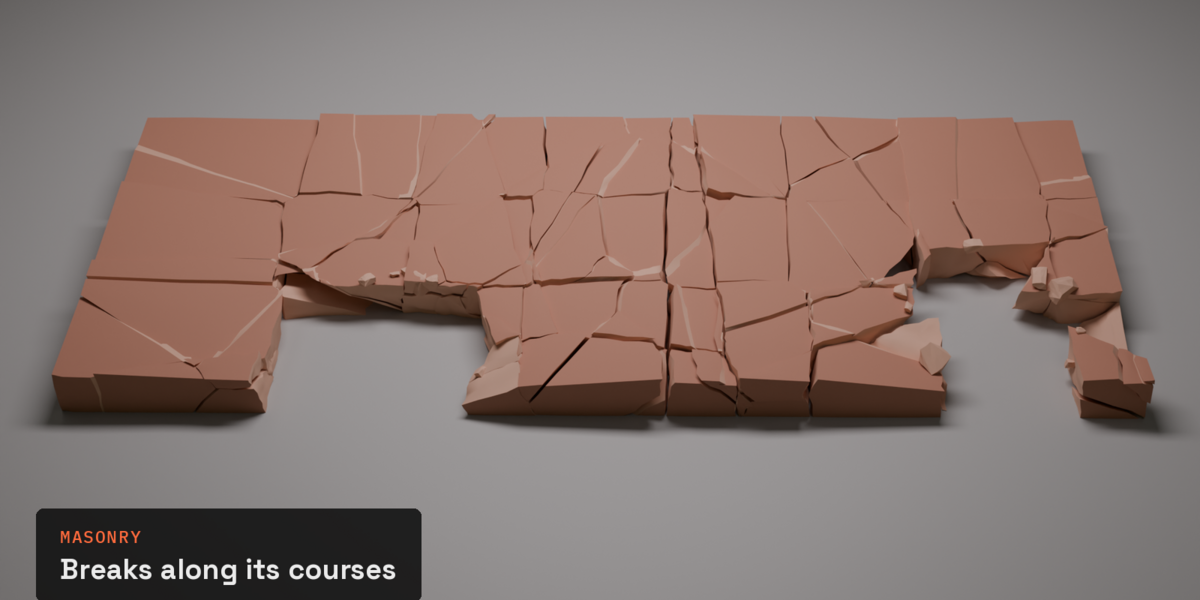
Masonry: brick and block walls that break along their courses.
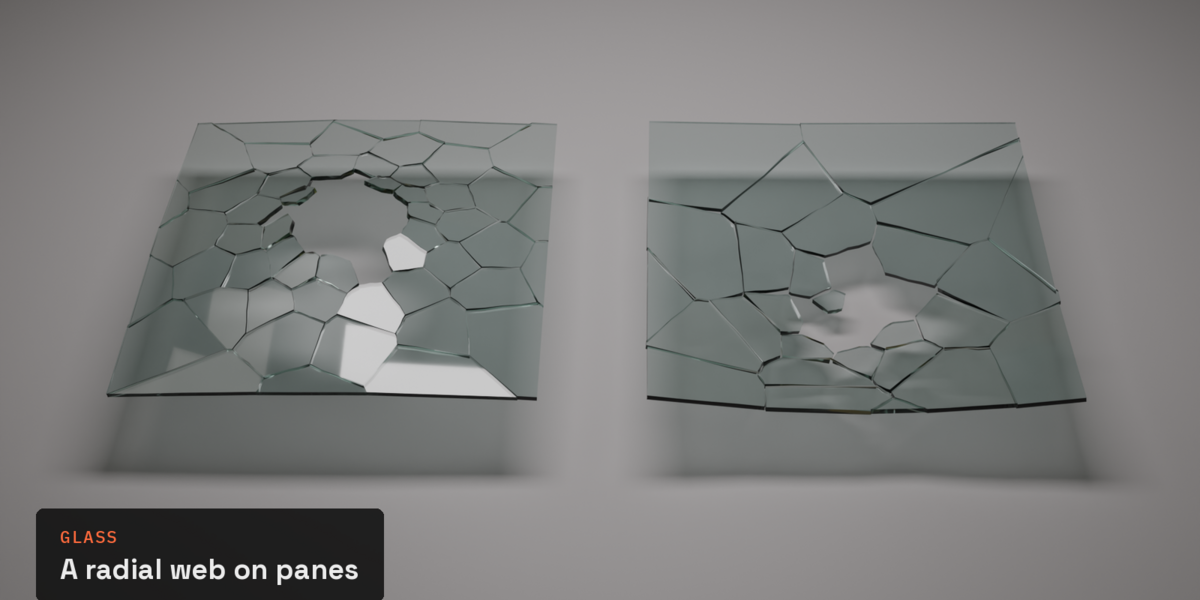
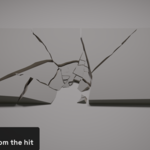
Glass: a radial glass web on panes and windows.
What you can do with it
One click to start. Select a mesh and click a preset in the Spall tab; nothing to set up first.
Drag the hit. One click makes an impact controller; move it and the break follows, with a quick preview while you drag. Add more controllers to break several spots at once (Concrete, Rock, Wood Beam's Block Break and Masonry); moving one leaves the others as they were.
Blow a hole. One button sets up a hole sized to the object, with rubble and exposed reinforcement on concrete. Remove Hole fills it back in.
Break just one area. Only Here breaks a zone round the hit and leaves the rest whole, with a ragged, cracked edge between them.
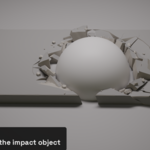
Push it in, clear a crater. Push the pieces in as far as the controller goes. Use any mesh as the impact object (a ball, a boulder, a car) and the pieces lie against it in its own crater.
Rubble and rebar. Sharp, broken-looking chunks of varied size, and a steel bar mat that shows wherever the concrete is gone, with its own material and UVs.
Settle and Uneven. Pieces sink and tip into the damage, and every piece can drop by its own amount, so a broken slab isn't one flat level.
Ready for your materials. Broken faces get their own material, textures run on across the cracks, and five shader attributes (broken faces, depth into the piece, a random value per piece, rubble, rest position) let one material do the whole break.
Bake clean. Turn the result into separate objects with quad topology that game importers and smooth shading are happy with.
Requirements
Blender 5.0 or newer (tested on 5.0 and 5.2). Crush Corners on Concrete Strike needs 5.2.
Pure Geometry Nodes and Python, no compiled code or external solver. Tested on Windows.
Works on any closed mesh; Glass also takes a single plane.
Early access
$19 now. The price goes to $29 at 1.0 on November 18, and every update up to and including 1.0 is free for early access buyers.
It's stable and tested on every build (about 40 automated tests on Blender 5.0 and 5.2), and it keeps improving until 1.0:
several controllers on Concrete Strike, Glass and Splinter Break;
a pass on worn edges and chips;
more presets and polish from your feedback.
What's in the download
spall-0.9.6.zip: in Blender, Edit > Preferences > Get Extensions > Install from Disk.
Getting started: 3dartstuff.com/spall
License: GPL-3.0-or-later. You get the full source.
Support
Email [email protected]m. Bugs are easiest to fix with a screenshot and the .blend.