Spall: Procedural Damage for Blender
 Alberto Cordero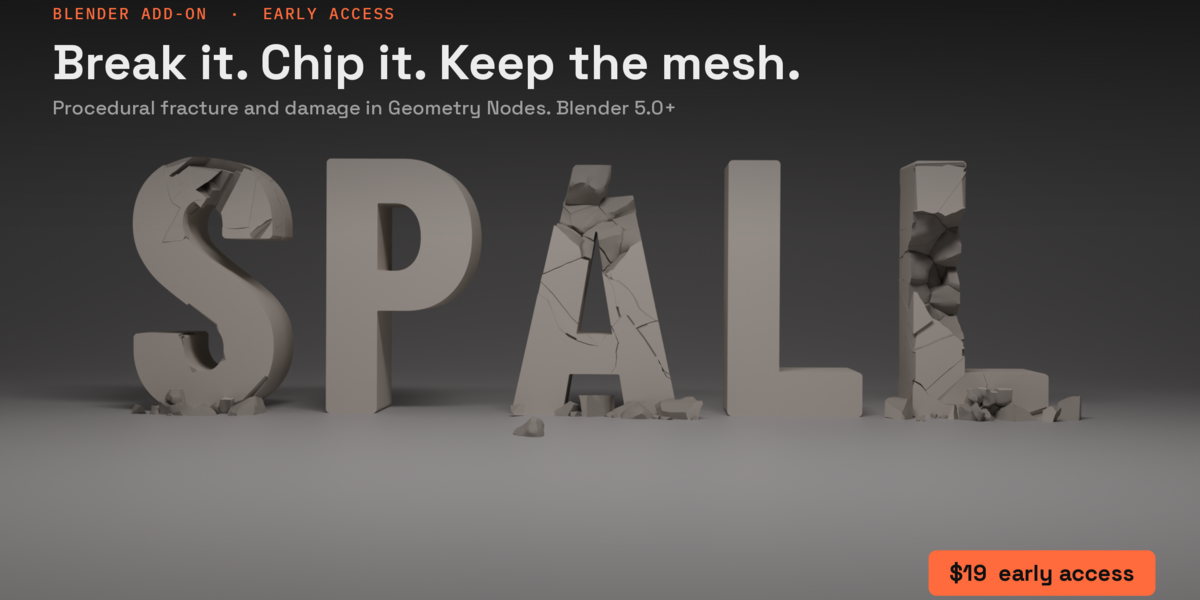

Spall: getting started
Five minutes from install to a broken slab. Spall needs Blender 5.0 or newer.
1. Install
- In Blender: Edit > Preferences > Get Extensions.
- Open the menu at the top right (the small arrow) and choose Install from Disk.
- Pick spall-0.9.6.zip (the file you downloaded; don't unzip it). Spall turns on by itself.
You'll find it in the 3D Viewport's sidebar (press N) on the Spall tab. The ? at the top of the panel opens the website.
2. Break something
- Add a cube (Shift+A > Mesh > Cube) and scale it into a slab, say 3 x 3 x 0.3 m. Apply the scale (Ctrl+A > Scale) so Spall measures the real size.
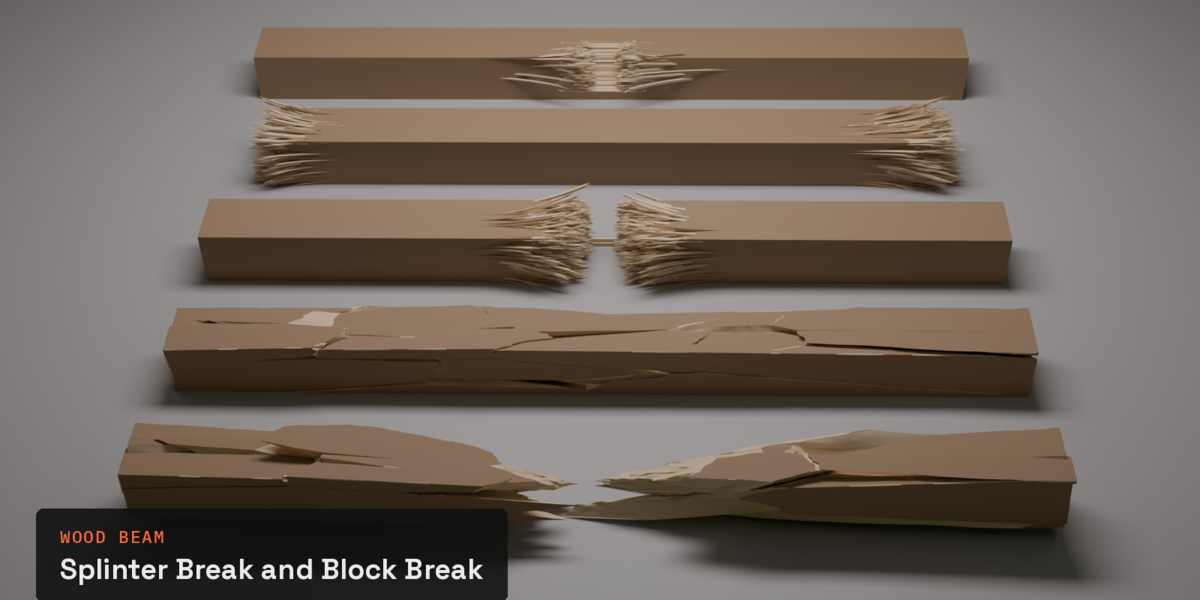
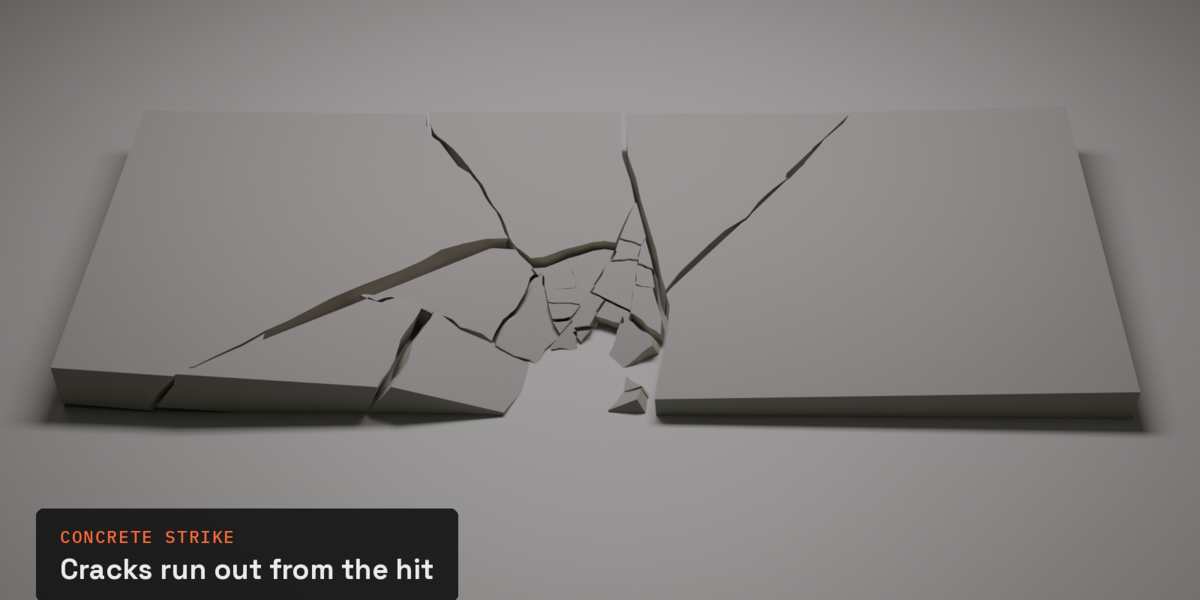
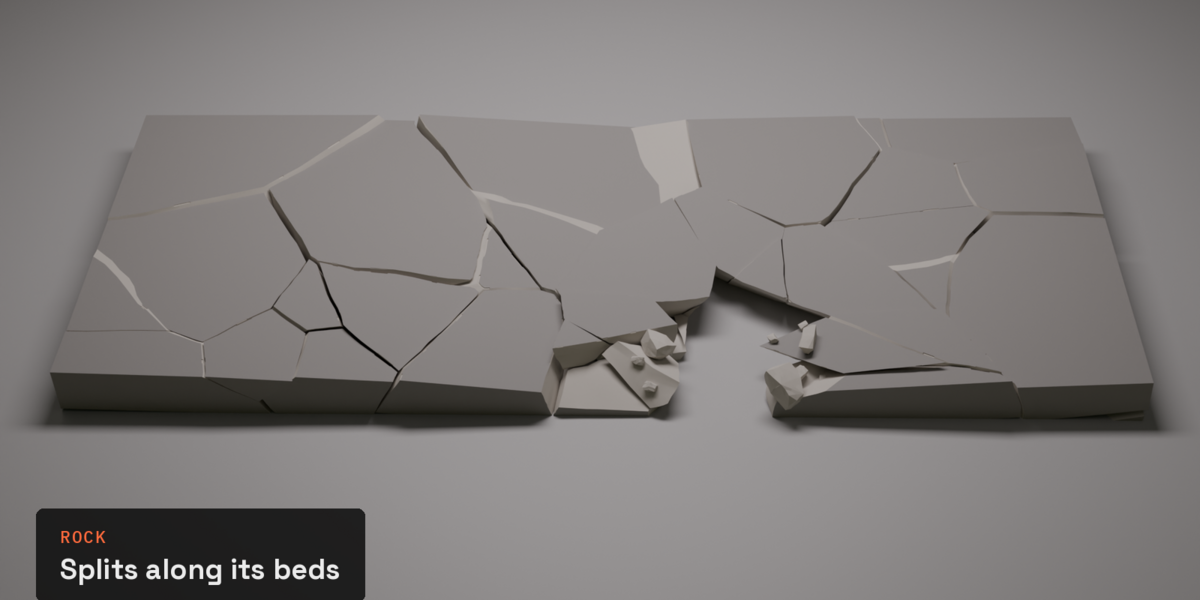
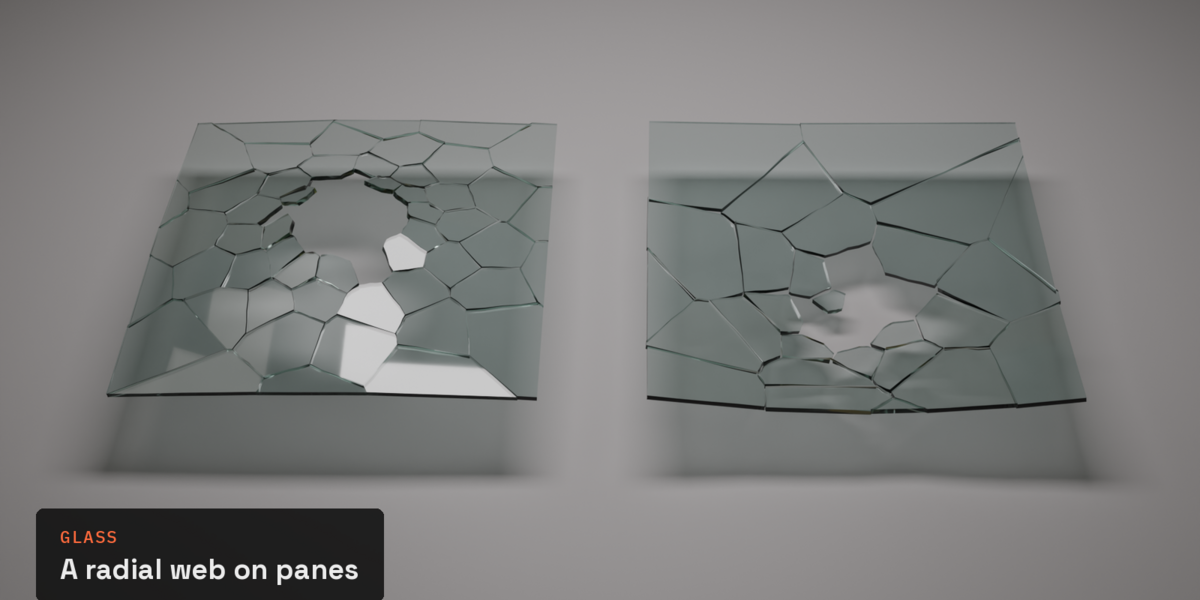
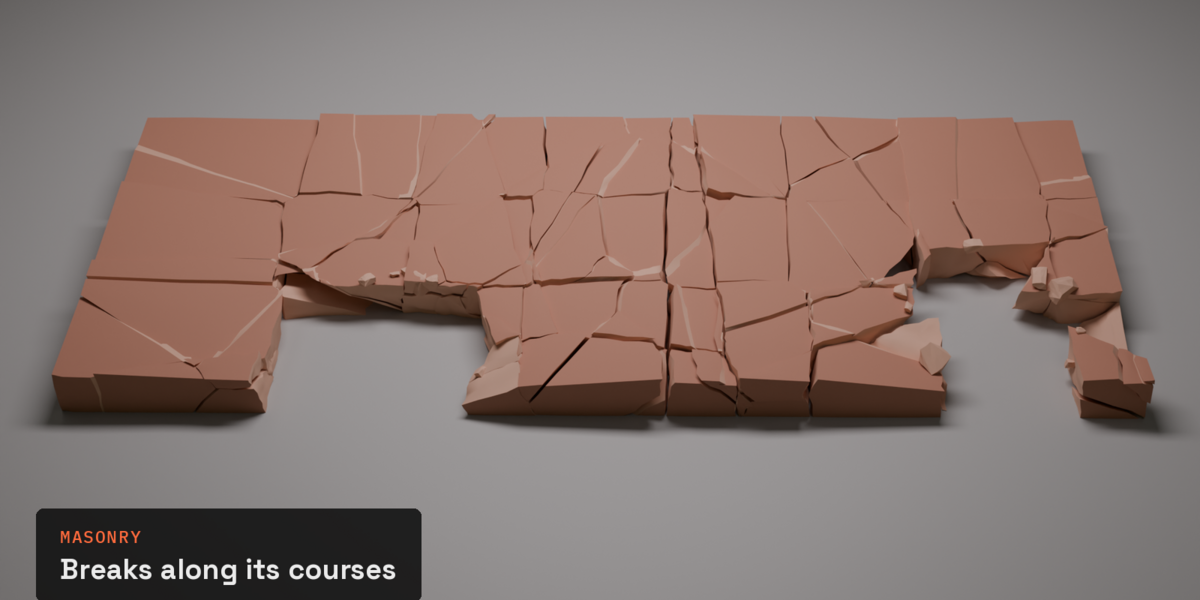
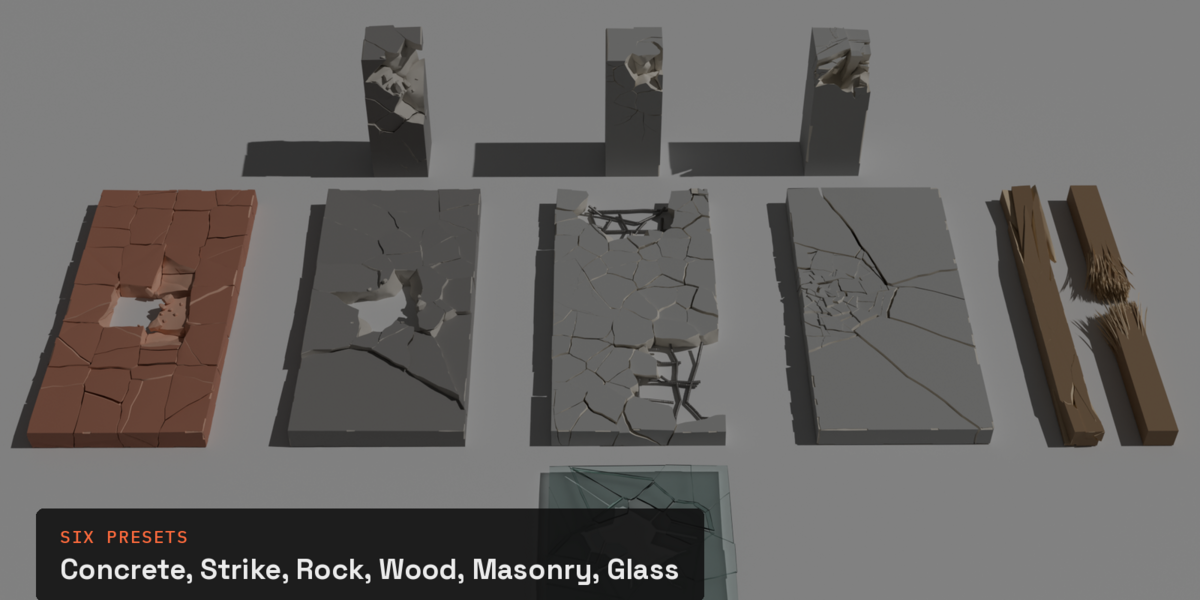
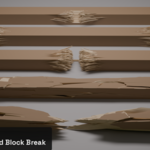
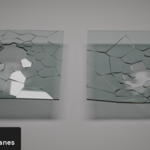
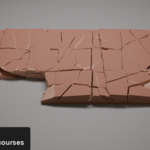
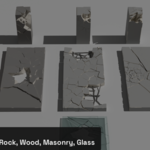
- With the slab selected, open the Spall tab: it shows "Break as…" and a grid of presets: Concrete, Rock, Wood Beam, Masonry, Glass, Concrete Strike. Click one.
- Tick Add an impact controller under the grid to get a controller with any preset.
- Concrete Strike and Glass always come with one.
- That's it: the slab is broken, as a modifier. The original mesh is untouched; turn the modifier off and it's back.
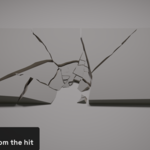
3. Move the hit
Select the controller (the Empty Spall made, named after your object) and move it with G.The break follows it. While you drag you see a quick preview; the full detail comes back amoment after you stop.
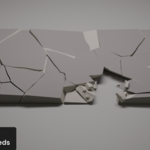
- On Concrete Strike and Glass, the controller's height is the push: move it below the surface and the pieces are pushed in.
- Scale the controller to make the hit bigger or smaller.
- Add Controller (Impact panel) adds another hit on the same object (Concrete, Rock, Wood Beam's Block Break and Masonry for now).
4. The panels, in short
- Spall (top): which preset and object you're on, then the main settings (Break, Hit). Randomize Seed gives a different break with the same look; Show Original and Fast Preview While Moving are below it.
- Push Through (Concrete Strike, Glass): tick it in the panel header to push the pieces in.
- Cracks & Pieces: crack detail, wander, chipping, gap, settle.
- Impact: Only Here breaks just a zone round the hit and keeps the rest whole. In Push Through: Clear takes pieces out round the hit, Crush Corners (Concrete Strike, Blender 5.2+) shapes pushed pieces against each other.
- Damage: Blow a Hole makes a hole sized to the object, with rubble and reinforcement on concrete. Remove Hole fills it in. Missing and Missing Radius size it by hand.
- Reinforcement: the steel bars (Concrete; off on Rock and Masonry unless you tick it).
- Materials: the Surface and Broken materials (and Steel). Spall adds defaults; put your own in their place.
- Bake & Simulate: turn the result into real objects.
- Node Library: housekeeping; you rarely need it.
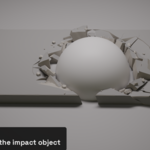
5. Use any mesh as the impact object
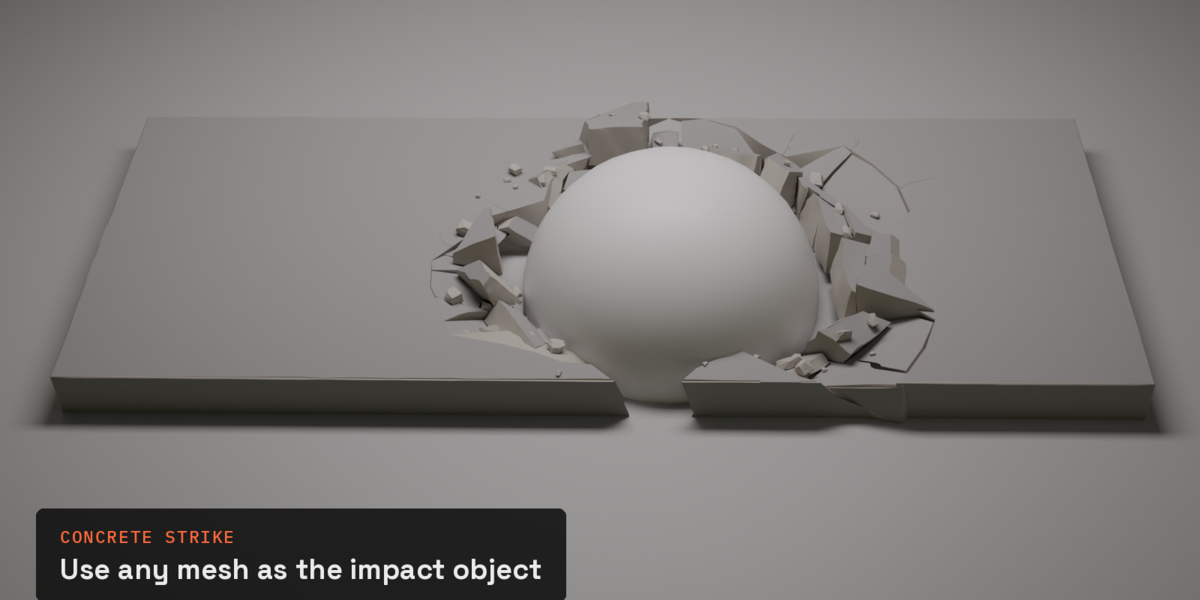
On Concrete Strike and Glass, set Impact Object to a mesh (a sphere, a rock, a car) instead ofthe Empty. Push Through on: the slab is pressed in by it, pieces lie against it, and anythinginside it is cleared, so it sits in its own crater.
6. Materials
The broken faces have their own material and one UV projection across the whole object, so atexture runs on across cracks. For a shader, read these with an Attribute node:
| Attribute | What it is |
|---|---|
sp_broken |
1 on broken faces and rubble, 0 on the outside surface |
sp_depth |
0 at the surface, 1 deep inside the object |
sp_piece_random |
one random value per piece |
sp_rubble |
1 on rubble |
rest_position |
where the point was before the pieces moved: a procedural texture driven by it stays stuck to its piece |
7. Bake
In Bake & Simulate:
- Bake Shards to Objects turns every piece into its own object.
- Clean Topology turns the triangles back into quads, without folds that would upset smooth shading or a game importer.
- Add Rigid Bodies gets them ready to fall. Press play.
- Delete Bake goes back to the live modifier.
- Want to break a baked piece again? Select it and click a preset. Spall takes its rigid body off and takes it out of the old bake, so the new break follows its controller.
Tips
- Seeing the same pattern on every object? Change Seed.
- Cracks too thin to read? Raise Gap. Spall sets it from the object's size when you add Concrete, Concrete Strike or Masonry.
- Slow while dragging? Fast Preview While Moving is in the Spall tab and in Preferences.
- Thin pieces or long slivers? Make the object thicker or raise Piece Size: very thin assets break into thin pieces.
- A file from an older Spall, or from Fracture Nodes: the Spall tab offers Update Node Library. Your settings are kept.
- Removing Spall from an object: delete its Spall modifier, then delete its controller Empty. (A one-click Remove is coming.)
Known limits (early access)
- Crush Corners needs Blender 5.2. On 5.0 and 5.1 it is off, and Concrete Strike pieces pushed in can overlap each other a little.
- Several controllers: not yet on Concrete Strike, Glass and Splinter Break (coming before 1.0).
- A mesh with thin parts and thick parts together (a thin fin on a block) can give a few inside-out pieces on the thin part: break the parts separately.
- Concrete Strike's full result takes a second or a few on a 3 m slab on a normal PC; the preview is quicker.
- Re-breaking a piece after the rigid-body simulation has moved it puts it back where Bake left it (fixed in an upcoming update).
Help
Email [email protected]. A screenshot and the .blend make a bug easy to fix.
-
$19
One artist. All updates up to and including 1.0.
-
$59
Up to 10 artists in one studio. Priority email support and an invoice in your studio's name. All updates up to and including 1.0. More seats: [email protected]
Have questions about this product?
Login to message
| Blender Extension Compatible | Yes |
| Published | 2 days ago |
| Blender Version | 5.0 - 5.2 |
| Extension Type | Add-on |
| Render Engine Used | Cycles, Eevee |
| License | GPL |
Discover more products like this
Rock fracture procedural debris geometry nodes Damage Concrete Rubble destruction Glass crack wood