 Flidoh Animations


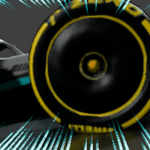
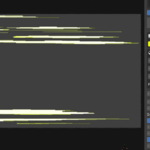
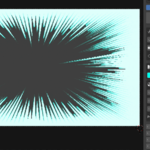
Wait…. how do you make speedlines for your animations ? You use external software ? Green screens ? but how do you change the style ? you google another type of speedlines greenscreen ? But Why not just do it in Blender ?
SPEEDLINE FX
Anime Speedlines · Your Adrenaline feel
Let’s use Speedline FX, a dedicated Blender addon that generates professional anime and manga-style speedlines
directly inside your 3D scene, no compositing, no external software or greenscreens.
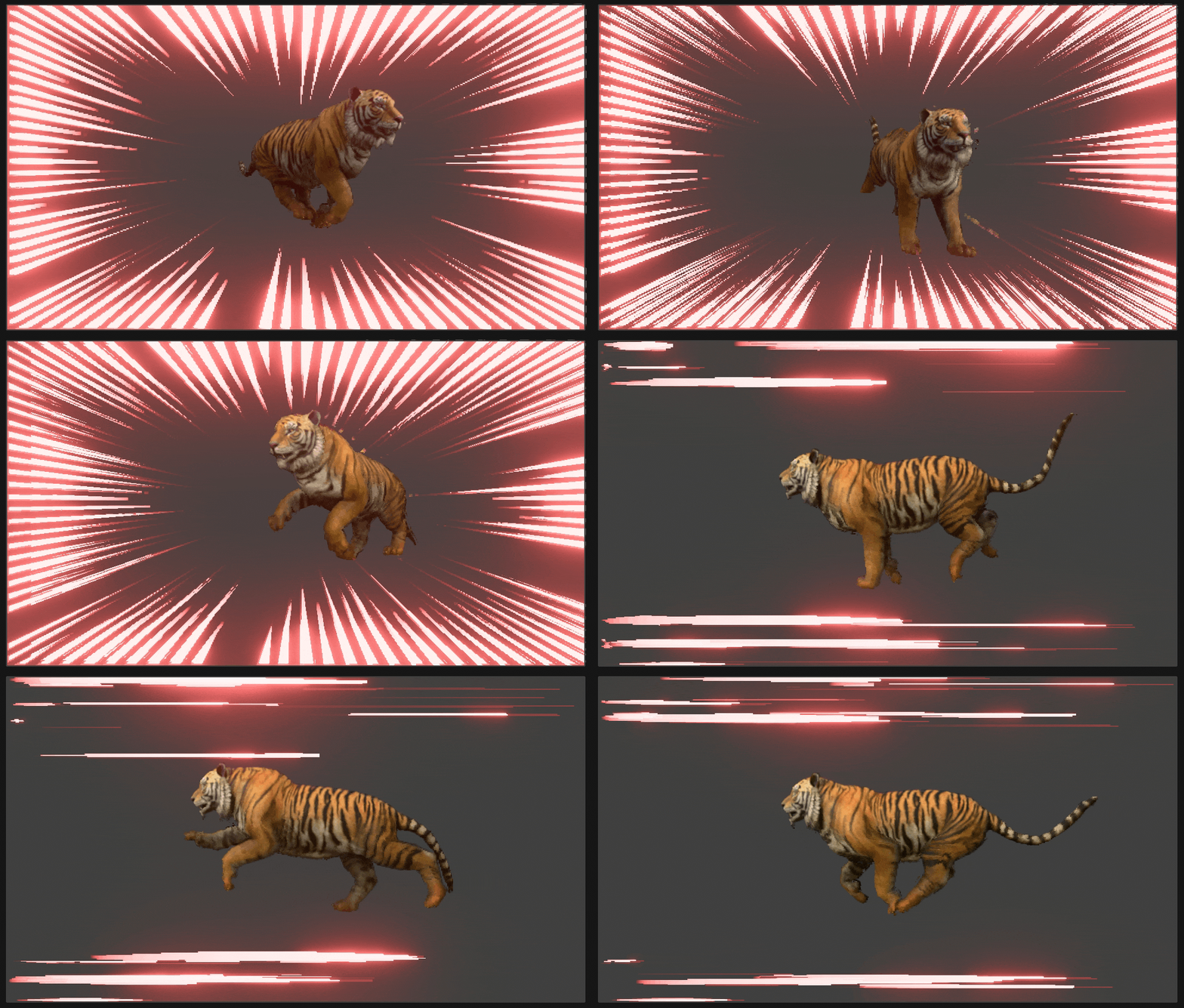
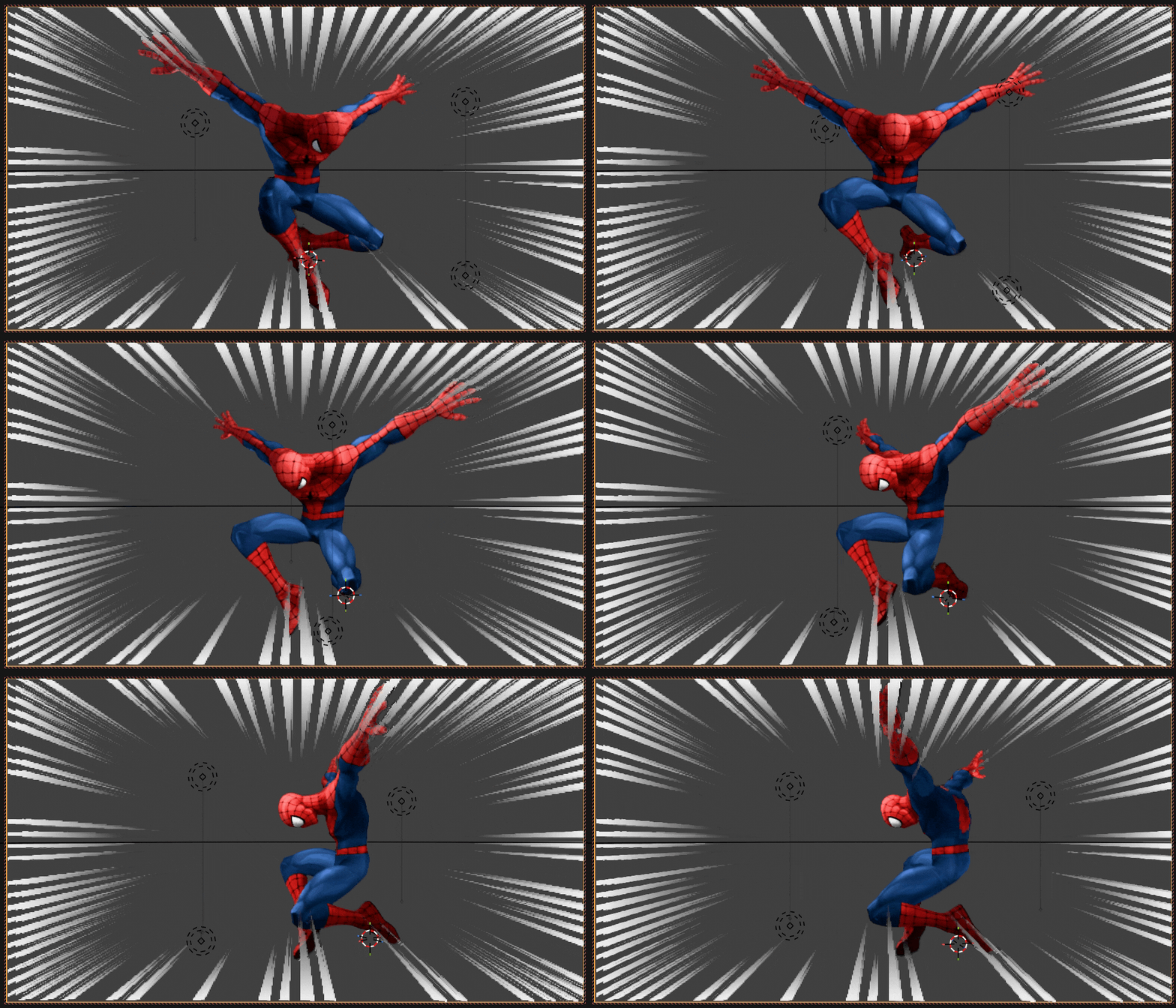
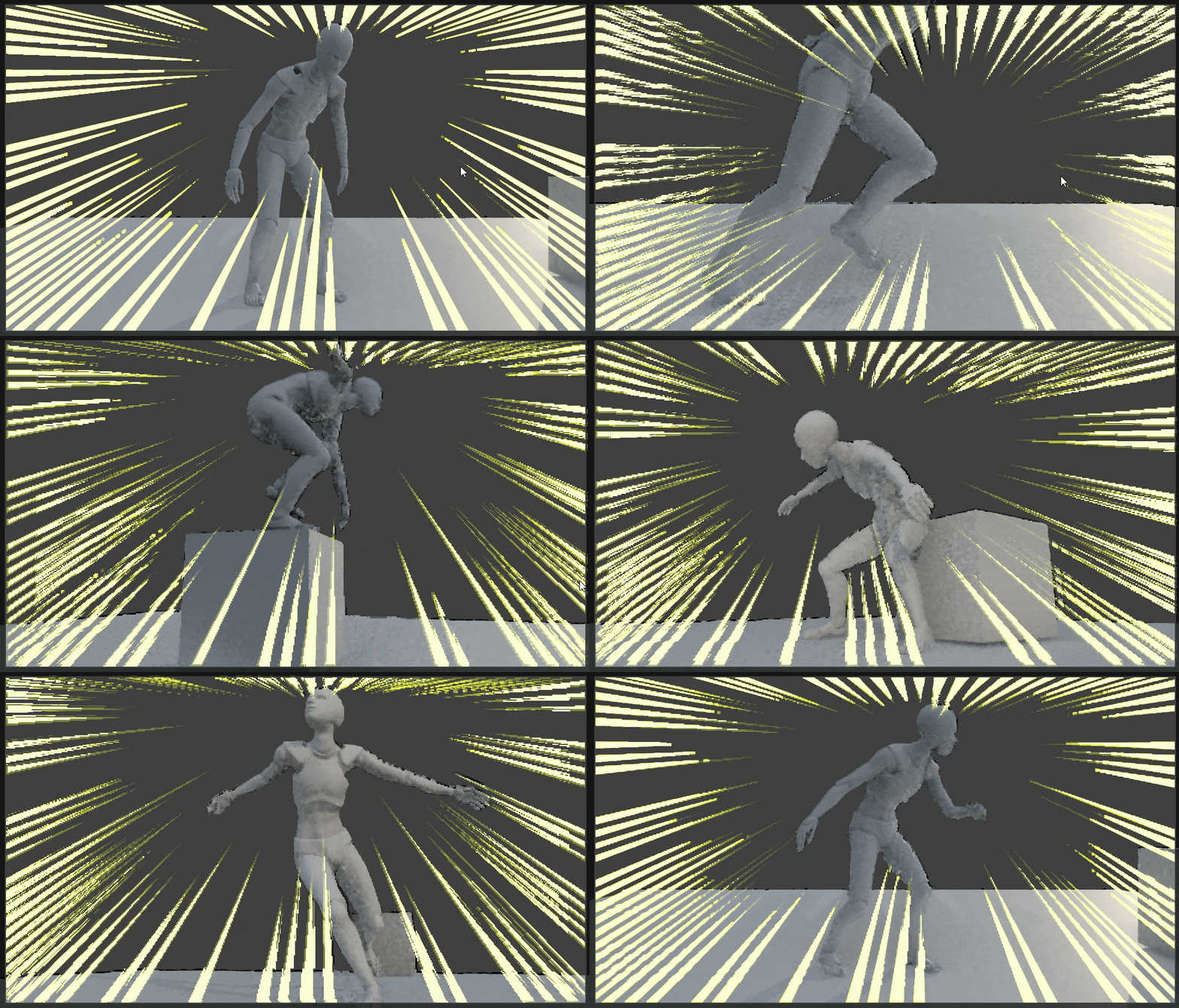
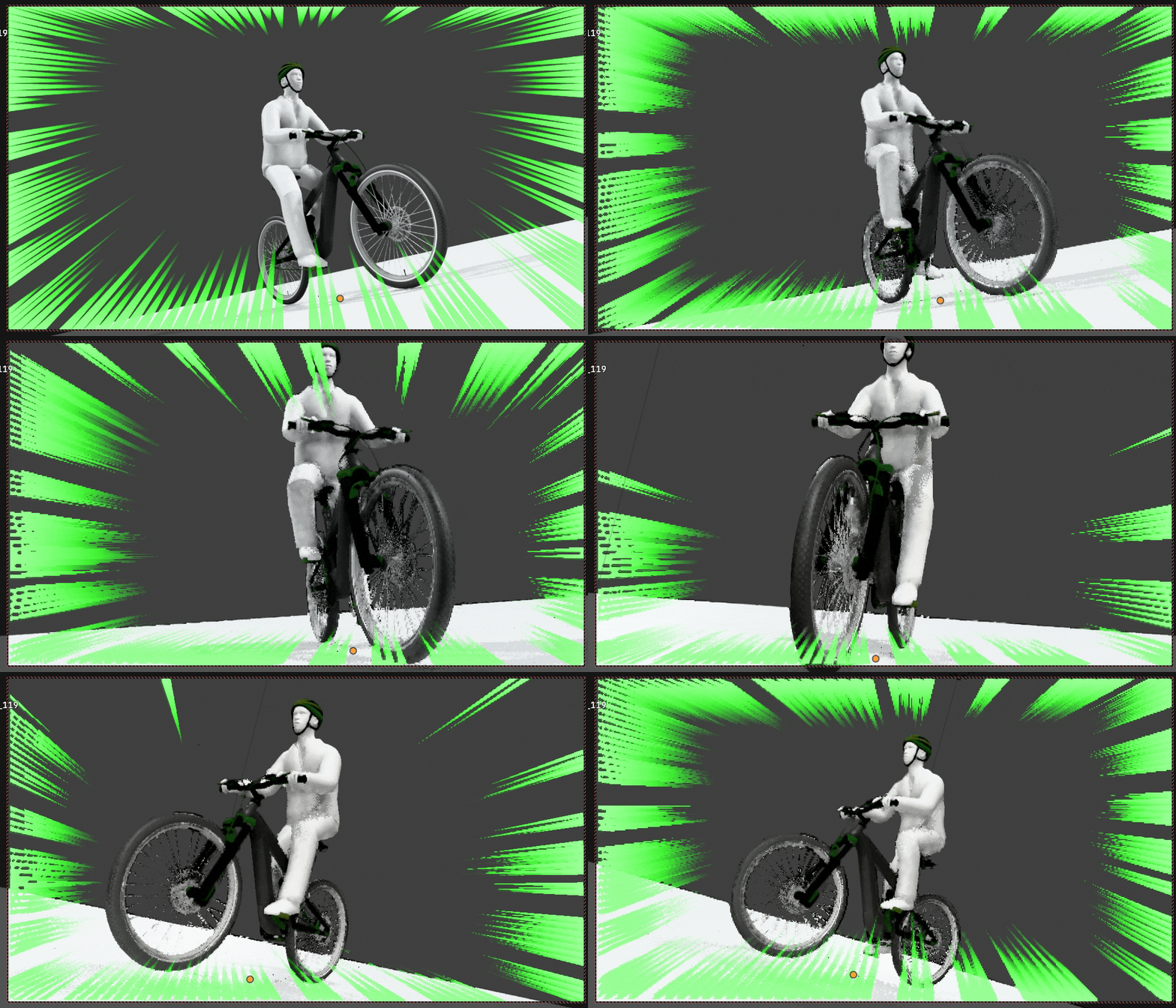
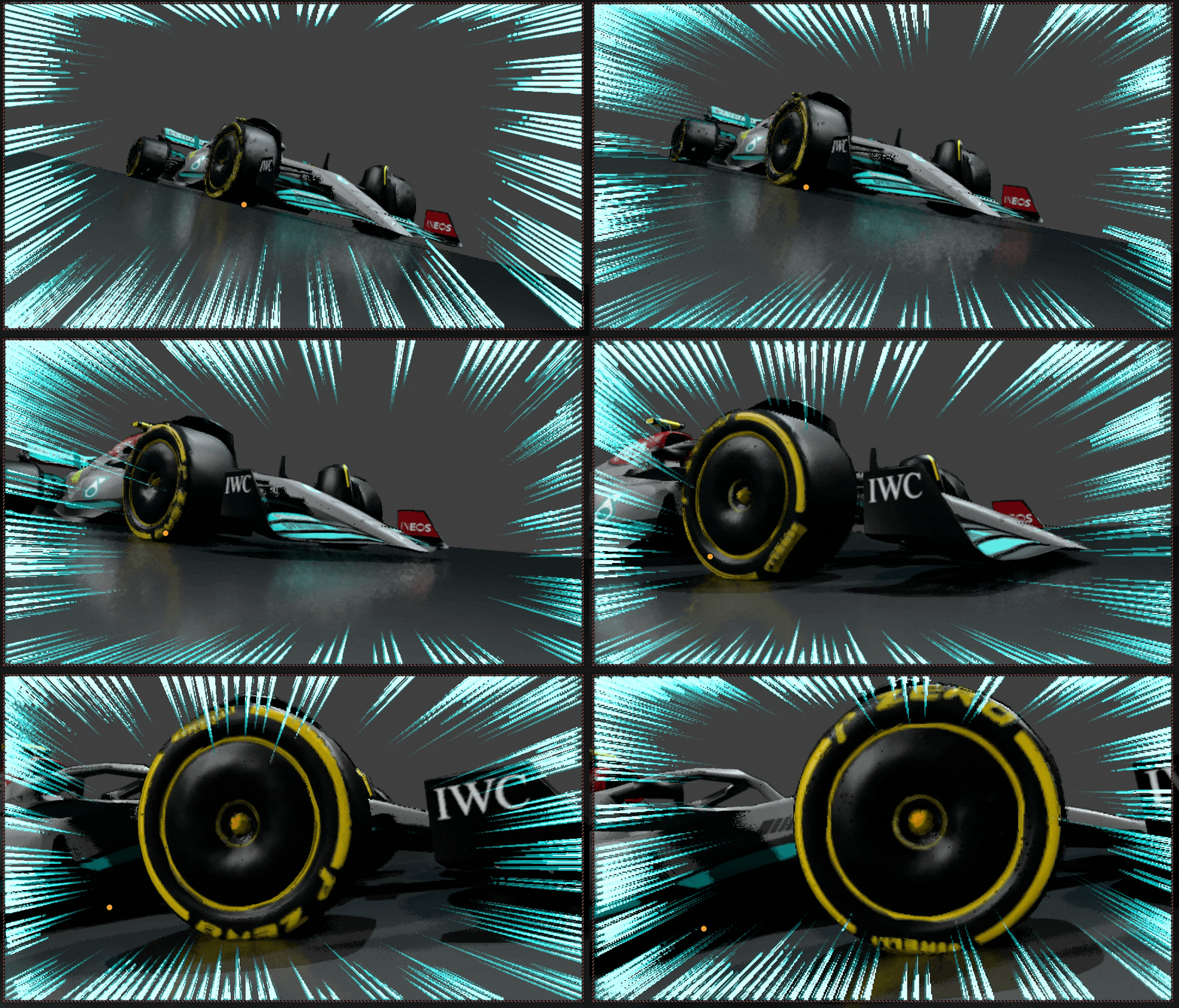
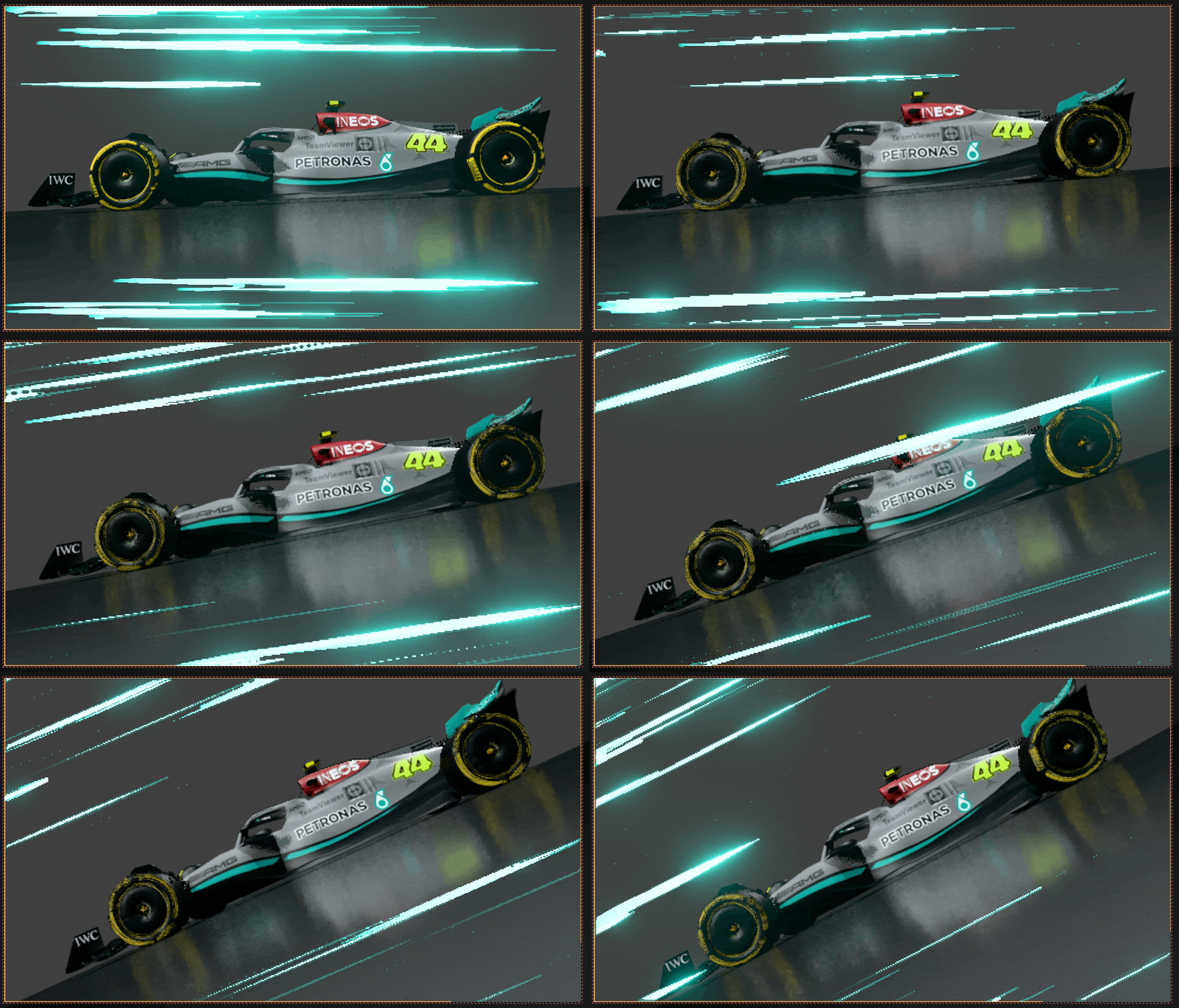
Speedlines are driven entirely by Geometry Nodes,
so every parameter is highly customizable and animates cleanly on the Timeline.
With two distinct speedline modes, a smart focal-point tracking system, 10 built-in emotion presets,
Speedline FX gives you everything you need to add punchy, expressive energy to action shots,
character moments, and cinematic sequences.
SPEEDLINE MODES
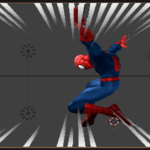
Radial Speedlines
The classic anime burst, lines radiate outward from a focal point at the centre of the screen,
perfect for impact frames, power moments, and reaction shots.
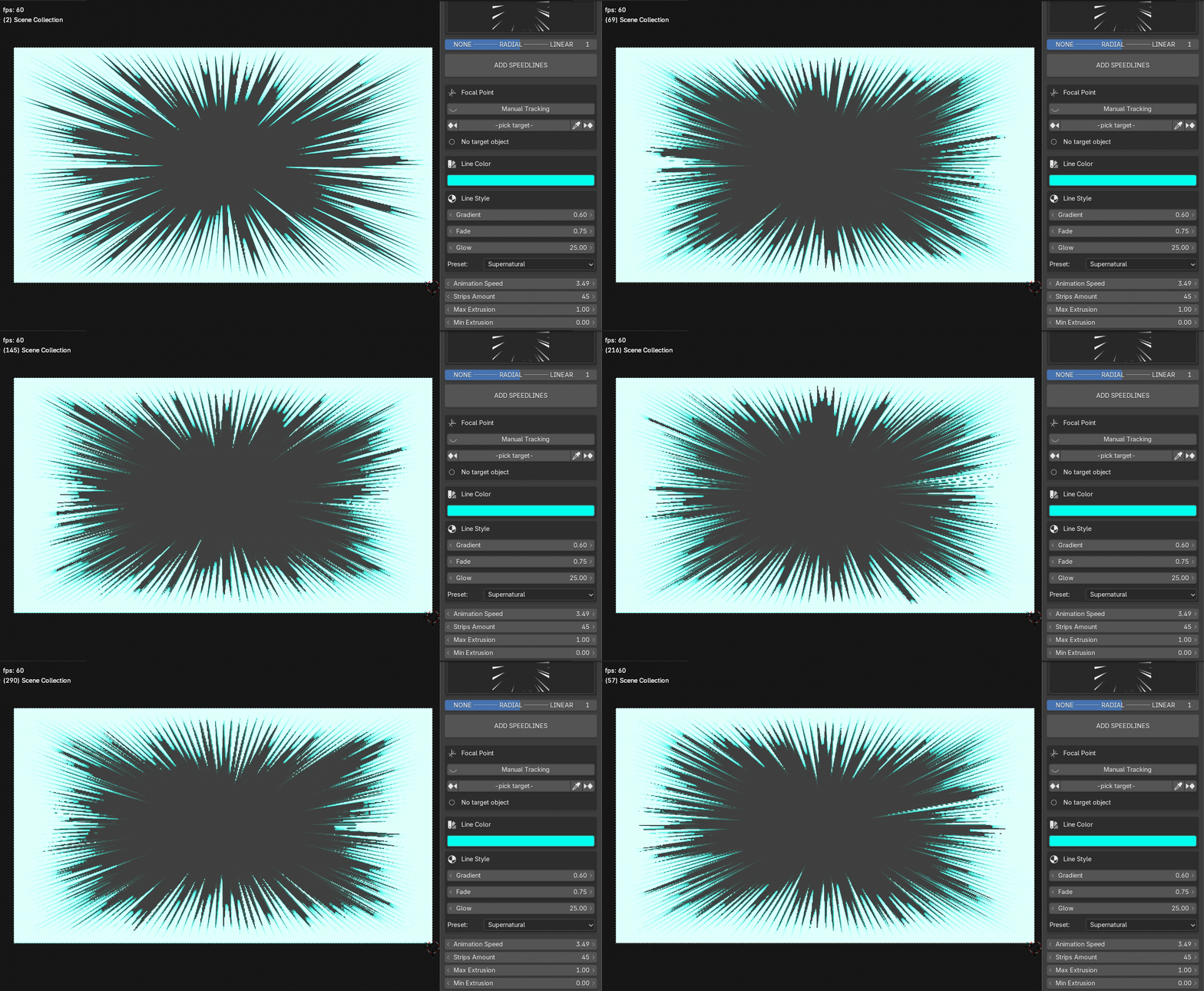
ALL RADIAL'S PARAMETERS ARE CUSTOMISABLE
Strips Amount: number of lines (10 – 150)
Max / Min Extrusion: controls line-length variation
Thickness Randomness: subtle width variation per line
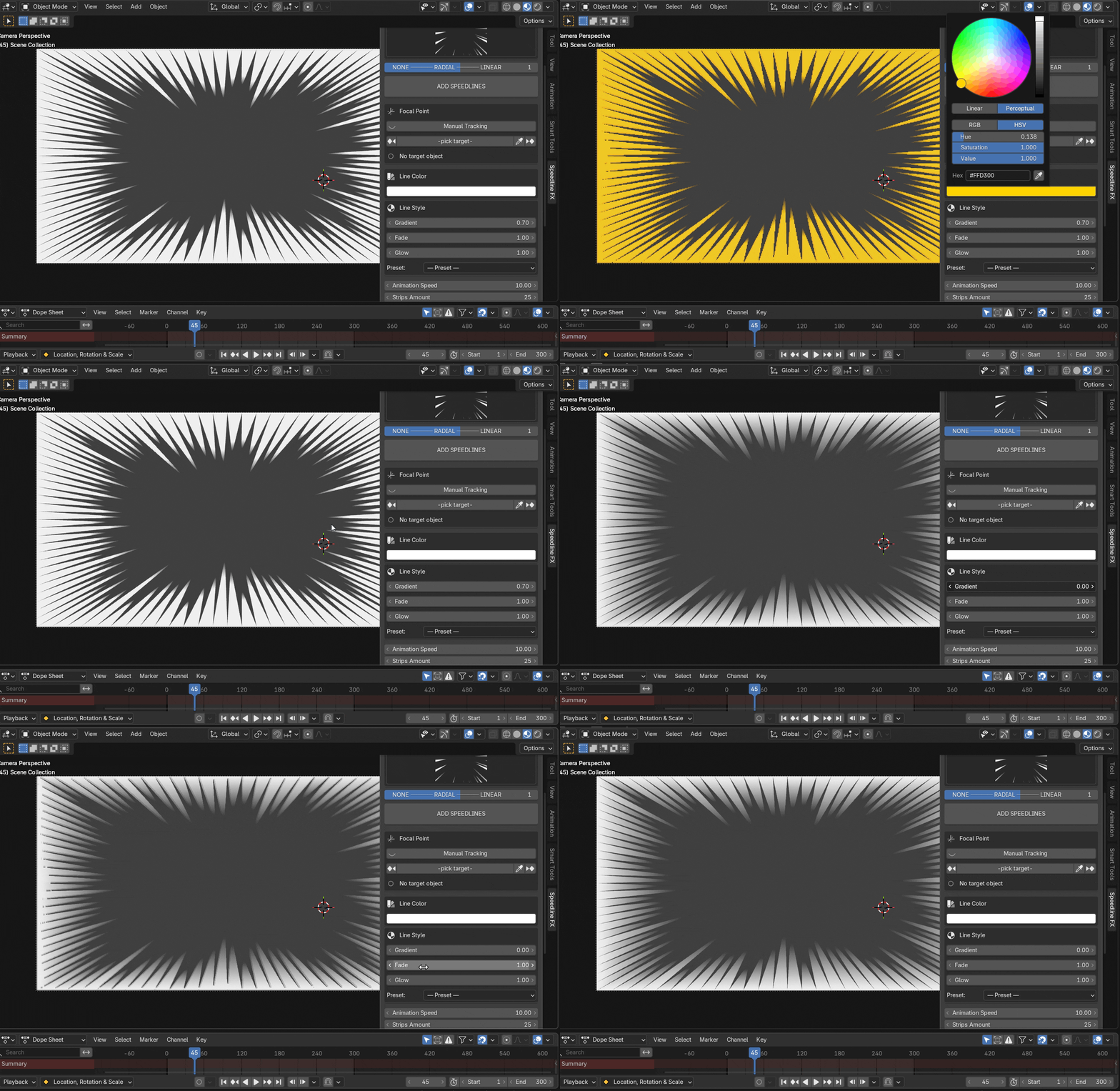
Gradient: how far the fade zone extends along each line
Fade: overall opacity of the whole effect
Glow: emission strength for bloom/glow compositing
Animation Speed: how fast the flutter plays
Line Style: put lines to All / Top / Bottom / Left / Right
Style Intensity: strength of the concentration effect
Grouping: cluster lines into groups with stylised gaps
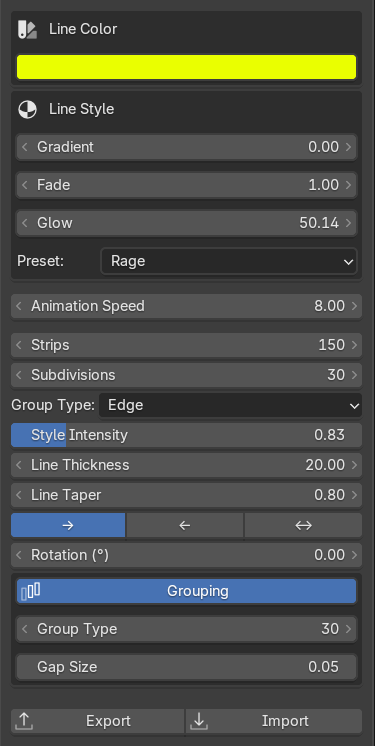
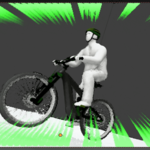
Linear Speedlines
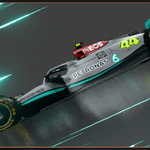
Horizontal strips sweep across the camera frame, evoking lateral motion,
high-speed flight, or stylised speed-blur. Perfect for chase scenes, racing shots, or background atmosphere.
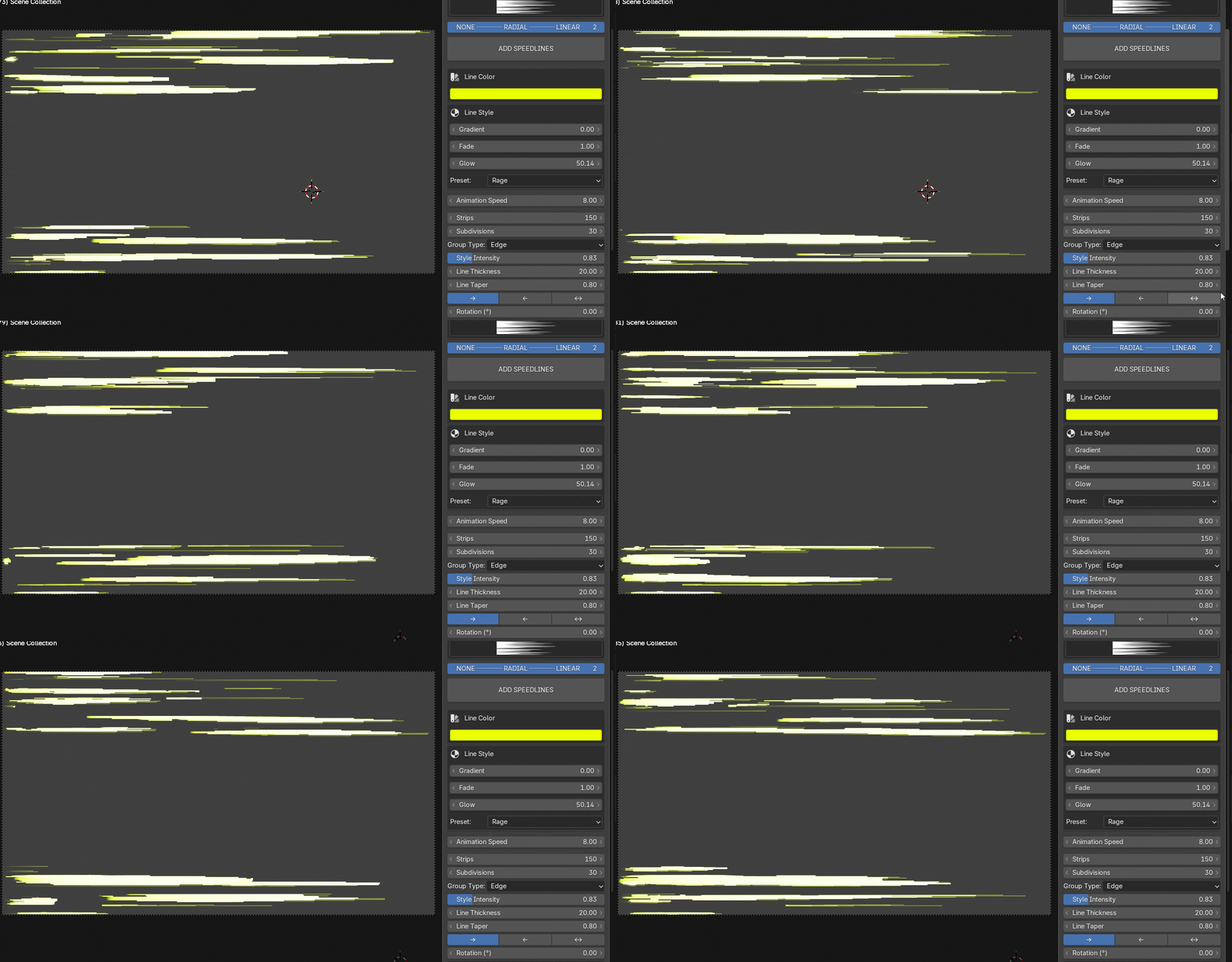
ALL LINEAR PARAMETERS ARE CUSTOMISABLE TOO
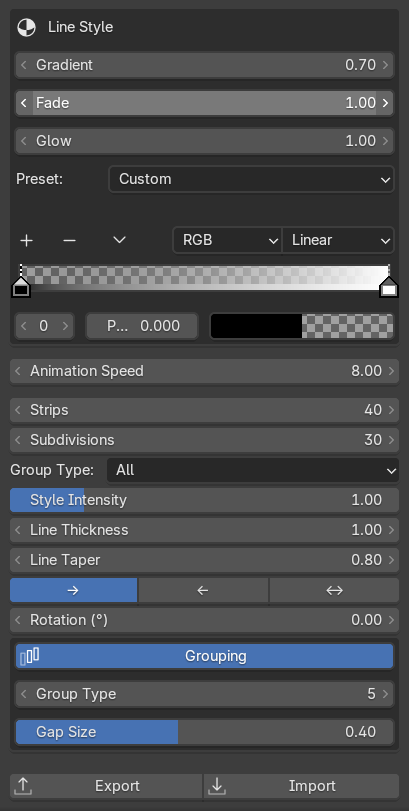
Strips: number of horizontal strips (20 – 150)
Subdivisions: geometry resolution along each strip
Line Thickness: random width variation per strip
Line Taper: how sharply each strip narrows at its trailing tip
Direction: sweep Left →, Right ←, or Alternate ↔
Rotation: rotate the sweep direction 0 – 360°
Group Type: concentrate strips to Center / Edge / Top / Bottom
Style Intensity: strength of the concentration bias
Grouping: same cluster system as Radial, with gap control
Smart Focal-Point Tracking System
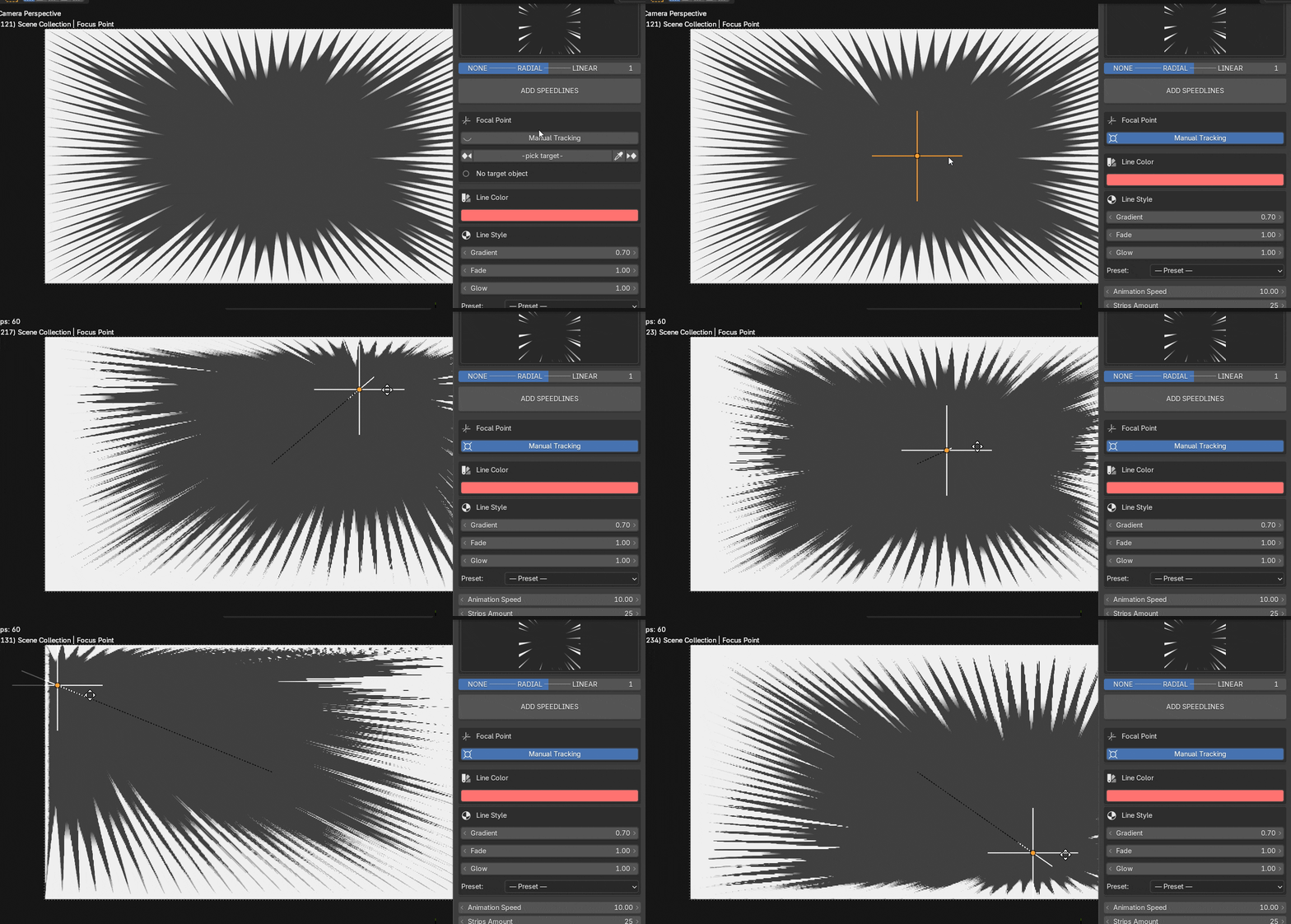
Radial speedlines converge on a Focus Point - a camera-space empty that you can animate
manually or lock to any object in the scene. The tracking system is built around
a simple eyedropper workflow and handles even the most complex rigs.
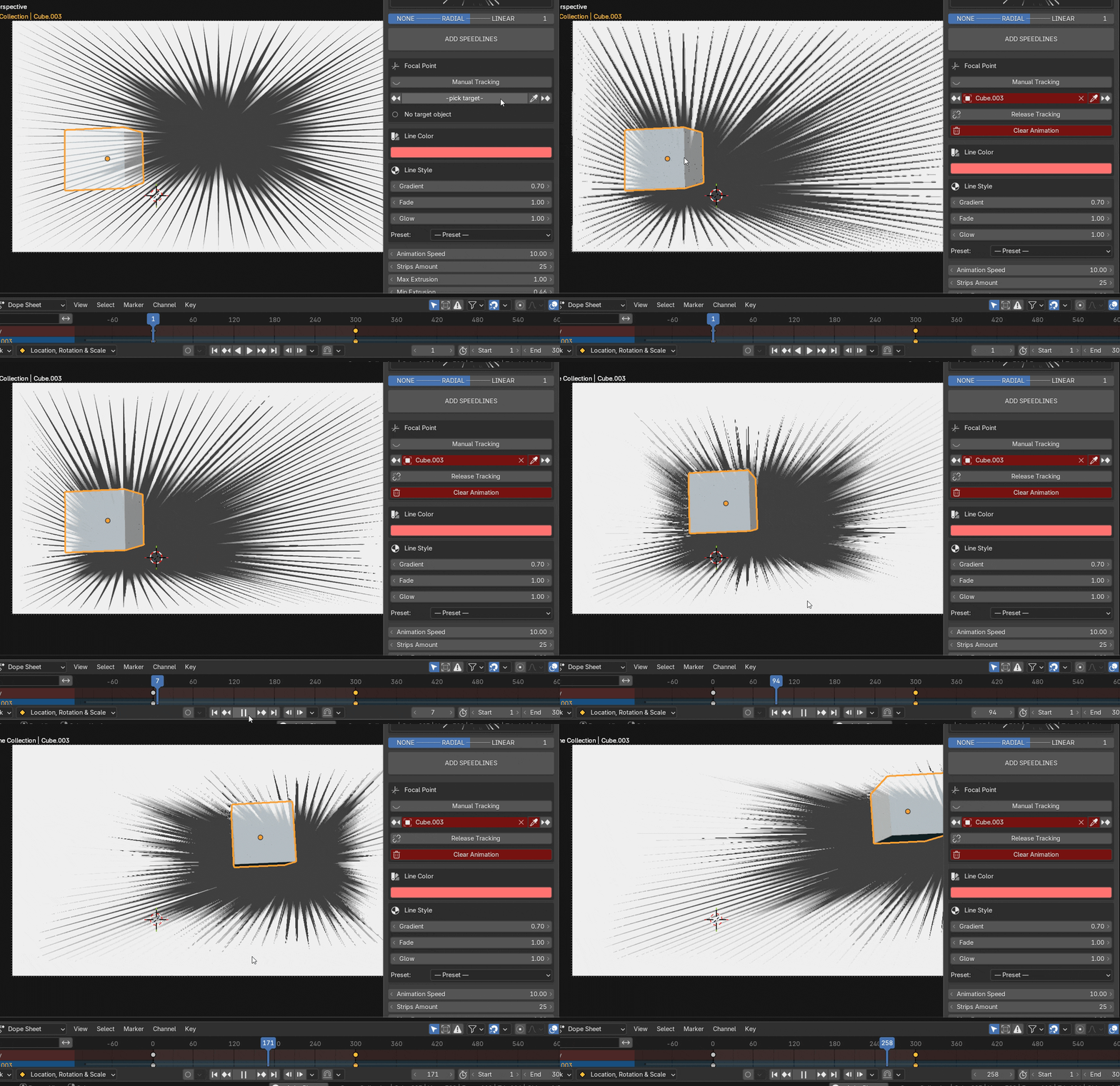
Assign a different target object at any point on the Timeline.
The addon stores a per-frame target map, so the focus seamlessly
switches from one character to another as your shot cuts or pans.
Release Tracking (Bake)
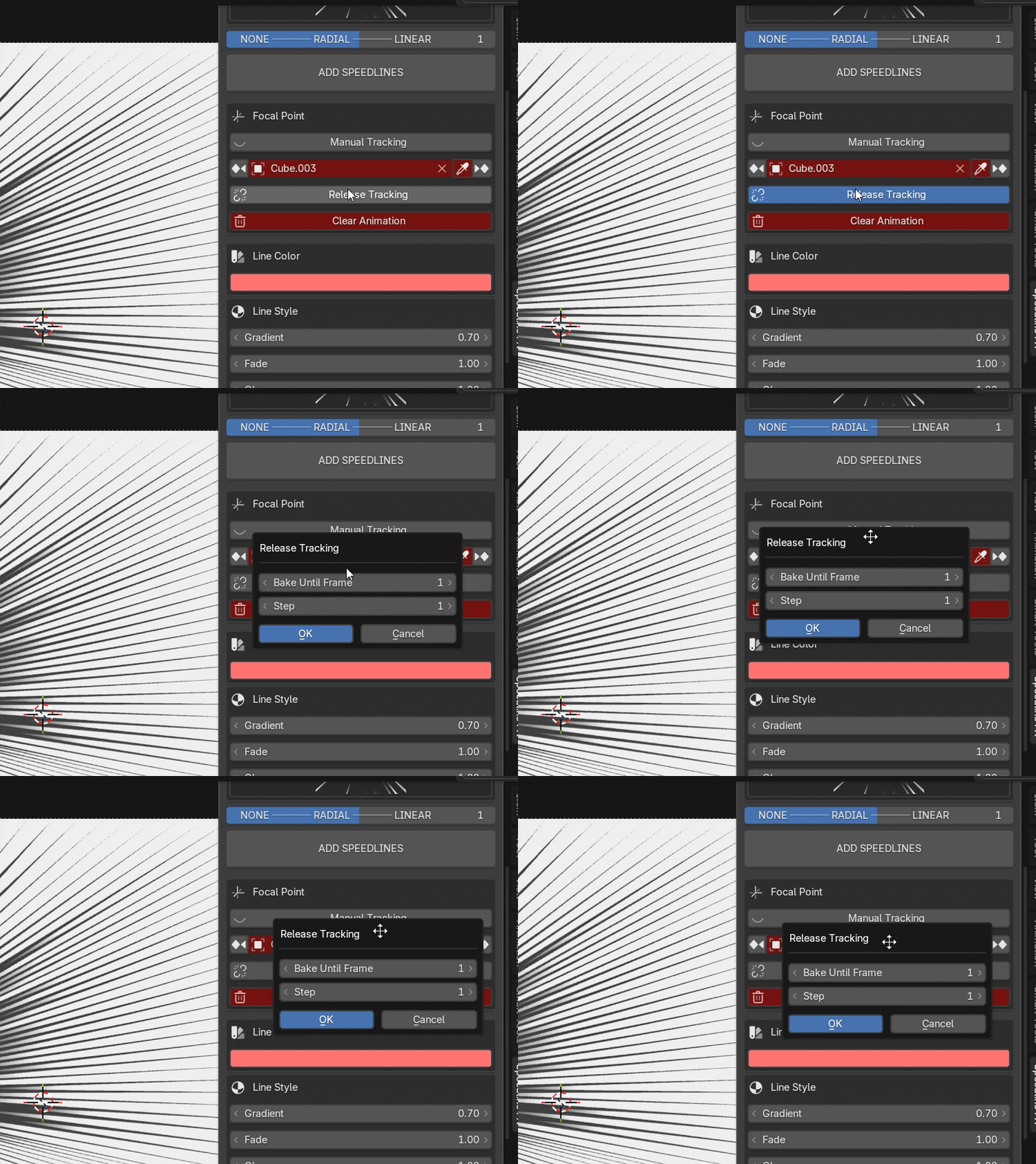
When you are happy with the live tracking, Release Tracking bakes the motion to explicit location keyframes.
Choose a bake step (every N frames) to keep curves lean,
and already-baked frames are never overwritten.
Color, Glow & Emotion Presets
Every speedline property is animatable. Color, glow, gradient, and fade all drive into
the shader via drivers, so you can keyframe the mood of a shot just as easily as the camera move.
10 Built-in Emotion Presets
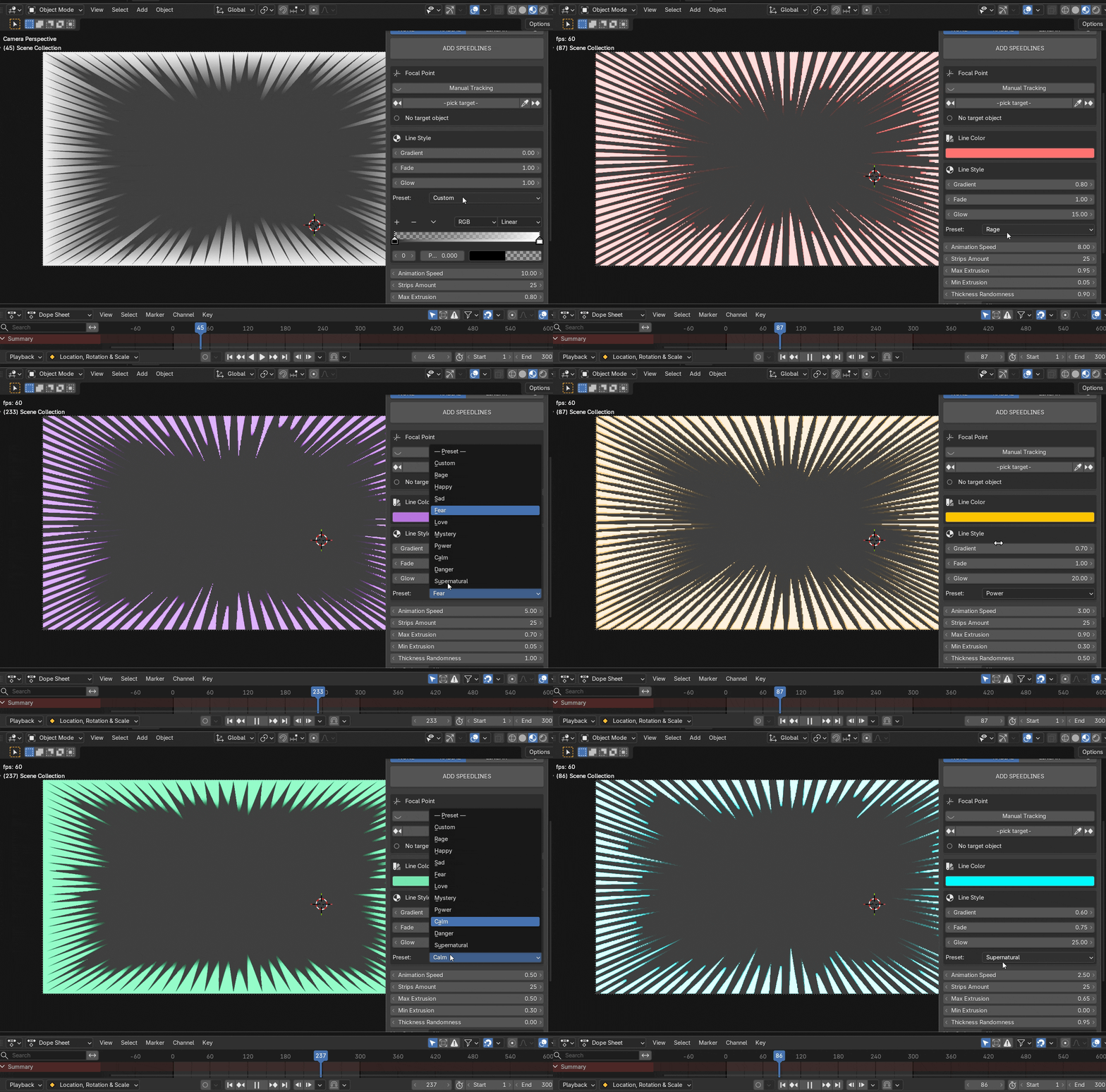
Select the Custom preset to access a full color ramp node editor directly inside the N-panel.
Add stops, adjust positions and colours, and build gradients that go beyond single-tone looks.
v2.0 | Blender 4.2 – 5.x | Extension Format