 LarkLab
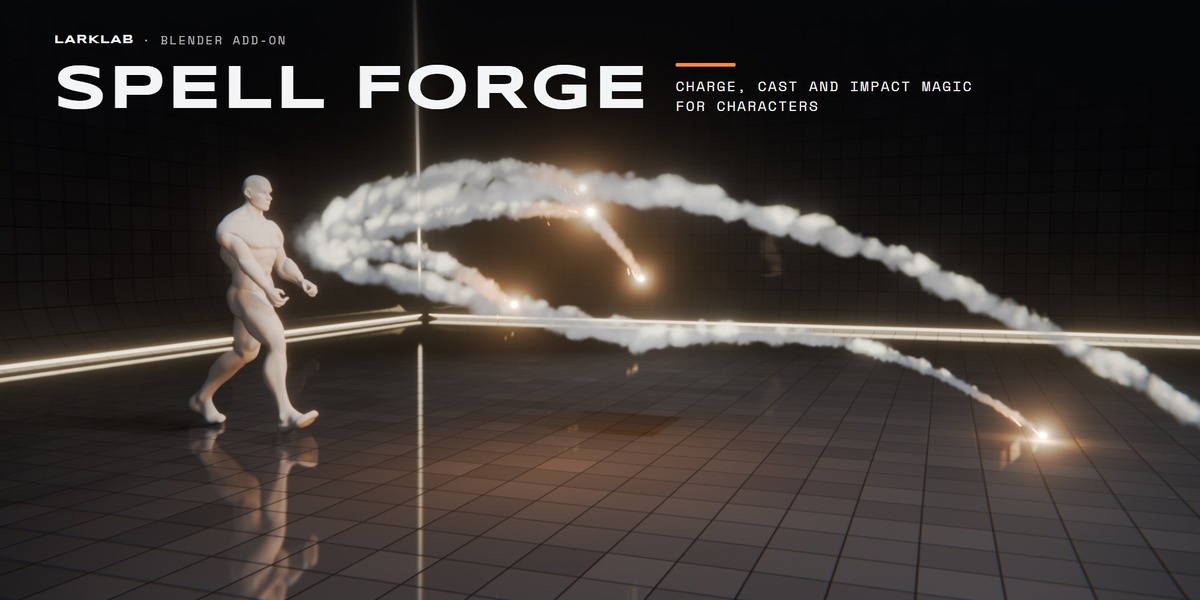
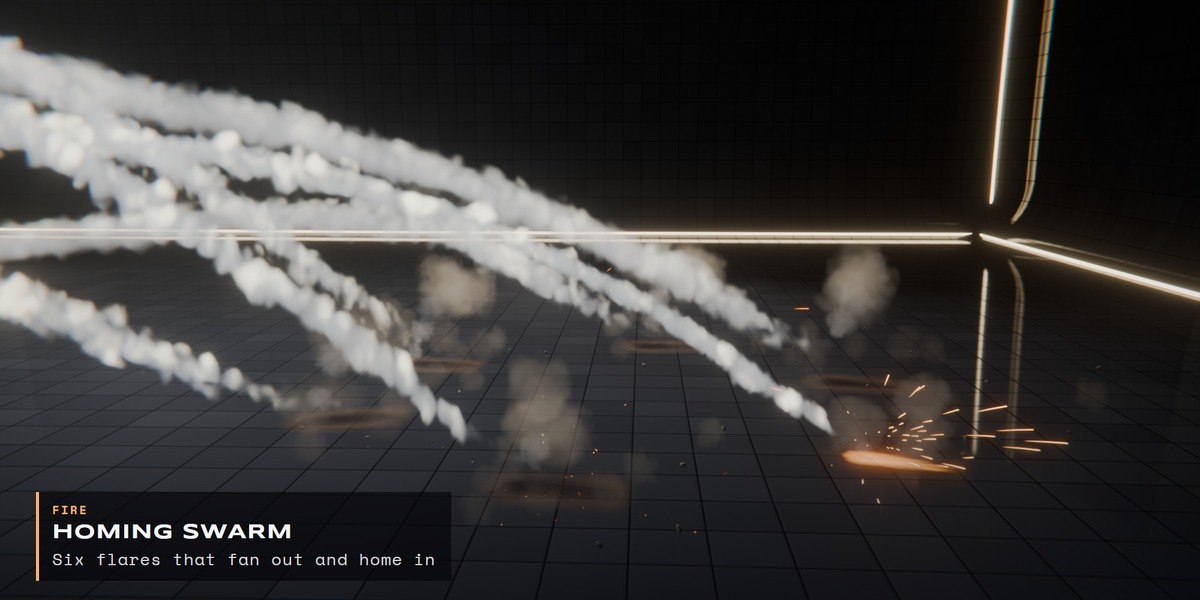
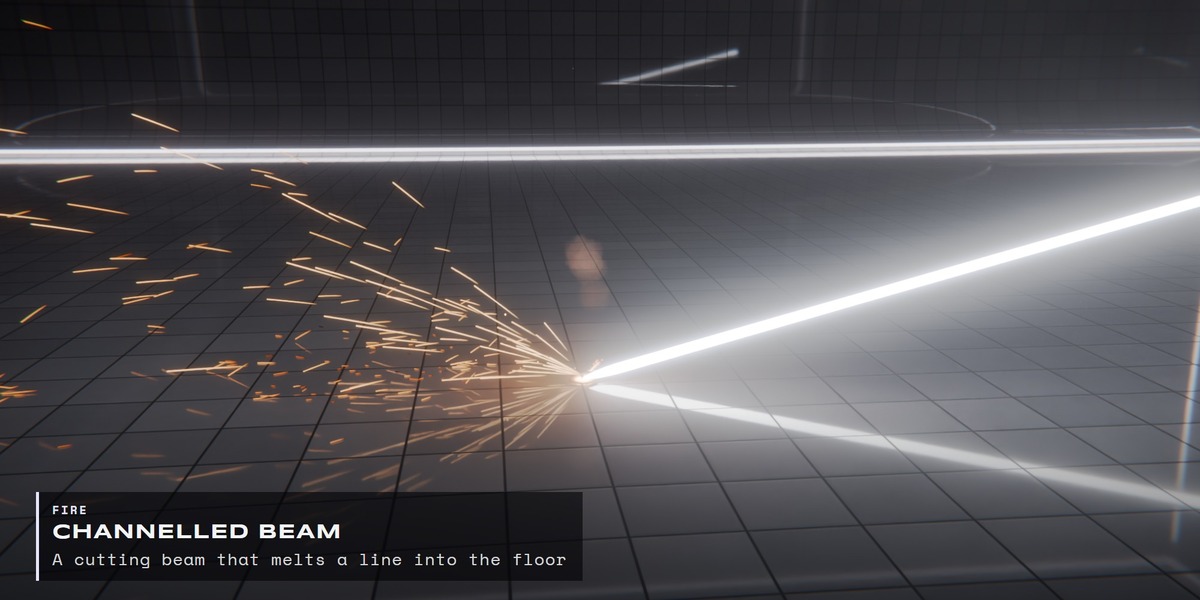
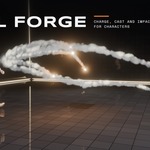
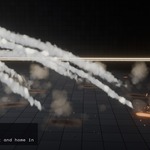
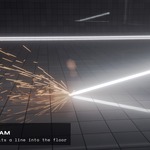
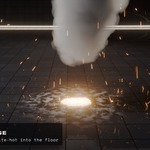
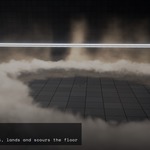
Yes. Select a Mixamo or Rigify character and click Add to Caster: Spell Forge finds the hand bone and charges the spell there, with a Right or Left hand option. Any other object works too, such as an empty or a prop: the spell charges at its origin and follows it. Remove Spell takes away everything the spell added and leaves your character and floor as they were.
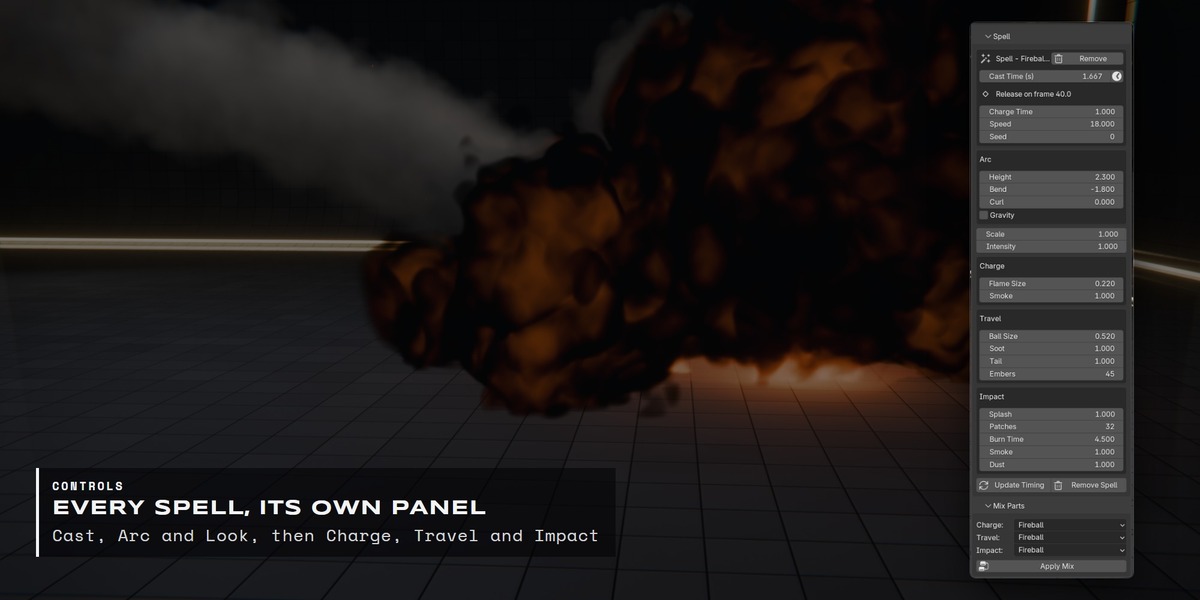
Each spell comes with target empties. Move them and the arc and the impact follow. Cast Time sets the moment of release in seconds; the clock button next to it casts on the current frame. Height, Bend and Curl shape the arc. If you change the character's animation later, press Update Timing so the spell leaves from where the hand is.
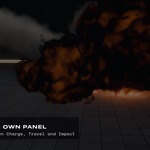
Both, from the same file. Optimize Render Settings sets AgX and volume quality for both engines. Spells with dense smoke after the hit (Fireball, Wind Crescent, Blink Strike) are slow to render in Cycles at those frames, while EEVEE stays fast. For those frames, use fewer samples with denoising.
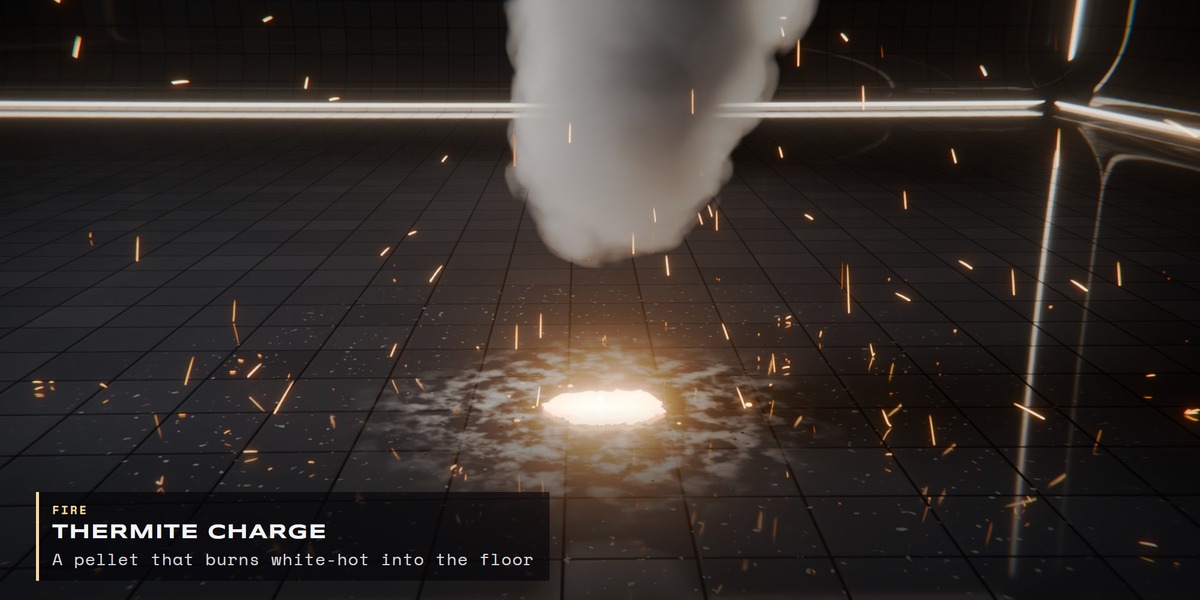
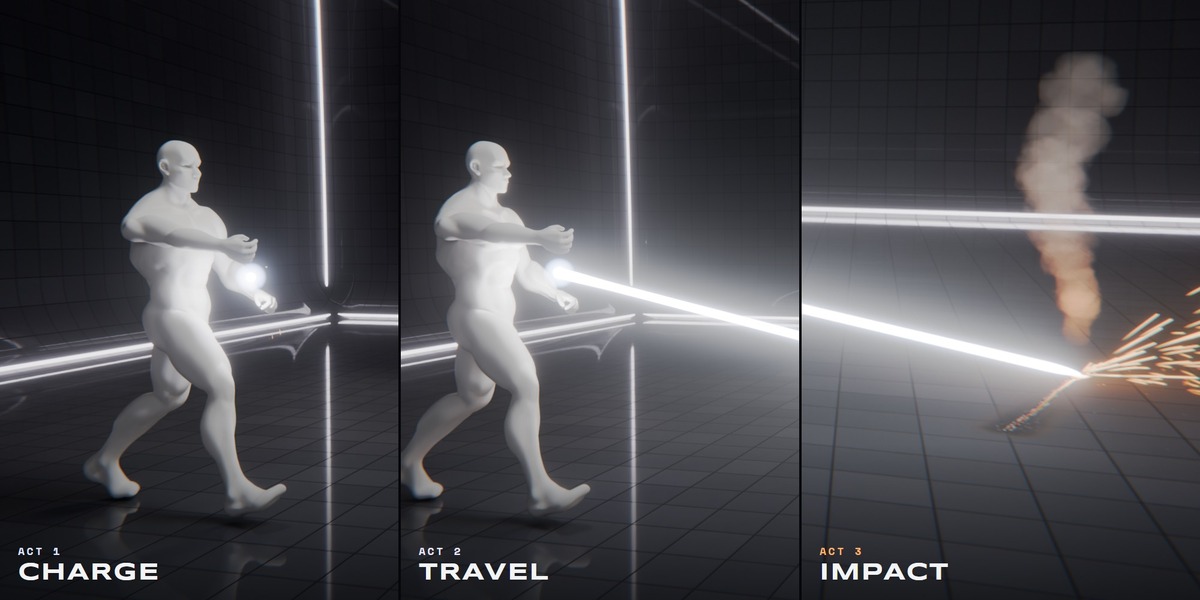
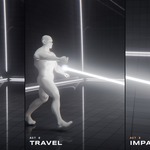
Every spell has three parts: Charge, Travel and Impact. Mix Parts lets you build a new spell from three different ones, for example the Thermite Charge pellet, the Fireball flight and the Ice Lance shatter. The new parts start from their own defaults, and your arc and timing stay as they were.
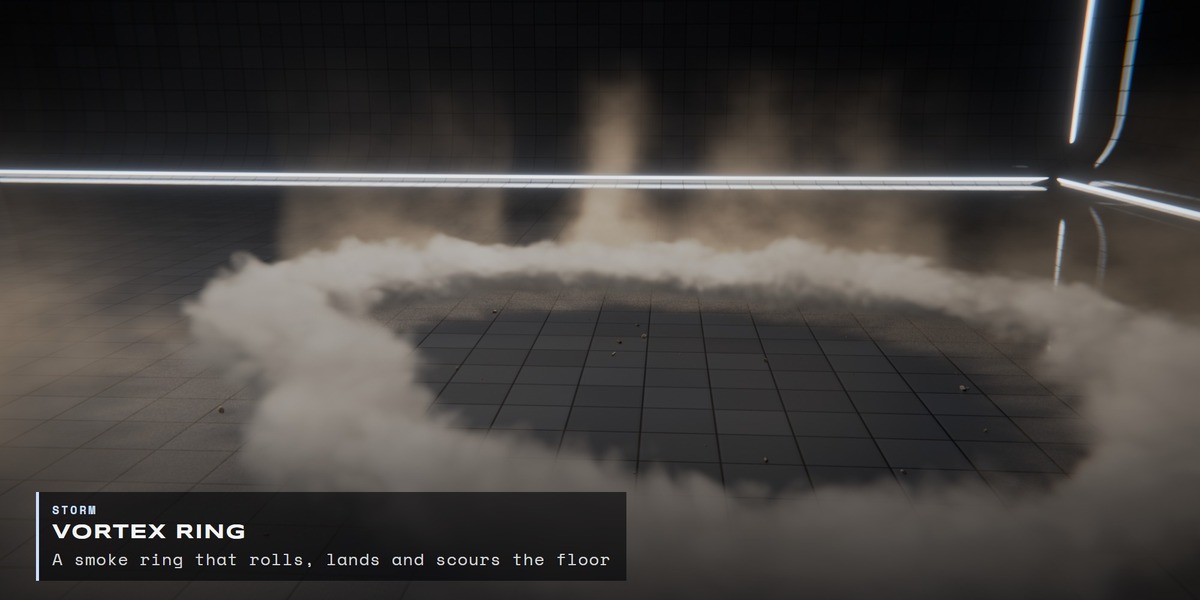
One Blender extension zip (spell_forge-1.0.0.zip) for Blender 5.0+. It adds a Spell Forge tab to the 3D Viewport sidebar with thirteen spells across Fire, Storm, Earth, Water and Shadow. Everything is procedural (Geometry Nodes and shaders), so there are no textures to download. On Blender 5.0 and 5.1 the first Add of a spell in a file builds its node trees and can take up to a minute; after that it is instant.
Have questions about this product?
Login to message
| Blender Extension Compatible | Yes |
| Published | about 11 hours ago |
| Blender Version | 5.0 - 5.2 |
| Extension Type | Add-on |
| Render Engine Used | Cycles, Eevee |
| License | GPL |