 LarkLab
Blender add-on · Blender 5.0+ · by LarkLab
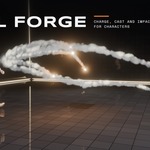
SPELL FORGE
Spells that charge at a character's hand, fly an arc you shape and hit the ground with their own impact
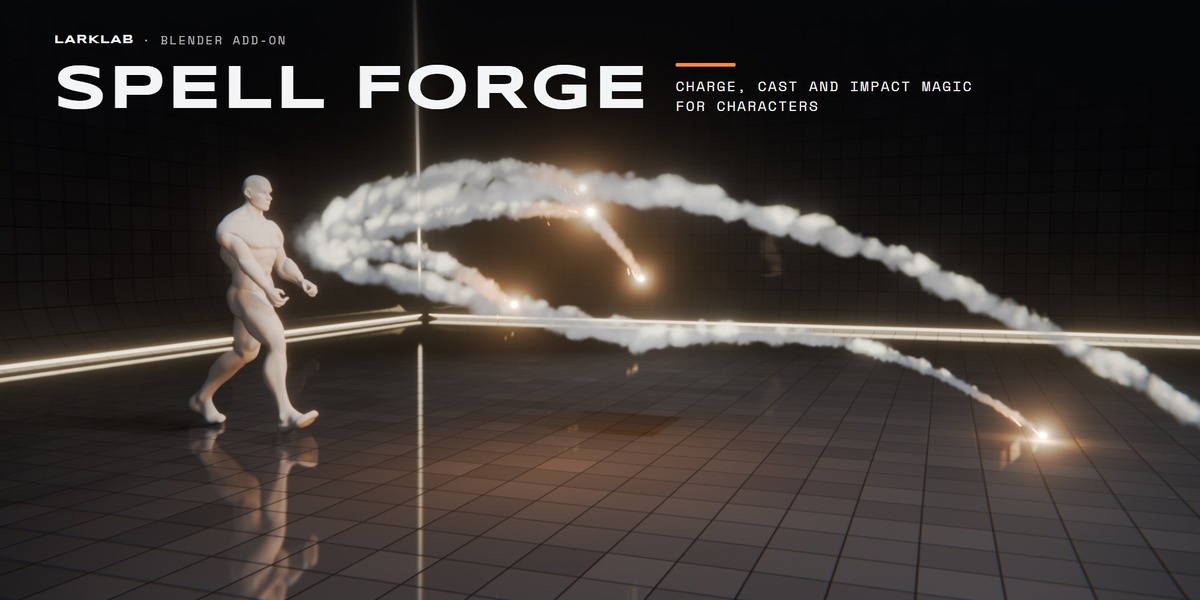
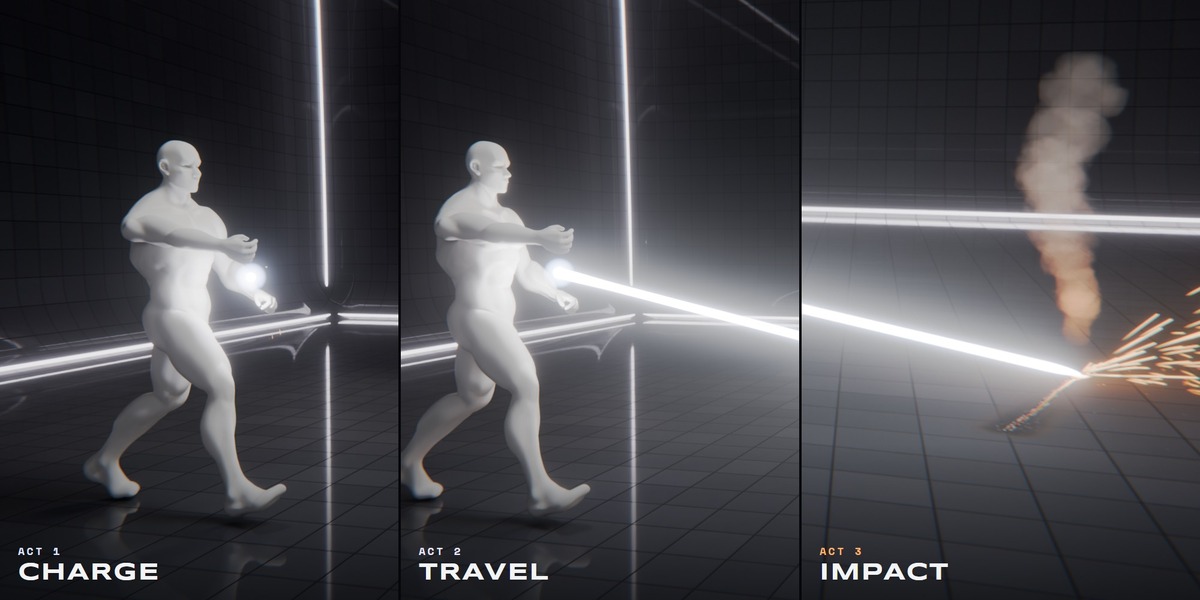
A spell shot is never one effect. Something gathers in the hand, something crosses the room, something hits. Spell Forge builds all three as one spell on your character. Select the character, pick a spell, click Add and move the target: the charge sits at the hand bone, the flight follows an arc you shape, and the impact lands on your floor with its own marks, smoke and light, timed from one Cast Time.
The video · every shot rendered in Blender with Spell Forge
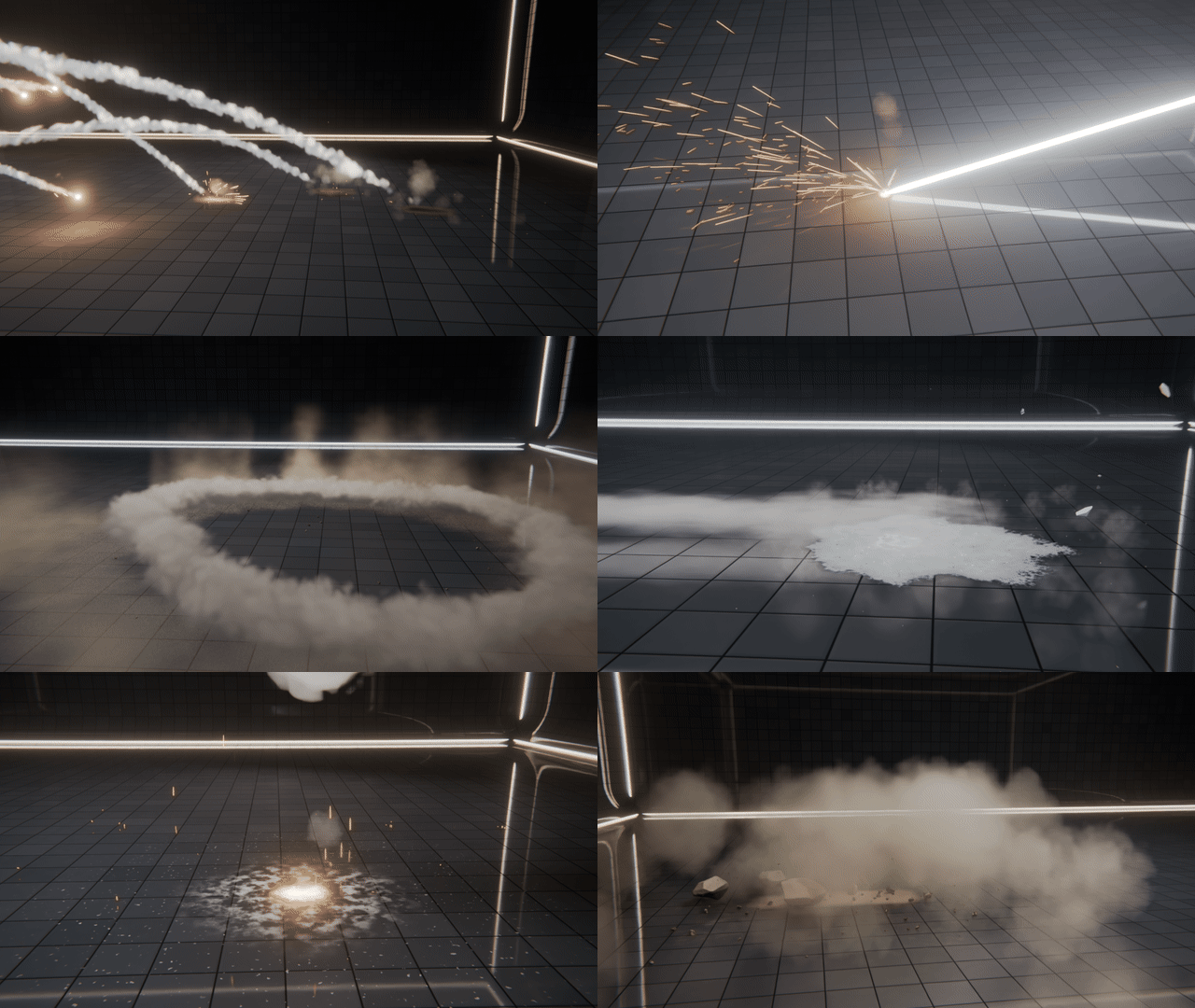
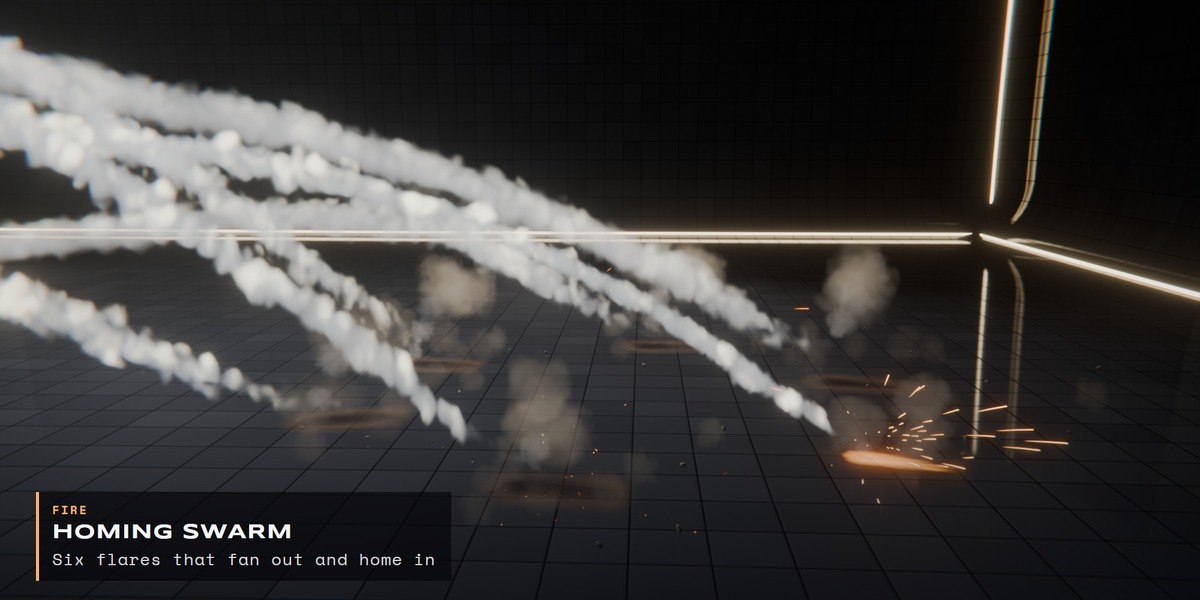
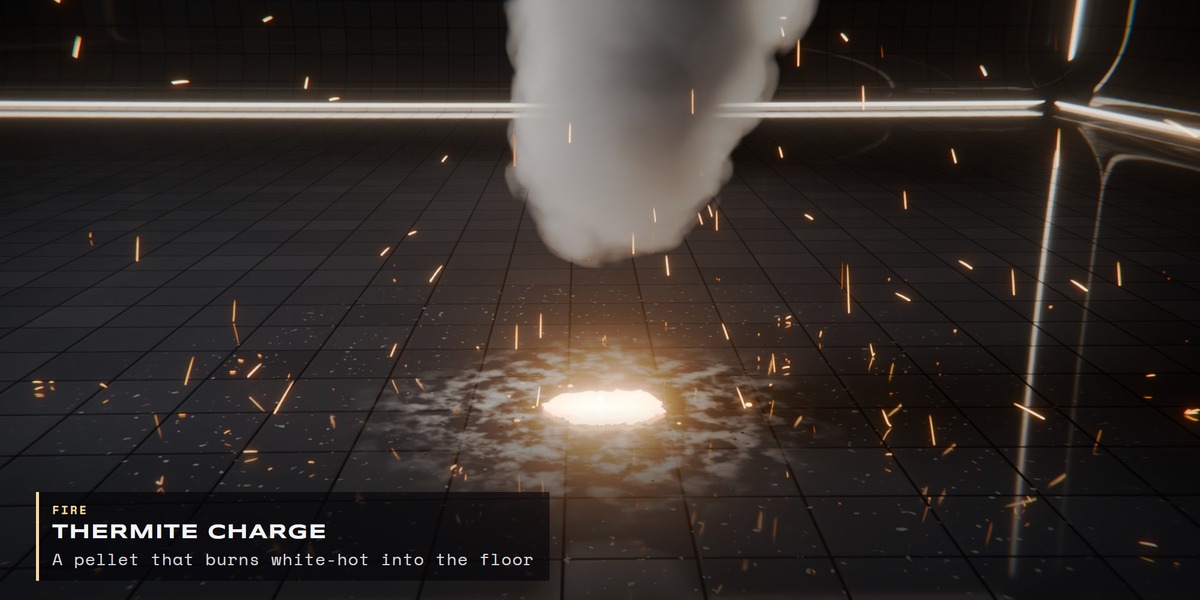
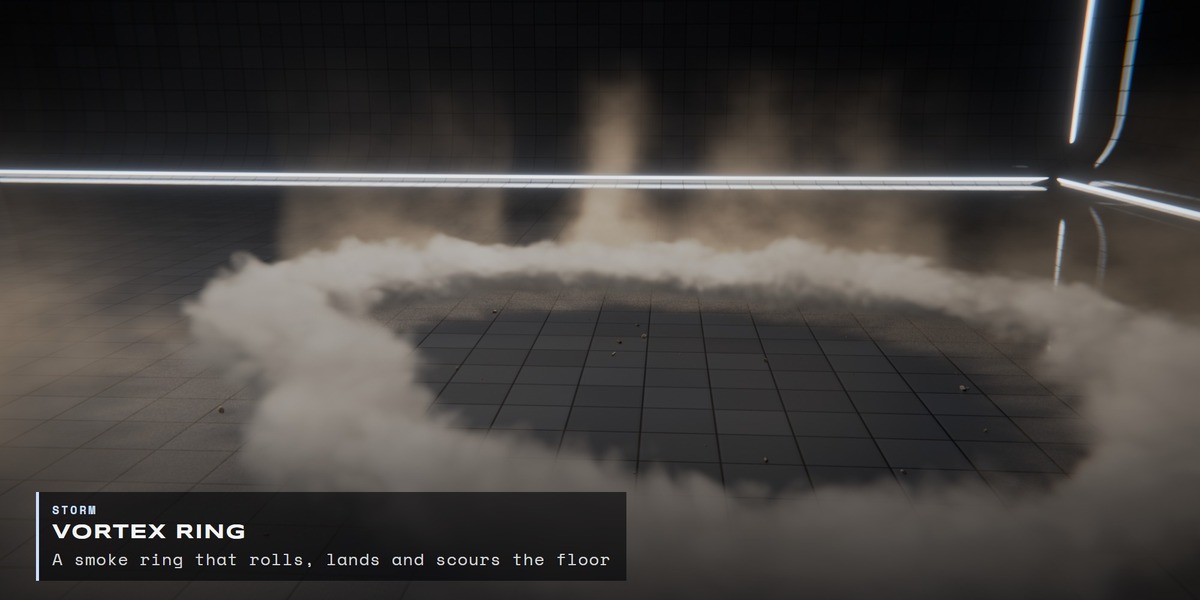
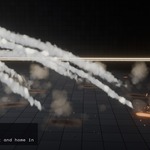
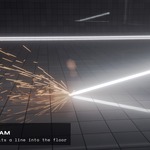
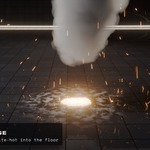
Homing Swarm, Channelled Beam, Vortex Ring, Ice Lance, Thermite Charge, Boulder Throw · at the hit
|
How a spell works CHARGE, TRAVEL, IMPACT. |
Every spell has three parts with their own controls. The Charge builds at the hand for as long as you set. On Cast Time it leaves and Travels along its arc to the target. The Impact finds the floor where it lands and plays out there: fire that burns out patch by patch, frost that spreads, a stain that etches, dust that settles.
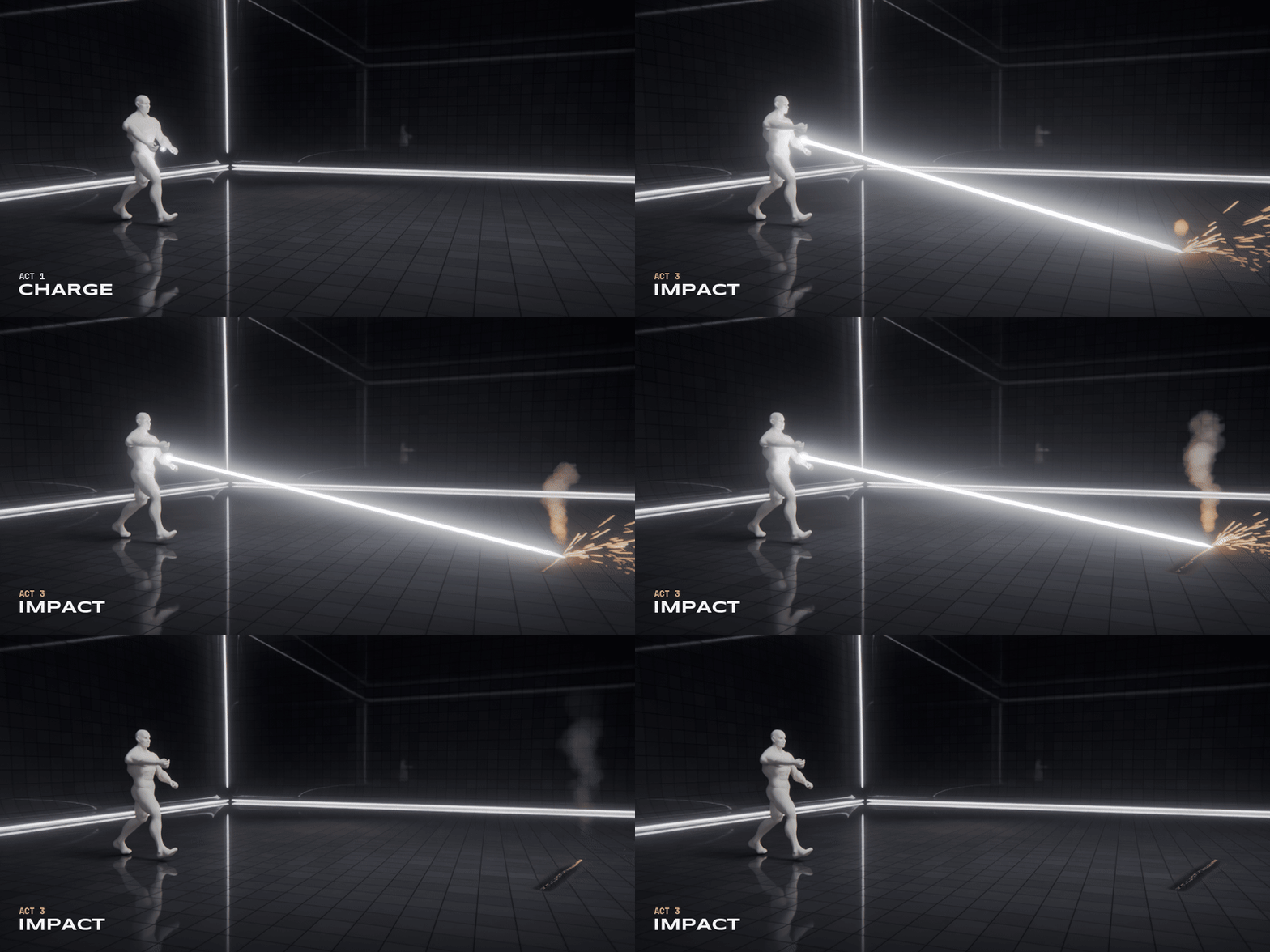
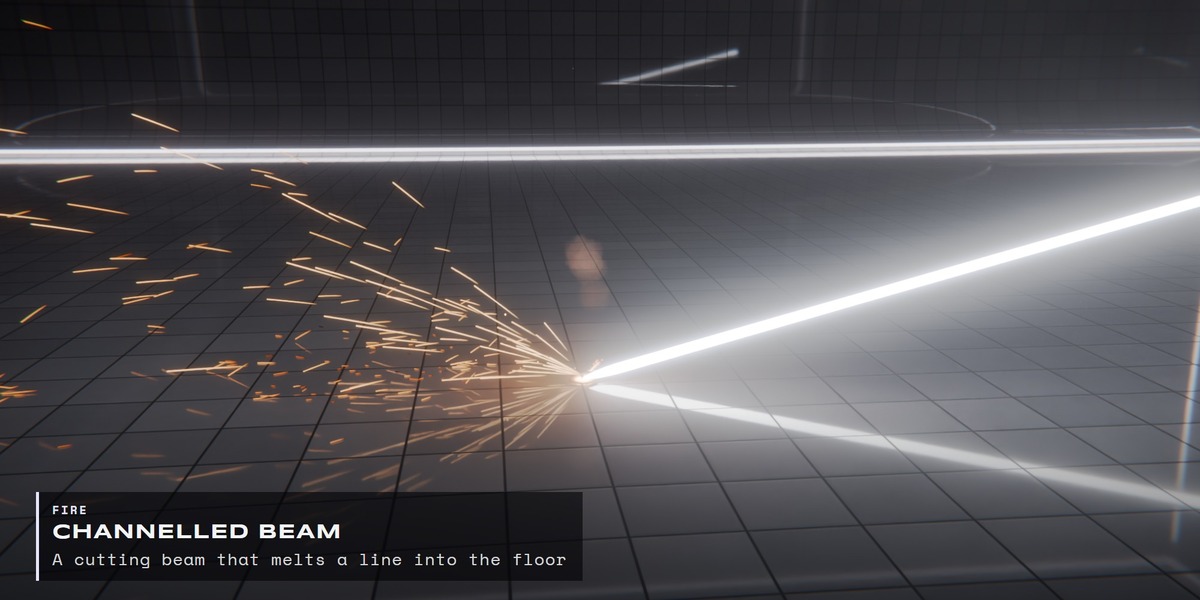
Channelled Beam on a Mixamo character · charge at the hand, release on Cast Time, impact at the target
|
The spells EACH ONE MOVES DIFFERENTLY. |
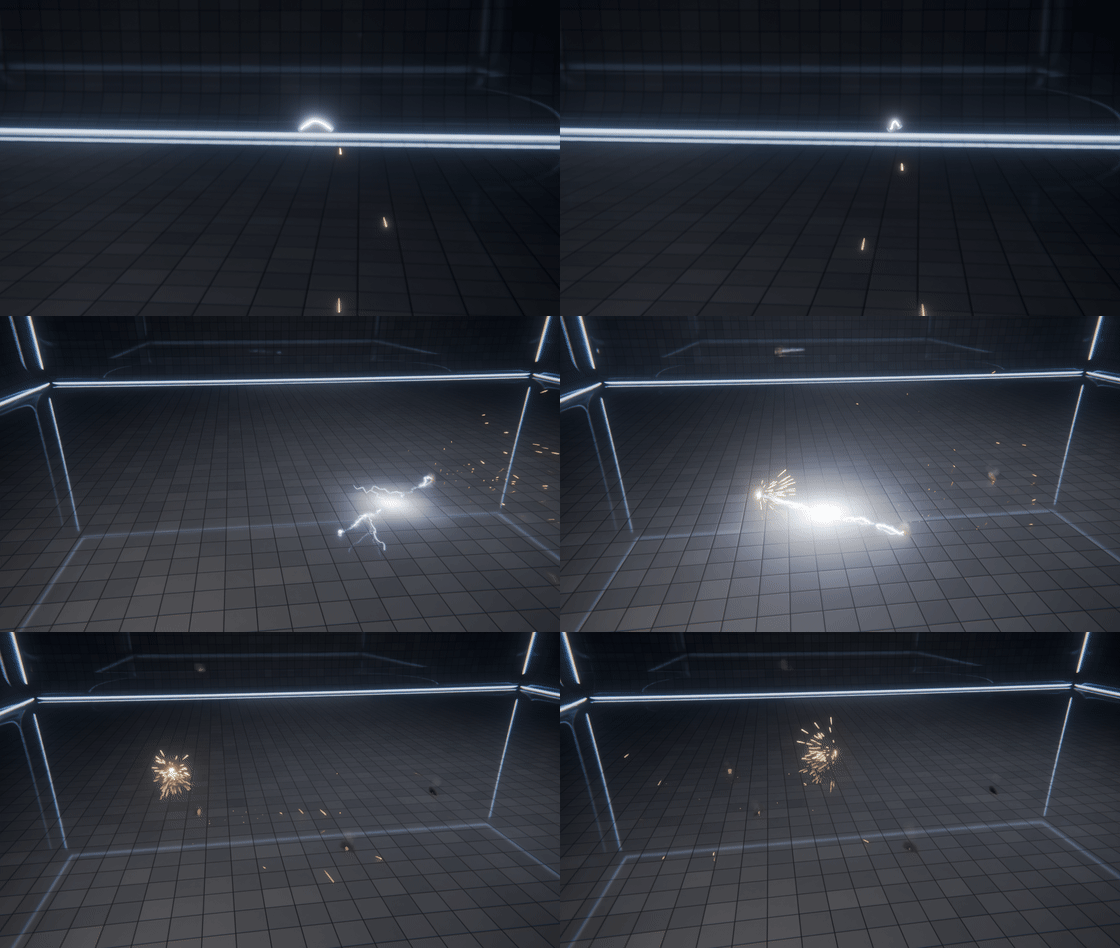
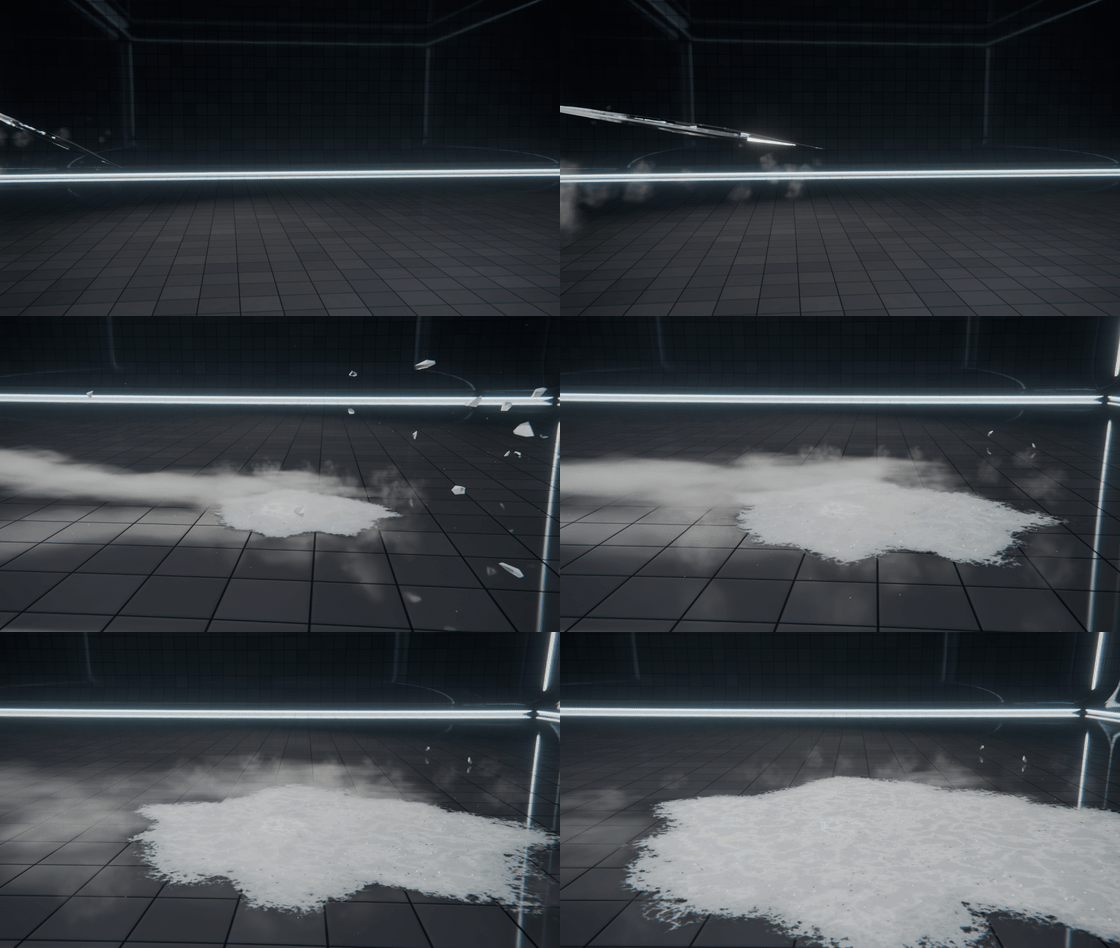
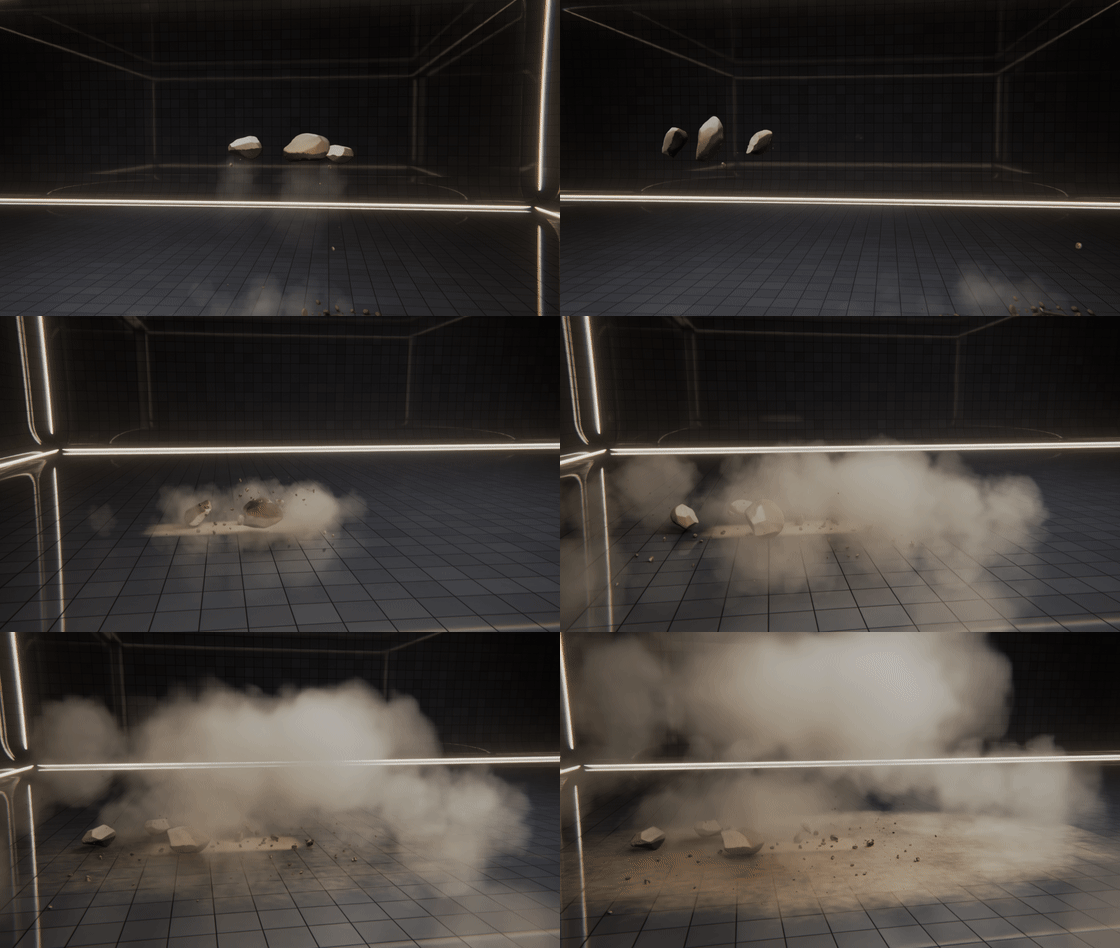
Fire, Storm, Earth, Water and Shadow. Each spell is its own physical idea: how it gathers, how it flies and what it does to the ground.
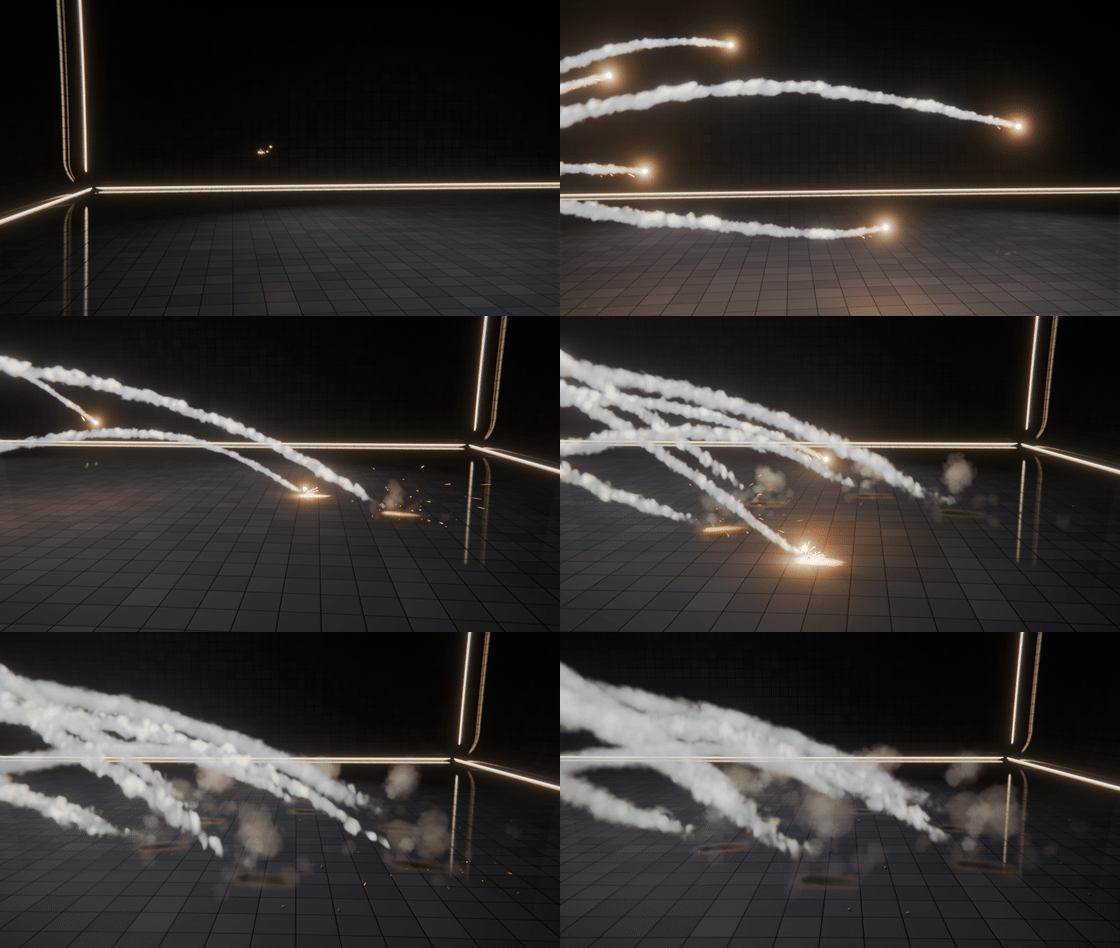
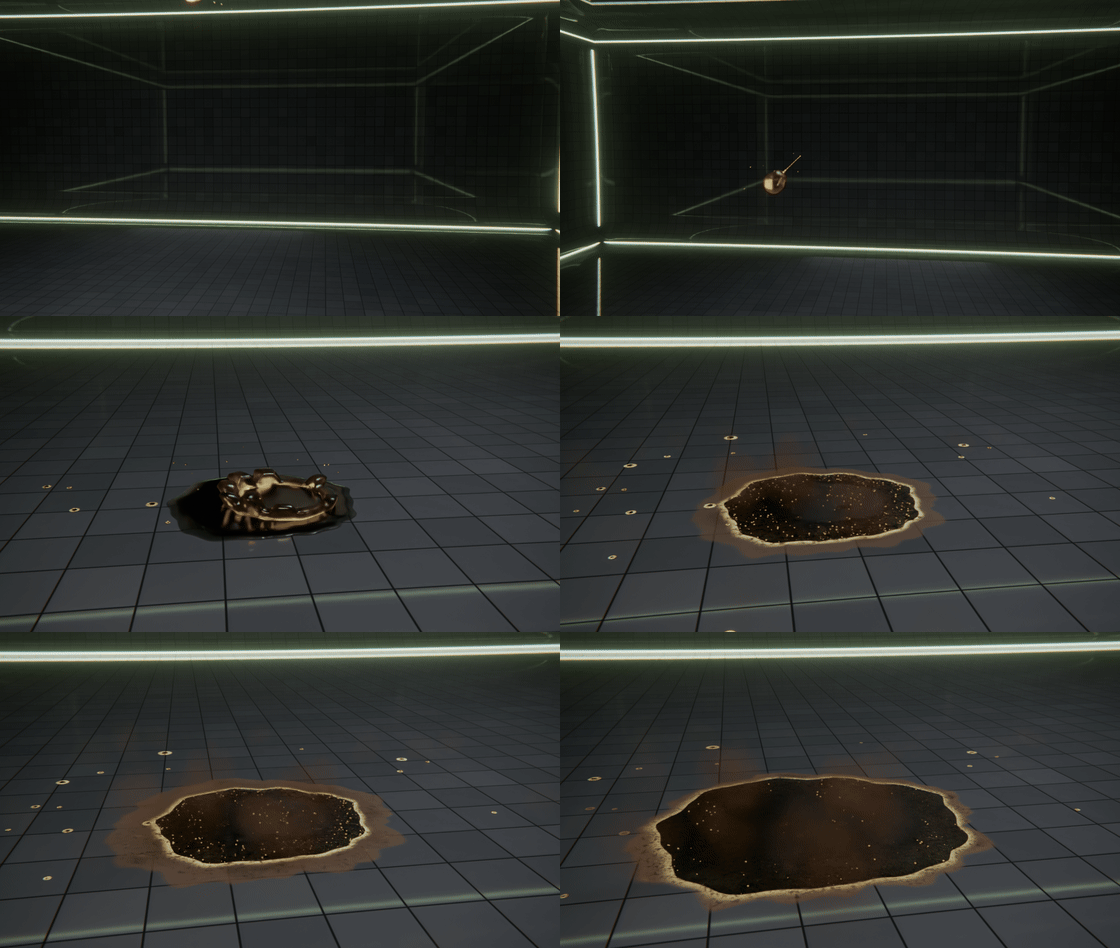
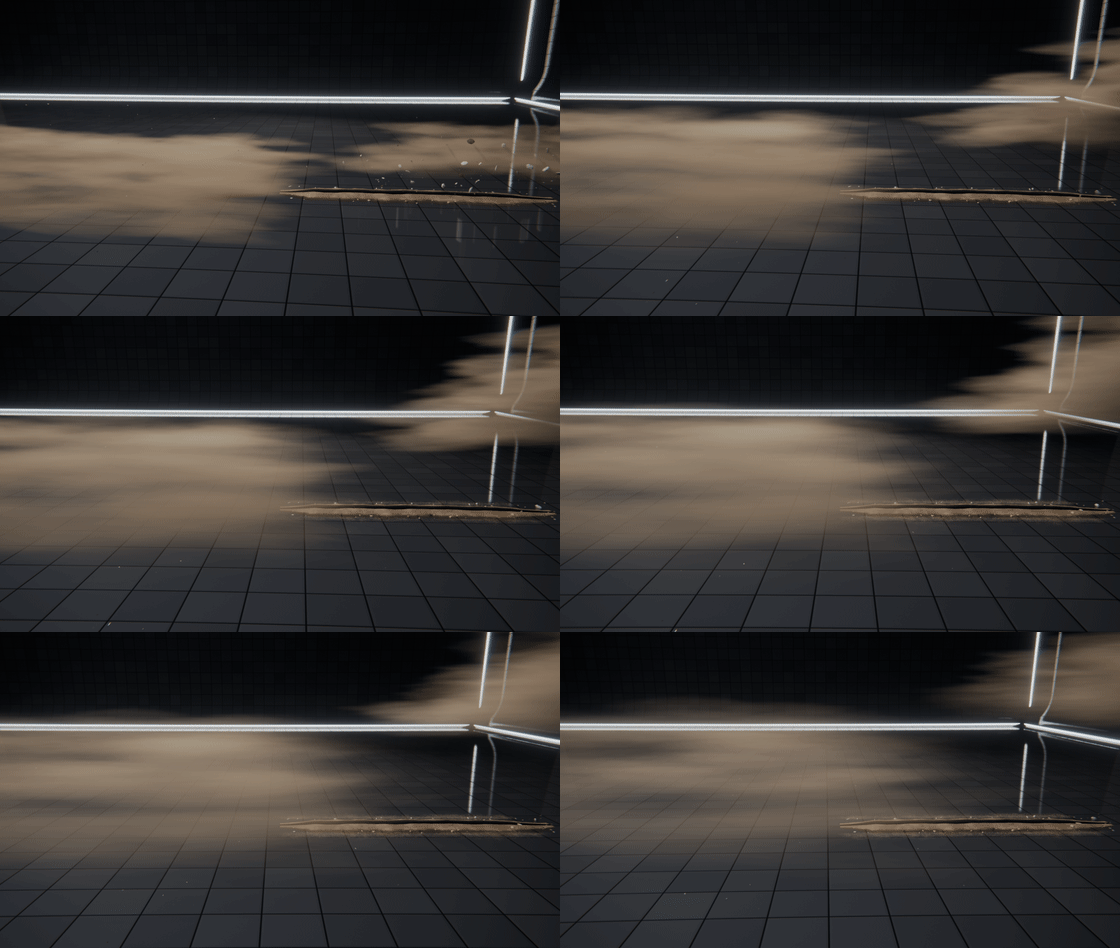
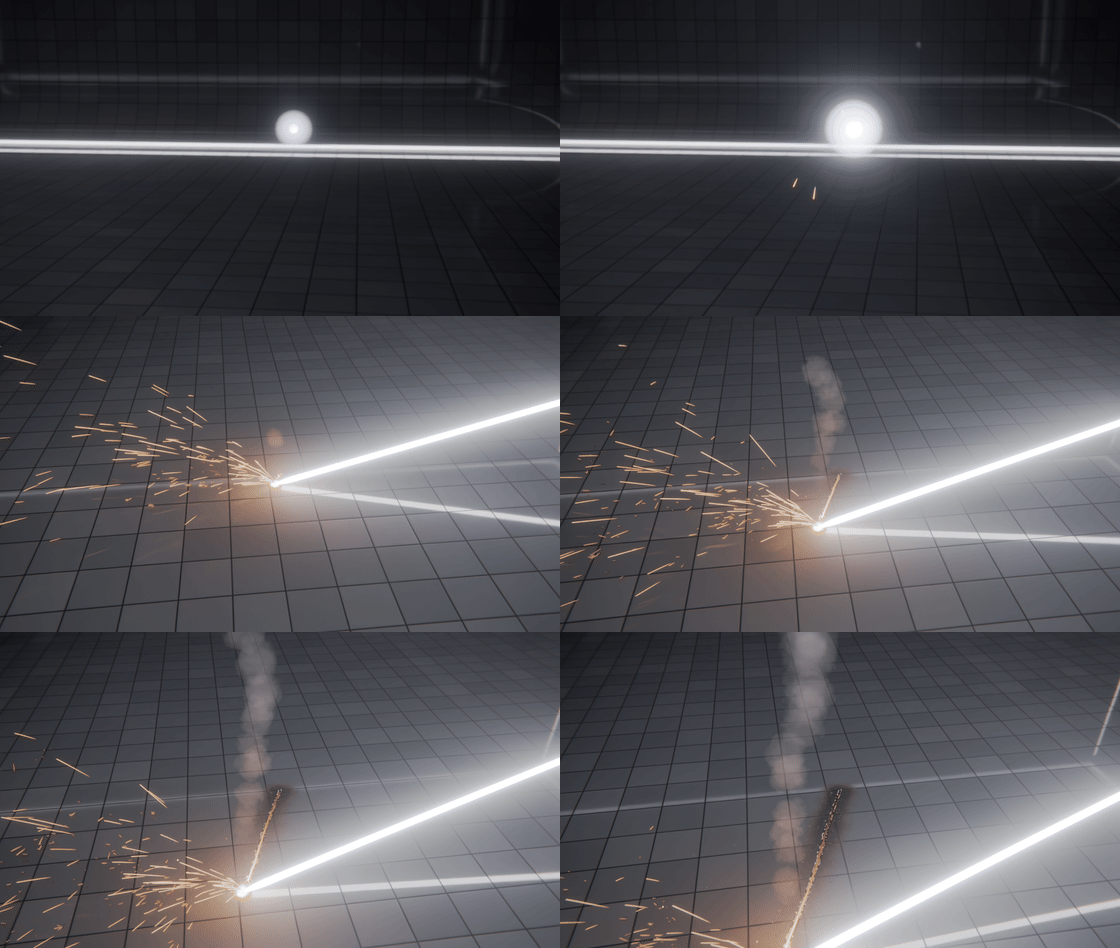
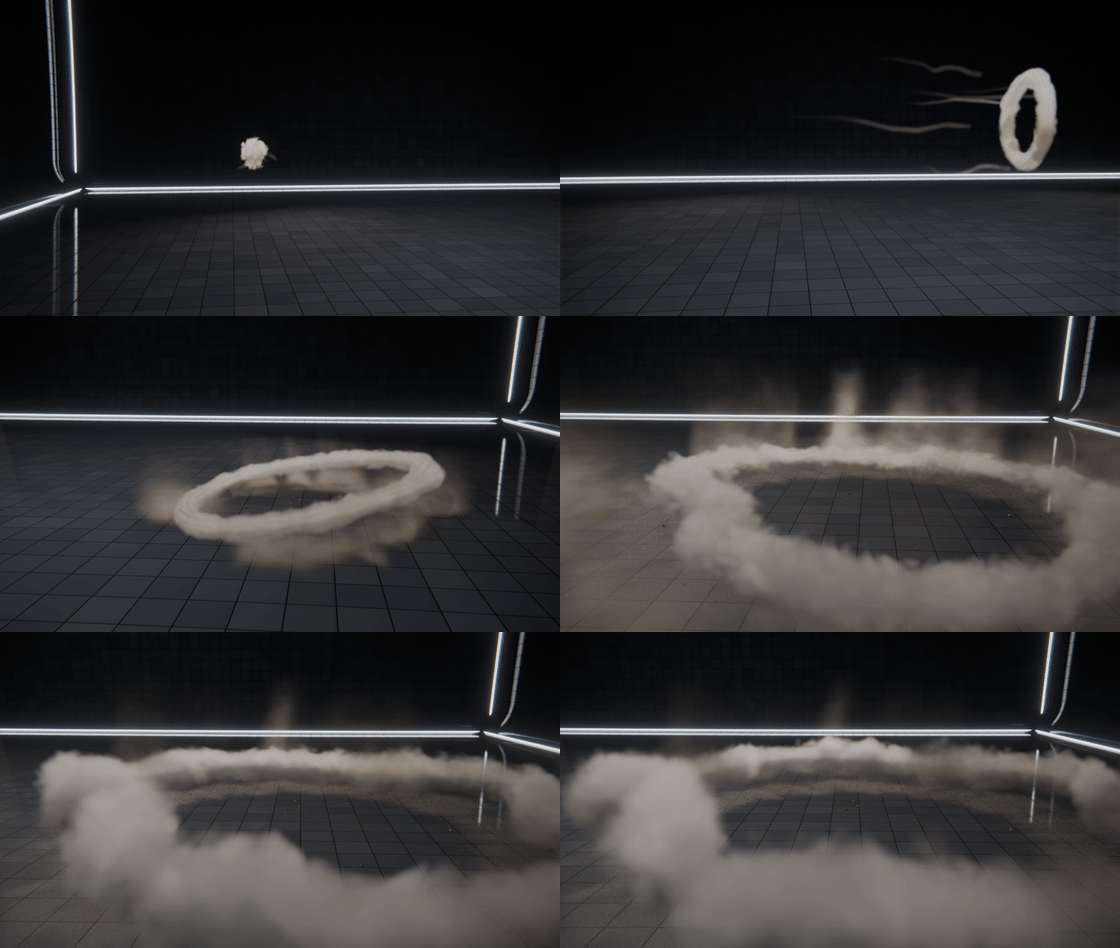
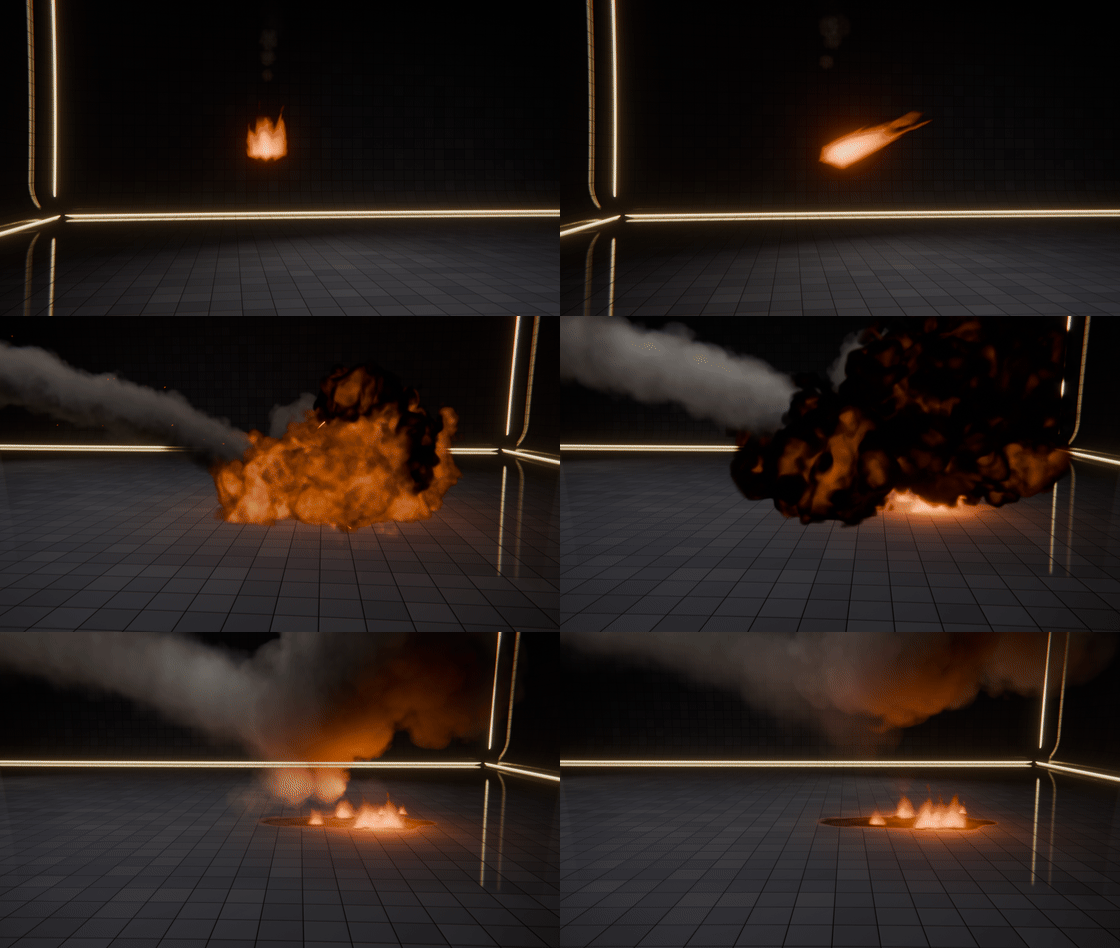
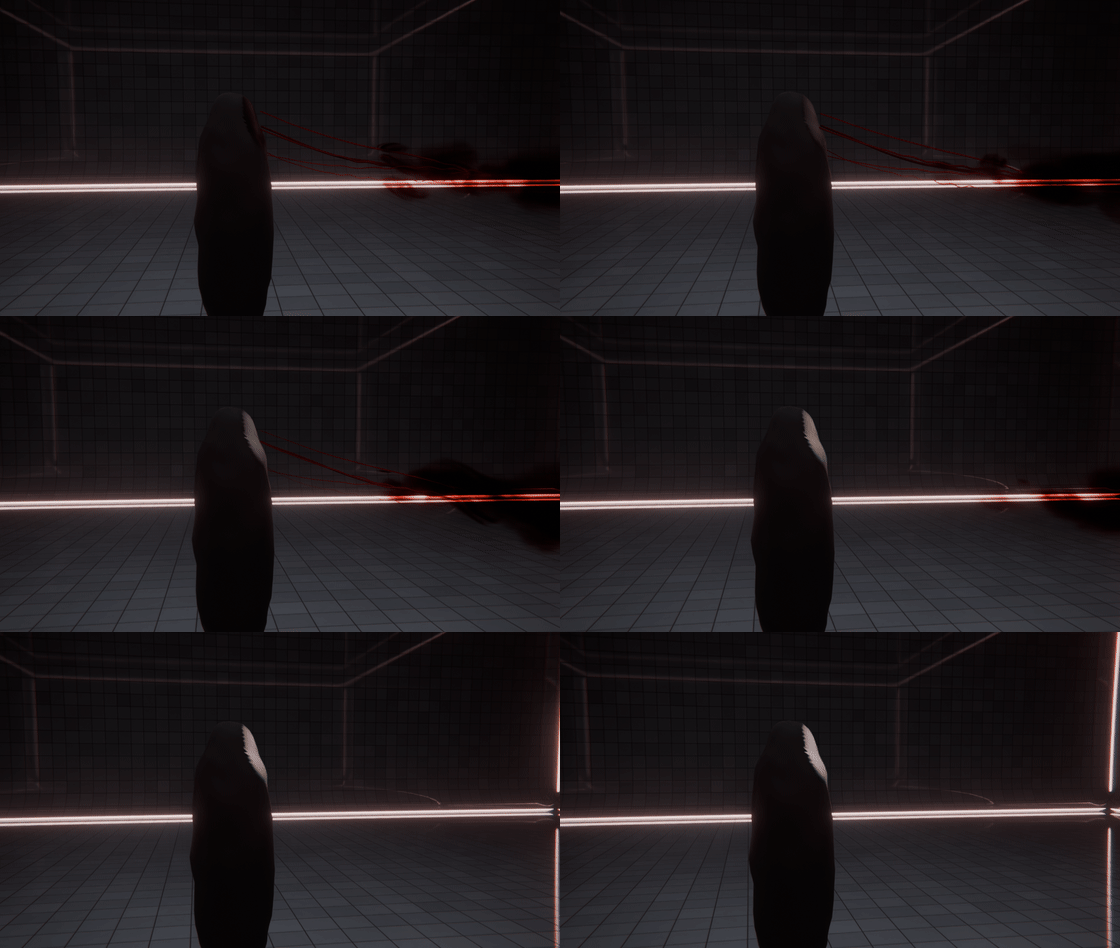
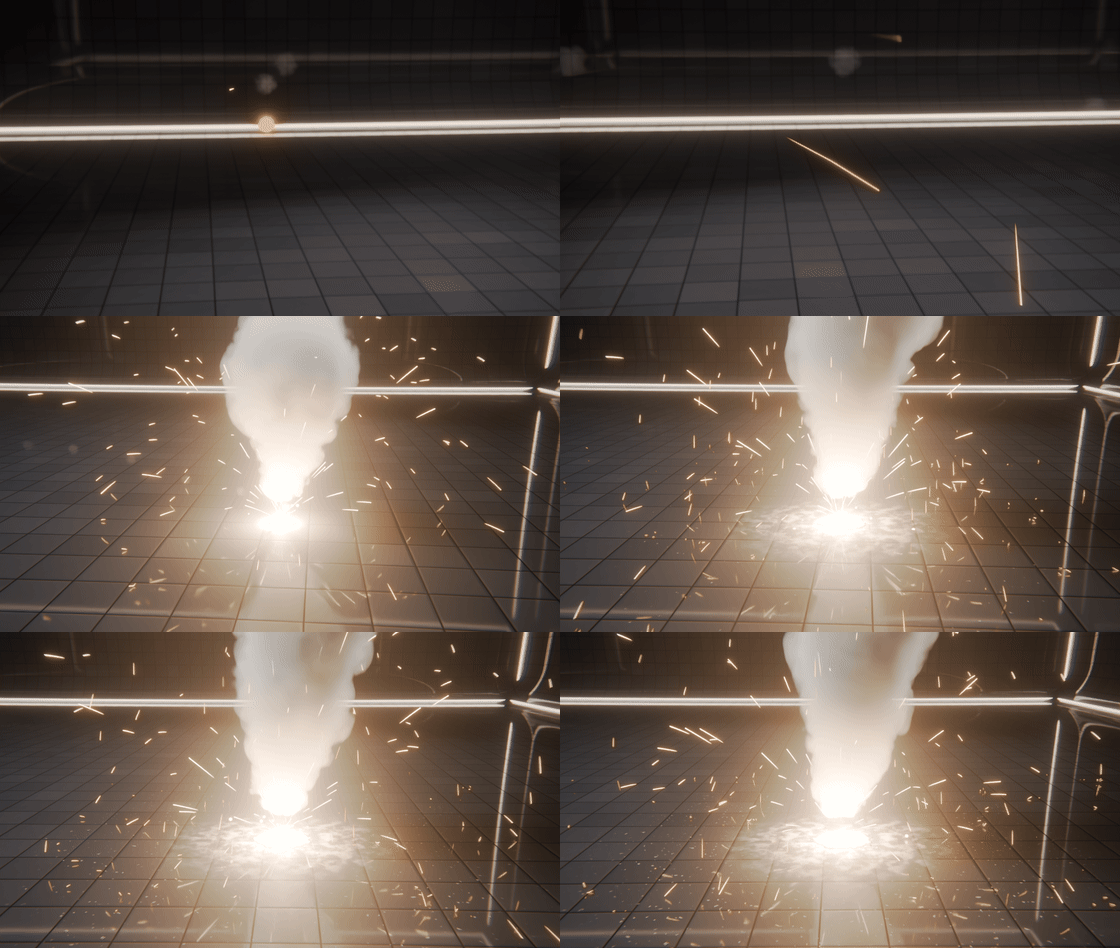
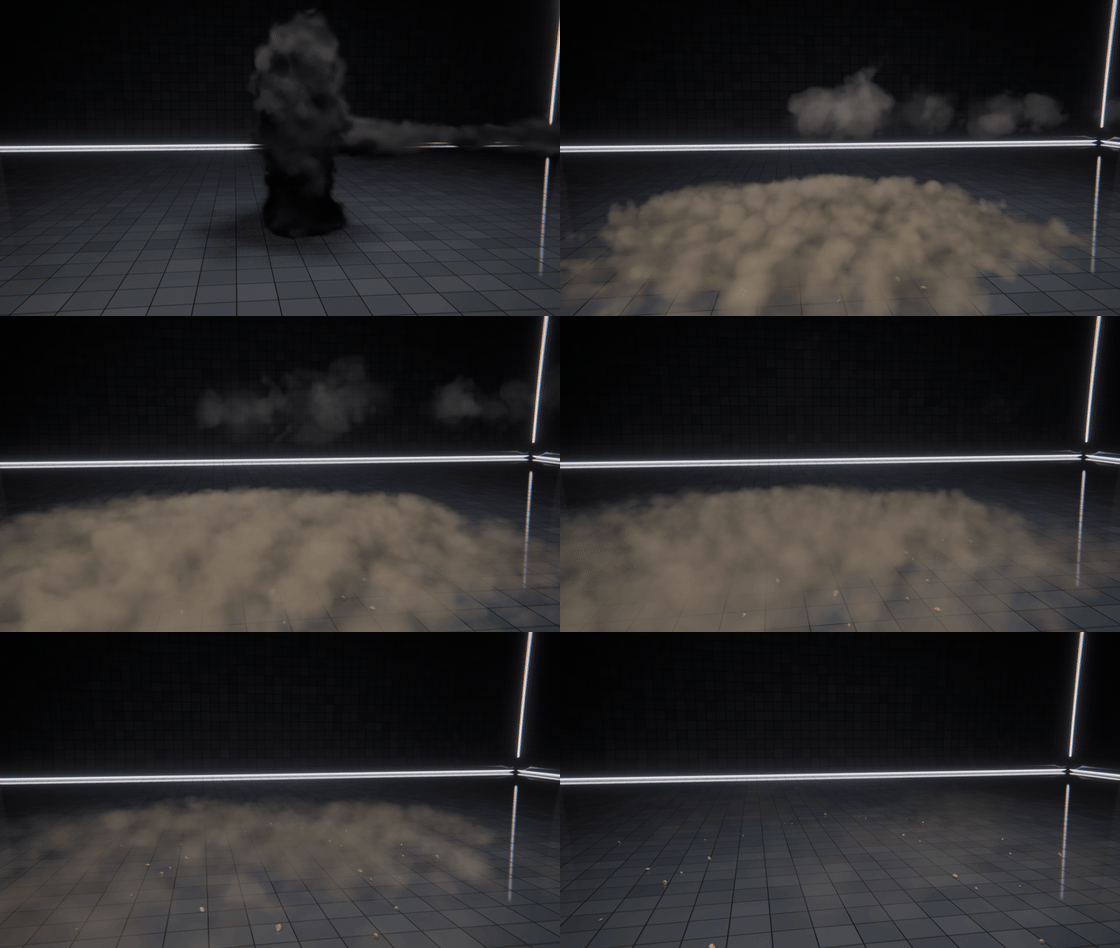
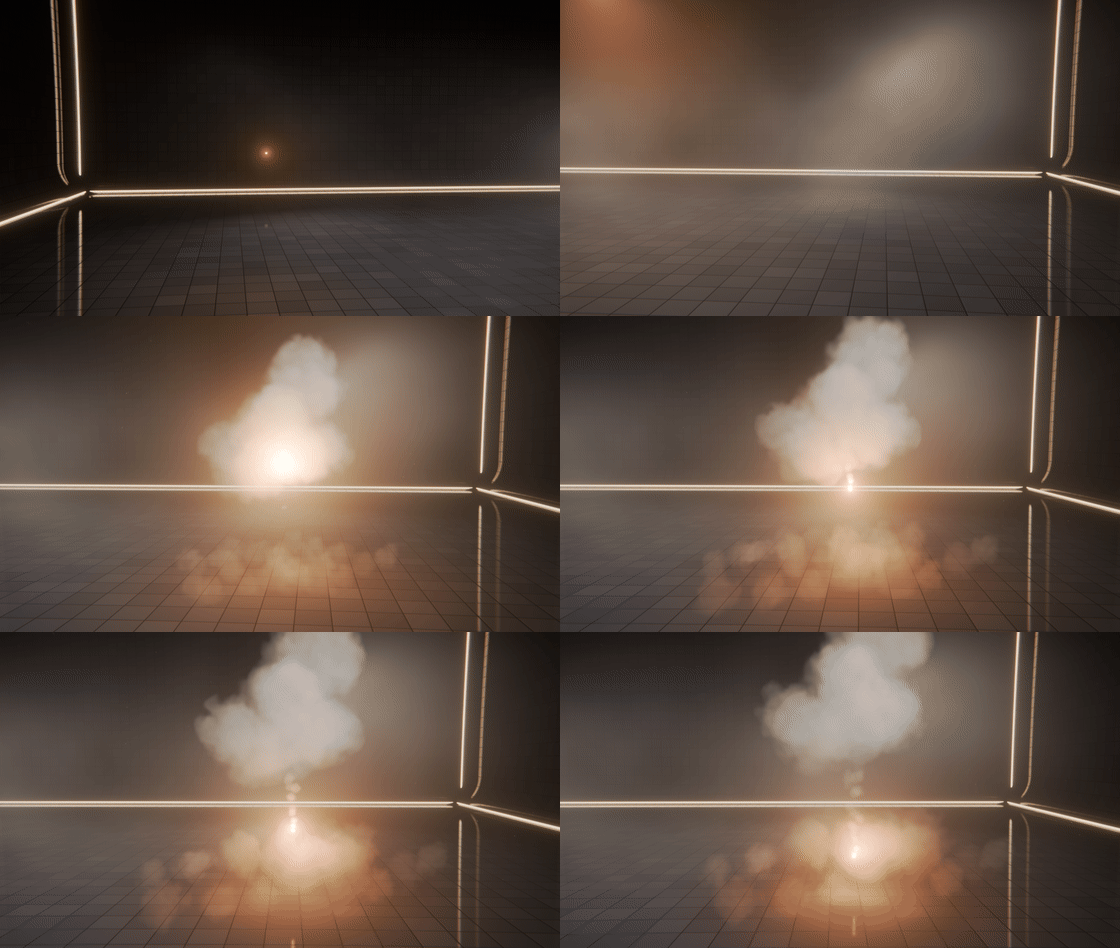
|
In Blender PICK, ADD, AIM. |
| 1 |
Pick a spell Open the Spell Forge tab in the 3D Viewport sidebar. Choose an element tab and click a spell's thumbnail. |
| 2 |
Add it to your character Select a Mixamo or Rigify character (or any object, such as an empty) and click Add. The charge appears at the hand. |
| 3 |
Aim it Move the target empty. The arc and the impact follow; the impact always lands on your floor. |
| 4 |
Time it Set Cast Time in seconds, or press the clock button to cast on the current frame. Charge Time sets how long it builds first. |
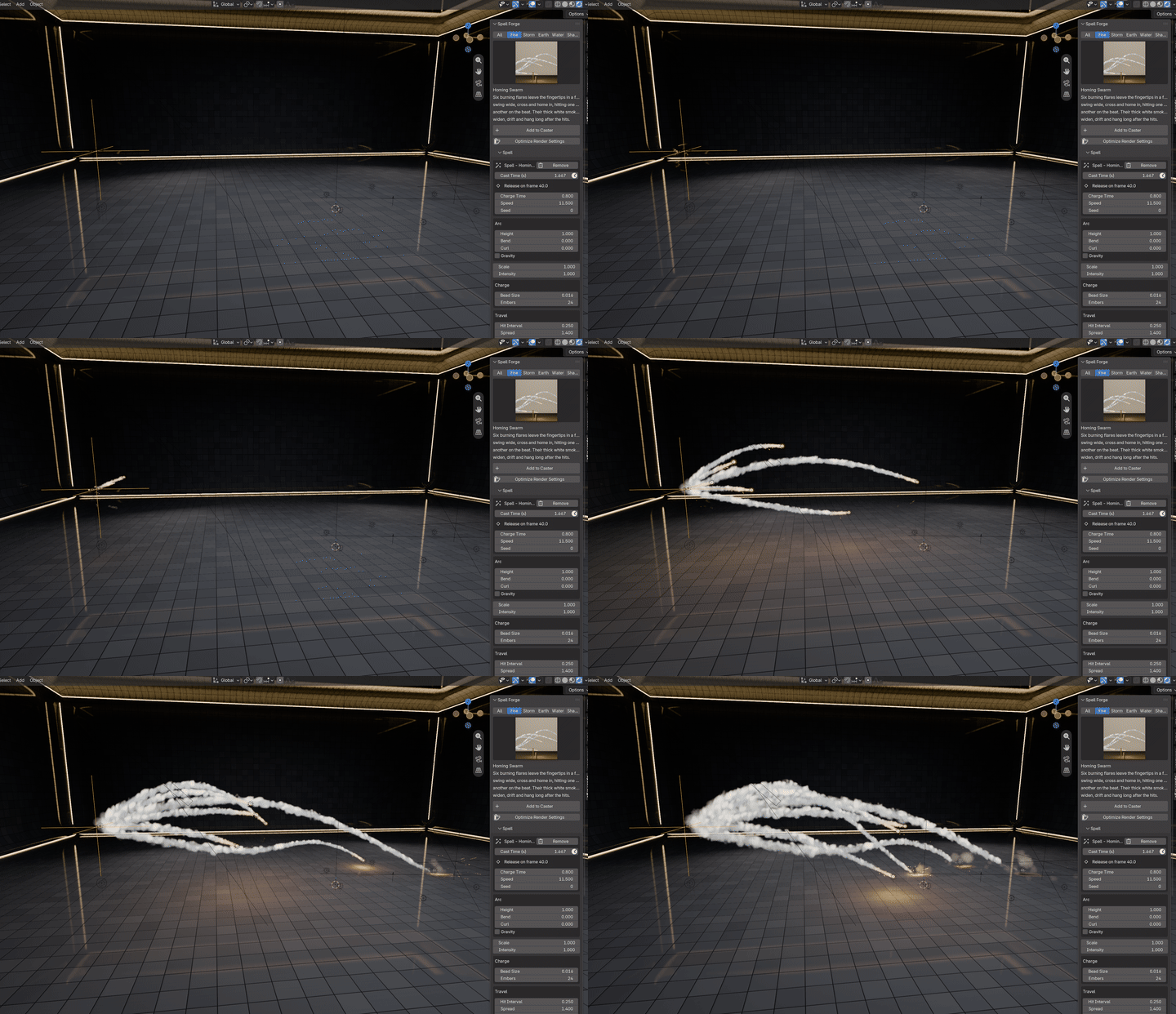
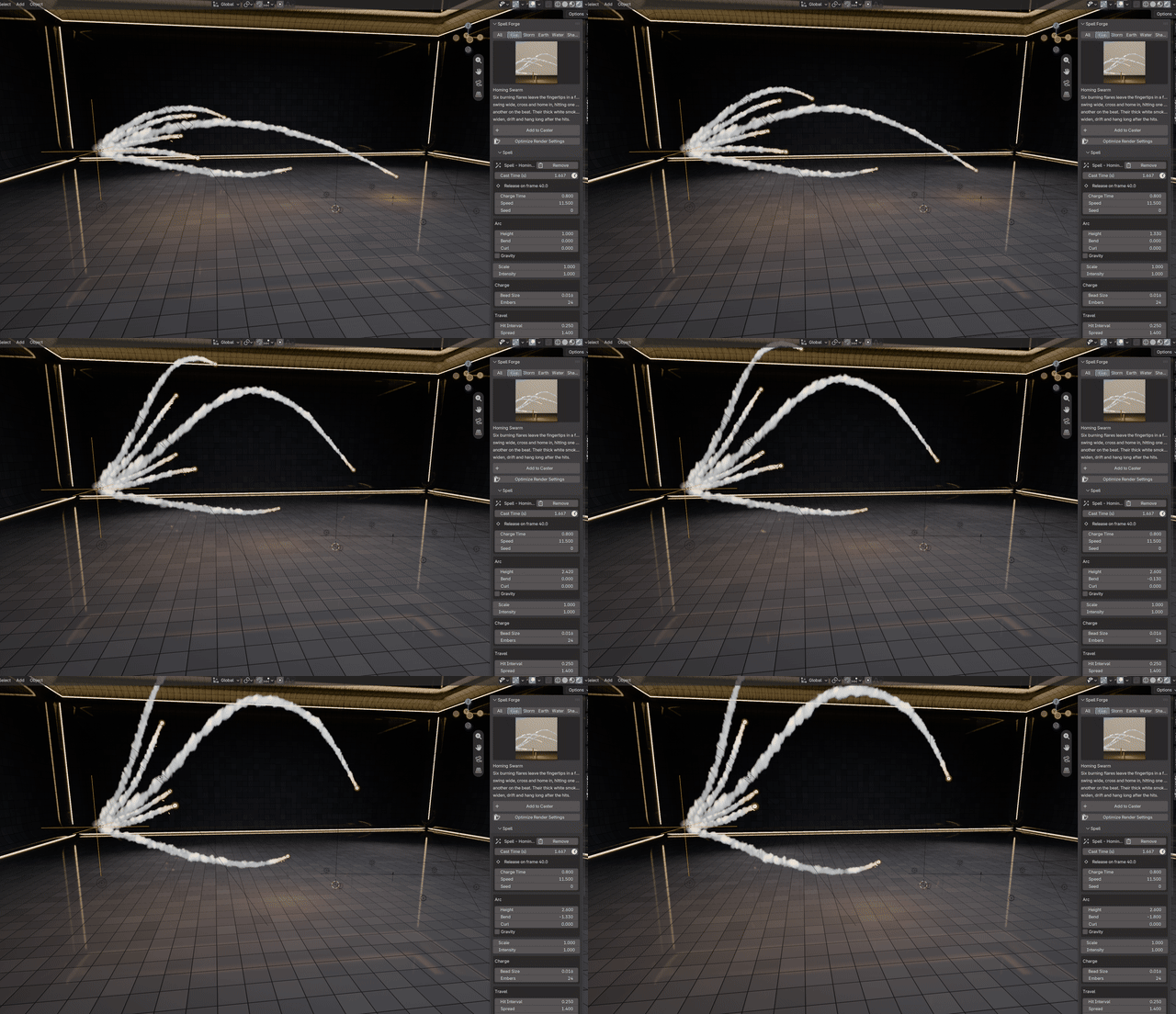
Add, then play · the charge, the throw and the hit
|
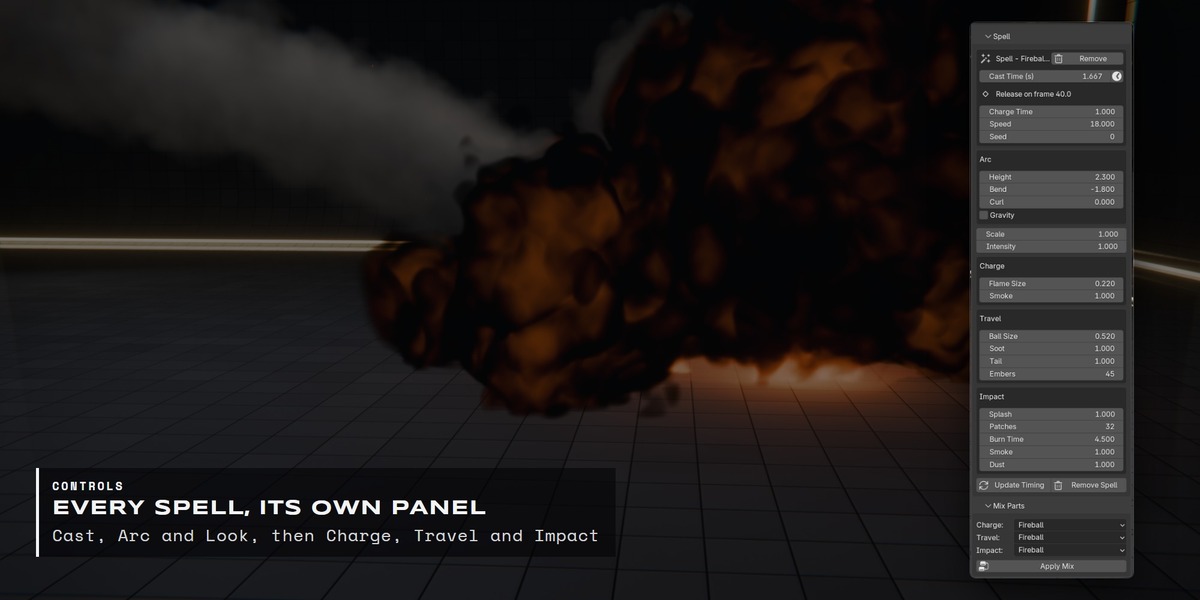
Controls EVERY PART, ITS OWN PANEL. |
|
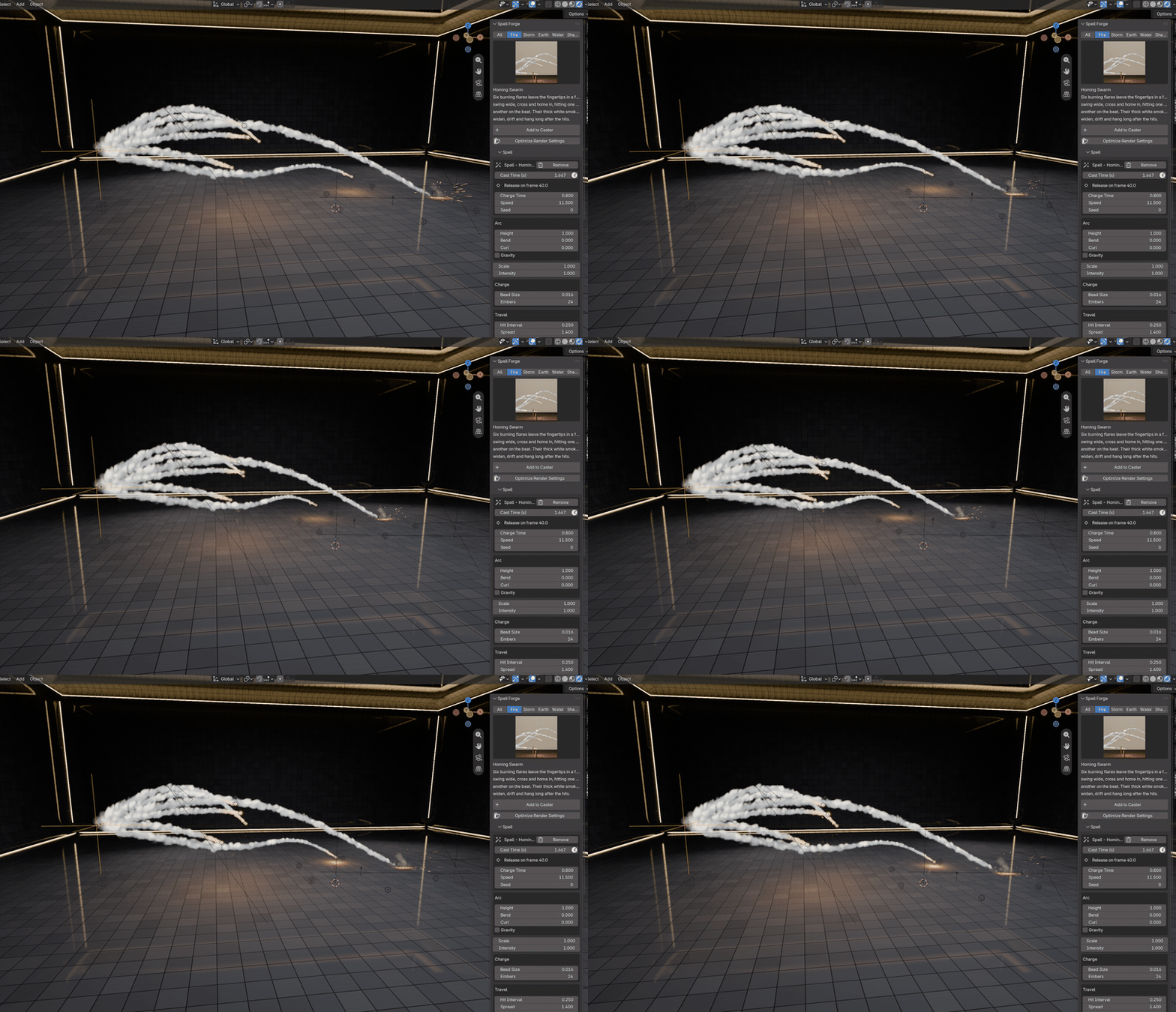
Select a spell and the sidebar shows its settings, grouped by part. Every value is a normal modifier input, so you can keyframe or drive it. Lights and timing follow the settings on their own.
|
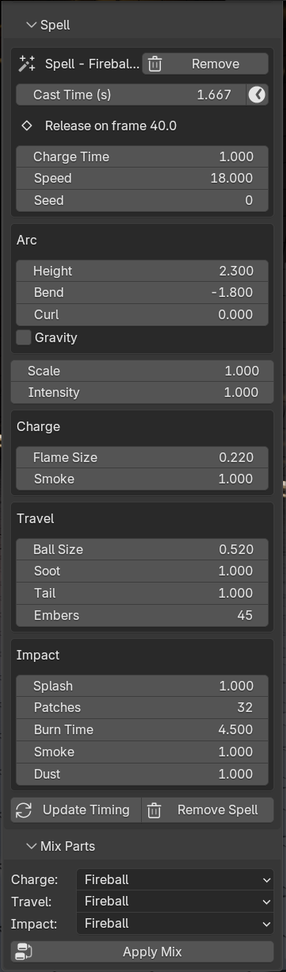
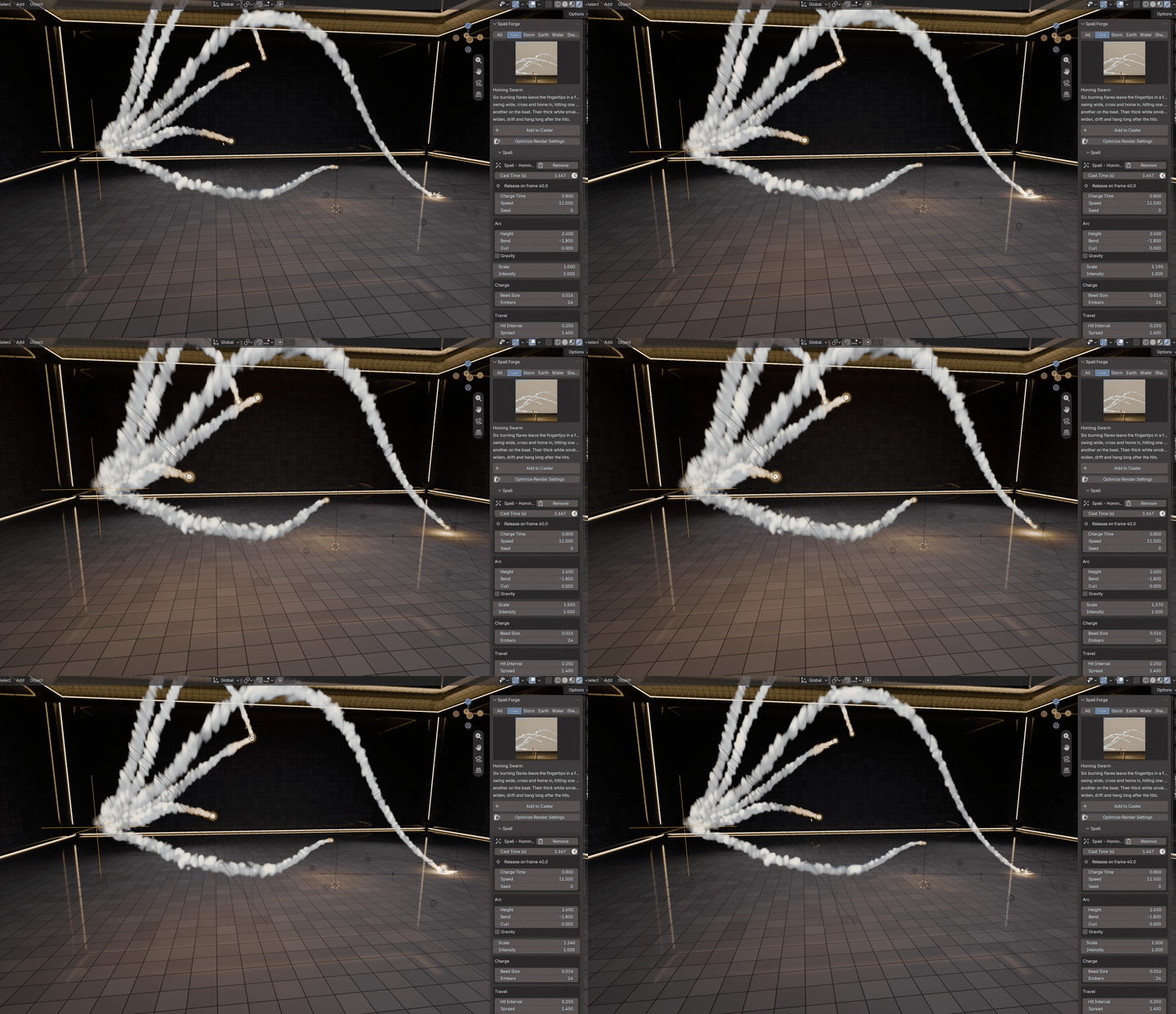
Look › Scale · the fire, smoke and trail grow together
|
Mix Parts BUILD YOUR OWN SPELL. |
Take the charge of one spell, the flight of another and the impact of a third. Mix Parts swaps the parts in place: the new parts start from their own defaults, and your arc, target and Cast Time stay as they were.
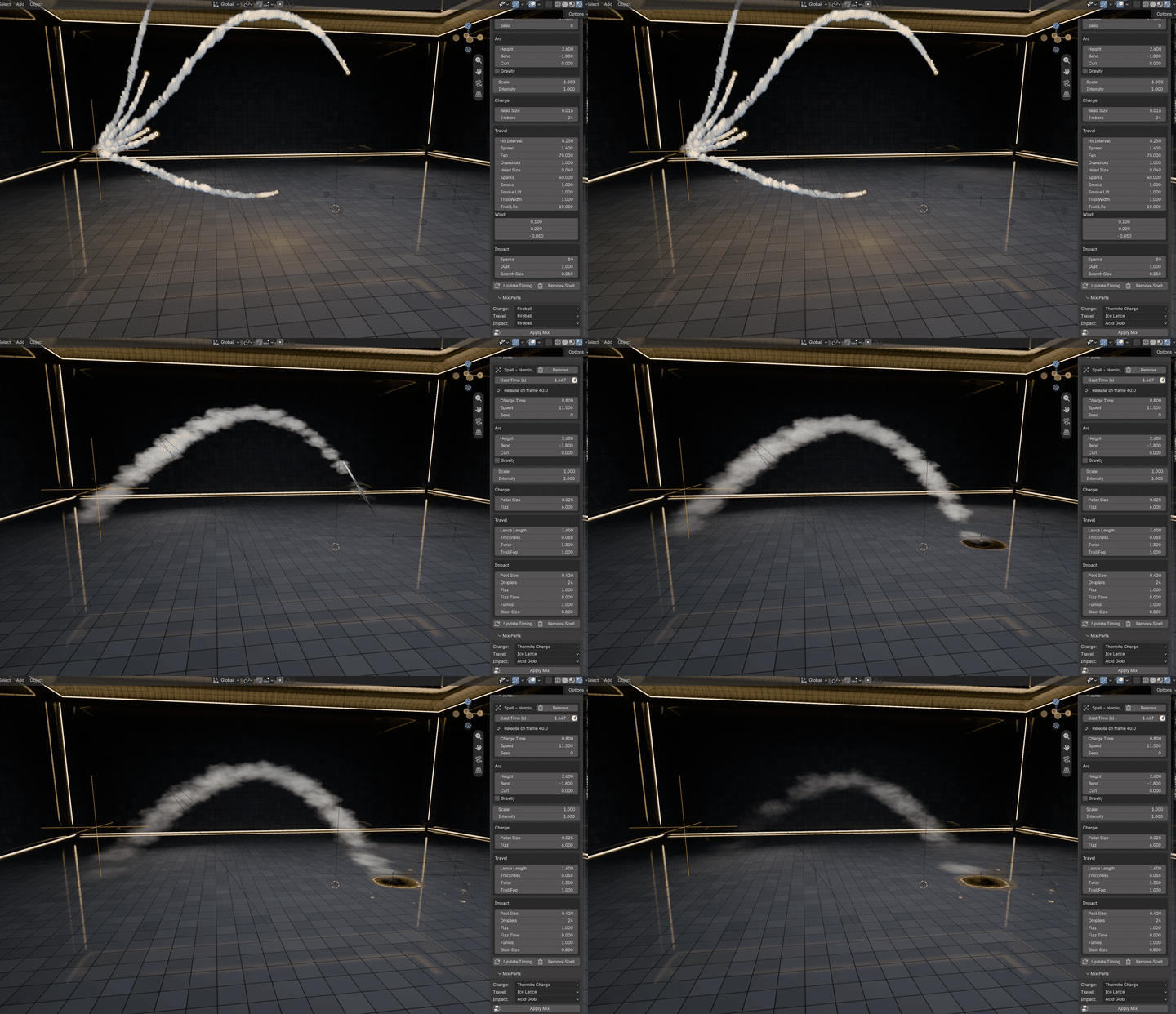
Thermite Charge pellet, Ice Lance flight, Acid Glob stain
|
Casters CHARACTERS, PROPS OR AN EMPTY. |
On a Mixamo or Rigify character the spell finds the hand bone and charges at the palm, right or left hand. On any other object, such as an empty, a staff or a drone, it charges at the object's origin and follows it. If you change the animation later, Update Timing re-reads the hand at the cast.
Remove Spell deletes the spell with its lights, hand anchor and targets. The character and the floor are never changed.
|
Both engines EEVEE AND CYCLES. |
The same file renders in both. Fire, sparks and glow light the set through real lamps, so the room and the character pick them up. Optimize Render Settings sets AgX, volume quality for both engines and EEVEE ray tracing for the clear ice, acid and air blade.
|
Details WHAT YOU GET. |
| Blender | 5.0+ |
| Render | EEVEE and Cycles |
| System | Windows, macOS, Linux |
| Type | Blender extension (add-on), one zip |
| Where | Spell Forge tab in the 3D Viewport sidebar (N) |
| Inside | Thirteen spells across Fire, Storm, Earth, Water and Shadow, built with Geometry Nodes and shaders |
| Casters | Mixamo and Rigify characters (hand bone found on its own), or any object |
| Textures | None. Everything is procedural |
| Version | 1.0.0 |
| License | GPL-3.0-or-later |
The full guide is in the Documentation tab.
All renders on this page were made in Blender with Spell Forge.
|
More from the studio LATEST FROM LARKLAB |