Splat Prep: Import, Fix, Clean Up and Export Gaussian Splats
 NicoHartl
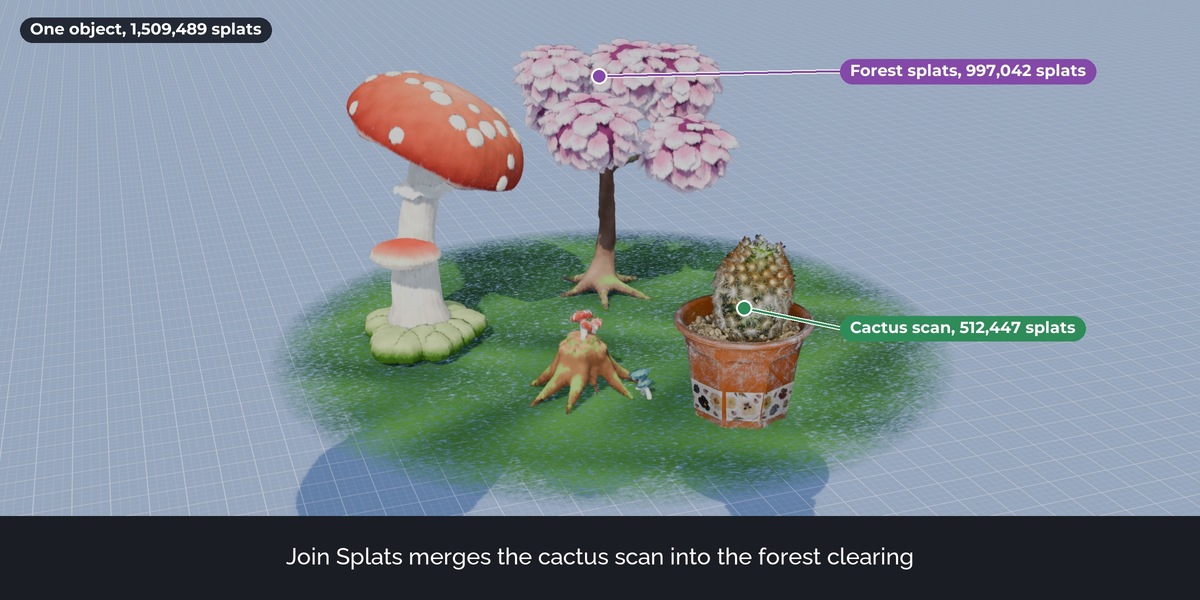
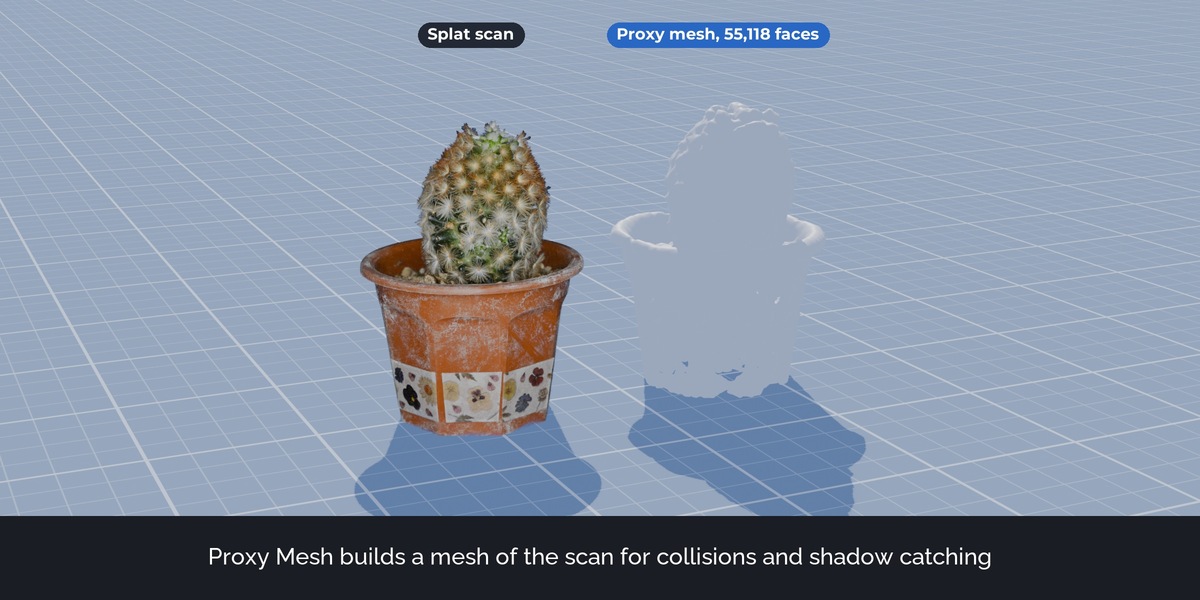
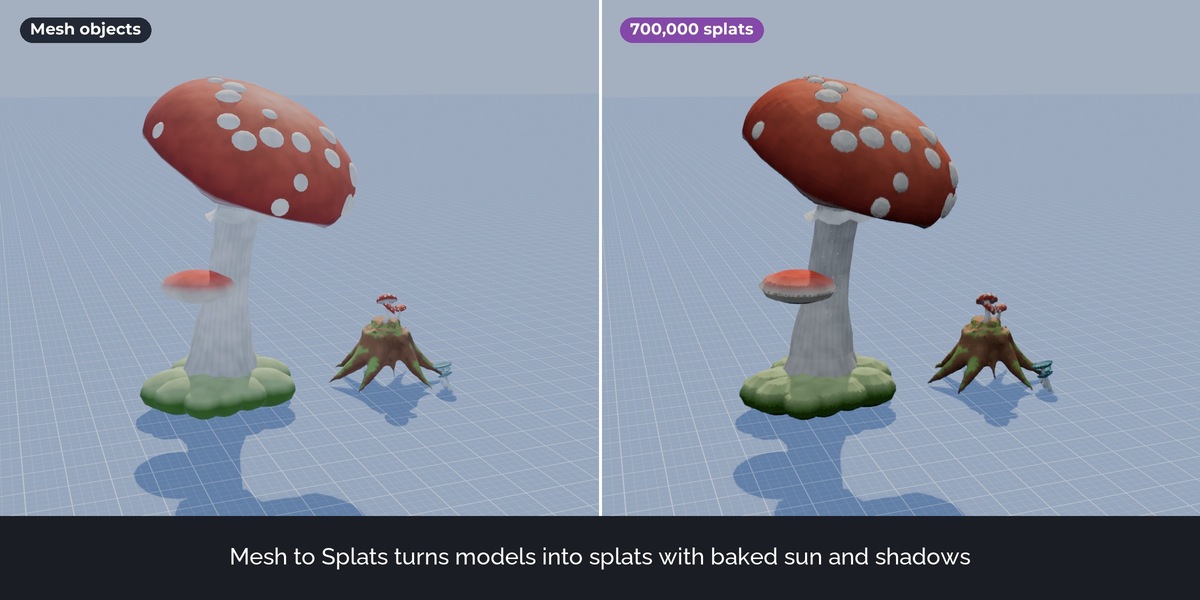
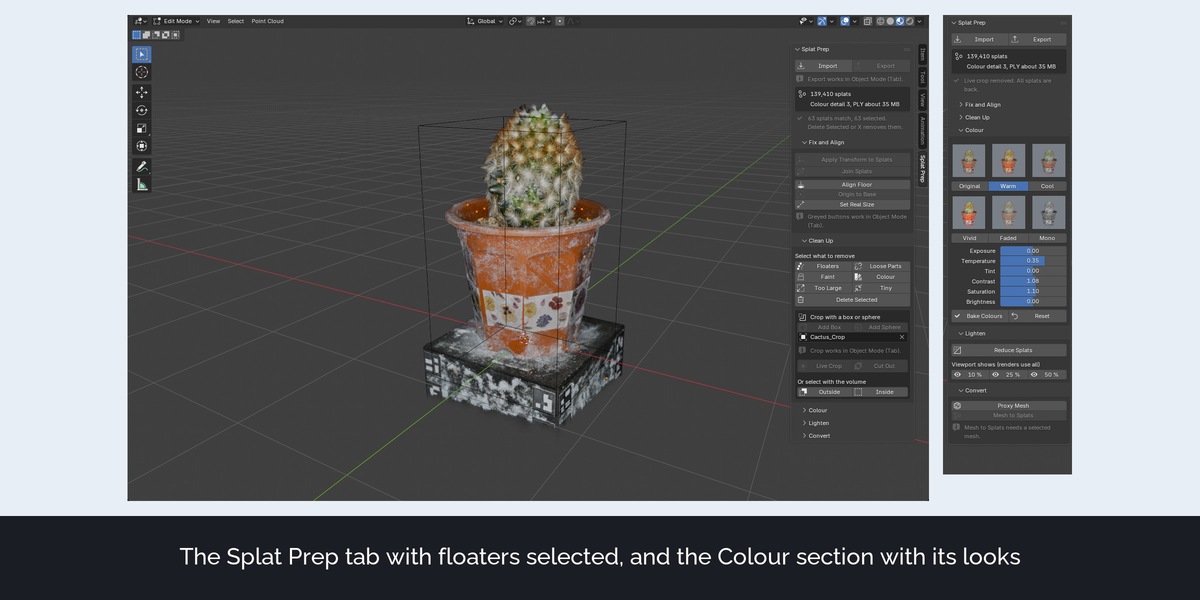
- Panel: every button has an icon, the main action of each section is larger, and a button that cannot run shows the reason in one line.
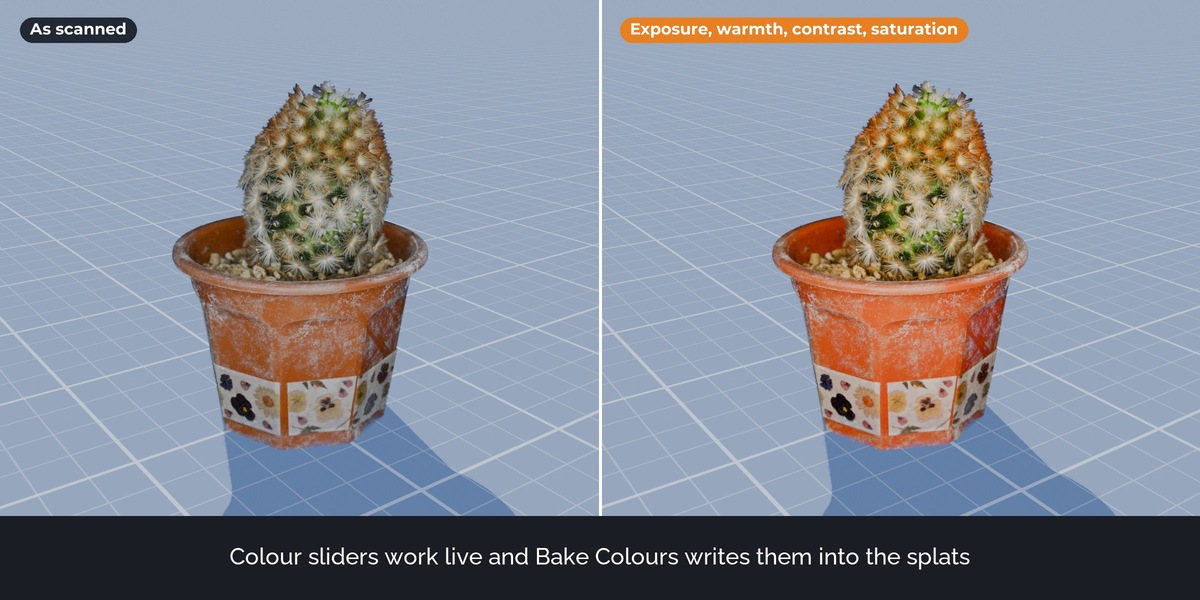
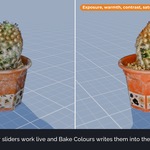
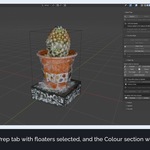
- Colour: six ready looks (Original, Warm, Cool, Vivid, Faded, Mono) as a picture grid. A look sets the sliders, which stay adjustable.
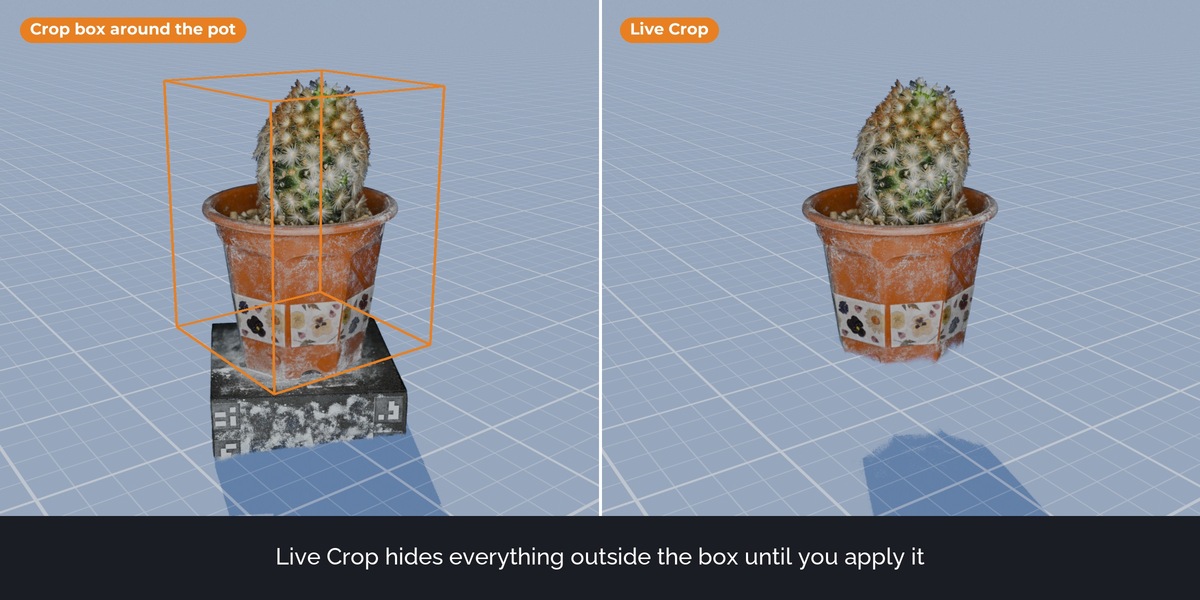
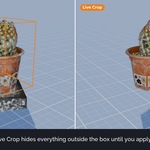
- Clean Up: the box and sphere crop has its own block; select buttons sit in a two-column grid with a Delete Selected button.
- The last result (for example the number of splats removed) is shown in the panel as well as in the status bar.
- Tooltips: each select button and each colour slider explains what it does.
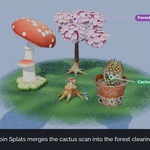
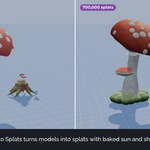
- Mesh to Splats shows progress while it computes shadows.
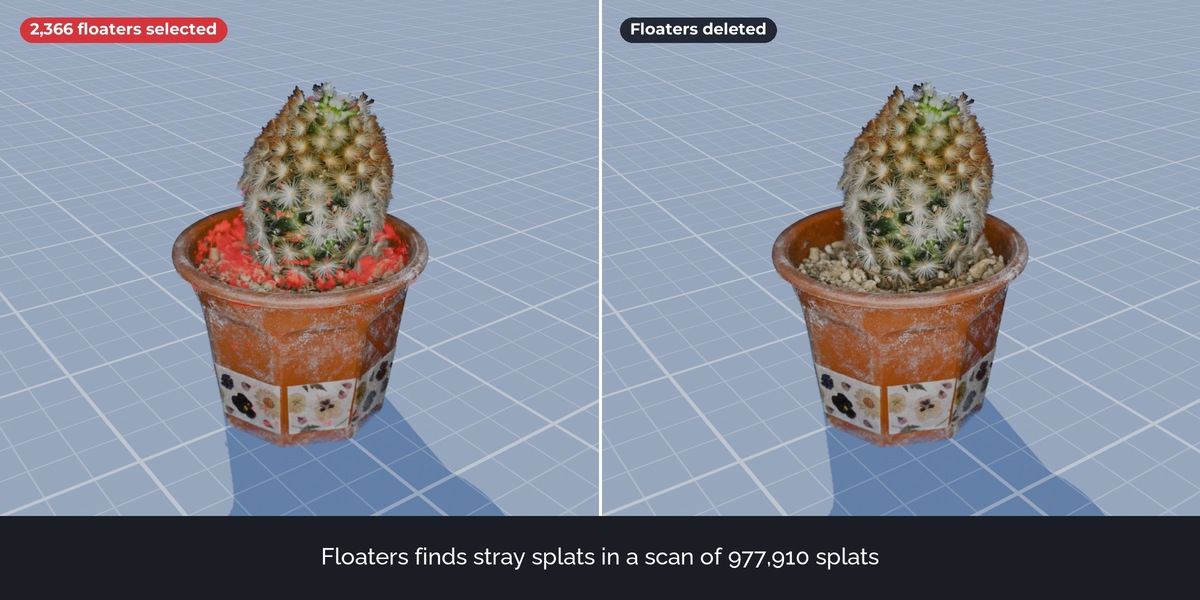
- Delete Selected reports how many splats it removed.
- The info box no longer lists the number of nearly invisible splats; the Faint button shows it when it selects them.
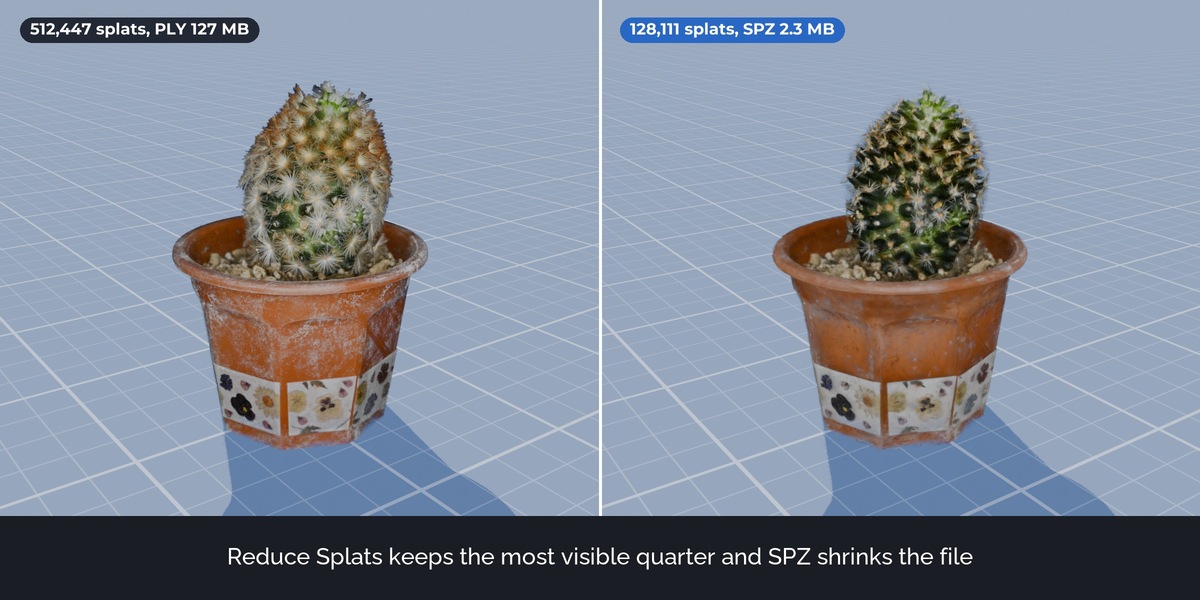
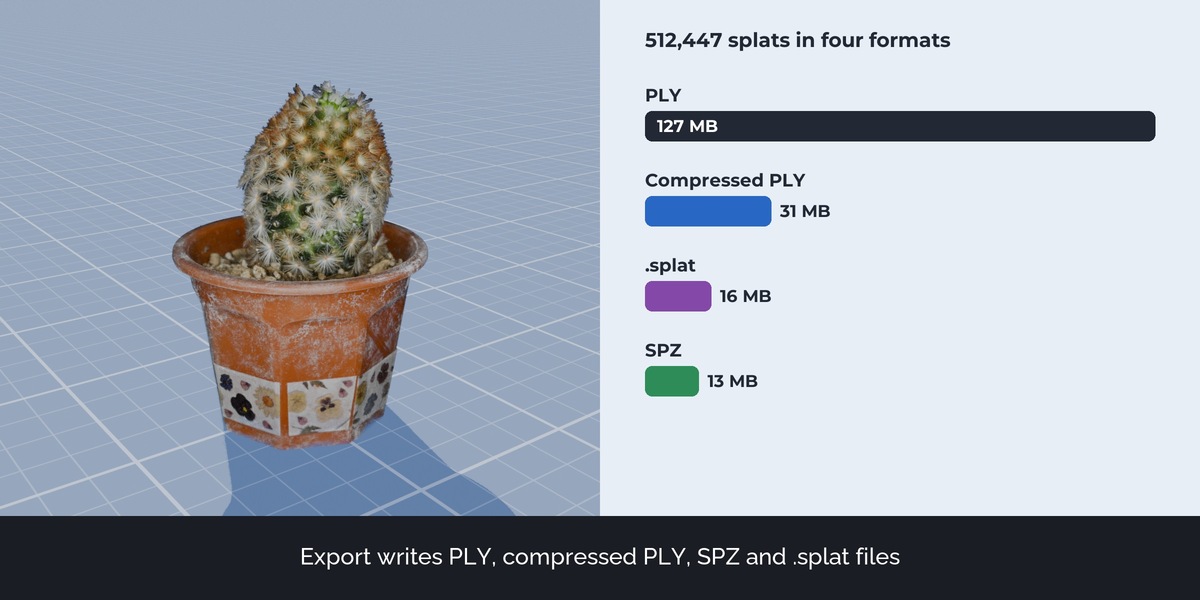
- No change to file formats or to what the tools do to the splats.
- Panel: every button has an icon, the main action of each section is larger, and a button that cannot run shows the reason in one line.
- Colour: six ready looks (Original, Warm, Cool, Vivid, Faded, Mono) as a picture grid. A look sets the sliders, which stay adjustable.
- Clean Up: the box and sphere crop has its own block; select buttons sit in a two-column grid with a Delete Selected button.
- The last result (for example the number of splats removed) is shown in the panel as well as in the status bar.
- Tooltips: each select button and each colour slider explains what it does.
- Mesh to Splats shows progress while it computes shadows.
- Delete Selected reports how many splats it removed.
- The info box no longer lists the number of nearly invisible splats; the Faint button shows it when it selects them.
- No change to file formats or to what the tools do to the splats.
- Panel: every button has an icon, the main action of each section is larger, and a button that cannot run shows the reason in one line.
- Colour: six ready looks (Original, Warm, Cool, Vivid, Faded, Mono) as a picture grid. A look sets the sliders, which stay adjustable.
- Clean Up: the box and sphere crop has its own block; select buttons sit in a two-column grid with a Delete Selected button.
- The last result (for example the number of splats removed) is shown in the panel as well as in the status bar.
- Tooltips: each select button and each colour slider explains what it does.
- Mesh to Splats shows progress while it computes shadows.
- Delete Selected reports how many splats it removed.
- The info box no longer lists the number of nearly invisible splats; the Faint button shows it when it selects them.
- No change to file formats or to what the tools do to the splats.
Have questions about this product?
Login to message
| Published | about 7 hours ago |
| Blender Version | 5.3 |
| Render Engine Used | Cycles, Eevee |
| License | GPL |
Discover more products like this
point cloud Workflow photogrammetry gaussian splatting splats Import-Export 3dgs blender 5.3 scan cleanup pipeline spz PLY export