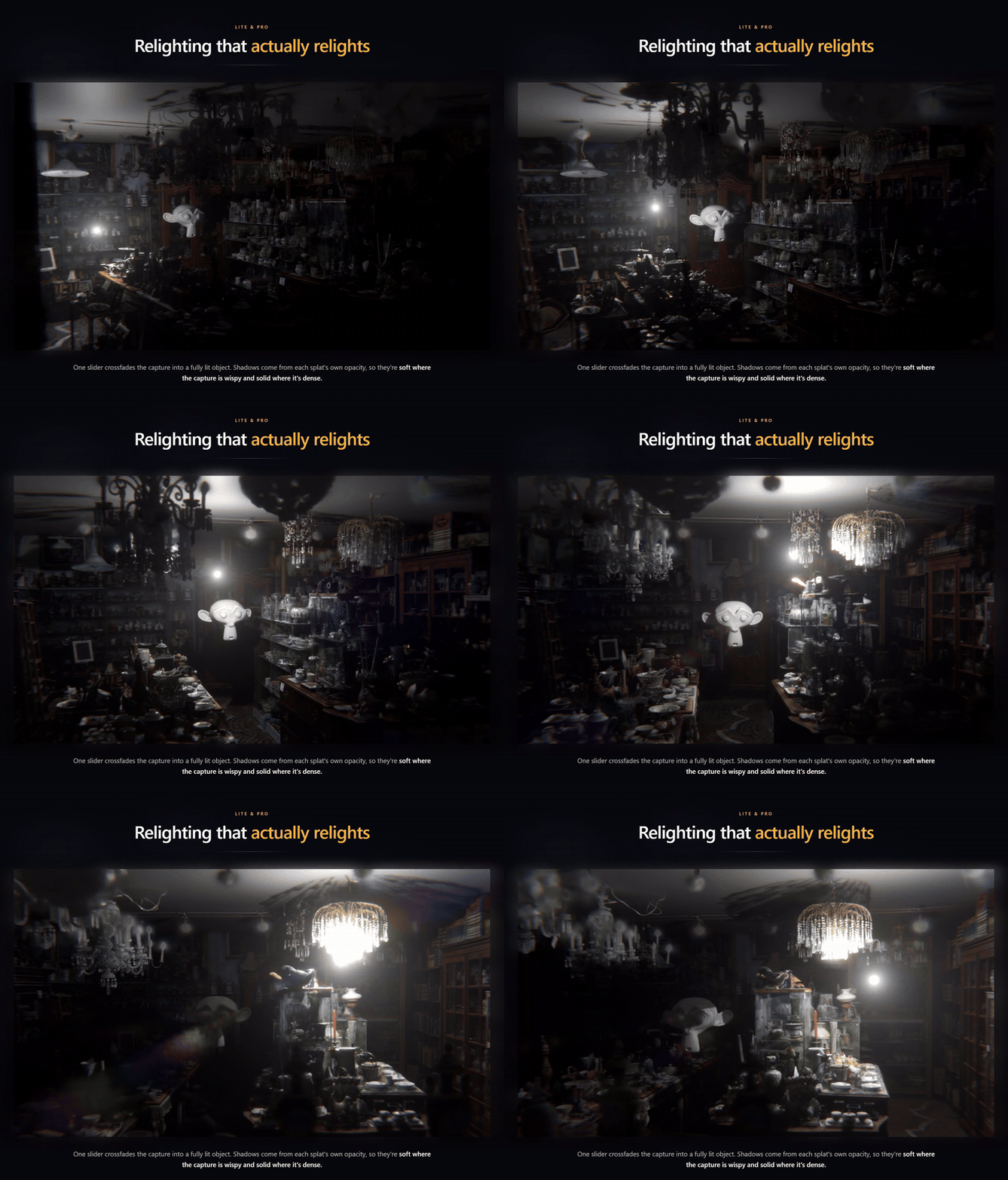
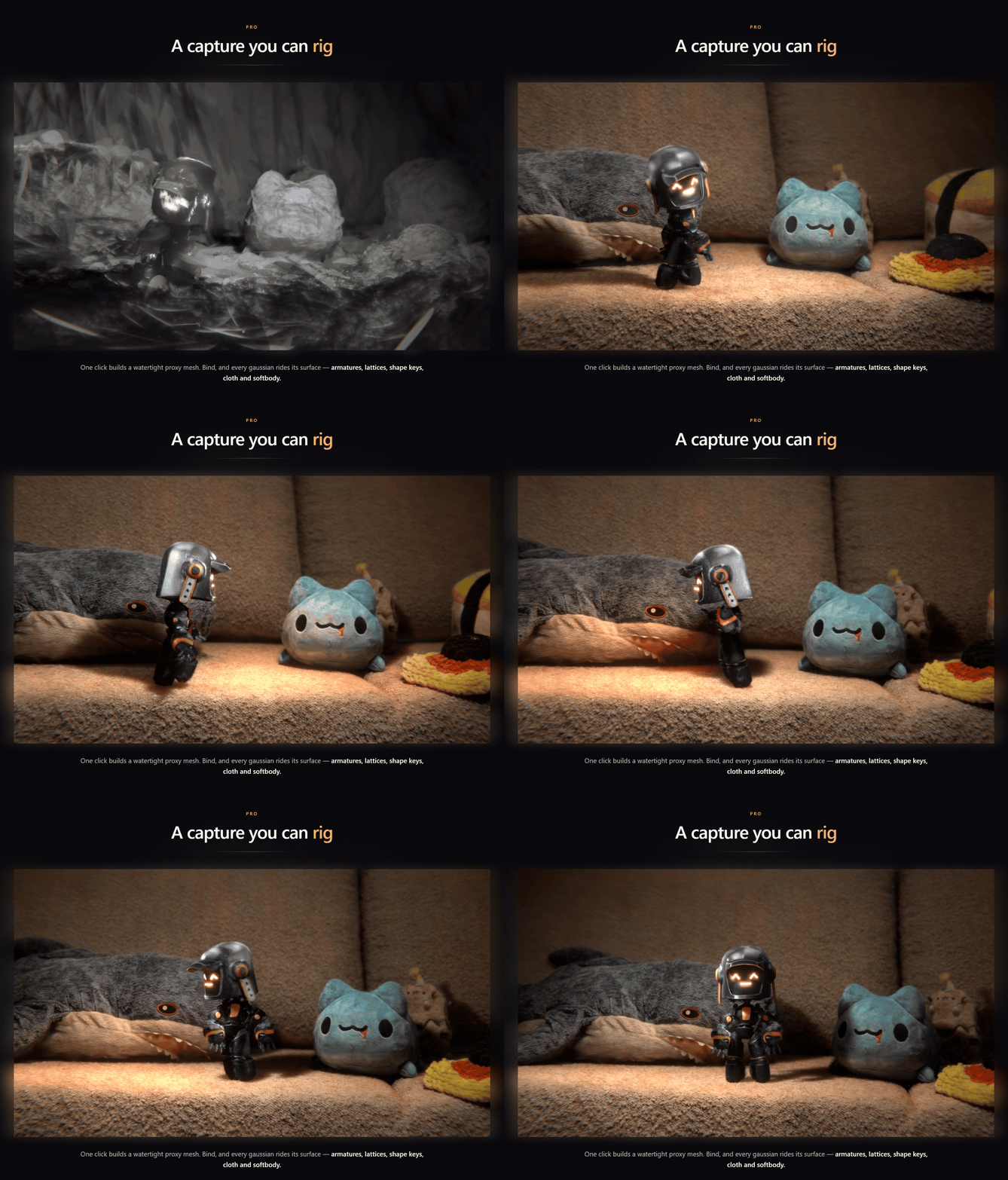
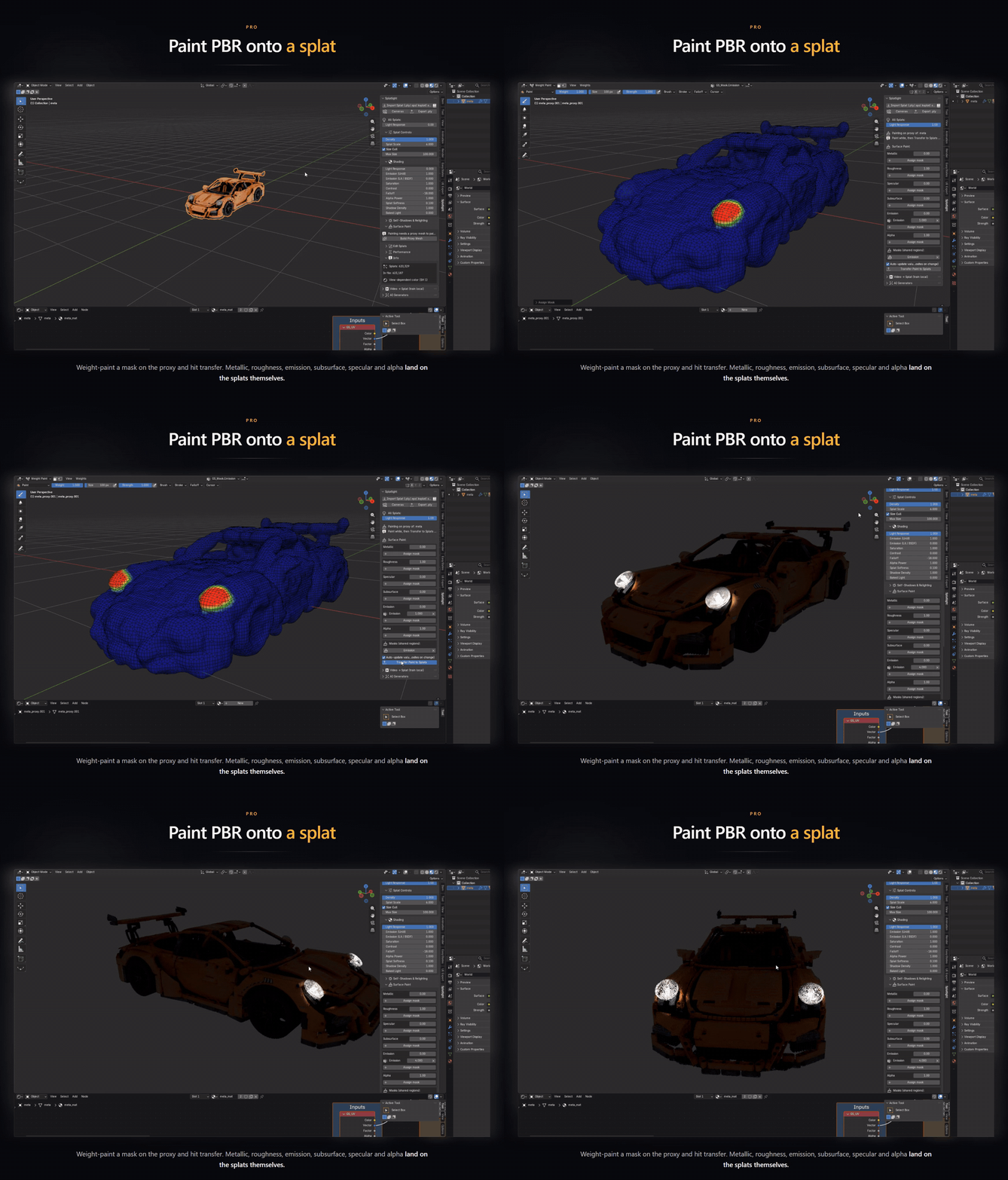
Splatlight

Javier_Herrera in Rendering


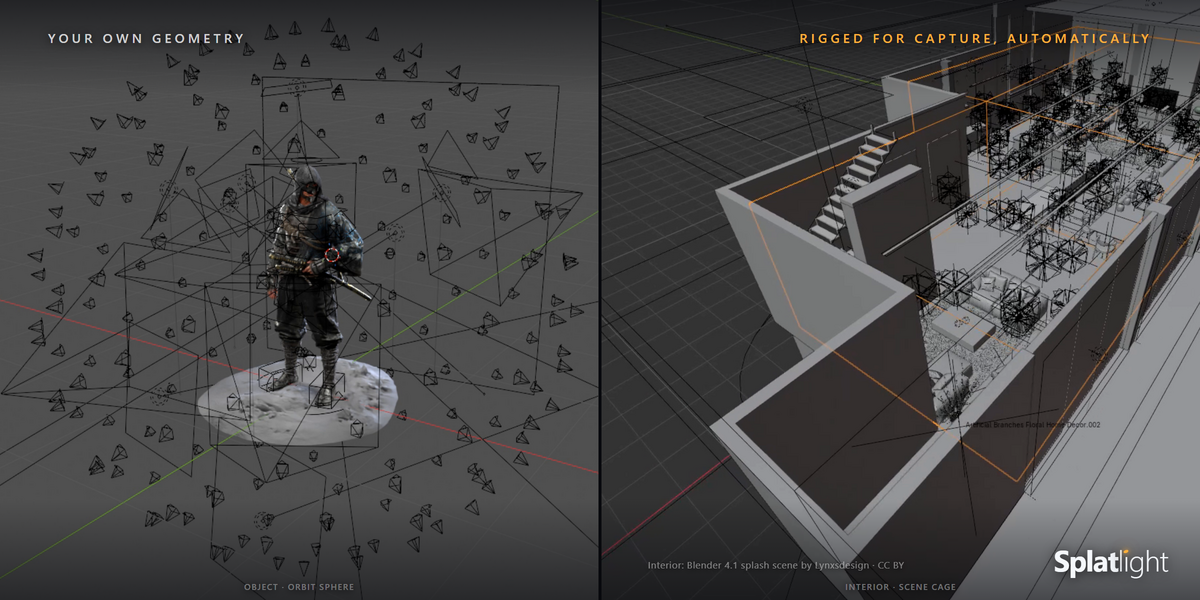
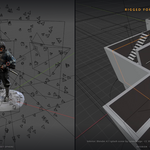
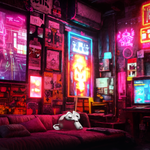
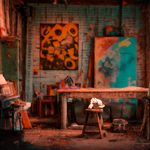
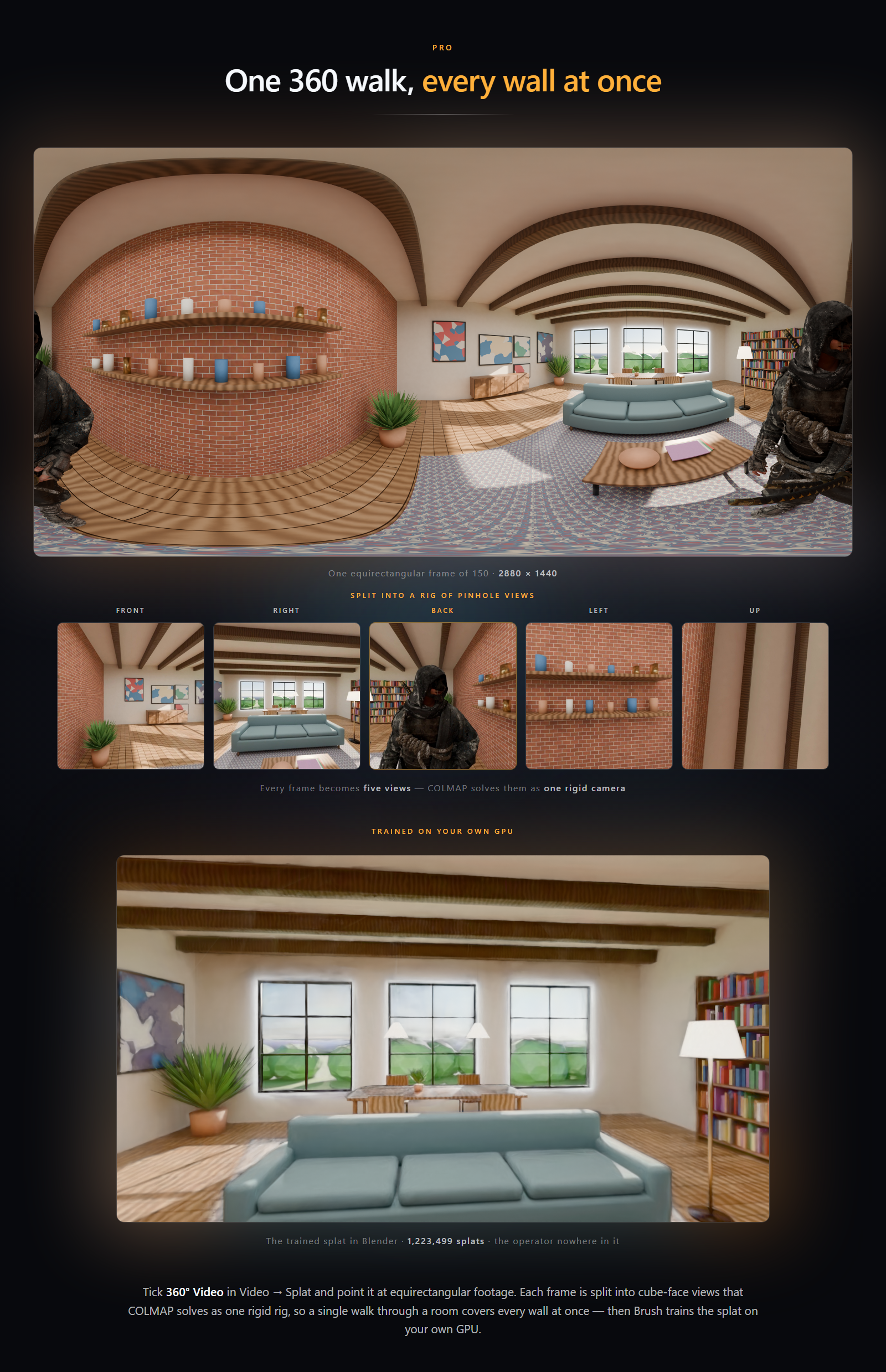
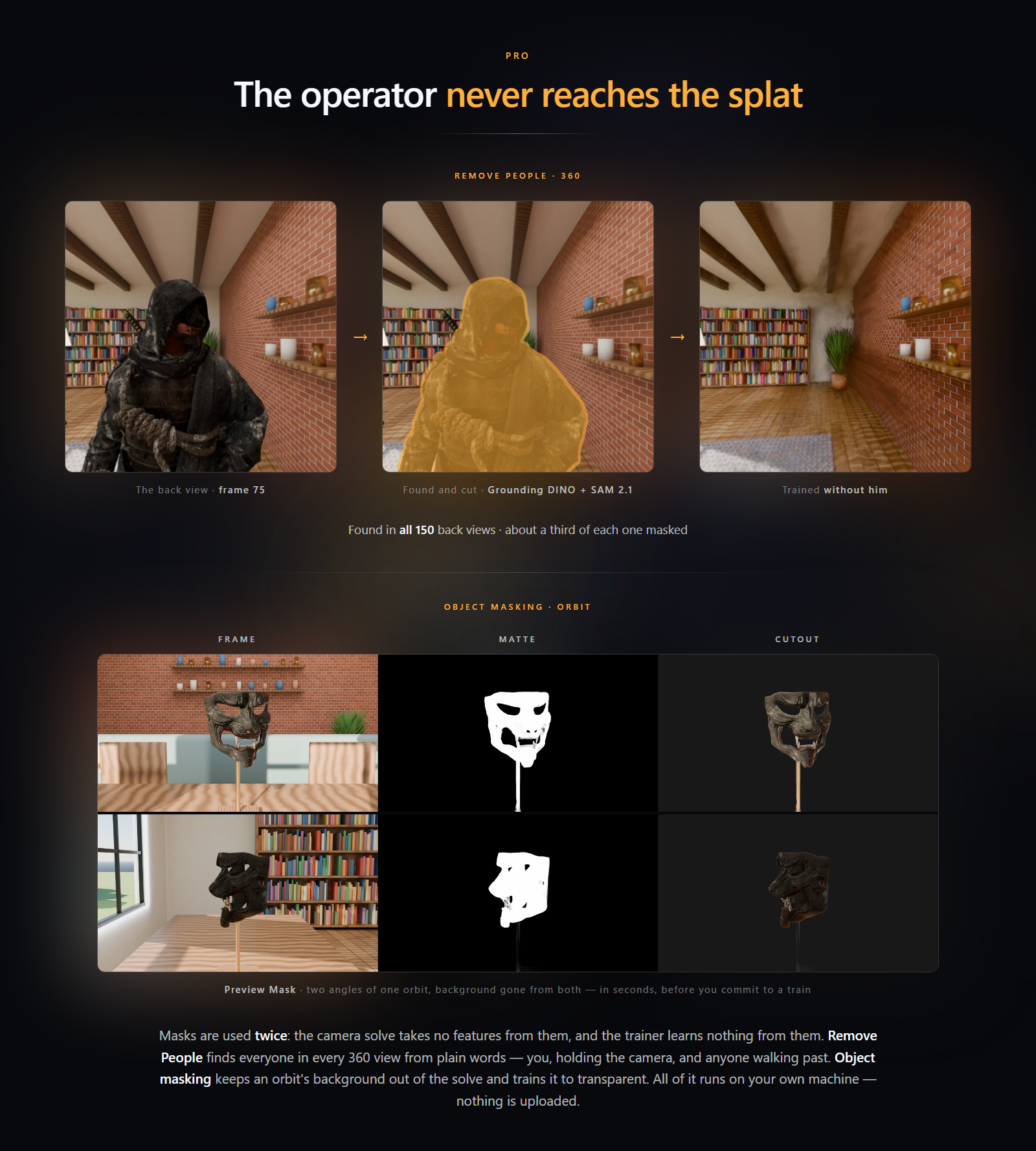
One 360 walk, every wall at once — an equirectangular 360 frame of a loft interior, with the person holding the camera visible at both edges. Splatlight splits every frame into five pinhole views (front, right, back, left and up) that COLMAP solves as one rigid camera rig, then Brush trains a 1.2-million-splat gaussian splat of the room on your own GPU, shown rendered in Blender.The operator never reaches the splat — Remove People: the back view of a 360 frame showing the person holding the camera, the outline Grounding DINO and SAM 2.1 cut around them, and the same view of the trained splat with the person gone. Object masking: Preview Mask sheets of a mask on a stand orbited in a room, frame, matte and cutout, with the background removed in seconds before training.
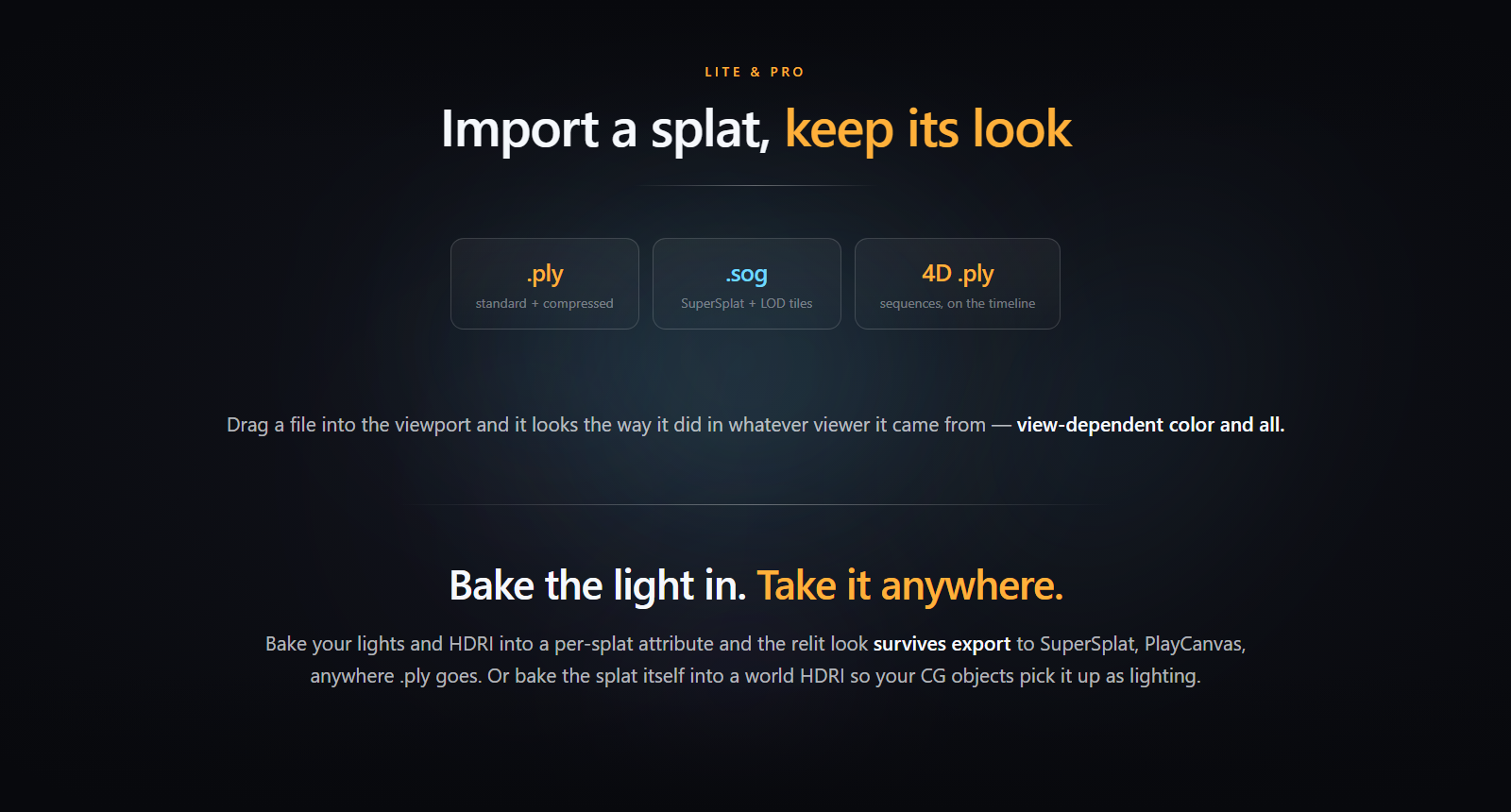
Import a splat, keep its look — .ply standard and compressed, .sog with LOD tiles, and 4D sequences on the timeline. Bake the light in and take it anywhere.
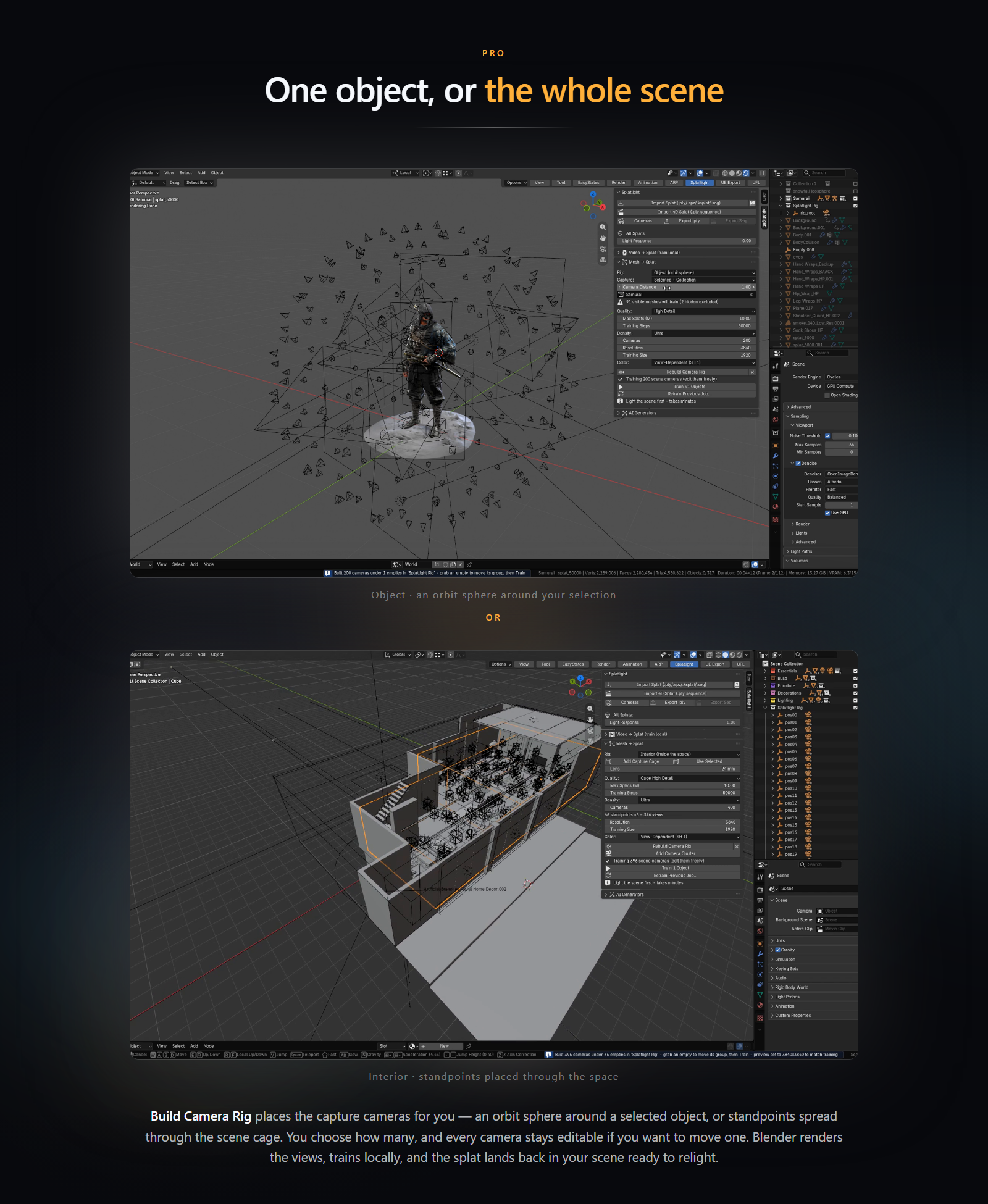
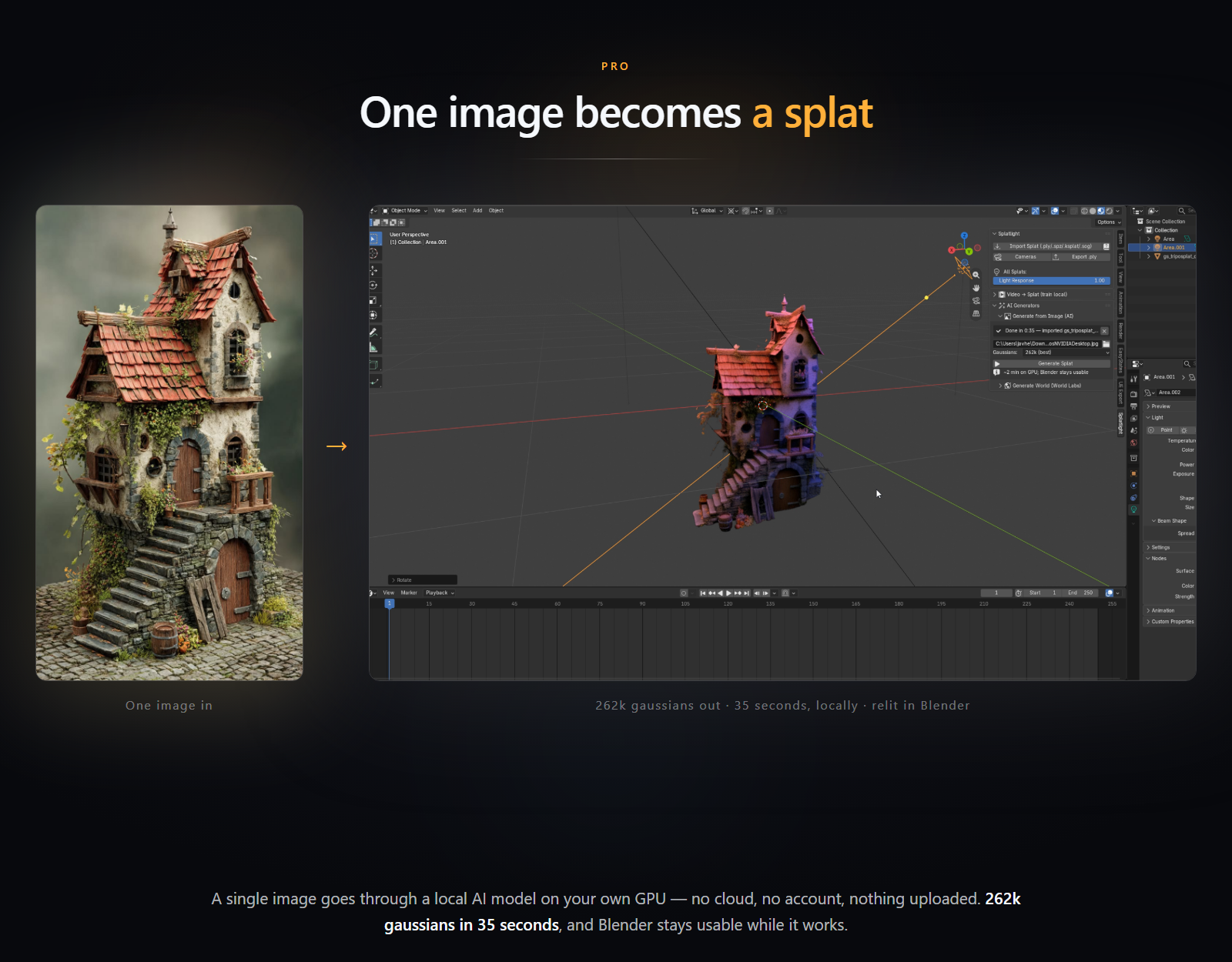
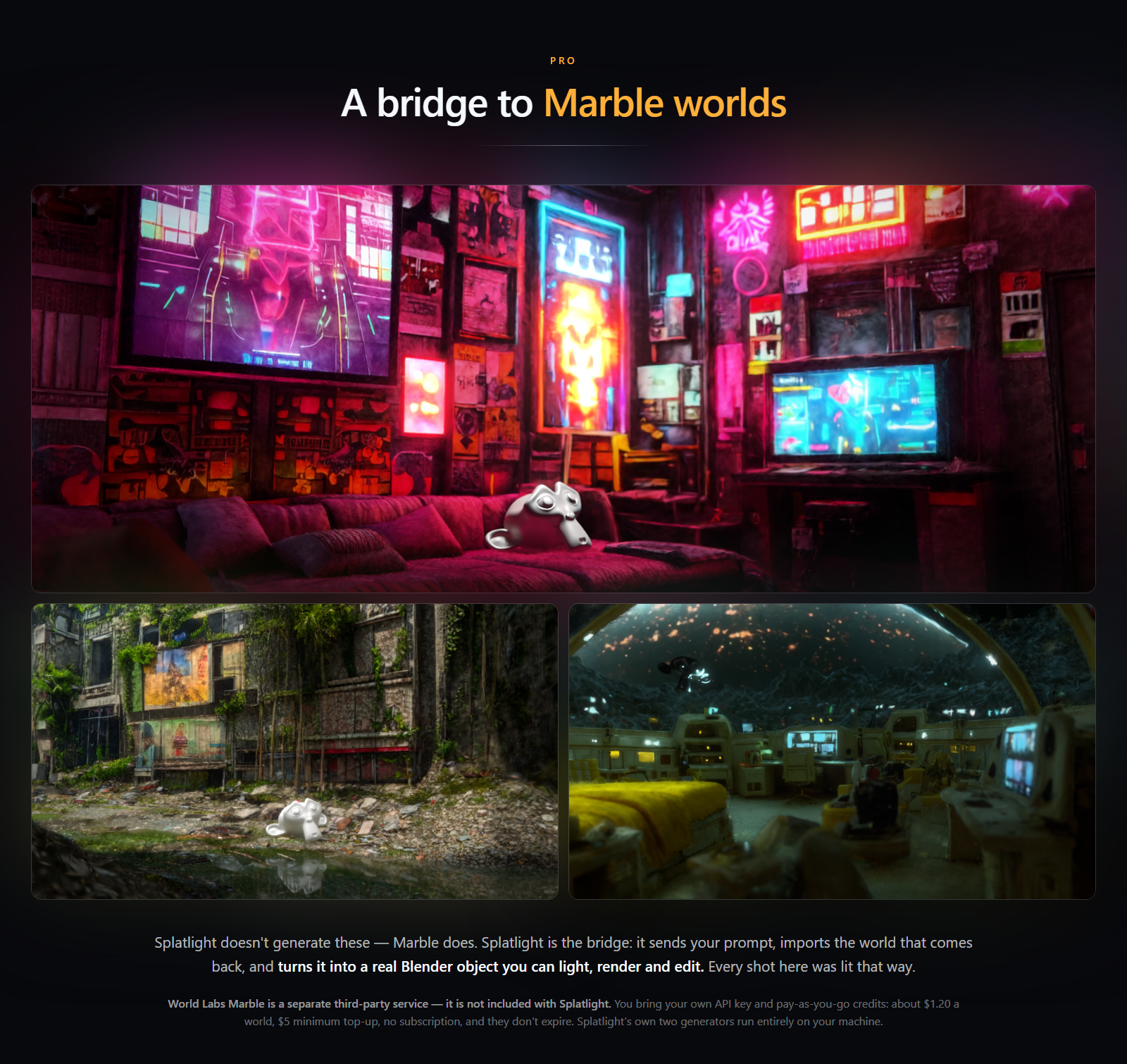
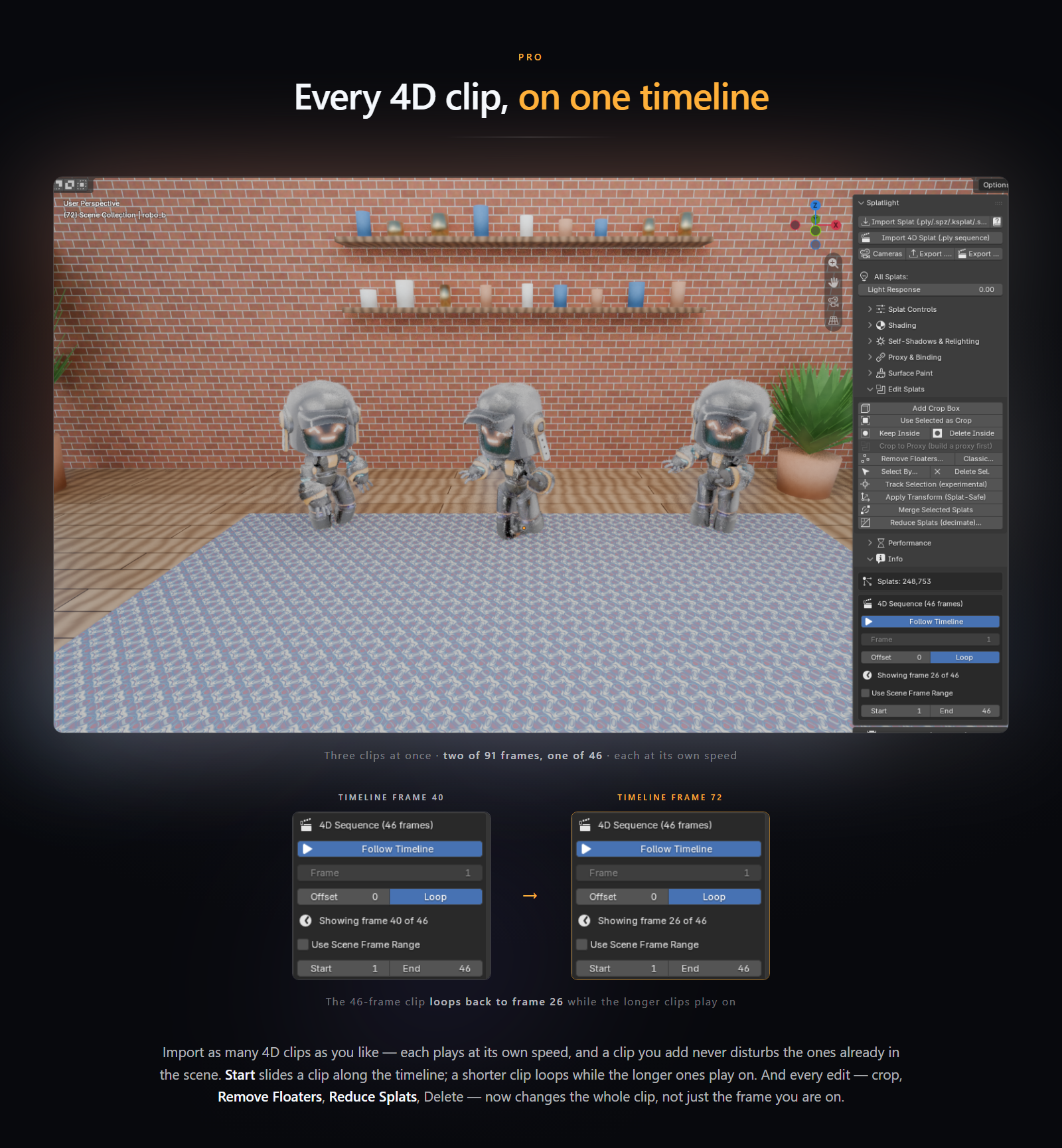
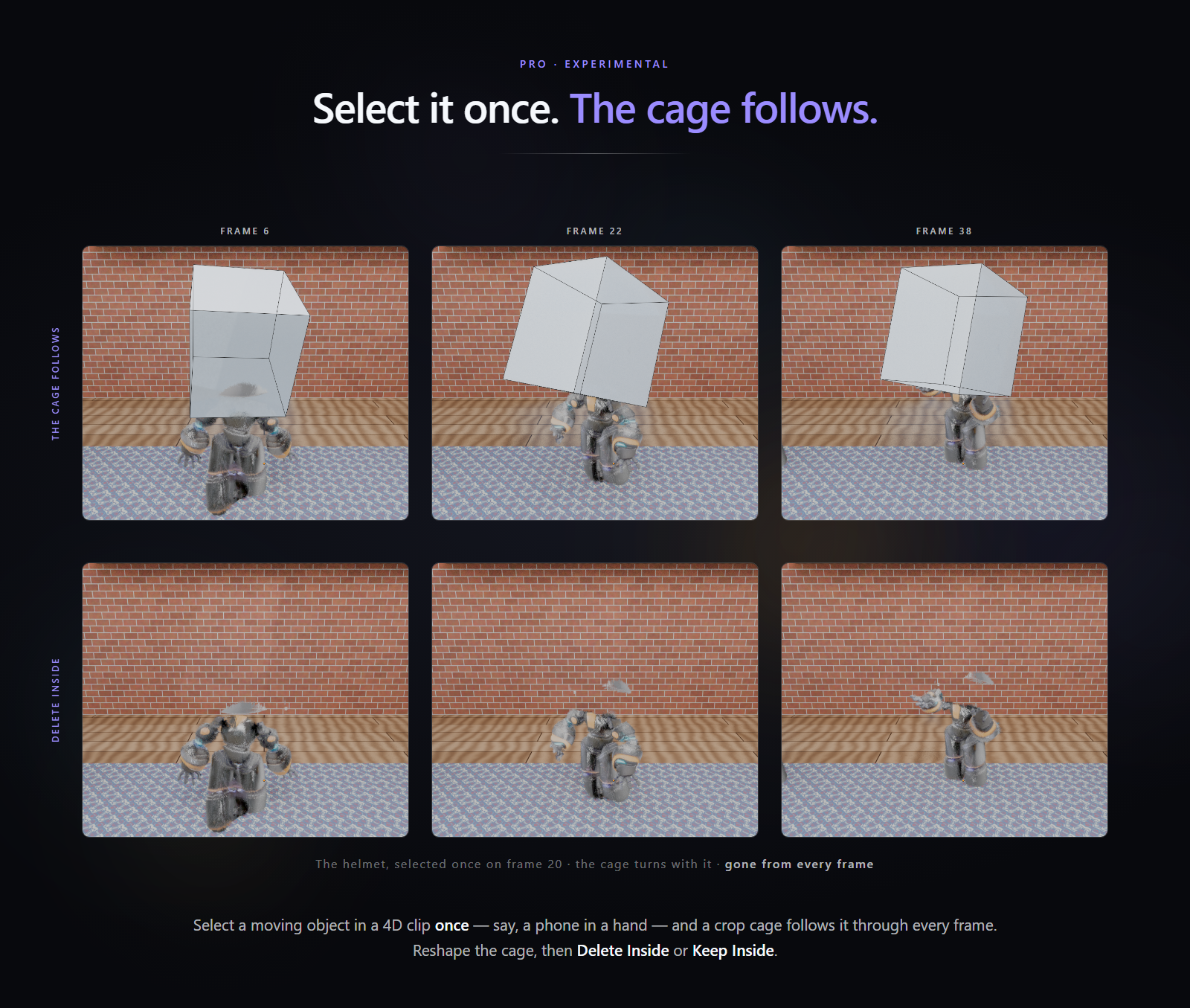
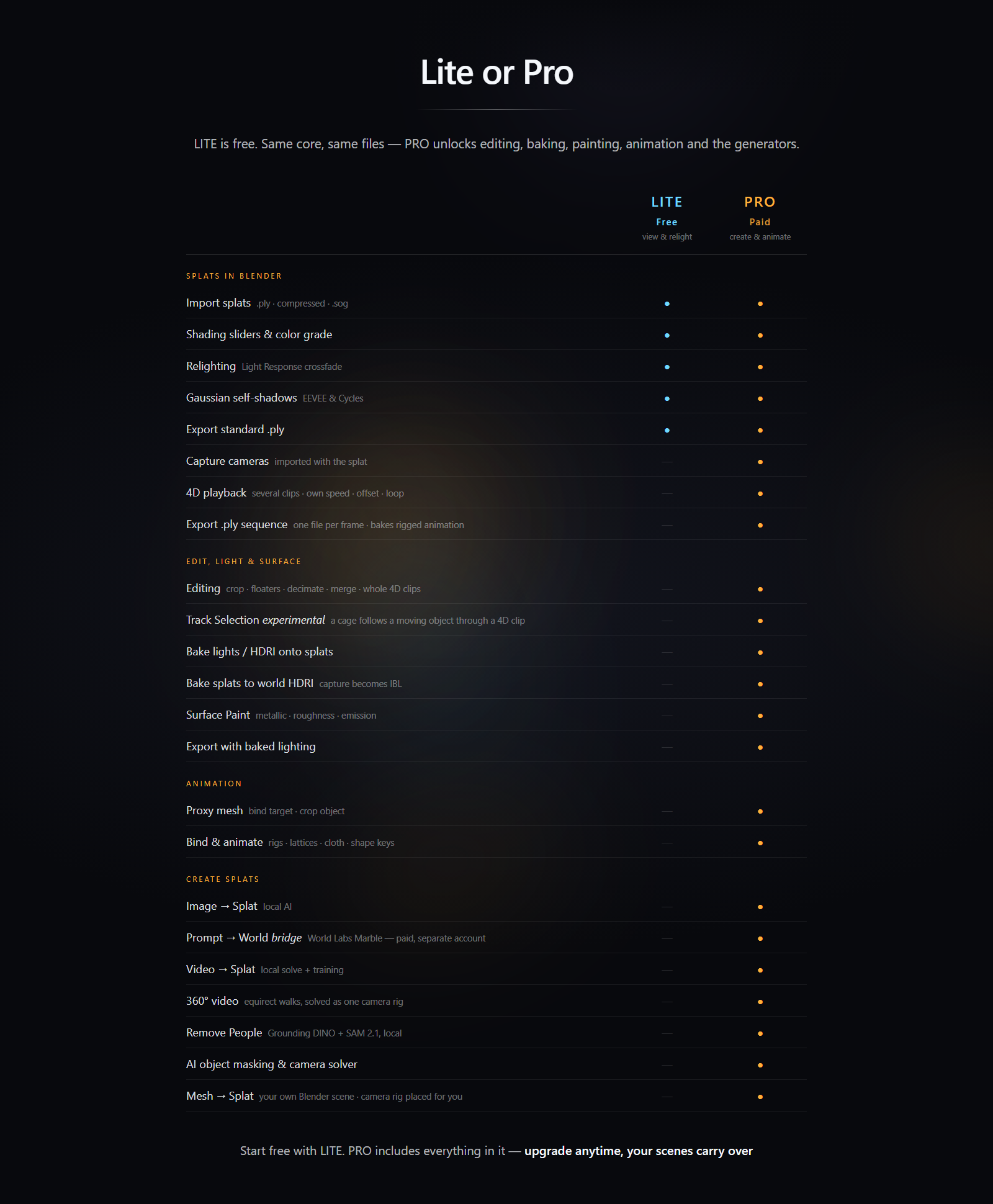
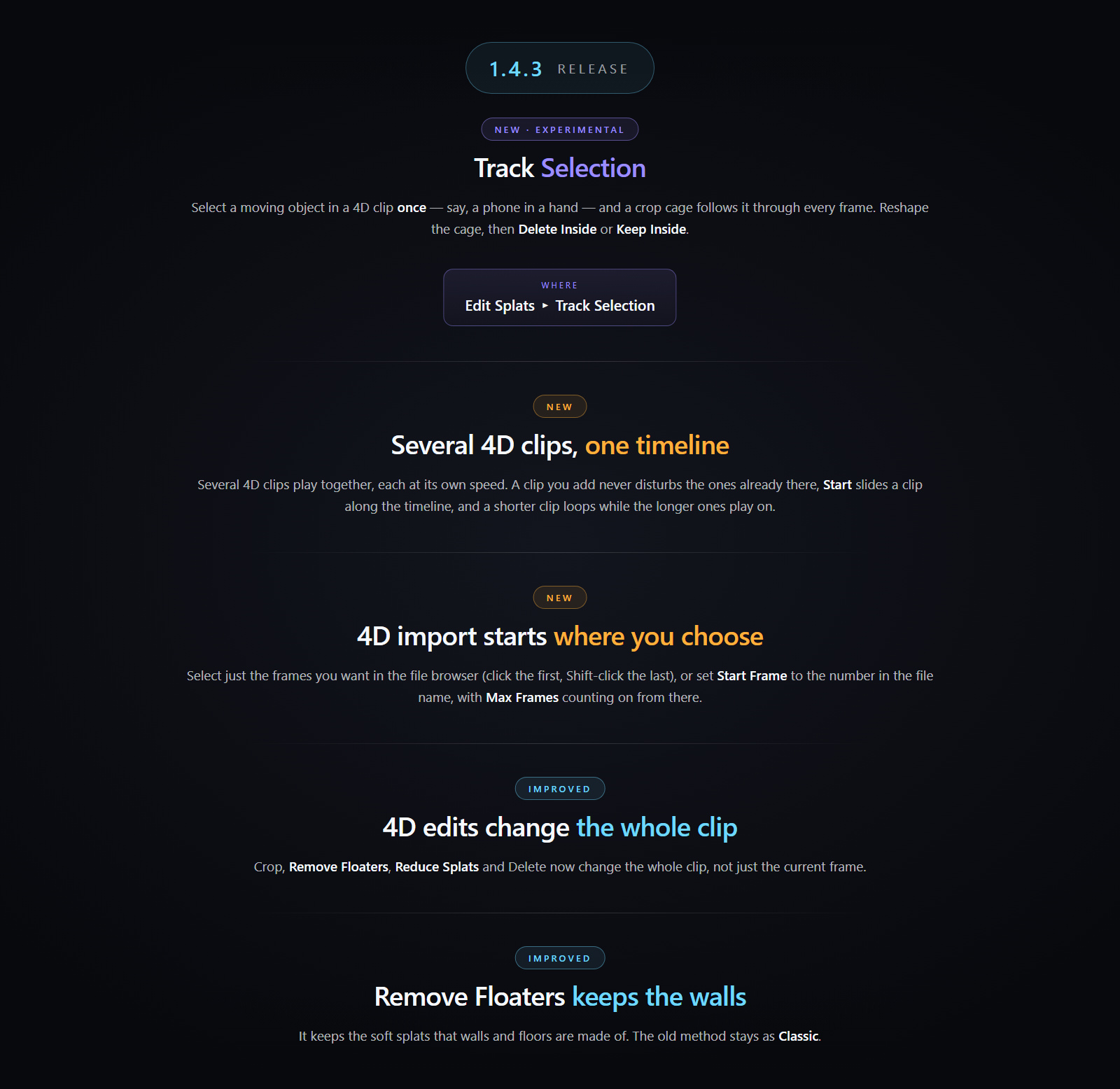
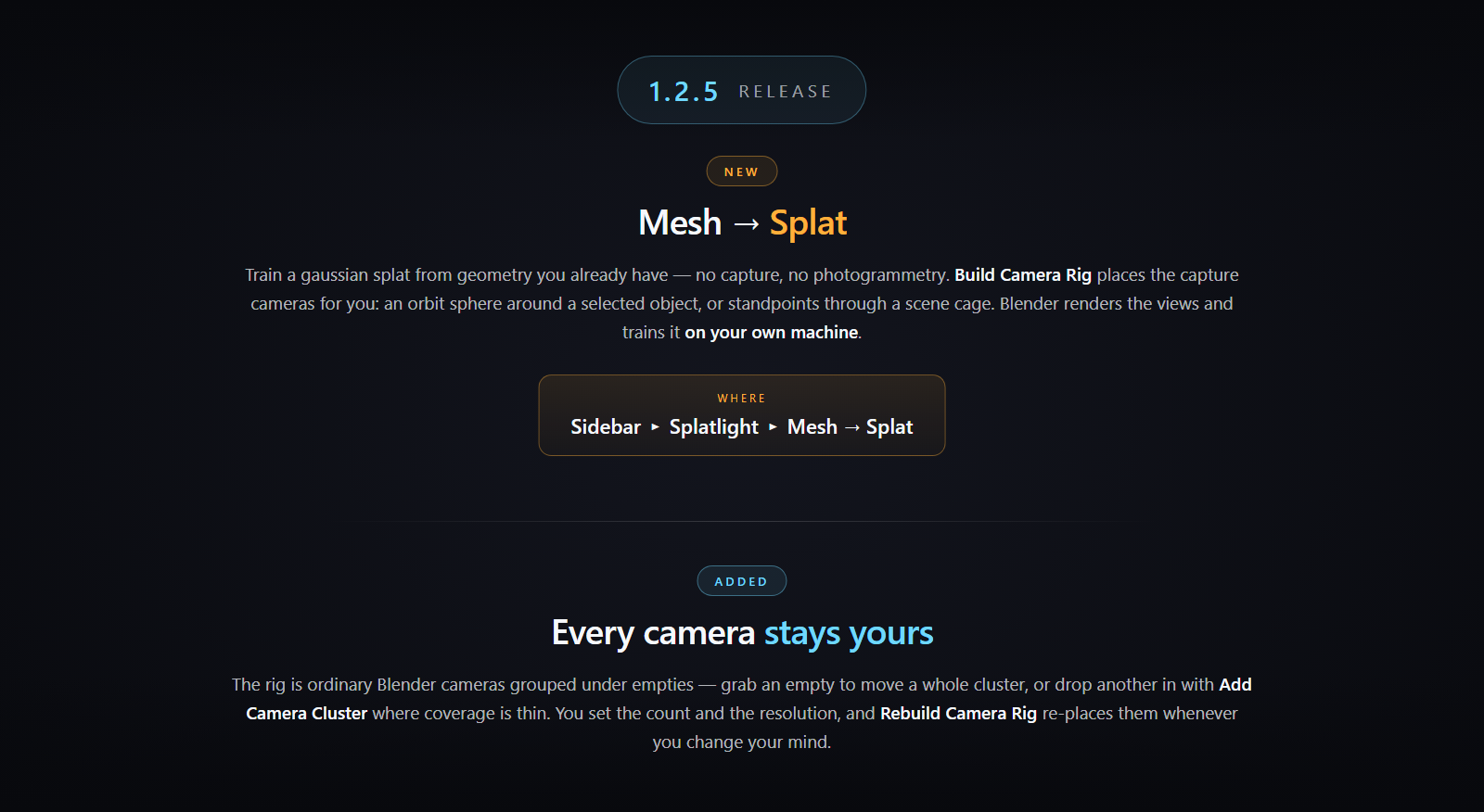
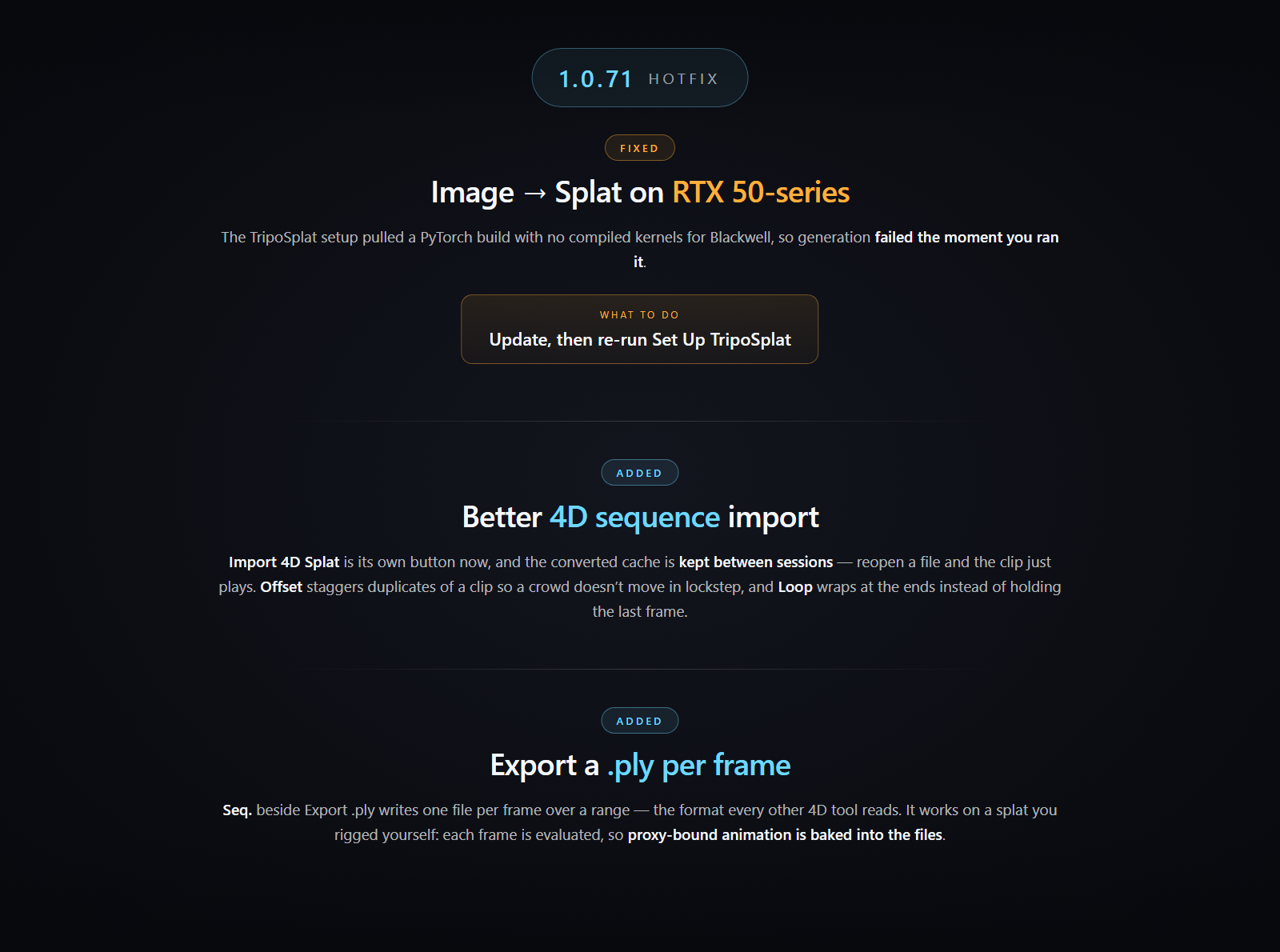
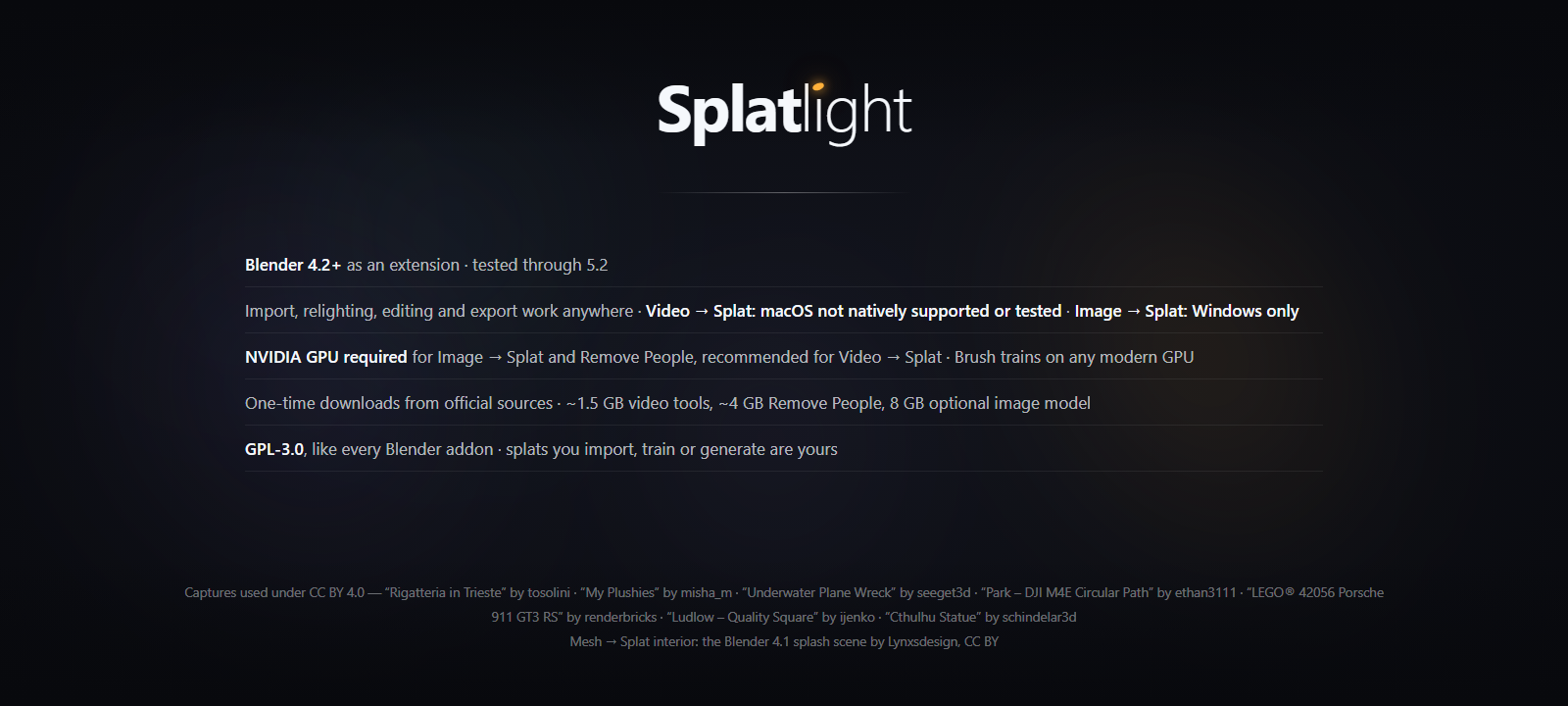
Every 4D clip, on one timeline — three dancing robot 4D clips in one Blender scene, each playing at its own speed. The sidebar’s Info box shows the 46-frame clip looping back to frame 26 at timeline frame 72 while the longer clips play on. Edits such as crop, Remove Floaters and Reduce Splats now change the whole clip, not just the current frame.Track Selection, experimental — a robot’s helmet selected once in a 4D clip; a crop cage follows and turns with it across frames 6, 22 and 38, and Delete Inside removes the helmet from every frame while the body keeps dancing.Lite or Pro feature comparison — Lite is free and covers import, relighting, self-shadows and .ply export. Pro adds splat editing including whole 4D clips, Track Selection (experimental), capture cameras, 4D playback with several clips at once, baking, surface paint, proxy binding and animation, per-frame sequence export, and the generators: image to splat, video to splat with 360 video, Remove People and object masking, and mesh to splat, plus a bridge to World Labs Marble.Splatlight 1.4.3. New, experimental: Track Selection — select a moving object in a 4D clip once, say a phone in a hand, and a crop cage follows it through every frame; reshape the cage, then Delete Inside or Keep Inside. New: several 4D clips play together, each at its own speed. New: 4D import starts where you choose — select just the frames you want in the file browser (click the first, Shift-click the last), or set Start Frame to the number in the file name, with Max Frames counting on from there. Improved: crop, Remove Floaters, Reduce Splats and Delete change the whole 4D clip, not just the current frame. Improved: Remove Floaters keeps the soft splats walls and floors are made of; the old method stays as Classic.Splatlight requirements — Blender 4.2+ as an extension, tested through Blender 5.2. Import, relighting, editing and export work anywhere; macOS is not natively supported or tested for Video to Splat, and Image to Splat runs on Windows only. NVIDIA GPU required for Image to Splat and Remove People, recommended for Video to Splat. GPL-3.0, capture credits, and credit for the Blender 4.1 splash scene by Lynxsdesign.                                                                                                           


  • Import, relight with true gaussian self-shadows, and export standard .ply. Free

    $0
  • Everything in LITE, plus splat editing, 4D playback, light baking, Surface Paint, proxy rigging and animation, and the generators.

    $35
$0

Support Period Included

Includes 12 months of

Extend this product’s Support Period +12 months: 25% of product price

Have questions before purchasing?
Login to message

Details
Blender Extension Compatible Yes
Sales 40+
Downloads 200+
Rating
2 ratings
Dev Fund Contributor
Published 3 months ago
Blender Version 4.2 - 5.2
Extension Type Add-on
Render Engine Used Cycles, Eevee
License GPL