Splatlight
 Javier_Herrera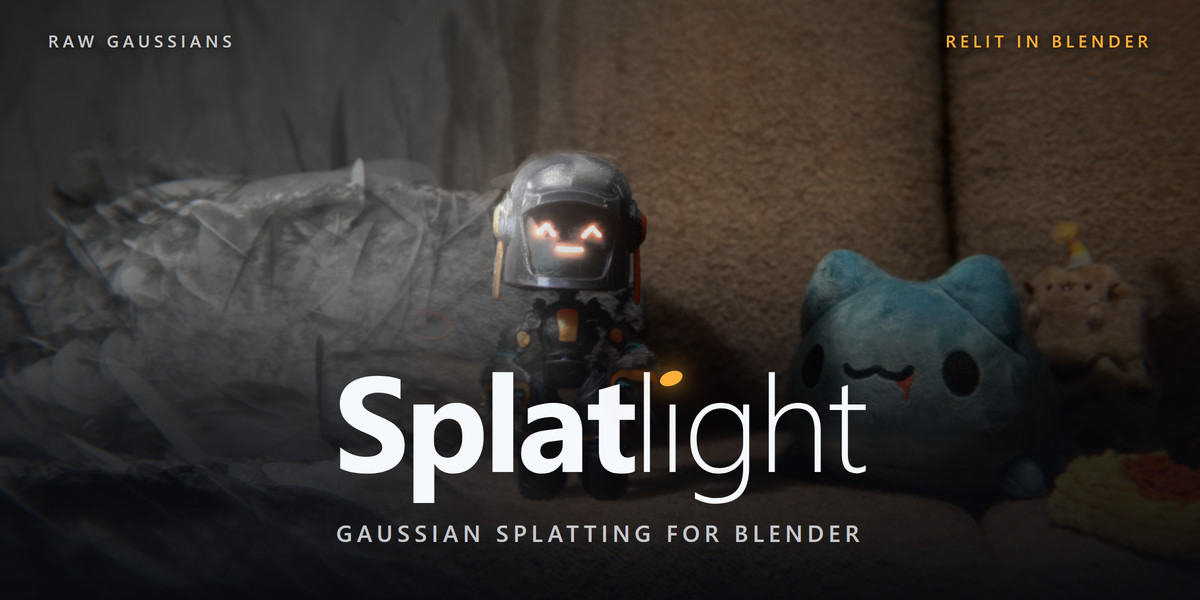



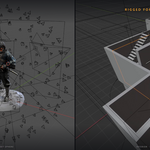
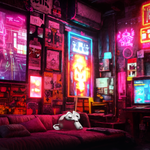
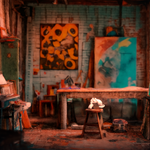
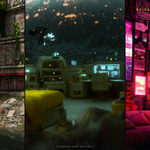
Getting started
- Install: Blender 4.2+ — drag splatlight-.zip into the Blender window, or Edit ▸ Preferences ▸ Add-ons ▸ Install from Disk. Remove any older Splatlight or Gaussian Splat Importer first; they share operator ids. Tested through Blender 5.2.
- Import: drag a .ply into the viewport, or File ▸ Import ▸ Splatlight. The capture appears looking exactly as it did in the viewer it came from.
- Relight: select the splat, open the Splatlight tab (press N), raise Light Response, add a Sun. The capture now responds to your lights and shadows.
Everything lives in one sidebar tab: Splat Controls, Shading, Self-Shadows & Relighting, Surface Paint, Edit Splats, Proxy & Binding, Performance, Video → Splat, and AI Generators. Panels appear when the relevant object is selected.
Relighting & self-shadows
Light Response crossfades between the captured look and a fully lit object — 0 is the original capture, 1 is your lighting. Shadows are driven by per-splat opacity, so they're soft where the capture is wispy and solid where it's dense. No proxy geometry involved: splats shadow themselves, each other, and your CG objects.
- Cycles: keep Splat Shadow Rays on; Shadow Density sets how deeply splats absorb shadow (higher = heavier shadows).
- EEVEE: hashed transparent shadows that respect each splat's alpha; Full Shadow Res on Render controls crispness.
- Lit splats looking grainy or showing shadow acne? Raise Splat Softness slightly, or lower Shadow Density.
Editing (PRO)
Crop box, floater shaving, decimate and merge, in the Edit Splats section. One rule: a bound splat refuses edits — edits reorder points and would corrupt the bind. Unbind, edit, re-bind.
Proxy mesh, binding & animation (PRO)
Build Proxy Mesh fuses the splats into a hidden watertight surface. It's the bind target and the crop object: Voxel Size and Shrink are live sliders — the proxy re-fuses as you drag. Rebuild is only needed after editing the splats themselves.
Bind Splats to Proxy, then treat the proxy like any mesh: armatures (automatic weights work well), lattices, shape keys, cloth, softbody. Every gaussian rides the surface, carrying its lighting and painted properties along. Crop to Proxy is the cleanest way to shave floaters and fog.
Surface Paint (PRO)
Weight-paint a mask on the proxy, hit Transfer. Metallic, roughness, emission, subsurface, specular and alpha land on the splats themselves — paint headlights that glow, chrome that reflects.
Bake & export (bake PRO, export all)
Bake your lights and HDRI into a per-splat attribute and the relit look survives export — SuperSplat, PlayCanvas, anywhere standard .ply goes. Or bake the splat itself into a world HDRI so CG objects pick the capture up as lighting.
Making splats (PRO)
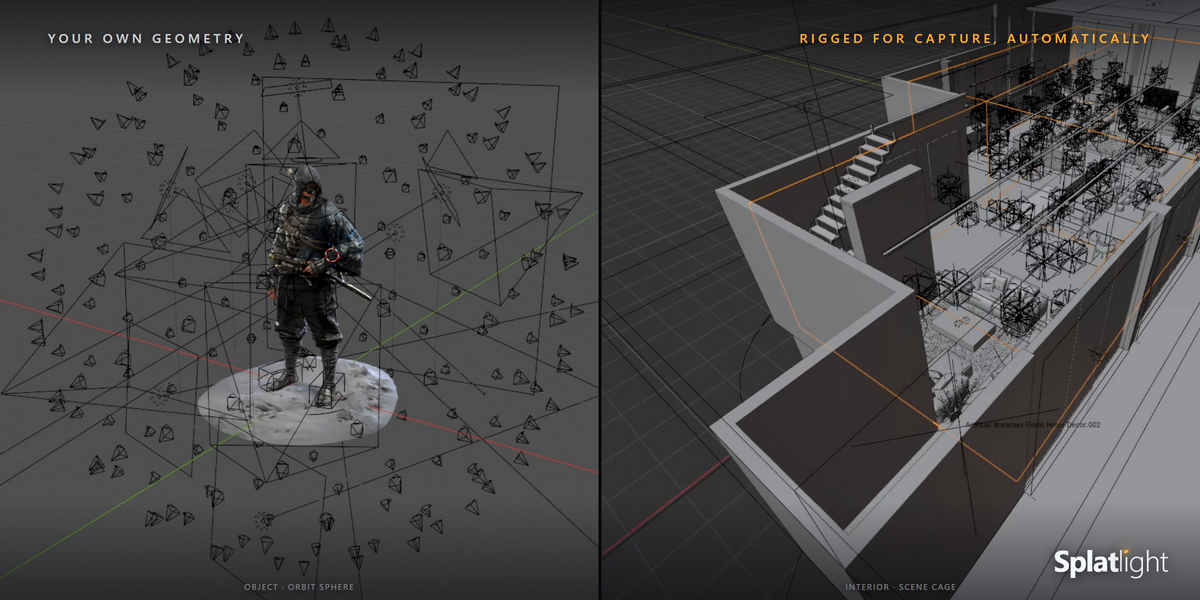
- Video → Splat (Windows): point it at any video where the camera moves. It extracts frames, solves the cameras, and trains the splat on your machine — nothing uploaded. The solved camera imports parented and aligned, ready for match-moving. One-time ~1.5 GB tool download; NVIDIA recommended, a CPU solver installs automatically without one.
- Image → Splat (Windows): a single image through a local AI model (~8 GB one-time download), about half a minute on a modern GPU.
- Prompt → World: a bridge to World Labs Marble — a separate, paid third-party service. You bring your own API key and pay-as-you-go credits from platform.worldlabs.ai (about $1.20 a world, $5 minimum, no subscription; Marble web-app credits do not work with the API). Splatlight sends the prompt and imports the world that comes back.
Formats
Import: .ply (standard and compressed), .sog including tiled LOD scenes, and 4D .ply sequences that plays back on the timeline (PRO). Export: standard .ply, with baked lighting if you baked it.
If something looks wrong
- Splat imports but looks flat or dark — raise Light Response, check a light exists in the scene.
- Editing tools greyed out — the splat is bound. Unbind first, edit, re-bind.
- Proxy too coarse / bind looks loose — lower Voxel Size, Rebuild, re-bind.
The full illustrated manual ships inside the addon. If it doesn't cover your case, post on the support tab — I read it.
-
$0
Import, relight with true gaussian self-shadows, and export standard .ply. Free
-
$35
Everything in LITE, plus splat editing, 4D playback, light baking, Surface Paint, proxy rigging and animation, and the generators.
 Included
Includes 12 months of
- Support from Javier_Herrera
- Product updates
Extend this product’s Support Period +12 months: 25% of product price
Have questions before purchasing?
Login to message

Discover more products like this
point cloud video to 3d ply Camera Tracking 3dgs gaussian splatting 3D Scan photogrammetry splat supersplat relighting nerf