 AUER
AUER


What is Spline UV?
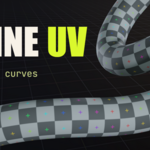
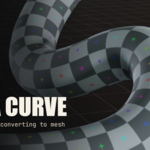
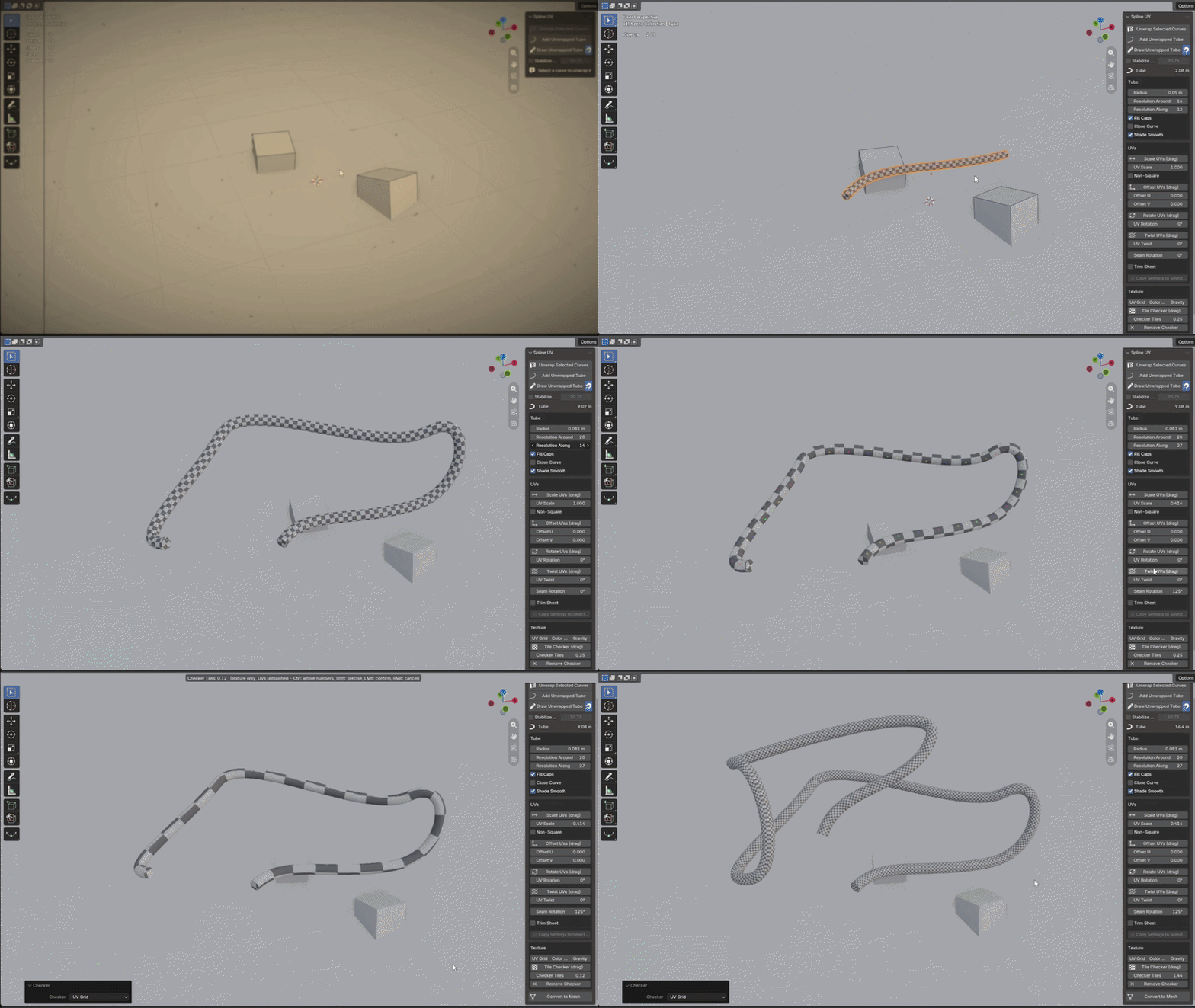
Spline UV unwraps your curves live, without ever converting them to a mesh. Select a curve, click Unwrap: it becomes a tube with a real UV map, already unwrapped. No seams to mark, no UV editor, no conversion.
The object stays an editable curve. Move a point, extend the spline, change the radius: the texture follows instantly, always square, never stretched.
Draw tubes freehand, grab the texture with your mouse, drop a checker in one click, and convert to mesh only when you need to bake.
Questions, feedback: send me a message right here on Superhive, I answer fast.
FEATURES:
- One click unwraps any curve: Bezier, NURBS, poly, multi-spline
- The object stays an editable curve, mesh and UVs update live
- Texture tiles always square, whatever the radius
- Editing or extending the curve extends the texture, it never stretches
- Scale, Offset, Rotate and Twist the texture by dragging in the viewport
- Draw tubes freehand, with a stroke stabilizer
- Strokes stick to your models: cables rest on faces and ride over edges
- Rotate the texture seam without selecting a single edge
- Trim Sheet mode: set the row count of your atlas, pick a row
- One-click checkers to check the unwrap: UV Grid, Color Grid, Gravity
- Convert to Mesh with the UVs baked in, curve backup kept
One Click, Zero Seams
Select a curve, press Unwrap. The tube carries a real UVMap that any material reads in EEVEE and Cycles. Existing materials are untouched, and an existing round bevel is taken over, radius and resolution, so the model does not change by a pixel.
Always Square
U wraps around the tube, V follows the real length divided by the circumference. That is what keeps tiles square at any radius and lets the texture extend instead of stretch, even in the tightest bend.
Draw Cables On Your Models
Sketch, and every stroke becomes an unwrapped tube on release. The stabilizer trails your cursor on a leash you can tune with the wheel mid-stroke, Shift slows down for precision, Ctrl draws straight segments.
Turn on the magnet and strokes land on your models: the cable rests one radius above the surface, rides cleanly over edges instead of jumping sideways, keeps its height when your cursor leaves the object, and never bends tighter than a cable that thick physically could. Drawing a cable along a wall, over a crate and down a machine takes one stroke.
Grab the Texture With Your Mouse
Four drags, one grammar: Scale, Offset, Rotate, Twist. Ctrl snaps, Shift refines, right click cancels, and every drag also exists as a numeric field.
Trim Sheets for Pipes
The length runs along the strip, the circumference fills its height. Count Mode does the math: type how many rows your atlas has, pick row 1, 2 or 3, and the tube changes material live. The first trim-sheet workflow that works on curves.
Convert When Ready
Texture paint and baking need a mesh. One click converts, the UVMap is already a real UV layer, and a hidden copy of the editable curve is kept next to it.
GOOD TO KNOW:
- Ctrl snaps the drags to whole tiles, 15° steps or quarter turns, Shift refines, right click cancels, X and Y lock an axis
- Add > Curve > Unwrapped Tube for a curve born unwrapped
- While drawing: the mouse wheel tunes the stabilizer leash, Ctrl draws straight segments, right click ends the session
- Per-point radius (Alt+S) is supported, so the tube can taper
- Close Curve turns a loop into a ring without moving or losing a point
- Non-Square mode stretches the texture on purpose, with separate U and V factors
- Tile Checker densifies the checker only, your real UVs stay untouched
- Copy Settings pushes the active tube's settings to the whole selection
- An existing round bevel is taken over, radius and resolution included
- Everything the add-on creates lands in its own Spline_UV collection
COMPATIBILITY:
- Blender 5.2
- Blender 5.1
- Blender 5.0
- Windows, macOS, Linux