 hamorisz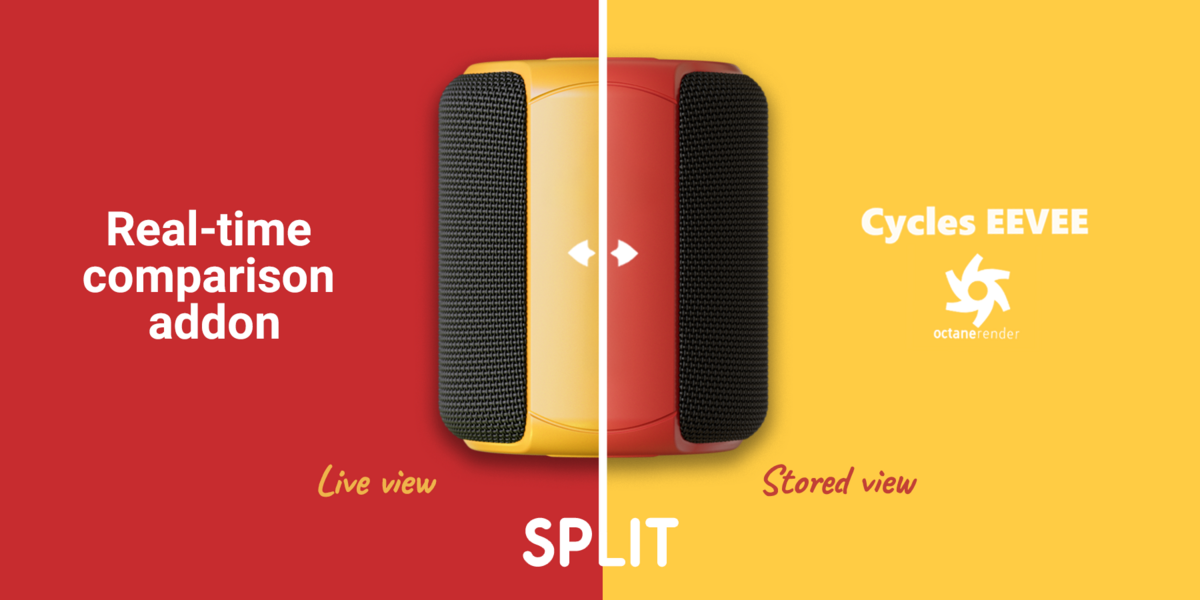
Overview
Split is a viewport/compositor utility add-on that lets you compare your current render with a stored snapshot using an interactive split line.
The add-on automatically creates a compositing setup with a Box Mask and Mix node so you can scrub between “before” and “after” directly in the 3D Viewport and Compositor.
Requirements
Blender 4.1 or newer
Rendered Viewport Shading (Cycles, Octane or any engine that supports rendered viewport)
Compositor enabled (the add-on turns it on automatically if needed)
Installation
Go to Edit → Preferences → Add-ons → Install.
Select the downloaded
.zipor.pyfile and enable the add-on in the list.Open a 3D Viewport and the N-panel; you will find the add-on under the “Split” tab.
Usage
Set your 3D Viewport to Rendered shading (optionally from an active camera view).
Open the N-panel in the 3D Viewport and go to the “Split” tab.
Click Store to capture a snapshot of the current rendered viewport and automatically set up the compositing nodes.
Use the Split Mask Sync slider or drag the split line in the viewport to control the position of the transition between the two states.
Adjust Line Color and Line Thickness to customize the appearance of the split line.
Click Remove to delete the Split nodes and restore the original Viewer connection when you are done.
Known Limitations
The operator only works in the 3D Viewport and requires Rendered shading.
Very complex existing compositor setups may require manual adjustments after using the Split nodes.
Have questions about this product?
Login to message
Discover more products like this
Before and After Dynamic Overlay Real-time Comparison Comparison Interactive Comparison Split View snapshot snapshot compare Image Comparison Compositing