 hamorisz
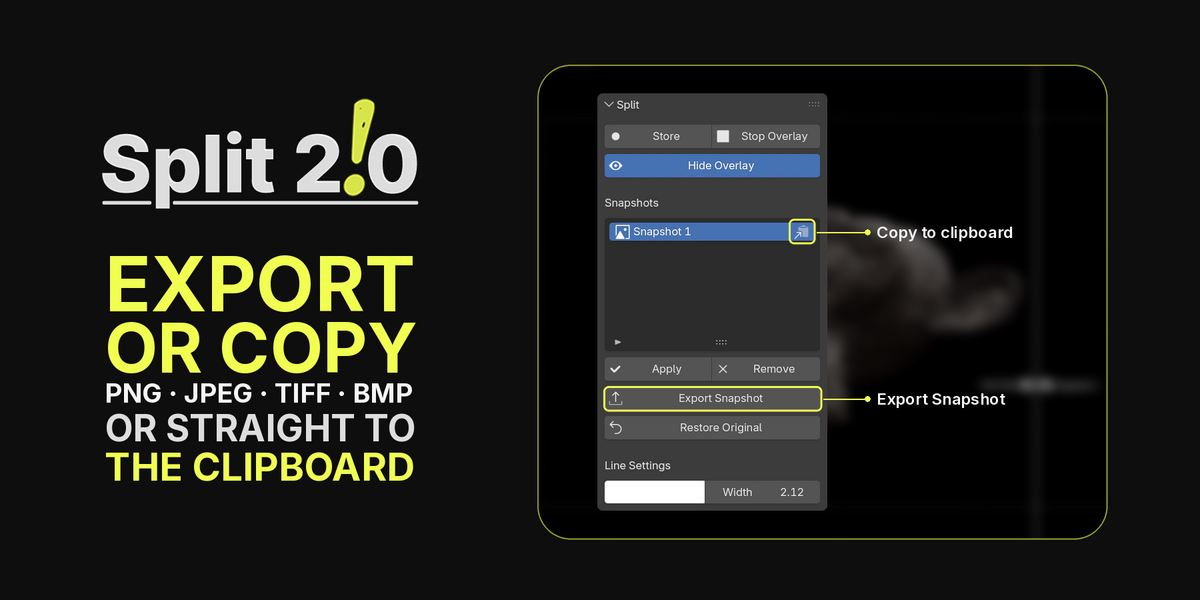
Can I use the snapshots outside Blender?
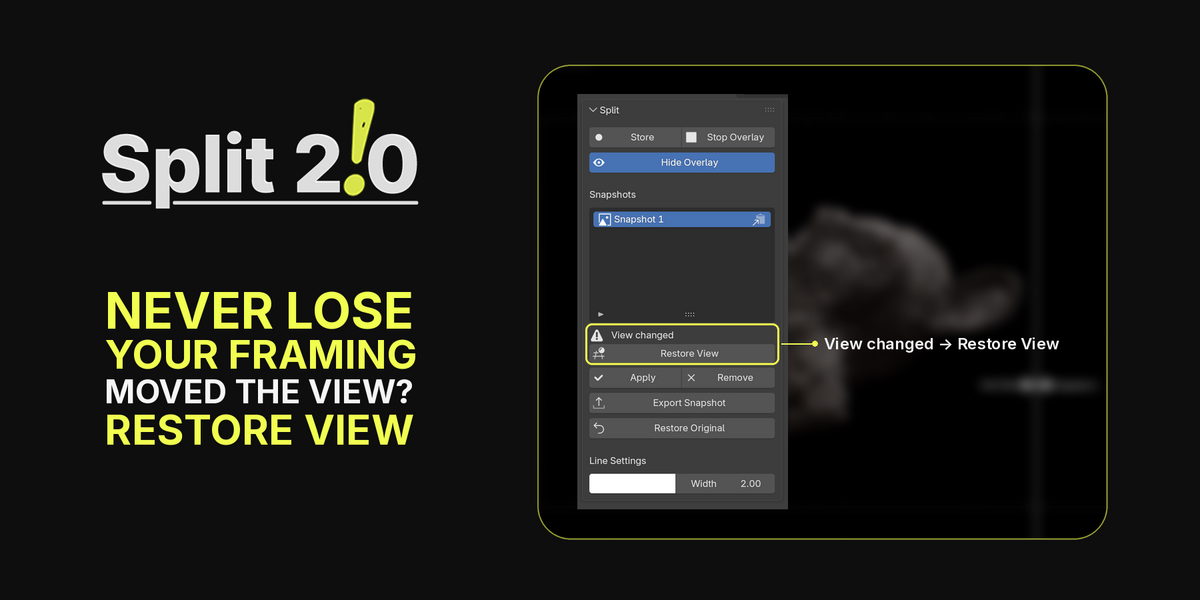
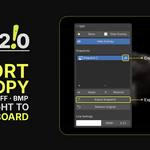
Yes. Export Snapshot saves the selected snapshot as PNG, JPEG, TIFF or BMP, and the copy icon puts it on the clipboard.
Can I compare against more than one snapshot?
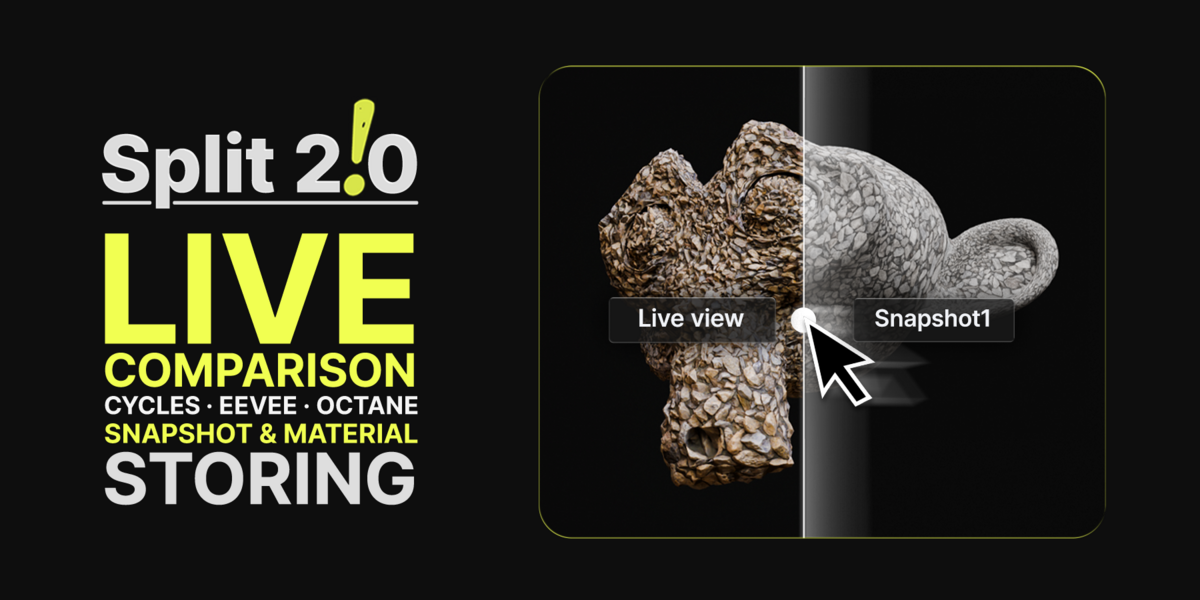
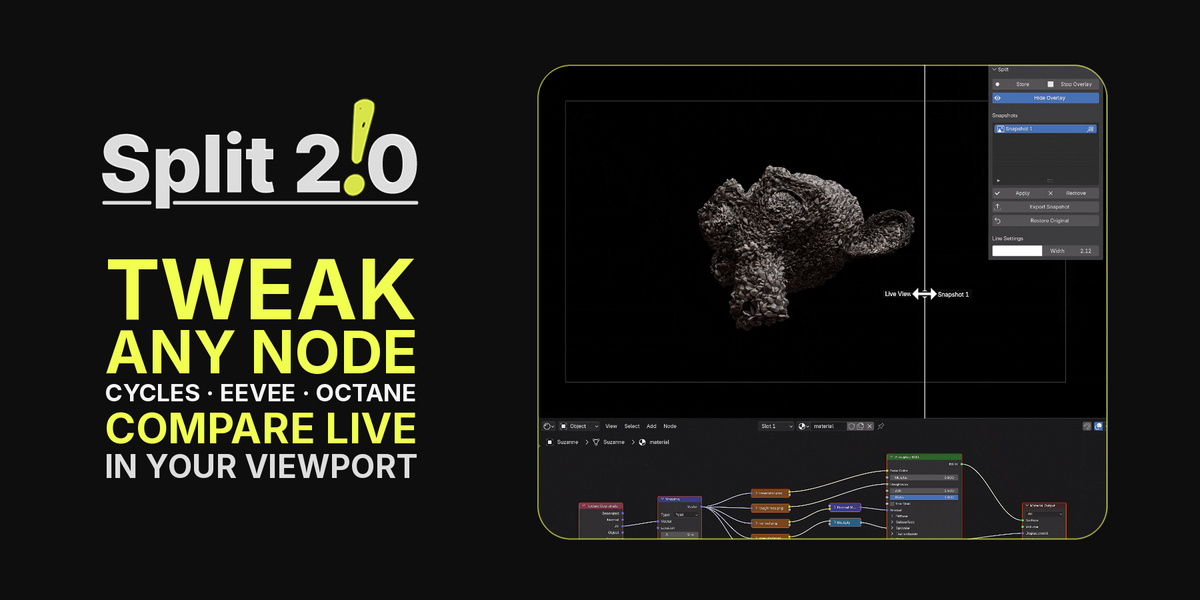
Yes. Store as many as you like and select any of them in the list. The split line always compares the selected snapshot with the live render.
I clicked Apply and want my latest materials back. Is that possible?
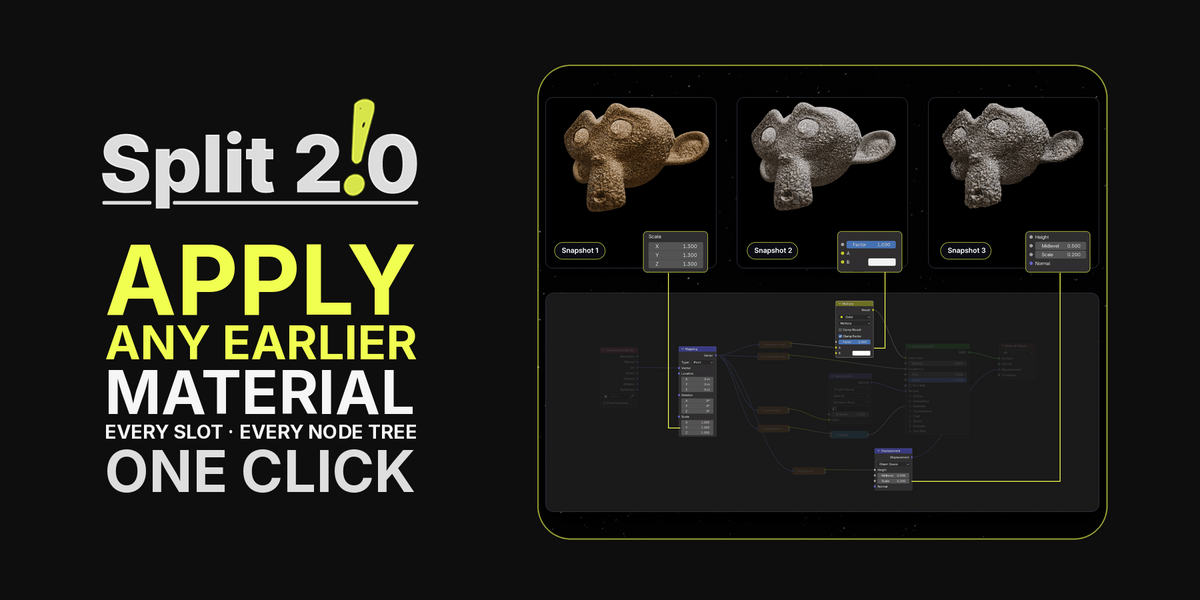
Yes. Store a snapshot before you click Apply, and you can return to it at any time. Restore Original takes you back to the state before the very first Store.
Does Apply also bring back lights, objects or world settings?
No. Apply restores materials only: slot assignments and node trees. Lighting, geometry, object transforms and world settings are not changed.
Why do overlays, gizmos or side panels disappear during capture?
The add-on temporarily hides overlays, gizmos and some UI regions to get a clean screenshot, then restores them when the operation finishes.
Does it work with Octane or other render engines?
Yes, as long as the engine supports rendered viewport mode. Some Cycles-specific options (like preview pause) are only used when Cycles is the active engine, and are ignored otherwise.
Have questions about this product?
Login to message
Discover more products like this
Look dev Split View Image Comparison render comparison viewport comparison octane Real-time Comparison material versioning A/B comparison snapshot compare beforeandafter Lighting