Split It ! 3D Print Splitting & Connectors
 Blender Procedural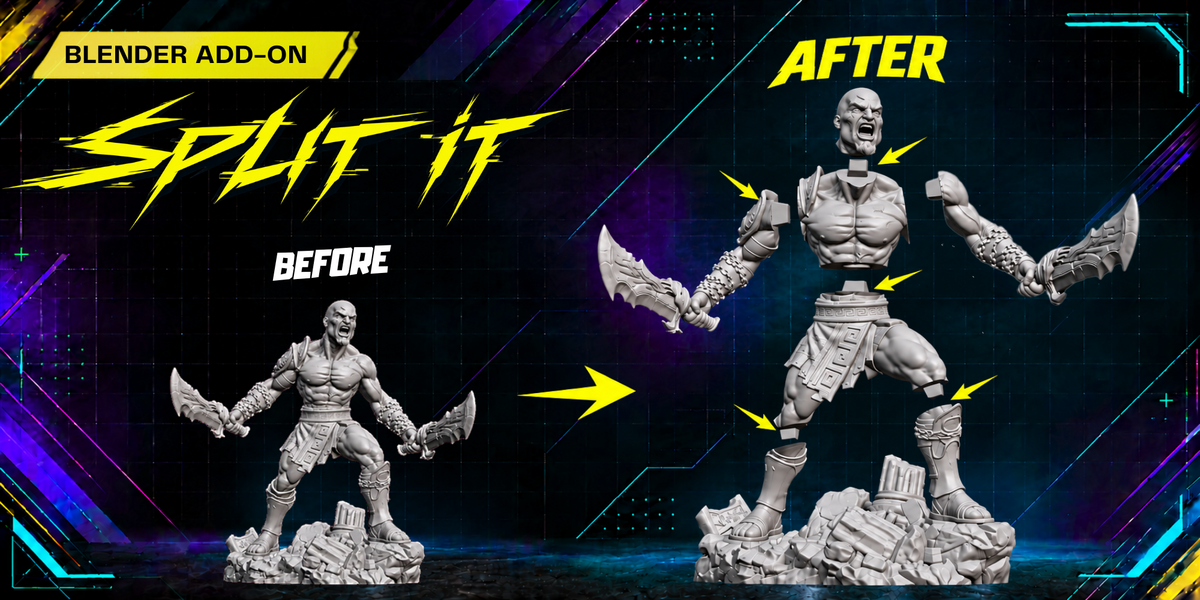
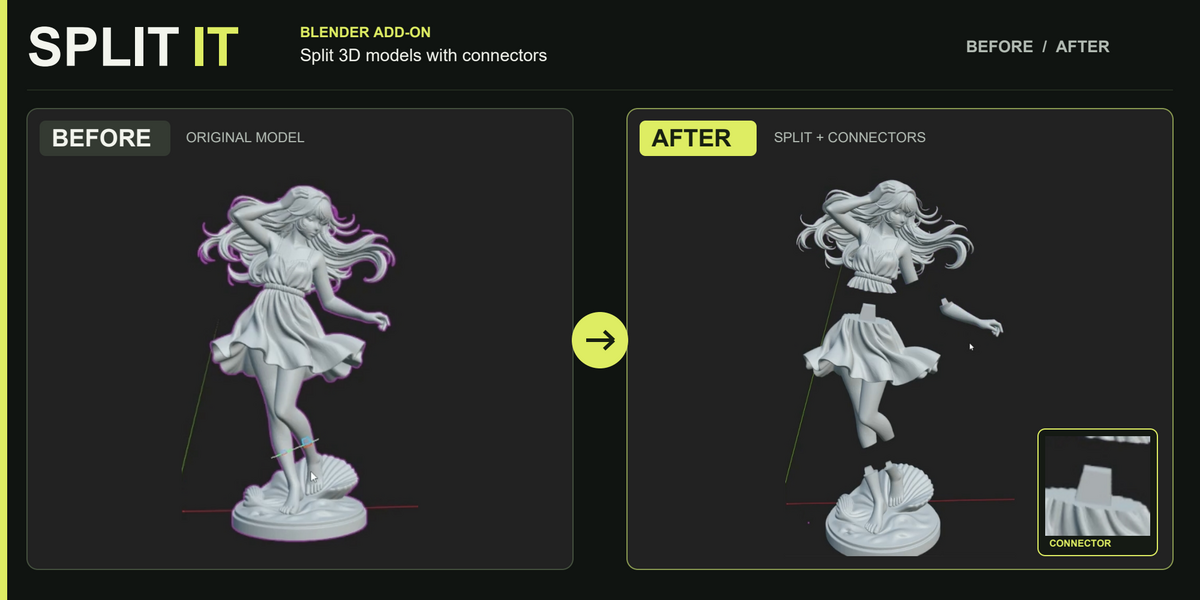
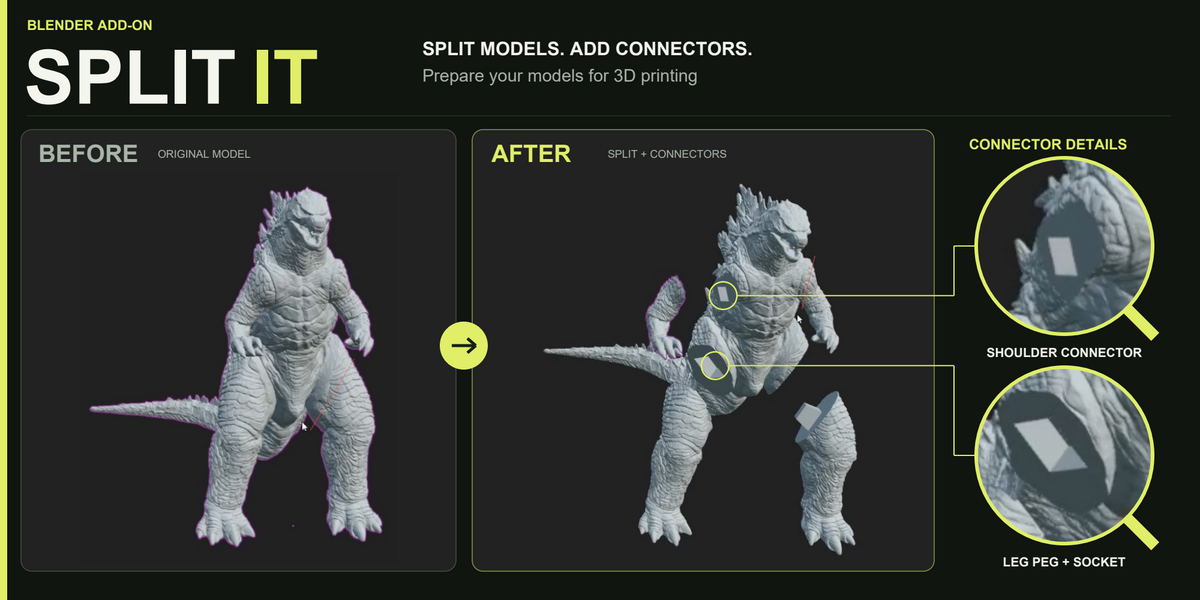
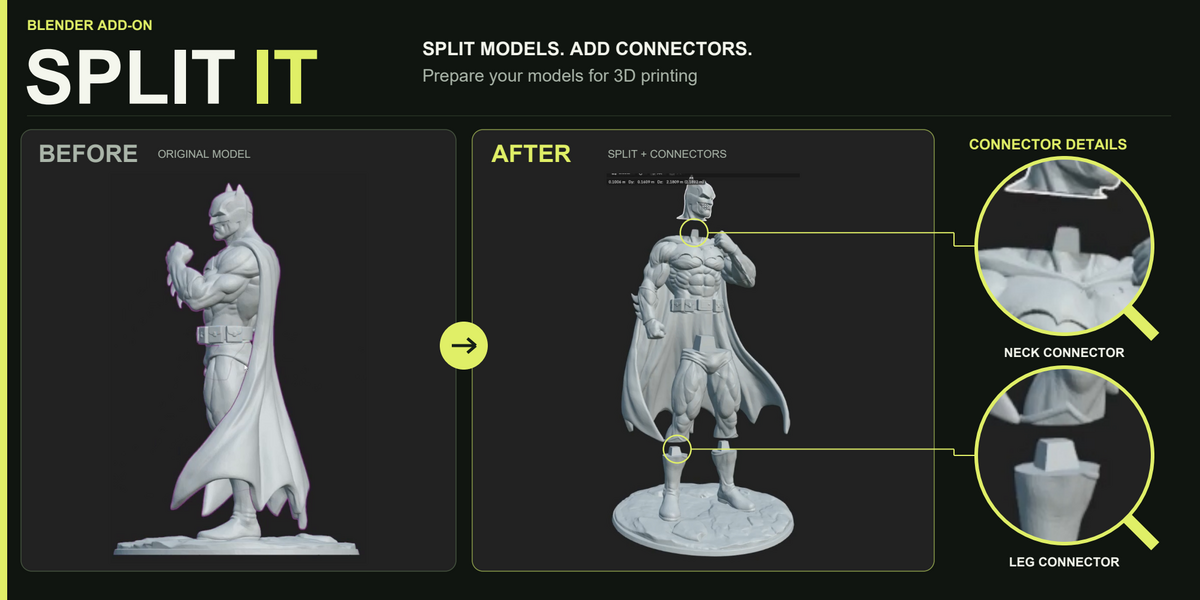
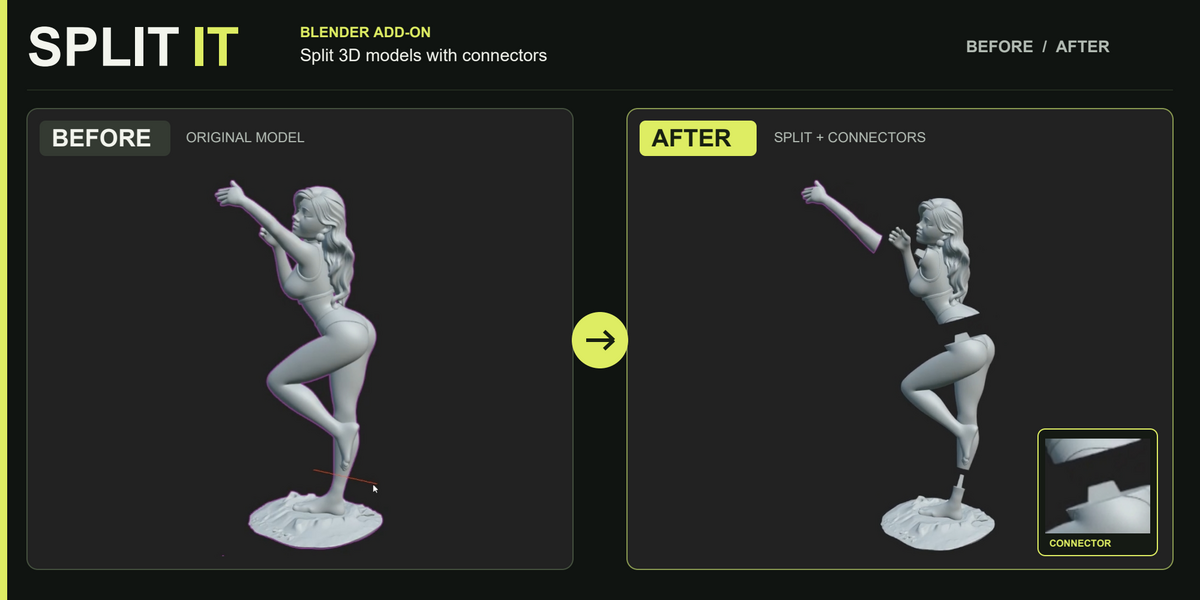
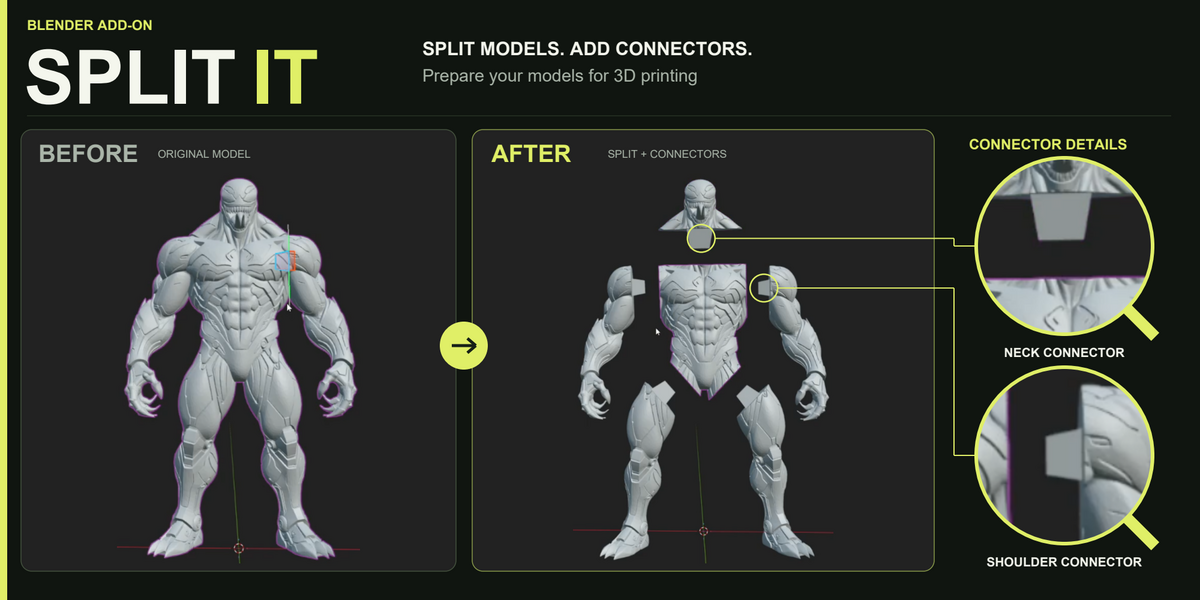
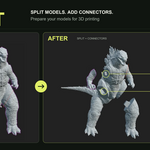
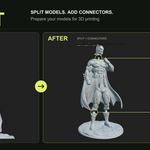
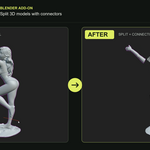
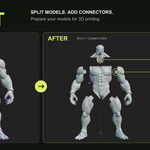
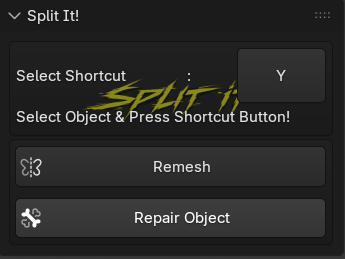
The Split It! provides quick access to the main splitting workflow and useful mesh preparation tools.
Select Shortcut
Choose the keyboard shortcut used to activate the Split It tool. The default shortcut shown in the panel is Y.
Select Object & Press Shortcut Button
Select the mesh object you want to divide, then press the shortcut button displayed in the panel. The interactive splitting tool will start in the 3D Viewport.
Remesh
Rebuilds the selected mesh to produce cleaner and more consistent geometry. This can be helpful before splitting complex, uneven, or sculpted models.
Repair Object
Attempts to repair common mesh problems that may interfere with cutting or 3D printing. Use this option when the selected model contains problematic geometry.
Have questions about this product?
Login to message
| Blender Extension Compatible | Yes |
| Dev Fund Contributor | |
| Published | about 7 hours ago |
| Blender Version | 4.2 - 5.2 |
| Extension Type | Add-on |
| Render Engine Used | Cycles, Eevee |
| License | GPL |
Discover more products like this
3d printing Print Preparation Mesh Cutting STL Preparation Printable Models Model Splitting connectors Joint Generator object separation Blender Add-on mesh repair Peg and Socket