Scatter — Batch Object Export
 Sporemind

Why do I get a relative-path warning?
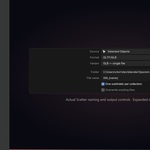
Paths beginning with // require a saved .blend. Save your project or choose an absolute export folder.
Are the engine presets certified?
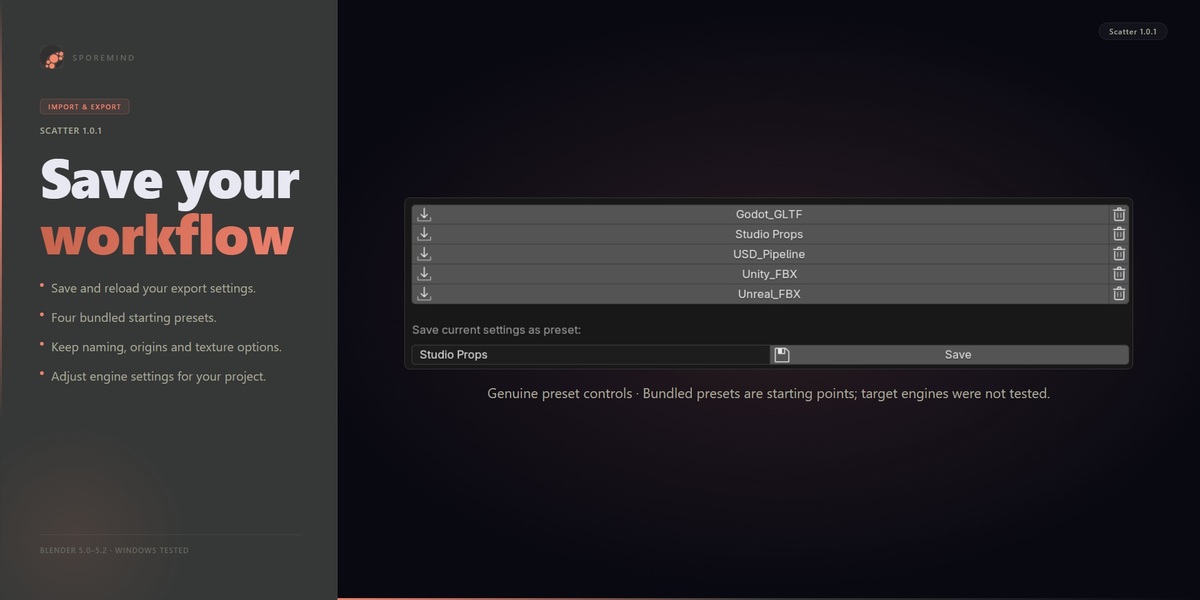
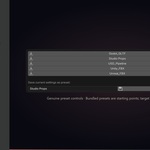
They are starting settings. Unity, Unreal and Godot have not been tested directly. Check axes, scale, origins and supported materials in your own target pipeline.
Can I export a whole character or assembly as one file?
This release exports objects individually. It does not automatically bundle an assembly or a rig with its skinned mesh. It is intended for static asset batches.
Does it overwrite existing output?
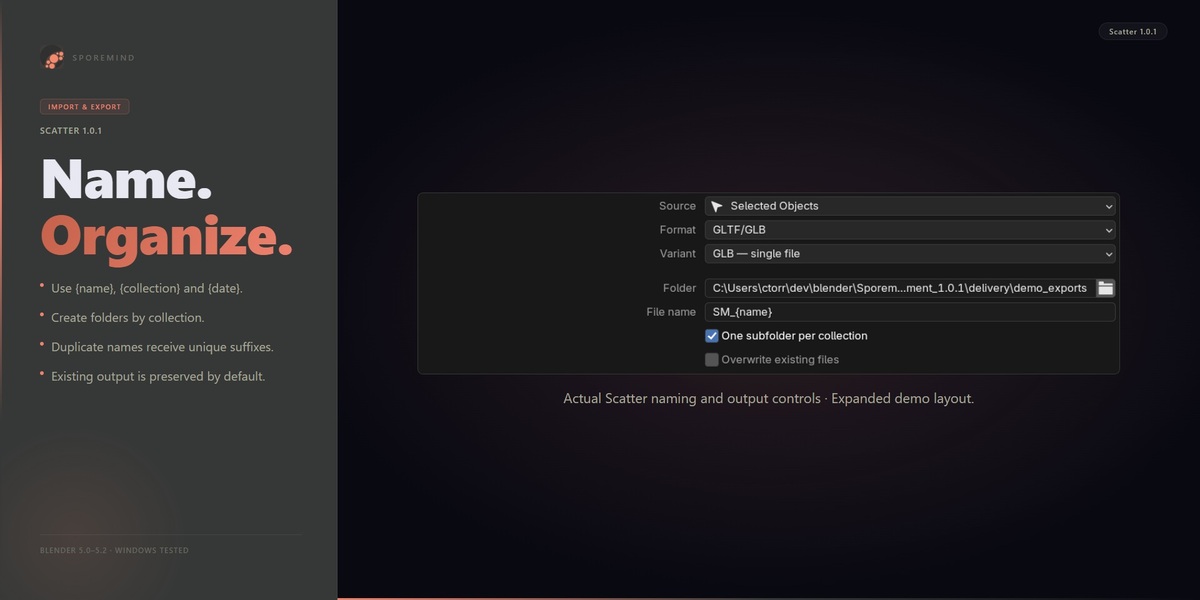
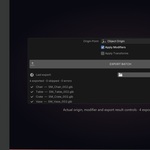
Overwrite is off by default. Existing primary output and matching material/buffer sidecars receive a new numeric suffix. Explicitly enable Overwrite existing files to replace earlier outputs.
Does it bake procedural materials or preserve modifier stacks?
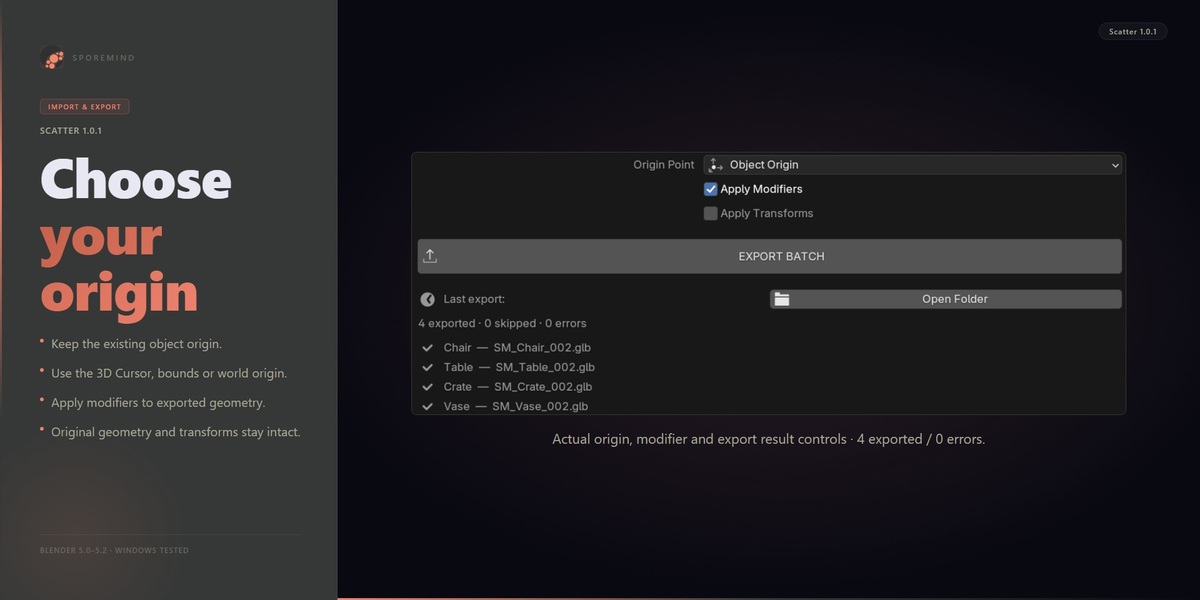
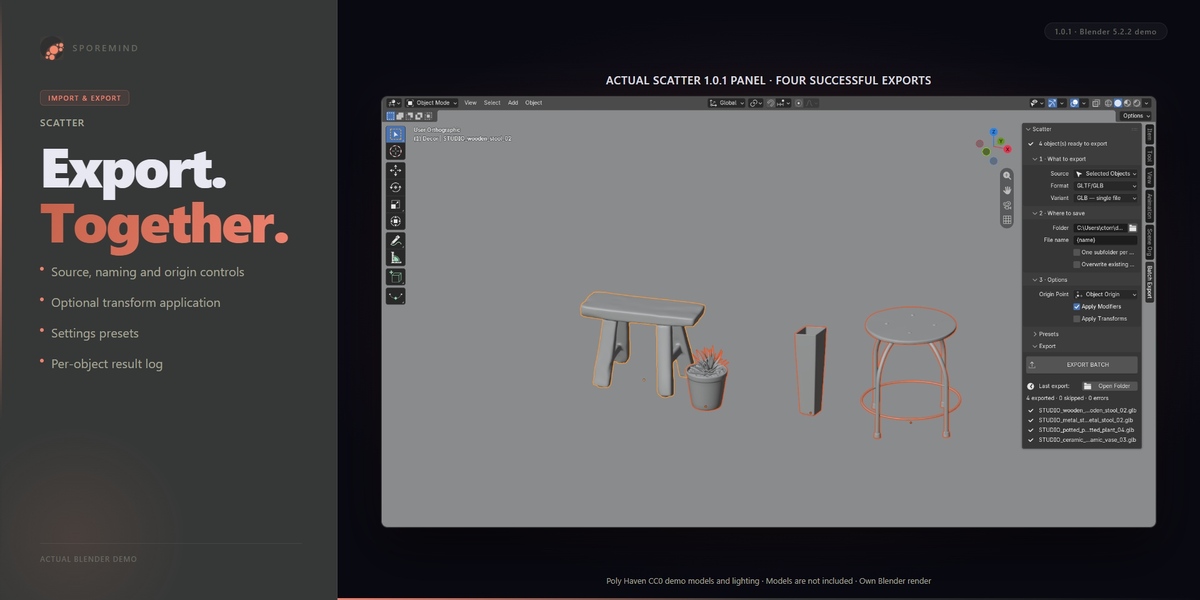
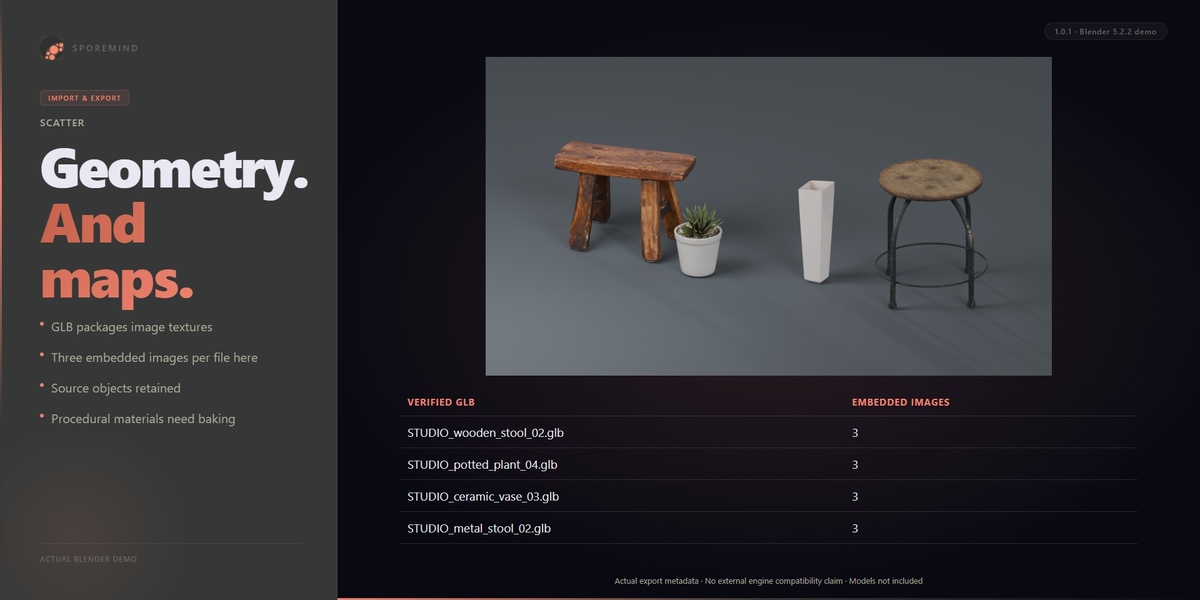
No procedural texture baking is included. Apply Modifiers ON exports the evaluated geometry; OFF exports the base geometry. Blender modifier stacks are not preserved in these exported formats.
Does it change or save my source project?
It exports temporary copies and restores source geometry, object names, transforms, selection and the 3D cursor. Settings and the last log are Scene properties. It does not automatically save the .blend.
Which Blender versions were tested?
Windows, Blender 5.0.1 and Blender 5.2.2 LTS. The extension requires Blender 5.0 or newer. Other versions and operating systems have not been verified.
Is Scatter a geometry scattering tool?
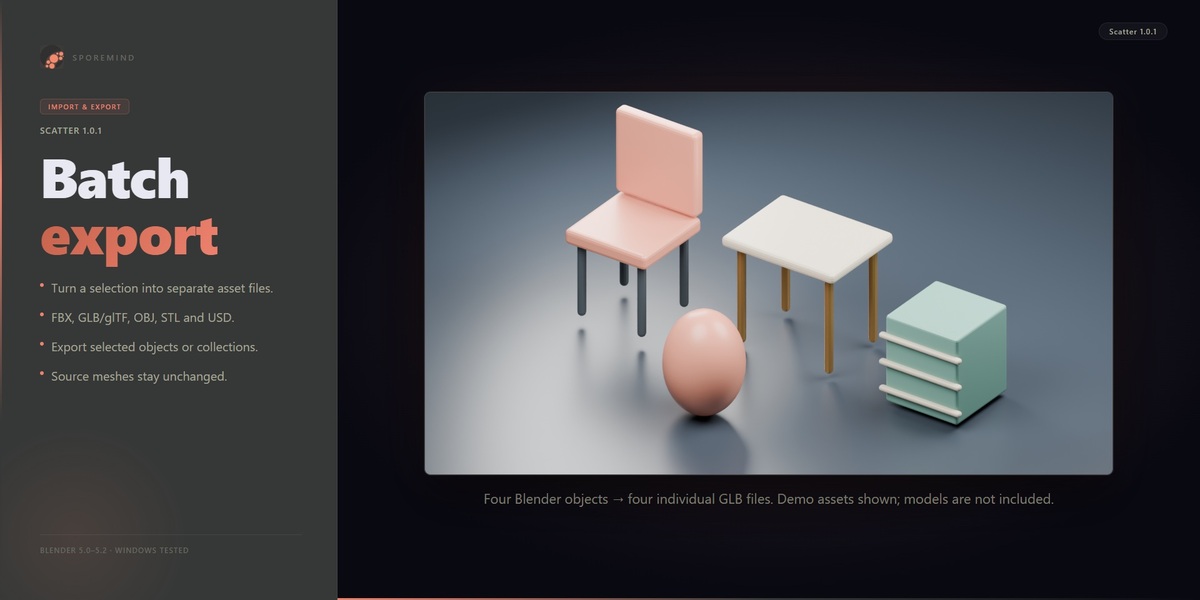
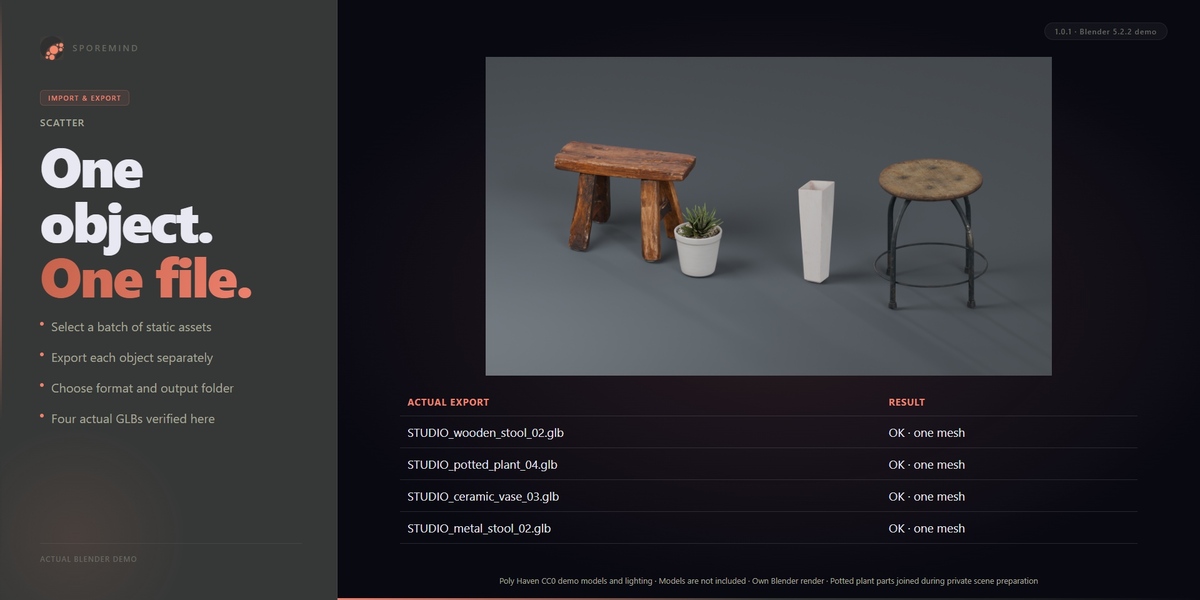
No. Scatter exports each chosen Blender object into a separate asset file. It does not distribute objects across surfaces.
$6
Have questions about this product?
Login to message
| Blender Extension Compatible | Yes |
| Dev Fund Contributor | |
| Published | 2 days ago |
| Blender Version | 5.0 - 5.2 |
| Extension Type | Add-on |
| License | GPL |