 auron3d

SquishyFX
Live soft-body deformation for Blender
Turn any mesh into soft, reactive flesh in seconds. Add the modifier, move a collider and watch the surface squish, bulge, jiggle and ripple in real time. No simulations to bake, no complicated setups, no waiting.
NEW UPDATE SquishyFX 3.28: Soft Bodies
The most requested feature is here: meshes with effects now squish each other. Breast against breast, glute against glute, two characters hugging: both give way, meet on one smooth, flat contact face and keep their volume. Live in the viewport, no simulation, no bake. Set it up in 4 clicks, see the step-by-step below.
The six effect demos were captured straight from the Blender viewport (Solid shading, nothing rendered): exactly what you see while you animate. The Soft Bodies clips are EEVEE renders of the same live modifiers.
Six effects, one collision core
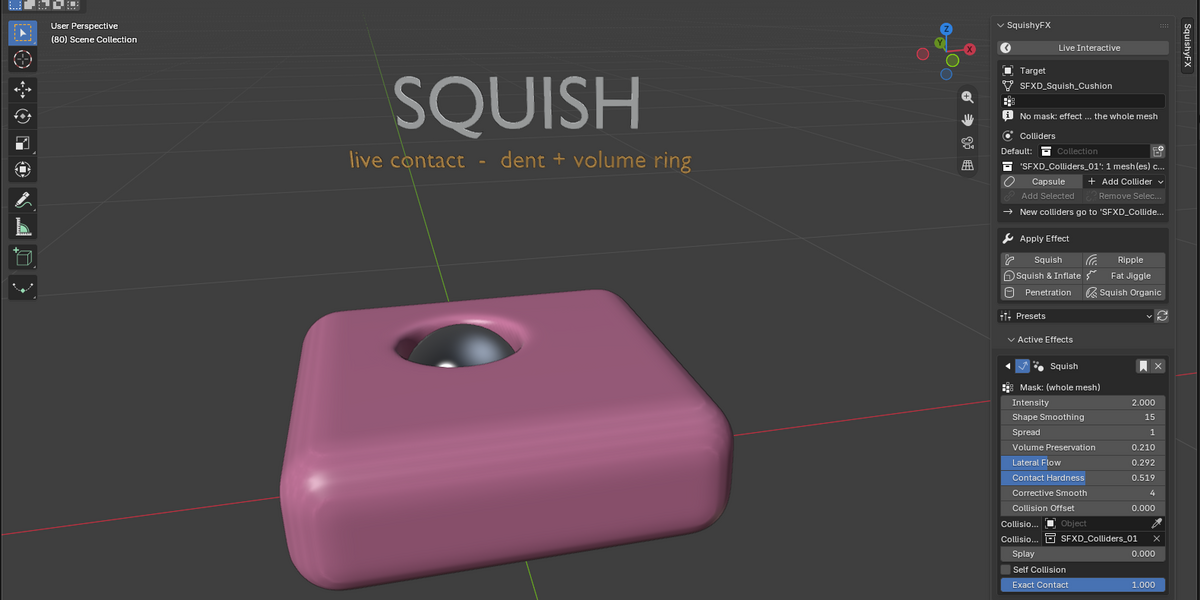
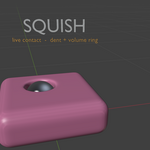

01 Squish
Pure compression. The surface flattens exactly where the collider presses and a volume ring flows around it. Live in the viewport, no playback needed.

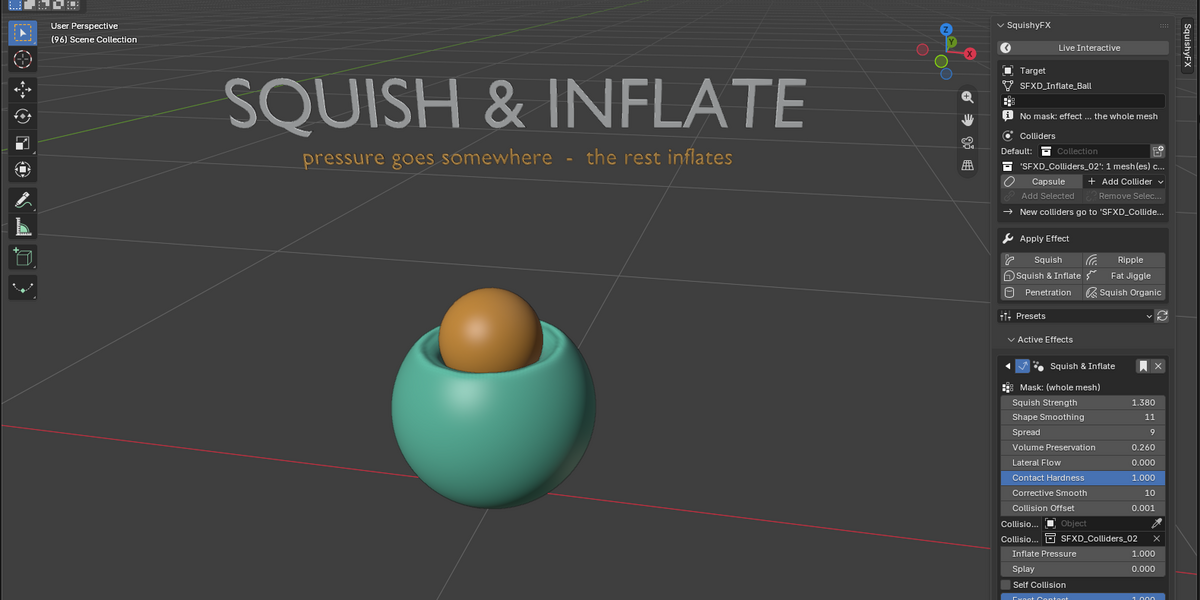
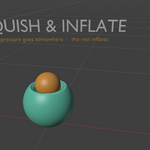
02 Squish & Inflate
Pressure has to go somewhere: the volume the contact pushes in inflates the rest of the mesh, so it reads full instead of deflated.

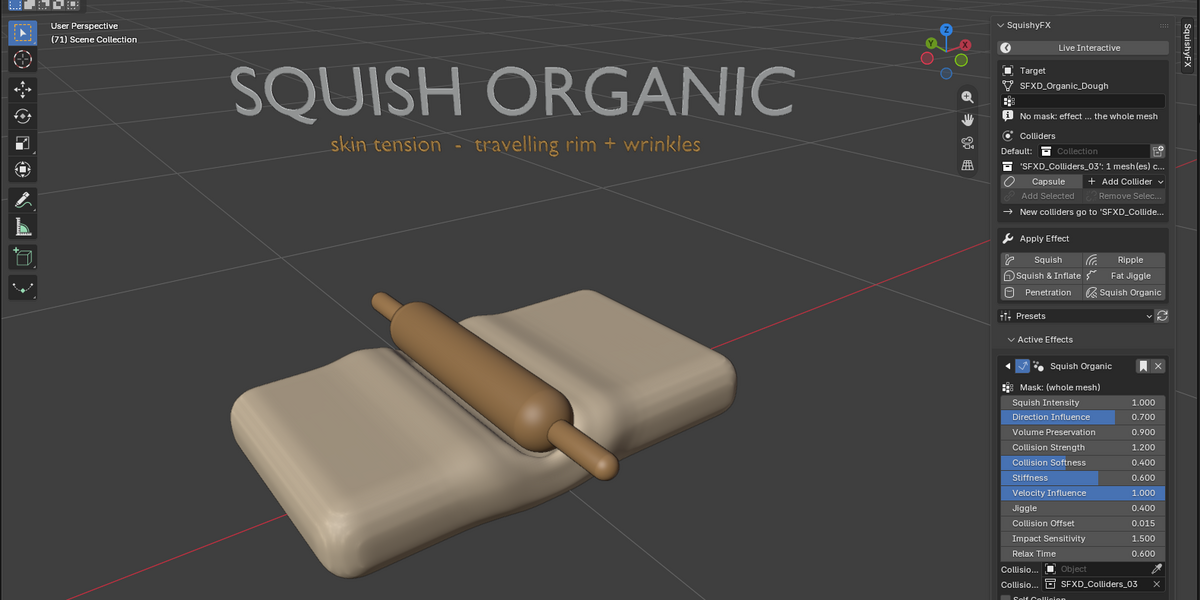
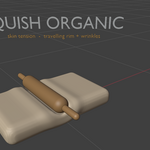
03 Squish Organic
Skin tension. The displaced volume travels across the surface as a raised rim that follows the collider, with soft creases in the compressed band.
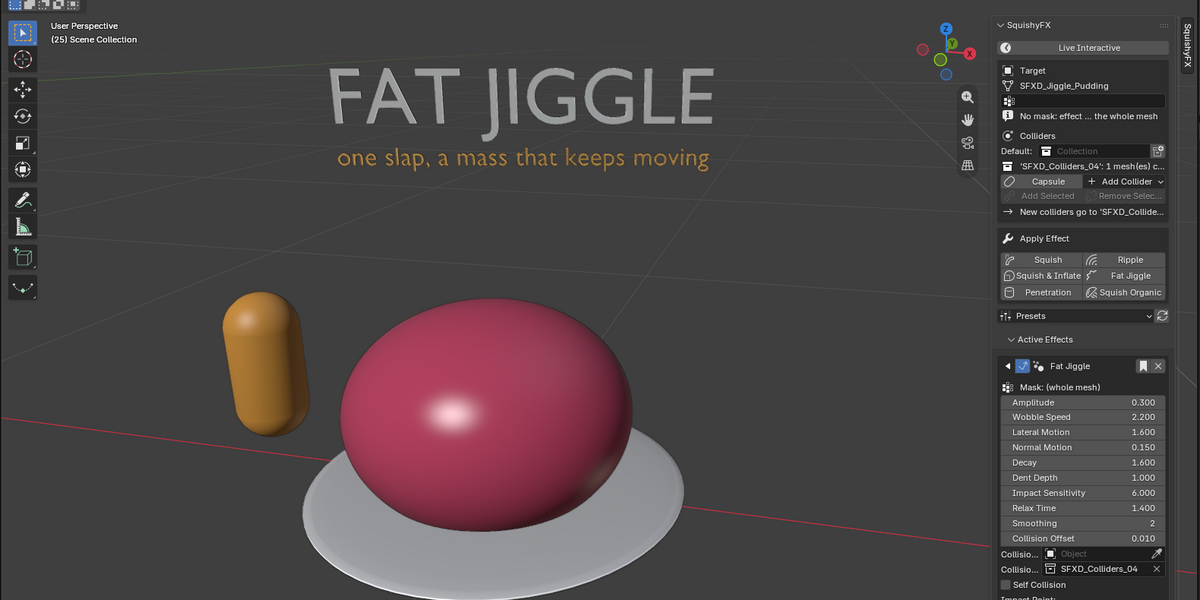

04 Fat Jiggle
One impact, a mass that keeps moving. The wobble is thrown along the direction of the hit and settles naturally. No noise, no simulation cache.
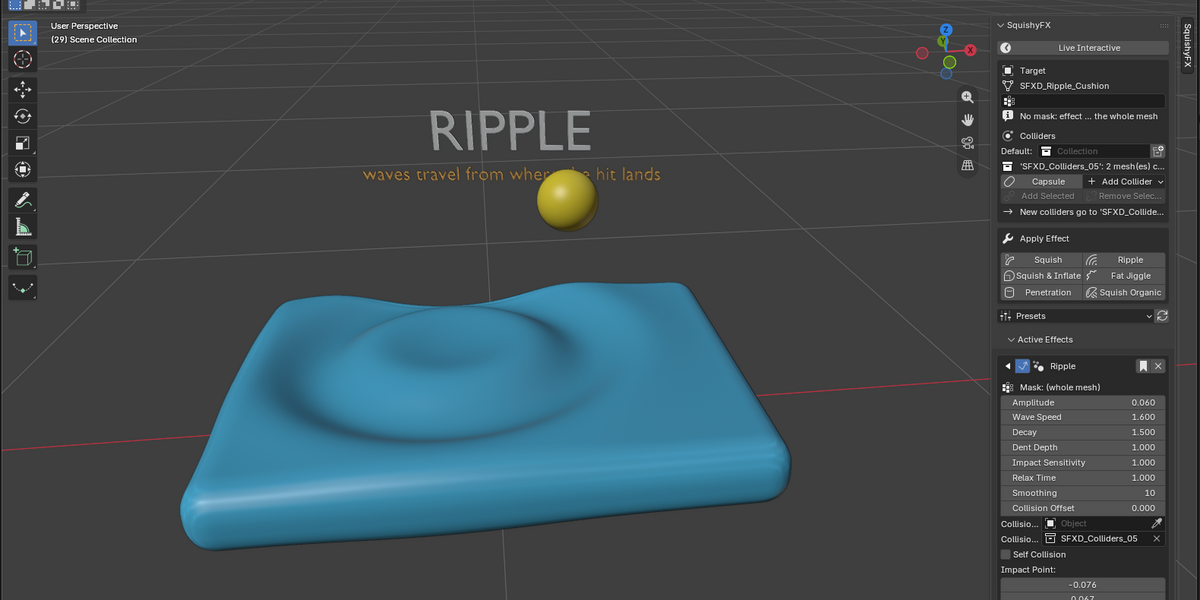
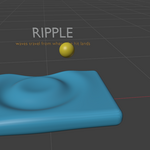

05 Ripple
Waves radiate from the exact point where the hit lands and ring out on their own, even after the collider has left.
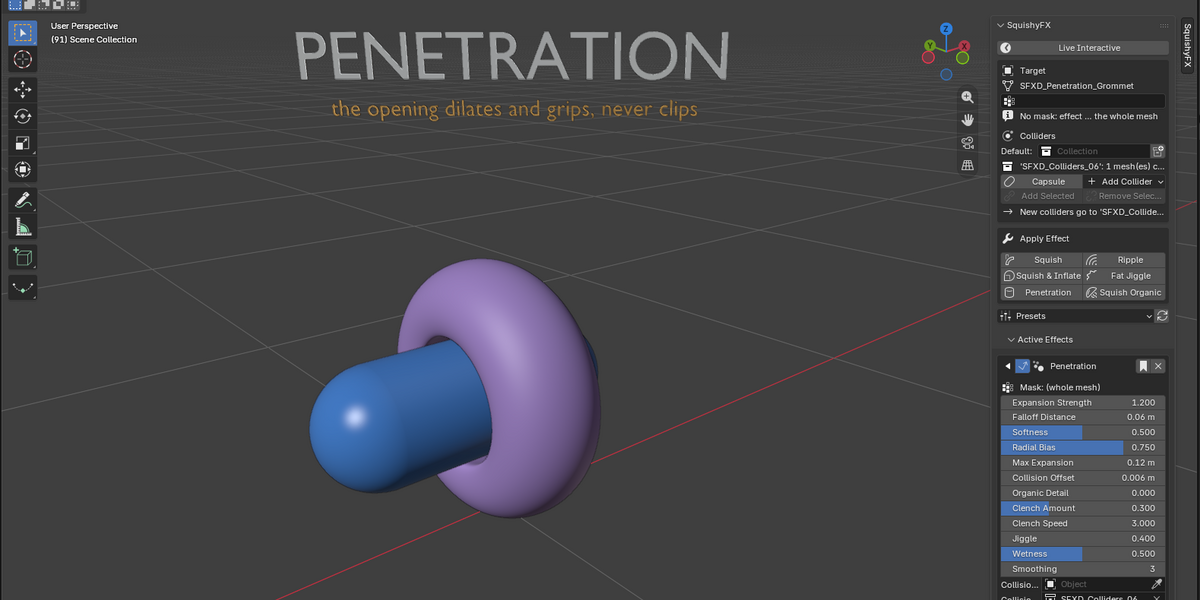
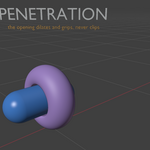

06 Penetration
The opening dilates and grips around the inserted collider, without clipping through it.
NEW Soft Bodies: meshes with effects squish each other
Two cubes, two characters, a hug, breast against breast: put the meshes in the Soft Bodies collection and they collide with each other. Both give way, meet on one smooth contact face and keep their volume, like two balloons pressed together. Even pressed deep into each other the contact stays flat and clean, with no jumping vertices and no clipping. Live in the viewport, no simulation and no bake.
Set it up in 4 steps
1. Give each mesh an effect. Select it and press Apply Effect > Squish (any SquishyFX effect works). On a character, a mask keeps the rest of the body firm.
2. Make them Soft Bodies. Select both and press Soft Bodies > Add Selected. Each mesh gets a Mutual Contact modifier; nothing else to set up.
3. Move them together. Grab, pose or animate them: both give way and keep their volume, live.
4. Tune it (optional). Yield on the Mutual Contact modifier sets which body is firmer; Volume Preservation, Bulge Spread and Cushion shape the contact.
Why animators love SquishyFX
- Live in the viewport. See the result instantly as you work. No baking required.
- Extremely easy to use. One modifier, a collider, done. Paint a vertex group to limit the effect to a region.
- Clean and non-destructive. Powered by Geometry Nodes and fully stackable with the rest of your modifiers. Disable it and the mesh is exactly as it was.
- Excellent collisions. Reliable contact that follows animated, parented and rigged colliders.
Plus 12 ready-made presets (Soft Flesh, Memory Foam, Glute Jiggle, Squishy Jelly, Bouncy Rubber and more).
Perfect for
- Character animation and stylized deformation
- Soft tissue, cheeks, belly and body physics
- Secondary motion that feels alive
- Fast iteration without simulation overhead
What's included
- Full SquishyFX toolkit with all effects and presets
- Free lifetime updates
- Free limited version available so you can try it risk-free
Stop fighting with slow simulations. Start getting soft, juicy, satisfying deformation in real time.
Get SquishyFX today and bring your characters to life the easy way.