 Skava
Your Blender scene as a Unity Timeline, measured
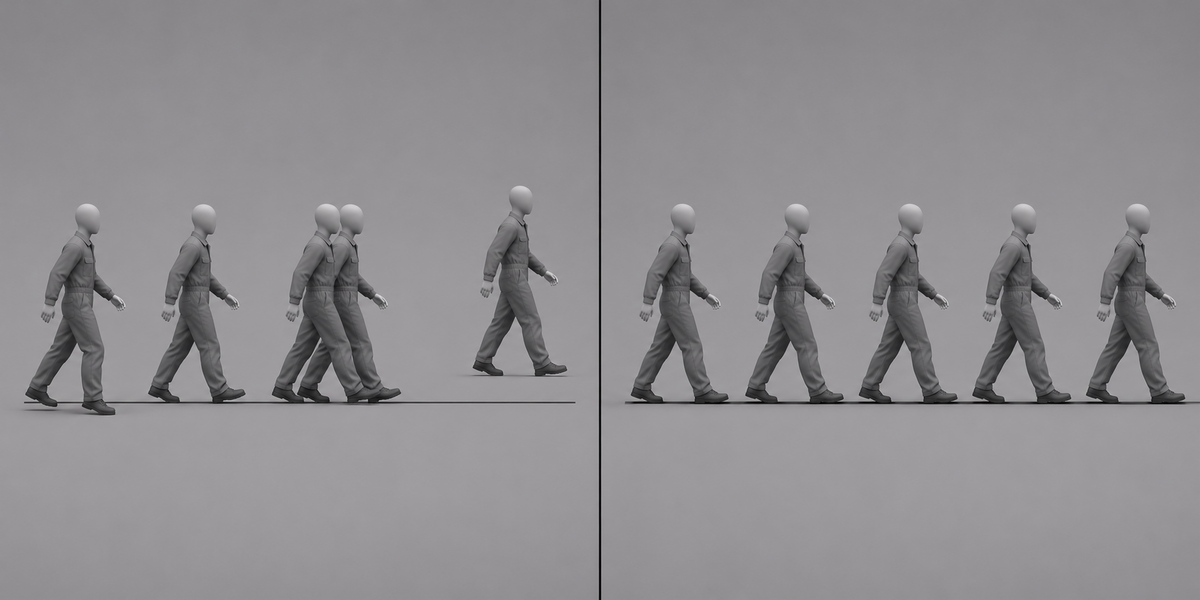
You cut the scene in Blender: characters on the NLA, loops, crossfades, props, cameras on markers, sound. FBX carries strips as separate takes without their place, or everything as one baked take. We put the takes of a three clip fox cut back on a Unity Timeline by hand: the worst bone came out 966 mm off with NLA Strips and 956 mm with All Actions, and the run cycle drifted up to 334 mm, because its 34.75 frames were cut to 34. One bake of everything is exact, but it is a single clip you cannot edit.
StageForge rebuilds your cut as a Unity Timeline: real clips where one strip plays alone, one looping cycle for a repeated strip, baked pieces only where strips mix, with props, cameras, sound and markers in place, and proves it frame by frame. The same fox: 0.386 mm at worst, 0.385 mm promised by Scan before the export.
What comes along
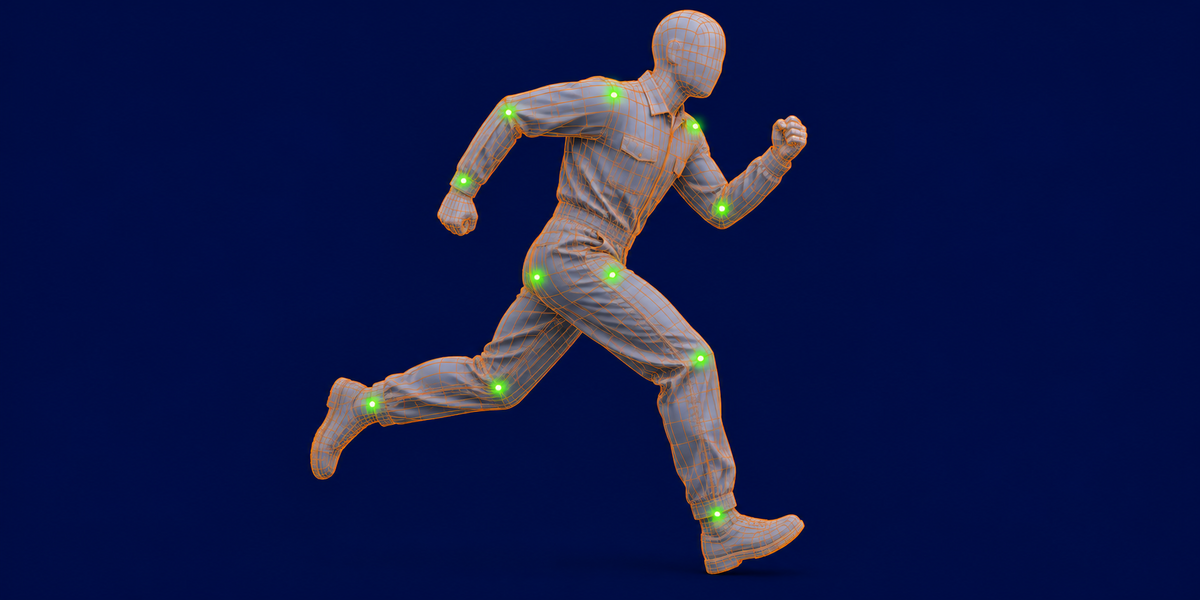
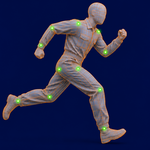
- Characters: armatures with their meshes, deform bones, object motion and shape keys. Clips carry your strips' names; the same action used again shares its clip, at its own speed, where that holds every bone within your tolerance.
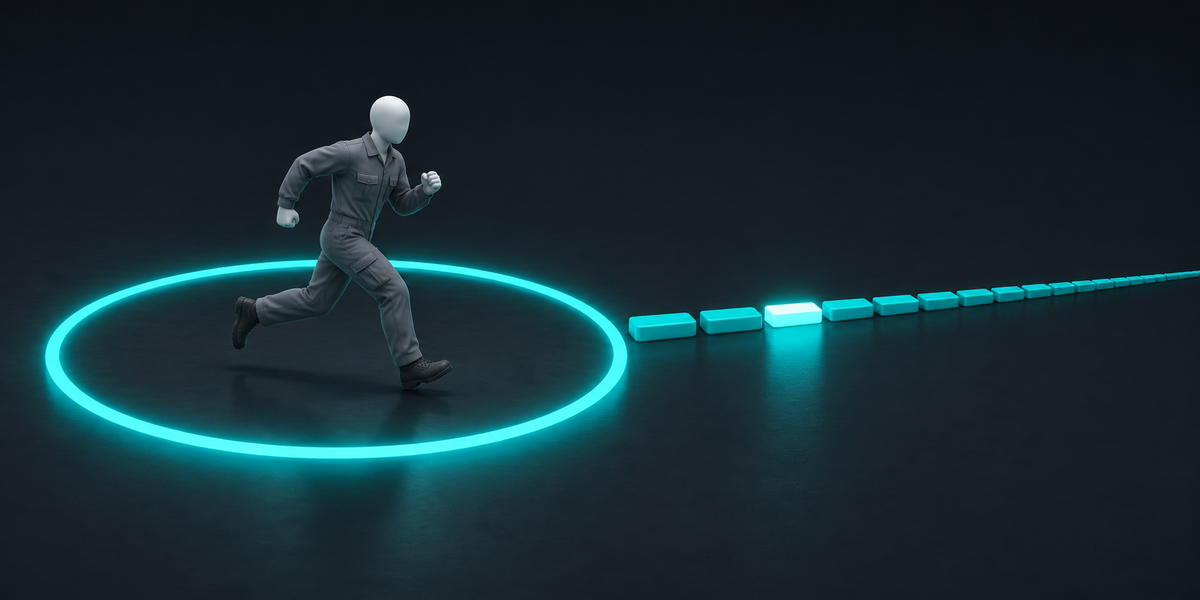
- Loops with their exact length: 34.75 frames stay 34.75.
- Crossfades, combined and additive strips, animated influence and strip time, reversed strips: baked, and named by Scan with their error.
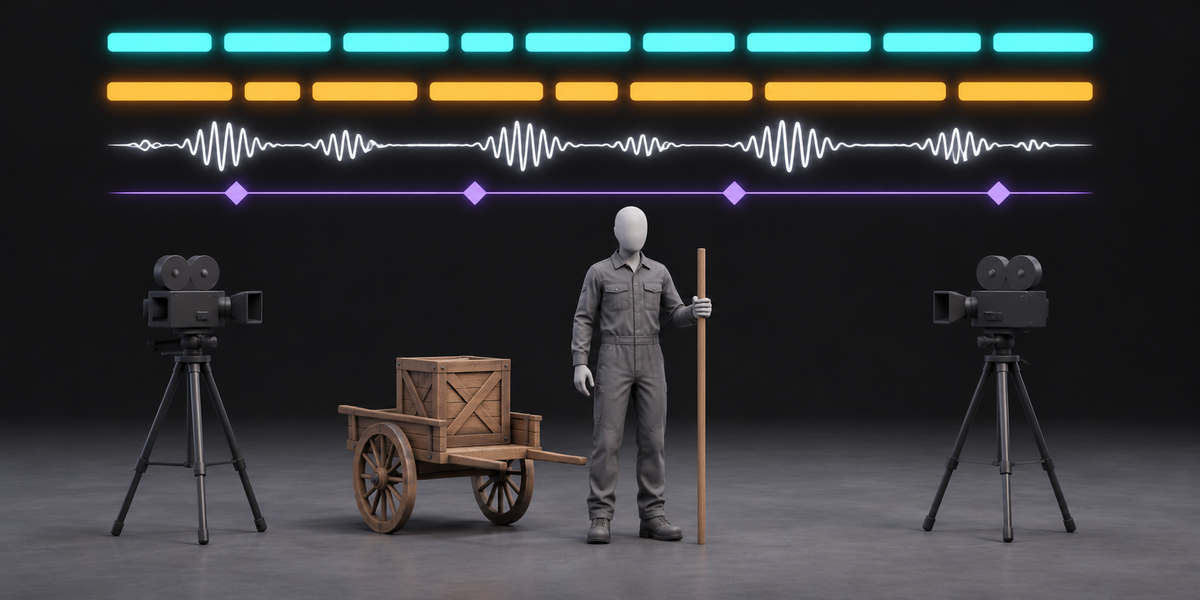
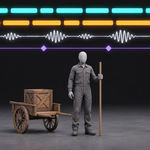
- Objects that move, hide or change shape keys, from keys, NLA, parents or constraints. A sword in a hand is its own object with its own track; what rides on a cart goes with the cart.
- Cameras that play: placement, field of view, lens shift, orthographic size, and the cuts from markers bound to cameras.
- Sequencer sound strips and speakers with their start, trim, offset and volume. Markers without a camera become signals. Visibility keyed on Show in Renders, object by object.
- Still Objects, if you tick it: the set that stands still, as one model.
- Set Up again after a new export: your tracks, components and objects on the prefab stay.
Measured, not promised
- Scan reads Blender's own pose on every frame, cuts it and measures every piece before anything is written. It changes nothing in the file.
- Check plays the Timeline that stands in your project and compares it with Blender on every frame: every bone's place and two of its axes, objects and the shapes of unskinned meshes in millimetres, cameras in pixels, the camera on each frame, shape keys, visibility, sound times in milliseconds, signals. The report goes to the Console and next to the passport.
- Our test rigs with the default 1 mm tolerance: Rigify with IK 0.006 mm, Unreal's Manny 0.987 mm, CMU mocap over 900 frames 0.128 mm, a robot of separate parts 0.018 mm, a 65 second scene with a fox, a Rigify guard, props, four cameras and sound 0.706 mm and 0.002 pixels.
- Check is tested by breaking things on purpose, 34 ways: a clip moved or trimmed, a loop switched off, a track muted, a camera cut one frame late, a sound 40 ms late, a signal swapped, a model scaled, a rider moved, a part switched off, a bone's curve removed. Each one fails Check.
- Tested on macOS from Blender 4.2 and 5.2 in Unity 6 (6000.0, 6000.4 and 6000.6), and on Windows from Blender 4.2 and 5.2 in Unity 6000.4: the same results.
Limits
- Clips are Generic and play on the exported model; they are not Humanoid clips to retarget.
- Textures are not copied: the models bring their materials as Blender's FBX writes them; put the textures into the project and assign them. Lights are not carried.
- Shapes that change without bones or shape keys (cloth, lattice, mesh cache, geometry nodes) stay as on one frame.
- Bones Blender stretches without passing the scale on (Rigify) are moved straight under the armature in Unity, so that they hold their place; Scan says how many. Objects sheared by an unevenly scaled, turned parent may not match; Check says which.
- Check measures whole frames; between them Unity draws straight lines between keys.
- Focus, sound fades, pan, retimed sound and sound inside meta strips are not carried, and Scan names what it finds. A panoramic camera stops the export.
- Needs Unity's Timeline package 1.8 or newer (com.unity.timeline); without it, the StageForge menu says how to add it.
The Unity scripts are MIT licensed: ship them in your games, closed source or not.
Blender 4.2 to 5.2. Unity 6. No Python packages, no cloud, no account, no AI model.