StageForge — Your Blender Scene as a Unity Timeline: Clips, Loops, Props, Cameras, Sound and Markers in Place, Every Bone Measured
 Skava

StageForge — documentation
What you get
Scan (Blender) reads what plays in the scene's frame range and cuts every rig's motion into Timeline clips:
- where one NLA strip plays alone, a real clip with the strip's name;
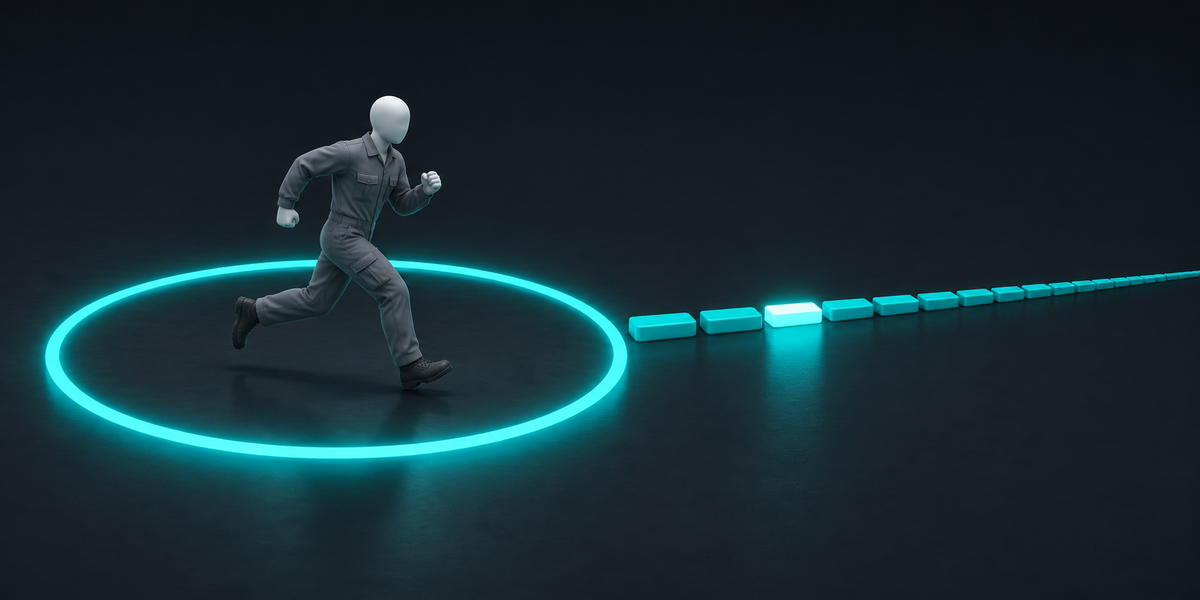
- a repeated strip stays one cycle that loops on the Timeline, with its exact length (34.75 frames stay 34.75);
- the same action used again shares the clip, at its own speed, where that holds every bone within your tolerance;
- crossfades, additive and combined strips, animated influence or strip time are baked, and Scan says so.
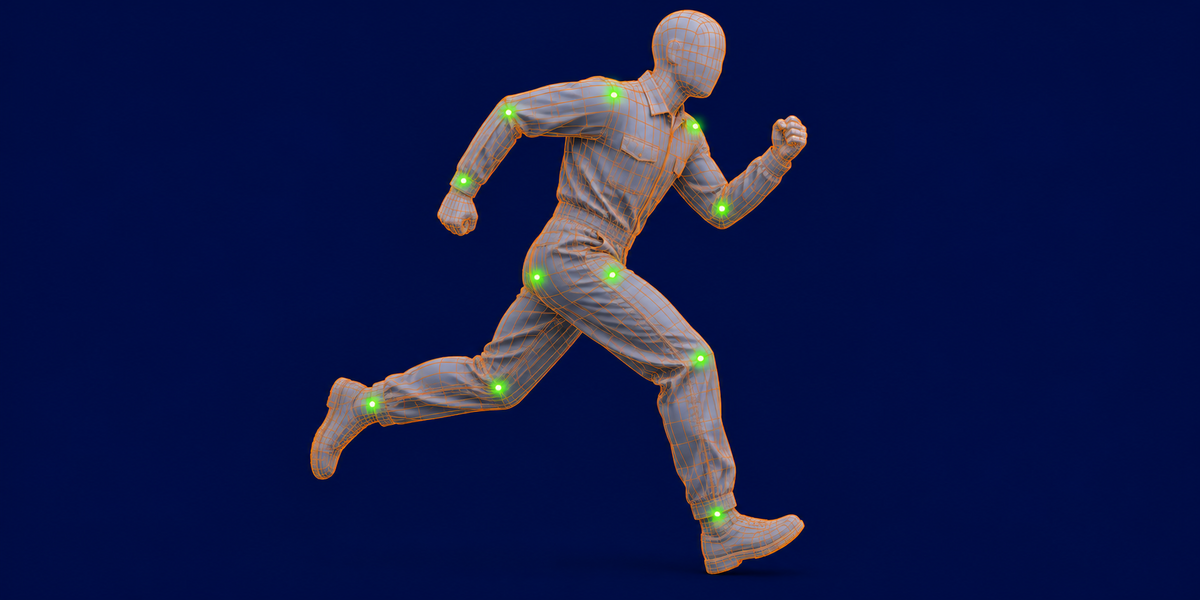
Every piece is measured against Blender's own pose before anything is written. Export writes one FBX per actor (the model at rest), the poses, the sounds and the Unity scripts. Set Up Stage (Unity) builds the animation clips, the Timeline and a prefab with a Playable Director, all bound. Check Stage plays that Timeline frame by frame and compares it with Blender: bones and objects in millimetres, cameras in pixels, cuts, face shapes, visibility, sounds in milliseconds, signals. It writes a report you can keep.
Requirements
Blender 4.2 or newer. Unity 6 with the Timeline package 1.8 or newer. Any render pipeline.
Install
Edit > Preferences > Add-ons > Install from Disk, choose the zip, tick StageForge. The tab is in the 3D View's sidebar (N). Blender's own FBX format add-on must be on (it is by default). To remove: the same list, arrow next to StageForge, Remove.
How to use
- Blender, Object Mode, 3D View > Sidebar > StageForge: set the tolerance, press Scan and read what it says.
- Choose a folder (best: inside your Unity project's Assets) and press Export for Unity.
- Unity: click the .stageforge.json, Tools > StageForge > Set Up Stage. Drag the prefab into your scene, press Play.
- Tools > StageForge > Check Stage writes NAME.stageforge-check.txt next to it.
Changed the scene? Export and Set Up again: StageForge rebuilds only its own "StageForge" track group and the objects it made. Unpacking a model in the prefab cuts it from its file: the next Set Up puts a fresh one and switches yours off. Your own tracks, components and objects on the prefab stay; changes made to StageForge's own clips are replaced. Set Up puts what rides on an actor back where Blender has it; your materials and components on it stay. Check also says when a part of the model is switched off in the prefab. An actor that left the export is removed, or only switched off when you put something of yours on it. One Unity project needs one StageForge scripts folder: export into Assets and StageForge finds it. Two copies of the scripts in one project do not compile. Still Objects (off by default) brings what stands still, the set, as one model.
What travels
- Armatures with their meshes: deform bones and their parents, moving object transforms, shape keys.
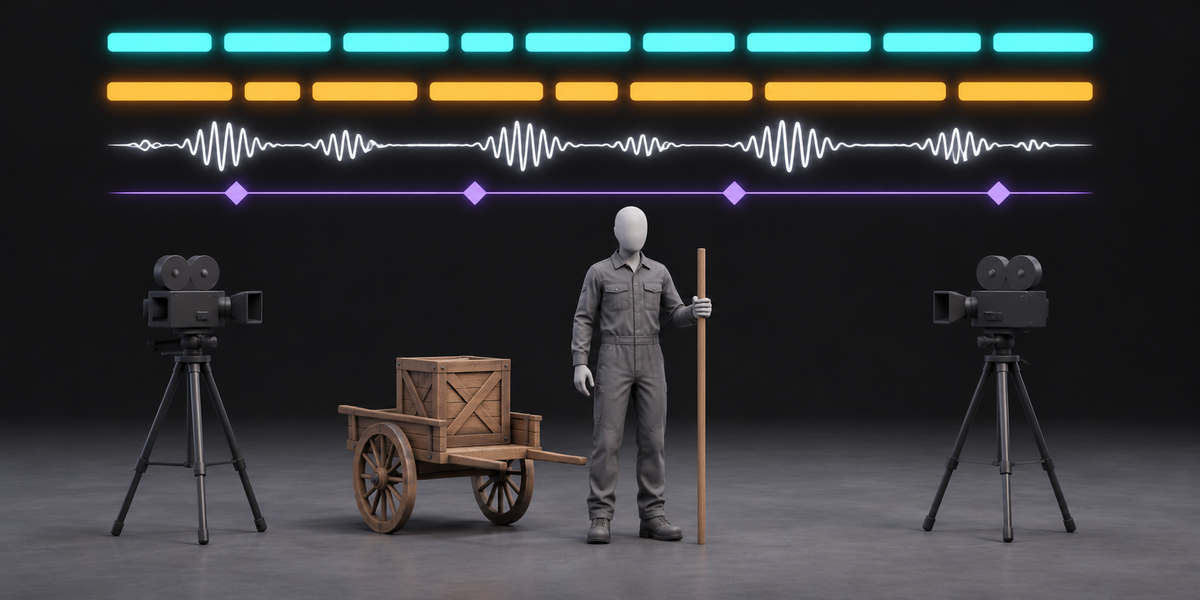
- Objects that move, hide or change shape keys: keys, object NLA, parents, constraints, physics already in the scene; what rides on them goes along. A sword parented to a hand bone is its own object with its own track.
- Cameras used by the scene or by markers bound to cameras: placement, field of view, lens shift, orthographic size, clipping, cuts. The picture matches at the scene's own aspect ratio.
- Sound strips of the Video Sequencer and speakers' sound strips: start, trim, offset, volume up to 1.
- Markers without a camera become signals; visibility keyed on Show in Renders, object by object.
What does not
- Clips are Generic. They play on the exported model; they are not Humanoid clips to retarget.
- Shapes that change without bones (cloth, lattice, mesh cache, geometry nodes) stay as on one frame.
- Textures are not copied: the model brings its materials as Blender's FBX writes them; put the textures into the project and assign them.
- Lights, focus, retimed or faded sound, pan, sound inside meta strips.
- Objects sheared by an unevenly scaled, turned parent: Unity may not draw that; Check measures the difference.
- A bone Blender stretches without passing the scale on (Rigify) is moved straight under the armature in Unity, so that it holds its place; Scan says how many.
- A skinned mesh that moves apart from its armature: in Unity the skin goes where the bones go. Scan says so.
- A panoramic camera that plays in the frame range stops the export: Unity has none.
- Between frames Unity draws straight lines between keys; Check measures whole frames.
- A mesh with modifiers besides Armature and with shape keys loses the shape keys in Blender's FBX; Check says which.
License
The Blender add-on is GPL 3 (LICENSE.txt). The Unity scripts are MIT (unity/LICENSE-StageForge-Unity.txt): you may ship them in your games, closed source or not.
Have questions about this product?
Login to message
| Published | about 20 hours ago |
| Blender Version | 4.2 - 5.2 |
| Extension Type | N/A |
| License | GPL |