StageForge — Your Blender Scene as a Unity Timeline: Clips, Loops, Props, Cameras, Sound and Markers in Place, Every Bone Measured
 Skava

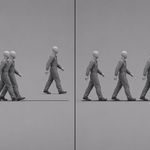
Why not just export FBX?
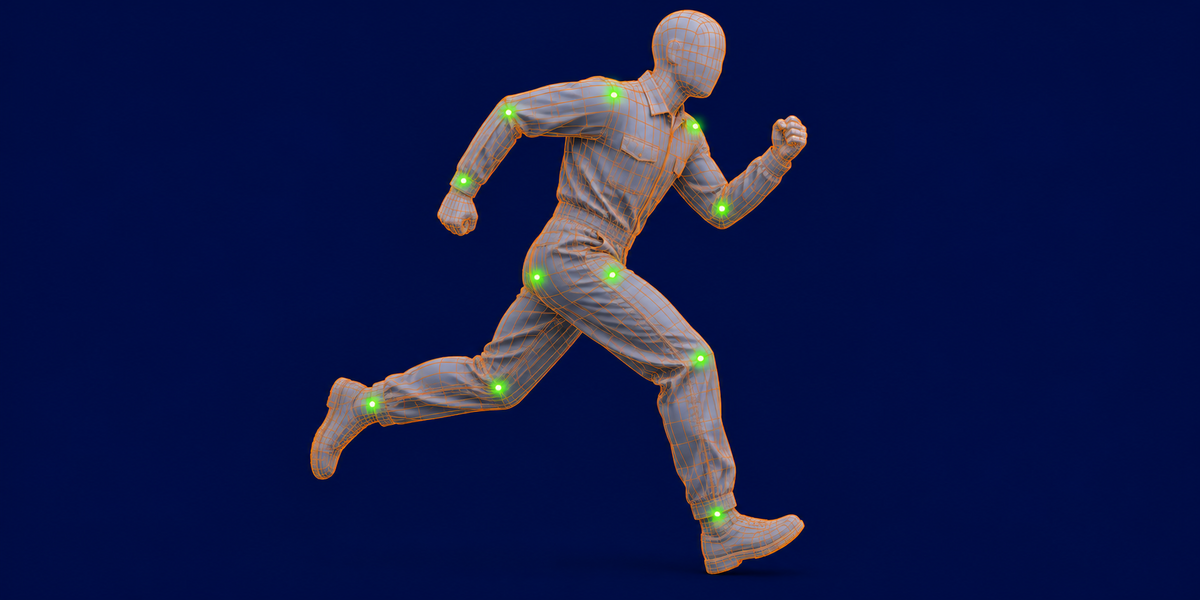
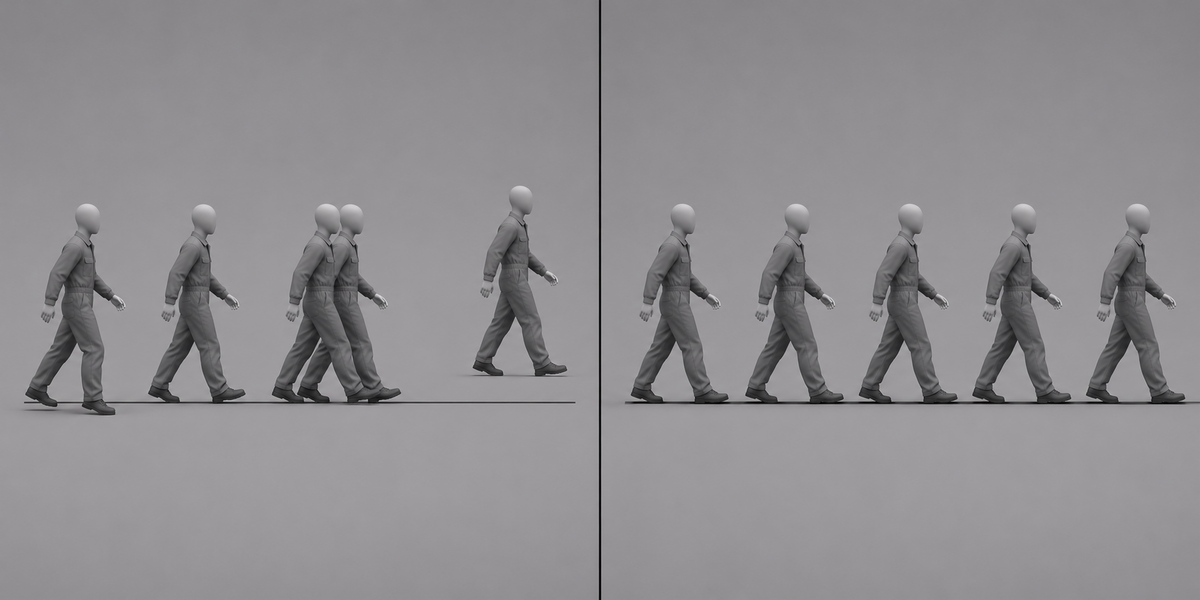
Blender's FBX writes NLA strips as separate takes without their place, or one baked take of everything. We put the takes of a three clip fox cut back on a Unity Timeline by hand: with NLA Strips the worst bone was 966 mm off (the crossfades and the overlapping tracks), with All Actions 956 mm, and the run cycle drifted up to 334 mm because its 34.75 frames were cut to 34. One bake of everything is exact, but it is a single clip you cannot edit. StageForge gives the same fox as separate clips and a looping run on the Timeline, 0.386 mm at worst.
What do I get in Unity?
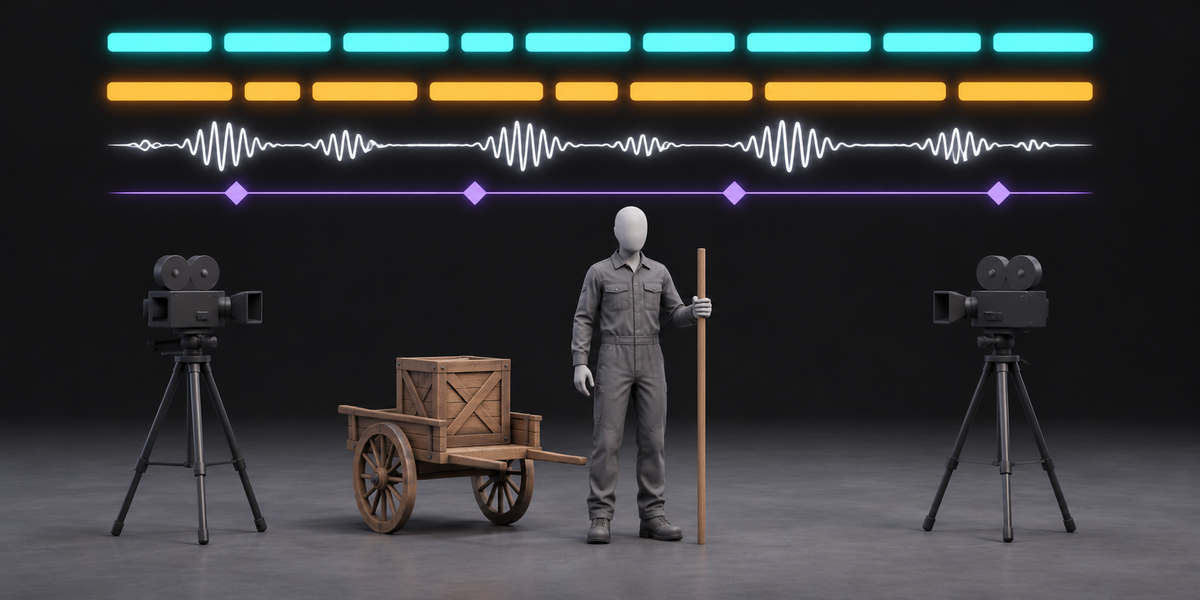
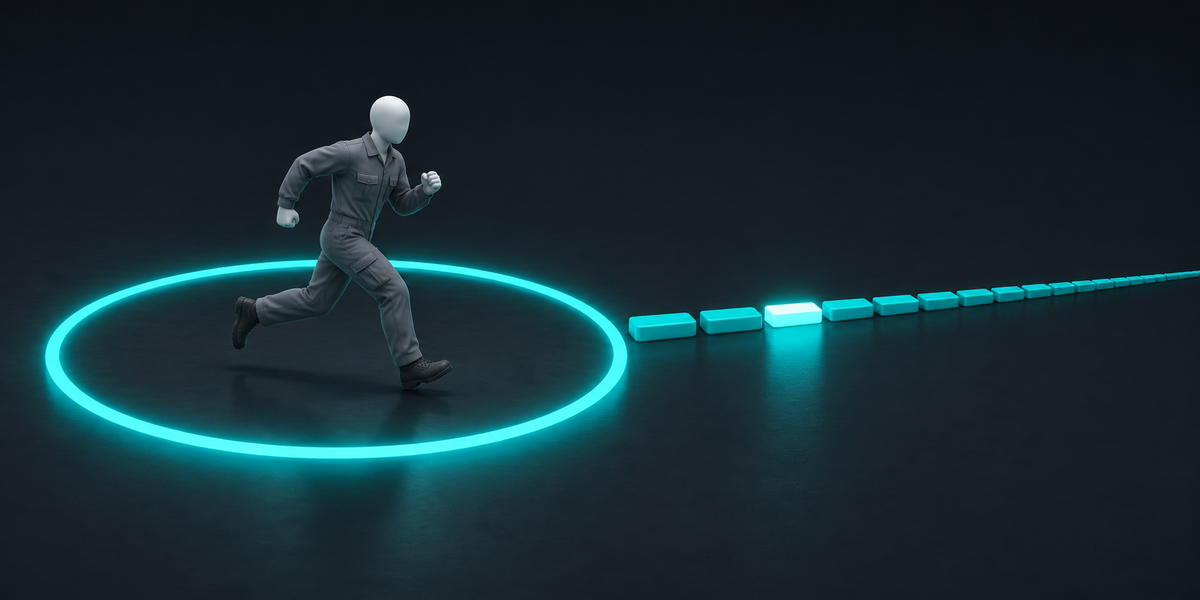
A prefab with a Playable Director and a Timeline: a pose track and a place track per character, a track per moving object, camera tracks with the cuts, sound tracks, and a signal per marker. Clips keep the names of your strips, and a repeated strip is one looping cycle.
What happens to crossfades and additive strips?
Where one strip plays alone you get a real clip. Crossfades, combined strips and animated influence are baked, and Scan lists every stretch with its kind and its error before you export.
Does it work with Rigify and Unreal rigs?
Yes, they are in our tests: a Rigify rig with IK 0.006 mm, Unreal's Manny 0.987 mm, CMU mocap 0.128 mm, with the default 1 mm tolerance. Bones Rigify stretches are moved straight under the armature in Unity, because a Unity hierarchy cannot hold them.
Is it Humanoid?
No. Clips are Generic and play on the model StageForge exports.
Can I change the scene and export again?
Yes. Set Up rebuilds its own track group; your tracks, components and objects on the prefab stay. An actor that left the export is removed, or only switched off if you put something of yours on it.
Do I need anything in Unity?
Unity 6 and Unity's Timeline package 1.8 or newer. Without it, the StageForge menu tells you how to add it. Textures are not copied: assign them in the project.
Have questions about this product?
Login to message
| Published | about 20 hours ago |
| Blender Version | 4.2 - 5.2 |
| Extension Type | N/A |
| License | GPL |